
Description
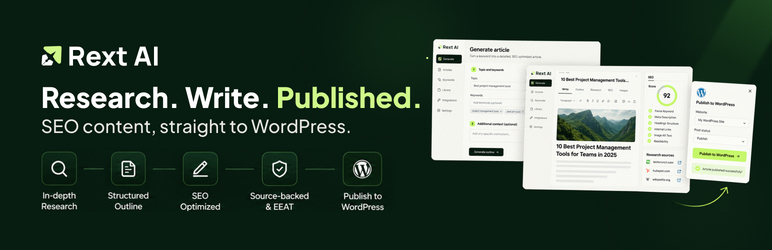
Rext AI Publisher connects your WordPress site to Rext AI, enabling seamless content publishing from the Rext AI platform. Create, schedule, and manage AI-generated content directly from Rext AI with full support for categories, tags, featured images, and SEO metadata.
Key Features
- Secure API Integration – Industry-standard authentication with auto-generated API keys
- Full Post Management – Create, edit, and delete posts remotely
- Media Support – Upload images directly or import from URLs
- SEO Integration – Works with Yoast SEO, Rank Math, All in One SEO, and SEOPress
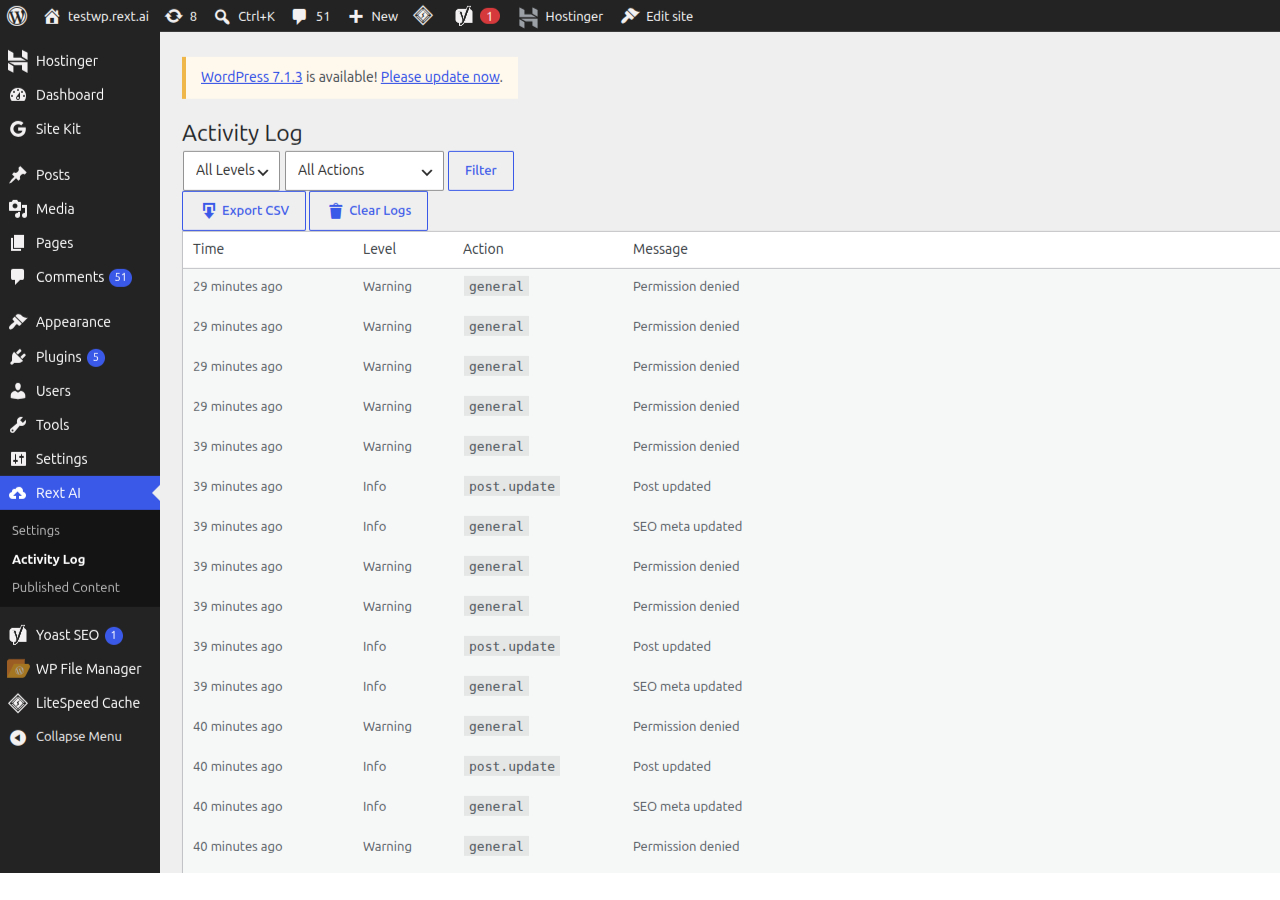
- Activity Logging – Track all API activity with detailed logs
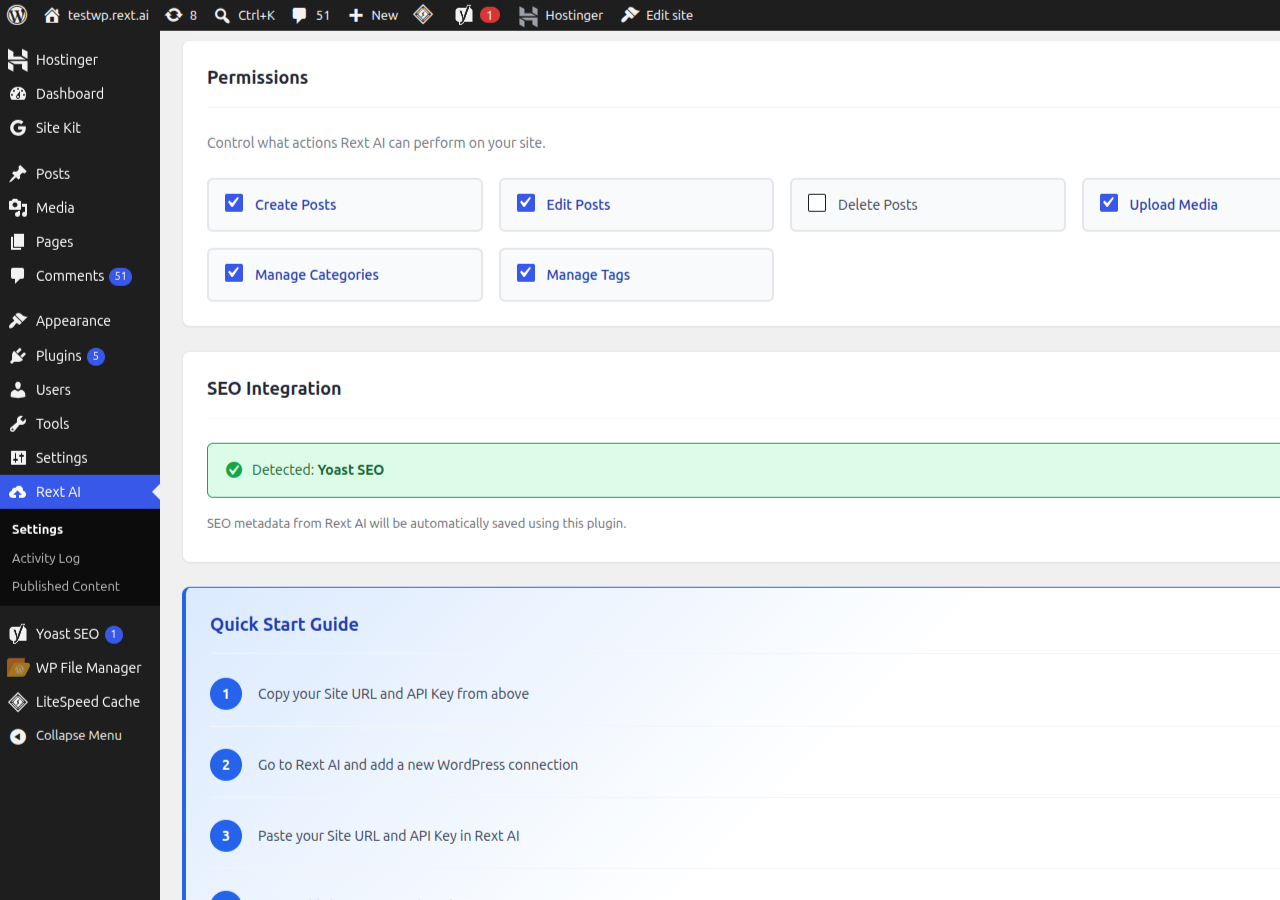
- Granular Permissions – Control exactly what actions Rext AI can perform
Supported SEO Plugins
Rext AI Publisher automatically detects and integrates with these popular SEO plugins:
- Yoast SEO
- Rank Math
- All in One SEO
- SEOPress
When publishing content, SEO metadata (focus keyword, meta title, meta description, canonical URL) is automatically saved to your active SEO plugin.
REST API Endpoints
The plugin provides a comprehensive REST API for content management:
- Connection – Verify and manage the integration
- Posts – Create, read, update, and delete posts
- Media – Upload files and sideload from URLs
- Taxonomies – Manage categories, tags, and authors
- SEO – Get and update SEO metadata
Requirements
- WordPress 5.6 or higher
- PHP 7.4 or higher
- A Rext AI account (sign up here)
Privacy Policy
Rext AI Publisher connects your WordPress site to the Rext AI platform. When using this plugin:
- Your site URL and connection status are shared with Rext AI
- Content published through the API is stored on your WordPress site
- Activity logs are stored locally and can be exported or deleted
For more information, please review the Rext AI Privacy Policy.
Support
For support, please visit:
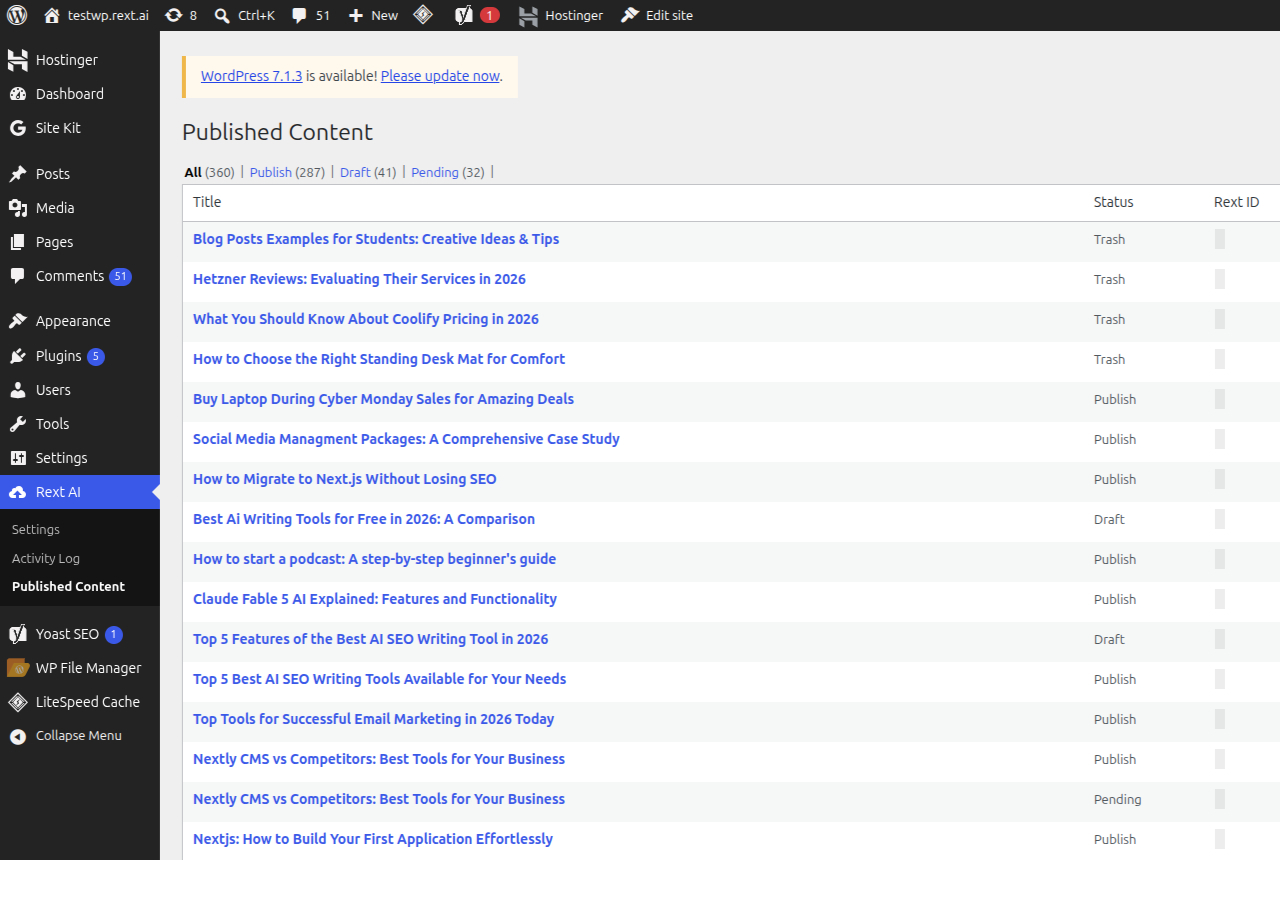
Screenshots
Installation
- Upload the
rext-ai-publisherfolder to the/wp-content/plugins/directory - Activate the plugin through the ‘Plugins’ menu in WordPress
- Go to Rext AI in the admin menu
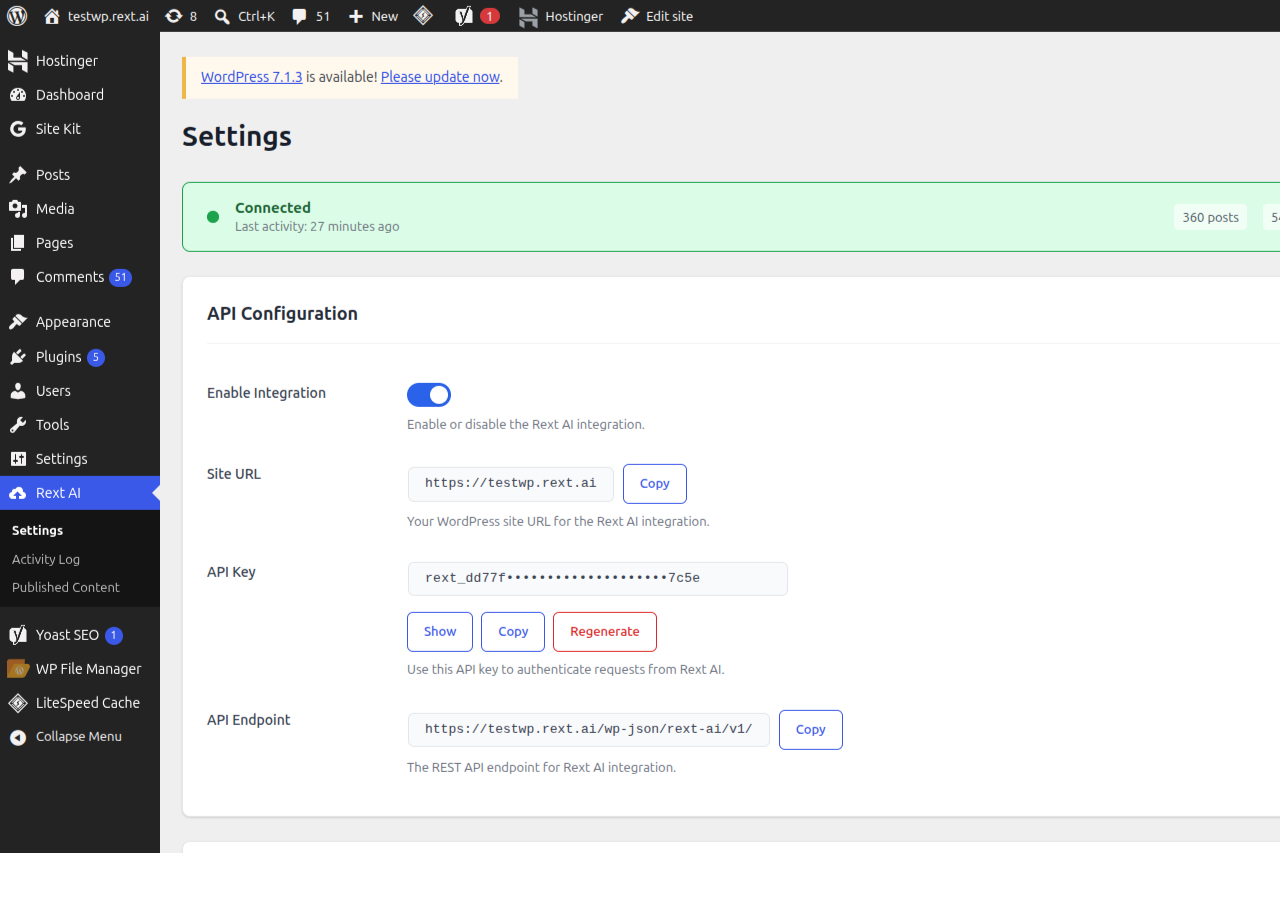
- Copy your Site URL and API Key
- In Rext AI, add a new WordPress connection and paste your credentials
- Start publishing content!
Manual Installation
- Download the plugin zip file
- Go to Plugins > Add New in WordPress
- Click Upload Plugin and select the zip file
- Click Install Now and then Activate
FAQ
-
How do I get an API key?
-
An API key is automatically generated when you activate the plugin. You can find it in Rext AI > Settings in your WordPress admin.
-
Can I regenerate my API key?
-
Yes! Go to Rext AI > Settings and click the “Regenerate” button. Note that this will disconnect any active integrations until you update the key in Rext AI.
-
Which SEO plugins are supported?
-
We support Yoast SEO, Rank Math, All in One SEO, and SEOPress. The plugin automatically detects which one is active on your site.
-
Is HTTPS required?
-
While not strictly required, we strongly recommend using HTTPS for secure API communication. The plugin will show a warning if you’re not using HTTPS.
-
Can I control what Rext AI can do?
-
Yes! The Permissions section in settings lets you enable or disable specific actions like creating posts, editing posts, uploading media, and managing taxonomies.
-
Is my data secure?
-
Yes. The plugin uses:
- Secure API key authentication
- Rate limiting to prevent abuse
- Optional request signatures for additional security
- HTTPS recommended for all communications
-
How do I view activity logs?
-
Go to Rext AI > Activity Log to see all API activity. You can filter by level (info, warning, error) and export logs to CSV.
Reviews
There are no reviews for this plugin.
Contributors & Developers
“Rext AI Publisher” is open source software. The following people have contributed to this plugin.
Contributors
Translate “Rext AI Publisher” into your language.
Interested in development?
Browse the code, check out the SVN repository, or subscribe to the development log by RSS.
Changelog
1.0.0
- Initial release
- Full REST API for content management
- Support for Yoast SEO, Rank Math, All in One SEO, and SEOPress
- Media upload and sideload functionality
- Activity logging with export
- Granular permission controls