
Description
This plugin allows for the use of the RingCentral communication tools platform based on the RingCentral PHP API.
This plugin makes calls to: https://ringcentral.github.io/ringcentral-embeddable-voice/adapter.js
The embeddable code base is here: https://github.com/ringcentral/ringcentral-embeddable
The license is here: https://github.com/ringcentral/ringcentral-js-widgets/blob/master/LICENSE
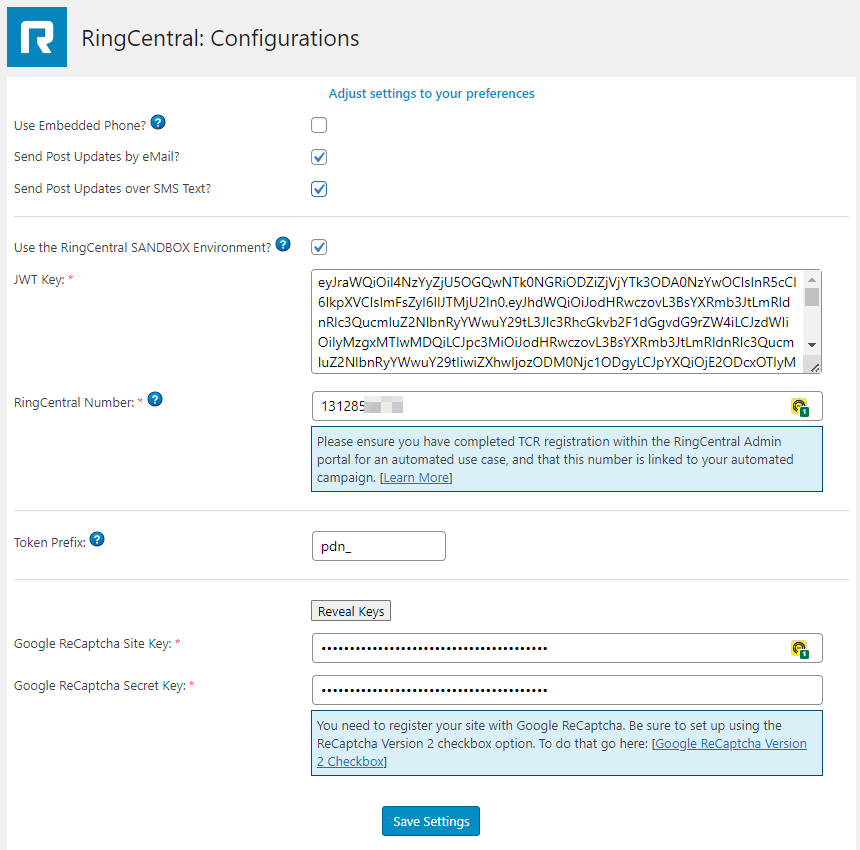
This is an out-of-the-box embeddable web phone app that helps developers to integrate RingCentral services
into their own WordPress installations. This is controllable in the settings page with a checkbox to turn it on or off.
Features
- RingCentral Embedded Phone app –
RingCentral’s embedded phone app can be turned on or off and calls can be made from within the WordPress Admin area. Sub-features
can now be toggled on/off as desired. - Call Me Request widget –
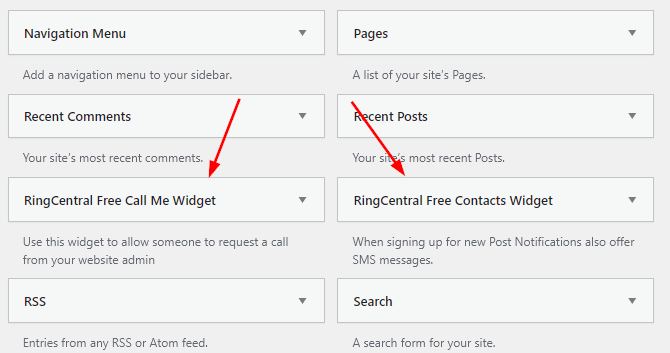
Feature for adding a Call Me request Widget to the sidebar on the public side of your WordPress installation. This allows Website
visitors to call you (using the RingCentral RingOut feature) and if no one is on-line to answer the request will be stored on the admin side. - Newsletter Sign Up widget –
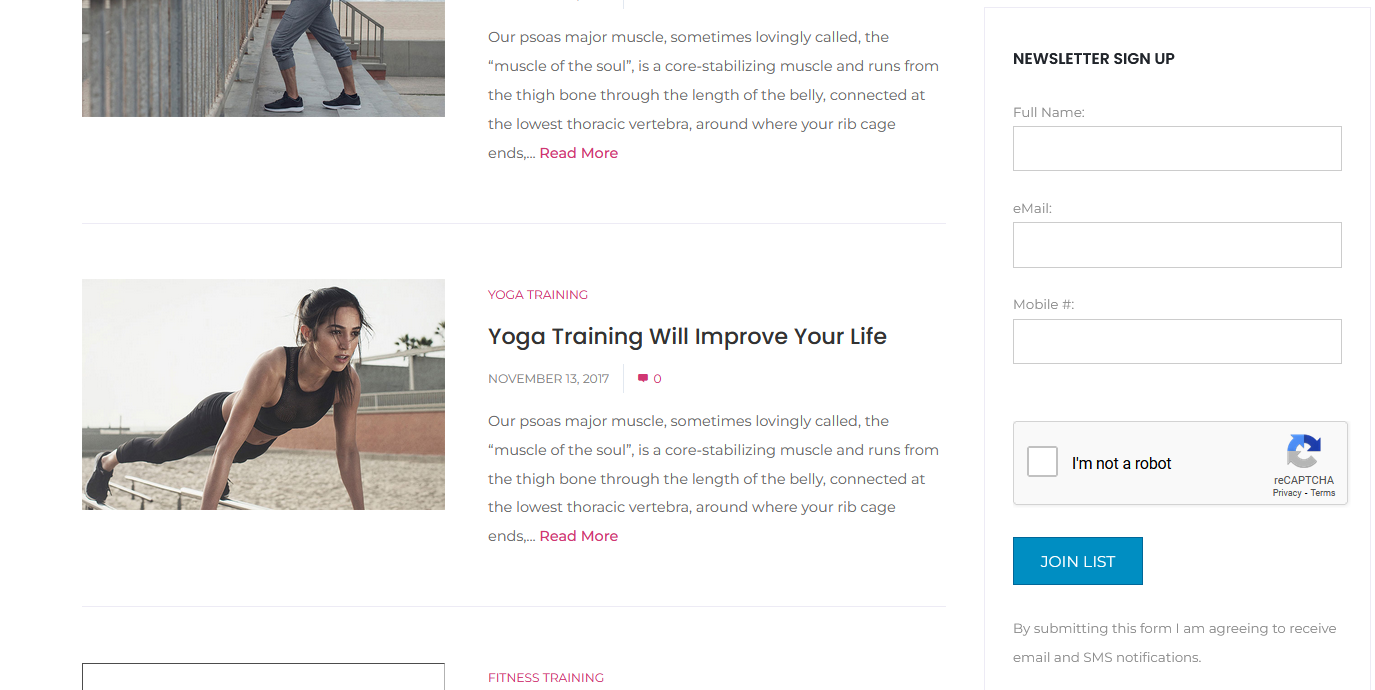
Feature for adding a Newsletter (New Post) signup Widget to the sidebar on the public side of your WordPress installation.
Asking for both or one of email address and mobile number as communication points (double opt-in). - New Newsletter (Post) announcements –
Based on configuration settings, you can send out automatic announcements to your collected newsletter list based on their
provided (double opt-in) contact information: email and / or mobile. - Manually add subscribers –
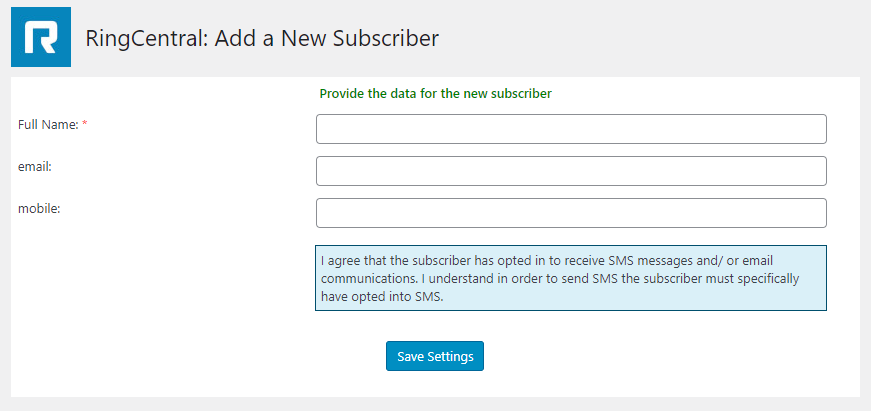
Feature to manually add to your list of Newsletter announcement subscribers with name email and mobile number. The new subscriber
will still have to opt-in to the list. - List / Manage subscribers –
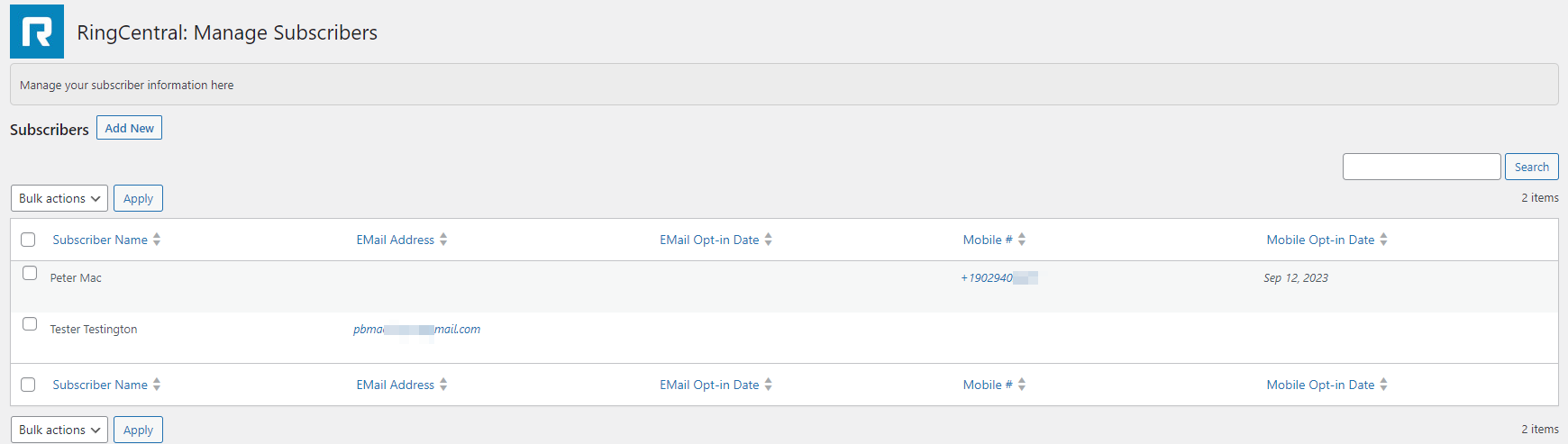
Feature to display your existing list of Newsletter announcement subscribers. You can delete individually or collectively.
There is no edit feature as changes will need to be initiated by the subscriber and re-validated via the opt-in process. - List / Manage Call Me Requests –
Feature to display your existing list of Call Me requests. You can delete individually or collectively. List shows caller
name, phone number to call back, and reason for the call. - Default pages are created for you to customize –
Default WordPress pages are created upon activation of the plugin. A very basic confirmation email page is provided.
A basic page for confirming opt-out requests is also provided. Page names are: ‘eMail Confirmation’ & ‘eMail Unsubscribe’.
NOTE: permainks must be set to “Post name” - New Database tables are created –
New tables are created in the database and seeded with basic starting data in order for the plugin to operate correctly.
All table names are prefixed by ‘ringcentral_’. The plugin drops these tables if the plugin is ever deleted, so be sure
to save any data if you ever plan on deleting the plugin.
Contribute
If you find this useful and if you want to contribute, here are some ways:
1. You can write me and submit your bug reports or improvement suggestions;
Screenshots






Installation
Use WordPress’ Add New Plugin feature, searching “RingCentral Free”, or download the archive and:
1. Unzip the archive on your computer
2. Upload RingCentral-Free directory to the ‘/wp-content/plugins/’ directory
3. Activate the plugin through the ‘Plugins’ menu in WordPress
4. New menu item should appear in the ‘Admin’ top level menu
FAQ
-
Do I need a Ring Central Developer account
-
Currently, yes. We are working on another edition that will allow for account only holders to make
use of this plug in, but currently you do need to have a developer account.
Reviews
There are no reviews for this plugin.
Contributors & Developers
“RingCentral Communications Plugin – FREE” is open source software. The following people have contributed to this plugin.
Contributors
Translate “RingCentral Communications Plugin – FREE” into your language.
Interested in development?
Browse the code, check out the SVN repository, or subscribe to the development log by RSS.
Changelog
1.0
- Initial version
1.4.2
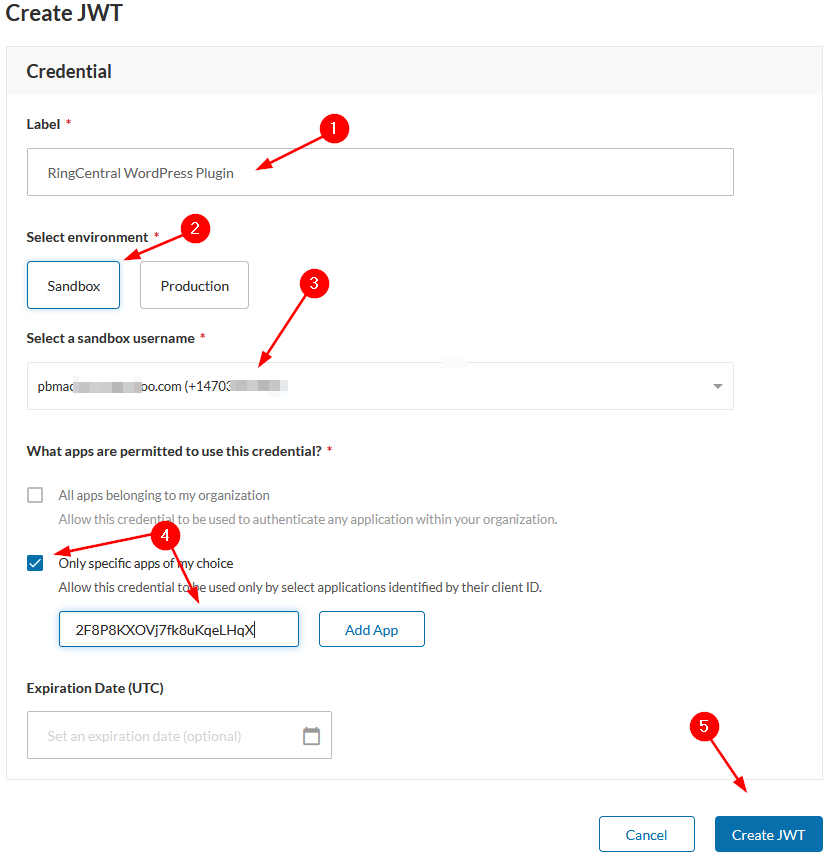
- Updated User Guide with Appendix A – Guide to create app on RingCentral Developers site.
1.4.5
- Ensured compatability with WordPress 5.8.1
1.5
- Ensured compatability with WordPress 6.3.1
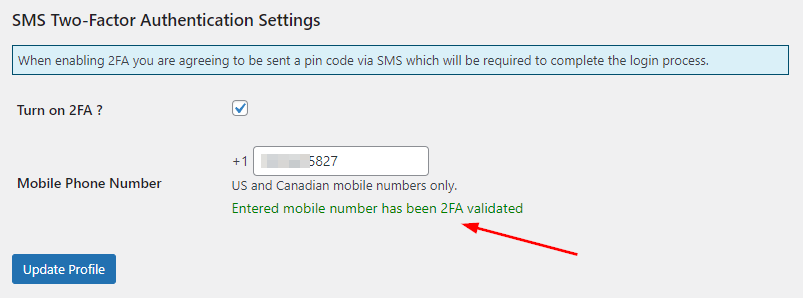
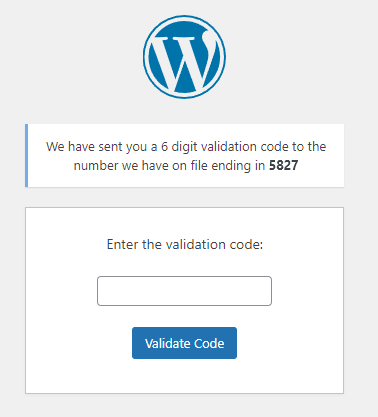
- Added 2FA SMS 6 digit code admin validation to login process and user profiles
1.5.4
- Ensured compatability with WordPress 6.4.1
1.5.5
- Ensured compatability with WordPress 6.4.2
- Added settings control to allow for empty JWT and phone number credentials
1.6.1
- Ensured compatability with WordPress 6.6.2
- Added sortable date and time of call me request to admin listing of call me requests
1.6.5
- Ensured compatability with WordPress 6.7.0
- Added control options for the embeddable communications tool
- Removed RingCentral Sandbox environment option on plugin settings page
- Updated help content in activation file / DB accordingly
- Updated all copyright notices to included 2025
- Updated User Guide and changed link to file within plugin title line
1.6.6
- Fixed wrong URL path to on-line User Guide
1.6.8
- Updated version number throughout plugin
1.7.0
- Fixed login vulnerability as reported by WordFence: Root cause of the vulnerability – the 2FA code on the server
is not persistent (e.g. in $_SESSION or user meta) and instead two POST fields, fully under attacker control,
are compared. The vulnerable code was introduced in version 1.5 and is still present in version 1.6.8 - Corrected false positive of password check on login intercept process.