

Description
This plugin puts a daily Bible verse on your WordPress site. Every visitor sees the same verse of the day, and it changes at midnight. You can switch it to a random Bible verse on each visit instead.
Visitors can tap for another verse, open the whole chapter, or share the verse.
The verse widget comes in six styles:
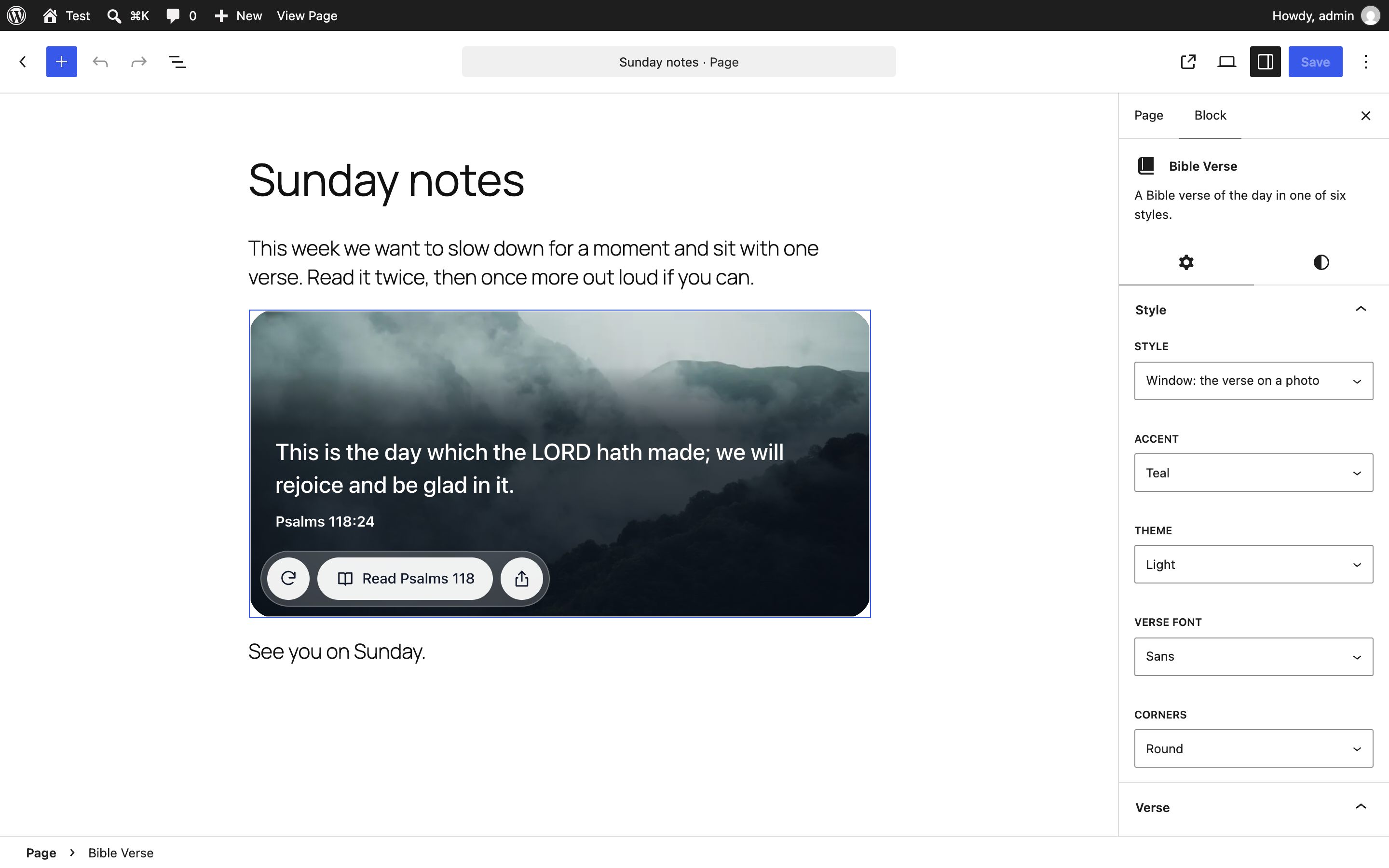
- Window puts the verse on a photo.
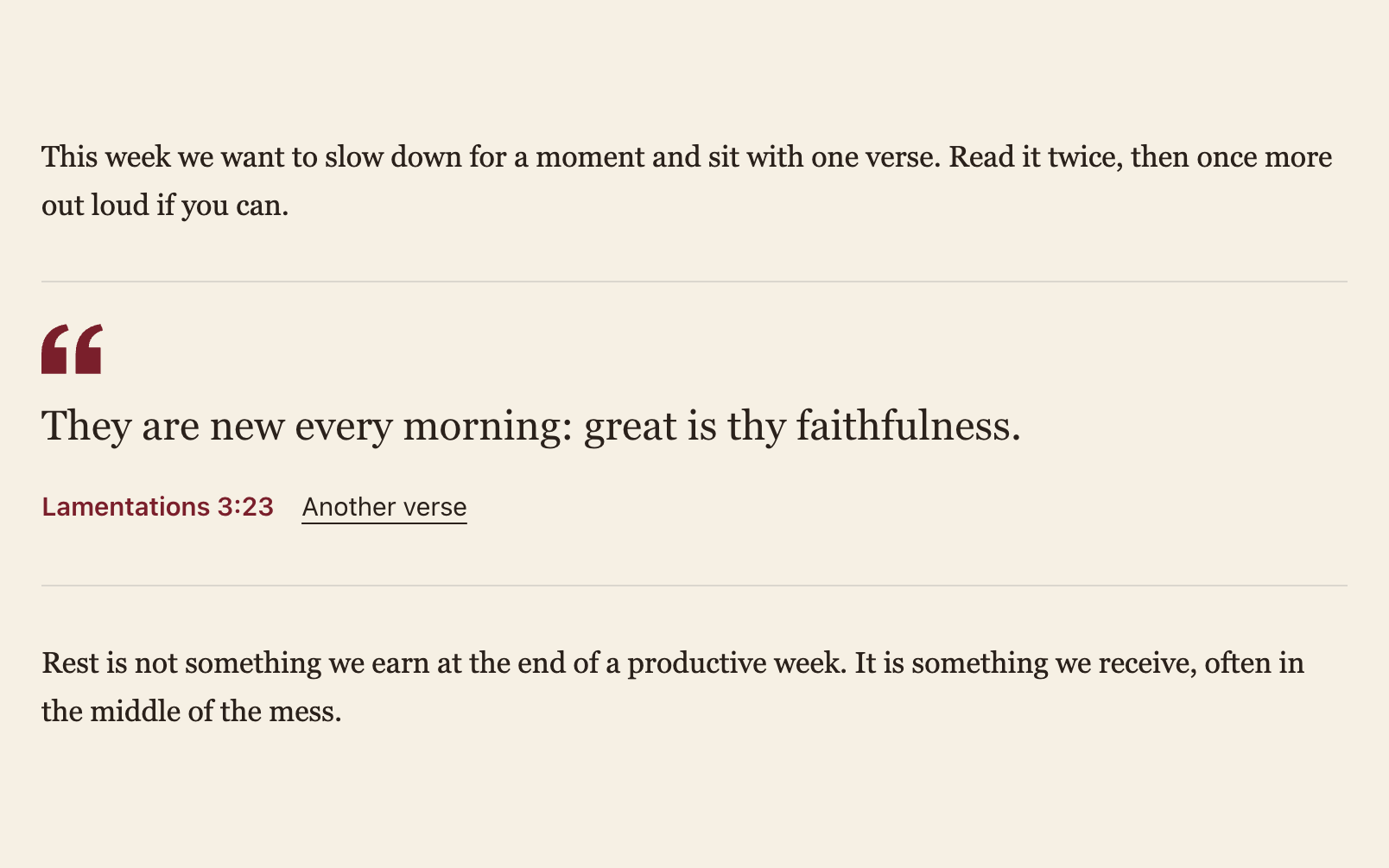
- Quiet is plain text between two thin lines, made for articles and sermon notes.
- Today is a small card for a sidebar.
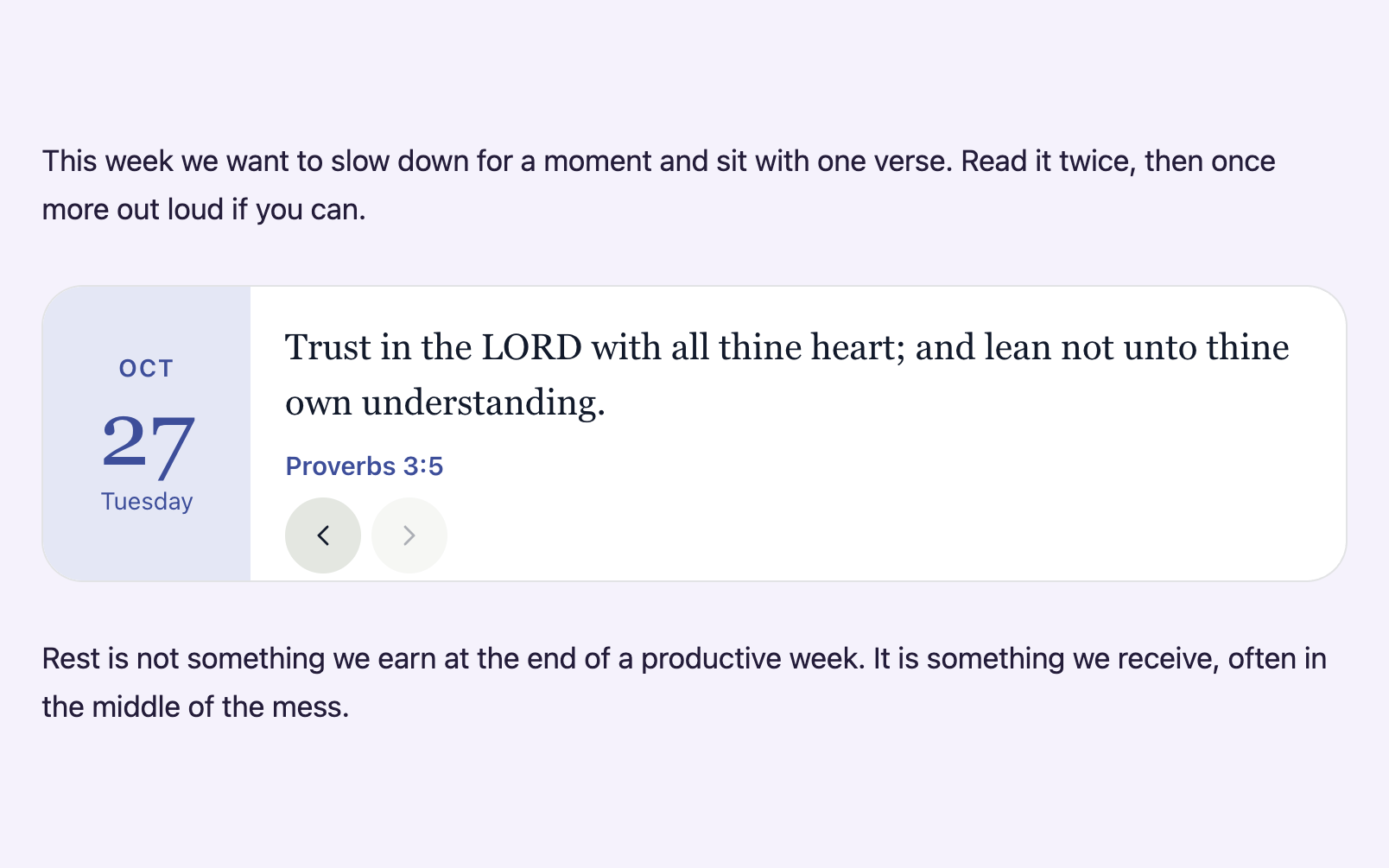
- Calendar shows the scripture next to today’s date.
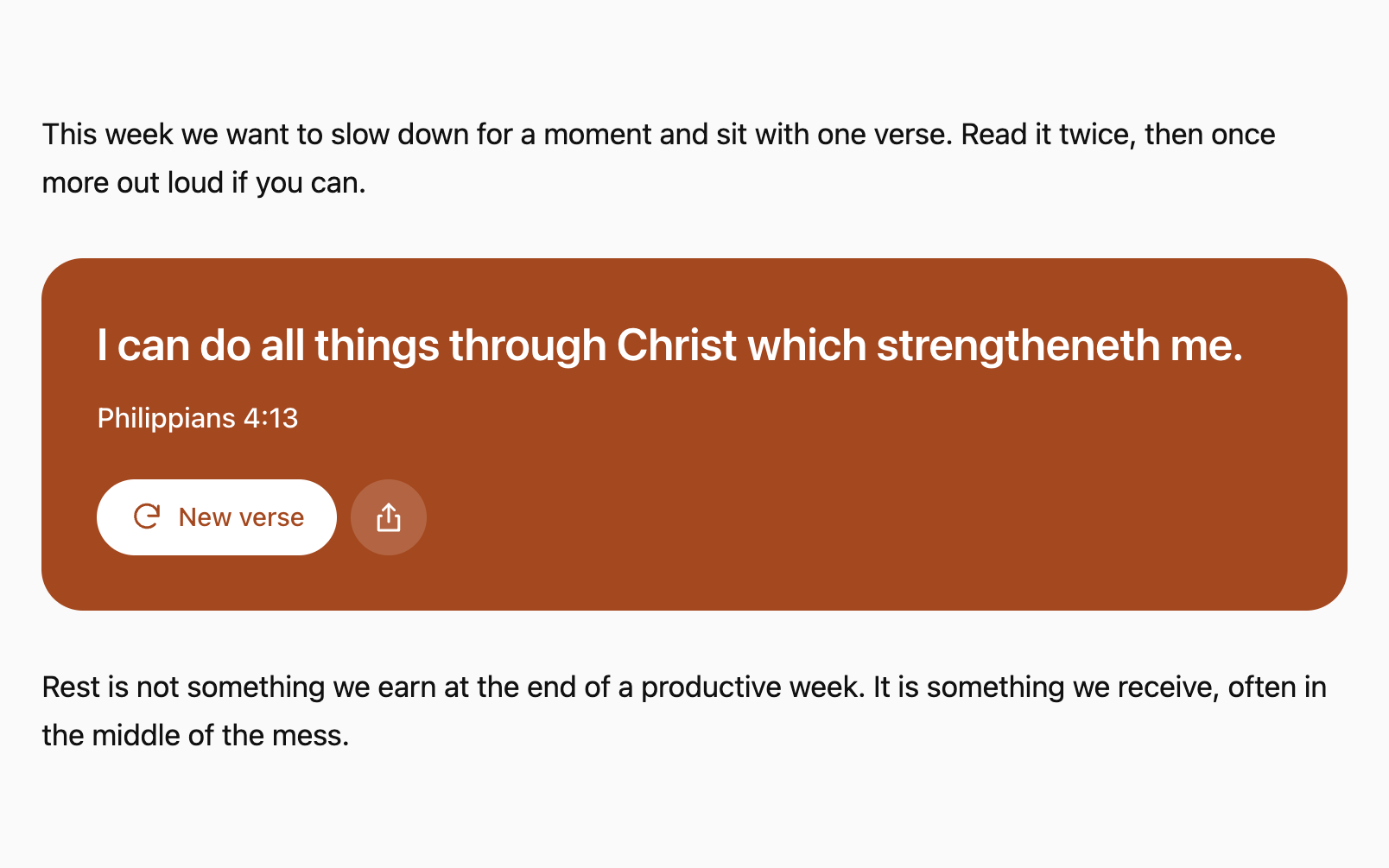
- Poster sets the verse in large type on a block of colour.
- Floating adds a “Verse for today” button to the bottom corner of the page, which opens the verse in a small card.
You can pick a light, dark or automatic theme, one of four accent colours or your own hex colour, round, soft or square corners, and a sans, serif or your theme’s own font. Bible translations: King James Version (KJV), World English Bible (WEB) and American Standard Version (ASV).
The widget draws itself inside a Shadow DOM. Your theme’s CSS can’t break it, and it doesn’t restyle anything on your page.
Block
Add the Bible Verse block and choose a style in the sidebar. The editor shows a live preview as you change settings.
Shortcode
For the classic editor, page builders and sidebar text widgets:
[random_bible_verse]

[random_bible_verse style="poster" accent="clay" theme="dark"]
Attributes: style (window, quiet, today, calendar, poster, floating), theme (light, dark, auto), accent (teal, clay, indigo, plum or a #hex colour), font (sans, serif, site), corners (round, soft, square), mode (daily, random), translation (kjv, web, asv), size (sm, md, lg), align (center, left), position (right or left, the corner for the floating style), credit (yes to show a link to random-bible.com).
External services
The widget loads its verses from random-bible.com, a free Bible verse site run by the plugin’s author.
- What is sent: when a page with the widget opens, the visitor’s browser requests one file of verses, for example https://random-bible.com/data/pool-kjv.json. The request carries the usual browser data (IP address, user agent, referring page). No cookies are set and nothing else is sent.
- When: each time a page with the block or shortcode is viewed. The browser may cache the file.
- Privacy policy: https://random-bible.com/privacy/
The “Read chapter” button opens the chapter on random-bible.com in a new tab, and “Share” shares a link to random-bible.com. Both happen only when a visitor clicks them.
Screenshots



Blocks
This plugin provides 1 block.
- Bible Verse A Bible verse of the day in one of six styles.
Installation
- Install the plugin from Plugins > Add New, or upload the folder to /wp-content/plugins/.
- Activate it.
- Add the Bible Verse block to a page, or paste
[random_bible_verse]where you want the verse.
FAQ
-
Does it slow my site down?
-
The script is about 50 KB. It loads with
defer, and only on pages that show the widget. -
Does every visitor see the same verse?
-
With “Verse of the day”, yes. It changes at midnight in the visitor’s time zone. With “Random verse”, each visit draws a new one.
-
Yes. In a block theme, add the block to the sidebar template part. In a classic theme, put the shortcode in a Text widget. The Today style is sized for narrow columns.
-
The page shows one. If a second floating block is on the same page, it stays hidden. If your theme or a chat widget already uses the bottom right corner, set the corner to the left.
-
Does it add a link to my site?
-
Only if you turn on “Show a link to random-bible.com” in the block settings, or add
credit="yes"to the shortcode. It is off by default.
Reviews
There are no reviews for this plugin.
Contributors & Developers
“Random Bible: Verse of the Day Widget” is open source software. The following people have contributed to this plugin.
Contributors
Translate “Random Bible: Verse of the Day Widget” into your language.
Interested in development?
Browse the code, check out the SVN repository, or subscribe to the development log by RSS.
Changelog
1.0.0
- First release with the block, the shortcode and six styles.