
Description
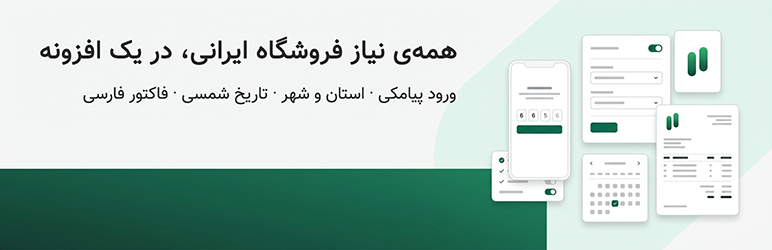
Rahkar Toolkit puts the tools an Iranian WooCommerce store needs into one plugin: Iranian provinces and cities, SMS login, Jalali dates, Persian invoices and order notifications.
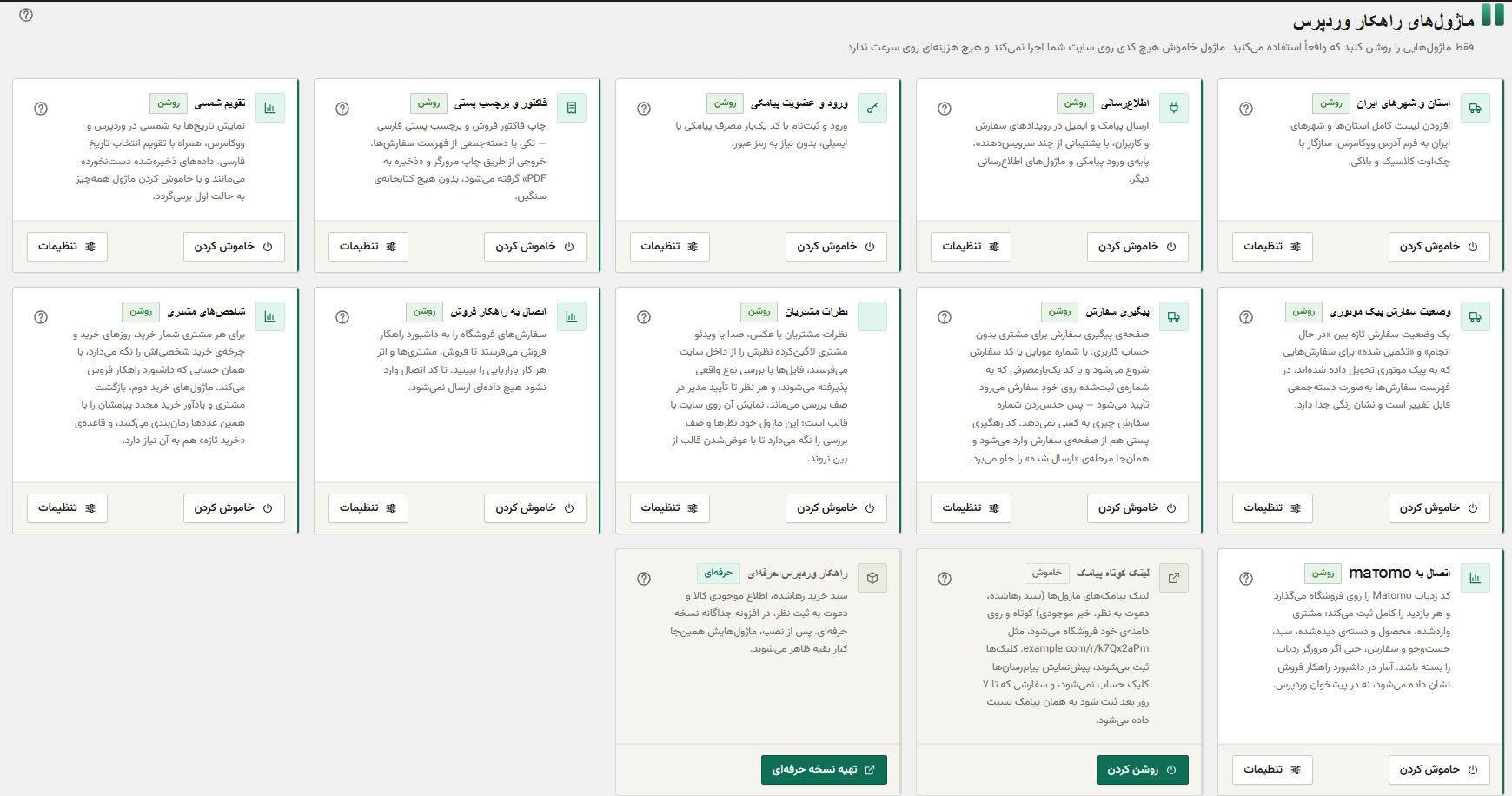
Every feature is a module. Switch on only what you use: a module that is off loads no code and runs no queries.
Checkout and orders
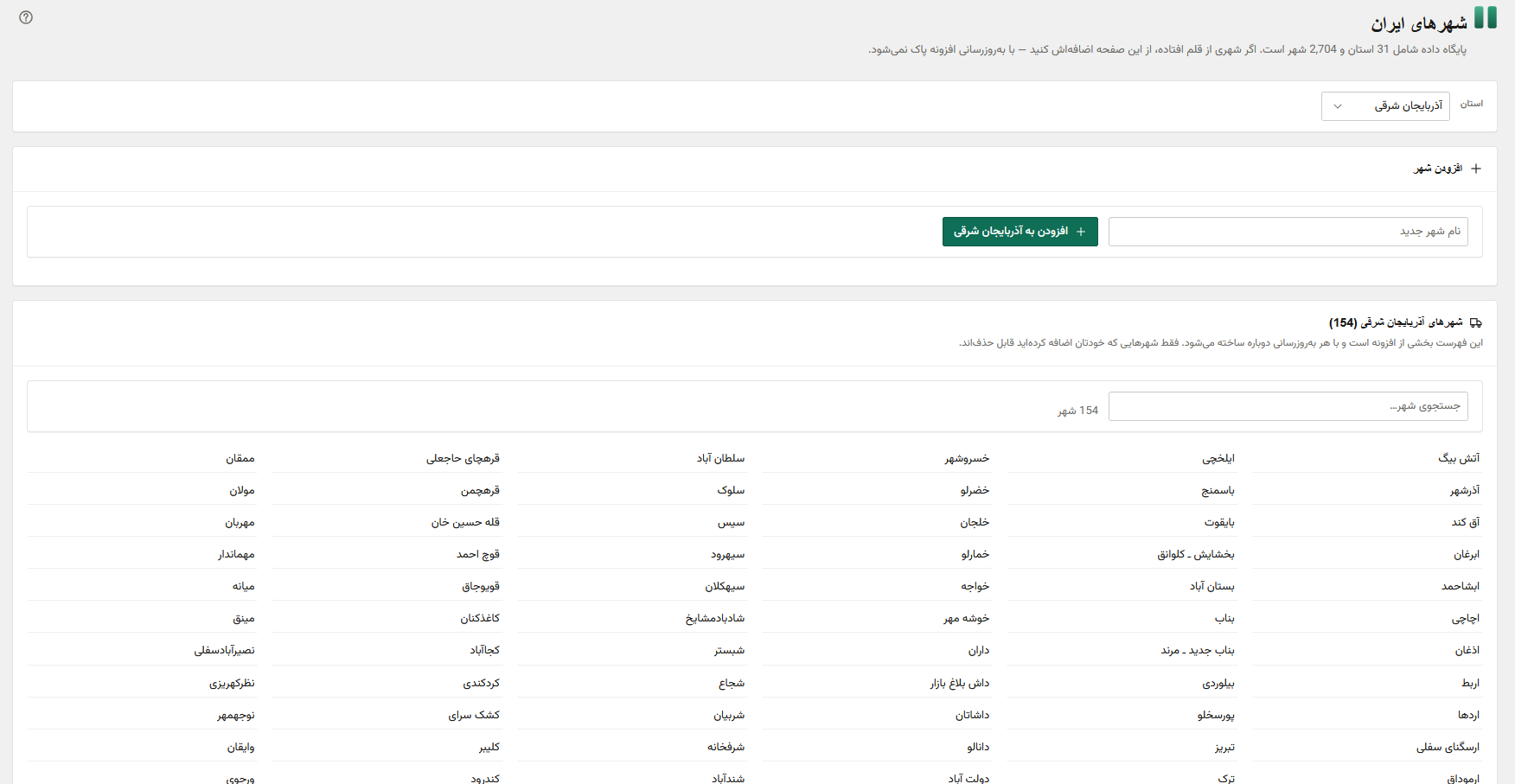
- Iranian provinces and cities: the full list in WooCommerce address forms, for the classic and the block checkout, with a city dropdown that follows the province.
- Invoices and shipping labels: Persian sales invoices and postal labels, for one order or many at once, through the browser’s print and “Save as PDF”.
- Guest order tracking: customers without an account follow their order by mobile or order number, confirmed by a one-time code sent to the number on the order.
- Courier status: an order status for orders handed to a motorbike courier, changeable in bulk from the orders list.
- Jalali calendar: Solar Hijri dates across WordPress and WooCommerce, with a Persian date picker. Stored dates are never changed.
SMS and login
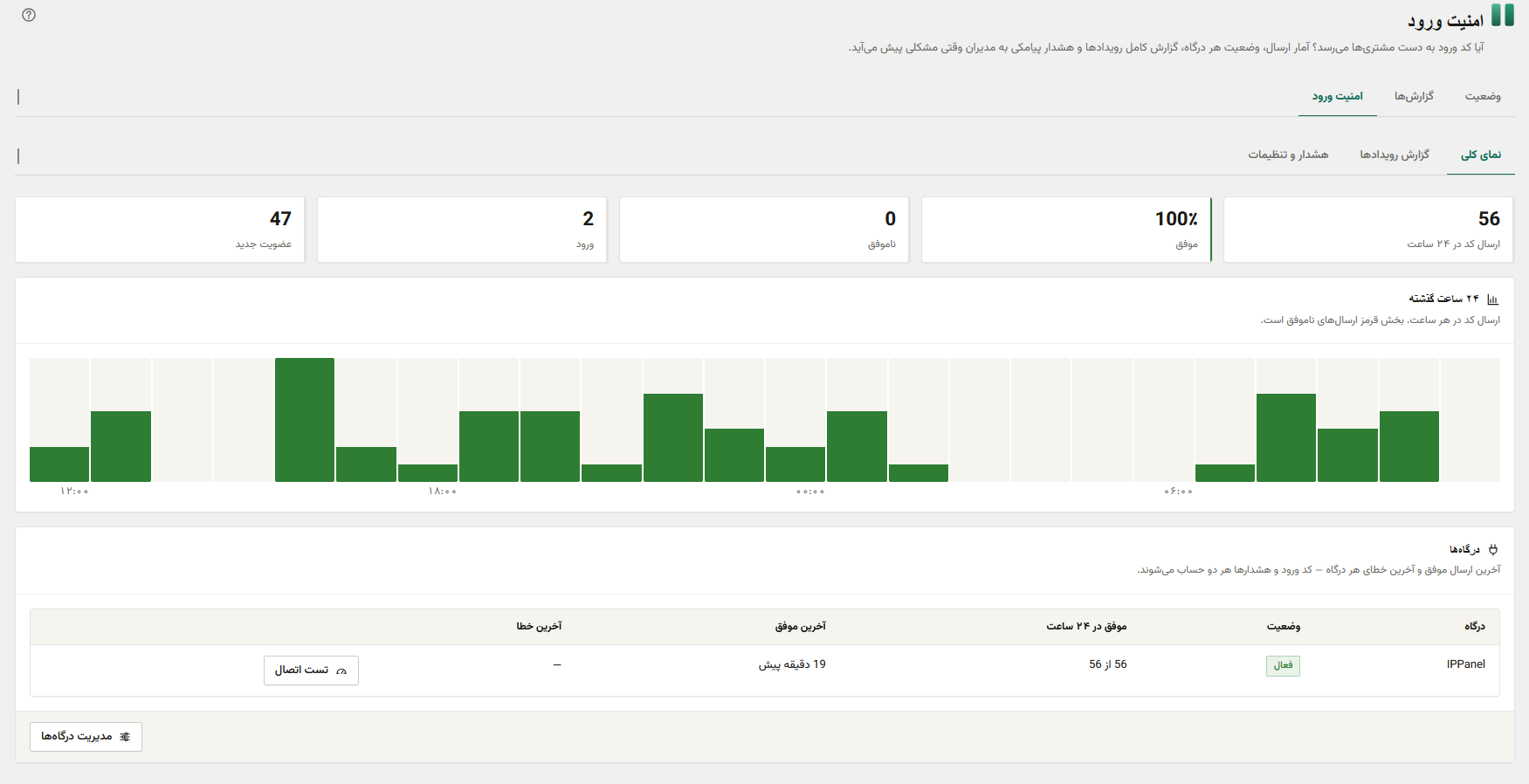
- SMS login and registration: passwordless sign-in and sign-up with a one-time code by SMS, voice call or email, inside the theme’s own login forms (full support for Woodmart). Optional phone verification before checkout. If codes stop getting through, sign-in falls back to the password form.
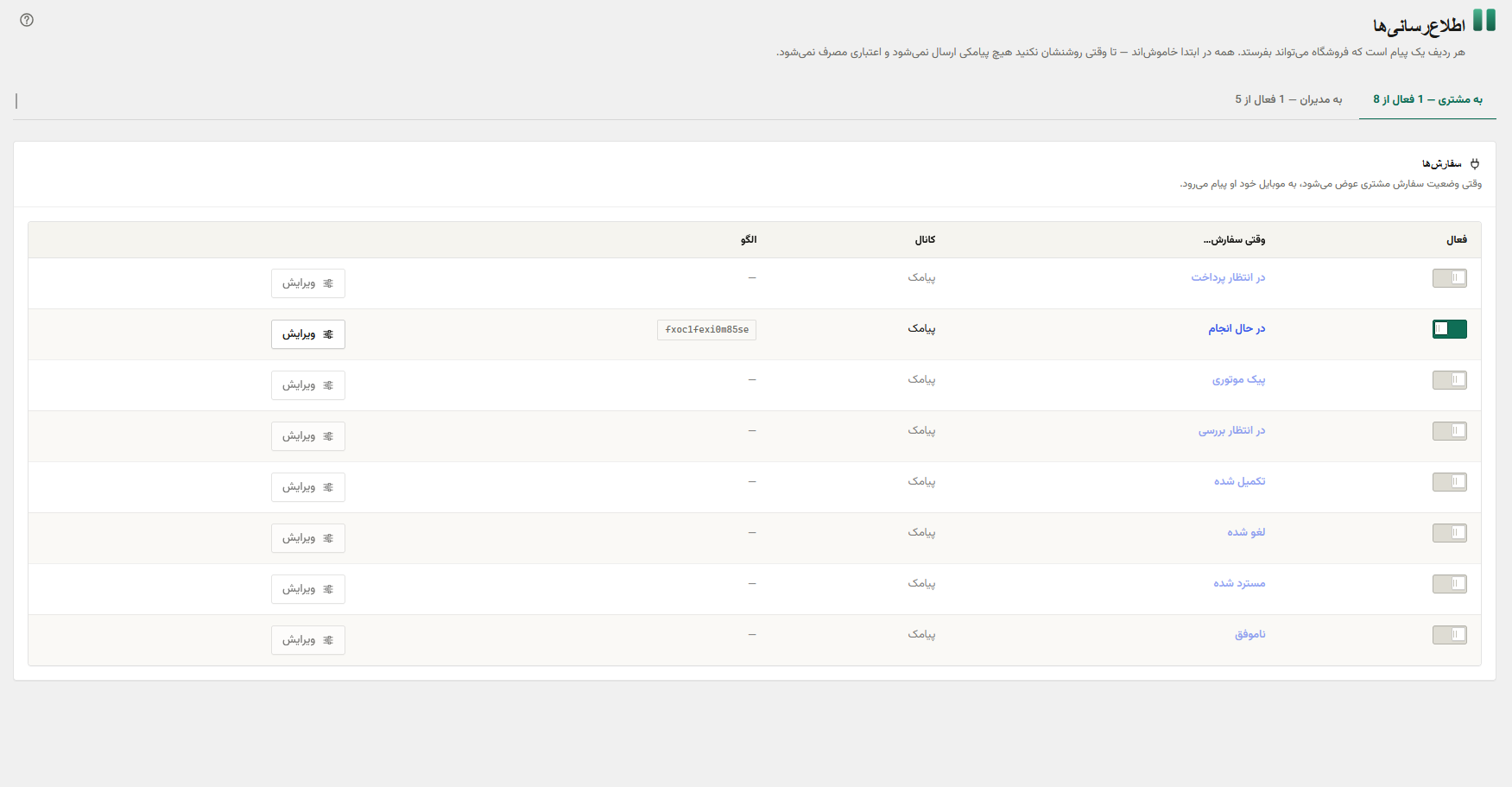
- Notifications: SMS and email on order and account events, with an editor per event, approved SMS patterns, a background queue with retries and a log. Send rules hold promotional messages during quiet hours and respect an opt-out list.
- Short links: links in messages become short links on your own domain. Clicks are counted, and an order placed within 7 days is tied to the message that brought it.
Customers and reports
- Customer testimonials: testimonials with photo, voice or video, sent from the site and held until you approve them.
- Customer stats: each customer’s order count and personal buying cycle, used to time follow-up messages.
- Matomo connection: your own Matomo server tracks products, the cart, internal search and every order, even when the browser blocks the tracker.
- Rahkar Foroosh connector: sends orders to the Rahkar Foroosh sales dashboard, only after you connect it with a one-time code.
Rahkar WP Pro
Pro is a separate add-on with modules that bring customers back and turn visits into sales. It uses the SMS setup you already have, so each one is a switch on the modules screen:
- Abandoned cart: up to three SMS reminders, with a link that rebuilds the cart and opens the checkout.
- Back-in-stock alerts: customers ask to hear when a product is back; administrators get low-stock and out-of-stock alerts.
- Review invitations: a few days after an order is completed, the buyer is invited to review what they bought.
- Second purchase: a unique discount code for first-time buyers who have not ordered again.
- Win-back: messages to regular customers who have fallen behind their own buying cycle, with optional stepped discounts.
- Replenishment reminders: for consumable products, an SMS when the customer is likely to be running out.
- Payment gateway coupons: coupons that work only with chosen payment gateways, optionally applied as soon as the gateway is selected.
- Card-to-card payment: a card-to-card payment method with the store’s card and Sheba number, the customer’s tracking number on the order, and a status for payments awaiting review.
- Stories: Instagram-style circular stories with photo and video slides, managed in the dashboard.
A control group shows how many sales each module really adds. See Rahkar WP Pro
This plugin contains none of Pro’s code and works fully without it.
Requirements
- WooCommerce 8.0 or later, for every module except Jalali calendar and Notifications.
- An account with the SMS provider below, for SMS sending and SMS login.
External services
This plugin connects to the external services below, each only when you configure it, and to no other server. Only the optional Matomo module adds anything to page views: the tracker of the Matomo server you enter.
Rahkar SMS, delivered over IPPanel
The SMS service is offered as Rahkar SMS by this plugin’s author (Rahkarnet), and messages are delivered over IPPanel’s infrastructure — which is why requests go to IPPanel’s API and why the terms and privacy policy linked below are Rahkar SMS’s own.
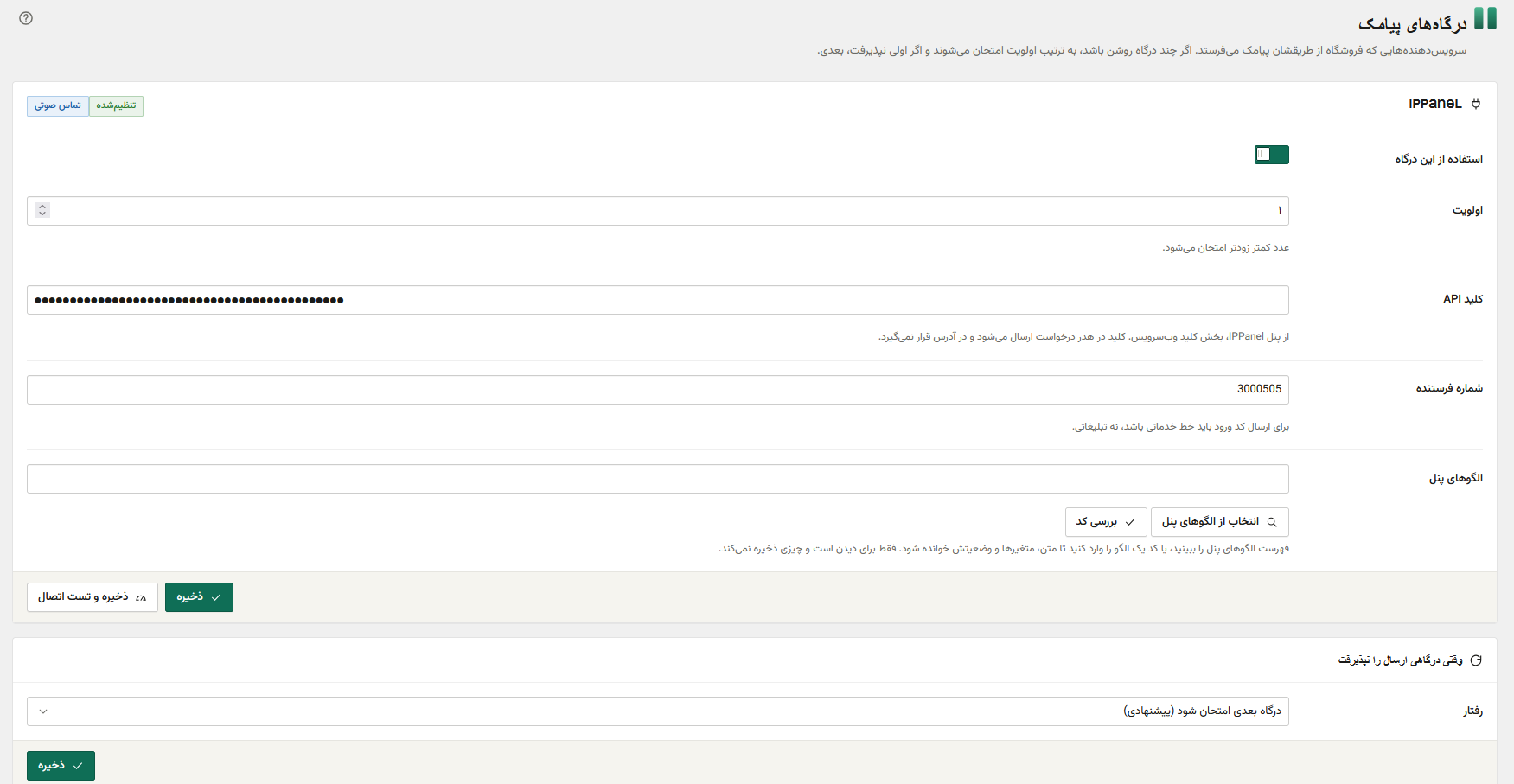
Used to send text messages and voice calls: order and account notifications, the one-time codes of the SMS login module, and optional SMS alerts to the store’s administrators. Nothing is sent until you enter an IPPanel API key in the plugin’s settings; without a key, no connection is made. Every request carries your API key in a request header, and goes to https://edge.ippanel.com/v1/.
When a message is sent — a customer requests a login code or a voice call, an order changes status and the matching notification is on, an administrator alert is due, or you send a test — the plugin sends to /api/send:
- the recipient’s mobile number,
- the message text, or the approved pattern code and its variables (for example an order number, a customer’s name or a one-time code),
- your sender number.
When you use the gateway tools in the dashboard, and only then:
- “Check connection” reads your account balance (
/api/payment/credit/mine), - choosing or checking a pattern reads your approved patterns (
/api/patterns).
These send nothing but your API key.
- Service: Rahkar SMS — https://rahkarnet.com/products/rahkar-sms/
- Delivery network: IPPanel — https://ippanel.com
- API documentation: https://ippanelcom.github.io/Edge-Document/
- Terms of service: https://rahkarnet.com/products/rahkar-sms/terms/
- Privacy policy: https://rahkarnet.com/products/rahkar-sms/privacy/
Rahkar Foroosh (sales dashboard)
Used only by the optional “Rahkar Foroosh” connector module, which is off by default. Nothing is sent until an administrator switches the module on and enters a one-time connection code from the Rahkar Foroosh dashboard; entering the code is the consent. Requests go to https://marketing.rahkarnet.com/api/ingest/v1/ and are signed with a key the dashboard issues to this site.
When connected, the plugin sends, in the background and never during a page view:
- for each order: its number, status, dates, currency, totals, discounts, refunds, coupon codes, payment and shipping method, the line items (product id, SKU, name, quantity, amounts), WooCommerce’s own order-attribution source (UTM fields, the referrer’s host only, device type), the buyer’s first and last name, city, province, mobile number and email, and, when the Matomo module is on, the Matomo visitor id the buyer’s browser had at checkout,
- when an order’s status changes: the order id and the old and new status,
- for each product and variation: name, SKU, type, status, prices, stock, category ids, its link and thumbnail,
- for each product category: name, slug and parent,
- for each coupon: code, type, amount, usage counts and limits, minimum spend and expiry,
- for each registered customer (WooCommerce’s customer role): first and last name, city, province, mobile number, email and registration date,
- when a module is switched on or off, and once a day: which modules are on, the WooCommerce, WordPress and PHP versions, how many orders, products and customers the store has, which Matomo server host and site id the Matomo module sends to (never its token), and, when the customer stats module is on, how many buyers it counts and which order statuses count as a sale,
- for each SMS or email the plugin tries to send: which notification it was (for example an abandoned-cart reminder or a login code), the gateway, the recipient’s number or address, whether it was accepted, and the provider’s message id — never the text or its variables,
- for each message held back by the send rules (quiet hours, the weekly cap, the opt-out list): which notification it was, the recipient’s number or address, and the reason,
- when a number is added to or removed from the opt-out list: the number and where the change came from,
- when a number enters a promotional flow: the flow, the module, whether it fell in the control group, and the number,
- for each single-use coupon a module issues: its code, type, amount, minimum spend, expiry, the module and flow, and the number it was issued for,
- when the short-link module is on: for each short link made, its token, module, flow, destination type, product id, coupon code, expiry and the recipient’s number; for each click, the token and whether it came from a link previewer — never the visitor’s IP address or user agent,
- when a customer proves a mobile number with a one-time code: their user id and the number,
- for each product review: the product, the rating, whether it came from a review invitation, and the reviewer’s user id and order,
- from the paid add-on’s modules, when they are on: abandoned carts (contents, total, reminders sent, recovery), review invitations (scheduled, sent, skipped), and back-in-stock requests,
- when you erase a person’s data with WordPress’s privacy tools: their email, mobile number and user id, so the dashboard deletes them too,
- basic site facts with each batch: site address, WooCommerce and plugin versions.
Street address, postcode, national id, customer notes, IP address and user agent are never sent. “Disconnect” on the connector screen deletes the key and every unsent event from this site.
- Service: Rahkar Foroosh — https://rahkarnet.com/products/rahkar-foroosh/
- Terms of service: https://rahkarnet.com/products/rahkar-foroosh/terms/
- Privacy policy: https://rahkarnet.com/products/rahkar-foroosh/privacy/
Matomo (your own analytics server)
Used only by the optional “Matomo connection” module, which is off by default. Nothing is sent until an administrator switches the module on and saves the address of a Matomo server and a site id on its screen. Requests go to that server only: the server you choose, not one run by this plugin’s author.
From the visitor’s browser, on each page view, Matomo’s own tracker sends to <your server>/js/:
- the page address (without order keys, login names, nonces, the tokens of cart-recovery and review links, contact details or ad click ids, which your Matomo site is set to drop), the page title, the referring page, the browser’s user agent, language and screen size, and the visitor’s IP address (which Matomo can mask),
- a random visitor id kept in Matomo’s
_pk_idcookie, and, for a signed-in customer, their numeric WordPress user id — never a user name, mobile number or email, - the type of page (home, category, product, search, cart, checkout, thank-you, account) and whether the visitor is a guest, a member or a past buyer,
- the product or category viewed (product id, name, category, price), the cart after each change (product ids, names, prices, quantities, total), an “add to cart” event, the internal search term and the number of results — a term that looks like a mobile number or an email is not sent,
- on the thank-you page, the order: its id, line items and totals.
From the server, in the background and never during a page view, the plugin sends each order once it is paid or confirmed, to <your server>/matomo.php, so orders whose browser blocked the tracker are counted too: the order id, line items and totals, the visitor id the buyer’s browser had at checkout, the customer’s user id, the browser user agent WooCommerce recorded, the time of the order, and, if no visitor id is known, WooCommerce’s own UTM attribution. If you enter an optional write token, the buyer’s IP address goes too and the token authenticates the request.
- Service: Matomo — https://matomo.org (self-hosted: the server is yours)
- Matomo privacy and GDPR tools: https://matomo.org/privacy/
Email notifications use WordPress’s own wp_mail() and go through whatever mail setup the site already has.
The “?” links in the dashboard open this plugin’s guides on rahkarnet.com in a new tab. They are ordinary links: nothing is loaded from that site unless you click one.
Credits
- Vazirmatn font by Saber Rastikerdar, under the SIL Open Font License 1.1 (
assets/vendor/rahkar-ui/assets/fonts/OFL.txt).
Screenshots
Installation
- Install and activate the plugin.
- Go to Rahkar Modules and switch on the modules you want. A fresh install starts with every module off.
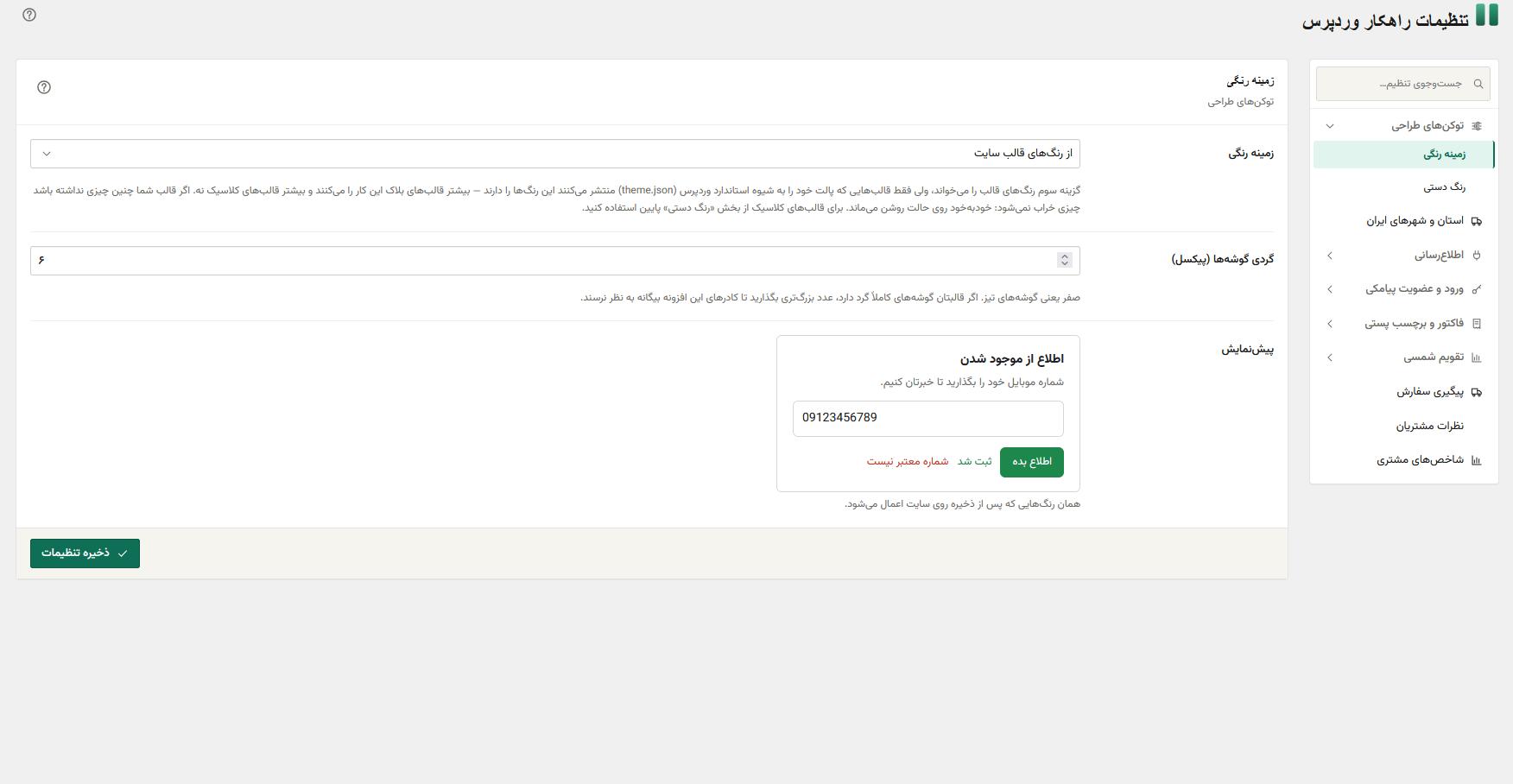
- Open Rahkar Settings to configure the modules you switched on.
- For SMS: switch on Notifications, enter your IPPanel API key and sender number, and send a test message from the settings screen.
Background queue
SMS and email are sent from a background queue so a customer never waits on the SMS provider. The queue runs on its own through site traffic and WP-Cron. For a busy store, the Rahkar Health screen shows a server cron line that runs it on a fixed schedule instead.
FAQ
-
Does it slow down my site?
-
Only by what you switch on. A module that is off is not loaded at all, and modules load only on the kinds of requests they need — the invoice module, for instance, never loads on the storefront.
-
Does the Jalali calendar change the dates stored in my database?
-
No. Dates are converted only when shown. Switching the module off returns every screen to Gregorian with nothing to undo.
-
Which SMS providers are supported?
-
IPPanel. Other providers can be added by developers through the
rahkar_wp_notification_driversfilter. -
What happens to my data if I delete the plugin?
-
It is kept by default, because deleting a plugin is often a troubleshooting step. To remove all tables and settings on deletion, add
define( 'RAHKAR_WP_REMOVE_ALL_DATA', true );towp-config.phpbefore deleting. -
Is the source code of the admin design files available?
-
Yes. The admin screens use the Rahkar UI design system, whose compiled files are in
assets/vendor/rahkar-ui/build/. Its source code is at https://github.com/rahkarnet/rahkar-ui and is built withnpm install && npm run build.
Reviews
There are no reviews for this plugin.
Contributors & Developers
“Rahkar Toolkit” is open source software. The following people have contributed to this plugin.
Contributors
Translate “Rahkar Toolkit” into your language.
Interested in development?
Browse the code, check out the SVN repository, or subscribe to the development log by RSS.
Changelog
0.33.1
- The design tokens’ inline stylesheet is stripped of tags at output, like every other inline style.
- The External services section lists every event the Rahkar Foroosh connector sends, including held-back messages, opt-outs, flow entries, issued coupons, short links and verified numbers.
0.33.0
- Short links also answer the campaign links the Rahkar Foroosh dashboard sends. The token, signed with the store’s connection key, opens the home page, a product or a category with the campaign’s UTM, reports the click and ties a later order to the campaign. No row is stored for these links, and with the dashboard connector off they open the home page like any unknown link.
0.32.0
- Links can open a module’s card on the modules screen (
#rahkar-module-<slug>, highlighted) and a module’s first settings tab (rahkar_tab=<slug>), so the Rahkar Foroosh action centre’s buttons land on the right module. - The modules screen’s “Settings” button now opens that module’s tab instead of the first one.
0.31.0
- New module, off by default: Matomo connection. Puts your Matomo server’s tracker on the shop with products, categories, the full cart, internal search and orders, and sends each paid order from the server as well, so an ad blocker does not lose it.
- The Rahkar Foroosh connector sends the buyer’s Matomo visitor id with each order (contract 1.3) and the Matomo module’s server and site with the daily heartbeat.
- The customer-stats log now records when the first fill starts, not only when it ends.