

Description
QuickDesk helps you talk to website visitors and keep every conversation in one
shared support inbox.
This plugin gives your WordPress site QuickDesk live chat without asking you to
edit your theme or paste anything into your pages.
- Add live chat across your website with a simple guided connection.
- Read and reply to visitor messages from your QuickDesk inbox.
- Keep conversations together, so your team can see what has already been said.
- Recognise logged-in customers automatically, so they do not have to introduce
themselves each time they start a chat. - Manage the greeting, colour, position and working hours from QuickDesk.
A smoother experience for returning customers
If a visitor is logged in to your WordPress site, QuickDesk can recognise them
automatically. Their name is ready when they open the chat and their previous
conversations stay connected to them.
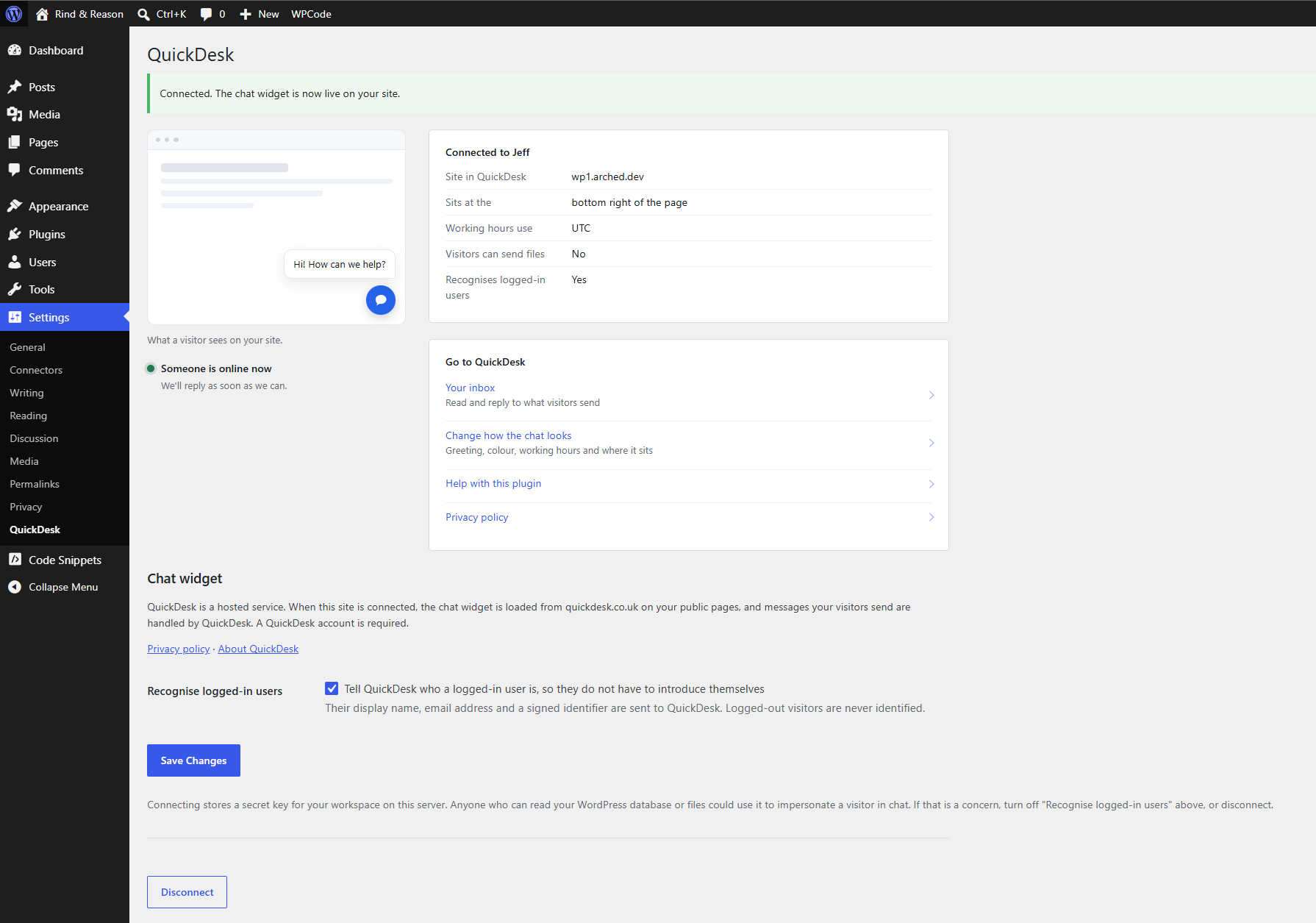
You can switch this off at any time in Settings QuickDesk. Logged-out visitors
can still use live chat normally.
What you need
You need a QuickDesk account. A free plan is available with no card and no time
limit, and every feature in this WordPress plugin works on it.
External Services
This plugin connects your site to QuickDesk, a hosted live chat and support
platform, in order to show the chat widget to your visitors.
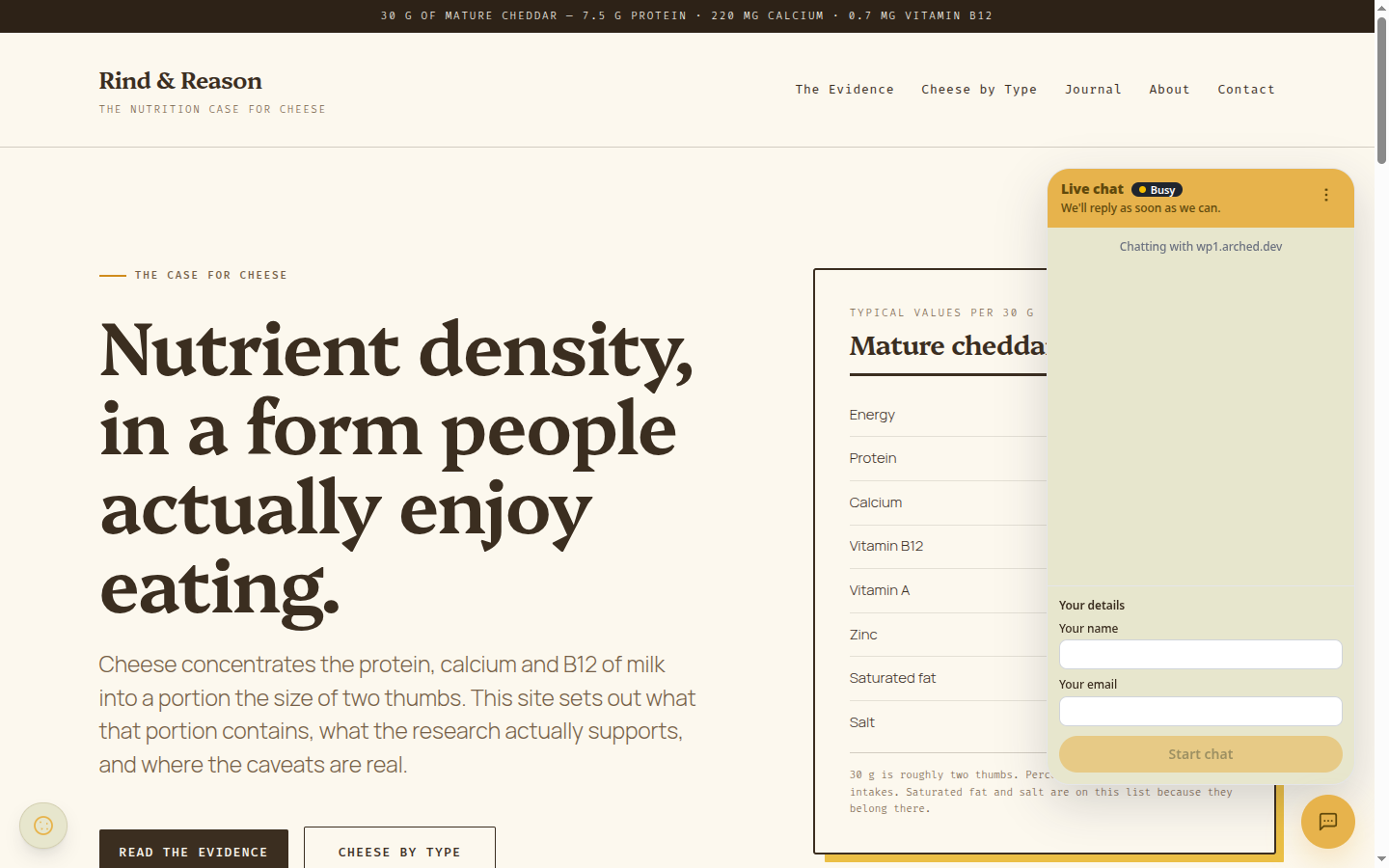
- Once you have connected a workspace, front-end pages load the chat widget
from https://quickdesk.co.uk/widget/quickdesk.js. Your public site key is
sent so QuickDesk can return the right widget settings. As with any HTTP
request, the visitor’s browser also sends its IP address and user agent.
Message content is sent to QuickDesk only when a visitor starts a chat. - If “Recognise logged-in users” is enabled, the display name, email address
and a signed identifier of the logged-in WordPress user are sent to QuickDesk
so the visitor does not have to introduce themselves. This never applies to
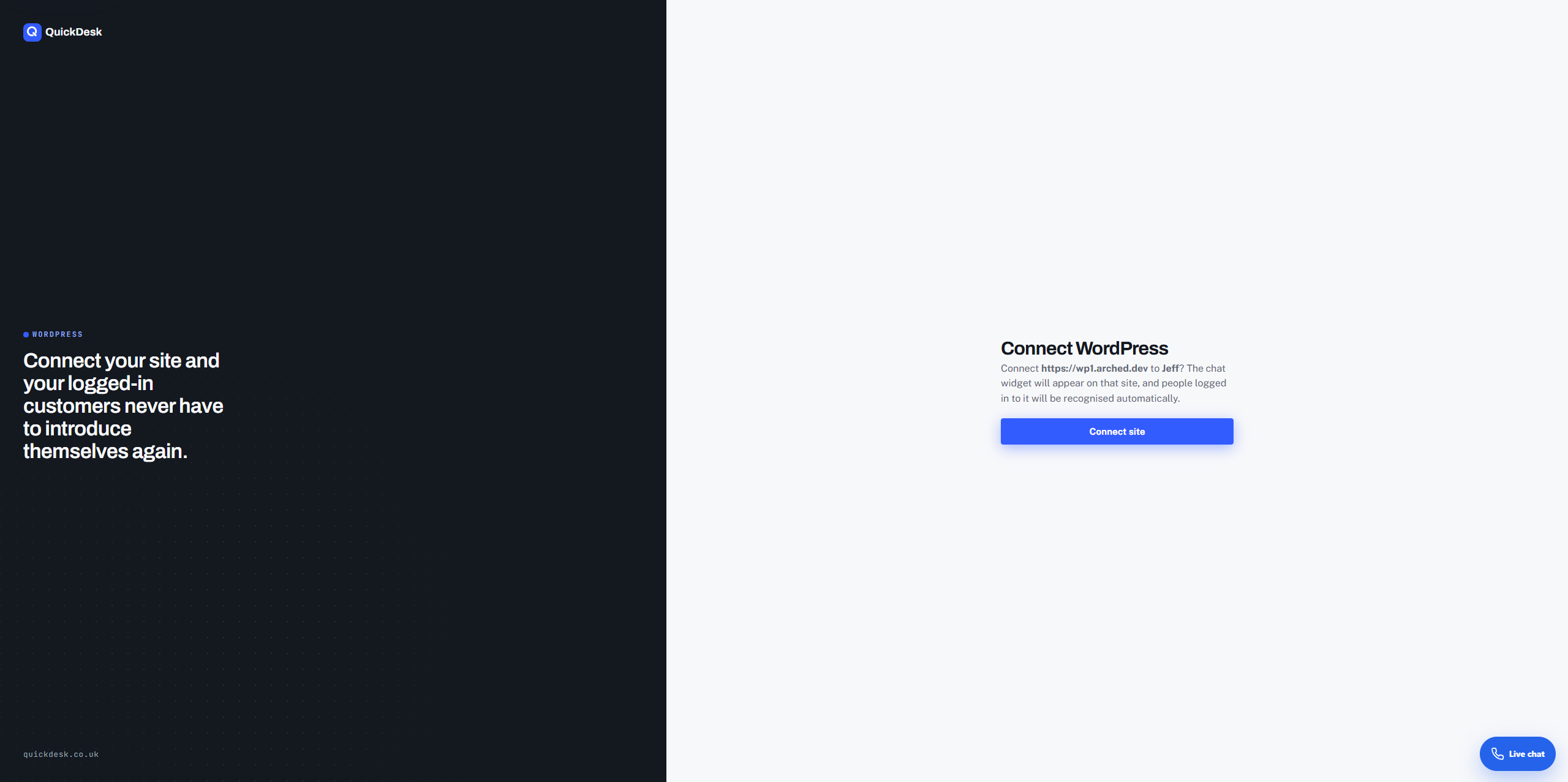
logged-out visitors and can be switched off. - When you click Connect to QuickDesk, this site’s address is sent to QuickDesk
so that you can authorise the connection. Nothing is sent before you do this:
with no workspace connected, the plugin outputs nothing at all. - While an administrator has Settings QuickDesk open, this site requests
https://quickdesk.co.uk/v1/widget/config from your server so the screen can
show your greeting, your colour and whether anyone is online to reply. Only
your public site key is sent, no visitor data is involved, and the result is
cached for two minutes. If your host blocks outgoing requests the screen says
so and the widget itself is unaffected.
Using this plugin requires a QuickDesk account.
- Service: https://quickdesk.co.uk/
- Terms of service: https://quickdesk.co.uk/terms
- Privacy policy: https://quickdesk.co.uk/privacy
Screenshots
Installation
- In WordPress, go to Plugins Add New Plugin and search for QuickDesk.
- Press Install Now, then Activate.
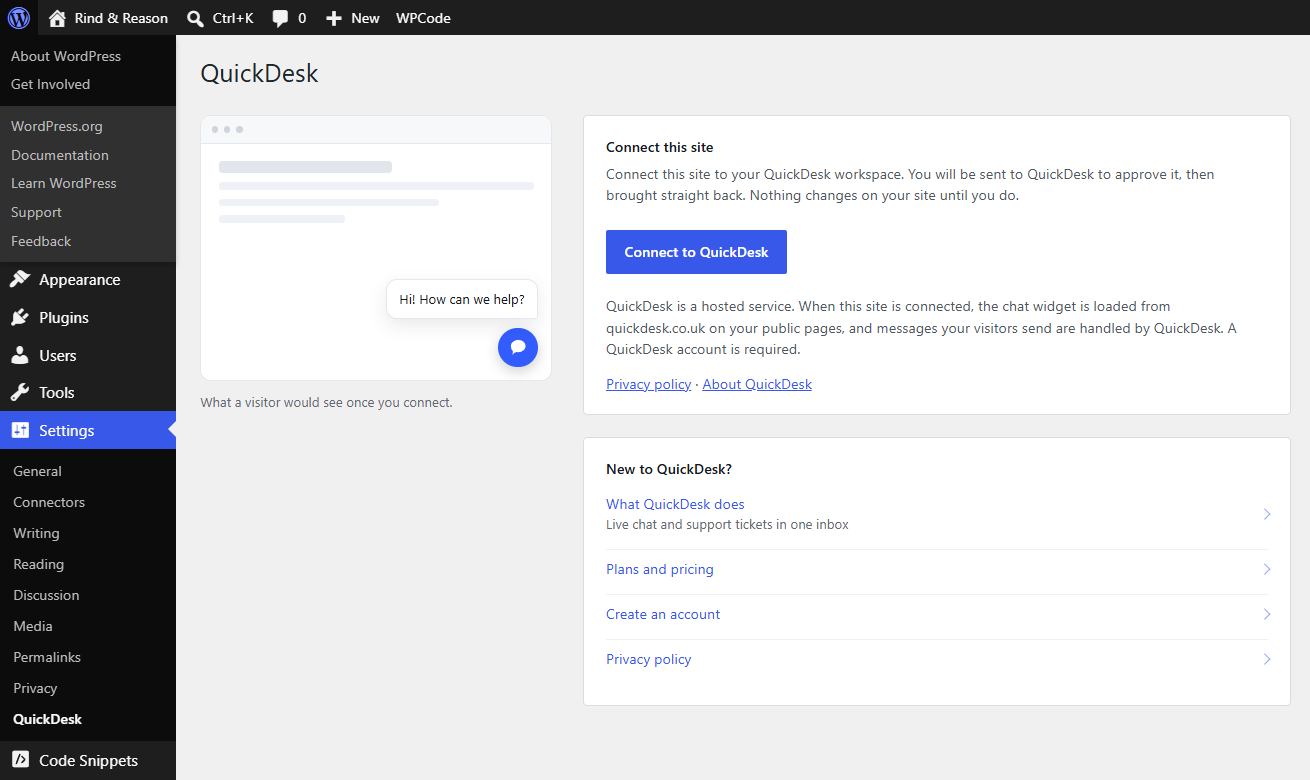
- Go to Settings QuickDesk.
- Press Connect to QuickDesk and approve the connection.
FAQ
-
Do I have to pay?
-
No. QuickDesk has a free plan with no card and no expiry, and this plugin is
fully functional on it. Nothing in the plugin is locked behind an upgrade. -
What happens if I do not connect an account?
-
Nothing is added to your site and nothing is sent anywhere. The plugin is inert.
-
Do my visitors have to be logged in?
-
No. Logged-out visitors get the normal chat widget and can introduce themselves
in the usual way. Recognising logged-in users is an extra, not a requirement. -
Can I change how the widget looks from WordPress?
-
No, and deliberately so. Colours, position and wording live in your QuickDesk
settings, so they stay the same everywhere the widget is installed. There is a
link to that screen on the plugin’s settings page. -
Does this slow my site down?
-
The widget is loaded asynchronously and mounts itself after the page has
finished loading, so it does not block rendering. -
What does “Recognise logged-in users” do?
-
It lets QuickDesk greet a signed-in customer by name and keep their chats
together. It never applies to logged-out visitors, and you can switch it off at
any time from Settings QuickDesk.
Reviews
There are no reviews for this plugin.
Contributors & Developers
“QuickDesk” is open source software. The following people have contributed to this plugin.
Contributors
Translate “QuickDesk” into your language.
Interested in development?
Browse the code, check out the SVN repository, or subscribe to the development log by RSS.
Changelog
1.2.2
- Added a direct Reconnect button when QuickDesk no longer recognises a site’s
saved connection.
1.2.1
- Kept simultaneous connection attempts independent and restricted the approval
hand-off to the configured QuickDesk service.
1.2.0
- The settings screen now shows the chat as a visitor sees it – your own
greeting, your own colour, on the side it really appears – along with whether
anyone is online to reply right now, the time zone your working hours use, and
whether visitors can send files. It reads the same public settings a visitor’s
browser reads, and the screen stays complete when a host blocks outgoing
requests. - Added links through to QuickDesk from the settings screen, including for sites
that have not connected yet. - Fixed the chat widget loading without its site key on WordPress 6.3 and
earlier. The widget appeared on the page but could not start a conversation.
It is now configured through a filter that applies on every supported
WordPress version.
1.1.0
- Clarified ZIP installation and hardened validation of connection credentials.
1.0.0
- First release: one-click connection, chat widget injection, and automatic
recognition of logged-in WordPress users.