
Description
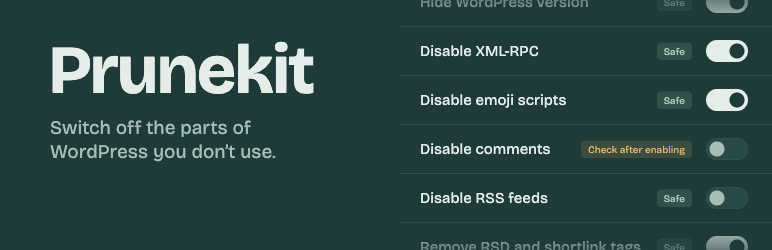
WordPress ships with features many sites never use. Each one adds requests, database rows or attack surface. Prunekit lets you switch them off with simple toggles, without touching code.
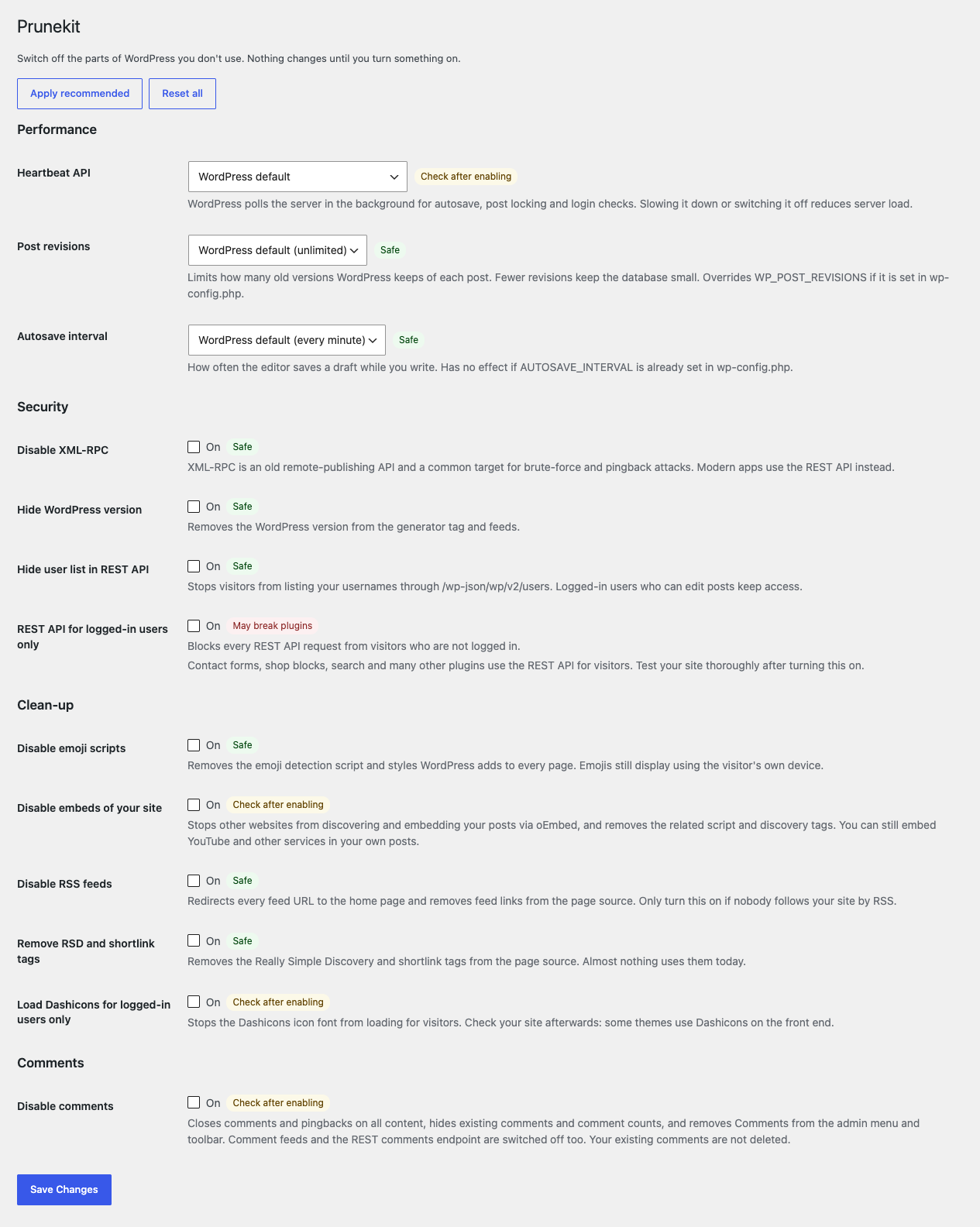
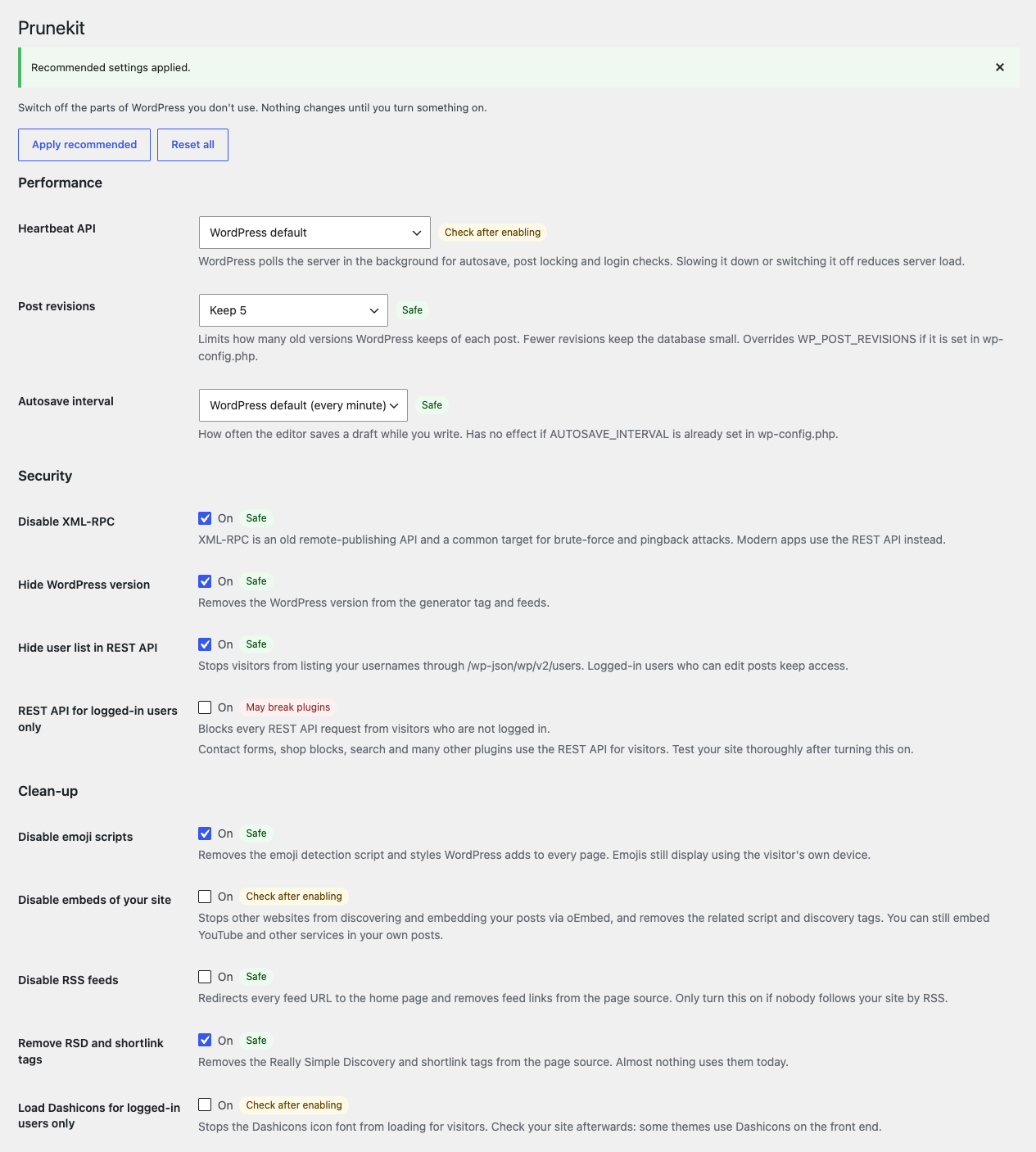
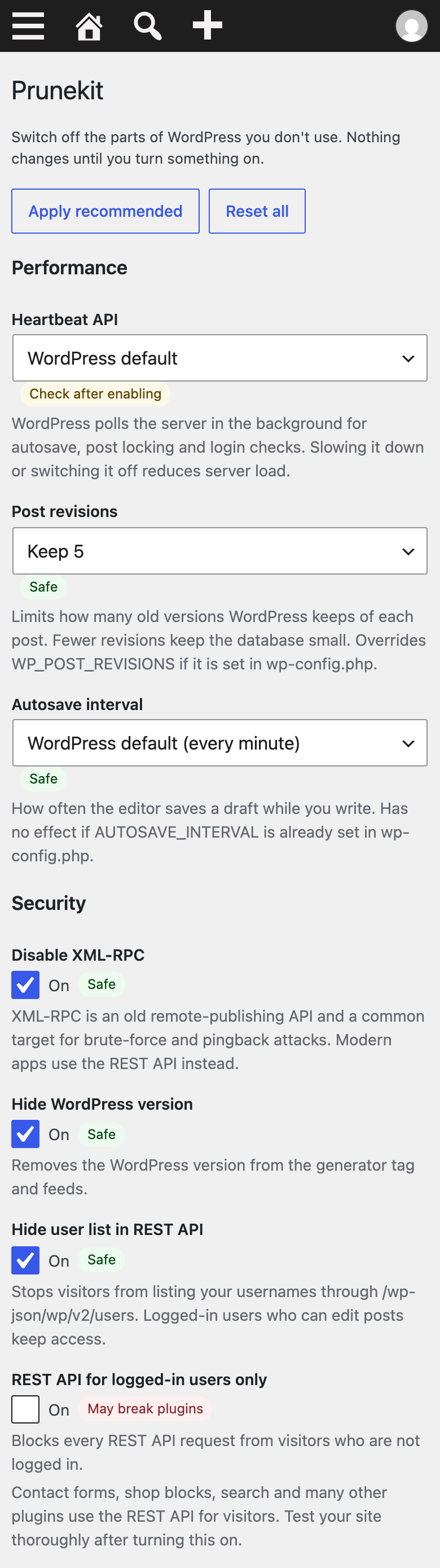
Nothing changes when you activate Prunekit. You choose what to turn off, or click “Apply recommended” to switch on only the options that are safe on every site. Every option shows a badge: Safe, Check after enabling or May break plugins.
Performance
- Slow down the Heartbeat API or switch it off outside the post editor
- Limit post revisions
- Change the autosave interval
Security
- Disable XML-RPC and pingbacks
- Hide the WordPress version
- Hide the user list in the REST API (stops username enumeration via the REST API)
- Restrict the REST API to logged-in users
Clean-up
- Remove emoji scripts and styles
- Stop other sites from embedding your posts
- Disable RSS feeds
- Remove RSD and shortlink tags
- Load Dashicons for logged-in users only
Comments
- Disable comments everywhere, including comment feeds and the REST comments endpoint (existing comments are kept, just hidden)
Prunekit uses only WordPress’ own hooks. No external services, no tracking, no ads, no upsell nags.
Prunekit Pro
Prunekit Pro is an optional add-on with AI crawler rules, database cleanup, export/import of settings and REST route rules. Prunekit itself is complete and free; you don’t need Pro.
Screenshots
Installation
- Install Prunekit from Plugins Add New, or upload the zip.
- Activate it.
- Go to Settings Prunekit and turn on what you want — or click “Apply recommended”.
FAQ
-
Will activating Prunekit change my site?
-
No. Every option is off until you turn it on.
-
Which options are in “Apply recommended”?
-
Limit revisions to 5, disable XML-RPC, hide the WordPress version, hide the REST user list, remove emoji scripts and remove RSD/shortlink tags. These are safe on virtually every site.
-
Something broke after I turned an option on. What do I do?
-
Turn the option off again, or click “Reset all”. Options marked Check after enabling or May break plugins depend on what your theme and other plugins use.
-
Does disabling comments delete my comments?
-
No. They are hidden and new comments are blocked. Turn the option off to show them again.
-
Does limiting revisions delete old revisions?
-
Not right away. Nothing is deleted when you turn the option on. The next time you update a post, WordPress removes that post’s oldest revisions above the limit. “Keep none” stops new revisions and leaves existing ones in place.
-
Can I still embed YouTube videos if I disable embeds?
-
Yes. The option stops other sites from discovering and embedding your posts via oEmbed. It also removes the script used when you embed other WordPress sites in your posts. YouTube and similar services still work.
-
What else changes when I turn off Heartbeat?
-
The “your session expired” login prompt is also turned off on the affected screens.
Reviews
There are no reviews for this plugin.
Contributors & Developers
“Prunekit” is open source software. The following people have contributed to this plugin.
Contributors
Translate “Prunekit” into your language.
Interested in development?
Browse the code, check out the SVN repository, or subscribe to the development log by RSS.
Changelog
1.0.2
- The settings page has a short note about the optional Prunekit Pro add-on. It is hidden when Pro is active.
1.0.1
- Disable comments: the single-comment admin screen (comment.php) now redirects to the dashboard, and the dashboard’s At a Glance and Activity widgets no longer show comment counts or recent comments.
- Load Dashicons for logged-in users only: Dashicons enqueued late on the page (for example by blocks) are now removed for visitors too.
- Disable RSS feeds: only hooks the feed actions WordPress actually fires. No change in behaviour.
- Post revisions: the description now says the setting overrides WP_POST_REVISIONS in wp-config.php.
- The confirmation flag after “Apply recommended” or “Reset all” is removed from the address bar, so reloading does not show the notice again.
- For developers: new filters prunekit_features, prunekit_labels and prunekit_groups (for add-ons) and prunekit_rest_public_routes (REST routes visitors may still use while the REST API is limited to logged-in users).
1.0.0
- First release.