

Description
Progus Store Locator lets you add a store or dealer locator to your WordPress site instantly — no API key required. Display your locations on an interactive, customizable map and help customers find nearby stores right after installation.
Key Features:
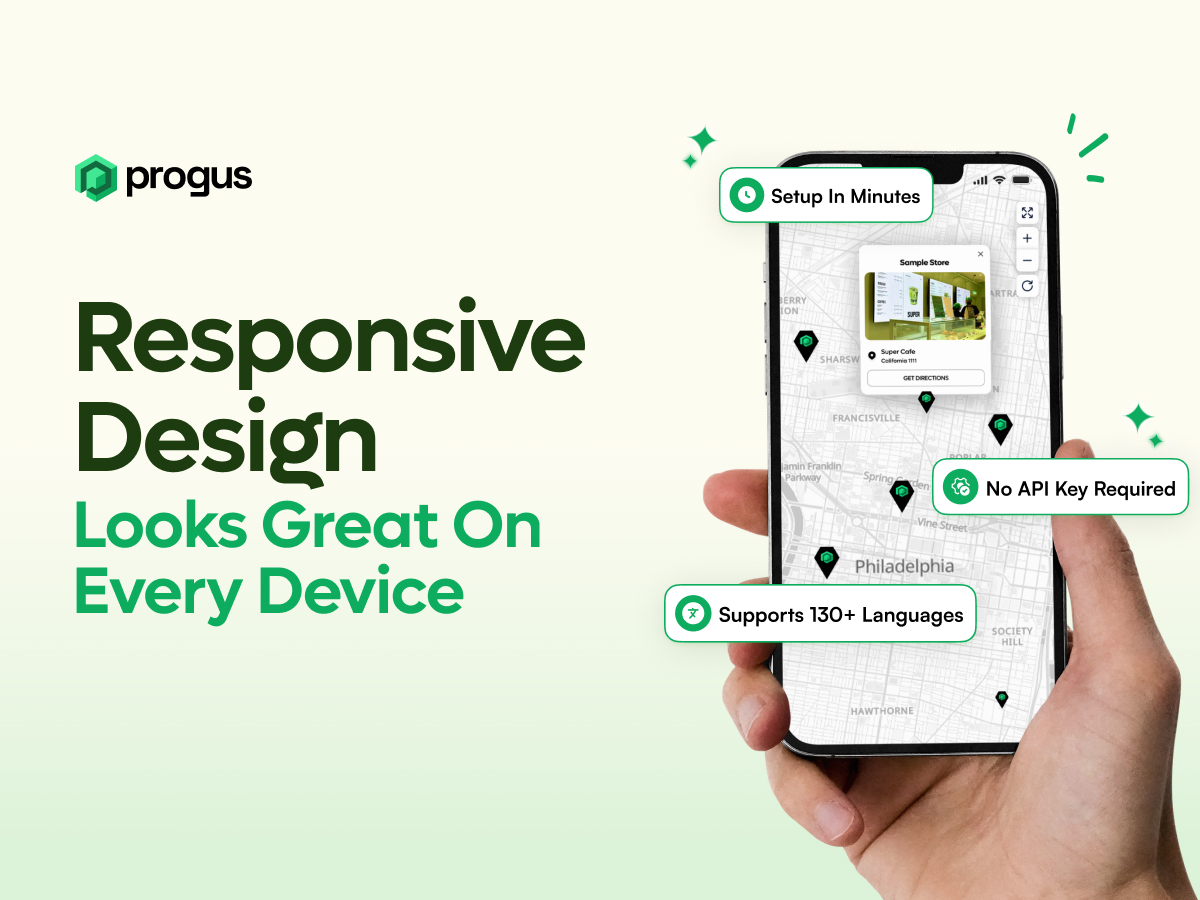
- No API key required — works out of the box right after installation.
- 5 map providers to choose from — Progus Maps, Apple Maps, OpenStreetMap, Google Maps, Mapbox.
- 23,000+ map styles available — match the map design perfectly to your brand.
- IP & browser geolocation — automatically show users the nearest locations.
- Translated to 130+ languages — fully localized for global audiences.
- 100% customizable — edit text, fonts, colors, layout, add custom CSS.
- Custom marker creator — design unique map pins and markers.
- Shows locations nearby — helps customers find the closest store or dealer.
- Advanced analytics — track views, searches, and user interactions.
- Powerful bulk import & Google Sheets sync — easily manage large location databases.
- Location tags — categorize and filter locations for better user experience.
Pricing
Progus Store Locator includes all features for free with a limited number of store locations.
If you need to add more locations, you can upgrade to a paid plan.
Learn more about available plans: https://progus.com/store-locator-pricing?platform=wp
Service Integration:
This plugin connects to the Progus Store Locator service (SaaS) to provide store location data and mapping functionality. Upon activation, the plugin automatically registers your site with the Progus service.
External Service Dependencies:
This plugin relies on the following external services:
- Progus API — https://sl-app.proguscommerce.com/api/wp (registration, auth, management).
- Progus Widget (Map) — https://sl-widget.proguscommerce.com/main (embed map via iframe).
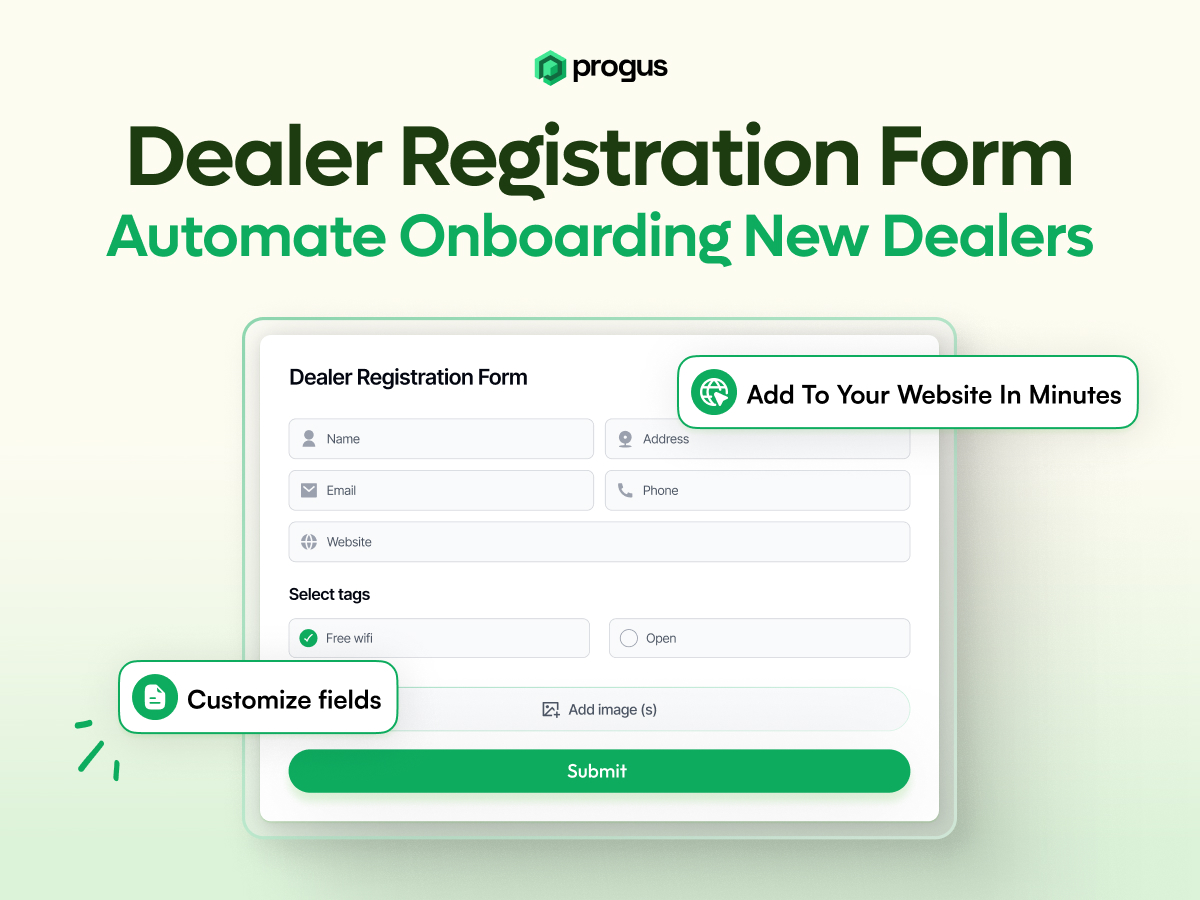
- Progus Dealer Form — https://sl-form.proguscommerce.com/main (embed dealer form via iframe).
- Progus Panel — https://storelocator.proguscommerce.com (management dashboard).
Privacy & Data:
- On admin-initiated registration, plugin sends: site domain, admin email, optional page ID.
- Front-end embeds use your site’s
psl_idto render widgets; the plugin itself does not track users. - Privacy Policy: https://progus.com/privacy
- Terms of Service: https://progus.com/terms
License
This program is free software; you can redistribute it and/or modify
it under the terms of the GNU General Public License as published by
the Free Software Foundation; either version 2 of the License, or
(at your option) any later version.
This program is distributed in the hope that it will be useful,
but WITHOUT ANY WARRANTY; without even the implied warranty of
MERCHANTABILITY or FITNESS FOR A PARTICULAR PURPOSE. See the
GNU General Public License for more details.
You should have received a copy of the GNU General Public License
along with this program; if not, write to the Free Software
Foundation, Inc., 51 Franklin St, Fifth Floor, Boston, MA 02110-1301 USA
Screenshots

Store locator map display 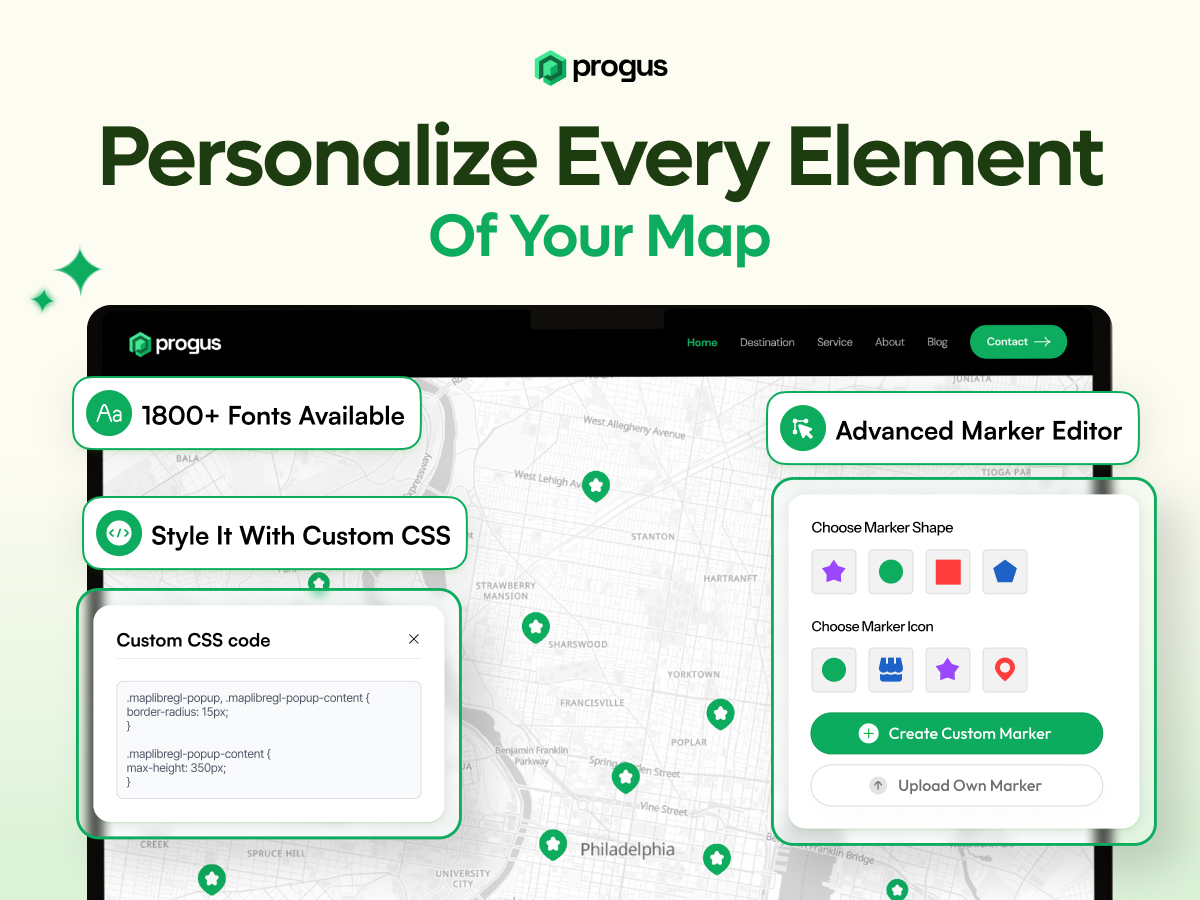
Admin settings panel 
Gutenberg block interface 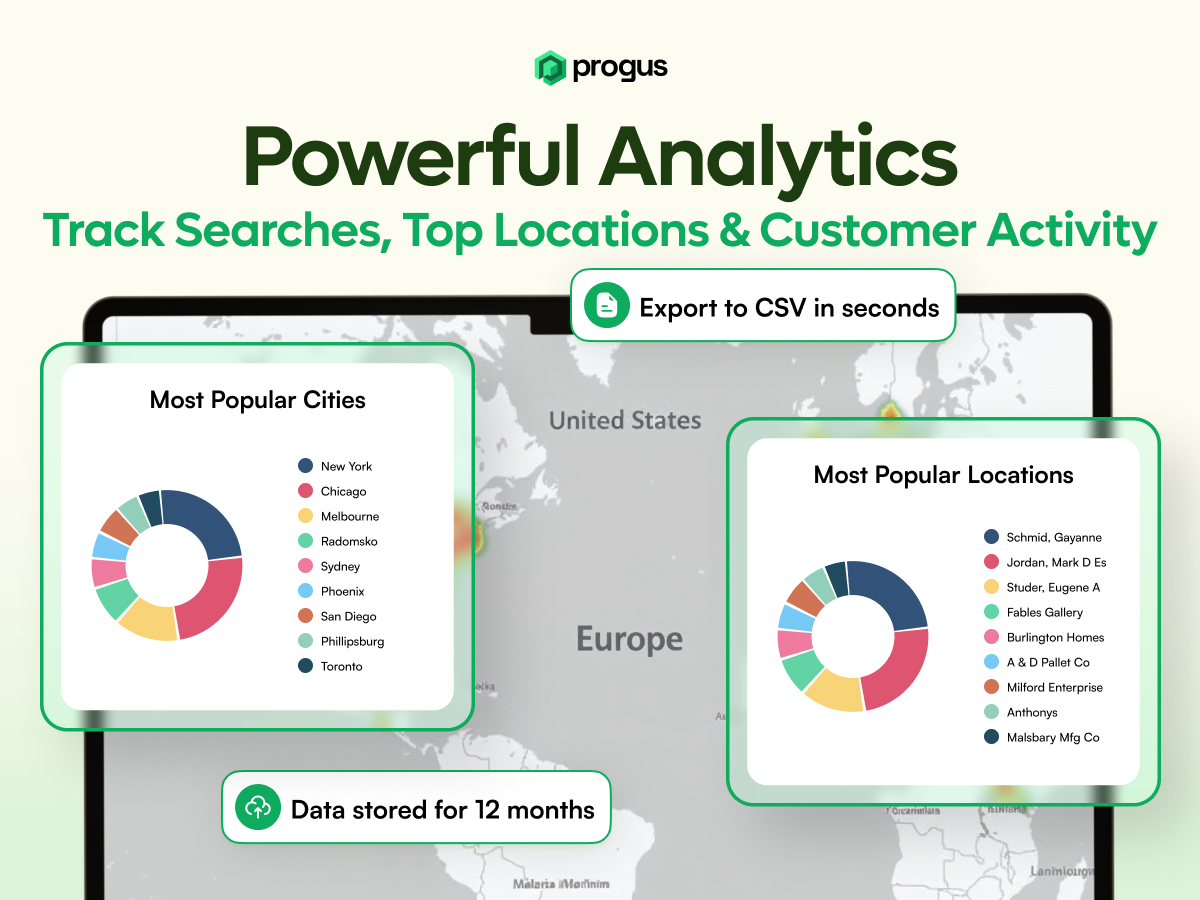
Dealer form widget 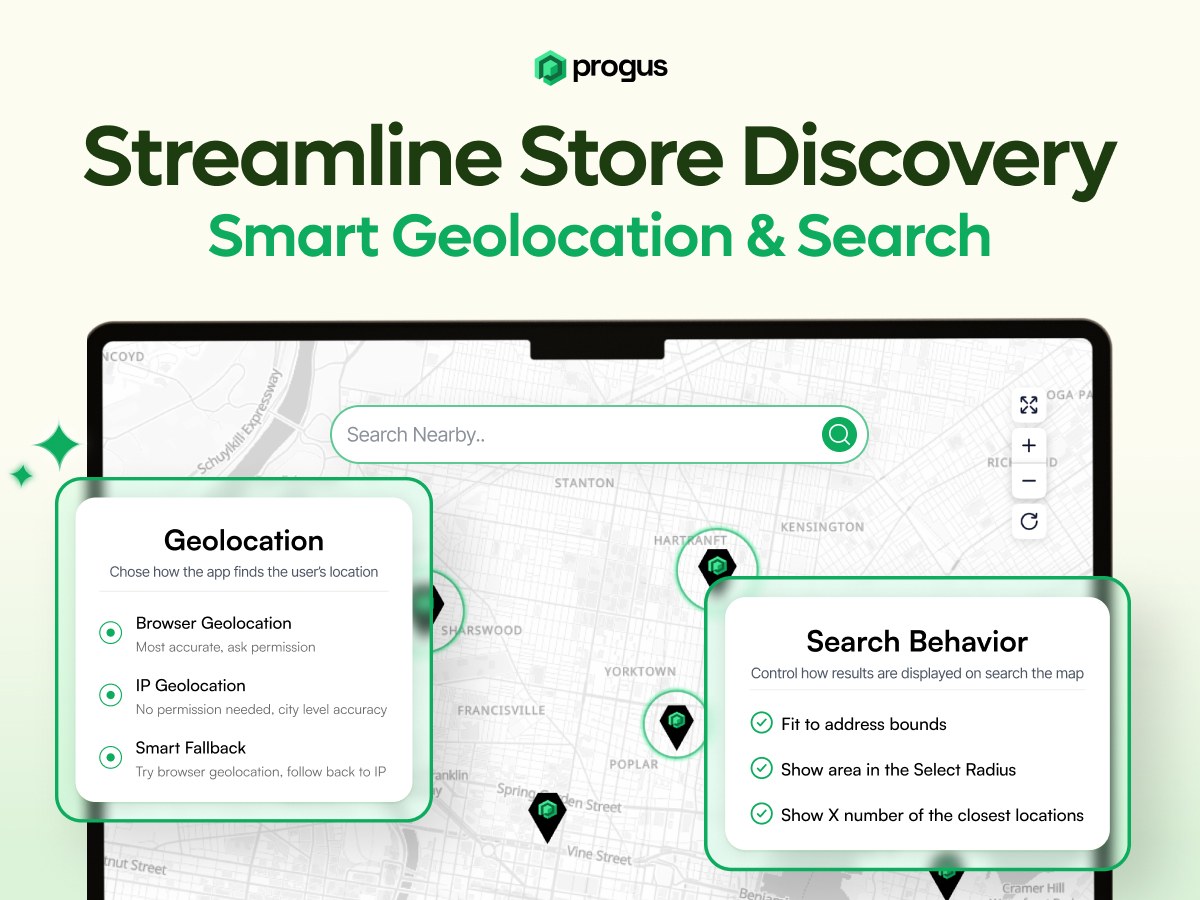
Blocks
This plugin provides 2 blocks.
- Progus Store Locator
- Progus Dealer Form
Installation
- Upload the plugin files to the /wp-content/plugins/progus-store-locator directory, or install the plugin through the WordPress “Plugins” screen directly.
- Activate the plugin through the “Plugins” screen in WordPress and then click “Settings”.
- Check the box to automatically create a new page with the store locator map embedded on your WordPress site (recommended). Then click “GET STARTED” — this will create your free Progus account and connect it to your site.
- After the setup is complete, click “Open Management Panel” to add and manage your store locations and customize your map.
- Add the store locator to any page or post using the shortcode [progus-store-locator] or the Gutenberg block.
FAQ
-
Is this a free plugin?
-
Yes, the plugin itself is free. However, it connects to the Progus Store Locator service which may have premium features available.
-
Do I need a Progus account?
-
The plugin automatically creates an account for you when activated, using your site’s domain and admin email.
-
Can I customize the appearance?
-
Yes, the store locator can be customized through the Progus service dashboard.
-
Is the store locator mobile-friendly?
-
Yes, the store locator is fully responsive and works on all devices.
Reviews


Contributors & Developers
“Progus Store Locator Map (No API Key Required)” is open source software. The following people have contributed to this plugin.
Contributors

“Progus Store Locator Map (No API Key Required)” has been translated into 1 locale. Thank you to the translators for their contributions.
Translate “Progus Store Locator Map (No API Key Required)” into your language.
Interested in development?
Browse the code, check out the SVN repository, or subscribe to the development log by RSS.
Changelog
1.0.1
- Updated release for WordPress.org deployment.
1.0.0
- Initial release
- Store locator map functionality
- Dealer form integration
- Gutenberg blocks support
- Shortcode support
- Admin panel integration