

Description
Pixelonetry Product Gallery Slider for WooCommerce is a powerful and flexible WooCommerce product image gallery plugin designed to transform the way product images are displayed on your online store.
Create beautiful, responsive and interactive product galleries with multiple slider styles, creative CSS3 animation effects and fullscreen lightbox functionality.
🚀 Upgrade to PRO: Unlock premium features and dedicated support.
👉 Get peLightbox PRO
The plugin includes three unique gallery experiences:
Volo Swipe Slider
Vario CSS3 Animation Slider
Ken Burns Slider
Customize your WooCommerce product gallery presentation and provide customers with an engaging product image browsing experience.
MAIN FEATURES
WooCommerce product gallery integration.
Multiple product image slider styles.
Volo Swipe Slider.
Vario CSS3 Animation Slider.
Ken Burns Slider.
Fullscreen product image lightbox.
Multiple image transition effects.
Responsive product image presentation.
Interactive image navigation.
Customizable gallery experience.
LIGHTBOX FEATURES
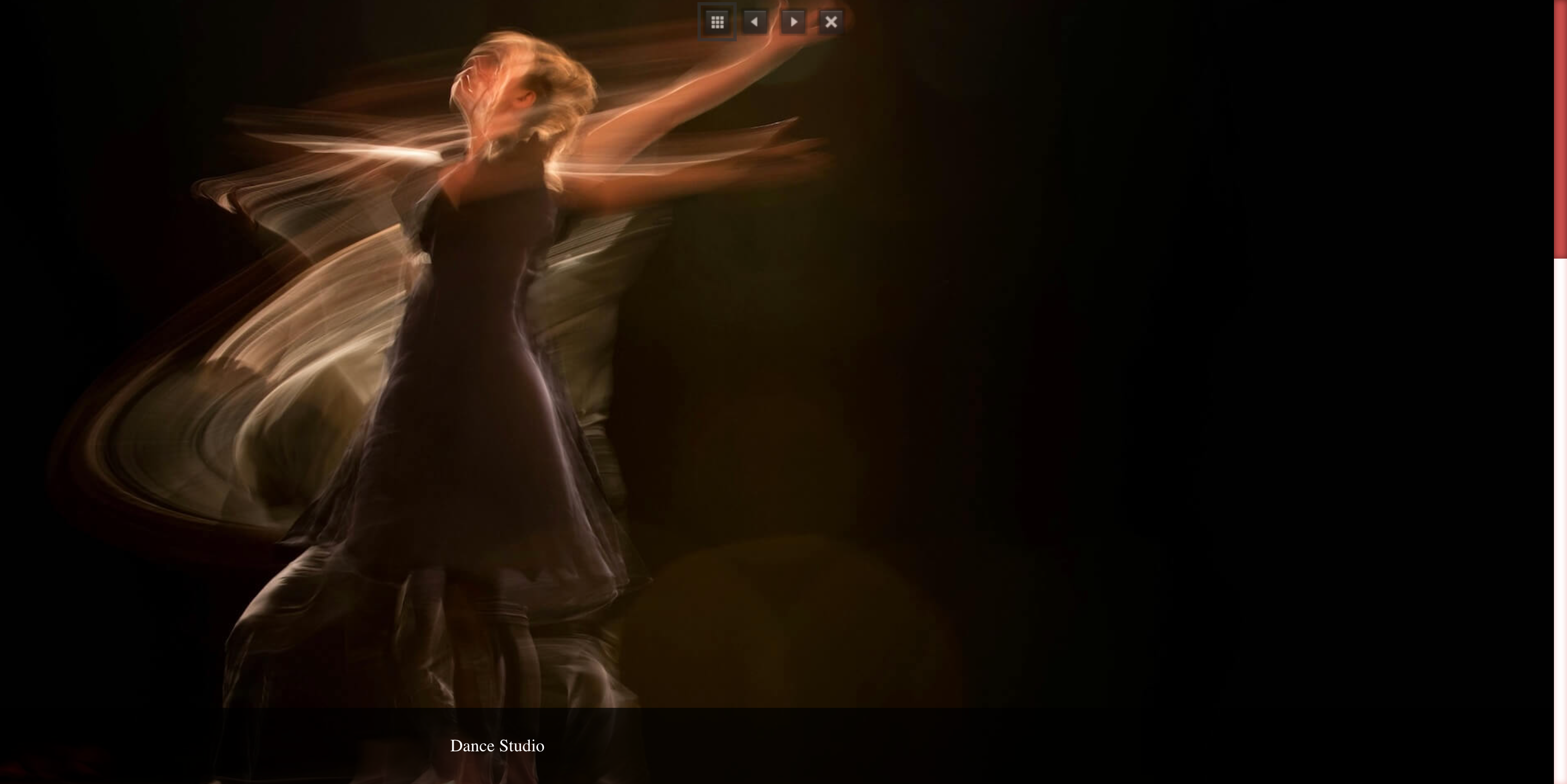
Display WooCommerce product images in a fullscreen lightbox.
Fullscreen Lightbox
Open product images in an expanded fullscreen lightbox experience.
Lightbox Shutter Mode (Pro)
Enable the Shutter transition mode for the product image lightbox.
Available in Pro Version!
Lightbox Image Scale
Choose how product images are scaled inside the fullscreen lightbox.
Available options:
Fit – Free
Default – Pro
Fix – Pro
Max – Pro
Fill – Pro
Fill Max – Pro
The Fit option is available in the Free version. Additional image scaling options are available in Pro.
Lightbox Thumbnails Position (Pro)
Choose the position of image thumbnails inside the lightbox.
Available positions:
Bottom
Left
Right
Top
Available in Pro Version!
Slide Image Caption (Pro)
Display image Caption / Title text under the image.
Available in Pro Version!
Slide Image Description (Pro)
Display image description text with the product gallery.
Available in Pro Version!
VARIO CSS3 ANIMATIONS SLIDER (PRO)
Create dynamic WooCommerce product galleries with multiple CSS3 animation effects.
Vario Slider provides a collection of creative image transition effects. Users can select their preferred animation effect to customize the product gallery presentation.
Available Vario Animation Effects:
Vario Slider All
Vario – Random
Vario – Block
Vario – Block Fade
Vario – Bars
Vario – Drop
Vario – Fade
Vario – Flip
Vario – Fall
Vario – Reveal Right
Vario – Reveal Left
Vario – Reveal Bottom
Vario – Reveal Top
Vario – Domino
Vario – Saw
Vario – Zoom
Vario – Scale
Users can choose different animation effects to create unique product image presentations.
KEN BURNS SLIDER
Create cinematic product image presentations with Ken Burns animation effects.
The Ken Burns effect combines image zooming and panning to create dynamic and attractive product image transitions.
VOLO SWIPE SLIDER
Display WooCommerce product images using a swipe-based gallery slider.
Volo provides an interactive image browsing experience for product pages.
WHY CHOOSE PIXELONETRY PRODUCT GALLERY SLIDER?
Enhance WooCommerce product pages.
Present product images with different slider styles.
Choose from creative animation effects.
Provide fullscreen image viewing.
Customize the visual product browsing experience.
Create attractive and modern product image galleries.
FUTURE DEVELOPMENT
Additional gallery functionality and video gallery support are planned for future releases.
Screenshots


Installation
Upload the plugin files to the /wp-content/plugins/pixelonetry-product-gallery-slider-for-woocommerce/ directory, or install the plugin through the WordPress Plugins screen. Activate the plugin through the Plugins menu in WordPress. Make sure WooCommerce is installed and activated. Configure the available product gallery settings. Visit a WooCommerce product page to view your product gallery.
FAQ
-
Does this plugin require WooCommerce?
-
Yes. WooCommerce must be installed and activated.
-
Which slider styles are available?
-
The plugin provides Volo Swipe Slider, Vario CSS3 Animation Slider and Ken Burns Slider.
-
Can I change Vario animation effects?
-
Yes. Vario provides multiple animation effects, allowing users to select their preferred transition style.
-
What is Ken Burns Slider?
-
Ken Burns Slider uses zoom and pan animations to create cinematic product image presentations.
-
What is Volo Swipe Slider?
-
Volo is a swipe-based product image slider for interactive image navigation.
-
Does the plugin support fullscreen lightbox?
-
Yes. Product images can be displayed in a fullscreen lightbox.
-
Is Lightbox Shutter Mode available in the Free version?
-
No. Lightbox Shutter Mode is available in the Pro version.
-
Which Lightbox Image Scale options are available?
-
Fit is available in the Free version. Default, Fix, Max, Fill and Fill Max are available in Pro.
-
Can I change the Lightbox thumbnails position?
-
Yes. The Pro version provides Bottom, Left, Right and Top thumbnail positions.
-
Does the plugin support image captions and descriptions?
-
Caption and description display options are available in the Pro version.
-
Does the plugin support video galleries?
-
Video gallery support is planned for a future release and is not currently available.
-
Where can I see live demos?
-
Explore the three slider demos:
Reviews
There are no reviews for this plugin.
Contributors & Developers
“Pixelonetry Product Gallery Slider for Woocommerce” is open source software. The following people have contributed to this plugin.
Contributors
Translate “Pixelonetry Product Gallery Slider for Woocommerce” into your language.
Interested in development?
Browse the code, check out the SVN repository, or subscribe to the development log by RSS.
Changelog
1.0.0
Initial release.
WooCommerce product gallery integration.
Volo Swipe Slider.
Vario CSS3 Animation Slider.
Ken Burns Slider.
Fullscreen product image lightbox.
Product gallery animation effects.