
Description
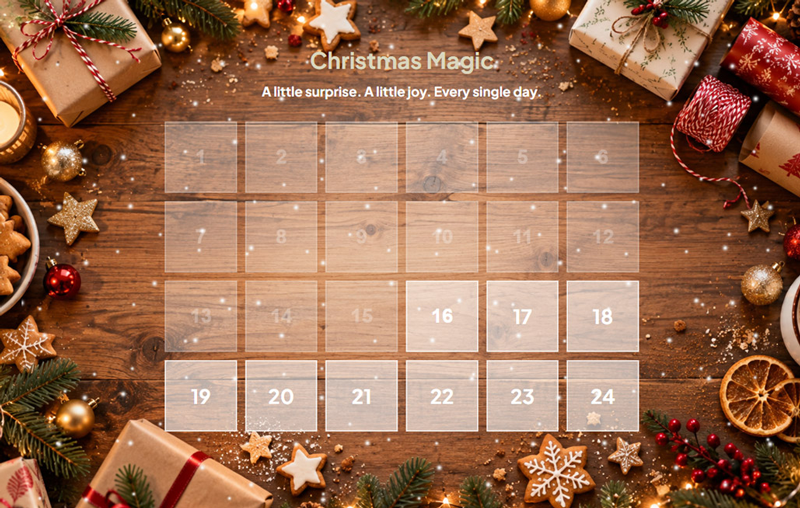
Magic Advent Calendar makes it easy to create and publish an interactive Advent calendar on your WordPress website.
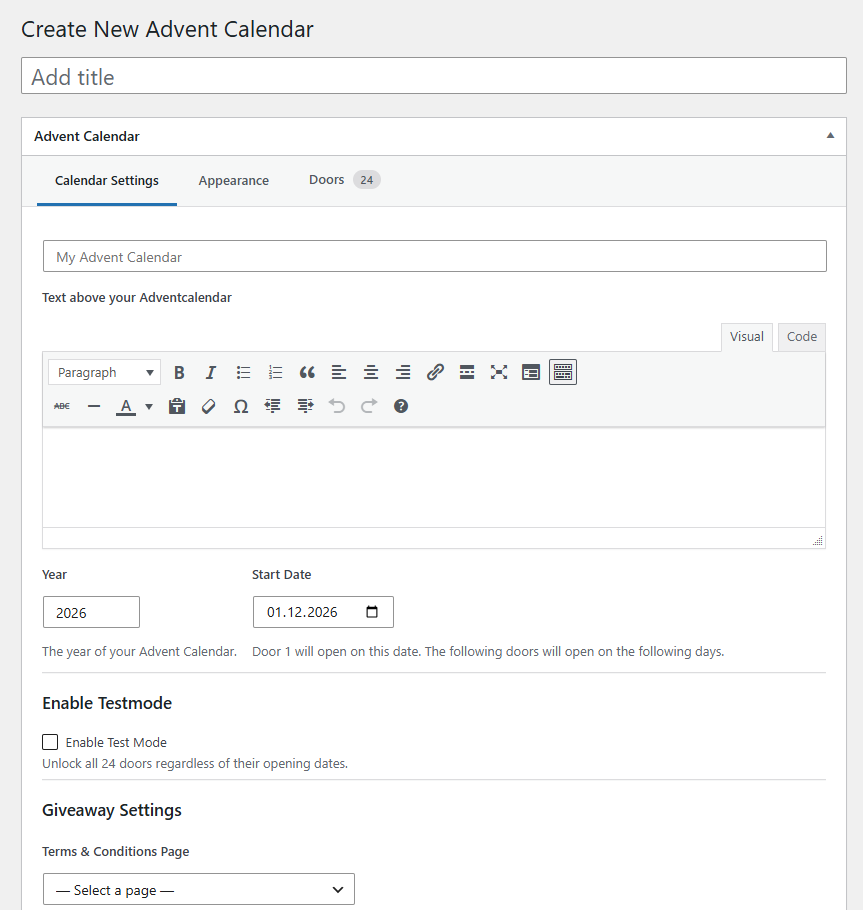
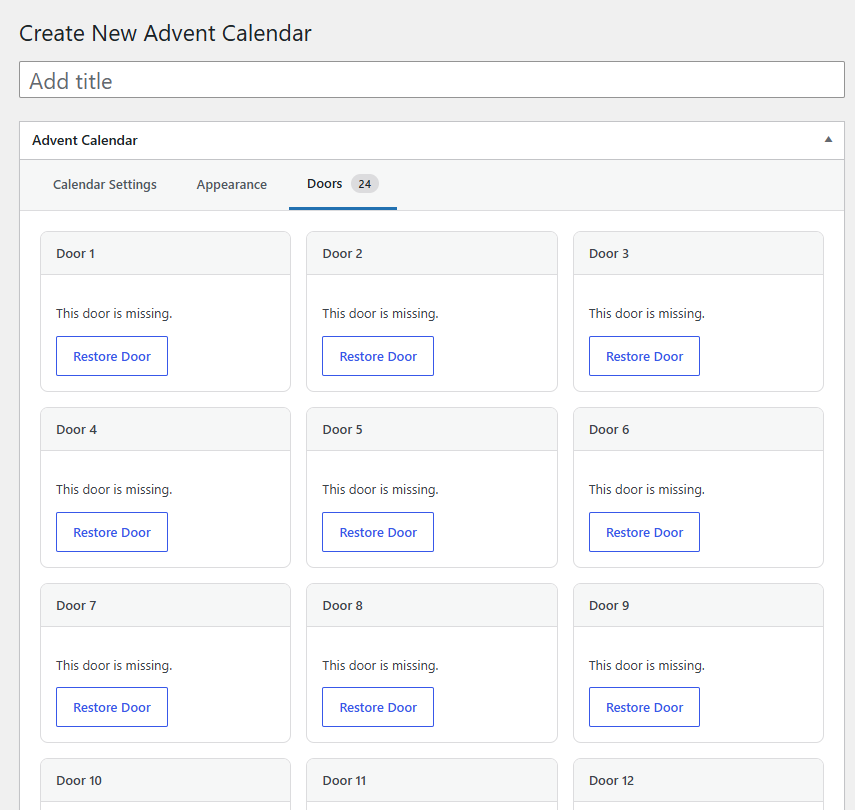
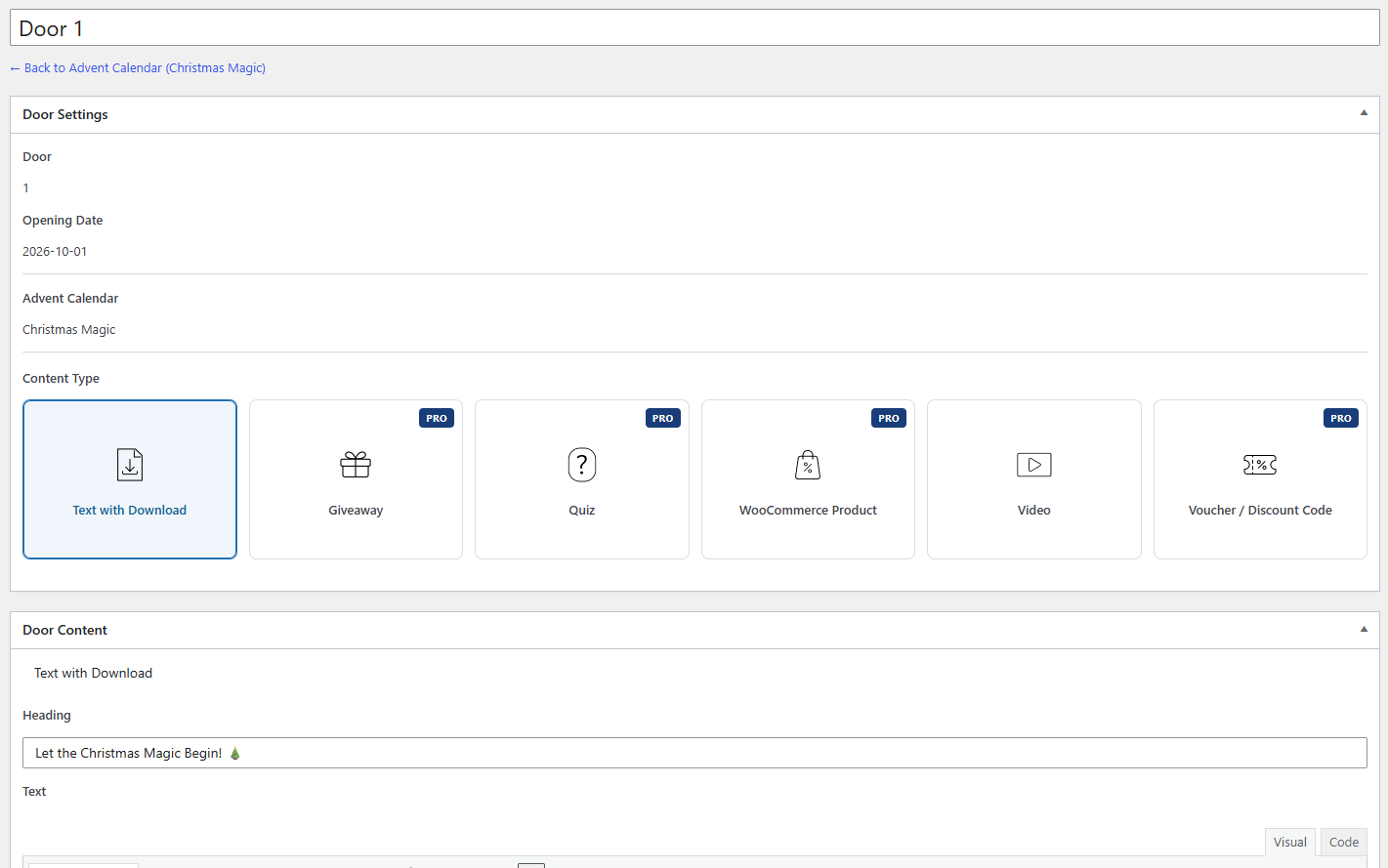
Create a calendar, choose its start date, customize its appearance and fill 24 automatically generated doors with content. Doors become available on their scheduled dates, using your WordPress site’s timezone.
Free features
- Create calendars with 24 doors each.
- Classic calendar layout.
- Text and downloadable-file door content.
- Video door content.
- Custom headlines, logo, background image and colors.
- Ordered or randomized door arrangement.
- Automatic daily door unlocking based on the configured start date.
- Embed calendars using a shortcode.
Pro features
- Modern calendar layout.
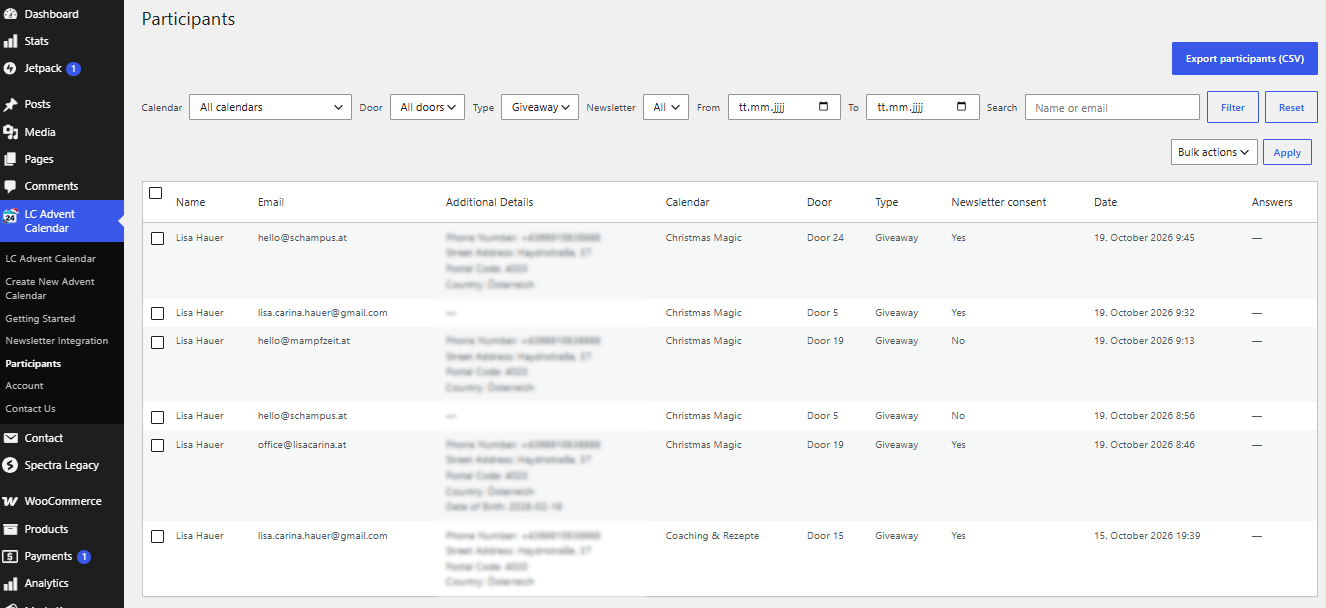
- Giveaways with entry forms.
- Quizzes.
- WooCommerce product doors (WooCommerce required).
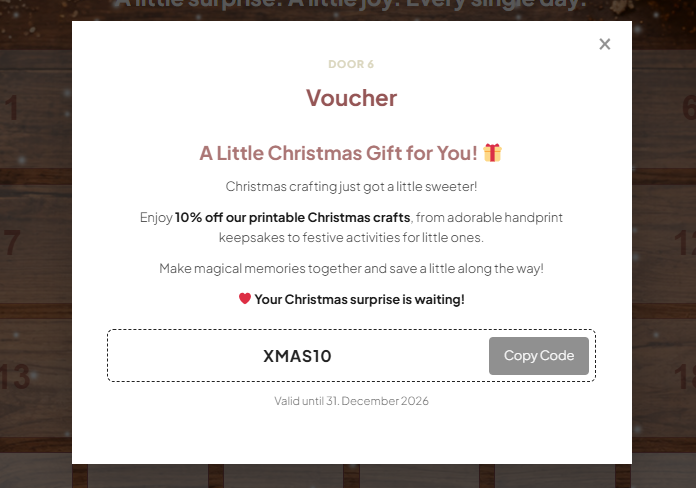
- Voucher doors.
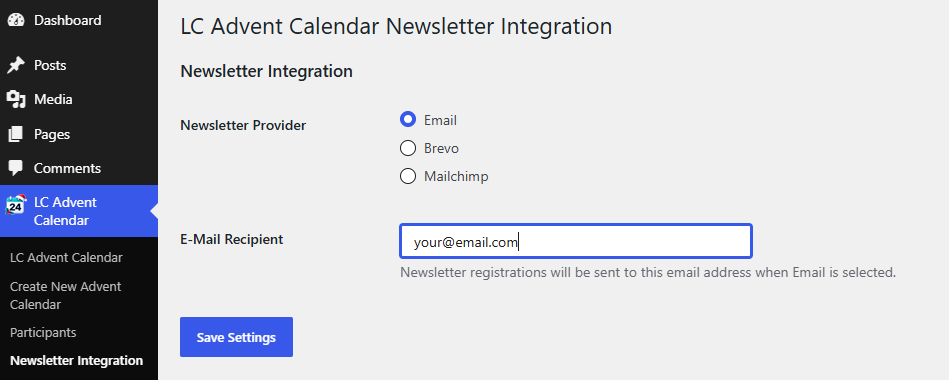
- Newsletter integrations for giveaways, including Mailchimp and Brevo.
Pro features require an active Pro license. If a Pro license expires, saved calendar and door content is retained, but Pro-only features are unavailable until the license is renewed.
Some features connect to third-party services. Review your privacy notice and obtain any required consent before using entry forms or newsletter integrations.
Screenshots


Installation
- In WordPress, go to Plugins > Add New > Upload Plugin and select the plugin ZIP file, or upload the plugin folder to
/wp-content/plugins/. - Activate Magic Advent Calendar.
- Open the Advent Calendar menu and create a calendar.
- Configure the start date and appearance, then publish the calendar to generate its 24 doors.
- Open the Doors tab to edit individual doors.
- Copy the shortcode displayed in the calendar editor into a page or post.
FAQ
-
How do I add a calendar to a page?
-
Copy the shortcode from the calendar editor. For example:
[pbase_calendar id="123"], replacing123with your calendar ID. The shortcode[pbase_advent_calendar id="123"]is also supported. -
When do the doors open?
-
The first door opens on the configured start date. The remaining doors open on subsequent days according to the timezone set in WordPress.
-
Can I change the calendar design?
-
Yes. The Classic layout and appearance settings are included in Free. The Modern layout requires Pro.
-
Do I need WooCommerce?
-
No. WooCommerce is optional and is needed only for the Pro WooCommerce product door type.
-
What happens when my Pro license expires?
-
Your saved calendars, door content and design settings remain stored. Pro-only features become unavailable until the license is active again; a Modern calendar falls back to the Classic layout while Pro is inactive.
-
Does the plugin process personal data?
-
Giveaway entries and newsletter integrations may process personal data. Site administrators are responsible for providing appropriate privacy information, participation terms and obtaining any legally required consent.
Reviews

Contributors & Developers
“Pbase Magic Advent Calendar” is open source software. The following people have contributed to this plugin.
Contributors
Translate “Pbase Magic Advent Calendar” into your language.
Interested in development?
Browse the code, check out the SVN repository, or subscribe to the development log by RSS.
Changelog
1.0.8
- Initial release of Magic Advent Calendar.
- Added 24-door calendars, scheduled unlocking and shortcodes.
- Added Classic layout and appearance customization.
- Added text/download and video doors.
- Added Pro features: Modern layout, giveaways, quizzes, vouchers, WooCommerce doors and newsletter integrations.