
Description
Integrate crypto payments into WordPress or WooCommerce easily – no manual code updates needed
Overview
The official plugin maintained by Paycoinly
The plugin is designed to integrate crypto payment service powered by Paycoinly easily into your WordPress or WooCommerce site without hassle of updating your code manually.
It provides paycoinly shortcode to place a button triggering crypto payment service of Paycoinly, which can be used for subscription, credit system and the other pricing requirements of your site.
https://www.paycoinly.xyz/docs/integrations/wordpress
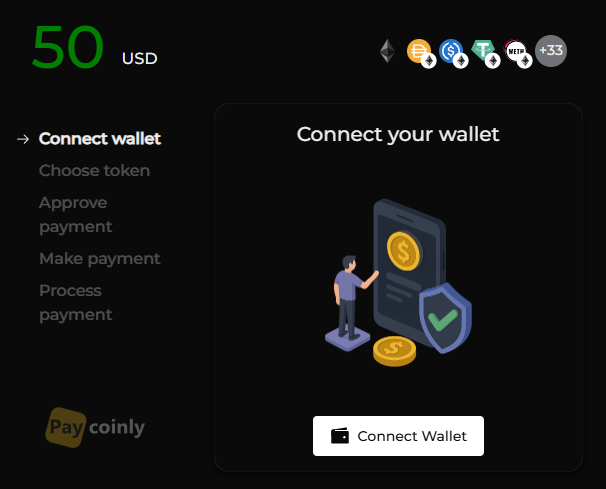
For WooCommerce sites, it adds Paycoinly crypto payment gateway in checkout page.
https://www.paycoinly.xyz/docs/integrations/woocommerce
It provides some actions and filters which customize its functionalities to meet your business demand and pricing requirements.
https://www.paycoinly.xyz/docs/appendix/wordpress-plugin-hooks
Features
- 1% transaction fee
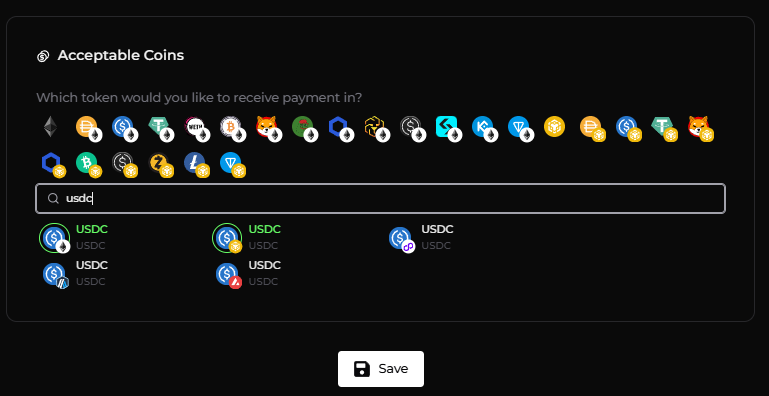
- Support Stablecoins, memecoins, native coins
- Support multichain
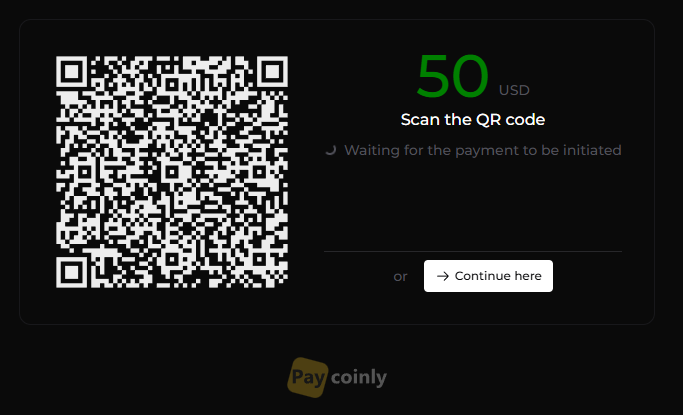
- Trigger payment from QR scan
Use Cases
Subscription, Credit system, WooCommerce checkout
External Services
This plugin connects to the Paycoinly APIs to enable payment processing in collaboration with Paycoinly, which is detailed in the followings:
- Sends payment details (https://www.paycoinly.xyz/docs/api-reference/payment-token) such as the price, currency, order id and user id to Paycoinly. Paycoinly returns a payment token, which is then used to display payment interface to users.
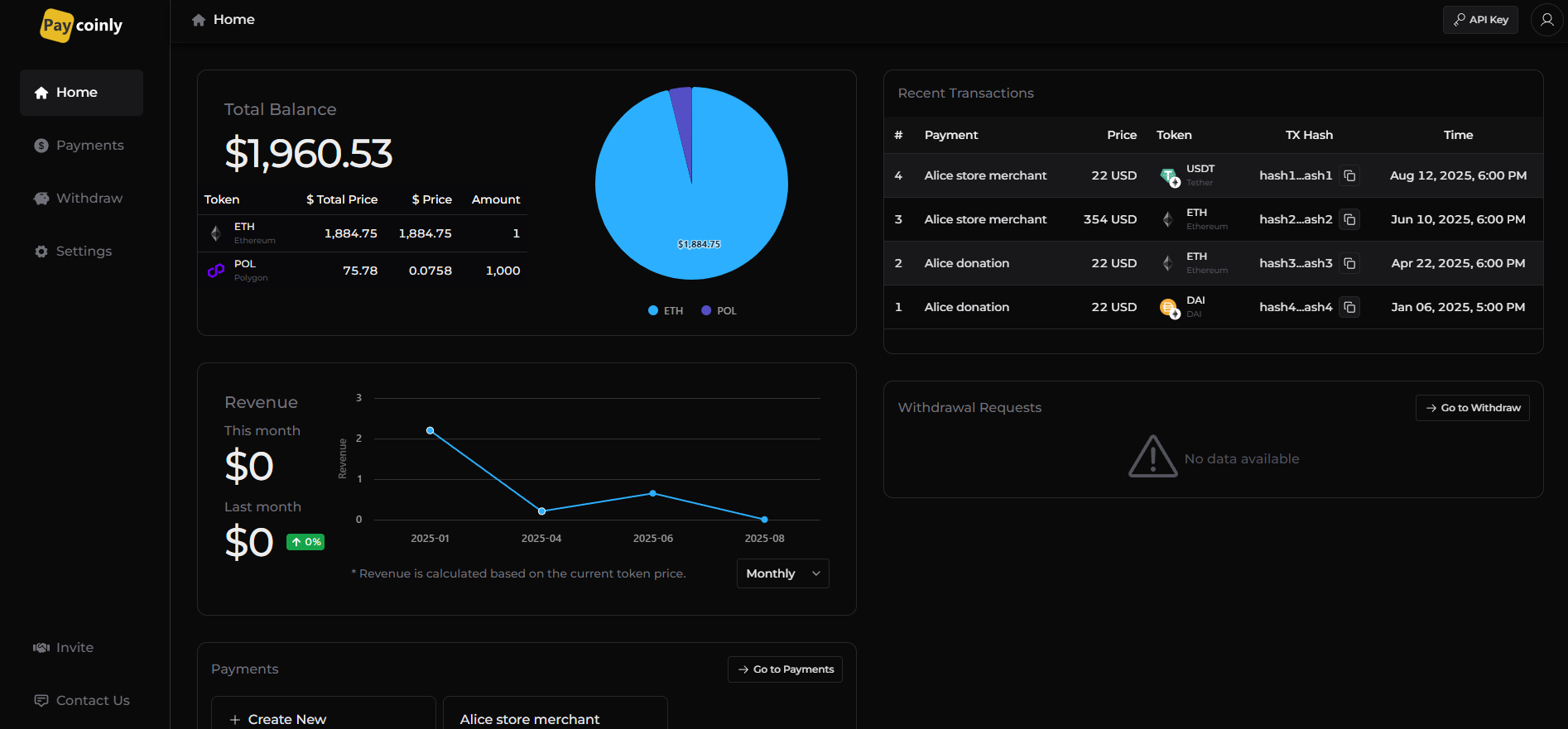
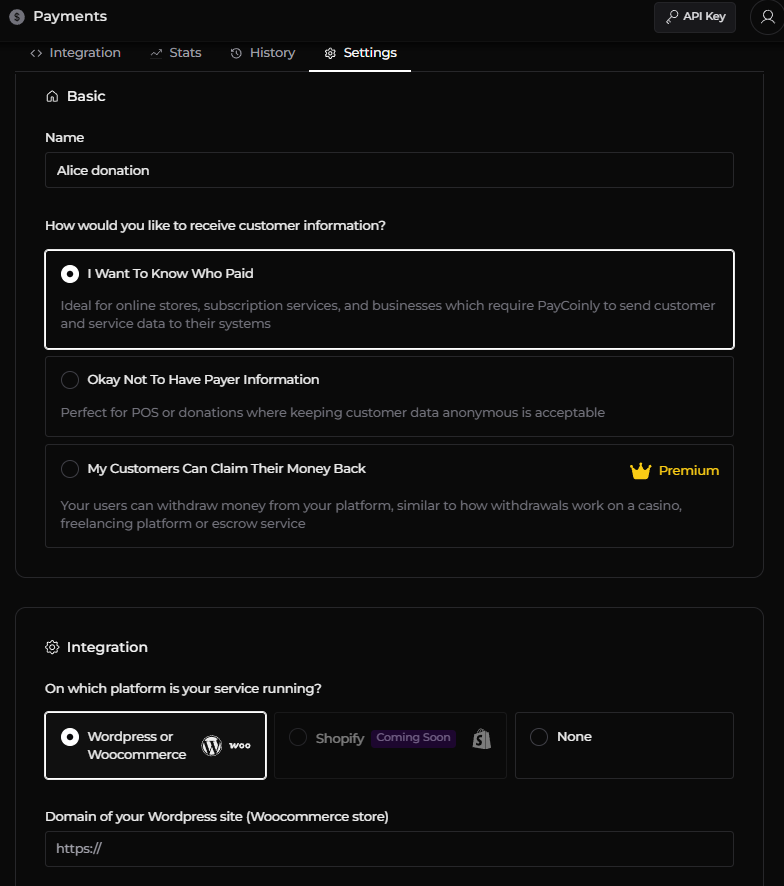
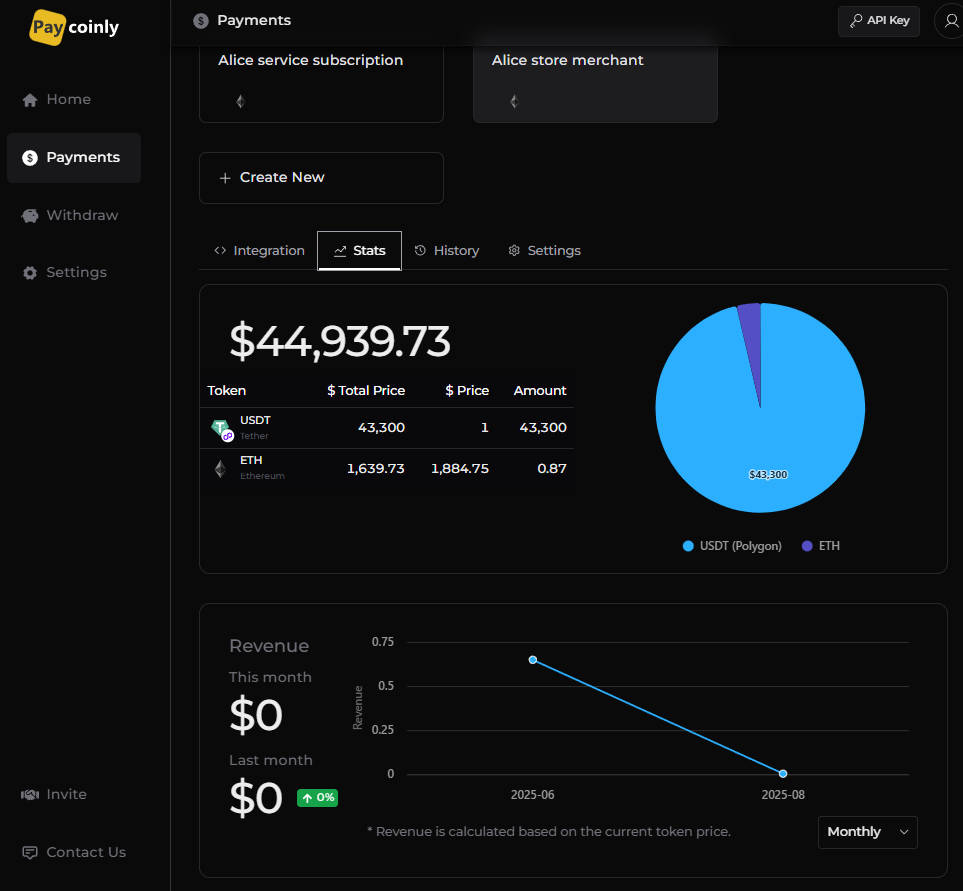
- Retrieves a list of payments you configured in Paycoinly dashboard and allows an eligible one to be configured and used within the plugin.
The plugin communicates with the Paycoiny API in the following scenarios:
- When a customer clicks the Place Order button on the WooCommerce checkout page.
- When a customer clicks the payment button rendered through paycoinly shortcode.
Screenshots
Installation
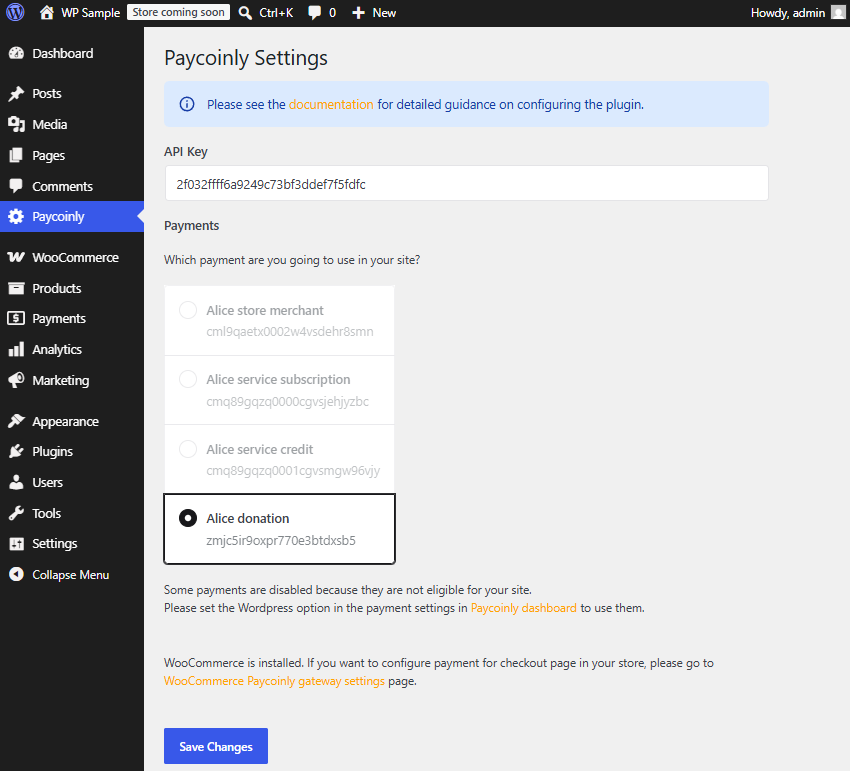
- Navigate to Settings > Paycoinly
- Enter API Key
- Select a payment under Payments section
For WooCommerce sites
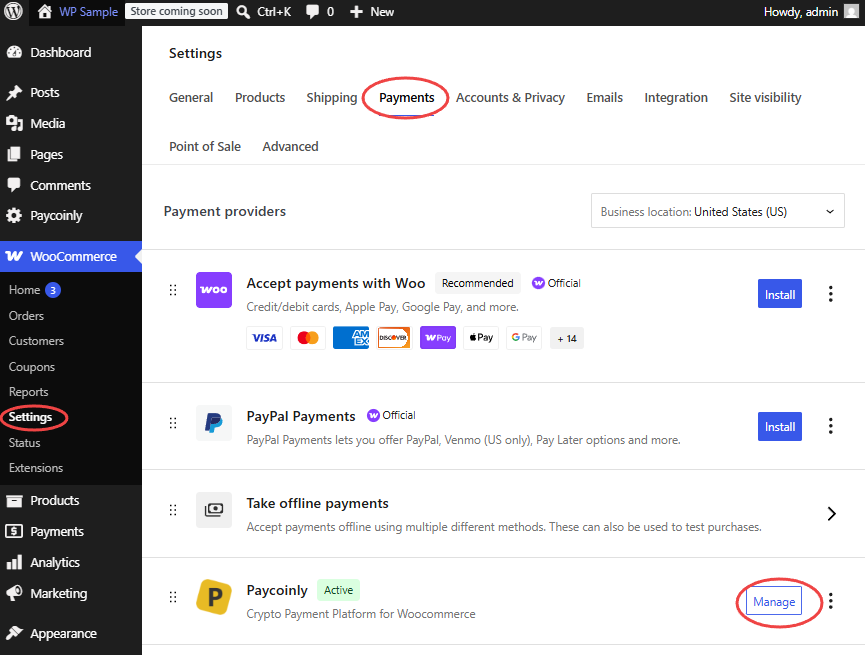
- Navigate to WooCommerce payment gateway settings
- Check Activate Paycoinly Gateway in WooCommerce
- Select a payment under Payments section
FAQ
-
Do I have to provide API Key separately in plugin settings and WooCommerce payment gateway settings?
-
No, you don’t have to. Configure API key once and it’s shared in both settings.
-
Why do I see the same looking settings in both plugin settings and WooCommerce payment gateway settings?
-
Though they look the same, they are actually different except API Key field.
The plugin settings apply to paycoinly shortcode.
WooCommerce payment gateway settings apply to Place order button when Paycoinly is selected in checkout page .
Reviews
There are no reviews for this plugin.
Contributors & Developers
“Paycoinly” is open source software. The following people have contributed to this plugin.
Contributors
Translate “Paycoinly” into your language.
Interested in development?
Browse the code, check out the SVN repository, or subscribe to the development log by RSS.
Changelog
1.0.2
August 17 2026
* Update link format in readme.txt
1.0.1
August 17 2026
* Add Plugin icons
1.0.0
August 17 2026
* Initial launch