

Description
Packli is a Hungarian parcel shipping service. This plugin connects a WooCommerce store to it, so the whole shipping workflow happens inside the WordPress admin: rates at checkout, parcel handover, label printing and status tracking.
The plugin requires a Packli account, which you can create at app.packli.hu. The admin interface ships with a Hungarian translation, because the service operates in Hungary.
Shipping methods at checkout
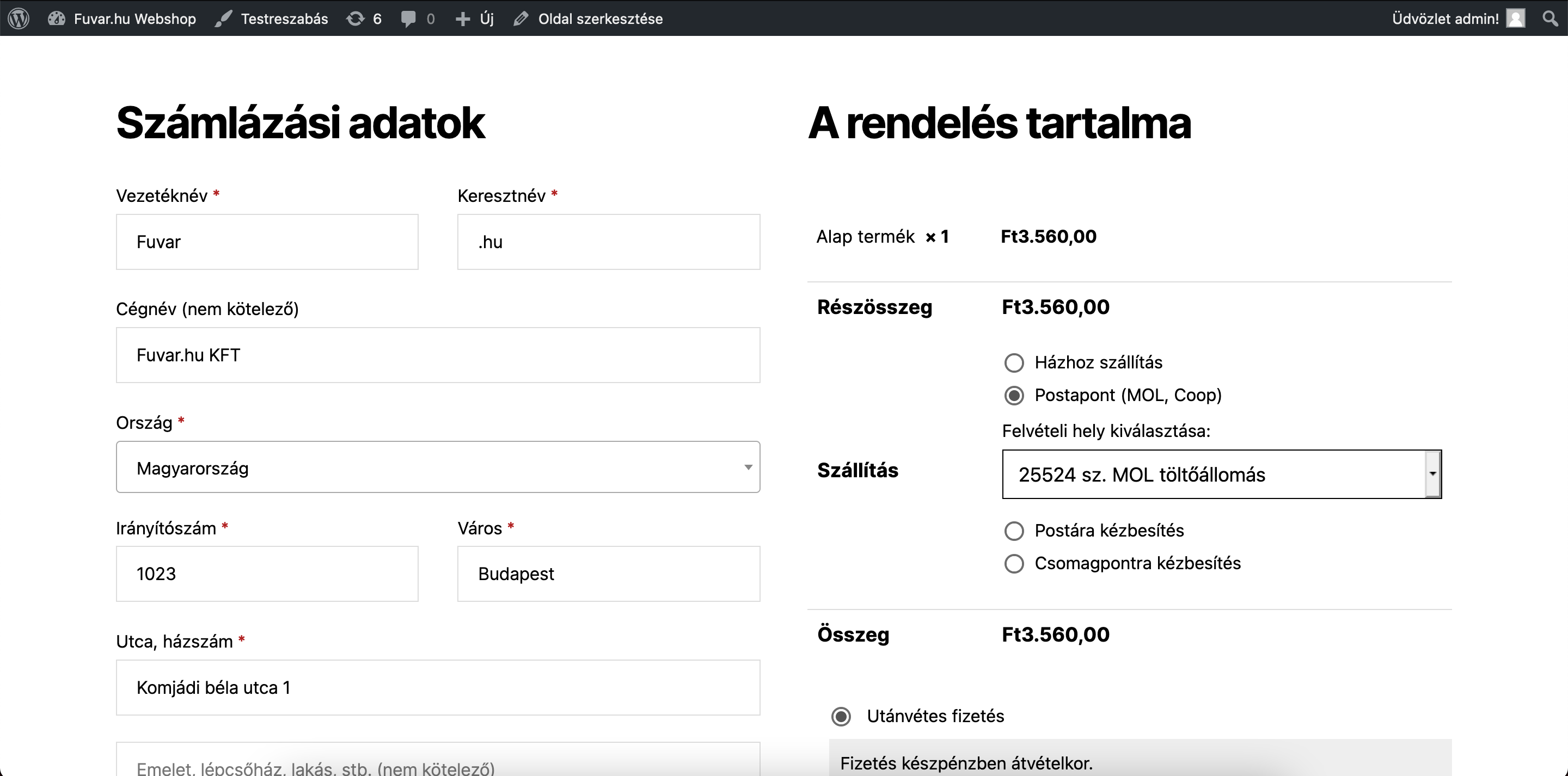
- Home delivery and pickup point delivery with MPL, GLS, DPD, Foxpost, Packeta, Express One and FamaFutar.
- A map based pickup point selector at checkout, with search and suggestions based on the customer location.
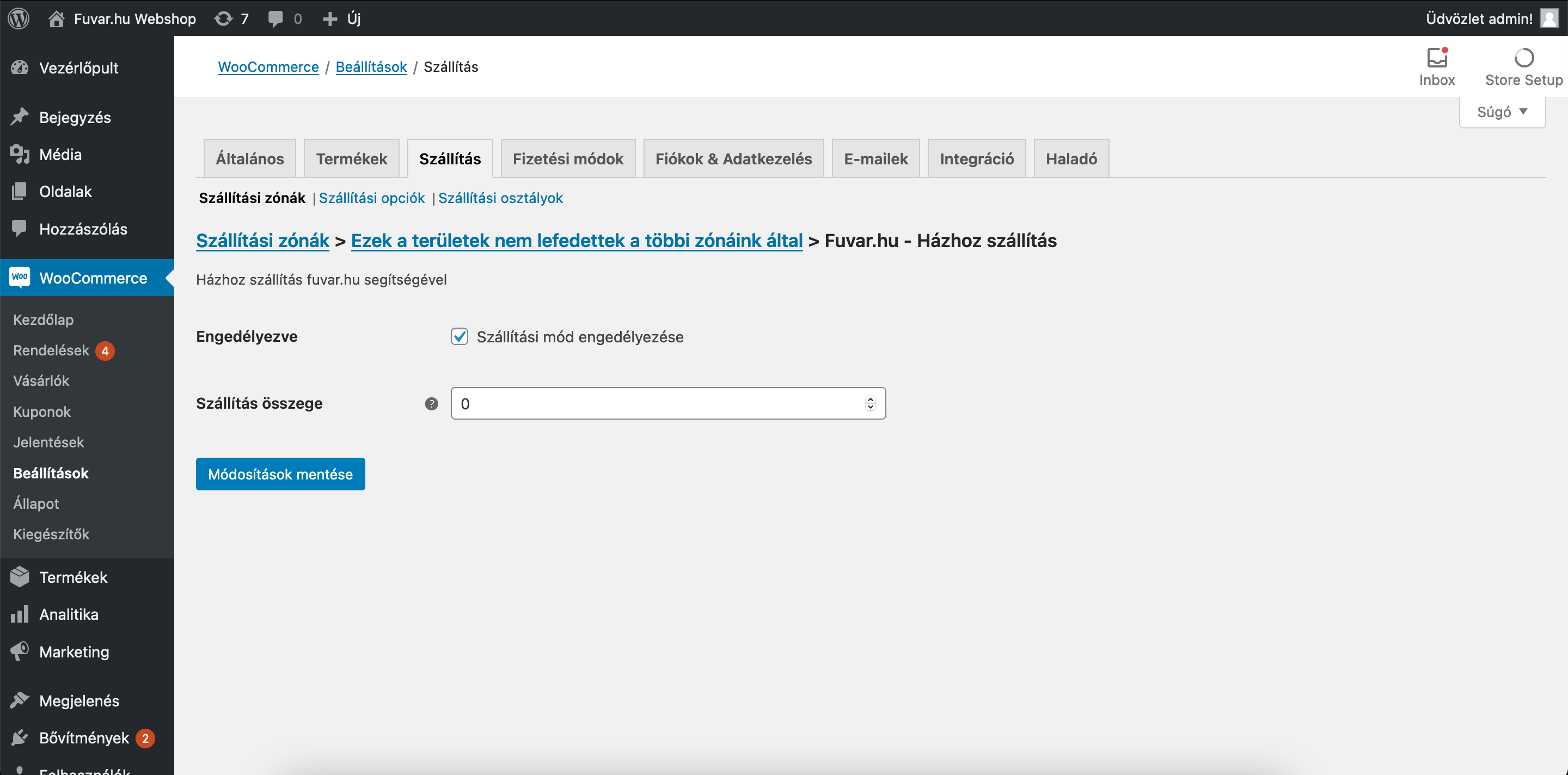
- Three pricing modes per shipping method: flat rate, a weight based rate table, or the current Packli rate with a percentage adjustment.
- Free shipping threshold and weight limit per method.
Parcel handover from the orders
- Send a parcel to Packli with one click, from the order screen or in bulk from the order list.
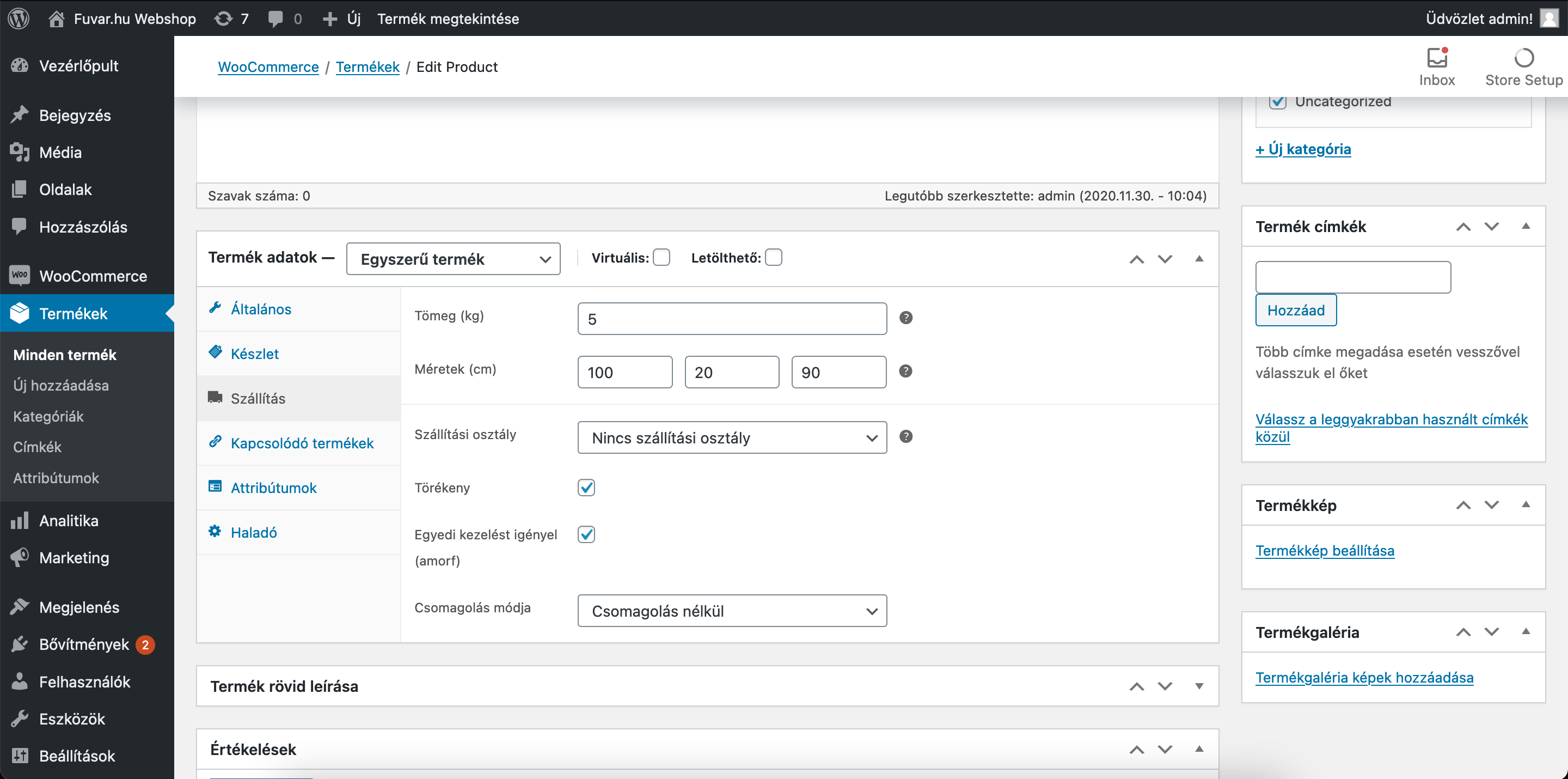
- Automatic box splitting at a weight limit, with an editable weight per box.
- Generate and download labels (PDF) straight from the order, in bulk as well.
- Packli statuses in the order list, refreshed automatically.
- The tracking number is written back to the order, in the format read by Shipment Tracking and compatible plugins.
- Each Packli status can be mapped to a WooCommerce order status.
Simple setup
- A setup wizard walks through the API key, the sender address and the creation of the shipping methods.
- Only the services enabled on your Packli account are offered.
External services
This plugin connects to two external services. Both are required for it to work.
1. Packli API, app.packli.hu
The plugin connects to Packli to look up shipping rates, hand over parcels, generate labels and follow parcel statuses.
Data sent:
- When a parcel is handed over: the recipient first and last name, company name, phone number, email address, postcode, city and street address, the selected pickup point ID, the order number, the parcel weight and size, the cash on delivery amount and the customer note.
- When a shipping rate is requested in live pricing mode: the sender warehouse ID, the service ID, and the parcel weight and size. No personal data is sent.
- When pickup points are listed or a status is refreshed: the service ID, or the ID of a previously created parcel. No personal data is sent.
Data is sent when the store owner hands over a parcel or generates a label, when a customer has a shipping rate calculated at checkout, and once an hour in the background when parcel statuses are refreshed.
Service provider: Packli Logistics Kft. Terms of service: docs.packli.hu/legal/terms. Privacy policy: docs.packli.hu/legal/privacy.
2. OpenStreetMap map tiles, tile.openstreetmap.org
The pickup point map shown at checkout loads its map tiles from the servers of the OpenStreetMap Foundation, from the customer browser. In doing so the customer IP address and user agent reach the OpenStreetMap Foundation. The plugin sends no personal data to this service, and tiles are only loaded if the customer opens the map selector.
The selector also offers browser geolocation, so that the nearest pickup points can be listed first. This only runs with the explicit permission of the customer, and the position stays inside the browser: it is never sent anywhere.
Service provider: OpenStreetMap Foundation. Terms of use: operations.osmfoundation.org/policies/tiles. Privacy policy: wiki.osmfoundation.org/wiki/Privacy_Policy.
Trademarks
MPL, GLS, DPD, Foxpost, Packeta, Express One and FamaFutar are trademarks of their respective owners. This plugin is not affiliated with these carriers; parcels reach them through the Packli service.
Third party libraries
The plugin bundles the Leaflet 1.9.4 mapping library (BSD 2-Clause license) in assets/vendor/leaflet/. Alongside the minified leaflet.js the uncompressed leaflet-src.js source and the license text are included in the package. Library source: github.com/Leaflet/Leaflet.
Screenshots

Installation
- Install and activate the plugin.
- In the wizard that starts after activation, enter your Packli API key, found at app.packli.hu under Settings, API.
- Choose your sender address and the default parcel data.
- Tick the shipping methods you want to offer and set their prices.
FAQ
-
Do I need a Packli account?
-
Yes. The plugin works with the Packli service, and you can create an account at app.packli.hu.
-
Does it work with the block based checkout?
-
Shipping methods and rates do. The pickup point selector currently supports the classic checkout; block checkout support is in development.
-
How does the plugin know the parcel weight?
-
It adds up the weight of the products in the cart. If the products have no weight set, it uses the default weight from the settings.
-
What data is sent to the Packli service?
-
The data needed to deliver the parcel: the recipient name, address, phone number and email address, the parcel details and the cash on delivery amount. The full list is in the External services section of the description.
-
What is removed when the plugin is deleted?
-
The settings, including the API token, the shipping method instances and the cache. The parcel IDs and tracking numbers stored on the orders are kept, because they are part of the shipping history.
Reviews
There are no reviews for this plugin.
Contributors & Developers
“Packli Shipping” is open source software. The following people have contributed to this plugin.
Contributors

Translate “Packli Shipping” into your language.
Interested in development?
Browse the code, check out the SVN repository, or subscribe to the development log by RSS.
Changelog
4.0.0
- Orders are handed over directly through the Packli API.
- Map based pickup point selector at checkout.
- Label generation and download from the order screen and in bulk.
- Packli statuses in the order list, with WooCommerce status mapping.
- Box splitting at a weight limit.
- Setup wizard.
- HPOS (High-Performance Order Storage) compatibility.
- Full translation support, with a bundled Hungarian translation.
- Deleting the plugin removes its settings and cache.