

Description
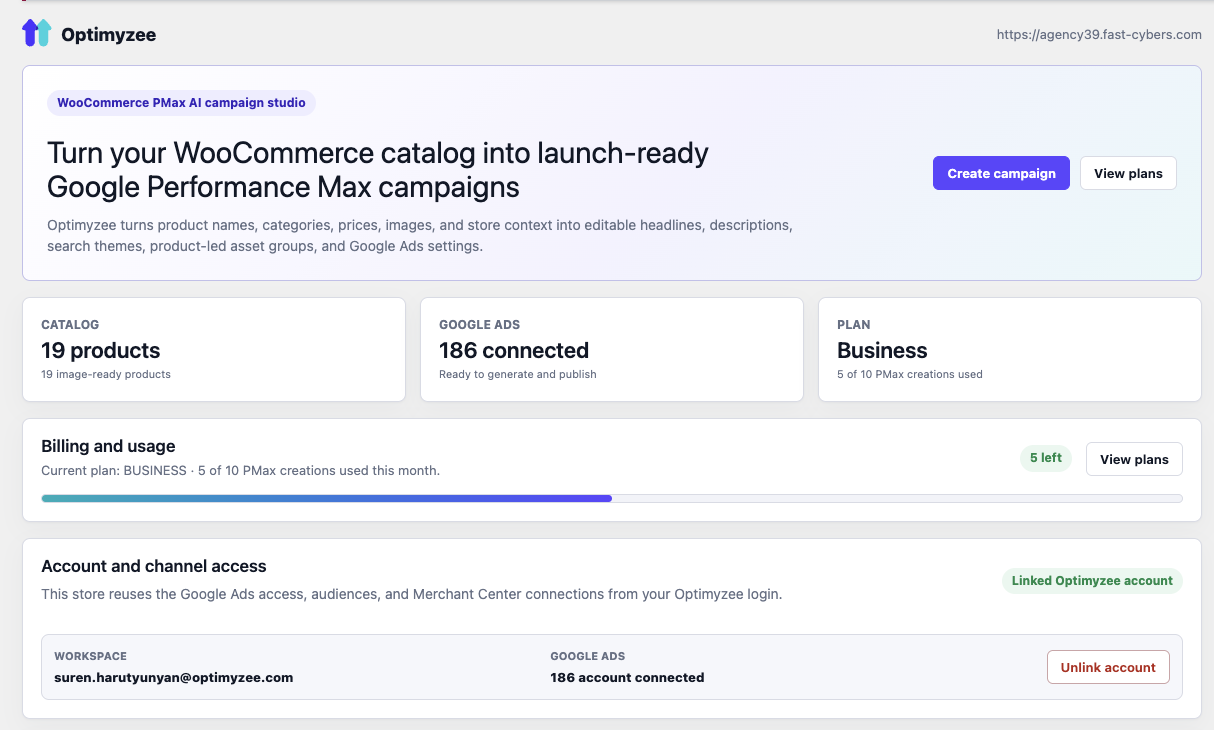
Optimyzee turns your WooCommerce catalog into ready-to-launch Google Ads Performance Max (PMax) campaigns. The AI reads your products and drafts asset groups, headlines, long headlines, descriptions, search themes and audience signals — grounded in your real catalog and product feed. You review and edit everything with live multi-surface ad previews (Search, Display, YouTube, Discover, Gmail), then publish straight to your own Google Ads account.
This is the WooCommerce counterpart of the Optimyzee Shopify app — same Optimyzee backend and the same flow: connect create review publish.
Features:
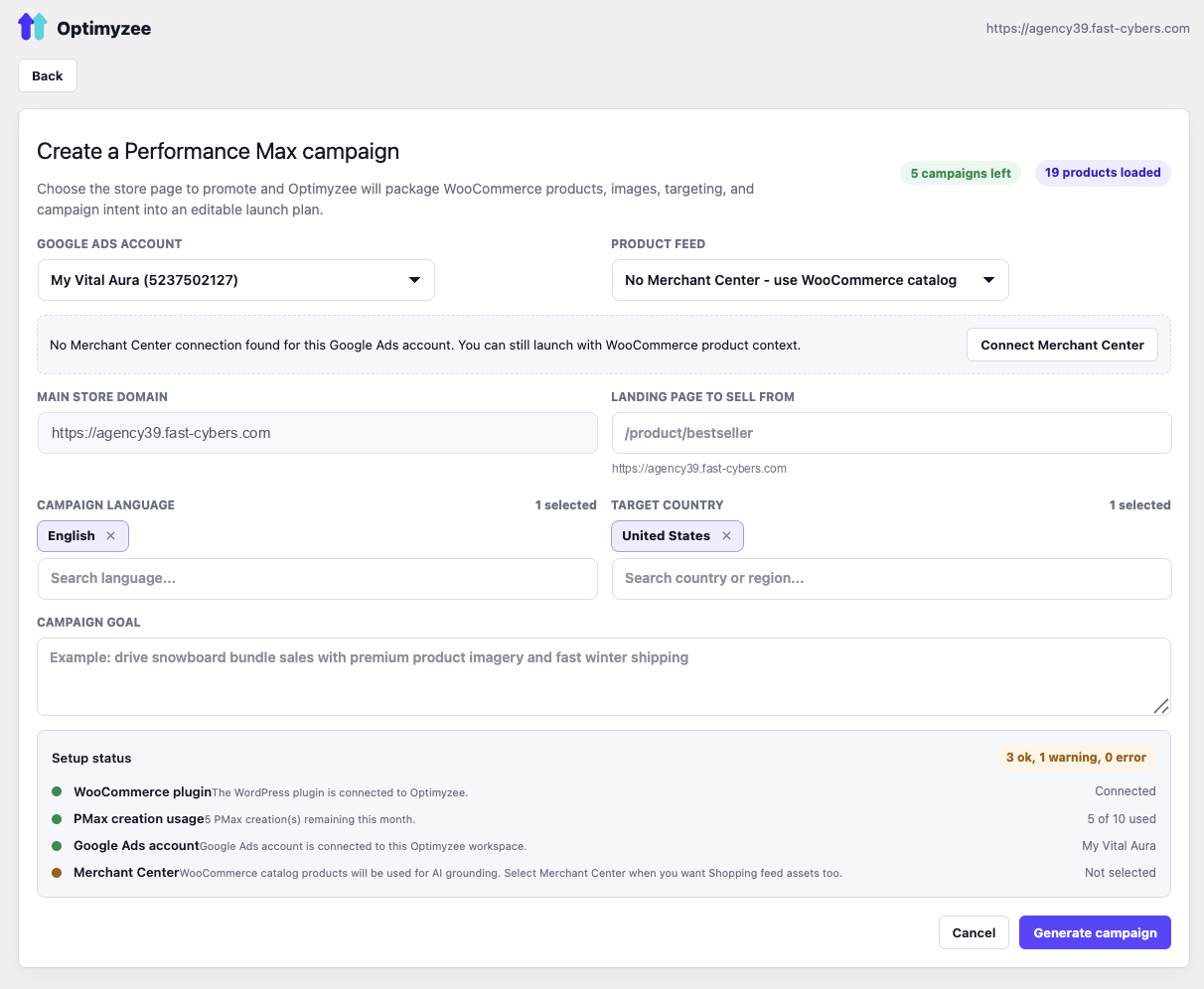
- Build Google Ads Performance Max campaigns from your WooCommerce products — no separate product feed setup required for asset quality.
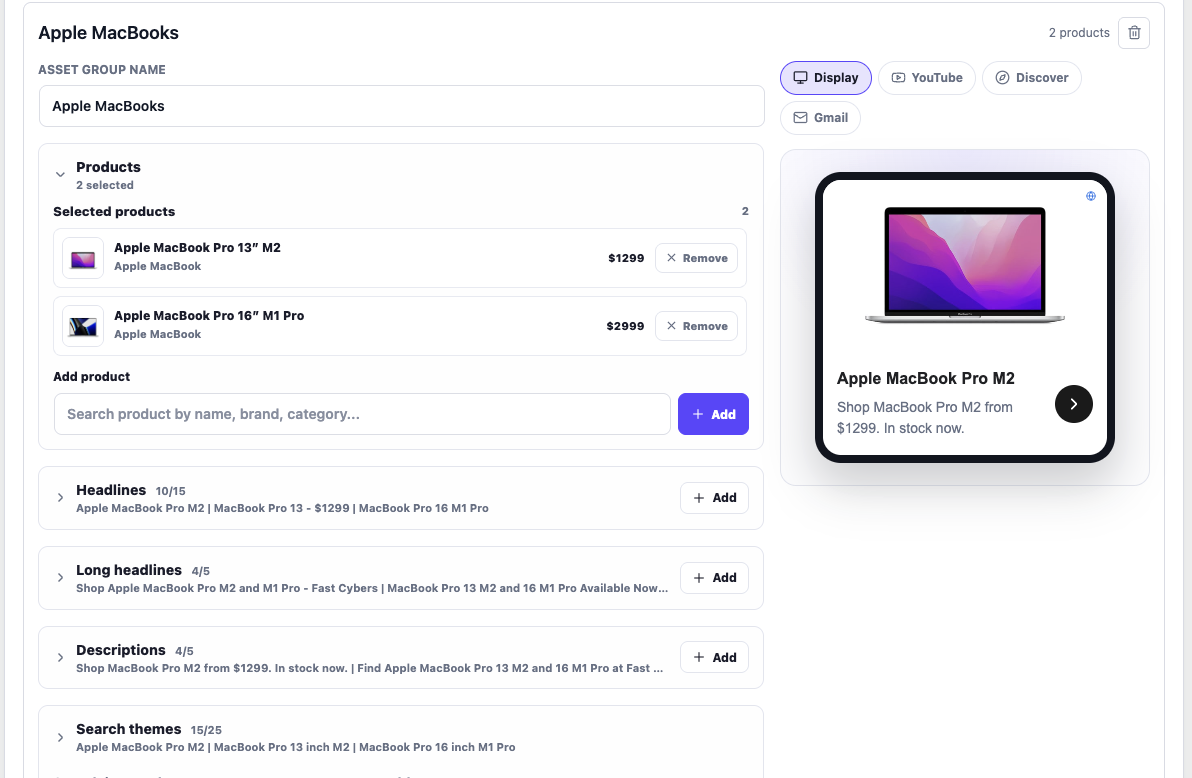
- AI-generated asset groups, headlines, long headlines, descriptions and search themes, grounded in your real catalog.
- Editable review with live ad previews for Search, Display, YouTube, Discover and Gmail before you publish.
- Optional Google Merchant Center connection for Google Shopping assets.
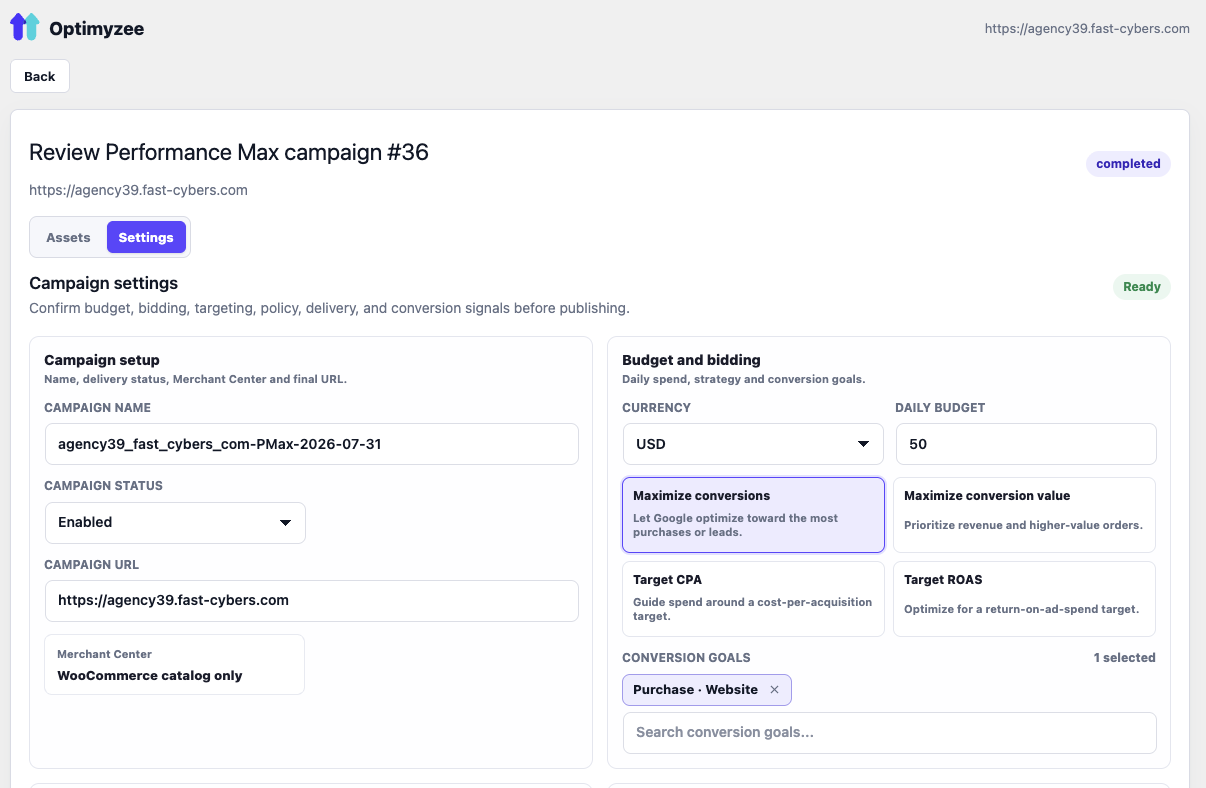
- Set budget, bidding strategy and conversion goals, then publish to your own Google Ads account.
- Runs entirely inside wp-admin.
External services
This plugin connects to the Optimyzee SaaS API at https://api.optimyzee.com.
The service is used to:
- Connect the WooCommerce store to an Optimyzee account.
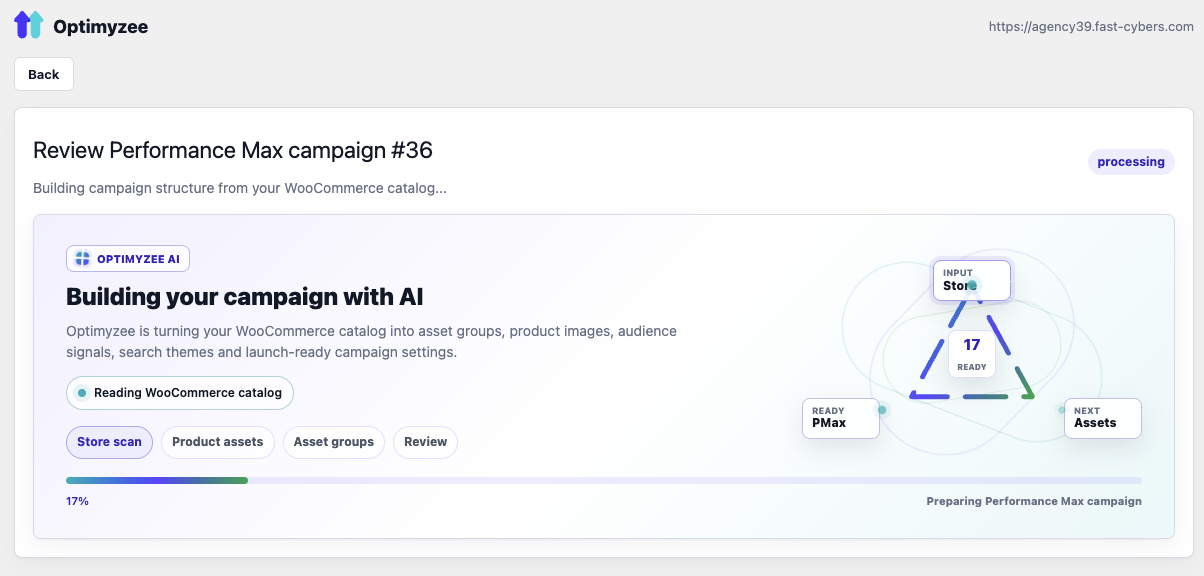
- Build AI-generated Google Performance Max campaign drafts.
- Connect Google Ads and Merchant Center accounts through Optimyzee.
- Publish reviewed campaign drafts to Google Ads.
When you use the plugin, the following data may be sent to Optimyzee:
- Store URL, site identifier and administrator email during the connect flow.
- WooCommerce product titles, descriptions, categories, brands, prices, availability, product URLs and image URLs.
- Campaign settings, selected products, uploaded image URLs and Google Ads account selections.
No customer order data or customer personally identifiable information is sent by this plugin.
Optimyzee terms: https://www.optimyzee.com/terms-of-service
Optimyzee privacy policy: https://www.optimyzee.com/policy
Some functionality requires an Optimyzee account and may require a paid Optimyzee subscription.
Source code
The admin app is built from the React source included in source/react.
The production bundle is included in assets/app.js and assets/app.css.
Build steps:
- Go to
source/react. - Install dependencies with
npm install. - Run
npm run build. - The build writes
app.jsandapp.cssinto the pluginassets/directory.
Screenshots
Installation
- Upload the plugin to
/wp-content/plugins/optimyzee-for-woocommerceor install it from the Plugins screen. - Activate it (WooCommerce must be active).
- Open Optimyzee in the wp-admin sidebar and click Connect Optimyzee.
FAQ
-
Does it need Merchant Center?
-
No — the catalog is read locally to ground the AI. Google Shopping listings themselves still come from Google Merchant Center if you connect one.
-
Where does my data go?
-
Product data and campaign drafts are processed by the Optimyzee backend (api.optimyzee.com) to build campaigns. No customer PII is collected.
Reviews
There are no reviews for this plugin.
Contributors & Developers
“Optimyzee for WooCommerce – AI Google Ads & Performance Max Campaign Builder” is open source software. The following people have contributed to this plugin.
Contributors
Interested in development?
Browse the code, check out the SVN repository, or subscribe to the development log by RSS.
Changelog
0.1.0
- Initial scaffold: connection, catalogue bridge, admin page, backend proxy.