
Description
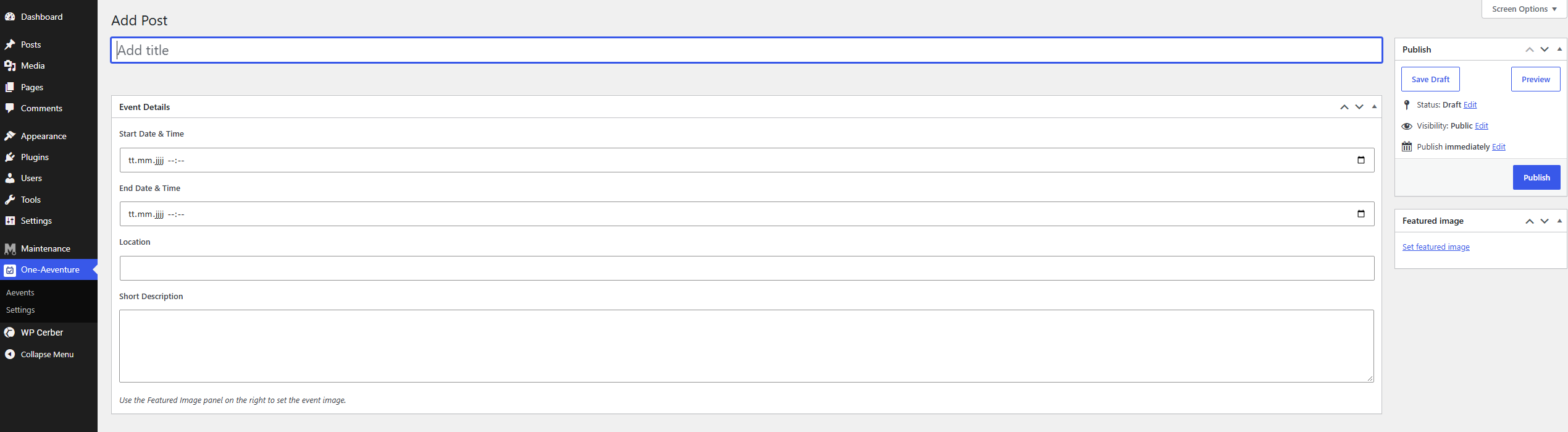
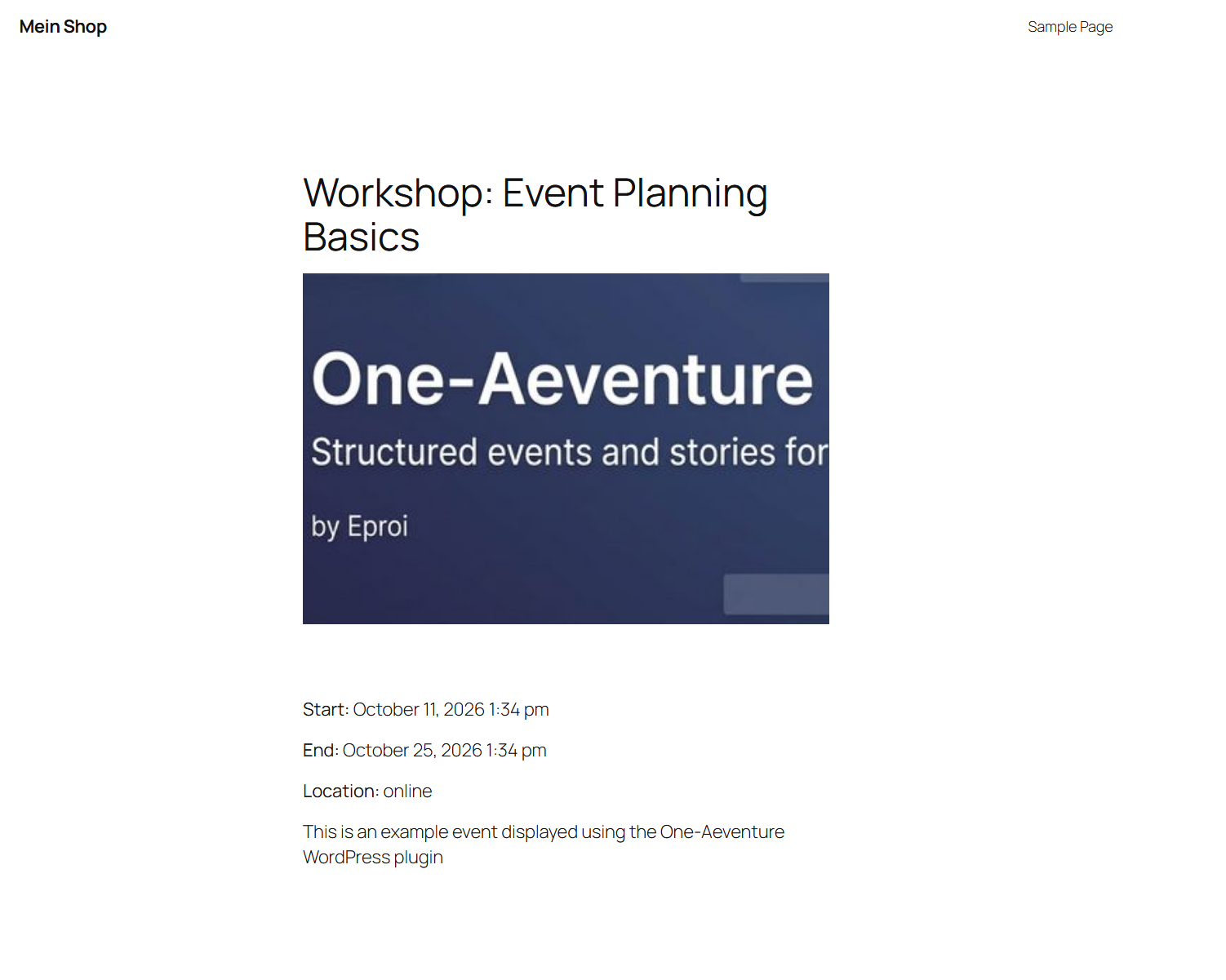
One-Aeventure is a modular experience plugin for WordPress. It provides a structured way to create events, adventures and narrative scenes by collecting all relevant data through a guided form. Instead of relying on free-form editing, the plugin generates a complete Gutenberg block layout automatically based on the stored meta fields. This ensures consistent output, predictable rendering and reliable data handling.
The plugin focuses on clarity, structure and technical stability. Each event is defined through start and end times, location information and a plain-text description. From these fields, One-Aeventure produces a standardized block-based representation that integrates seamlessly with the WordPress editor and theme ecosystem.
One-Aeventure is designed as a foundation for narrative or event-driven content. It can be used for storytelling projects, adventure logs, structured event documentation, roleplay scenarios, guided experiences or any type of content where predictable formatting and clean data separation are important.
Optional extensions may be provided in future versions to enhance or expand the functionality of One-Aeventure. These add-ons are not required for core operation.
Screenshots
Installation
- Navigate to “Plugins Add New” in your WordPress dashboard.
- Search for “One-Aeventure”.
- Click “Install” and then “Activate”.
Alternatively, the plugin can be installed manually:
- Download the ZIP package from the developer.
- Go to “Plugins Add New Upload Plugin”.
- Select the ZIP file and confirm the installation.
- Activate the plugin after upload.
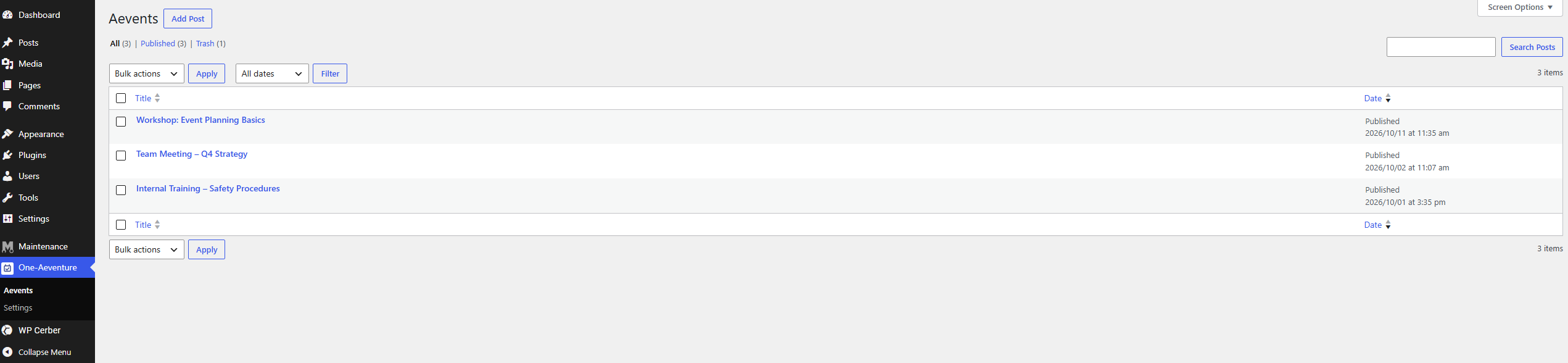
No additional configuration is required. Once activated, the “Aevent” post type becomes available in the WordPress admin.
FAQ
-
Can I edit the generated Gutenberg content manually?
-
No. One-Aeventure generates the block layout automatically based on the stored meta fields. Manual editing is intentionally disabled to ensure consistent formatting and predictable output.
-
Why is the description field limited to plain text?
-
The description is stored as plain text to keep the data structure simple and stable. The plugin builds the complete block layout automatically, and restricting the description avoids layout issues caused by user-provided HTML. Future versions may extend this field if appropriate.
-
Can I insert my own HTML or custom blocks?
-
Not directly. The generated content is based solely on the meta fields. Customizations should be applied through theme styling or block patterns that target the generated markup.
-
How can I change the visual appearance of events?
-
The output uses standard Gutenberg blocks. Any theme that supports block styling can adjust colors, spacing or typography through its design system or global styles.
-
Why does the plugin use its own post type?
-
One-Aeventure uses a dedicated post type to avoid data collisions with other plugins or themes. This ensures that all event-related information remains isolated, predictable and easy to locate.
-
Are extensions available?
-
Optional extensions may be provided in future versions to expand the functionality of One-Aeventure. These add-ons are not required for core operation.
-
Does the plugin support import or export of events?
-
Not at this time. Events are stored as regular WordPress posts with structured meta fields, so external tools may be used if import or export functionality is needed.
-
Is One-Aeventure suitable for large numbers of events?
-
Yes. All event data is stored in lightweight meta fields, and the generated block layout is created only when the post is saved. This makes the plugin efficient even for larger collections of events.
Reviews
There are no reviews for this plugin.
Contributors & Developers
“One-Aeventure” is open source software. The following people have contributed to this plugin.
Contributors
Translate “One-Aeventure” into your language.
Interested in development?
Browse the code, check out the SVN repository, or subscribe to the development log by RSS.
Changelog
1.0.0
Initial release.