

Description
O7 FlipBook turns any PDF into a beautiful interactive magazine with a realistic 3D page-flip effect. Upload your PDF, publish the post, and embed it anywhere on your site with a simple shortcode.
Key Features
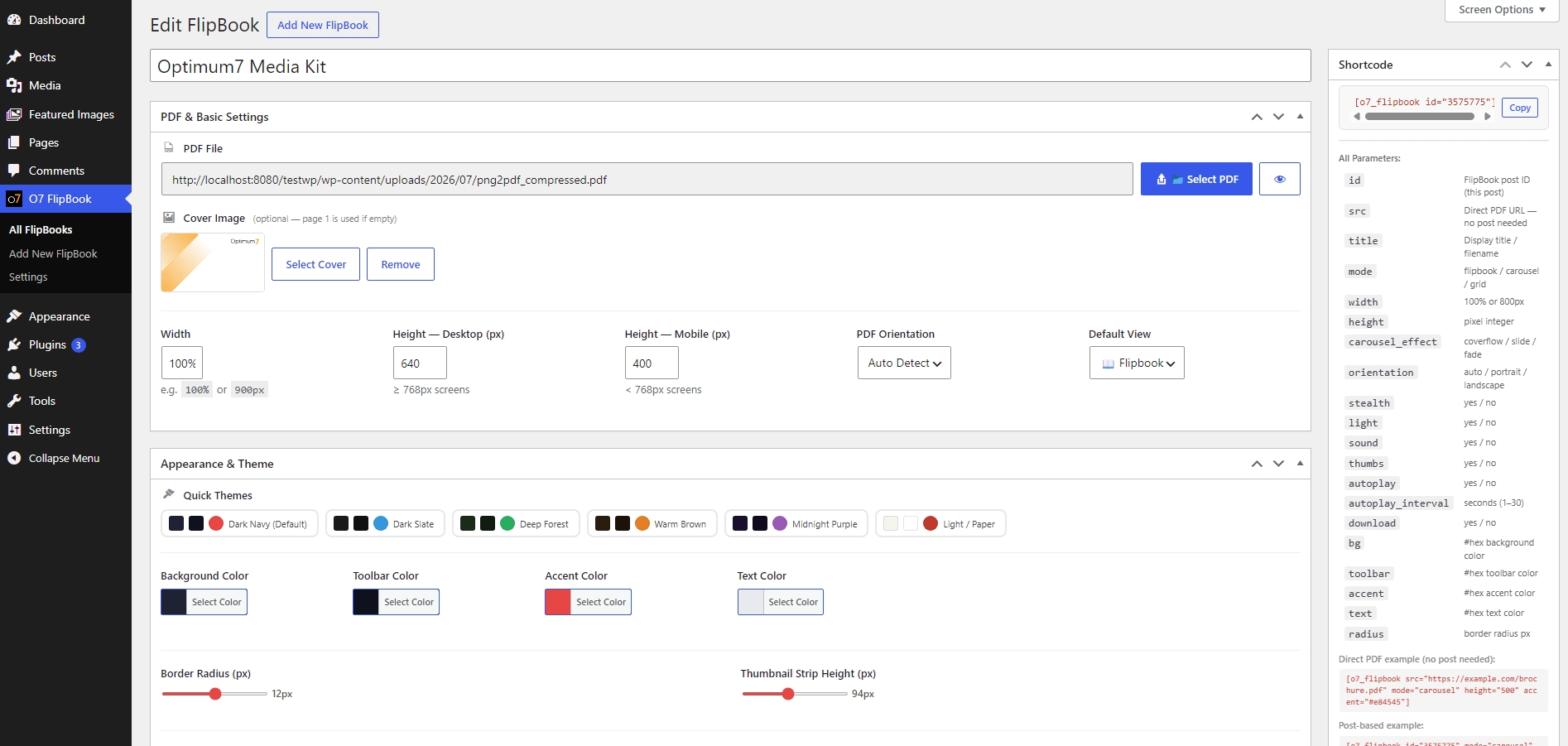
- 3 View Modes – Flipbook (3D page turn), Carousel (Swiper), Grid
- 8 Interface Languages – English, Türkçe, Deutsch, Français, 中文, 日本語, العربية, Русский
- Light Template – Frameless, transparent viewer that blends into any page design
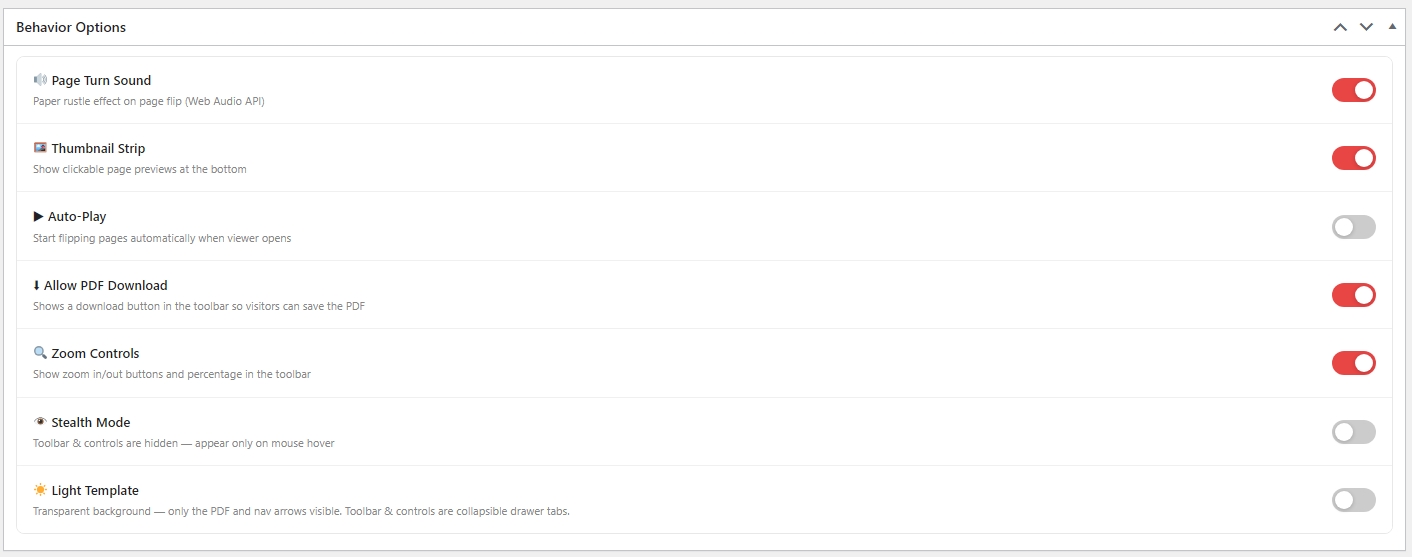
- Zoom Controls – In/out/reset with per-post toggle
- Auto-Play – Automatic page turning with configurable interval
- Download Button – Optional PDF download button in toolbar
- Thumbnail Strip – Clickable page thumbnail navigation
- Sound Effects – Paper rustle on page turn (custom or built-in)
- Custom Themes – 6 preset color themes + full custom color picker
- Shortcode Parameters – Override any setting per instance
- Stealth Mode – Hover-reveal toolbar overlay
Shortcode Usage
Basic:
[o7_flipbook id=”123″]
All parameters:
[o7_flipbook id=”123″ mode=”flipbook” width=”100%” height=”600″ orientation=”auto” light=”yes” zoom=”yes” download=”yes” autoplay=”no” thumbs=”yes” sound=”yes” stealth=”no” accent=”#e53935″ bg=”#1a1a2e” toolbar=”#ffffff” text=”#222222″ radius=”8″]
Large books with search:
[o7_flipbook src=”https://example.com/book.pdf” search=”yes” search_url=”https://example.com/search.json” page_param=”page” lazy=”yes”]
Languages
The admin interface language can be changed from Settings O7 FlipBook Interface Language. This changes all menu labels, meta box titles, viewer controls, and settings text.
For WordPress .po/.mo file translations (e.g. via Loco Translate), a .pot template is included at languages/o7-flipbook.pot.
Screenshots
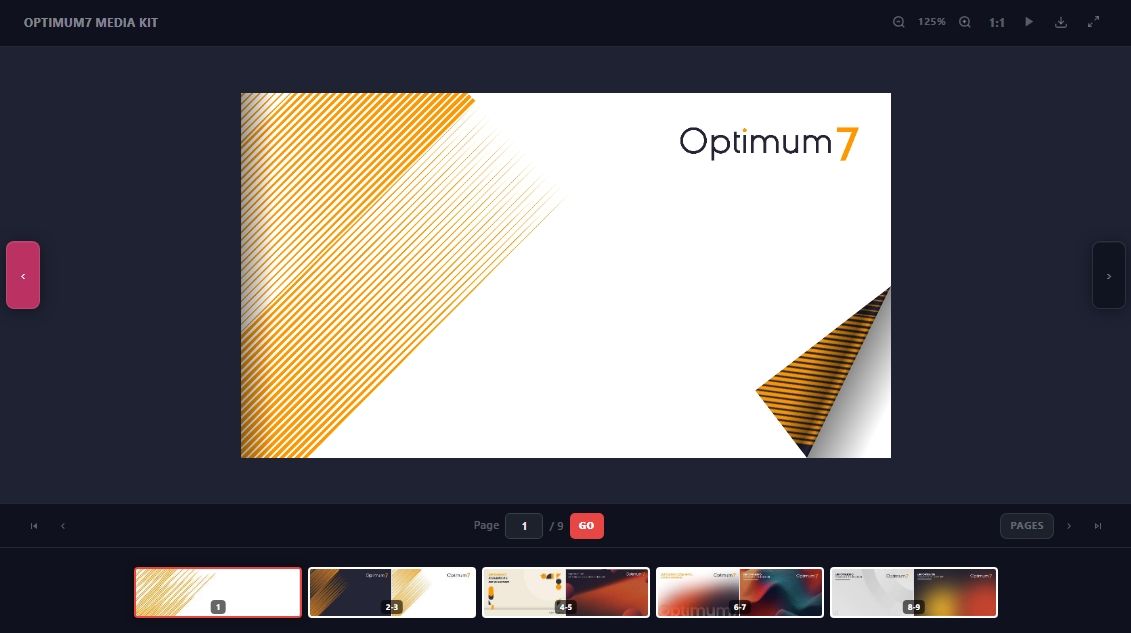
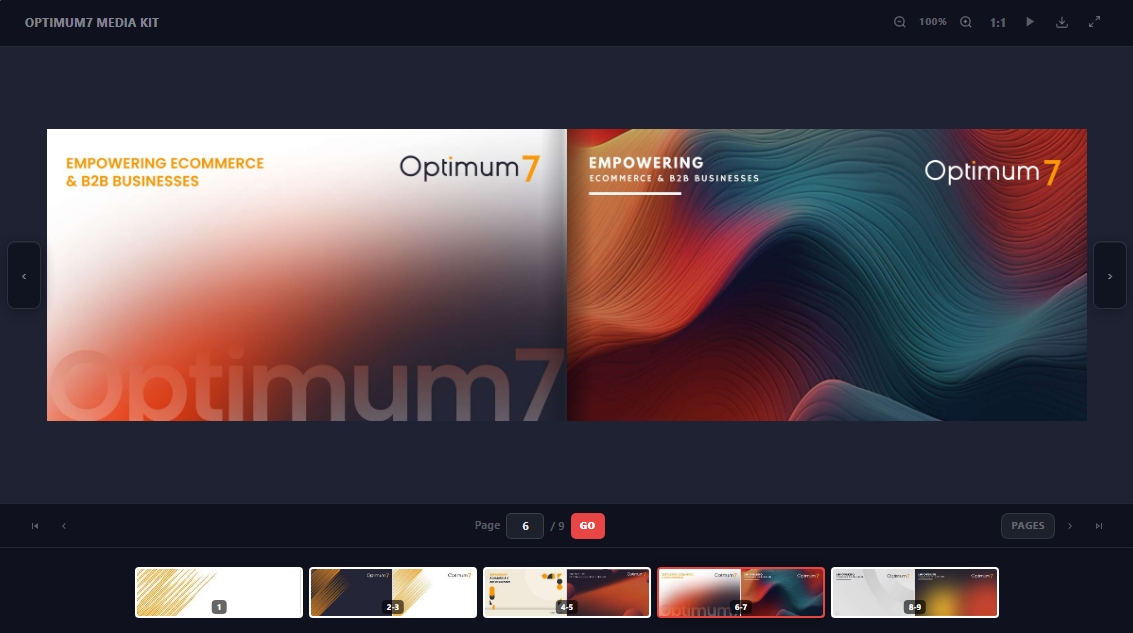
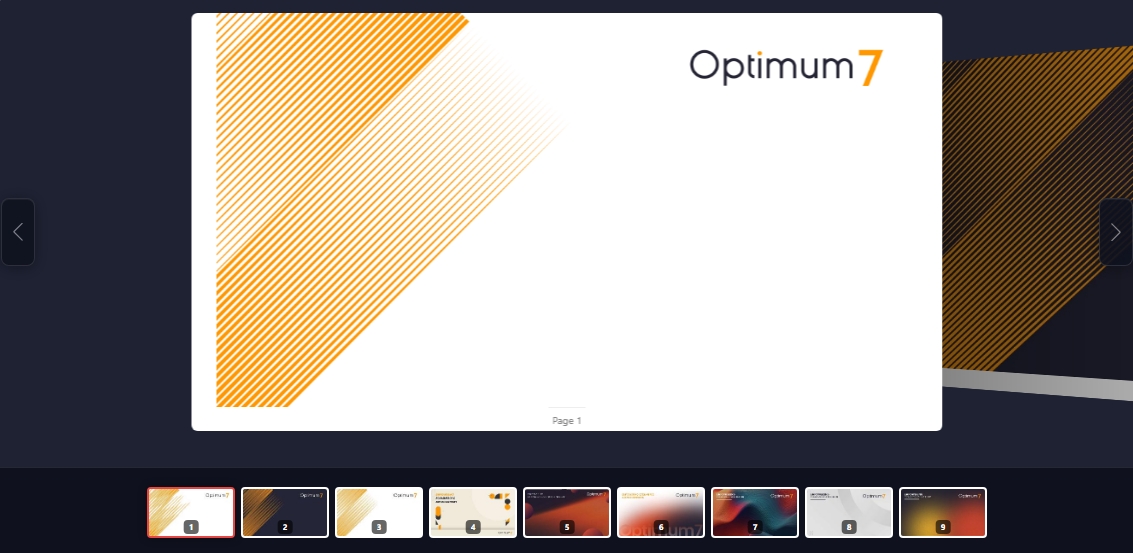
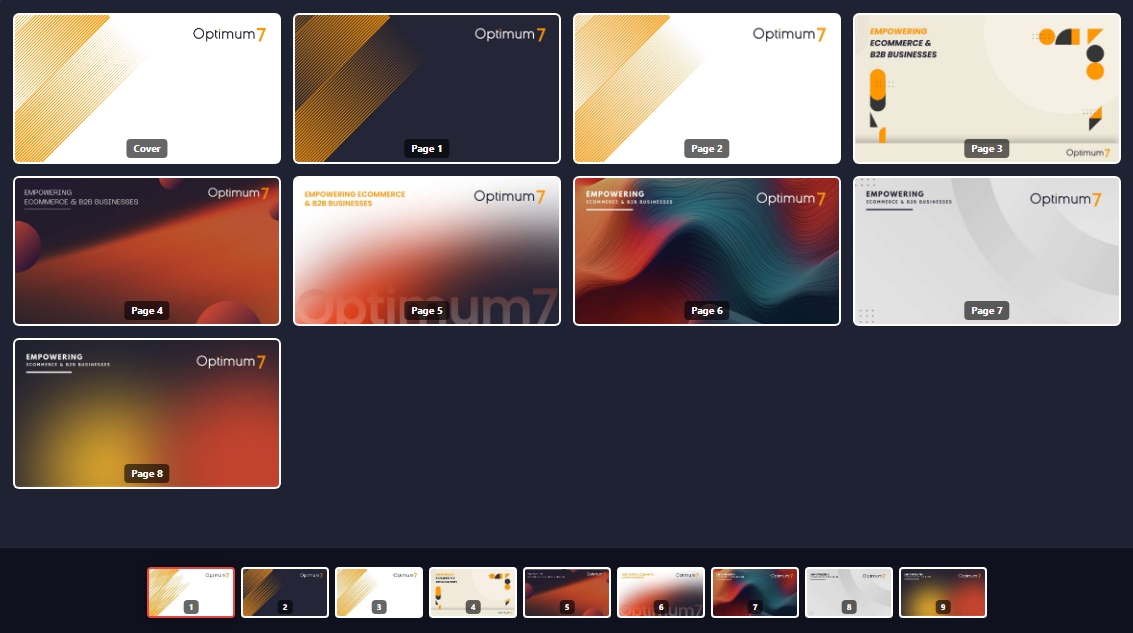
Installation
- Upload the
o7-flipbookfolder to/wp-content/plugins/ - Activate the plugin from Plugins Installed Plugins
- Go to O7 FlipBook Add New, upload your PDF, publish
- Copy the shortcode from the Shortcode meta box and paste it anywhere
FAQ
-
What PDF size is supported?
-
Any PDF. Large files are rendered page-by-page via PDF.js so performance stays smooth.
-
Can I change the interface language?
-
Yes. Go to Settings O7 FlipBook and select your language in the Interface Language section. Supports: English, Turkish, German, French, Chinese, Japanese, Arabic, Russian.
-
How do I embed the flipbook?
-
Use
[o7_flipbook id="POST_ID"]or copy the ready-made shortcode from the post edit screen. -
Does it work on mobile?
-
Yes. The viewer is responsive and supports touch/swipe navigation.
-
Can I use a direct PDF URL instead of uploading?
-
Yes:
[o7_flipbook src="https://example.com/file.pdf" title="My Book"]
Reviews
There are no reviews for this plugin.
Contributors & Developers
“O7 Interactive PDF FlipBook” is open source software. The following people have contributed to this plugin.
Contributors
Translate “O7 Interactive PDF FlipBook” into your language.
Interested in development?
Browse the code, check out the SVN repository, or subscribe to the development log by RSS.
Changelog
2.8.1
- Fix: books with thousands of pages froze after a search result or long page jump. The page-flip renderer re-wrote the inline style of every page on each animation frame (8,600 writes per frame on a large book), keeping the main thread busy and starving page rendering; hidden pages are now left untouched.
- Fix: thumbnails scrolled past during a long jump are no longer rendered; the thumbnail strip jumps instantly across long distances.
2.8.0
- New: in-book search.
search="yes"adds a search bar above the viewer; results list the page and a highlighted snippet, the first hit opens right away and prev/next buttons step through the rest. Matched words are highlighted on the rendered page. - New:
search_urlparameter for large documents: a JSON endpoint (GET ?q= {total, results:[{page, snippet}], unavailable}) backed by a server-side text index. Without it the PDF text layer is searched in the browser. - New: lazy mode for very large PDFs (
lazy="auto"by default: files over 12 MB or more than 60 pages). Only the pages around the reader are rendered and far pages are released; PDF bytes are fetched by range, so books with thousands of pages open in seconds. - New:
start_page,page_param(keeps the current page in the address bar for shareable links),mobile_heightand per-instancelangshortcode parameters. - Search matching is case-, accent- and diacritic-insensitive (Turkish letters, Arabic harakat and letter variants).
2.7.2
- Renamed plugin display name to “O7 Interactive PDF FlipBook”.
- Moved all inline / output to wp_add_inline_script() / wp_add_inline_style().
2.7.1
- New: magazine-style cover view — the flipbook now opens with the cover page centered on its own (no more blank white page next to it); two-page spreads begin from the second page, and the lone back page is centered the same way
- New: PDF Orientation setting (Auto Detect / Portrait / Landscape) — per FlipBook, as a global default in Settings, and as a shortcode parameter (
orientation="landscape"). Landscape PDFs now get properly landscape grid tiles, thumbnails and slides instead of cropped portrait boxes. Available in all 8 interface languages. - Fixed admin buttons: icons inside “Select PDF” / preview buttons are now vertically centered
- Faster, progressive rendering: the viewer now opens after the first pages render and finishes the rest in the background (large PDFs no longer freeze the tab)
- Page-turn sound now plays the moment a flip starts instead of ~0.7s later, and is limited to one sound per turn
- Fixed pagination control: the “/ N” total no longer wraps to a second line and the page-number input is no longer widened by host-theme input styles
- Fixed the Interface Language selector being vertically clipped on the settings screen
- Updated bundled Swiper to 14.0.6 (carousel mode); StPageFlip already on latest 2.0.7
- Carousel navigation arrows now match the flipbook arrows exactly (unified pill style; fixes oversized Swiper 14 SVG arrows)
2.7.0
- All third-party libraries (PDF.js, StPageFlip, Swiper) are now bundled with the plugin — no external CDN requests (WordPress.org guideline compliance)
- Security: strict validation of the
widthvalue used in generated CSS - Security: hex color values re-validated at output time
- Removed unused AJAX scaffolding (admin-ajax URL and nonce are no longer exposed on the frontend)
- Added uninstall.php — plugin settings and FlipBook posts are cleaned up on delete
- Various escaping and input-unslashing improvements (WordPress coding standards)
2.6.4
- Added hover-reveal toolbar in normal (non-light) mode
- Carousel: reduced slide gap and scale difference
- Plugin description now translates based on selected language
- Added readme.txt and .pot template for WordPress.org / Loco Translate
2.6.3
- Removed CONTROLS toggle tab – controls bar always visible in light mode
- Toolbar: click-to-open, auto-close on mouse-leave
- Light/Paper theme: toolbar tab always readable (accent bg contrast fix)
2.6.2
- Added Zoom Controls toggle (per-post and global default)
- Carousel: hidden swiper pagination, removed slide box-shadows
- Loading screen text made more readable
- Toolbar tab label now translated via data-label attribute
2.6.1
- Fixed light/paper theme: open drawer content uses –pm-text color
- Nav buttons replaced with clean SVG icons
- Language selector changed from radio grid to native-name select
2.6.0
- Added full 8-language internationalization system
- Language selector on Settings page
2.5.0
- Light Template HTML fix
- Direct PDF shortcode support (src= parameter)
- Settings page live preview + theme presets