
Description
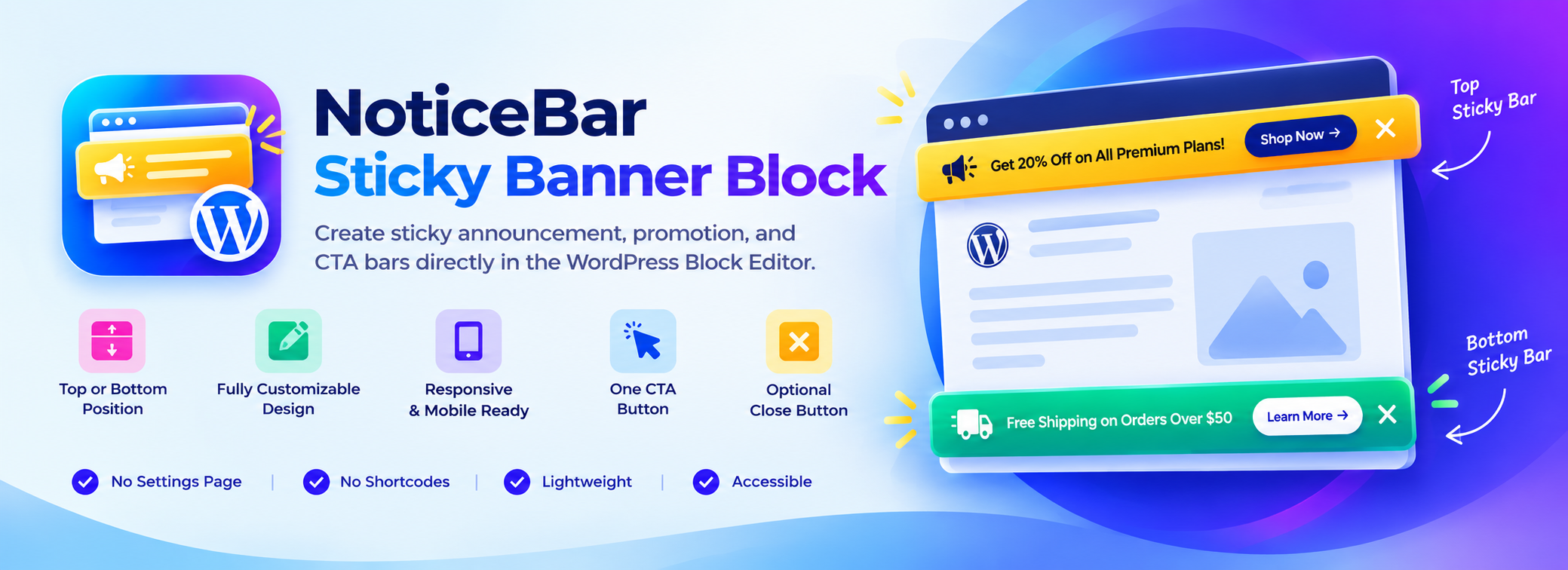
Sticky Bar Block adds a single, focused Sticky Bar block to the WordPress Block Editor. Use it to show an announcement, a sale, a free-shipping message, or a call to action that stays visible at the top or bottom of the screen while visitors scroll.
Everything is edited visually in Gutenberg: write your message, add a button, choose colors, and publish. No settings pages, no shortcodes.
Features
- Top or bottom placement with adjustable offset and z-index.
- Automatically stays below the WordPress admin toolbar for logged-in users.
- Content written with regular Paragraph and Heading blocks.
- One call-to-action button with URL, new-tab option, colors, border radius, padding, font size and weight.
- Optional close button with icon size and color, plus an option to keep the bar hidden for the session or on the device after it is closed.
- Design controls using native block tools: background color or gradient, text color, typography, padding, margin, border, radius and shadow.
- Layout controls: content alignment, gap, content max width and stacking on mobile.
- Responsive visibility: hide the bar on desktop, tablet or mobile.
- Fade or slide entrance animation that is turned off automatically for visitors who prefer reduced motion.
- Four starter presets: Announcement, Promotion, CTA and Free Shipping bars.
Lightweight by design
- CSS and JavaScript load only on pages that contain a Sticky Bar block.
- No jQuery and no third-party libraries. The frontend script is about 1 KB and only handles the close button.
- No database tables, no settings, no AJAX, no REST endpoints, no external requests and no tracking.
Accessible
- The bar is a labelled region, the CTA is a real link and the close button is a real button with an accessible name.
- Clear keyboard focus styles on any background color.
- Press Escape while focus is inside the bar to close it.
- The close button stays hidden when JavaScript is unavailable, so visitors never see a button that does nothing.
- Honors the
prefers-reduced-motionsetting.
Development
Public source code repository:
https://github.com/wpbranddigital/noticebar-sticky-banner-block
Build Instructions:
- npm install
- npm run build
- npm run start (development)
NoticeBar Sticky Banner Block is built using @wordpress/scripts.
Blocks
This plugin provides 1 block.
- Sticky Bar Create a sticky announcement, promotion, or call-to-action bar.
Installation
- Upload the
noticebar-sticky-banner-blockfolder to/wp-content/plugins/, or install the plugin from the Plugins Add New screen. - Activate the plugin through the Plugins screen.
- Edit a post, page or template, open the block inserter and add Sticky Bar (or one of the presets) from the Design category.
FAQ
-
Where should I add the block?
-
Add it to any post or page to show the bar on that page only. To show it across your whole site with a block theme, add it to a template part such as the Header or Footer in Appearance Editor.
-
Why does the bar look different in the editor?
-
In the editor the bar is shown where you placed it so it never covers the content you are editing. On your site it sticks to the top or bottom of the screen.
-
The button is displayed only when it has both text and a URL. Add a URL in the Call to action panel.
-
How does “remember dismissal” work?
-
When a visitor closes the bar, the choice can be stored in their browser’s session storage (until the browser tab is closed) or local storage (on that device). Nothing is sent to your server. If you change the bar’s text, it is shown again to everyone.
-
Does the plugin store any data?
-
No. The plugin does not create options, tables or cookies. Bars are saved as blocks in your content.
Reviews
There are no reviews for this plugin.
Contributors & Developers
“NoticeBar Sticky Banner Block” is open source software. The following people have contributed to this plugin.
Contributors
Translate “NoticeBar Sticky Banner Block” into your language.
Interested in development?
Browse the code, check out the SVN repository, or subscribe to the development log by RSS.
Changelog
1.0.1
- Renamed plugin display name and slug to NoticeBar Sticky Banner Block to prevent naming conflicts.
- Updated text domain and localization strings.
1.0.0
- Initial release.