
Description
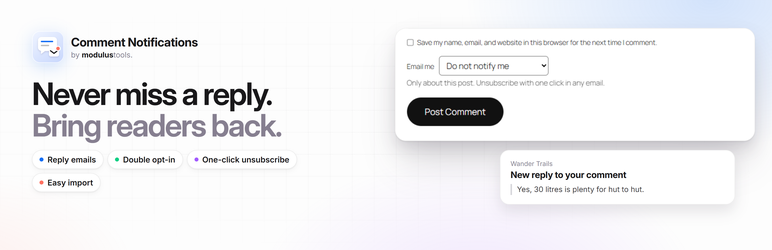
ModulusTools Comment Notifications brings readers back to the conversation. When someone leaves a comment, they can choose to be emailed about replies to their comment or about every new comment on that post.
Features
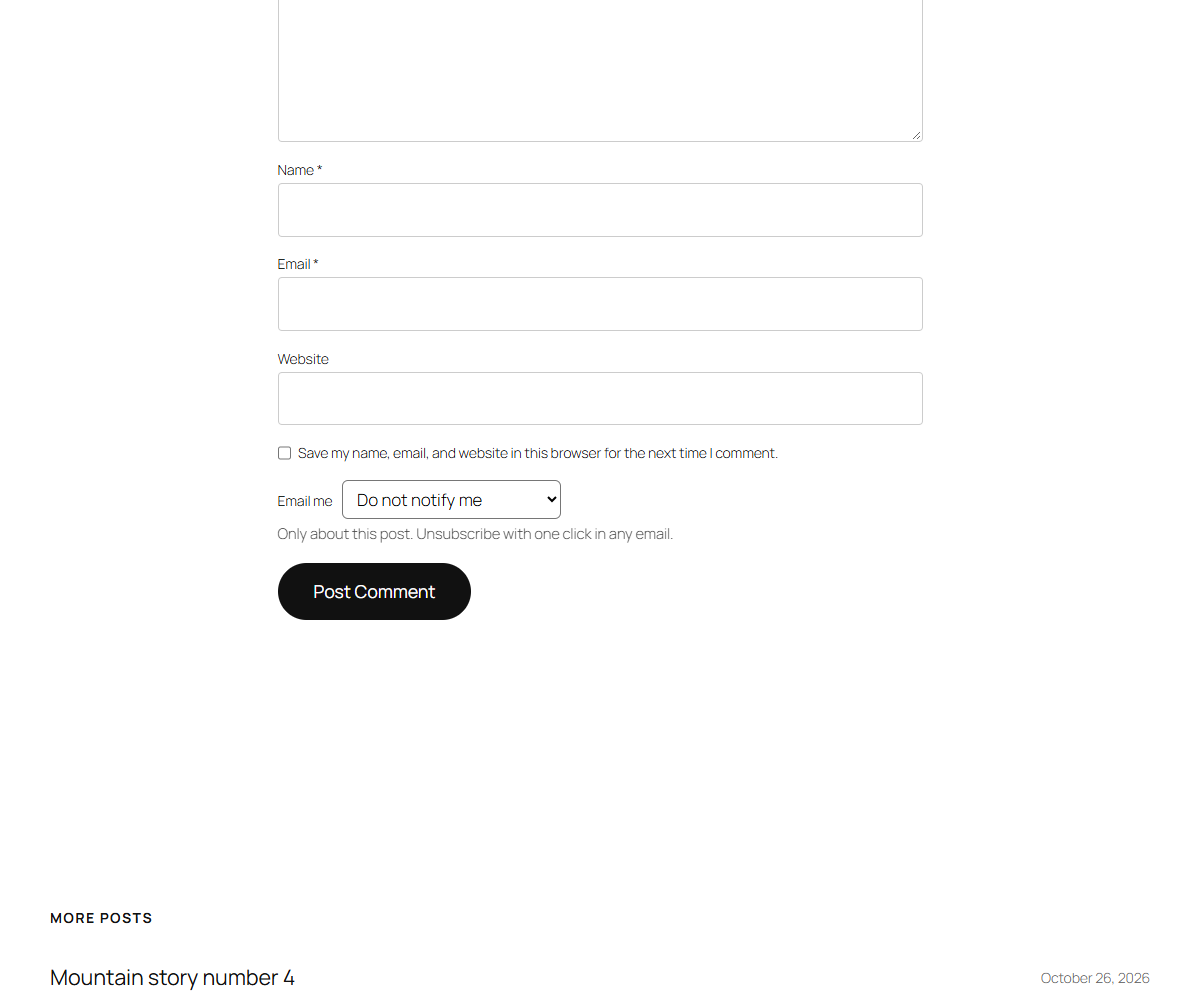
- “Email me” choice in the comment form — replies to my comment, all new comments, or nothing. Nothing is preselected unless you choose otherwise.
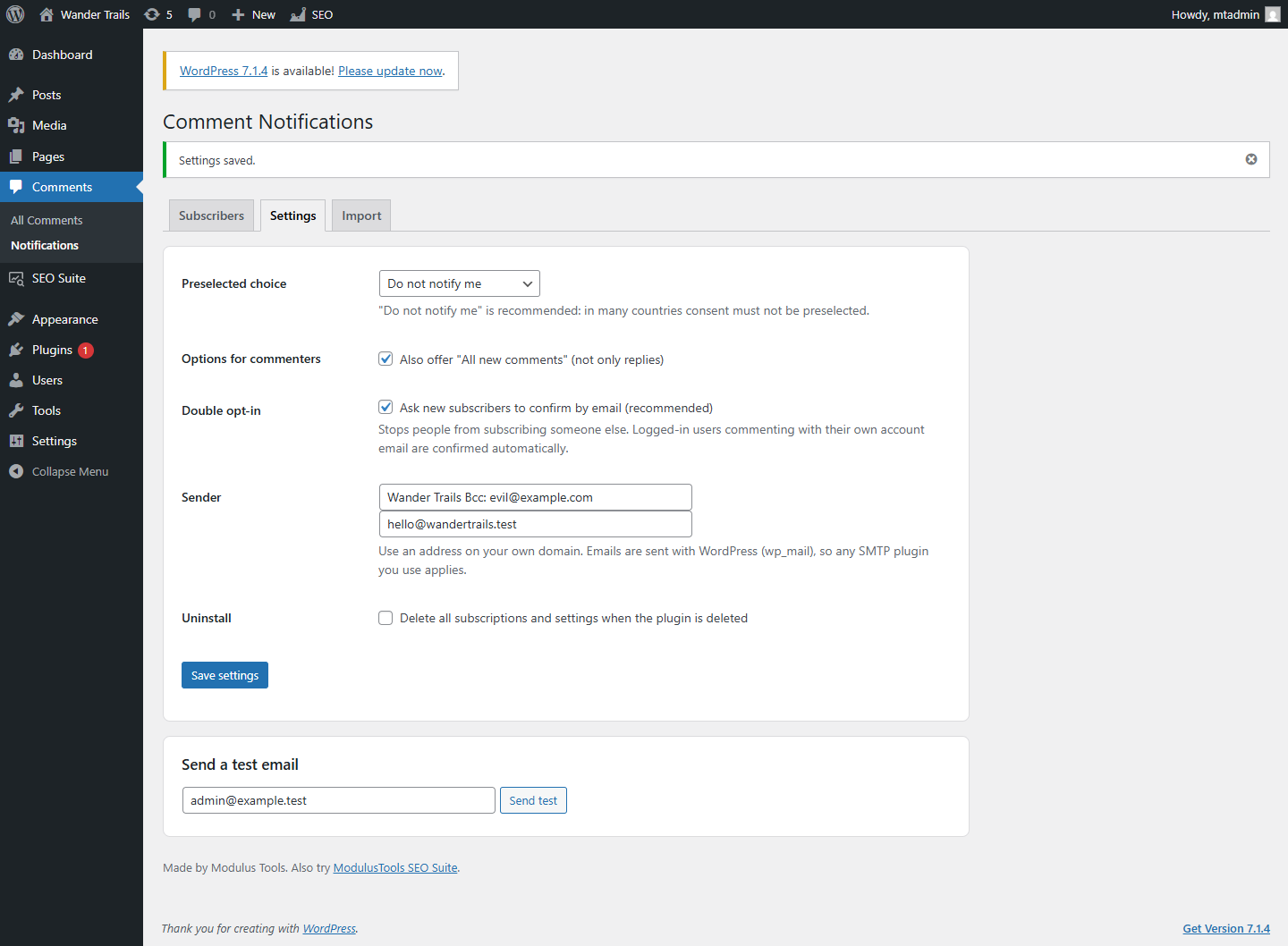
- Double opt-in — new subscribers confirm by email, so nobody can subscribe someone else. Logged-in users commenting with their own account email are confirmed automatically.
- One-click unsubscribe in every email, including the unsubscribe button that Gmail, Outlook and Apple Mail show next to the sender.
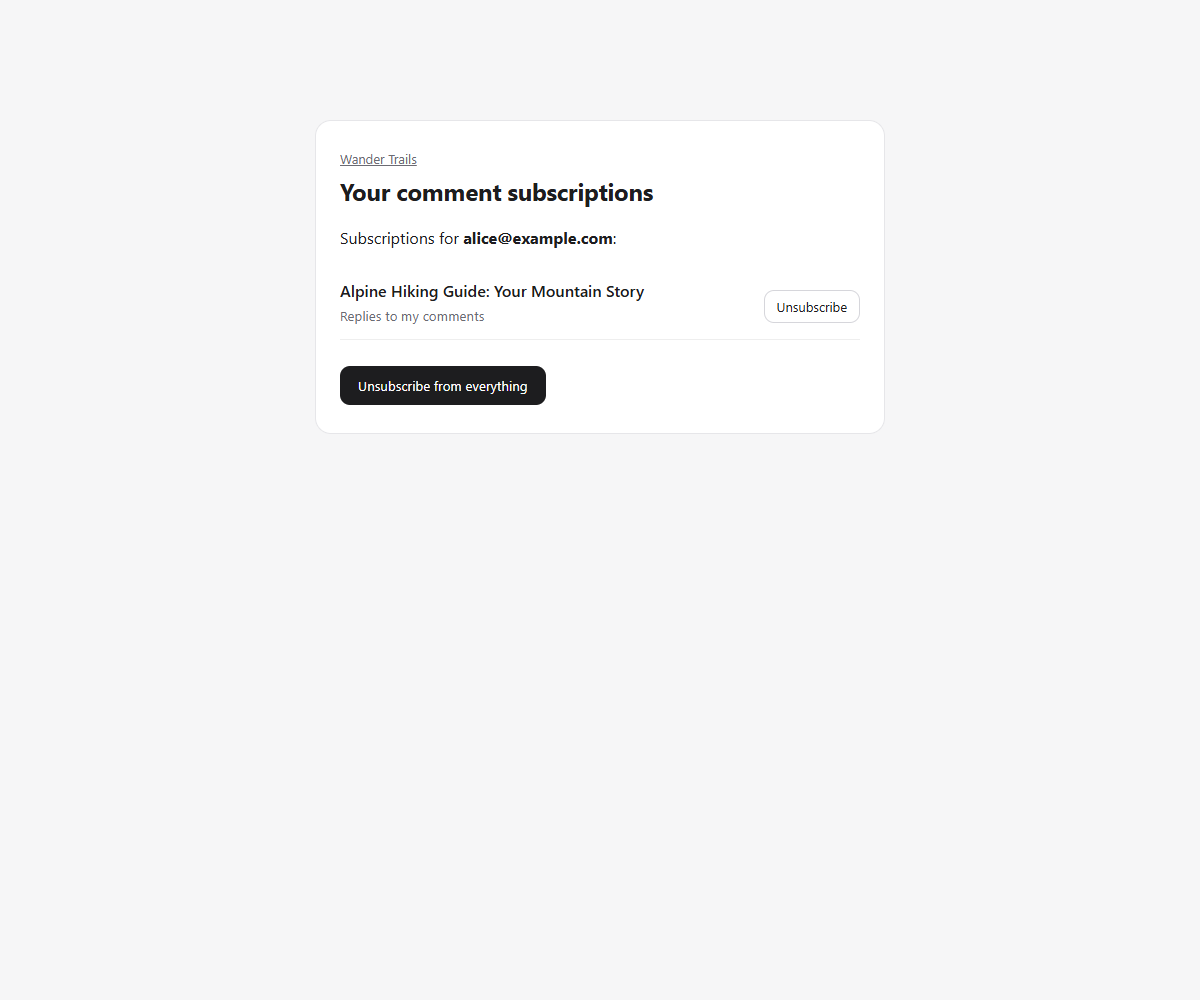
- Subscription page for readers — see and cancel all their subscriptions on your site, without an account.
- Emails only for approved comments — nothing is sent for comments that are held for moderation or marked as spam.
- Large lists are sent in batches with WP-Cron, one email per recipient, so addresses are never shared.
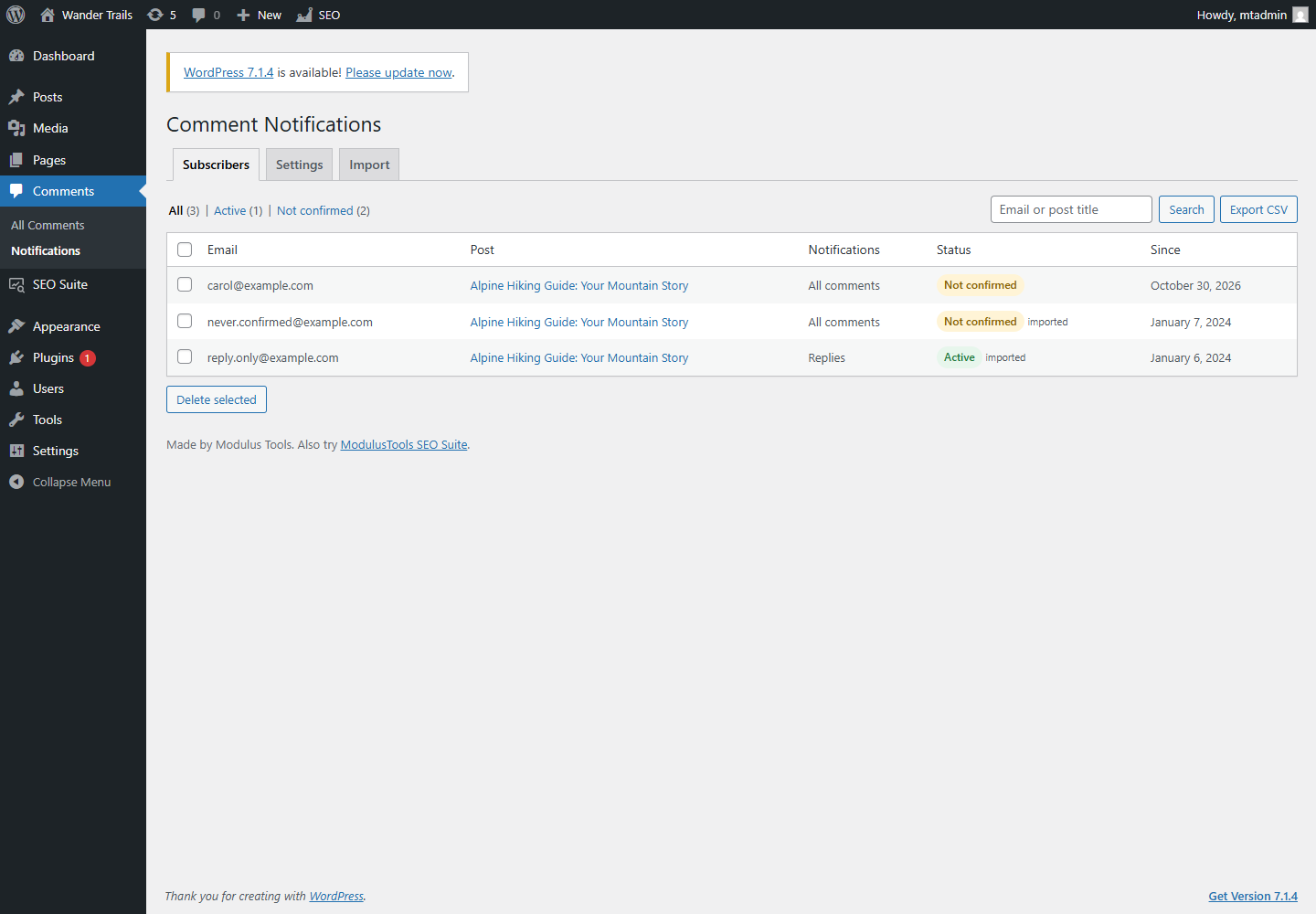
- Subscriber list for admins — search, filter, delete and export to CSV under Comments Notifications.
- Import from Subscribe To Comments Reloaded — copy existing subscriptions in one click. The original data is left untouched.
- Privacy tools — works with the WordPress personal data export and erase tools and adds suggested text to your privacy policy guide.
- Uses WordPress’s own email function, so it works with any SMTP plugin you already use. No account and no external service.
Moving from Subscribe To Comments Reloaded
Subscribe To Comments Reloaded is no longer available in the plugin directory. Install this plugin, go to Comments Notifications Import and click Import subscriptions. Active subscriptions keep working; subscriptions that were never confirmed stay “Not confirmed” and receive no emails. This plugin is not affiliated with Subscribe To Comments Reloaded or its authors.
Screenshots

Installation
- Install and activate the plugin from Plugins Add New Plugin.
- Go to Comments Notifications Settings to choose the options commenters see and the sender name and address.
- Click Send test to check that your site can send email. If the test lands in spam, set up an SMTP plugin with an address on your own domain.
- Visit a post: the Email me choice appears above the comment form’s submit button.
FAQ
-
Does it need an external email service?
-
No. Emails are sent with WordPress’s wp_mail() function, the same way WordPress sends password reset emails. If your host’s email is unreliable, any SMTP plugin will be used automatically.
-
Why did a subscriber not get a confirmation email?
-
Confirmation emails are sent when their comment is approved, at most once every 10 minutes per address. Check the comment is approved and use Send test on the settings screen.
-
Does the comment form work with page caching?
-
Yes. With double opt-in (the default) every new subscription is confirmed by email, so subscriptions keep working on cached pages.
-
What happens to my data if I delete the plugin?
-
Subscriptions are kept unless you tick Delete all subscriptions and settings when the plugin is deleted in the settings.
Reviews
There are no reviews for this plugin.
Contributors & Developers
“ModulusTools Comment Notifications” is open source software. The following people have contributed to this plugin.
Contributors
Translate “ModulusTools Comment Notifications” into your language.
Interested in development?
Browse the code, check out the SVN repository, or subscribe to the development log by RSS.
Changelog
1.0.0
- First release.