

Description
Mimetic runs a full conversion audit of your WooCommerce store or WordPress site and shows you what is hurting sales, ranked by what each issue costs you. Run it from your WordPress dashboard in a few clicks. Nothing on your site changes without your approval.
Most of what costs a store money does not look broken. It looks like flat conversion, abandoned carts, and traffic that will not turn into orders: a checkout button that stops responding on Safari mobile, a product page that takes 8 seconds to load inside the Instagram in-app browser, a best-selling variant that sold out with no link to the in-stock options. Mimetic finds these issues, explains each one in plain English, and shows you what to fix first.
What the audit checks
- Products and pages: broken or confusing product pages, missing information shoppers need to buy, dead links and buttons
- Cart and checkout experience: friction, errors, and failures across devices and browsers
- Performance: Core Web Vitals, load time on real mobile connections, and slow pages on your highest-traffic entry points
- SEO and metadata: duplicated titles and descriptions, missing structured data, and ranking problems on your key pages
- Tracking and analytics: broken or missing pixels, events that never fire, and gaps in your conversion data
- Theme and templates: issues introduced by themes, page builders, and customizations
How it works
- Install and activate the plugin, then open Mimetic in your admin menu.
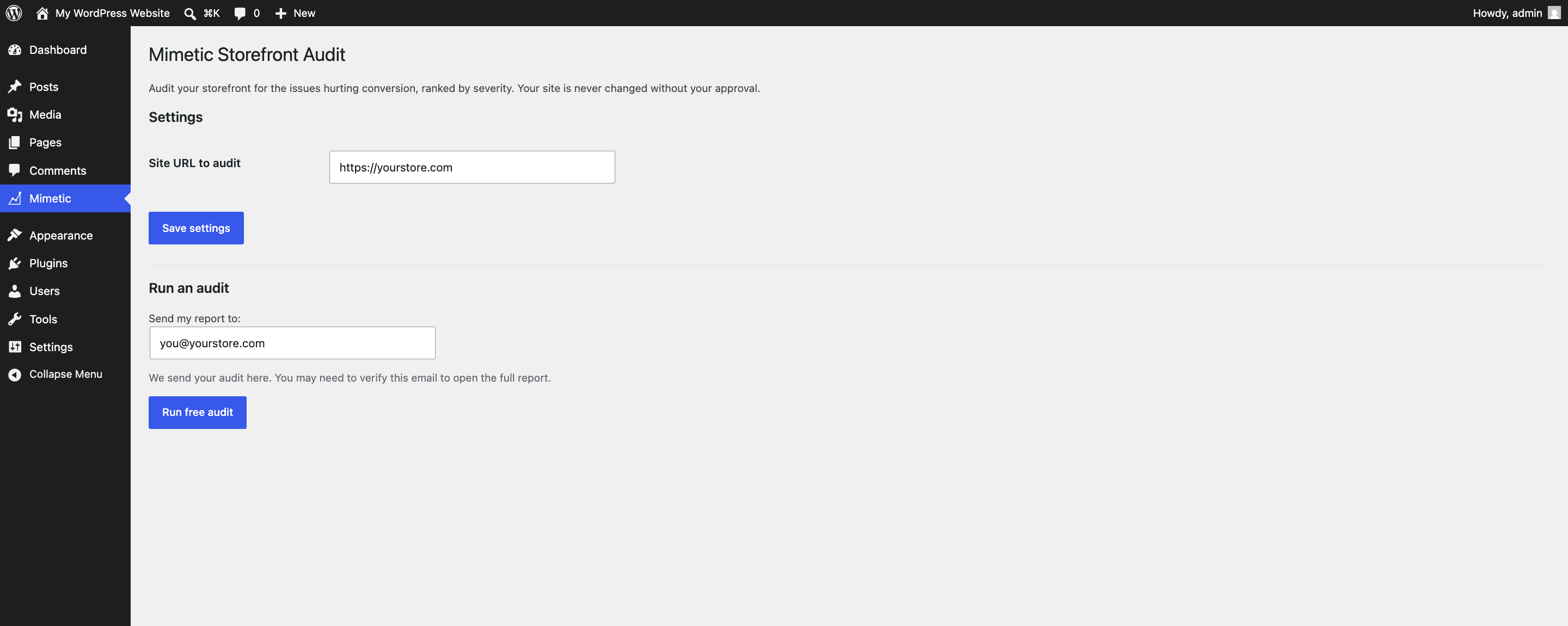
- Confirm the site URL and the email address your report should go to, and click Run free audit.
- The audit runs on Mimetic’s servers and usually takes 30 to 45 minutes. Follow live progress, or close the tab: your report is emailed when it is ready.
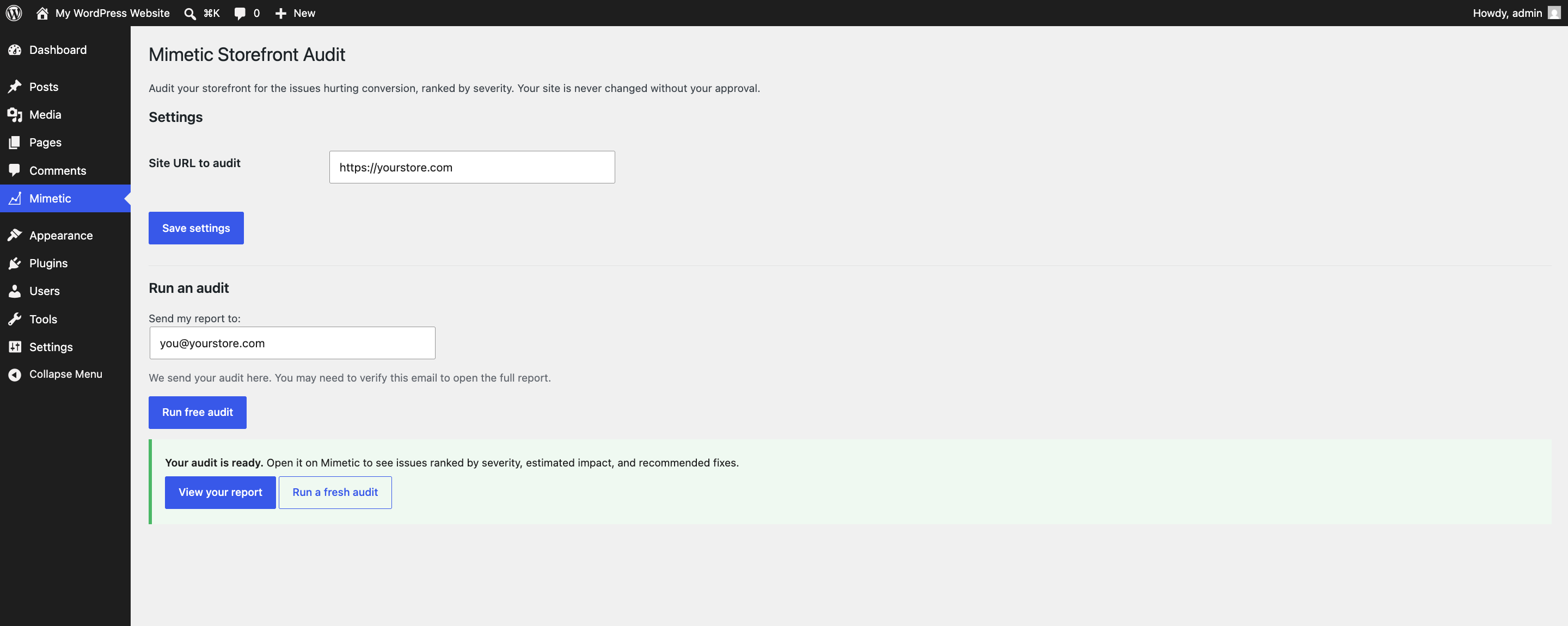
- Open your report to see every finding ranked by severity, with plain-English explanations and evidence.
The plugin is a thin, open-source client. It sends your site URL to Mimetic’s API and links you to the results. No analysis code runs on your server, no code is added to your public pages, and it has zero impact on your site speed.
Who it is for
- WooCommerce store owners who know conversion should be higher but not why
- WordPress site owners who want a professional site audit without hiring an agency
- Marketers and growth teams who need findings ranked by impact, not a 200-row checklist
- Developers who want an external, browser-level review of a site they maintain
Free vs. full report
Running an audit is free and shows your prioritized findings. The full report, with estimated revenue impact, a phased roadmap, complete pass/fail results, and recommended fixes, is unlocked through your Mimetic account at trymimetic.com.
External Services
This plugin relies on a third-party service to function: it connects to the Mimetic API (trymimetic.com) to run your storefront audit. The audit is performed on Mimetic’s servers and the plugin links you to the result.
What it sends, and when:
- When you click “Run free audit”, the plugin sends the site URL you choose to audit and the email address you enter to the Mimetic API to start the audit.
- While the audit runs, the plugin sends the resulting audit ID to poll for completion status.
- No data is sent to Mimetic unless you start an audit.
This service is provided by Mimetic Inc:
- Service & API: https://trymimetic.com
- Terms of Service: https://trymimetic.com/terms
- Privacy Policy: https://trymimetic.com/privacy
Screenshots
Installation
- Install and activate the plugin.
- Open Mimetic in the WordPress admin menu.
- Confirm the site URL to audit (defaults to your site) and the email address your report should go to.
- Click Run free audit. Audits usually take 30 to 45 minutes; your report is also emailed when it is ready.
FAQ
-
Does Mimetic change my site?
-
No. The audit is read-only. Recommended fixes are applied only when you approve them.
-
Will the plugin slow down my site?
-
No. The plugin runs only in your admin dashboard and adds no code to your public pages. The audit itself runs on Mimetic’s servers, not yours.
-
Do I need WooCommerce?
-
No. The audit works on any public WordPress site. WooCommerce storefronts get the most out of it because the checks focus on what hurts conversion.
-
Does it work with my theme or page builder?
-
Yes. The audit reviews your live site the way a visitor’s browser sees it, so it works with any theme, page builder, or checkout customization.
-
How is this different from a speed test like Lighthouse?
-
Speed is one dimension of the audit, not the whole audit. Mimetic also reviews your products, pages, checkout experience, SEO, and tracking, and ranks everything by what it costs you, so you know what to fix first.
-
How long does an audit take?
-
Usually 30 to 45 minutes. You can watch live progress on Mimetic, and your report is emailed when it is ready.
-
Is my data safe?
-
The plugin sends your public site URL and the email address you enter to Mimetic’s API to run the audit. Nothing is sent until you start an audit. See the privacy policy at https://trymimetic.com/privacy.
-
Do I need a Mimetic account?
-
You can run a free audit without one. A Mimetic account unlocks the full report and fixes.
-
Is the plugin open source?
-
Yes, GPLv2. The plugin is a thin client; the audit engine runs as a service on Mimetic’s servers.
Reviews
There are no reviews for this plugin.
Contributors & Developers
“Mimetic – Conversion Rate Optimization” is open source software. The following people have contributed to this plugin.
Contributors
Translate “Mimetic – Conversion Rate Optimization” into your language.
Interested in development?
Browse the code, check out the SVN repository, or subscribe to the development log by RSS.
Changelog
0.1.2
- Announce audit progress updates to screen readers.
- Poll the audit status less often on long audits.
- Add a dismissible review ask on the audit-ready screen.
0.1.1
- Add the plugin homepage link (trymimetic.com/wordpress).
0.1.0
- Initial release: free storefront audit with severity-ranked findings, live progress, and an emailed report.