

Description
Mello Media Organizer adds a separate organizer for existing WordPress media. It does not replace the WordPress Media Library or move uploaded files.
Features
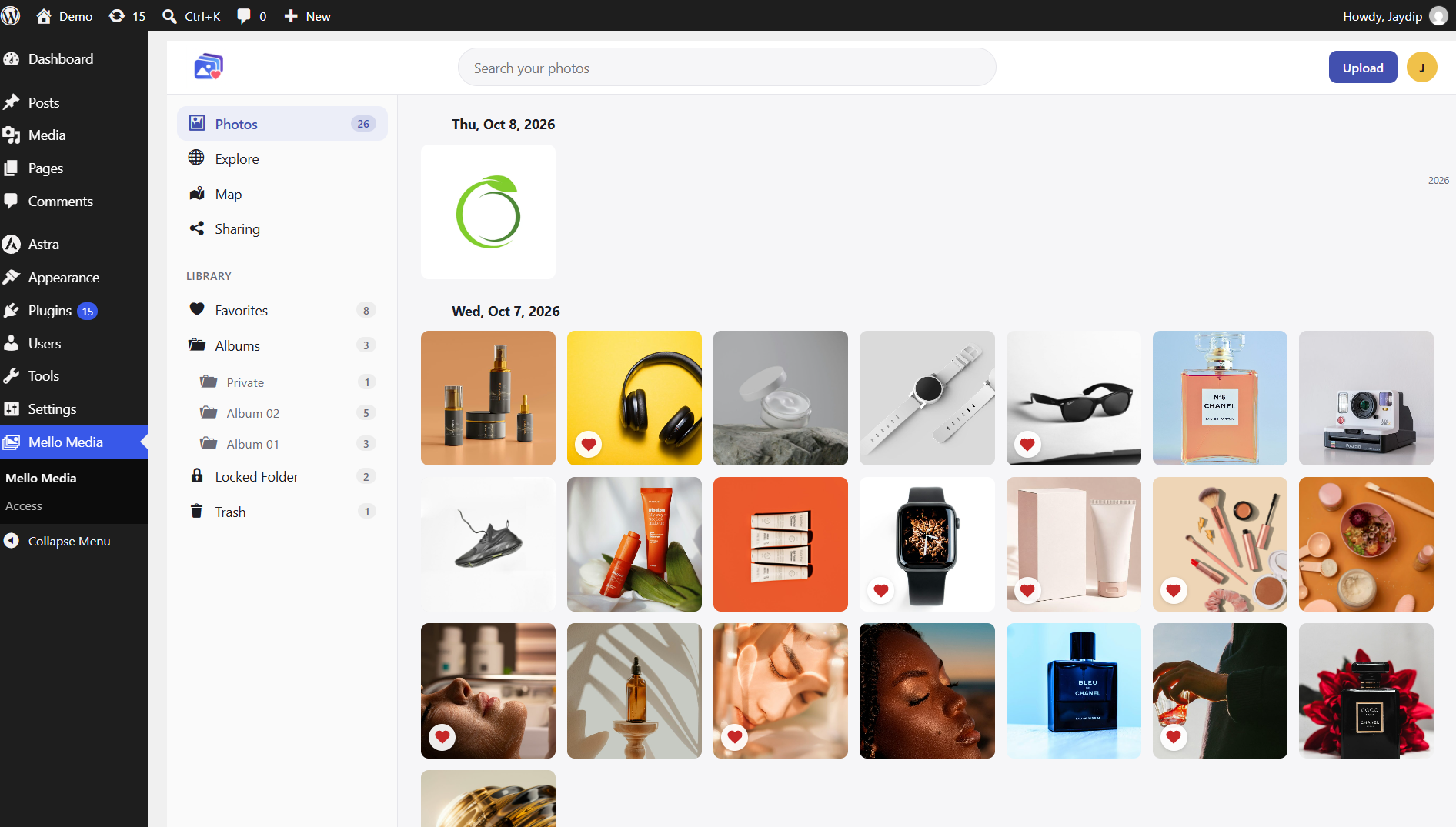
- Browse and search images, video, and audio in the WordPress media library.
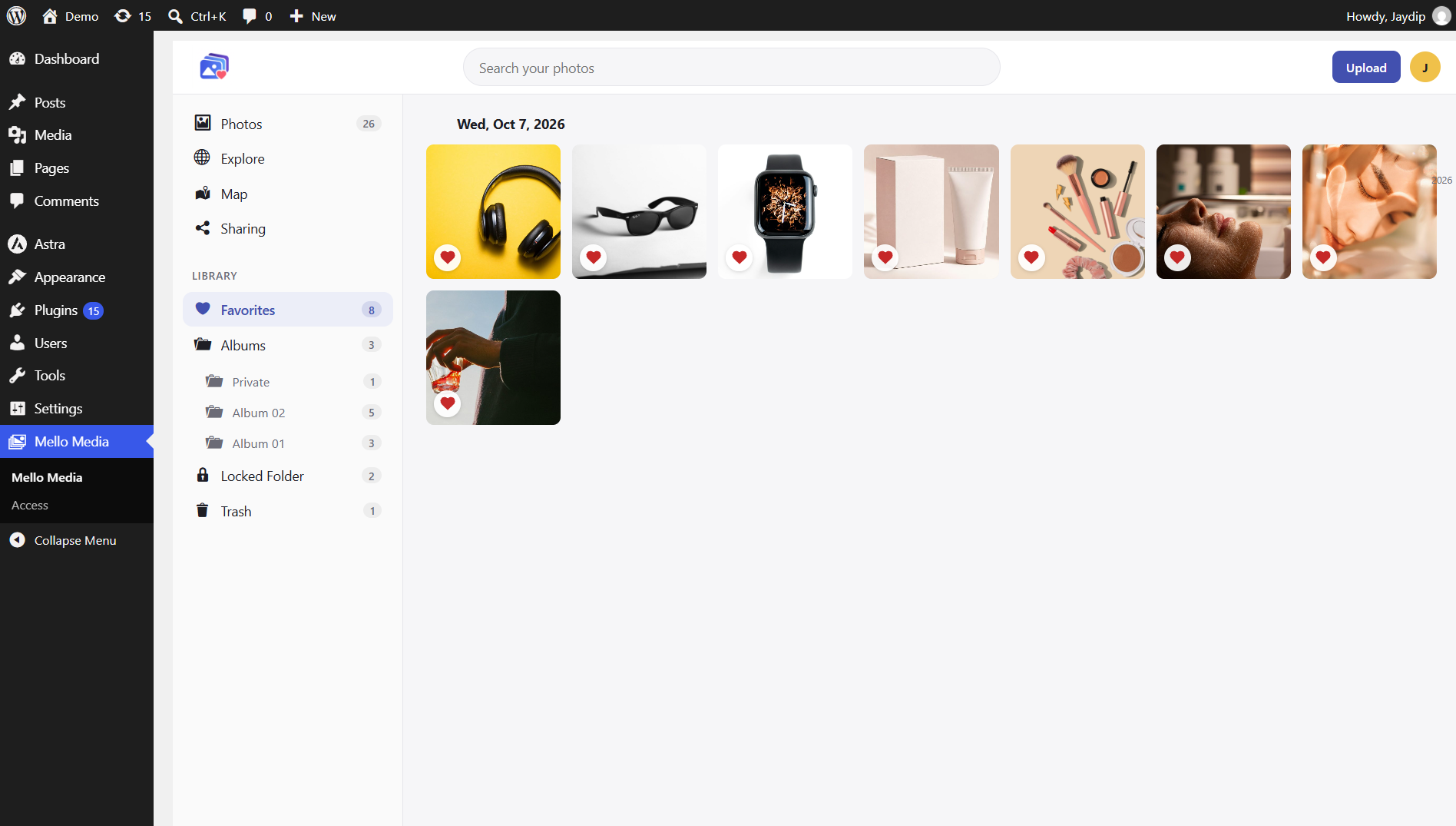
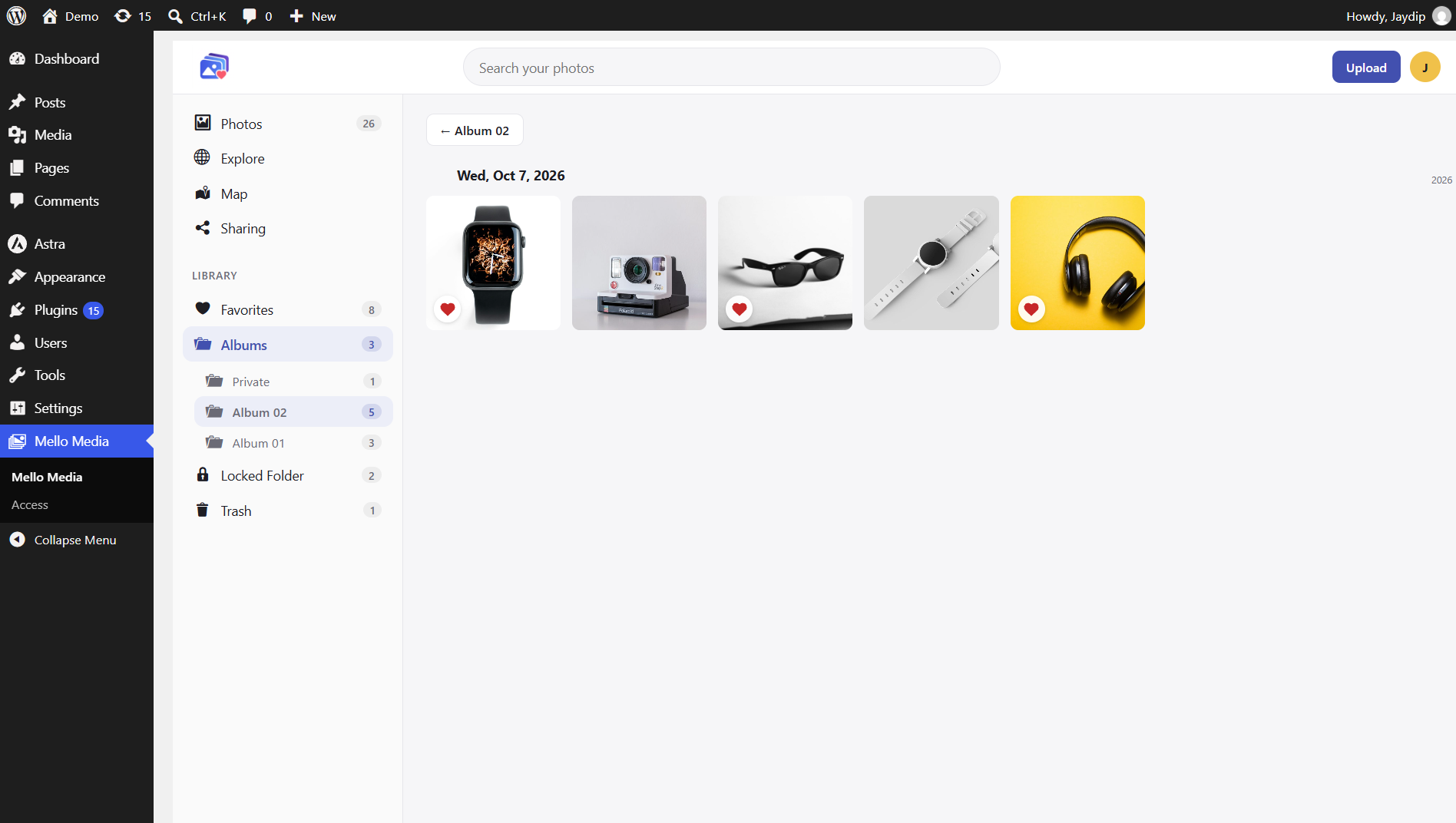
- Group media into albums, mark favorites, and move items to or restore them from the WordPress trash.
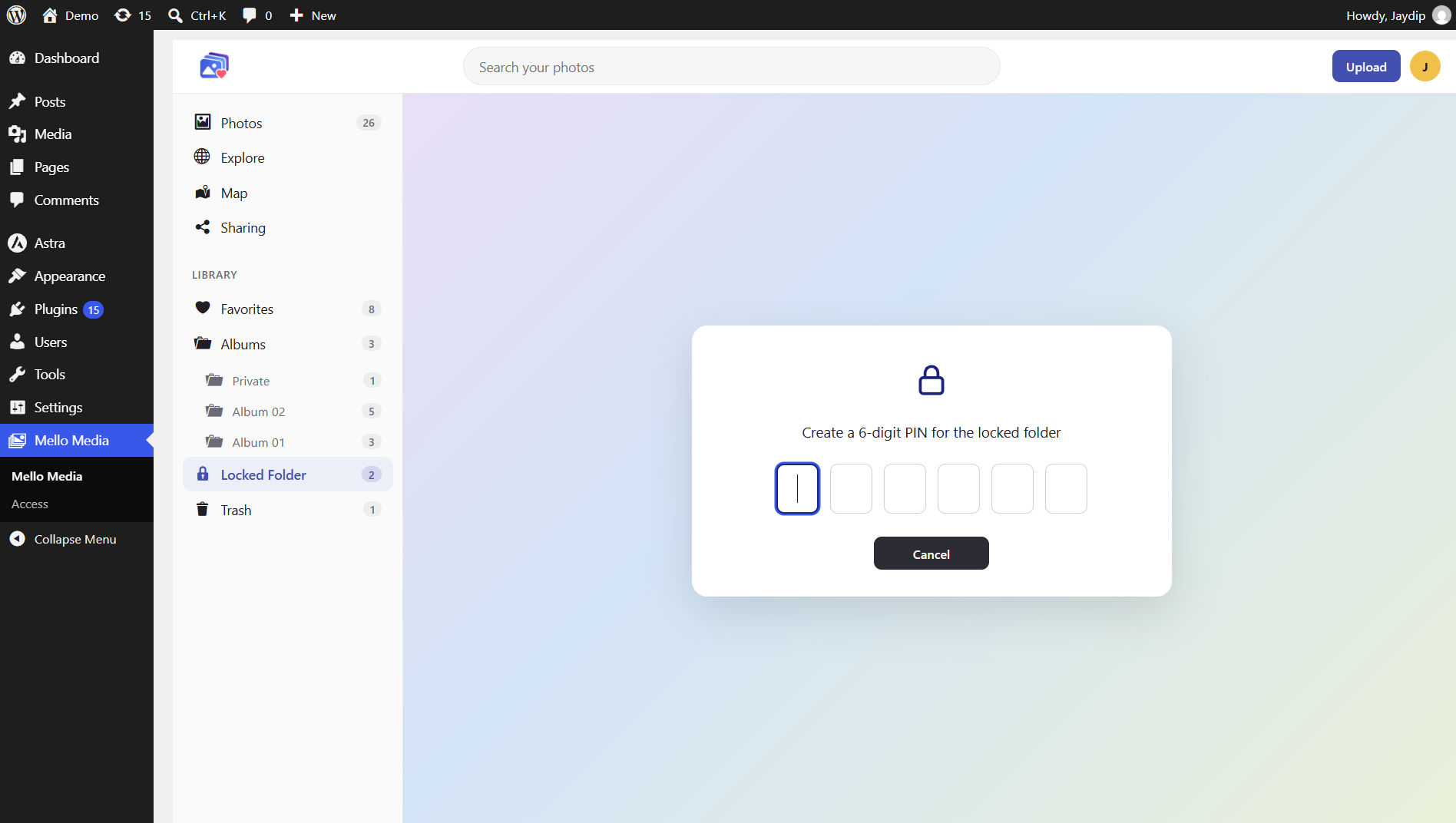
- Keep selected items out of ordinary Mello Media Organizer views with the Locked Folder.
- Review image locations from EXIF GPS metadata on a map and in Explore.
- Let administrators grant Mello Media access to selected roles that also have the WordPress upload_files capability.
Privacy and External Services
Mello Media Organizer stores album, favorite, lock, and indexed location metadata in custom WordPress database tables. It reads GPS metadata from image files on the WordPress server when location indexing runs. It does not upload media files to a mapping provider.
When a user opens the Map view, the browser requests map tiles from the OpenStreetMap tile service at tile.openstreetmap.org. The tile provider receives the browser’s IP address and the requested map tile coordinates. The map displays attribution to OpenStreetMap. See the OpenStreetMap Foundation privacy policy: https://osmfoundation.org/wiki/Privacy_Policy.
The Locked Folder PIN gates access to the folder inside Mello Media Organizer; it does not encrypt files or protect their original WordPress media URLs. Users or visitors who can access an uploaded file URL outside Mello Media Organizer may still access a locked file. Shared albums are visible only to users who have Mello Media access; the generated token is not an anonymous public sharing endpoint.
Usage
- Use Photos to browse media, search, select items, and manage favorites, albums, trash, and the Locked Folder.
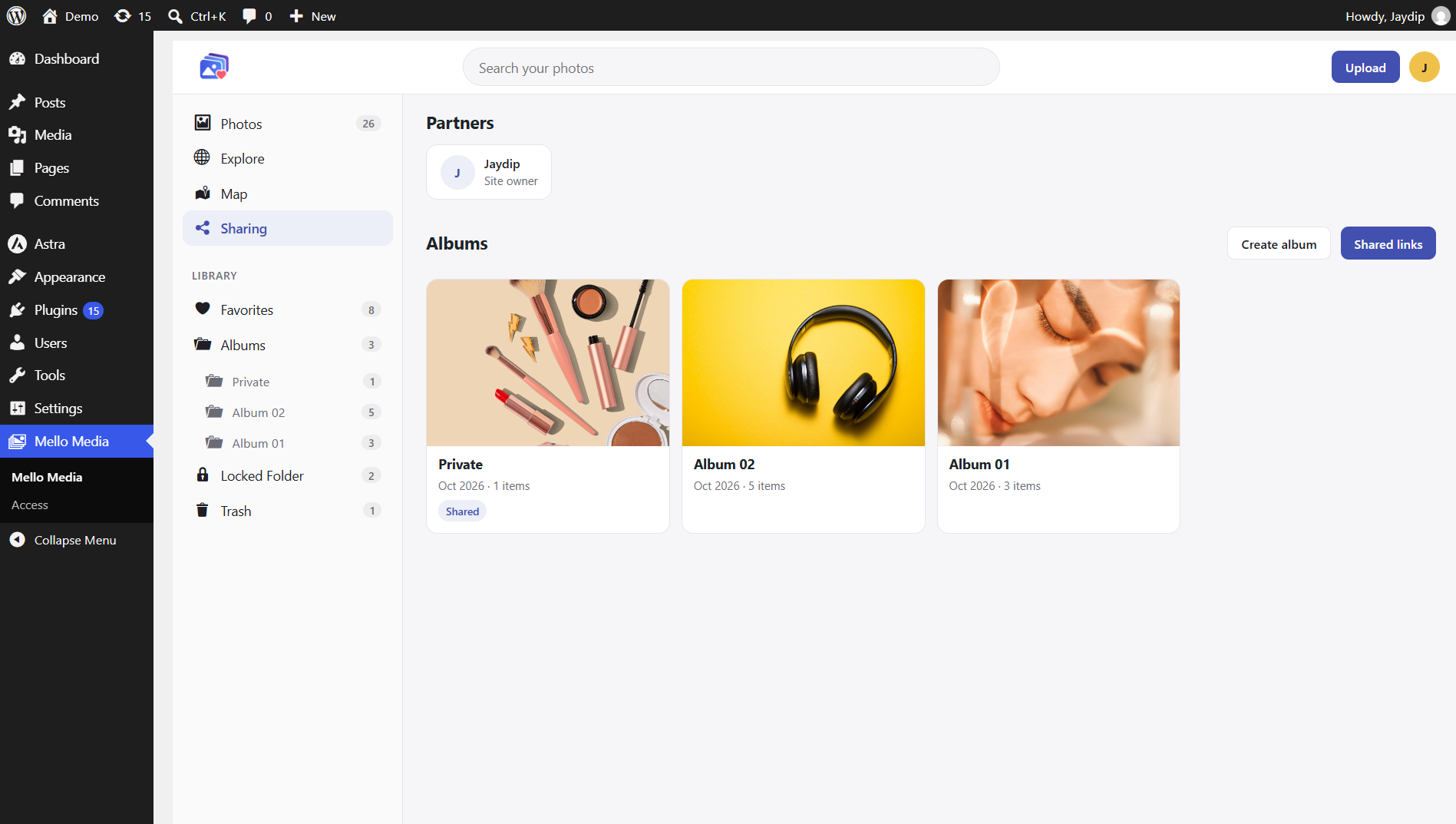
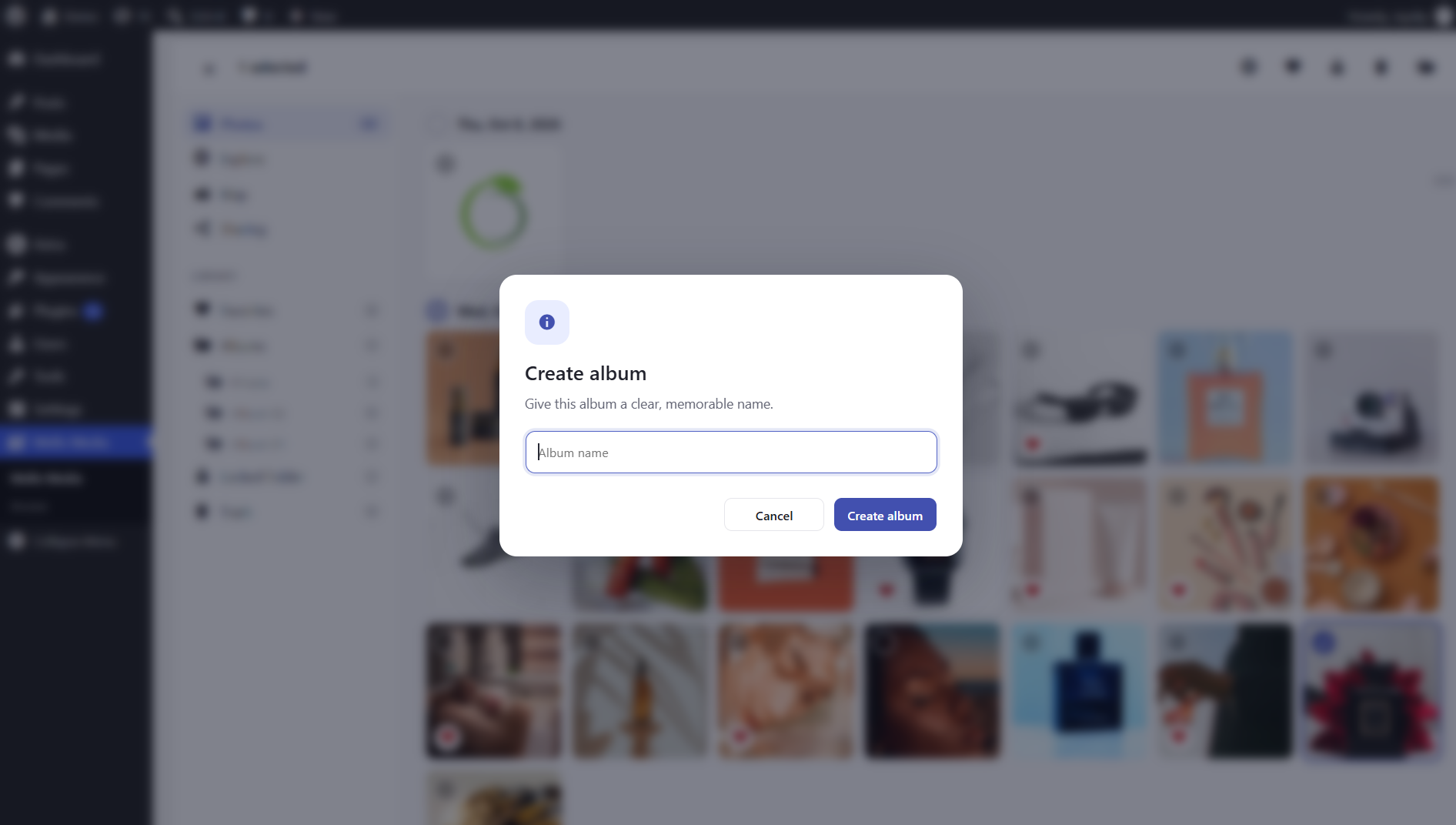
- Create an album and optionally mark it shared to list it in the Sharing view. All Mello Media Organizer albums are limited to users granted Mello Media access; shared tokens do not provide public access. Marking an album shared doesn’t give anyone new viewing rights. Everyone with access could already see it, and everyone without access still can’t.
- Open Map to index image GPS metadata and display located images. Indexing runs in batches while the map loads.
- On first use of the Locked Folder, create a six-digit PIN. Five incorrect PIN attempts trigger a temporary per-user rate limit.
Only grant Mello Media access to trusted roles. Authorized users can see site-wide Mello Media Organizer data; trash and restore actions remain subject to WordPress attachment capabilities.
Uninstall
Uninstalling Mello Media Organizer deletes its custom tables, settings, and lock-related transients. It does not delete or modify media files in the WordPress Media Library.
Screenshots
Installation
- Upload the plugin folder to
/wp-content/plugins/mello-media-organizer/or install it through Plugins > Add New > Upload Plugin. - Activate Mello Media Organizer through the Plugins screen.
- Open Mello Media Organizer from the WordPress admin menu. Administrators always have access.
- To grant access to other roles, open Mello Media Organizer > Access and select roles with the WordPress
upload_filescapability.
FAQ
-
Does Mello Media Organizer replace the WordPress Media Library?
-
No. Mello Media Organizer works alongside the WordPress Media Library. It does not replace the Media Library or move your uploaded media files.
-
Does Mello Media Organizer move or duplicate my media files?
-
No. Your existing WordPress media files remain in their original location. Mello Media Organizer stores organizational information such as albums, favorites, locked items, and indexed location metadata separately.
-
Who can access Mello Media Organizer?
-
Administrators always have access. Administrators can grant access to additional WordPress roles from Mello Media Organizer > Access.
Only roles with the WordPress upload_files capability can be granted Mello Media Organizer access.
-
Does the Locked Folder encrypt my media?
-
No. The Locked Folder provides a PIN-gated view inside Mello Media Organizer. It does not encrypt files or protect their original WordPress media URLs.
Anyone who can directly access an uploaded media URL outside Mello Media Organizer may still be able to access that file.
-
What happens after entering the wrong PIN multiple times?
-
After five incorrect PIN attempts, a temporary per-user rate limit is applied.
-
Does the Map feature upload my images to OpenStreetMap?
-
No. Mello Media Organizer reads GPS metadata from images stored on your WordPress server. The image files themselves are not uploaded to the mapping service.
When the Map view is opened, the browser requests map tiles from the OpenStreetMap tile service.
-
What media can appear on the Map?
-
Only supported images containing usable GPS location metadata can be displayed as location-based media.
-
Does uninstalling the plugin delete my media?
-
No. Uninstalling Mello Media Organizer does not delete or modify media files in the WordPress Media Library.
The plugin removes its own custom database tables, settings, and lock-related transients.
-
No. Shared albums are limited to users who have Mello Media access.
Reviews
There are no reviews for this plugin.
Contributors & Developers
“Mello Media Organizer” is open source software. The following people have contributed to this plugin.
Contributors
Translate “Mello Media Organizer” into your language.
Interested in development?
Browse the code, check out the SVN repository, or subscribe to the development log by RSS.
Changelog
1.0.0
- Initial release