
Description
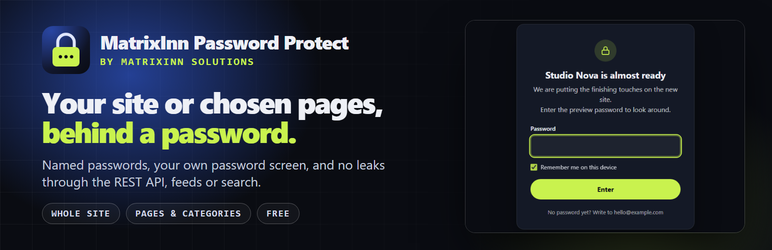
MatrixInn Password Protect puts your WordPress site behind a password: the whole site while you build it or show it to a client, or only the pages, categories and post types you choose.
Everything listed here is free. There is no trial and no limit.
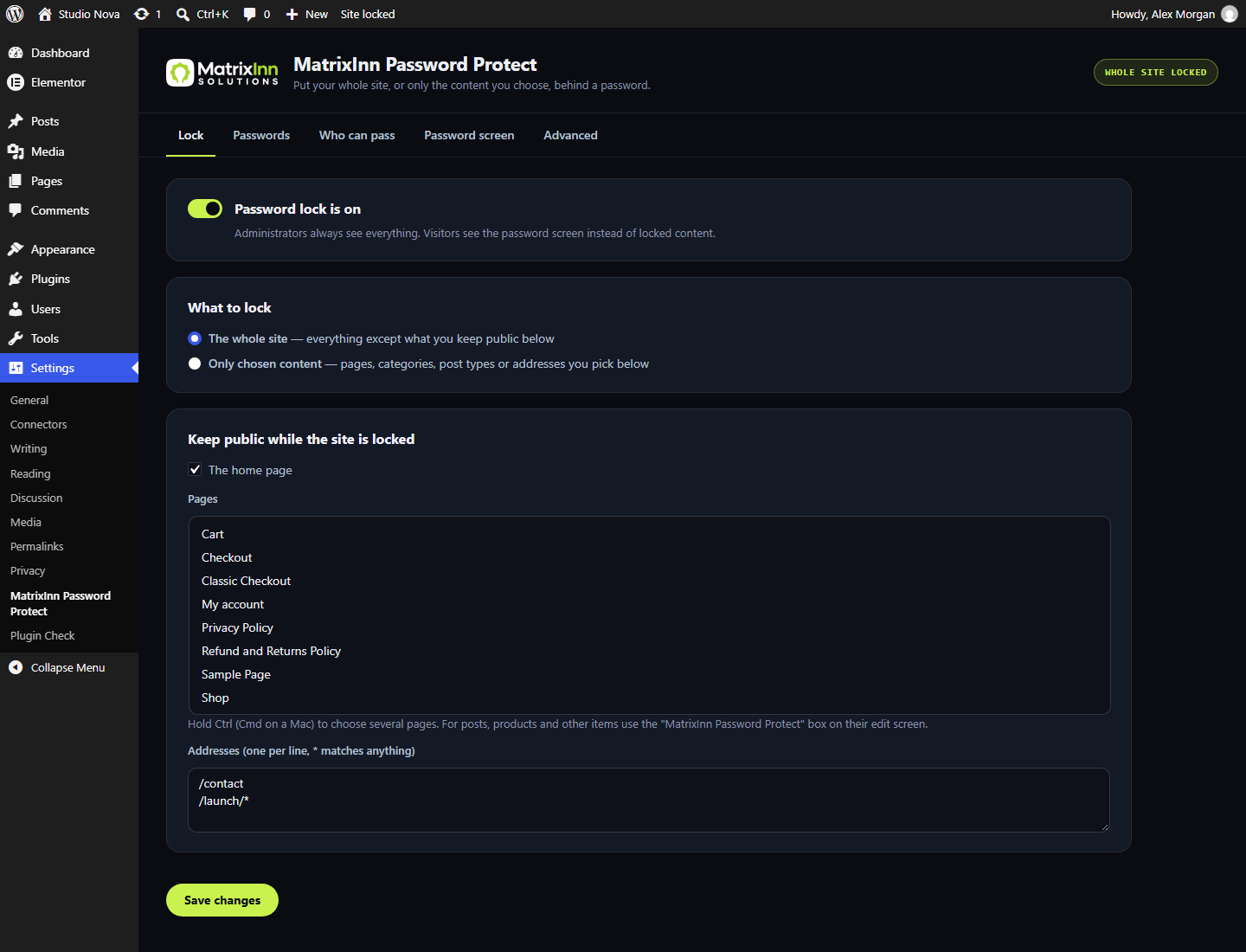
Lock the whole site, or only what you choose
- Whole site, with exceptions: keep the home page, chosen pages or addresses such as
/contactor/landing/*public. - Only chosen content: pages (their child pages too), categories and other hierarchical taxonomies, whole post types, or addresses such as
/members/*. - A box on every edit screen locks a post, product or page with one click.
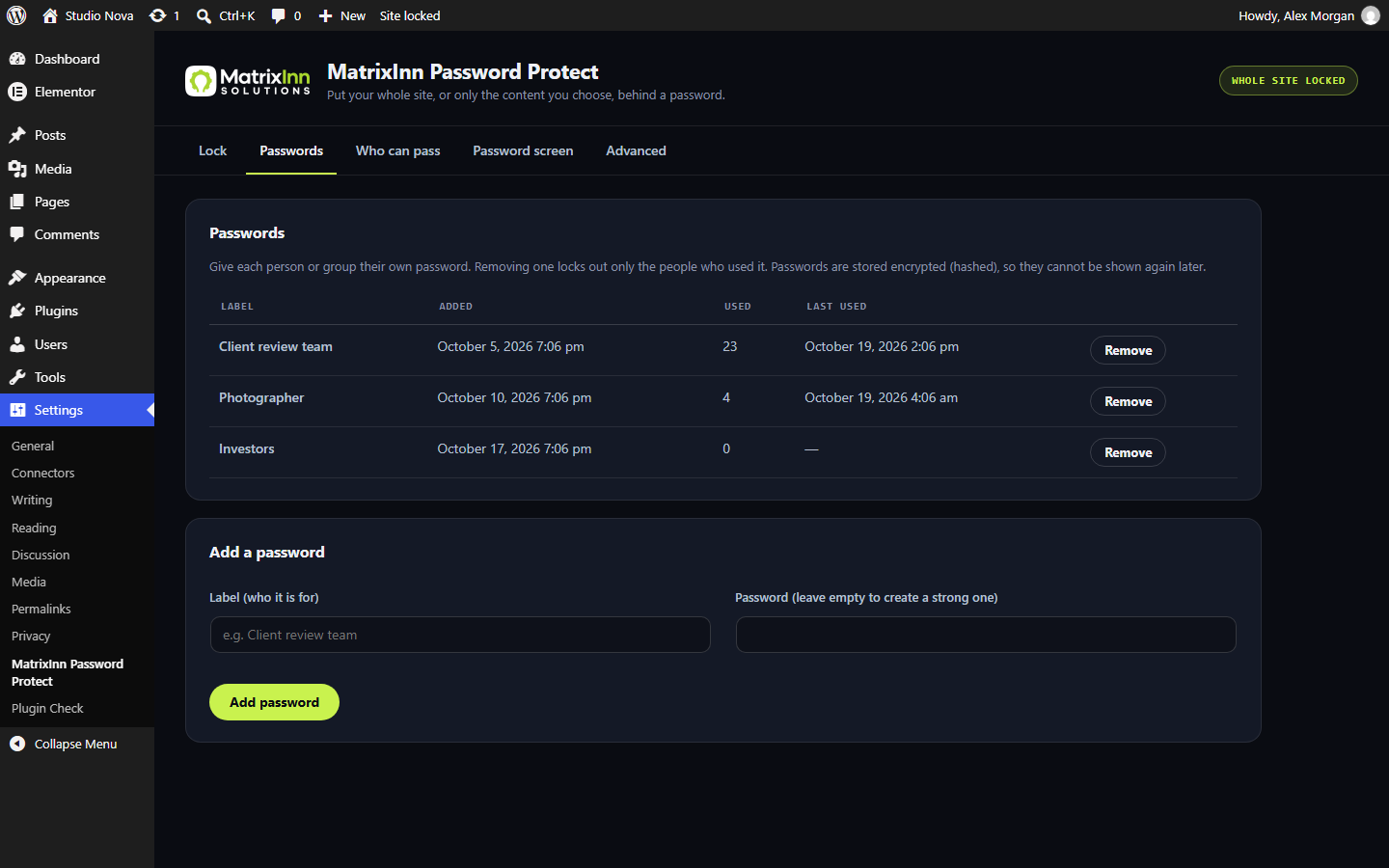
Several passwords, each with a name
- Give each client or group their own password, with a label such as “Client review team”.
- Remove one and only the people who used it must enter a password again.
- See how often and when each password was last used.
- Passwords are stored as WordPress password hashes, never as plain text.
Who can pass
- Administrators always see everything.
- Every logged-in user, or only the roles you choose.
- IP addresses and ranges (CIDR), with safe support for Cloudflare and other proxies: a proxy header is only believed for requests that really come from the proxy addresses you list.
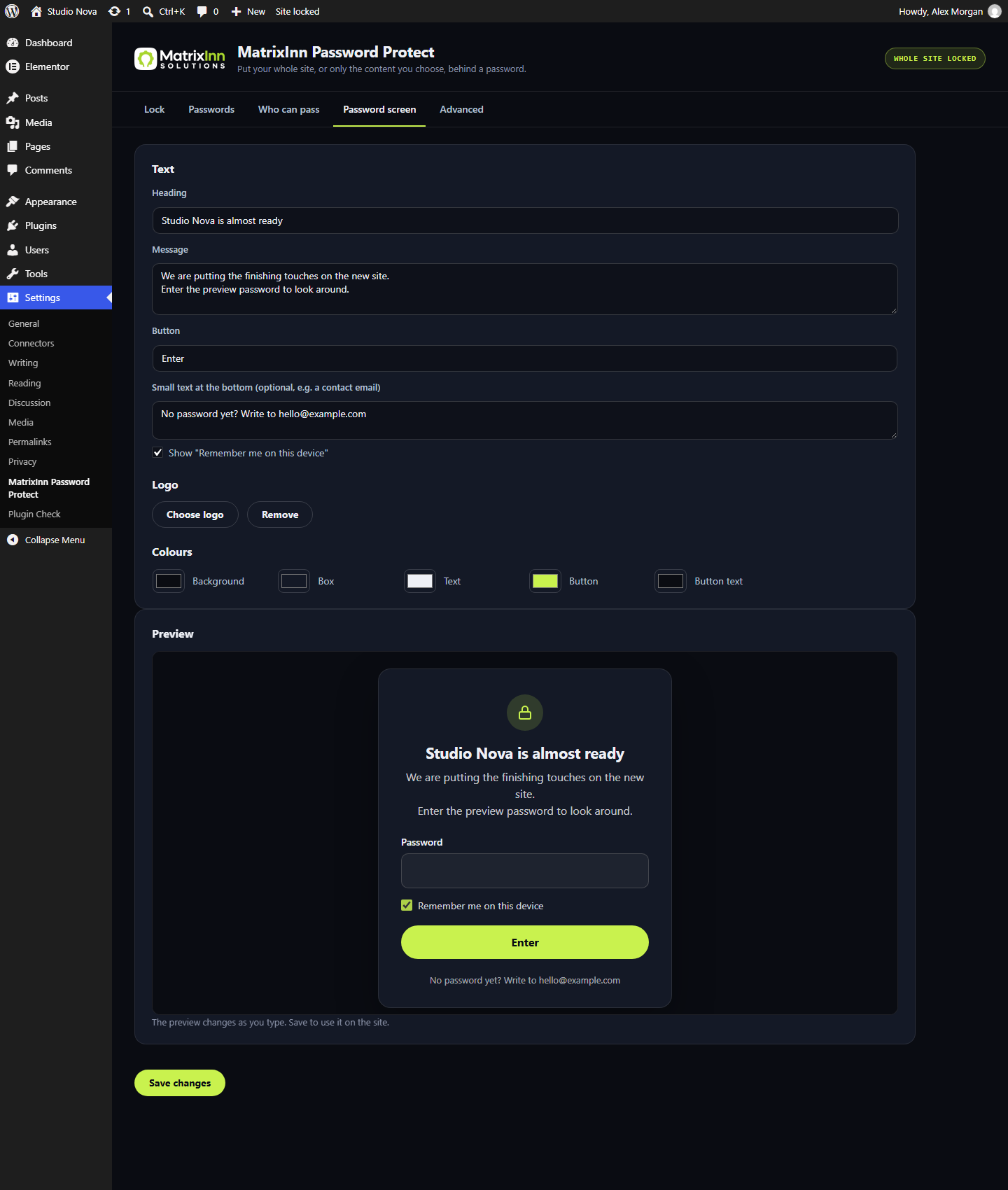
Your own password screen
- Heading, message, button text, a line at the bottom, your logo and five colours, with a live preview.
- Shown on its own, without the theme, so no theme or page builder can break it or show locked content around it.
- “Remember me on this device” for as many days as you choose.
No side doors
Many lock plugins hide the page but leave the content readable elsewhere. This plugin also locks or leaves out locked content in:
- the REST API (
/wp-json), feeds, sitemaps (WordPress, Yoast SEO), search results, embeds (oEmbed), archives, comment lists and attachment pages.
Login, the dashboard, WP-Cron, robots.txt and WooCommerce payment callbacks stay open, so nothing else breaks.
Works with page caches
- Locked pages are sent with “do not cache” headers that WP Rocket, W3 Total Cache, WP Super Cache, LiteSpeed Cache and most hosts follow.
- Caching check: one click asks your site for locked addresses the way a stranger would and tells you if a cache shows them.
Safe by design
- The unlock cookie is signed with your site’s secret keys, HttpOnly, Secure on HTTPS and SameSite.
- Wrong guesses are limited per visitor (5 tries, then 15 minutes, both adjustable).
- The password screen answers with status 401 and asks search engines not to index it.
- WordPress’s own post passwords are never touched. Deactivate the plugin and everything is as it was.
For developers
- WP-CLI:
wp minn-pp status,wp minn-pp lock --mode=site,wp minn-pp unlock,wp minn-pp password add "Client team",wp minn-pp password list. - Shortcode
[minn_pp_logout text="Lock again"]for a log out link. - Filters:
minn_pp_visitor_allowed,minn_pp_open_endpoint,minn_pp_rest_open_routes. Action:minn_pp_unlocked.
Setup guide, screenshots and FAQs: MatrixInn Password Protect documentation
MatrixInn Password Protect is made by MatrixInn Solutions.
Screenshots
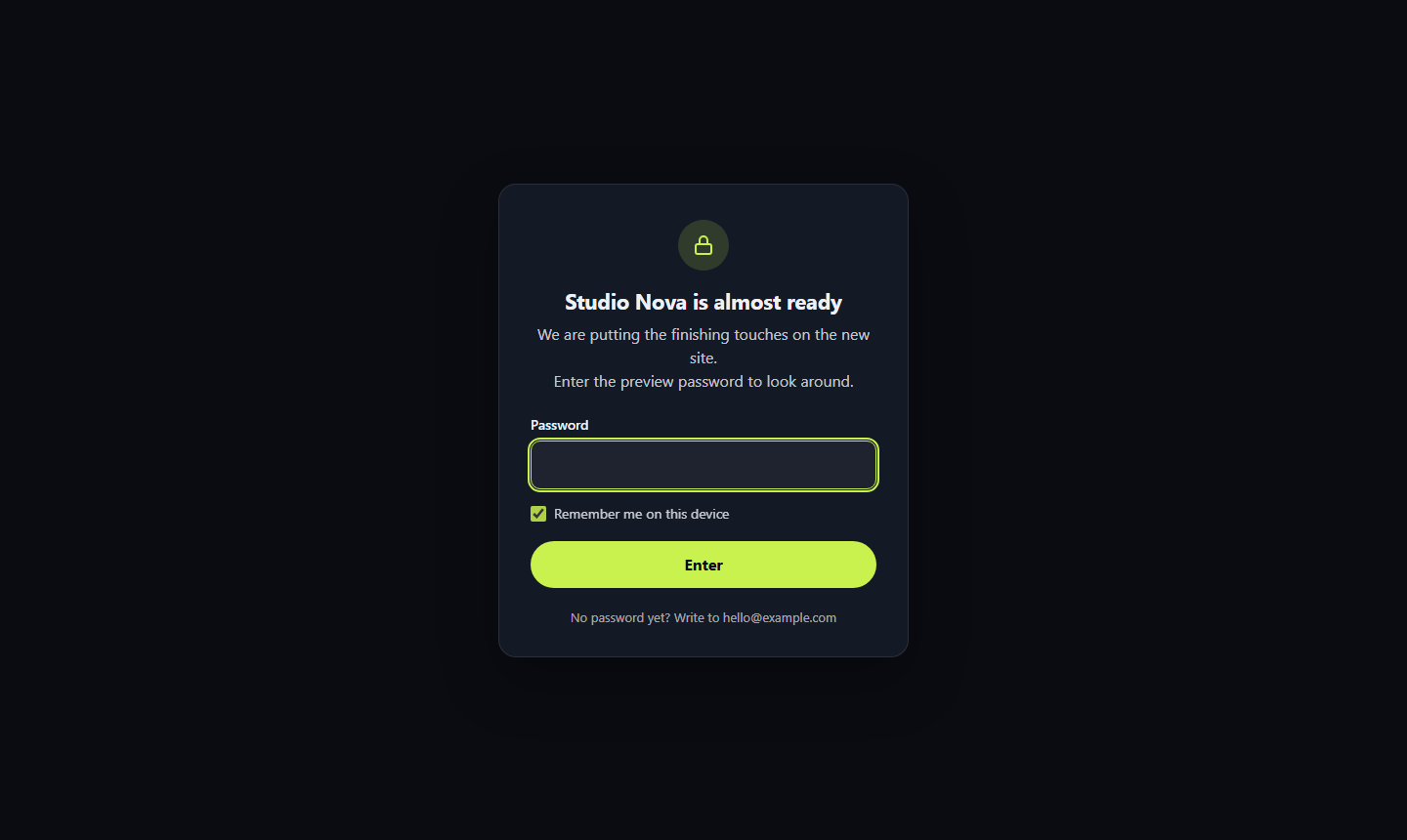
Installation
- Install the plugin from Plugins > Add New (search for “MatrixInn Password Protect”) or upload the
matrixinn-password-protectfolder to your plugins folder, then activate it. - Open Settings > MatrixInn Password Protect.
- On Passwords, add a password (or let the plugin create a strong one).
- On Lock, choose the whole site or only chosen content, then turn the lock on.
FAQ
-
I am logged in and do not see the password screen.
-
Administrators always pass, and by default every logged-in user does. Open the site in a private window to see what visitors see.
-
Visitors still see a locked page.
-
A page cache probably kept a copy from before the lock. Clear the cache, then run Settings > MatrixInn Password Protect > Advanced > Caching check. If the check still finds the page, exclude visitors with the cookie
minn_pp_authin your cache plugin or Cloudflare rule. -
Are my images and PDFs locked too?
-
Pages that show them are locked, but a file’s direct address in the uploads folder is served by the web server without WordPress, so a visitor who already has the exact file address can still open it.
-
Does it change WordPress’s own post passwords?
-
No. Posts with a WordPress post password keep working as before, with or without this plugin.
-
Will search engines index my locked site?
-
Locked pages answer with status 401 and a “noindex” header, so search engines do not index them.
-
I locked myself out of my own preview.
-
Log in at
/wp-login.php: logins are never locked. Or runwp minn-pp unlock. -
What happens when I delete the plugin?
-
Its settings and passwords are removed. Nothing else on your site is changed.
Reviews
There are no reviews for this plugin.
Contributors & Developers
“MatrixInn Password Protect – Site & Pages” is open source software. The following people have contributed to this plugin.
Contributors
Translate “MatrixInn Password Protect – Site & Pages” into your language.
Interested in development?
Browse the code, check out the SVN repository, or subscribe to the development log by RSS.
Changelog
0.1.0
- First version: whole-site or selected lock, named passwords, logged-in/role/IP bypass, branded password screen, REST API/feed/sitemap/search/embed protection, caching check, wrong-guess limit, WP-CLI.