

Description
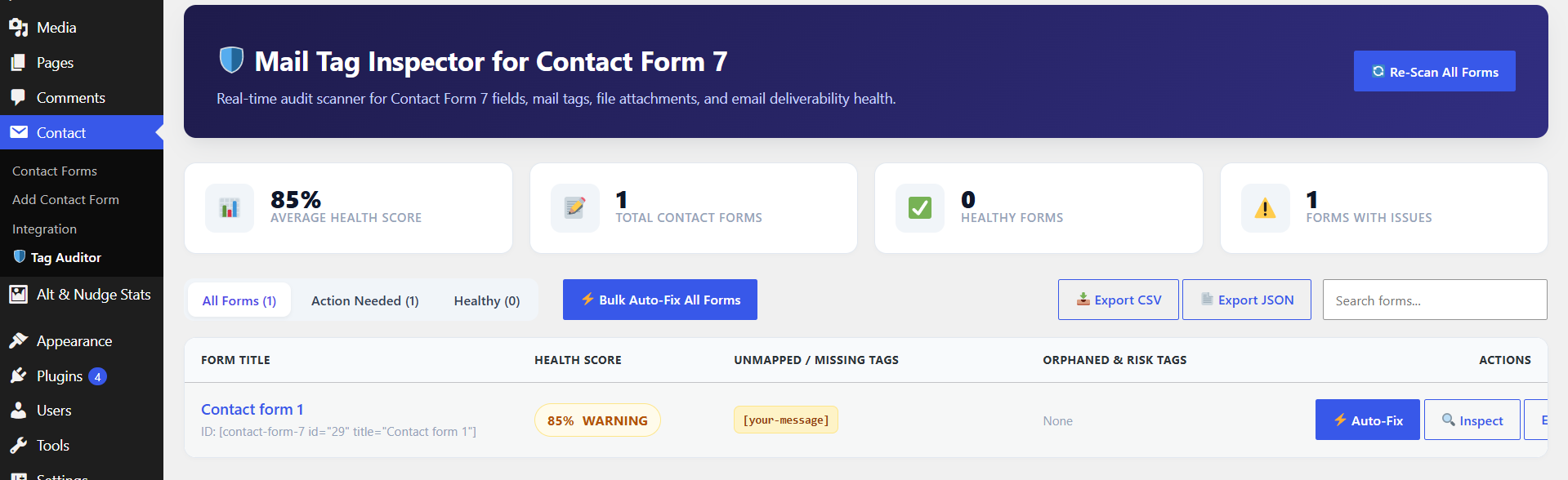
Mail Tag Inspector for Contact Form 7 is a comprehensive diagnostic tool for WordPress site owners using Contact Form 7. It scans your contact forms to ensure every form tag in the form template is properly configured in your email notification templates (Mail and Mail (2)).
- Real-time Tag Audit: Instantly detect missing tags, unused fields, and orphaned syntax.
- Deliverability Risk Check: Flag unsafe email headers, missing
Fromdomains, and invalid reply-to configurations. - Attachment Verification: Ensure file upload fields are correctly attached to outbound mail settings.
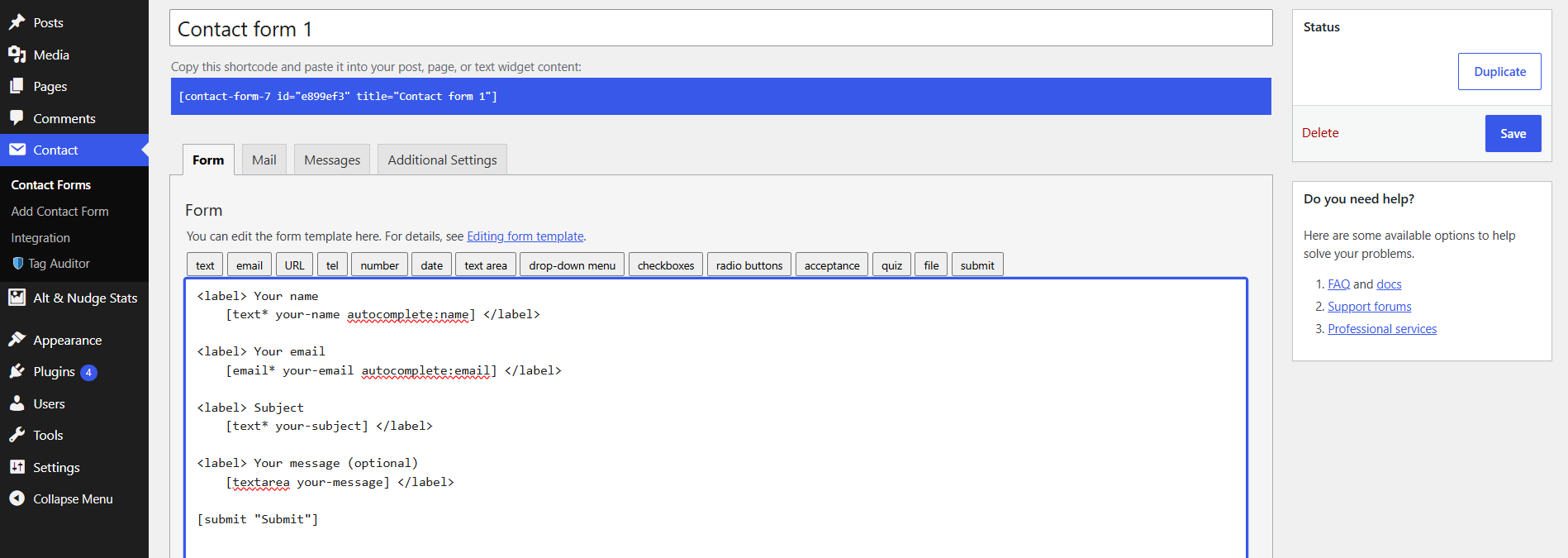
- Live Visual Health Score: Real-time form health metric right inside the CF7 form editor interface.
Screenshots
Installation
- Upload the
mail-tag-inspector-for-contact-form-7folder to the/wp-content/plugins/directory. - Activate the plugin through the ‘Plugins’ menu in WordPress.
- Ensure Contact Form 7 is installed and active.
- Navigate to Contact -> Tag Auditor or edit any Contact Form 7 form to see health reports.
FAQ
-
Does this plugin work without Contact Form 7?
-
No, Contact Form 7 must be installed and activated for this plugin to function.
-
How does the auto-repair feature work?
-
The 1-click repair scans for unmapped form fields and automatically appends them to your Mail template so no submitted form data is lost.
Reviews
There are no reviews for this plugin.
Contributors & Developers
“Mail Tag Inspector for Contact Form 7” is open source software. The following people have contributed to this plugin.
Contributors
Translate “Mail Tag Inspector for Contact Form 7” into your language.
Interested in development?
Browse the code, check out the SVN repository, or subscribe to the development log by RSS.
Changelog
1.0.1
- Tested up to WordPress 7.1.
- Maintenance and compatibility update.
1.0.0
- Initial release of Mail Tag Inspector for Contact Form 7.