

Description
My Christmas Advent Calendar adds an advent calendar to your WooCommerce shop. Every box has an opening date and a reward. On that day, each logged-in customer can open the box once and see the reward in a dialog.
For your customers
- A grid of boxes, shown on any page with the
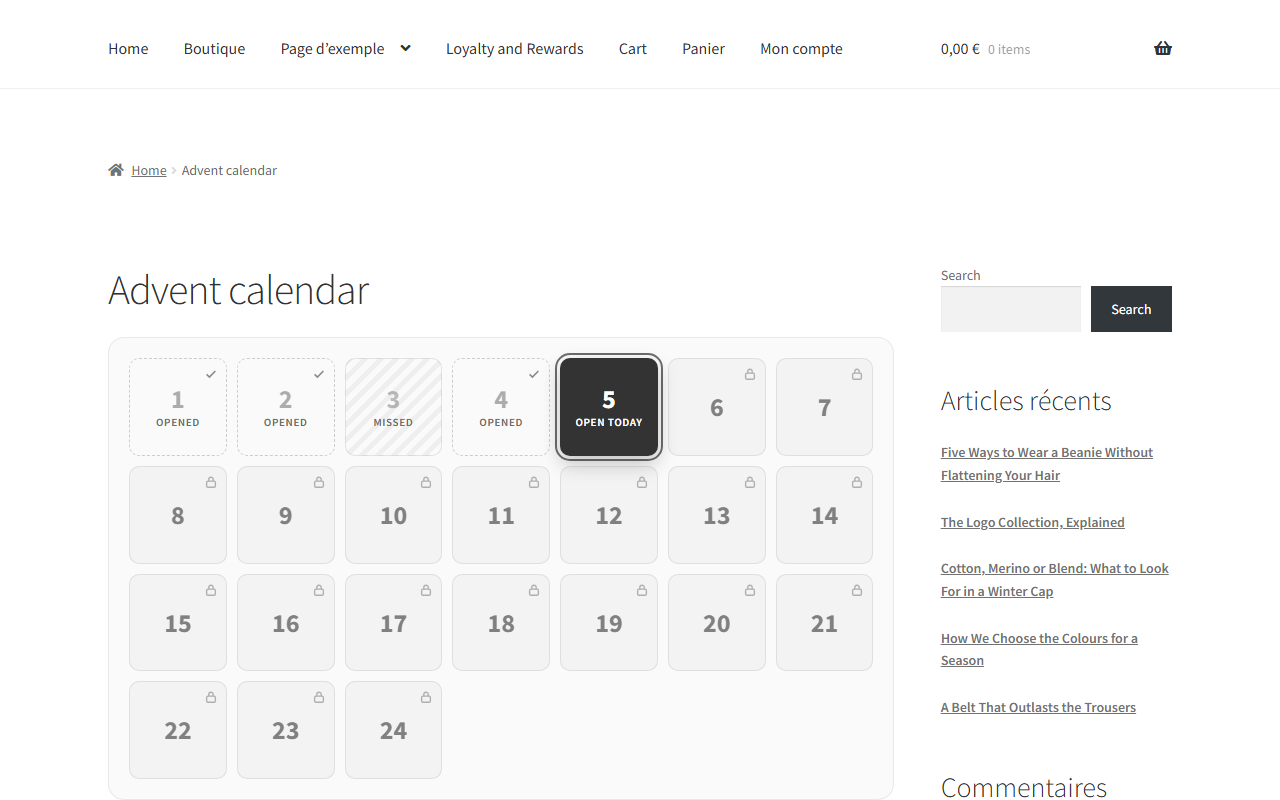
[codefaeries_advent_calendar]shortcode. - Four box states: locked, open today, opened, and missed for a past day left unopened.
- Today’s box takes the look of your theme’s main shop button, the other boxes a quiet surface drawn from your text color.
- One opening per box and per customer, checked again by the server.
- A short door opening effect, skipped for visitors who asked for reduced motion.
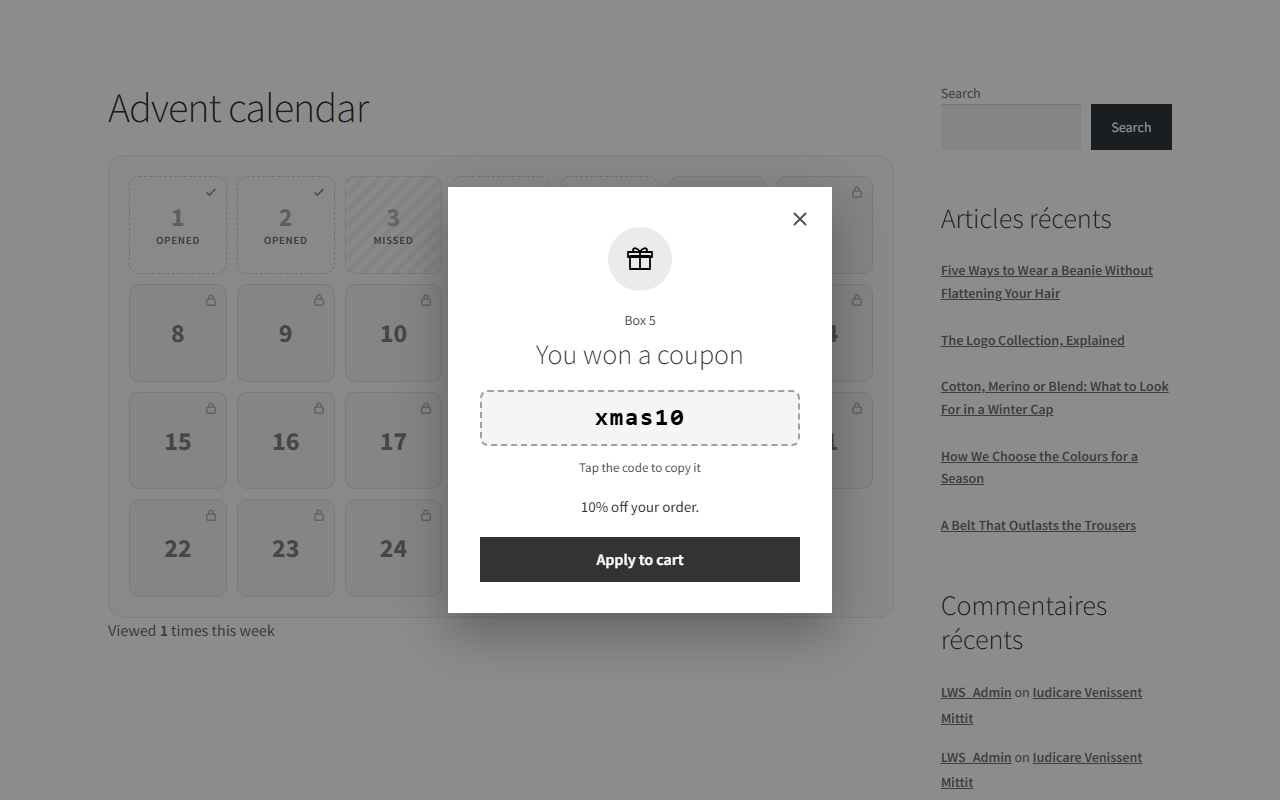
- Coupon rewards come with an “Apply to cart” button.
- Visitors who are not logged in see the grid and a link to log in or create an account.
For you
- 24 boxes dated December 1 to 24 are created on activation, each with a demo reward flagged until you replace it.
- A draft page holding the shortcode is created for you to review and publish.
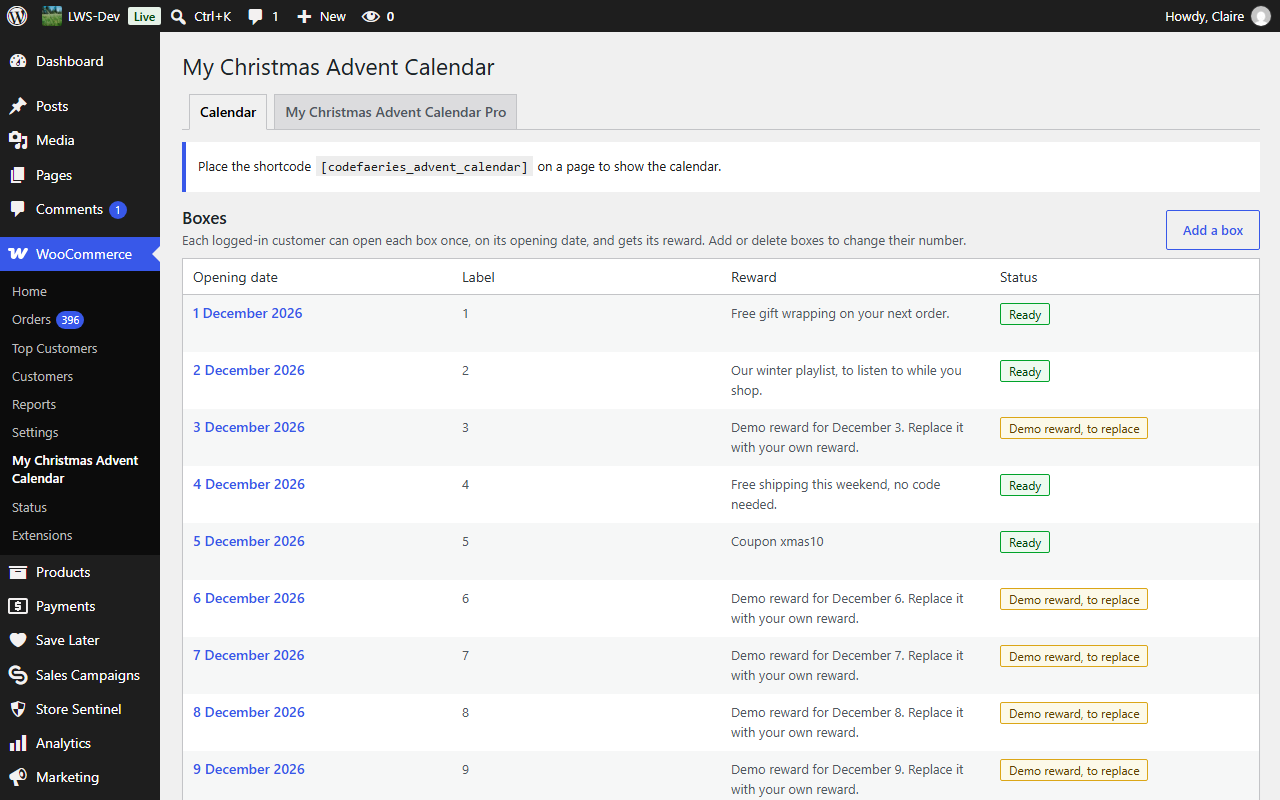
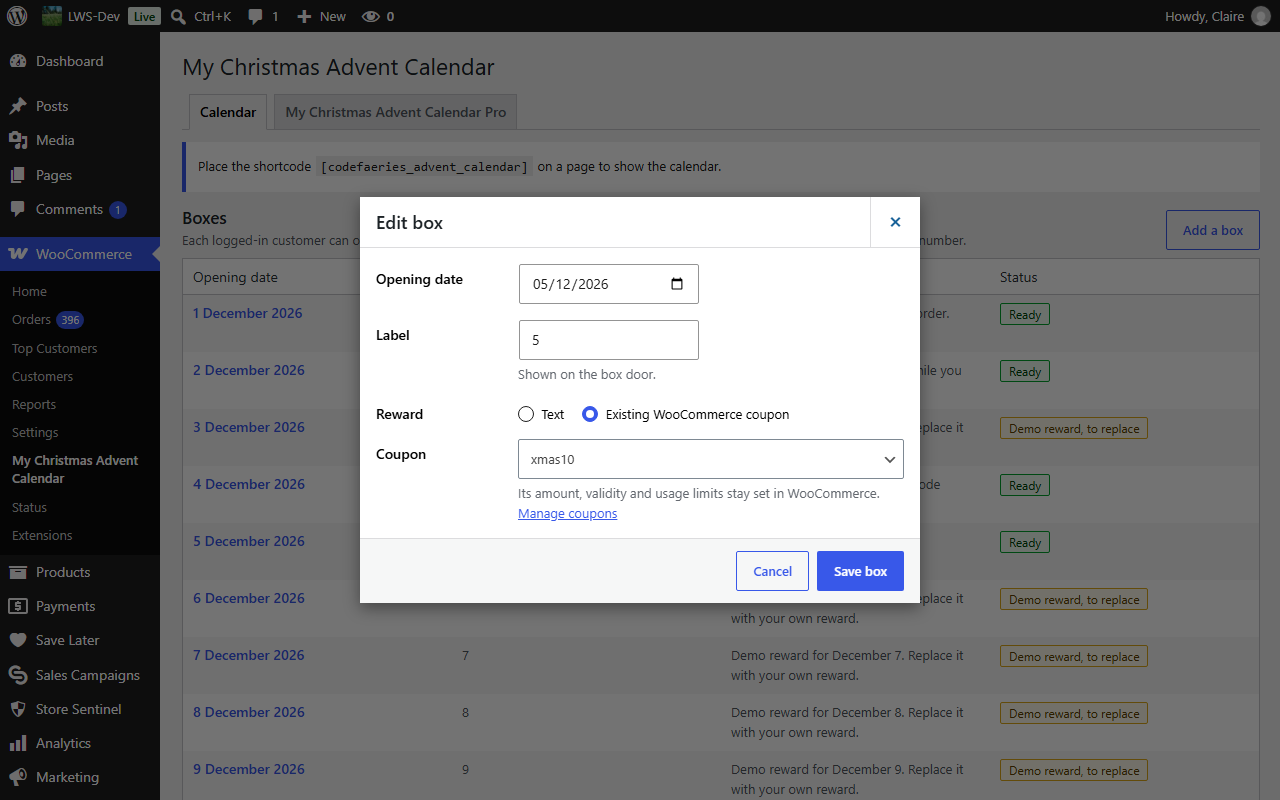
- Set the opening date, label and reward of each box, and add or delete boxes.
- Reward a box with a text, or with a WooCommerce coupon you pick from your published coupons. Amount, validity and usage limits stay set in WooCommerce.
- A coupon won in a box is refused to customers who did not open that box.
- The calendar inherits the fonts, colors and buttons of your theme.
Your data stays on your site
My Christmas Advent Calendar calls no third-party service and loads nothing from another server.
Screenshots
Installation
- Install the plugin from the WordPress “Plugins” screen, or upload it to the
/wp-content/plugins/lws-advent-calendardirectory. - Activate it. WooCommerce must be active.
- Go to WooCommerce > My Christmas Advent Calendar to set your boxes, then publish the “Advent Calendar” draft page.
FAQ
-
Can customers open a box without an account?
-
No. Opening a box requires a logged-in customer, so that each customer opens each box once.
-
Does My Christmas Advent Calendar create coupons?
-
No. You create your coupons in WooCommerce, then pick one for each coupon box.
-
What happens to my data when I delete the plugin?
-
Deleting the plugin removes its settings, its boxes and its openings. The calendar page is removed only if it is still the untouched draft created on activation.
Reviews
There are no reviews for this plugin.
Contributors & Developers
“My Christmas Advent Calendar for WooCommerce” is open source software. The following people have contributed to this plugin.
Contributors
Translate “My Christmas Advent Calendar for WooCommerce” into your language.
Interested in development?
Browse the code, check out the SVN repository, or subscribe to the development log by RSS.
Changelog
0.2.1
An advent calendar for WooCommerce: dated boxes, one opening per logged-in customer, text and coupon rewards.
- New: calendar grid shown with the
[codefaeries_advent_calendar]shortcode, with locked, open today, opened and missed boxes. - New: today’s box takes your theme’s main shop button, the other boxes a quiet surface drawn from your text color.
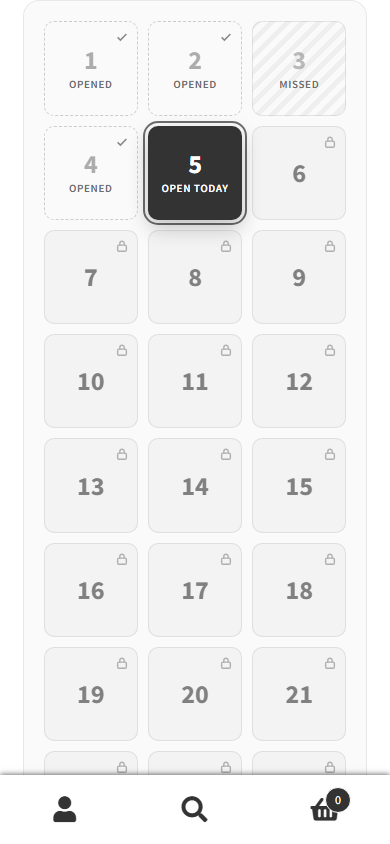
- New: on a phone, the grid keeps three columns.
- New: one opening per box and per customer, with a door opening effect.
- New: text rewards, and coupon rewards with an “Apply to cart” button in your theme’s main button style.
- New: coupons won in a box are refused to customers who did not open it.
- New: 24 demo boxes and a draft calendar page created on activation.
- New: box settings screen under WooCommerce, with the coupon picked from your published coupons.
- New: clean removal of settings, boxes and openings when the plugin is deleted.