

Description
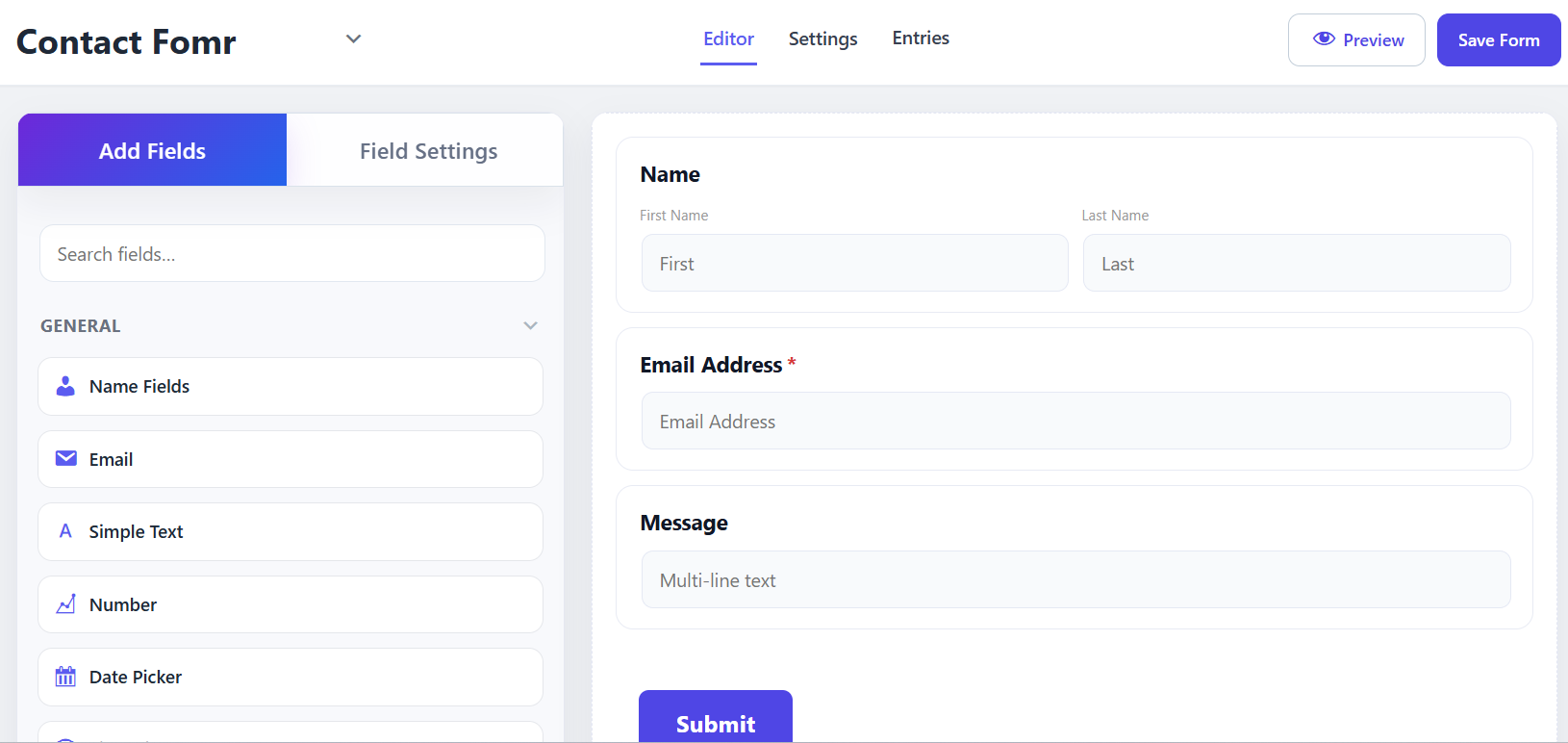
Lumo Forms is a free and standalone drag & drop form builder for WordPress. Create professional forms visually with an intuitive builder and live preview — no coding required.
Start from a blank form or choose from 45+ built-in templates, customize the fields and styling, and publish your form using a shortcode or Gutenberg block.
Lumo Forms also includes built-in payment processing with Stripe and PayPal, email notifications, multiple spam protection options, form submission management, Form Health reports, and built-in integrations.
Features
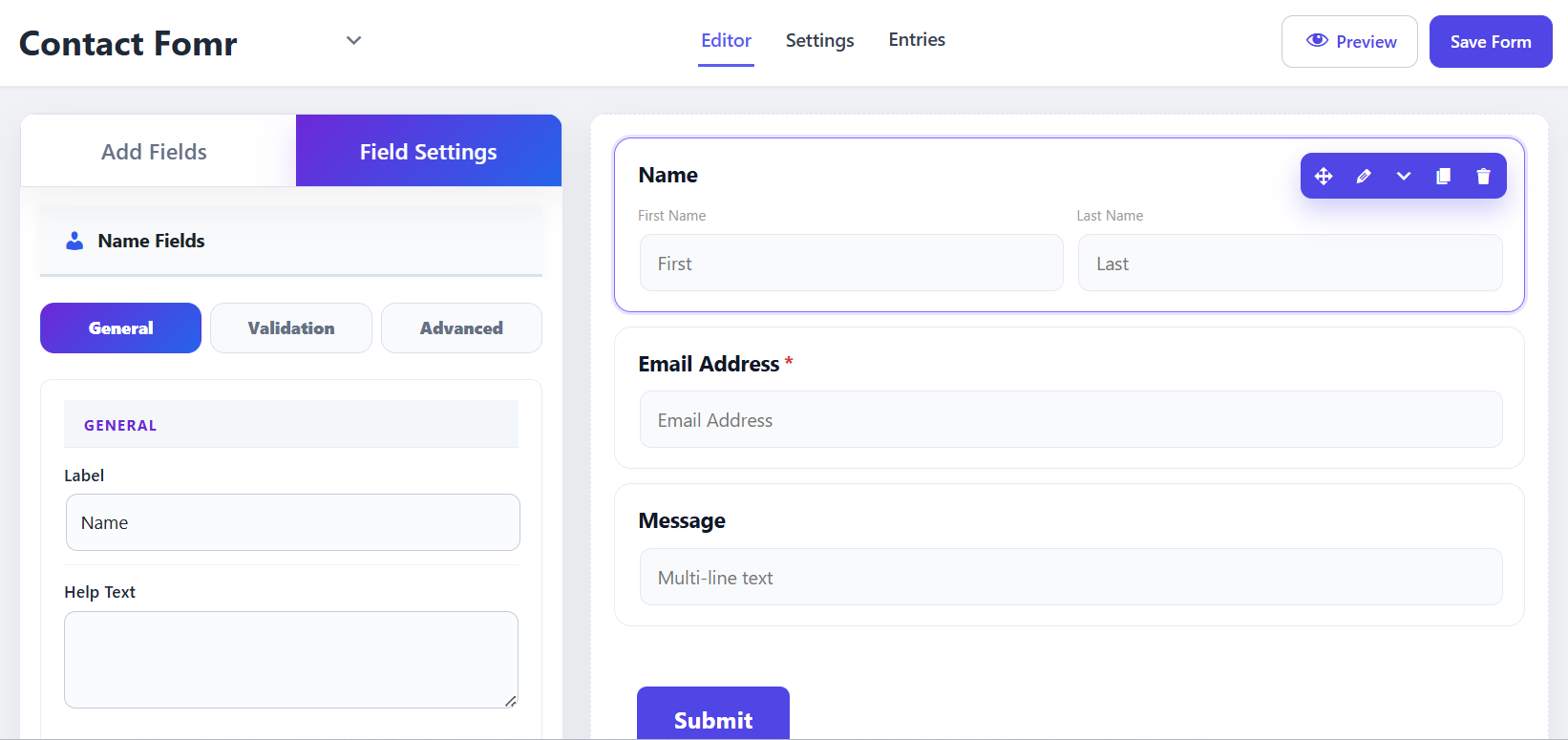
- Drag & drop form builder with live preview
- Basic fields: Text, Email, Textarea, Checkbox, Radio, Select/Dropdown, Hidden, Submit, Terms & Conditions
- Payment fields: Payment Item, Custom Amount, Payment Summary, Payment Gateway (Stripe / PayPal), Subscription (one-time plan amount display)
- One-time payments via Stripe (Card Element + PaymentIntent)
- One-time payments via PayPal (Smart Buttons)
- Server-side payment amount calculation and transaction verification before saving entries
- Payment details saved with form entries (status, amount, gateway, transaction ID)
- Simple field styling: color, spacing, font size
- Shortcode embedding:
[lumoform id="X"] - Gutenberg block for easy block editor integration
- Honeypot spam protection
- Captcha spam protection: Simple Math, Google reCAPTCHA v2, hCaptcha, Cloudflare Turnstile
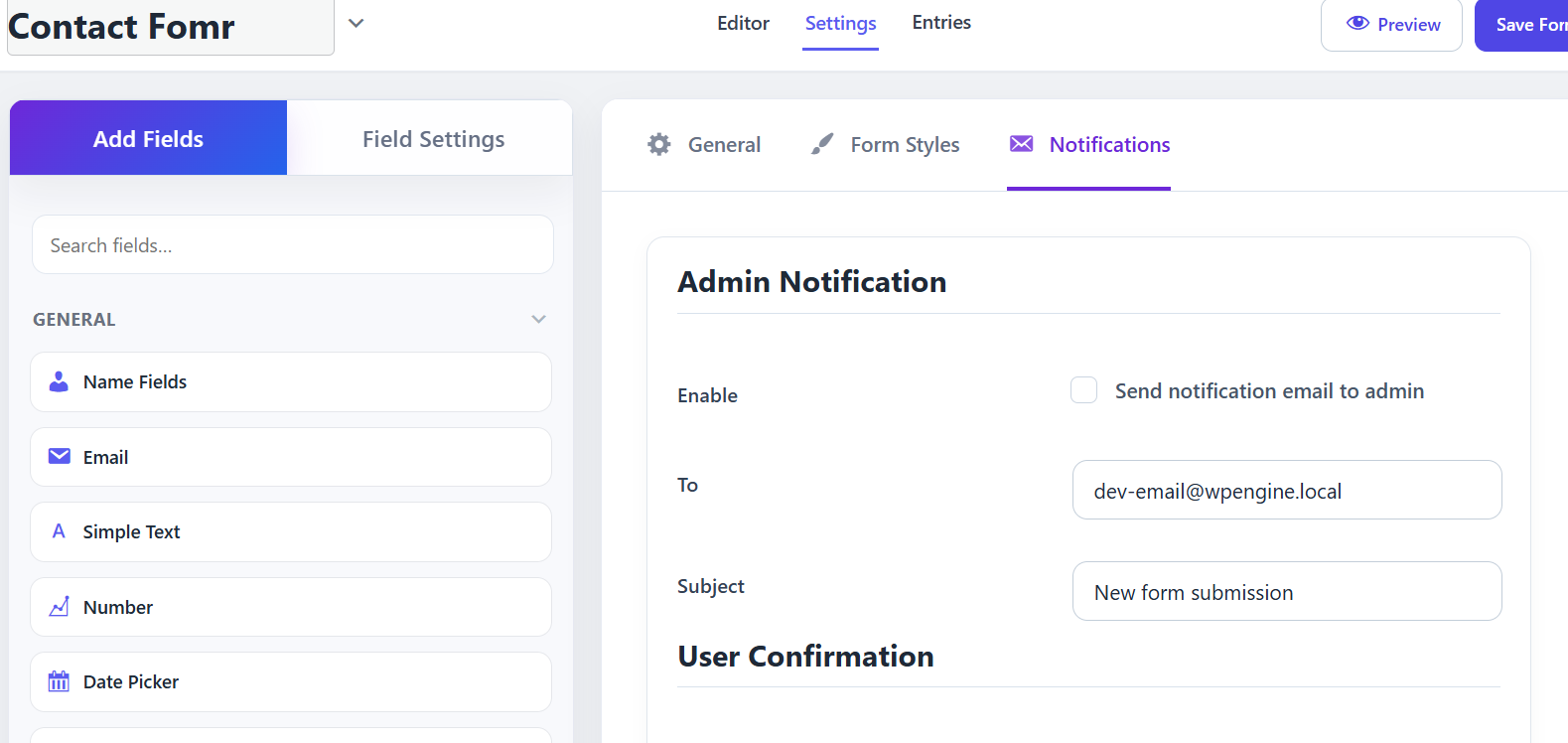
- Email notifications (admin and user confirmation)
- Form submissions saved to custom database tables
- Integrations: Mailchimp, Brevo & Slack (contacts + channel notifications on submit)
- Form Health reports: submissions trend, revenue pulse, integration status, setup coach
- 45+ built-in form templates (Contact, Lead, Business, Registration, Application, Marketing, Survey, Payment, Nonprofit, Education) plus save-your-own custom templates
- REST API endpoints
Integrations (Mailchimp, Brevo, Slack)
Connect your forms to popular tools without leaving WordPress.
* Mailchimp — add submitters to an audience with optional tags and double opt-in
* Brevo — create or update contacts and add them to a list
* Slack — post a real-time channel notification via Incoming Webhook when a form is submitted
* Manage connections under Lumo Forms Integrations (configure credentials, enable/disable)
* Assign connections on each form under Settings Integrations in the form builder
* Map email and name for Mailchimp and Brevo; Slack needs no field mapping (sends form title and field values)
* Check status and recent activity under Lumo Forms Reports (Form Health)
45+ Ready-to-Use Form Templates
Don’t start from a blank canvas.
Lumo Forms includes 45+ built-in starter templates for common business, marketing, registration, survey, payment, nonprofit, education, and application use cases.
Choose a template, preview it, import it with one click, and customize it in the drag & drop builder.
You can also save your own forms as reusable templates.
Template features:
- Category-based template browsing
- Template search
- Demo preview
- One-click Use Template
- Dedicated Lumo Forms Templates page
- Preset templates are read-only
- Save your own reusable templates
Built-in templates by category:
Contact — Contact, Simple Contact, Support Request
Lead — Lead Generation, Quote Request
Business — Consultation, Appointment
Registration — Event
Application — Job Application
Marketing — Newsletter Signup, Weekly Newsletter Signup, Newsletter with Interests, Lead Capture Form, Free Guide Download, Product Waitlist, Webinar Registration, Request a Demo, VIP Offers Signup, Product Inquiry
Feedback — Feedback, Customer Survey, Customer Satisfaction Survey, Product Review, Support Experience Feedback, Website Usability Feedback, Employee Satisfaction Survey, Exit Interview, 360 Peer Review, New Hire Onboarding Feedback
Payment — Donation Form, Payment
Nonprofit — Nonprofit Volunteer, Charitable Donation, Fundraiser Event Registration, Corporate Sponsorship, In-Kind Donation
Education — School Contact Form, Course Registration, Student Enrollment Application, Parent-Teacher Meeting, Scholarship Application, Workshop Registration, Course Evaluation, Tutoring Request
General — Contact with Terms
Input Fields
Available input fields
- Name Fields
- Simple Text
- Text Area
- Address Fields
- Country List
- Dropdown
- Radio Field
- Checkbox
- Multiple Choice
- Website URL
- Time & Date
- Hidden Field
- Section Break
- Terms & Conditions
- Custom Submit Button
- Captcha (Math, reCAPTCHA v2, hCaptcha, Turnstile)
- Payment Item
- Custom Payment Amount
- Payment Summary
- Payment Gateway (Stripe or PayPal)
- Subscription (displays a plan amount; charged as a one-time payment in this version)
External services
This plugin can connect to third-party captcha, payment, and marketing/messaging services when you enable them and configure credentials. No data is sent to these services until you enter your own API keys or webhooks and a visitor submits a form that uses them.
Google reCAPTCHA
Used to verify that a visitor is human when Google reCAPTCHA v2 is enabled on a form.
Data sent: captcha response token and visitor IP address (when available). Sent only when a visitor submits a form with reCAPTCHA enabled.
Service provider: Google LLC
Terms of Service: https://policies.google.com/terms
Privacy Policy: https://policies.google.com/privacy
When reCAPTCHA is enabled, the plugin loads scripts from https://www.google.com/recaptcha/.
hCaptcha
Used to verify that a visitor is human when hCaptcha is enabled on a form.
Data sent: captcha response token and visitor IP address (when available). Sent only when a visitor submits a form with hCaptcha enabled.
Service provider: Intuition Machines, Inc.
Terms of Service: https://www.hcaptcha.com/terms
Privacy Policy: https://www.hcaptcha.com/privacy
When hCaptcha is enabled, the plugin loads scripts from https://js.hcaptcha.com/.
Cloudflare Turnstile
Used to verify that a visitor is human when Cloudflare Turnstile is enabled on a form.
Data sent: captcha response token and visitor IP address (when available). Sent only when a visitor submits a form with Turnstile enabled.
Service provider: Cloudflare, Inc.
Terms of Service: https://www.cloudflare.com/website-terms/
Privacy Policy: https://www.cloudflare.com/privacypolicy/
When Turnstile is enabled, the plugin loads scripts from https://challenges.cloudflare.com/.
Stripe
Used to process one-time card payments when Stripe is configured and a form includes a Payment Gateway field set to Stripe.
Data sent: payment amount, currency, and transaction metadata required to create and confirm a PaymentIntent. Sent only when a visitor pays on a payment form.
Service provider: Stripe, Inc.
Terms of Service: https://stripe.com/legal/consumer
Privacy Policy: https://stripe.com/privacy
When Stripe keys are present, the plugin loads Stripe.js from https://js.stripe.com/ to render secure card fields. Card details are sent directly to Stripe and are not stored by this plugin.
PayPal
Used to process one-time payments when PayPal is configured and a form includes a Payment Gateway field set to PayPal.
Data sent: payment amount, currency, order details, and transaction metadata required to create and capture a PayPal order. Sent only when a visitor pays on a payment form.
Service provider: PayPal Holdings, Inc.
Terms of Service: https://www.paypal.com/us/webapps/mpp/ua/useragreement-full
Privacy Policy: https://www.paypal.com/us/webapps/mpp/ua/privacy-full
When PayPal Client ID is present, the plugin loads the PayPal JavaScript SDK from https://www.paypal.com/sdk/js to render PayPal buttons.
Mailchimp
Used to add or update contacts in a Mailchimp audience when a Mailchimp connection is enabled and assigned to a form.
Data sent: email address and mapped name or other field values you configure, plus optional tags and double opt-in preference. Sent only after a successful form submission with an enabled Mailchimp connection.
Service provider: The Rocket Science Group LLC d/b/a Mailchimp
Terms of Service: https://mailchimp.com/legal/terms/
Privacy Policy: https://www.intuit.com/privacy/statement/
API requests are sent to Mailchimp’s Marketing API (region-specific host derived from your API key, e.g. *.api.mailchimp.com).
Brevo
Used to create or update contacts and add them to a list when a Brevo connection is enabled and assigned to a form.
Data sent: email address and mapped name or other field values you configure. Sent only after a successful form submission with an enabled Brevo connection.
Service provider: Sendinblue SAS (Brevo)
Terms of Service: https://www.brevo.com/legal/termsofuse/
Privacy Policy: https://www.brevo.com/legal/privacypolicy/
API requests are sent to https://api.brevo.com/.
Slack
Used to post form submission notifications to a Slack channel when a Slack connection is enabled and assigned to a form.
Data sent: form title and submitted field labels/values in a channel message. Sent only after a successful form submission with an enabled Slack connection.
Service provider: Slack Technologies, LLC
Terms of Service: https://slack.com/terms-of-service
Privacy Policy: https://slack.com/privacy-policy
Messages are posted to the Incoming Webhook URL you provide (hooks.slack.com).
Screenshots
Blocks
This plugin provides 1 block.
- Lumo Forms
Installation
- Upload
lumo-formsto/wp-content/plugins/ - Activate via Plugins Installed Plugins
- Go to Lumo Forms Add New to create your first form
- Embed using the shortcode
[lumoform id="X"]or the Gutenberg block
Enable payments (Stripe or PayPal)
- Go to Lumo Forms Settings Payments
- Add your Stripe publishable & secret keys, and/or PayPal Client ID & Secret (Sandbox or Live)
- In the form builder, add payment fields (for example Payment Item or Custom Amount, Payment Summary, and Payment Gateway)
- Choose Stripe or PayPal on the Payment Gateway field
- Leave Gateway Amount blank to use the cart total, or enter a fixed amount
- Save the form and test with test/sandbox credentials before going live
Connect integrations (Mailchimp, Brevo, Slack)
- Go to Lumo Forms Integrations
- Open the settings gear on Mailchimp, Brevo, or Slack
- Enter credentials (Mailchimp/Brevo API key and list, or Slack Incoming Webhook URL)
- Enable the connection with the toggle
- Open a form in the builder Settings Integrations
- Assign the connection and map email / name fields (Mailchimp and Brevo only)
- Save the form and submit a test entry
FAQ
-
Does this plugin require any other form plugins?
-
No. Lumo Forms is fully standalone.
-
How do I embed a form?
-
Each form automatically generates a shortcode like
[lumoform id="1"]. You can also use the Lumo Forms Gutenberg block, or calldo_shortcode('[lumoform id="1"]')in PHP templates. -
Where are form submissions saved?
-
All submissions are saved in custom database tables (
wp_lumo_forms,wp_lumo_submissions). You can view, filter, and export them from Lumo Forms Entries. -
How do I accept payments?
-
Configure Stripe and/or PayPal under Settings Payments, then add Payment and Payment Gateway fields in the builder. Leave the gateway amount empty for variable totals from payment items or custom amounts.
-
Do you store credit card numbers?
-
No. Card data is entered in Stripe Elements and sent directly to Stripe. This plugin only stores payment metadata such as amount, currency, gateway name, and transaction ID.
-
Can I use PayPal?
-
Yes. Add your PayPal Client ID and Secret under Settings Payments, set Sandbox or Live mode, and select PayPal on the Payment Gateway field.
-
How do I test Stripe payments?
-
Use Stripe test keys (
pk_test_…/sk_test_…) and test card4242 4242 4242 4242with any future expiry date and any 3-digit CVC. -
Does the plugin support recurring subscriptions and refunds?
-
This release processes one-time charges. The Subscription field shows a plan-style amount and is charged once. Full recurring billing, refunds, and cancellations are planned for future versions. You can still issue refunds from your Stripe or PayPal dashboard.
-
How do integrations work?
-
Create a connection under Lumo Forms Integrations, enable it, then assign it on each form under Settings Integrations. After a successful form submit, Lumo sends the mapped data to the enabled services.
-
Which integrations are included for free?
-
Mailchimp, Brevo, and Slack.
-
Do I need field mapping for Slack?
-
No. Slack receives the form title and submitted field values. Map email and name only for Mailchimp and Brevo.
-
Where can I see if an integration ran?
-
Open Lumo Forms Reports (Form Health) for integration status and recent activity, or check the connected Mailchimp audience, Brevo list, or Slack channel.
-
Is this GDPR-compliant?
-
The plugin stores IP addresses and user agents with submissions, and payment metadata when a payment is collected. When integrations are enabled, mapped submitter data (such as email and name) is sent to those third-party services. Review your privacy policy and add consent fields where needed. See External services.
-
How do I enable captcha?
-
Go to Lumo Forms Settings Spam Protection, choose a provider and add API keys (not needed for Simple Math). Then open your form in the builder and enable Captcha under General Spam Protection.
Reviews
There are no reviews for this plugin.
Contributors & Developers
“Lumo Forms – Drag & Drop Form Builder for WordPress” is open source software. The following people have contributed to this plugin.
Contributors
Translate “Lumo Forms – Drag & Drop Form Builder for WordPress” into your language.
Interested in development?
Browse the code, check out the SVN repository, or subscribe to the development log by RSS.
Changelog
1.0.4
- Added Mailchimp, Brevo, and Slack integrations.
- Added Form Health reports with submission, payment, and integration insights.
- Added WP Mail SMTP integration with a dedicated SMTP menu for better email deliverability.
- Expanded the template library from 7 to 45+ ready-to-use templates.
- Improved payment fields, form submission handling, and payment UI.
- Added free Smart Form Styling: 12 design themes, brand color, typography, field/label/button/background controls, and live preview in the builder.
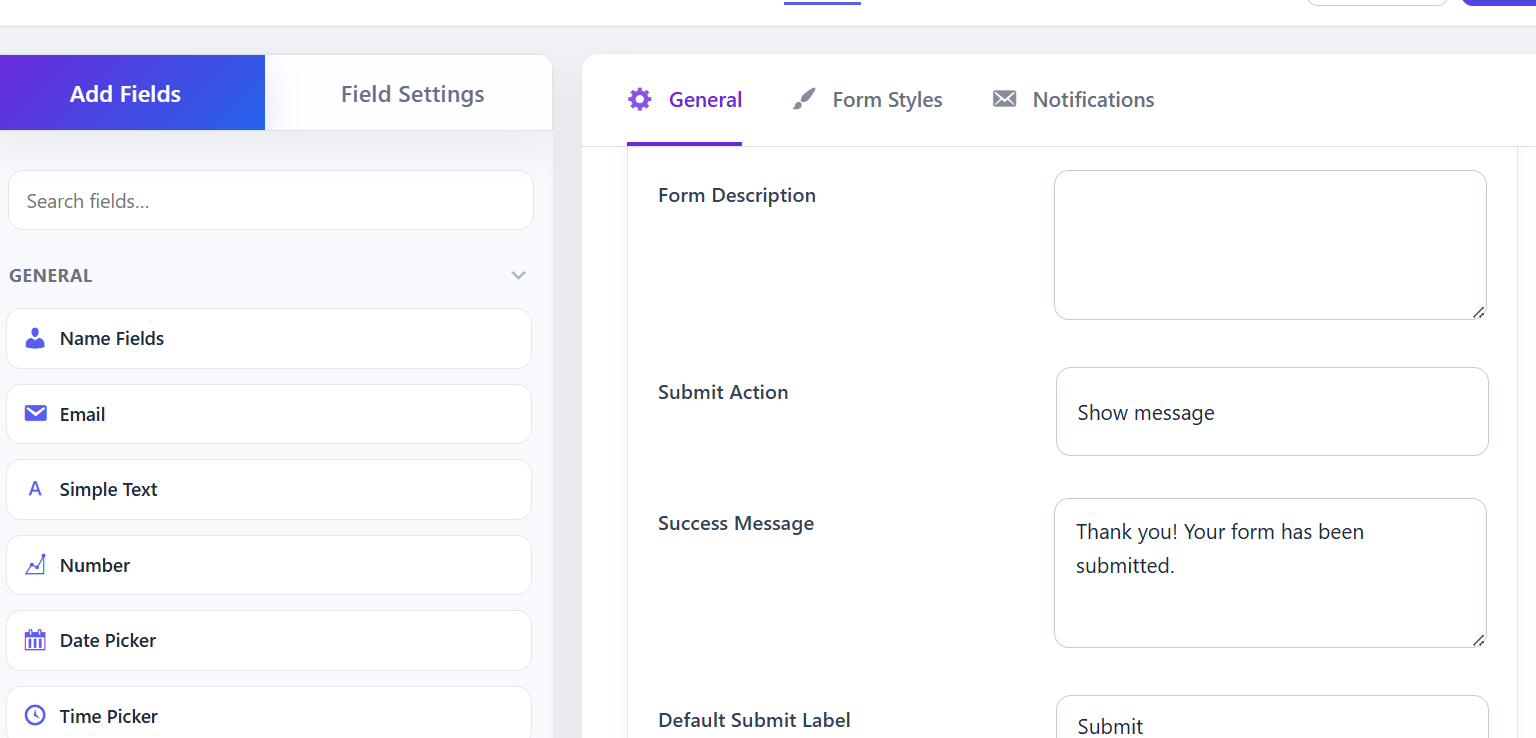
- Rebuilt form Confirmation settings: thank-you message (rich text + smart tags), redirect to a WordPress page, or custom URL.
- Improved email notifications: multi-recipient To/CC/BCC, Reply-To, admin intro message, user confirmation body, and clickable smart tags.
- Fixed saving of comma-separated admin notification addresses (To/CC/BCC).
- Refreshed the main Settings page UI (General, Spam, Email, Payments, Advanced) with card layout and toggles.
- Fixed Export/Import button icon alignment on the Tools page.
1.0.3
- Fixed critical PHP fatal error on hosts running PHP 7.4 (removed PHP 8-only syntax: match, mixed, union types)
- Added captcha spam protection: Simple Math, Google reCAPTCHA v2, hCaptcha, and Cloudflare Turnstile with server-side verification
- Added form templates feature: save and reuse form templates across sites
1.0.2
- Improved form builder UI
- Improved Textarea field
1.0.1
- Fixed Gutenberg block script localization object name to use the lumoForms prefix
- Confirmed Plugin URI points to a live site (https://wpfound.dev/)
- Set Author URI to the WordPress.org profile so it differs from Plugin URI
1.0.0
- Initial release