
Description
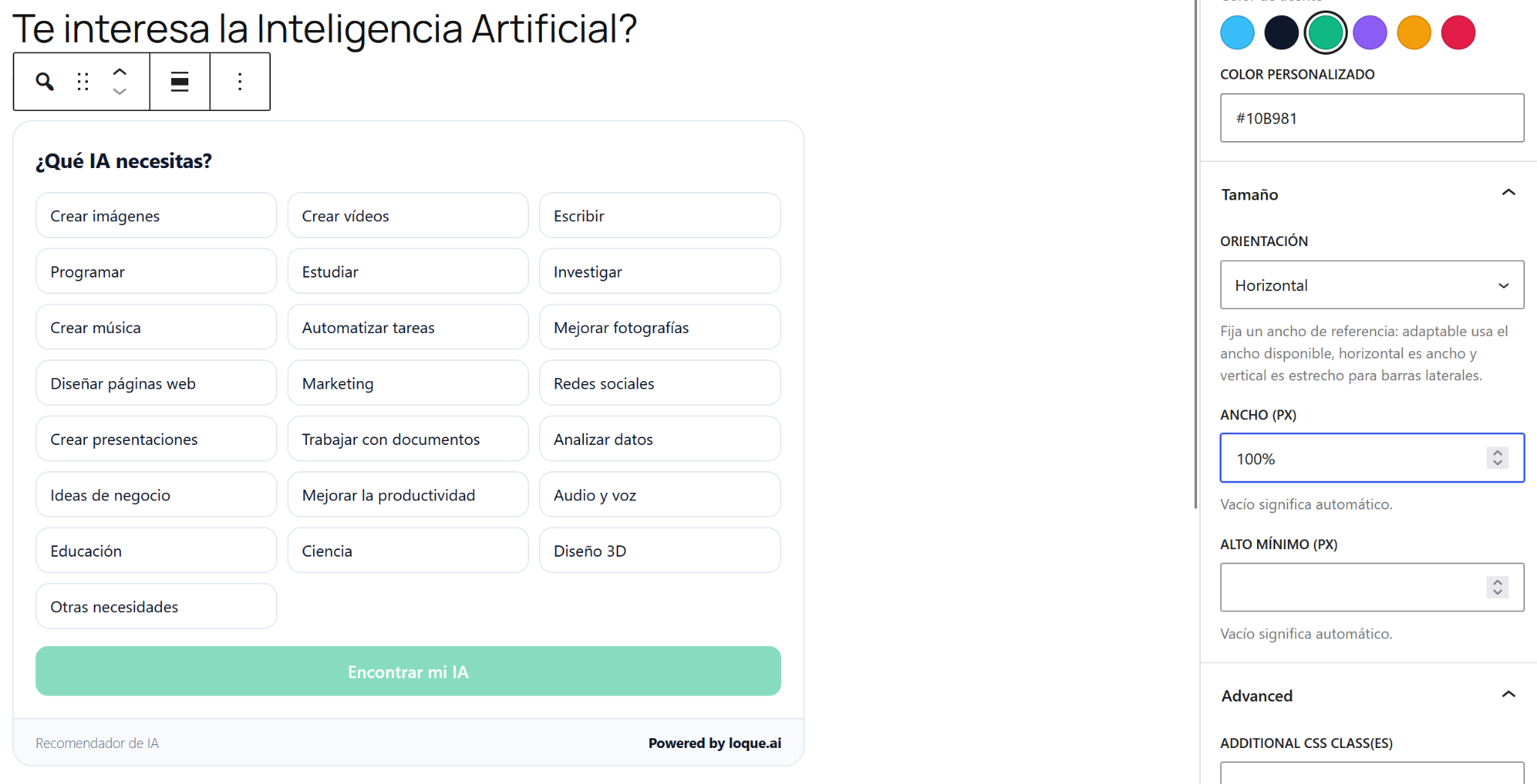
Loque AI buscar IA connects your WordPress site to the “Which AI do I need?” quiz from LOQUE.AI. It adds a Gutenberg block called “Loque AI buscar IA” and an equivalent shortcode, without rebuilding the quiz or duplicating its content.
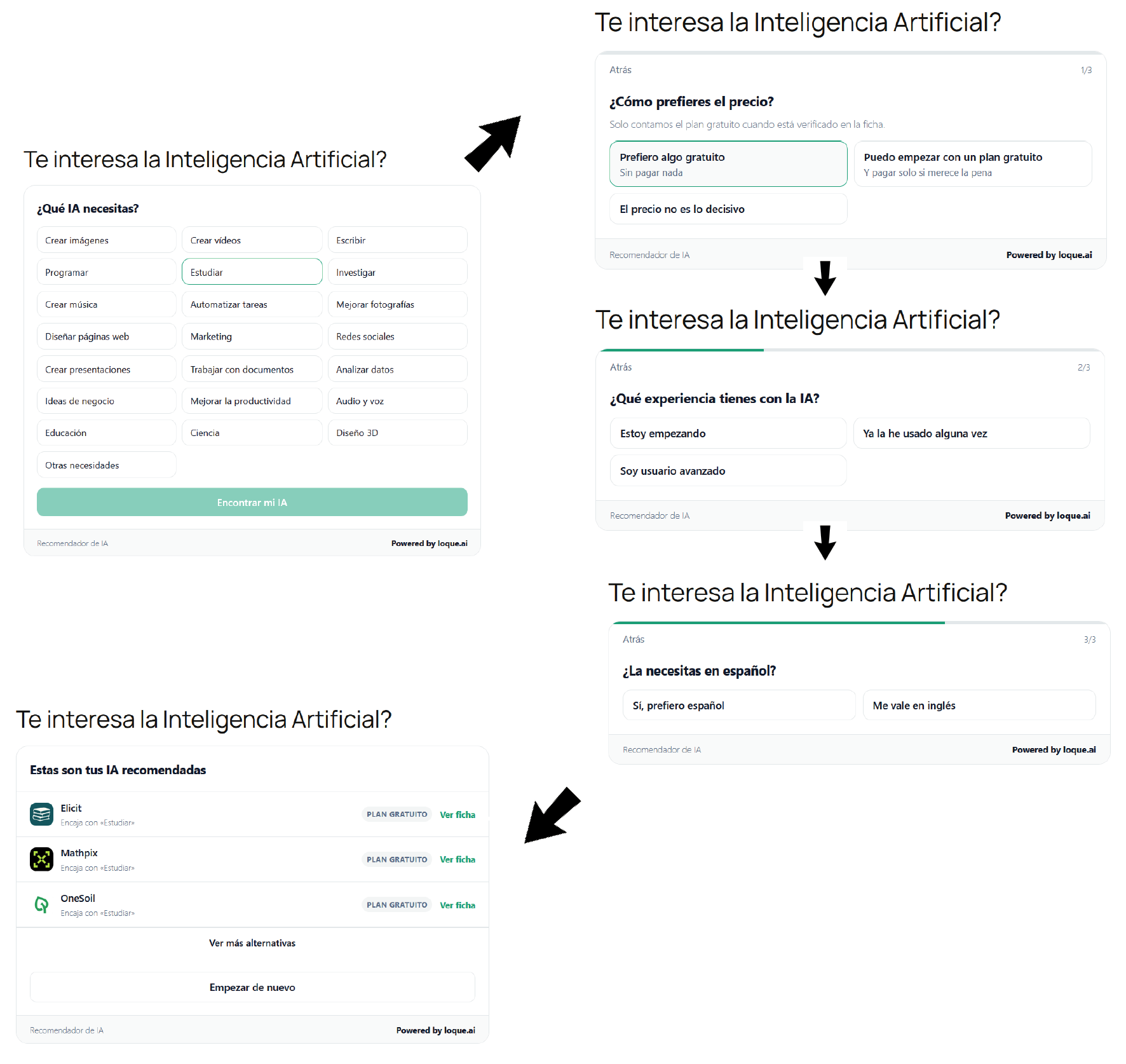
The visitor answers a few questions and gets a short list of artificial intelligence tools that fit the task, the budget and the experience level they chose. The recommendations are calculated with the rules published in LOQUE.AI, so every visit gets the same answer for the same choices and no AI model is called per visitor.
The quiz is always inserted inline, in the exact spot where you place the block or the shortcode: no floating button, no overlay, nothing that escapes your layout.
The quiz is rendered inside its own Shadow DOM, so your theme styles stay out and its own styles stay in. Scripts are only loaded on the pages that display the quiz.
What you can adjust
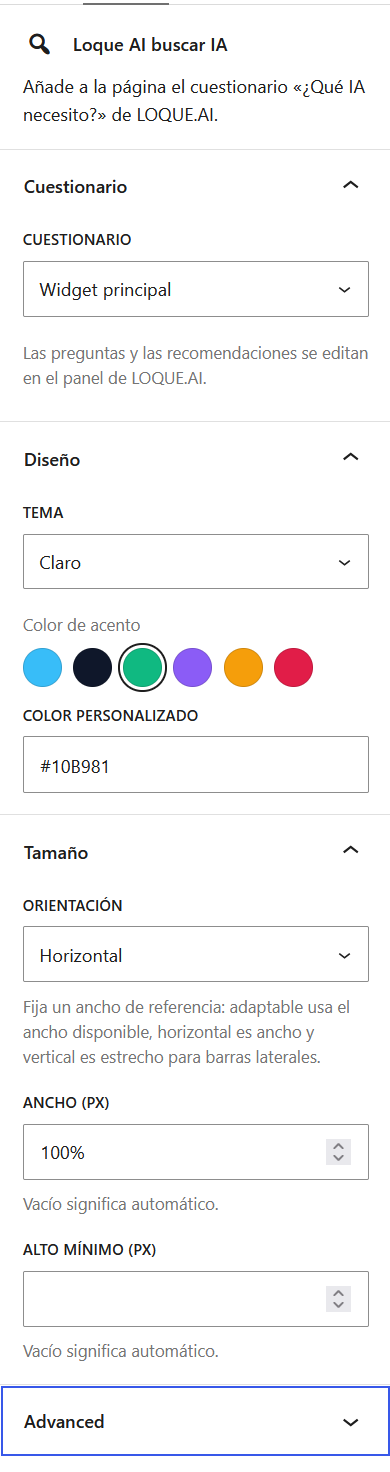
- Questionnaire: pick any published one from the selector.
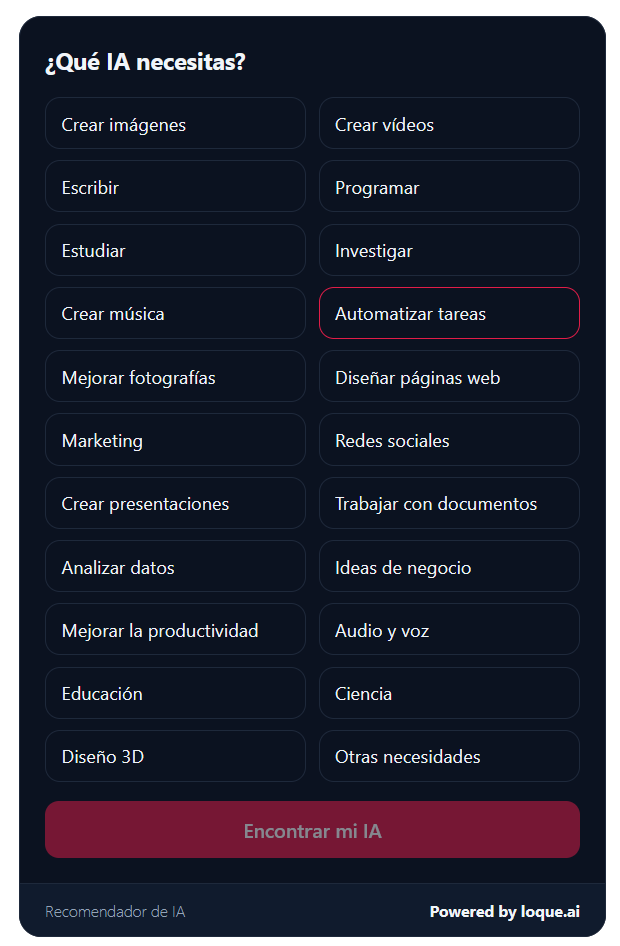
- Theme: automatic, light or dark.
- Accent color.
- Orientation: adaptive, horizontal or vertical.
- Custom width and minimum height, for sidebars and wide layouts.
Privacy
- No passwords are stored and no personal data is collected from your WordPress site.
- The plugin adds no tracking of its own: metrics are measured by the LOQUE.AI quiz itself, anonymously and in aggregate.
- Content and images are served from loque.ai.
Screenshots
Blocks
This plugin provides 1 block.
- Loque AI buscar IA Añade a la página el cuestionario «¿Qué IA necesito?» de LOQUE.AI.
Installation
- Upload the
loque-ai-buscar-iafolder to/wp-content/plugins/, or install the ZIP file from “Plugins Add New Upload Plugin”. - Activate the plugin in the “Plugins” menu.
- Create or edit a page and add the “Loque AI buscar IA” block.
- Choose a published questionnaire in the block sidebar.
To insert it outside the block editor, use the shortcode:
[loque_ai_buscar_ia key="widget_principal" theme="auto" orient="horizontal" width="960"]
All attributes are optional except key. You can place as many quizzes as you like, each with its own settings.
FAQ
-
Do I need a LOQUE.AI account?
-
No. The quiz is public and works without registration or an API key.
-
Which questionnaire should I choose?
-
The selector lists every questionnaire published in LOQUE.AI. The questions, the needs and the recommended tools are edited there, not in WordPress.
-
Why does the block show nothing on the page?
-
Until a questionnaire is chosen the block prints nothing, so no empty box is left behind. Pick one in the block sidebar.
-
Can the quiz float over the page?
-
No. The quiz is inserted inline only, so it always stays inside the content and never covers your site.
-
Does the plugin work with any theme?
-
Yes. The quiz is isolated in its own Shadow DOM and does not depend on your theme styles.
-
Where is my data stored?
-
Nothing is stored in your WordPress site: the settings live in the block or the shortcode itself.
Reviews
There are no reviews for this plugin.
Contributors & Developers
“Loque AI buscar IA” is open source software. The following people have contributed to this plugin.
Contributors
Translate “Loque AI buscar IA” into your language.
Interested in development?
Browse the code, check out the SVN repository, or subscribe to the development log by RSS.
Changelog
0.1.0
- Initial version: Gutenberg block with live preview and shortcode, with settings for questionnaire, theme, accent color, orientation, width and height. The quiz is always inserted inline.