

Description
Long Play is calm, ad-free video hosting for filmmakers, educators and creators: no algorithm, no autoplay, no recommendations pulling viewers away – just your video, presented properly.
WordPress only turns video links into players for sites on its own built-in list. This plugin adds Long Play to it.
What it does
- Paste a Long Play video link (
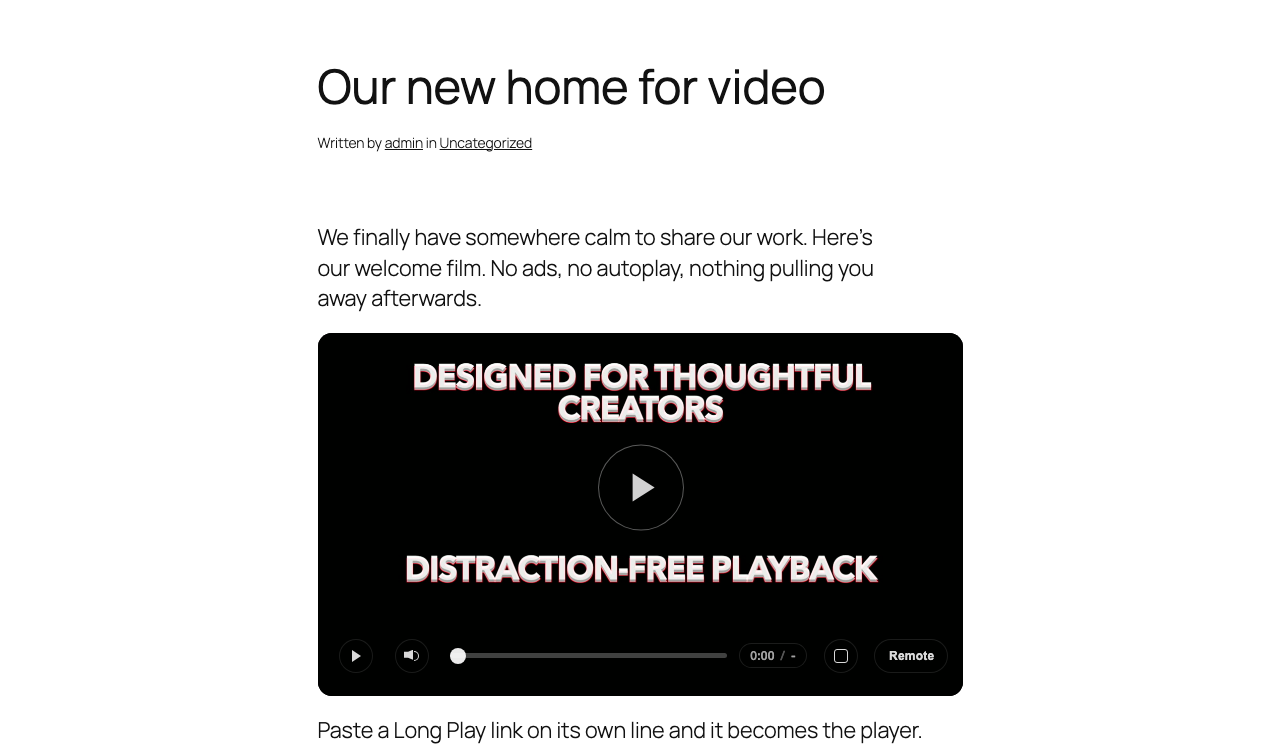
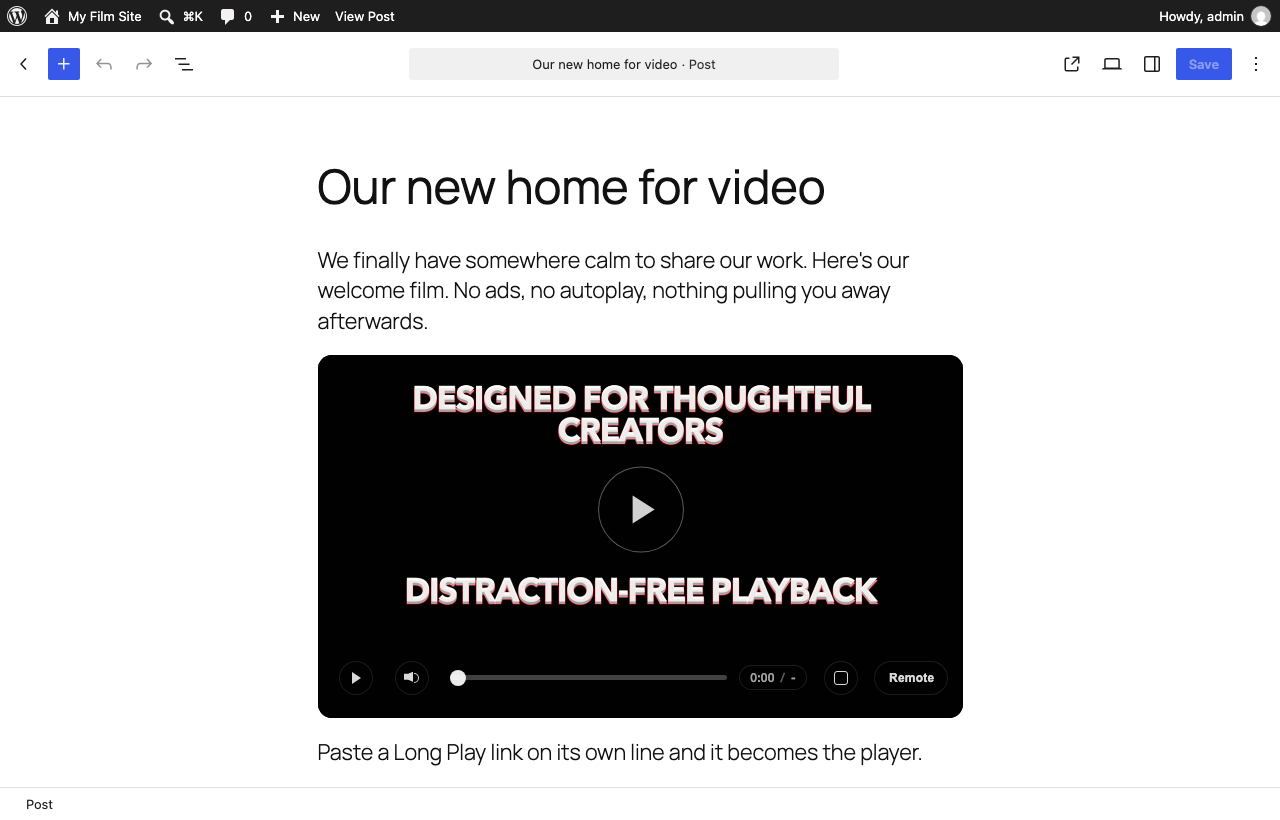
https://longplayplatform.com/browse/...) on its own line, or into an Embed block, and it becomes the Long Play player. - Or use a shortcode:
[longplay id="abc123XYZ"], with optionalwidth,heightandstart(in seconds). - Works with the block editor, the classic editor and page builders that support WordPress embeds.
About Long Play
- Ad-free playback on every plan – Long Play never inserts ads into your videos.
- Up to 4K, with adaptive streaming that starts fast and avoids buffering.
- Private sharing, password protection, share links with viewing notes, and domain-restricted embeds so a video only plays on your own site.
- Sell or rent your videos directly to your audience.
- Captions, multiple audio tracks, chapters and transcripts.
- Moving from Vimeo? Long Play can import your Vimeo library for you.
- A free plan that will always exist, and a Creator plan whose price is locked for life.
Create a free account – no credit card required.
External services
This plugin connects to Long Play (longplayplatform.com), the video hosting service whose videos it embeds. It sends nothing until a post or page contains a Long Play video link or the [longplay] shortcode.
- When a post contains a Long Play video link, WordPress asks Long Play’s oEmbed endpoint (
https://longplayplatform.com/oembed) for the player code. It sends the video link and the requested player size. WordPress keeps the answer, as it does for YouTube or Vimeo links. - When someone views the post, their browser loads the player from
https://longplayplatform.com/embed/.... Long Play receives what any embedded player receives: the visitor’s IP address and browser details, and your site’s address (not the page or the visitor) so videos limited to your website can play.
Long Play Platform Rules (terms of use) and privacy policy.
Screenshots
Installation
- Install the plugin from Plugins > Add New, or upload the
long-play-embedsfolder to/wp-content/plugins/. - Activate it.
- Paste a Long Play video link into any post or page.
FAQ
-
Which videos can be embedded?
-
Public Long Play videos. Private videos, and videos limited to other websites by their creator, show a “This video is unavailable” message instead.
-
Can I make a video play only on my own website?
-
Yes. On the Creator plan and above, set the video to Private share and list your website under domain restriction. It will then play only in embeds on your site.
-
Does it work with page builders?
-
Anything that uses WordPress’s standard embeds, such as the block editor’s Embed block, will show the Long Play player. The
[longplay]shortcode works anywhere shortcodes do, including most page builders.
Reviews
There are no reviews for this plugin.
Contributors & Developers
“Long Play Embeds” is open source software. The following people have contributed to this plugin.
Contributors
Translate “Long Play Embeds” into your language.
Interested in development?
Browse the code, check out the SVN repository, or subscribe to the development log by RSS.
Changelog
1.0.0
- First release: Long Play links become players;
[longplay]shortcode.