
Description
Linformatique Neophyte Advent Calendar adds a 24-door advent calendar (calendrier de l’Avent) to any page with a shortcode. Everything is set up from one screen in your dashboard.
Features
- 24 doors, one setting block per day.
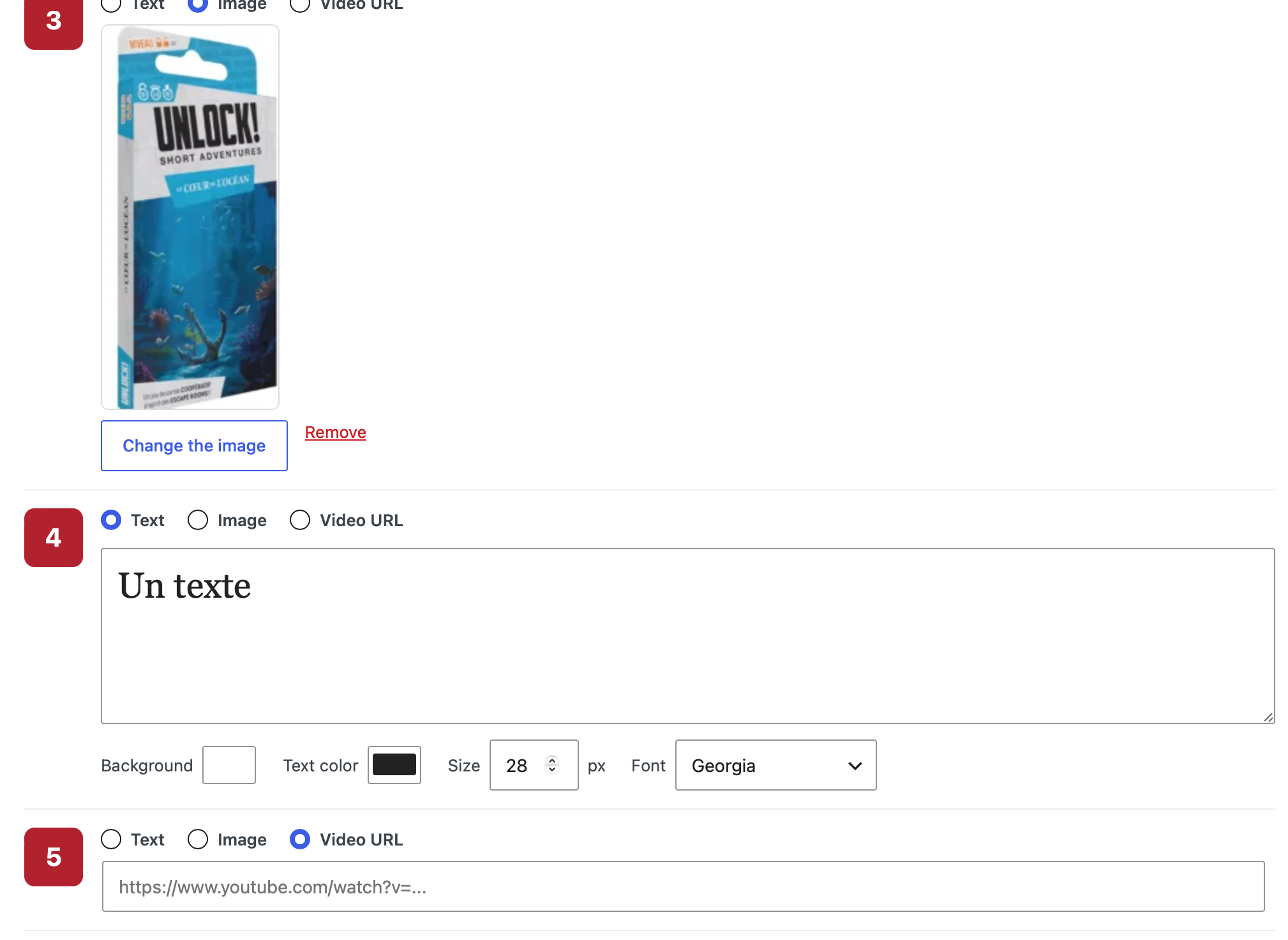
- Three content types per day: text, image (picked from your media library) or video URL.
- Text doors: choose the background color, text color, font size and font.
- Image doors: the picture opens large, in a pop-up.
- Video doors: a play icon invites visitors to click; the video opens in a new tab.
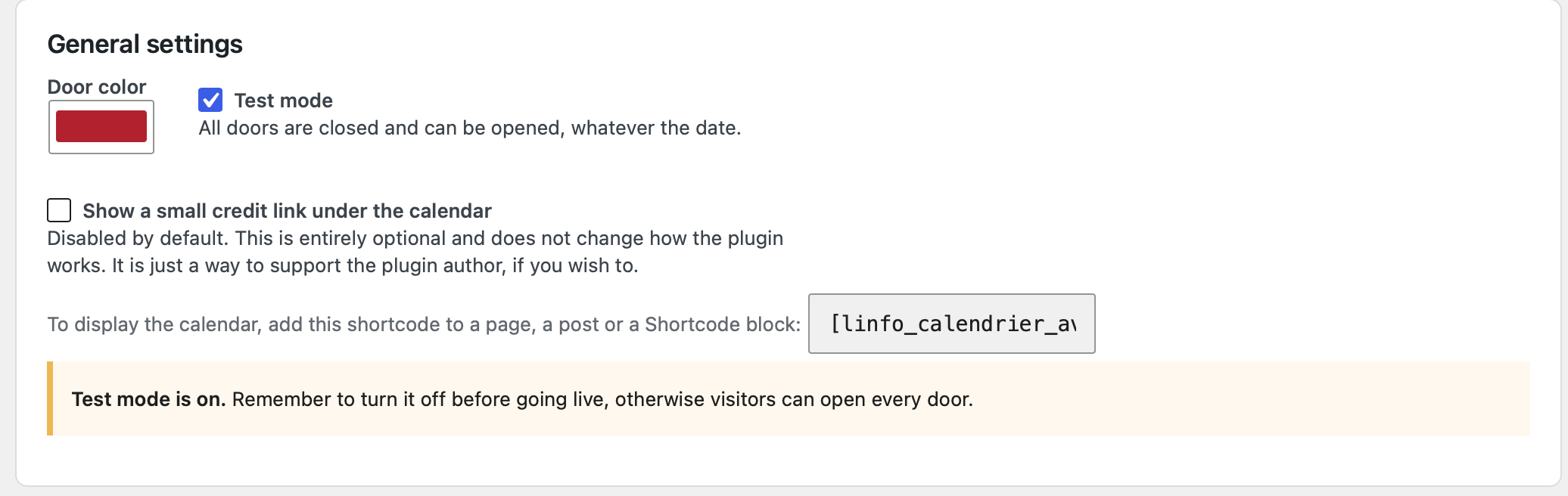
- One global color for all doors.
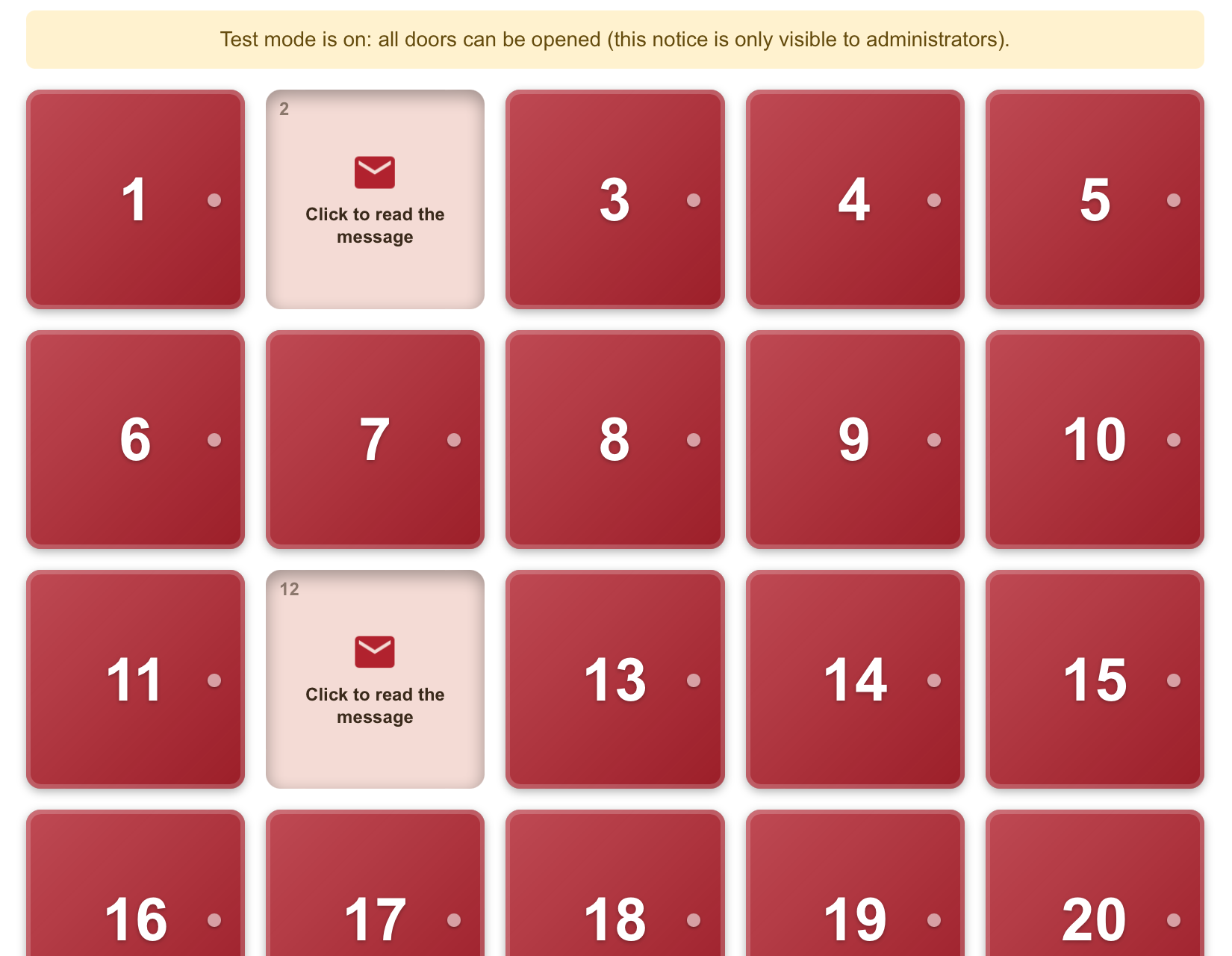
- Preview in the settings page: see the calendar with the settings currently in the form, saved or not, and open every door.
- Export / Import as plain JSON text: back up your calendar or copy it to another site. An import only fills the form, so you can review it (or preview it) before saving.
- Door-opening animation.
- The current day is closed and can be opened. Past days stay open and can be viewed again. Future days are locked.
- Test mode: every door is closed and can be opened, whatever the date.
- The content of future days is never printed in the page source.
- Works on mobile, supports keyboard navigation and reduced-motion preferences.
Usage
Add the shortcode [linfo_calendrier_avent] to a page, a post or a Shortcode block.
The calendar covers December 1 to 24 of the current year, using the timezone set in Settings > General.
Notes
- If you use a caching plugin, exclude the calendar page from the cache (or keep the cache under 24 hours).
- Only use images and videos that you have the right to publish.
- The plugin makes no request to any external service. Video links are plain links opened by the visitor in a new tab.
Screenshots
Installation
- Upload the
linformatique-neophyte-advent-calendarfolder to/wp-content/plugins/, or install the plugin from the Plugins screen. - Activate the plugin.
- Open Advent Calendar in the dashboard menu and fill in your 24 days.
- Add
[linfo_calendrier_avent]to a page. - Use Preview the calendar on the settings page to see the result. Test mode lets you check the real page too: turn it off before going live.
FAQ
-
Why are all doors locked?
-
Doors only open from December 1. Use the preview in the plugin settings, or turn on Test mode, to see the calendar at any time.
-
Can visitors see the content of future days by inspecting the page?
-
No. The content of locked days is not included in the page.
-
Which images can I use?
-
Any image from your media library. Make sure you have the right to publish it.
-
How does the import work?
-
Paste the exported text in the Export / Import field and click Import. The form is filled in, but nothing is saved until you click the save button, so you can review the result or use the preview. Test mode is never exported or imported. Days that are not in the text keep their current content.
-
Are images included in the export?
-
The export contains the address and alternative text of each image, not the image file. On import, the plugin looks for that address in the media library of the site. If the image is not there, the day is left empty and you are told which one. Upload the images to the media library of the new site first, then import again.
-
Is there a credit link?
-
Only if you turn it on. The option “Show a small credit link under the calendar” is disabled by default. It is entirely optional, does not change how the plugin works, and is just a way to support the plugin author. When enabled, it adds one plain link to the author’s website under the calendar. Nothing is sent to that site by the plugin.
-
Does the plugin contact external services?
-
No.
-
What data does the plugin store?
-
Settings are stored in one option in your database, which is removed when you delete the plugin. In the visitor’s browser, the plugin remembers which of today’s doors was already opened (browser local storage: no personal data, nothing is sent to the server). That small browser entry is not removed when the plugin is deleted and can be cleared by the visitor.
Reviews
There are no reviews for this plugin.
Contributors & Developers
“Advent Calendar by Linformatique Neophyte” is open source software. The following people have contributed to this plugin.
Contributors
Translate “Advent Calendar by Linformatique Neophyte” into your language.
Interested in development?
Browse the code, check out the SVN repository, or subscribe to the development log by RSS.
Changelog
1.0.2
- Initial release.