

Description
LLTRM helps creative teams collect structured, timecoded feedback on video files without asking reviewers to log in to WordPress.
Optional upgrades with many additional features are available.
Features
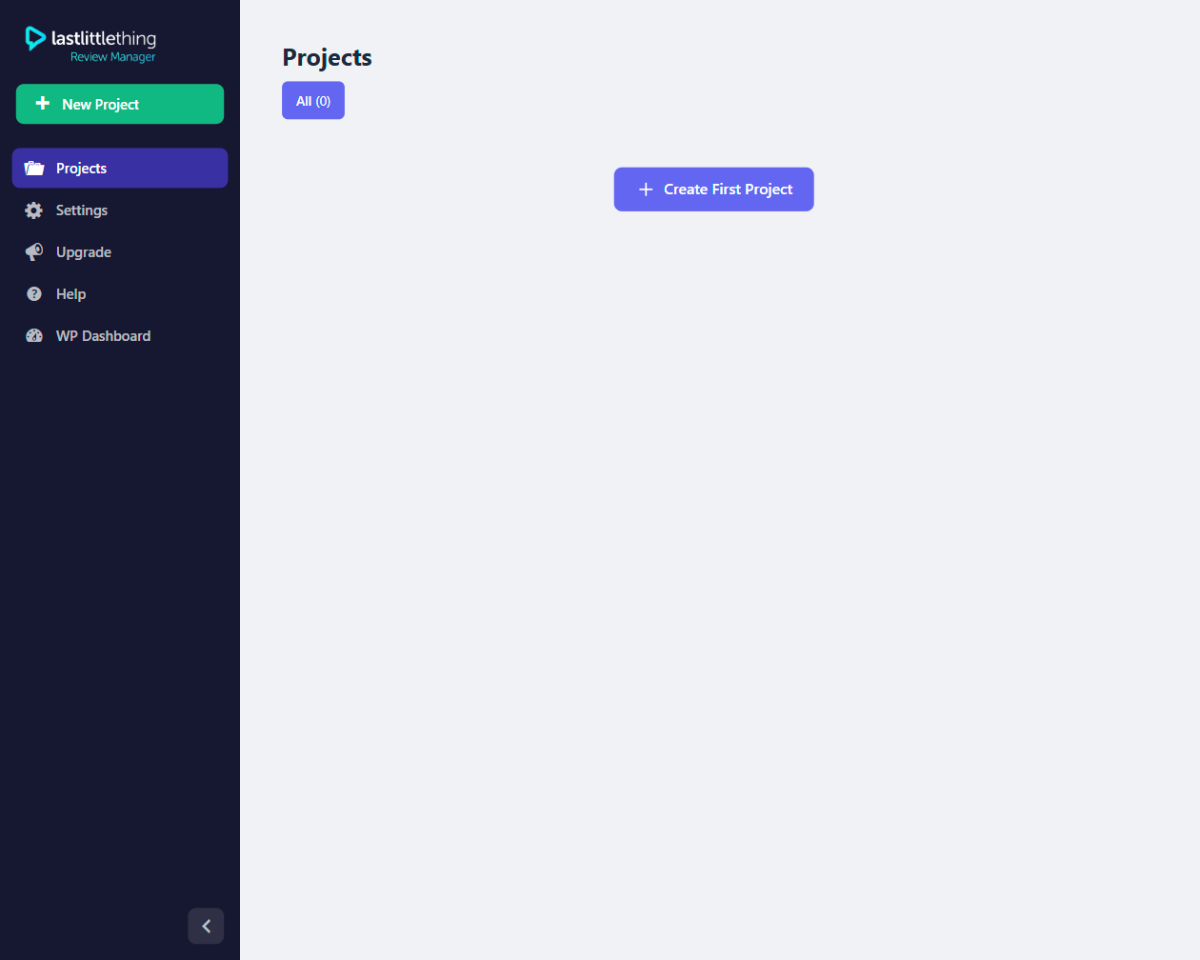
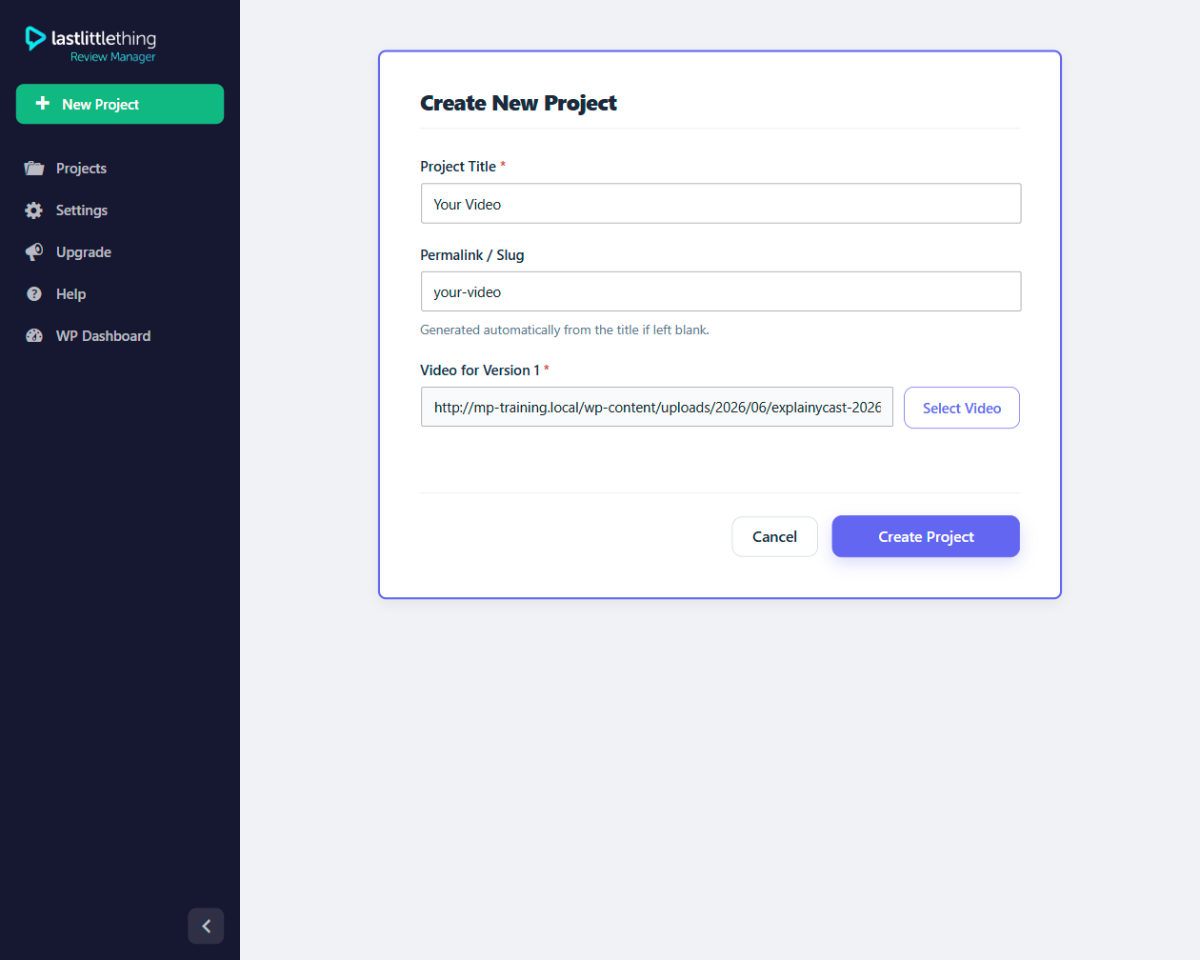
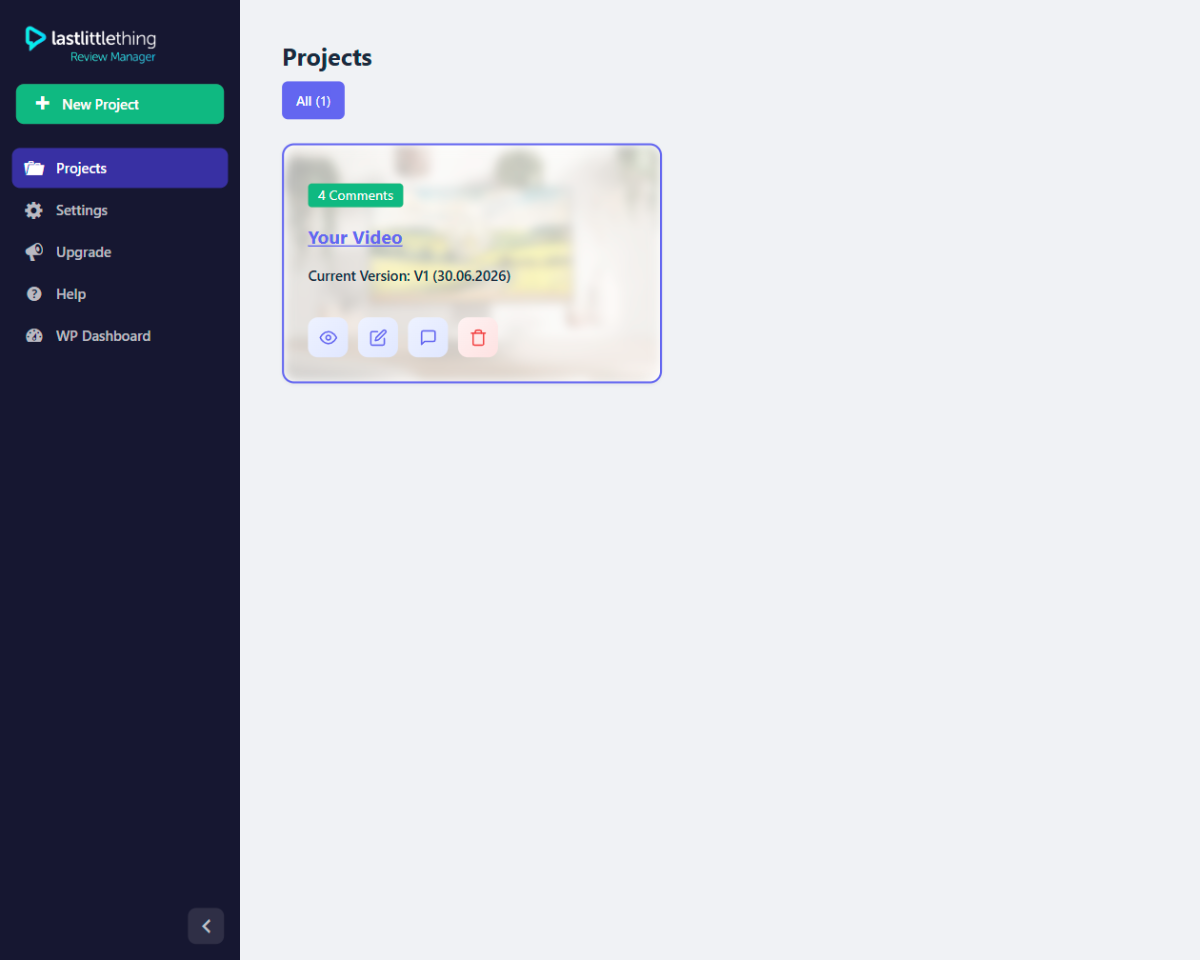
- Create review projects as a custom post type and manage them from a dedicated admin experience.
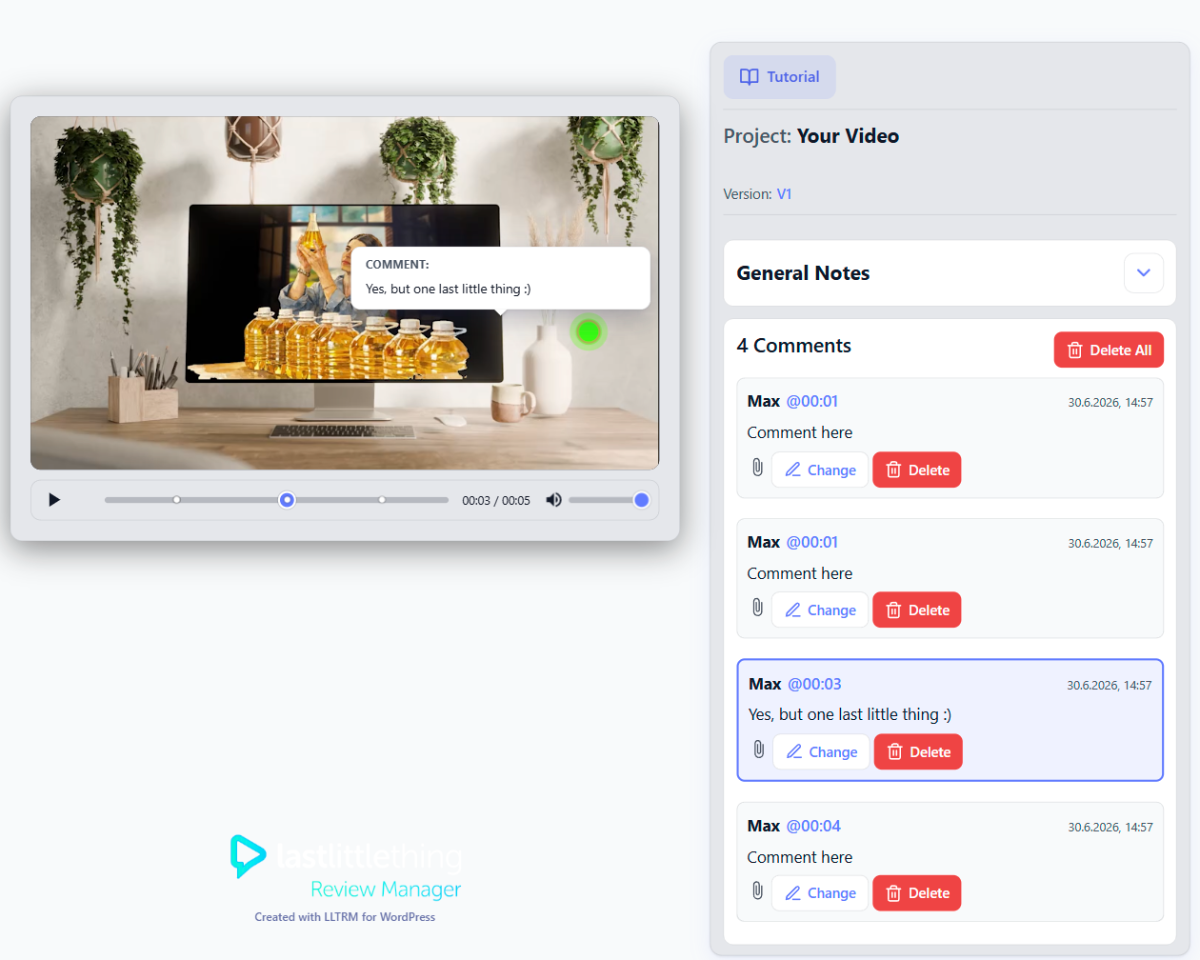
- Embed the public review player with the
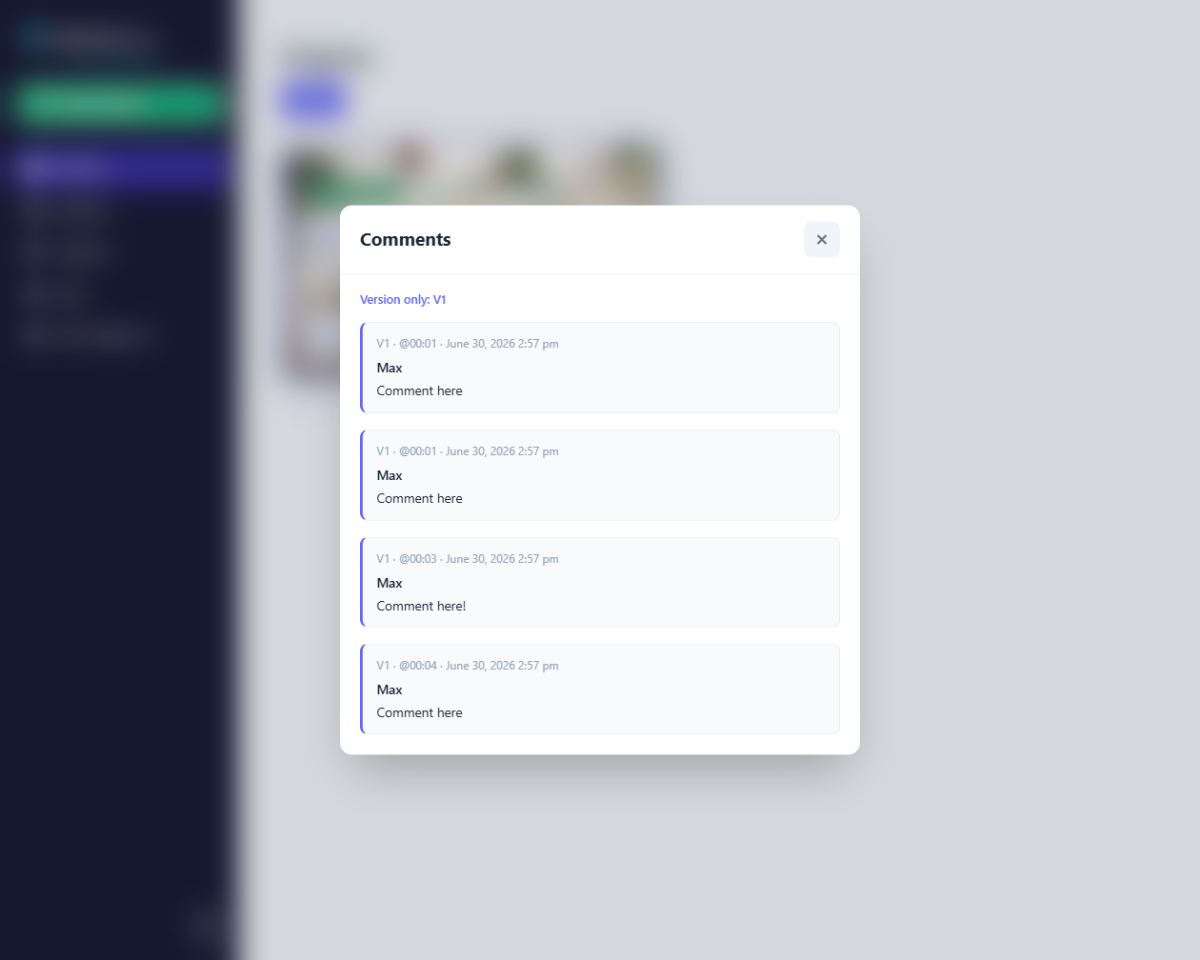
[lltrm_player]shortcode (optionally pass a post ID:[lltrm_player id="123"]). - Reviewers add timecoded comments on video, optional general notes, and image attachments.
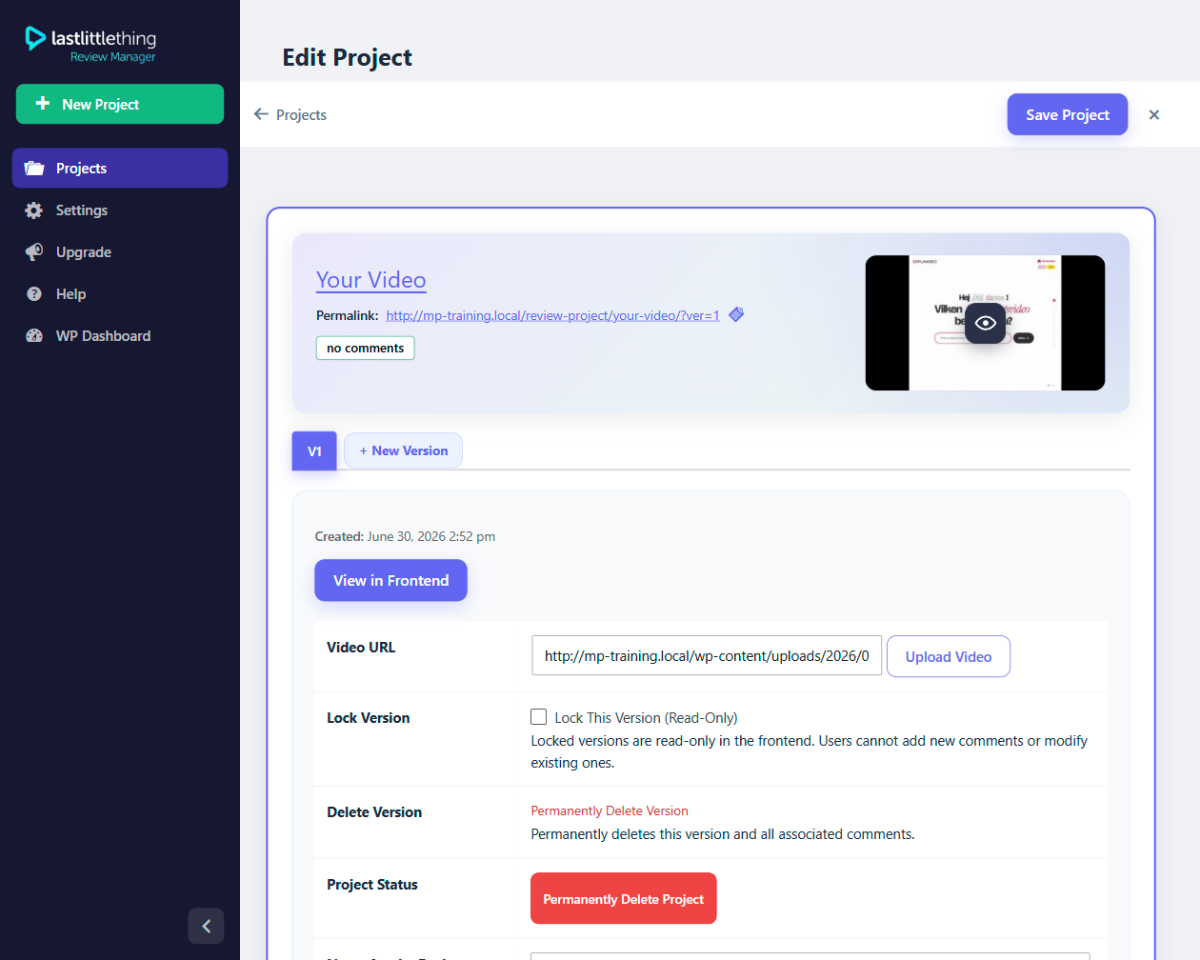
- Versioning: maintain multiple cuts per project and let reviewers switch versions.
- Lock a version when feedback is complete.
- Public review URLs are designed for guest reviewers — no WordPress account required.
Privacy & data
Review data is stored in your WordPress database as comments and post meta on your site. The plugin does not contact any external service. See the plugin settings and your site’s privacy policy for how you disclose this to end users.
Translations
The plugin ships with translation files under languages/ (German included). You can contribute or override strings using standard WordPress translation tools.
Screenshots
Installation
- Upload the plugin files to the
/wp-content/plugins/lastlittlething-review-managerdirectory, or install the plugin through the WordPress plugins screen directly. - Activate the plugin through the Plugins screen in WordPress.
- Optional: if project URLs return 404 after activation, open Settings Permalinks and click Save once (refreshes rewrite rules). Most sites do not need this step.
- Open LLTRM in the admin menu, create a project, and add at least one video version. Embedding and public URLs are explained under LLTRM Help.
FAQ
-
Do reviewers need a WordPress account?
-
No. The front-end player is designed for guest reviewers. Access control is up to how you publish the page (public, password-protected, membership plugin, etc.).
-
Where is feedback stored?
-
Comments and metadata are stored on your own WordPress site.
-
Does the plugin send email or contact any external service?
-
No. This version does not send email and does not contact any external service.
-
Why is the plugin named “LLTRM”?
-
LLTRM stands for “LastLittleThing Review Manager” and describes review workflows inside WordPress. It is not the WordPress trademark and is not affiliated with WordPress.org or the WordPress Foundation.
-
What happens when I uninstall or deactivate?
-
Deactivate turns LLTRM off; your projects, review comments, and settings stay in the database. Uninstall removes the plugin files. By default, database content is kept. If you enable the opt-in setting under LLTRM Settings (“remove all LLTRM data when the plugin is deleted”) and then uninstall, projects, review comments, plugin options, and the
lltrmuploads subfolder are deleted permanently.
Reviews
There are no reviews for this plugin.
Contributors & Developers
“LastLittleThing Review Manager (LLTRM)” is open source software. The following people have contributed to this plugin.
Contributors
Translate “LastLittleThing Review Manager (LLTRM)” into your language.
Interested in development?
Browse the code, check out the SVN repository, or subscribe to the development log by RSS.
Changelog
1.2.3
Fix: upgrading from the FREE to the PAID build no longer causes a site-wide fatal error when leftover FREE license files remain on disk.
Fix: duplicate plugin bootstrap guard when two LLTRM copies are active in different folders.
Fix: uninstall with “delete all data on uninstall” no longer fatals on undefined CPT constant.
1.2.2
Hotfix: admin Save and View video buttons in the FREE build (build strip scope corrected).
Hotfix: frontend branding uses dark LLTRM logo; help page feature-request line formatting and English string.
1.2.1
Hotfix: admin Save and View video buttons in the FREE build (build strip scope corrected).
Hotfix: frontend branding uses dark LLTRM logo; help page feature-request line formatting and English string.
1.2.0
Compliance: additional Pro/Agency features removed from the FREE build at compile time (theme toggle, palettes, logo bar, source download, global reviewer notes, version rename, auto-lock, comment-done toggle, archived projects, textdomain loader).
CPT slug prefixed for wordpress.org: lltrm_review_project (with one-time DB migration from review_project).
Build: distribution constant injected after ABSPATH guard; org overlay replaces project-appearance.php; guideline audit script added.
1.1.9
Hotfix: removed leftover PDF function calls in the FREE build that caused a fatal error when opening the project editor after video upload.
Fix: PHP warning on WordPress 7.0 when reading screen layout columns in the project admin (screen_layout_columns filter).
1.1.8
wordpress.org compliance: PRO-only code (PDF review, source download, frontend replies, license/archive gates) is removed from the FREE build at compile time instead of being present but disabled.
1.1.7
wordpress.org compliance: FREE build removes paid feature code paths (no license gates or disabled Pro UI in the plugin bundle). Video review remains fully functional; Upgrade page links to external Pro/Agency products. Tested with WordPress 7.0.
1.1.6
Maintenance release.
1.1.5
- Security and input handling: stricter nonces, recursive cleanup for JSON-decoded admin/AJAX payloads, and output escaping review on shortcode and admin output.
- Admin scripts and styles load through WordPress enqueue APIs (no inline
<style>/<script>blocks). - One-time database migration on activate/update: legacy
rp_/reviewpress_comment/rp_archiveddata is renamed to the currentlltrm_/lltrm_comment/lltrm_archivedidentifiers (guarded so it runs once). Back up your site before updating.
1.1.4
Maintenance release.
1.1.3
Maintenance (version metadata and translation tooling).
1.1.0
Project overview: card layout uses a sensible max width so a single project no longer stretches edge to edge.
1.0.19
Maintenance (readme stable tag and related metadata).
1.0.16
Admin project cards and player markers/tooltips; improved cache-busting for admin assets.
1.0.13
Admin menu and admin bar root label refresh for LLTRM.
1.0.12
Readme FAQ on the LLTRM product name.
1.0.6
Front-end general notes, theme toggle strings, and small UI polish.
1.0.5
Notifications without outbound promo links; optional full data removal on uninstall (opt-in); help text for deactivate vs uninstall; version-based asset cache keys.
1.0.4
Maintenance and fixes for the current release line.
1.0.0
Initial public release: review projects, shortcode player, video comments, and versioning.