

Description
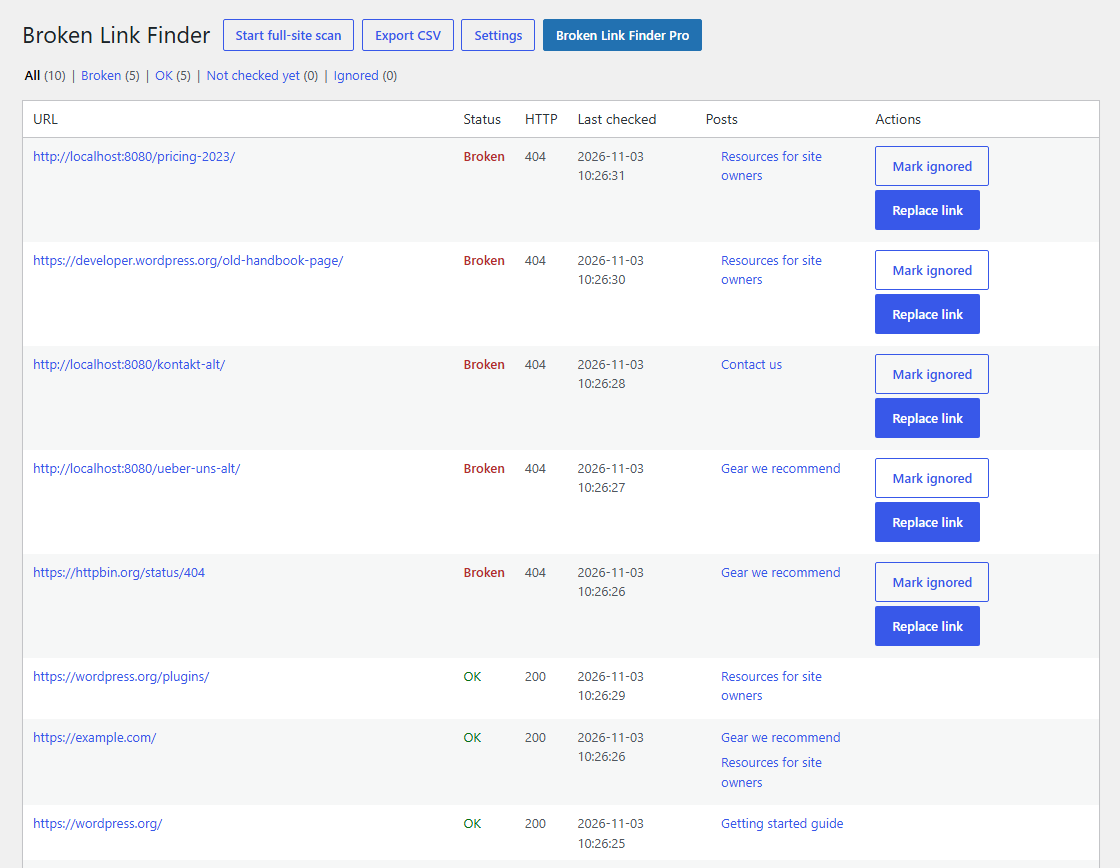
Broken Link Finder scans your posts and pages for links, checks them from your own server and shows you which ones are broken. You can fix a broken link in every post that uses it with one click.
There are no link limits, no account and no external service. Your content never leaves your site.
Features
- Local checks. Links are checked in small batches with WP-Cron, so large sites do not slow down.
- Fewer false alarms. If a server rejects a HEAD request, Broken Link Finder retries with GET. Bot protection (403), rate limits (429) and bot walls (999, e.g. LinkedIn) are not reported as broken.
- Replace everywhere. Swap a broken link for a new URL in every post that uses it. For internal links Broken Link Finder suggests a matching page.
- Ignore list that sticks. Links you mark as ignored stay ignored after a rescan. You can stop ignoring them at any time.
- Editors can help. Users who can edit posts see the results and can jump to each post. Only administrators start scans and change settings.
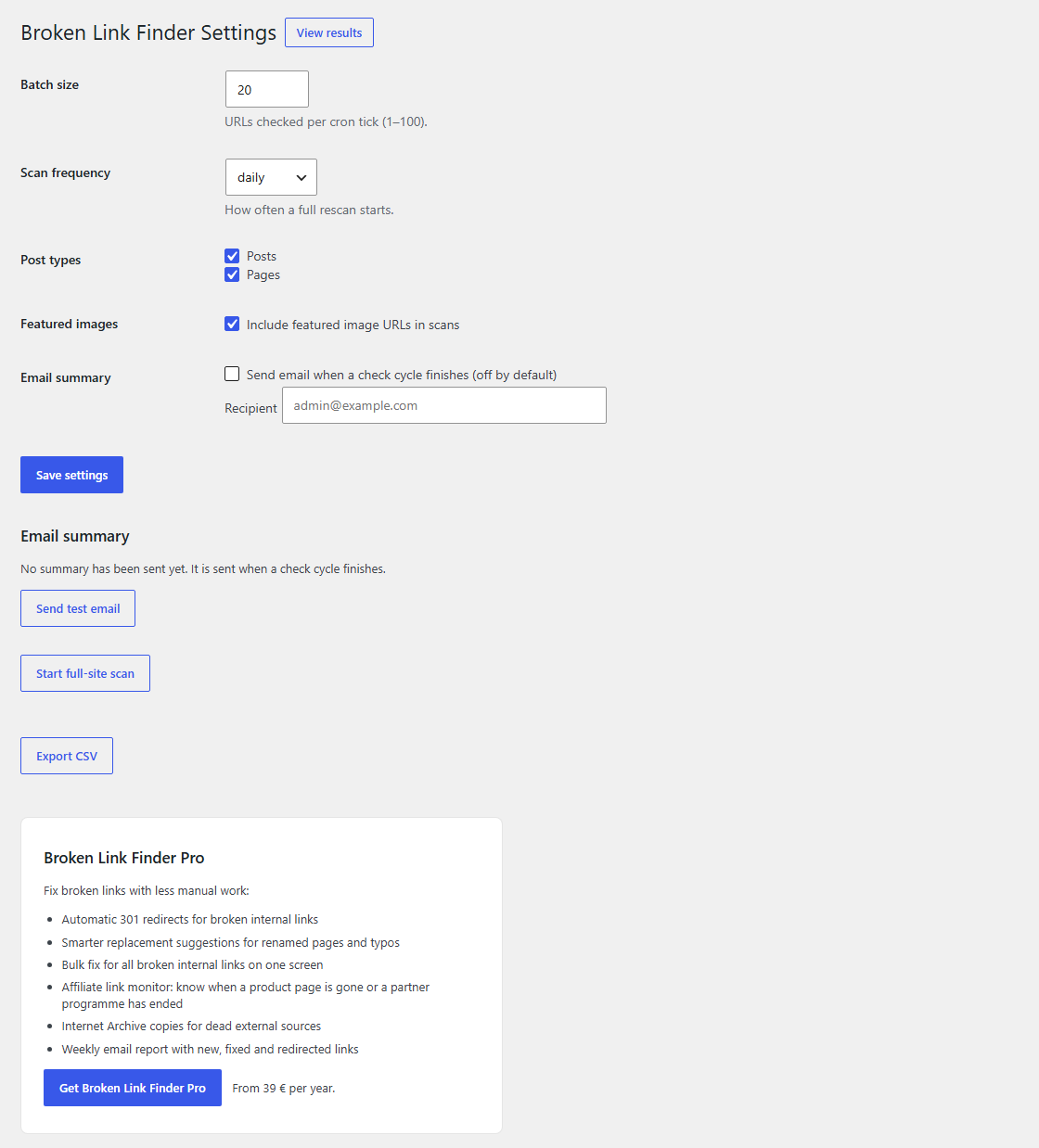
- Email summary after each check cycle (optional).
- CSV export of all results.
- WP-CLI:
wp linkmedic scanandwp linkmedic check-batch. - Developer hooks for custom fields, HTTP options, redirects and add-ons.
Broken Link Finder Pro
Broken Link Finder Pro is an optional add-on for sites that want broken links fixed with less manual work:
- Automatic redirects. When an internal link breaks, Pro finds the page that replaced it and adds a 301 redirect.
- Smarter suggestions. Pro recognizes renamed pages, old copies, changed years and typos.
- Bulk fix. Repair every broken internal link on one screen.
- Affiliate link monitor. Warns you when an affiliate link’s product page is gone or the partner programme has ended.
- Archived copies. Replaces dead external sources with their Internet Archive copy.
- Weekly report by email with new, fixed and redirected links.
Everything listed under Features above stays free and works without Pro.
Privacy
Broken Link Finder only sends requests to the URLs it finds in your content, to check whether they work. It sends no data to the plugin author or any third party. Links to private network addresses are not requested.
Screenshots
Installation
- Install Broken Link Finder from Plugins > Add New or upload the
linkmedicfolder to/wp-content/plugins/. - Activate the plugin.
- Go to Tools > Broken Link Finder — Settings and click Start full-site scan.
- Results appear under Tools > Broken Link Finder as the checks run.
FAQ
-
Does Broken Link Finder send my links to a cloud service?
-
No. All checks run on your own server with the WordPress HTTP API.
-
Is there a limit on how many links I can check?
-
No.
-
Why is a link shown as broken although it works in my browser?
-
Some sites block automated requests. Mark the link as ignored and it will not be reported again.
-
How do I check links in custom fields?
-
Use the
linkmedic_post_linksfilter. It receives the list of URLs found in a post and the post ID, and returns the list Broken Link Finder should check. -
Can I use it with the Redirection plugin?
-
Yes. The
linkmedic_create_redirectfilter lets you offer a redirect instead of editing the post.
Reviews
There are no reviews for this plugin.
Contributors & Developers
“jrdevdesign Broken Link Finder & Fixer” is open source software. The following people have contributed to this plugin.
Contributors
Translate “jrdevdesign Broken Link Finder & Fixer” into your language.
Interested in development?
Browse the code, check out the SVN repository, or subscribe to the development log by RSS.
Changelog
1.0.0
- First public release.