

Description
Johneid Newsletter Express is a lightweight, high-performance email subscription and campaign management plugin designed for WordPress. Built with fast AJAX form submissions and seamless delivery engine integrations, it allows you to capture leads without reloading pages and broadcast email newsletters directly from your WordPress admin panel.
Key Features
- 3 Modern Front-End Form Themes: Choose between Inline Bar, Card Design, and Dark Mode Accent Box styles.
- AJAX-Powered Subscriptions: Submissions complete instantly without page reloads, complete with an animated loading spinner and dynamic error/success messaging[cite: 6].
- Domain MX Verification: Validates the user’s email domain MX/A records during sign-up to prevent fake or undeliverable email registrations.
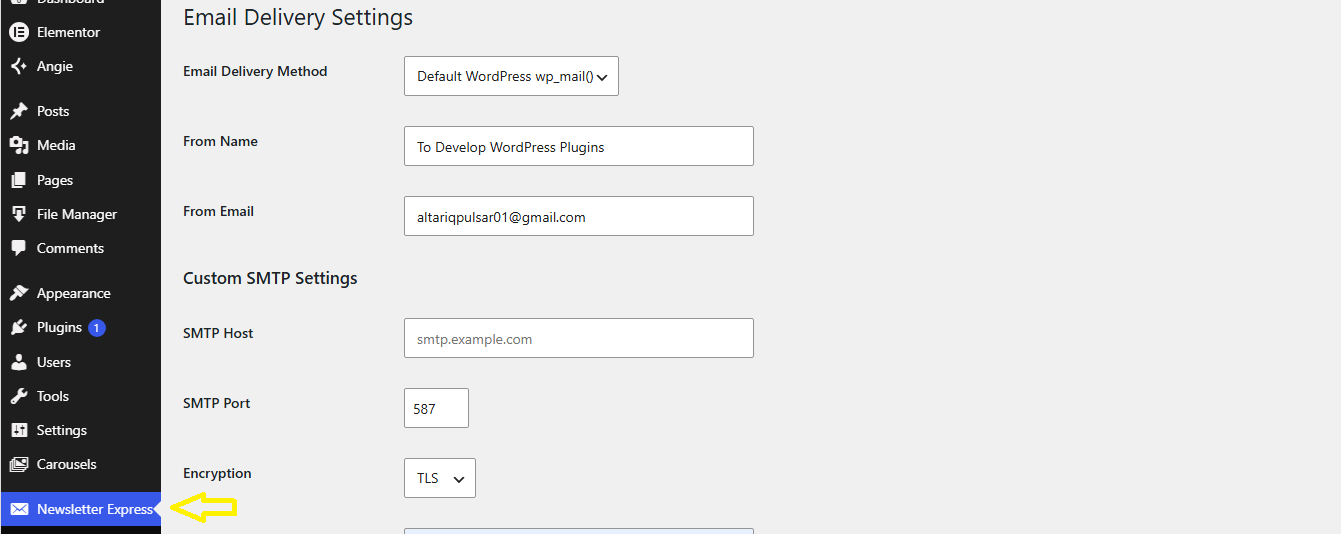
- Multiple Mail Delivery Providers:
- Default WordPress Mail (
wp_mail) - Custom Domain SMTP (cPanel, Google Workspace, Mailtrap, etc.)
- SendGrid API
- Mailgun API
- Postmark API
- Brevo (Sendinblue) API
- Default WordPress Mail (
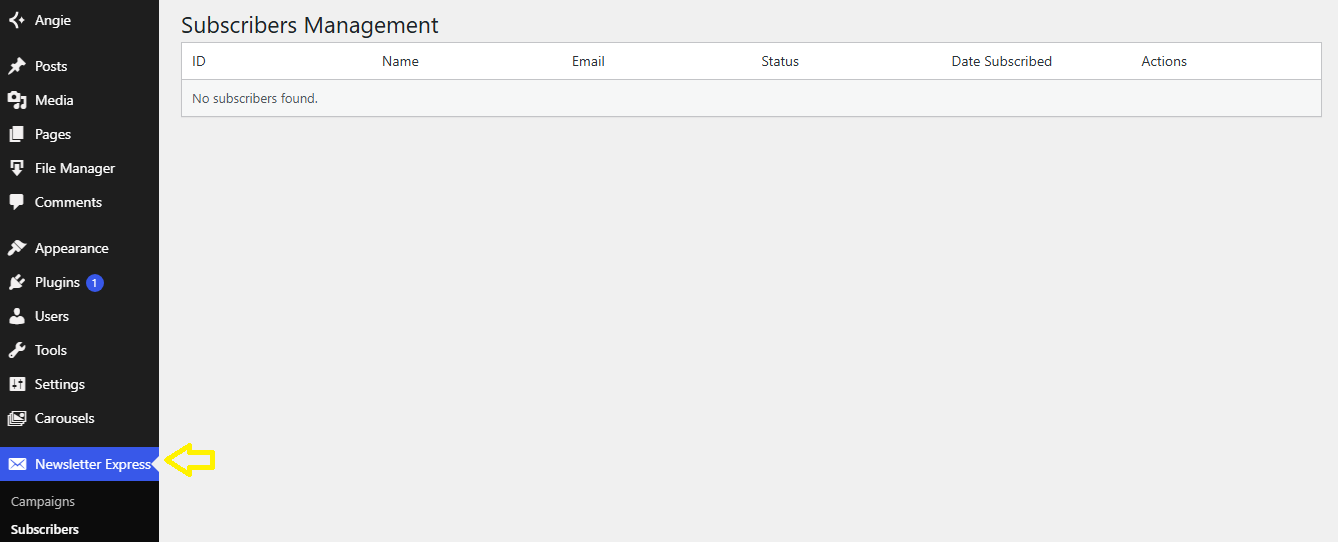
- Subscriber Management: View and remove subscribers directly from the admin dashboard with automated database table checks.
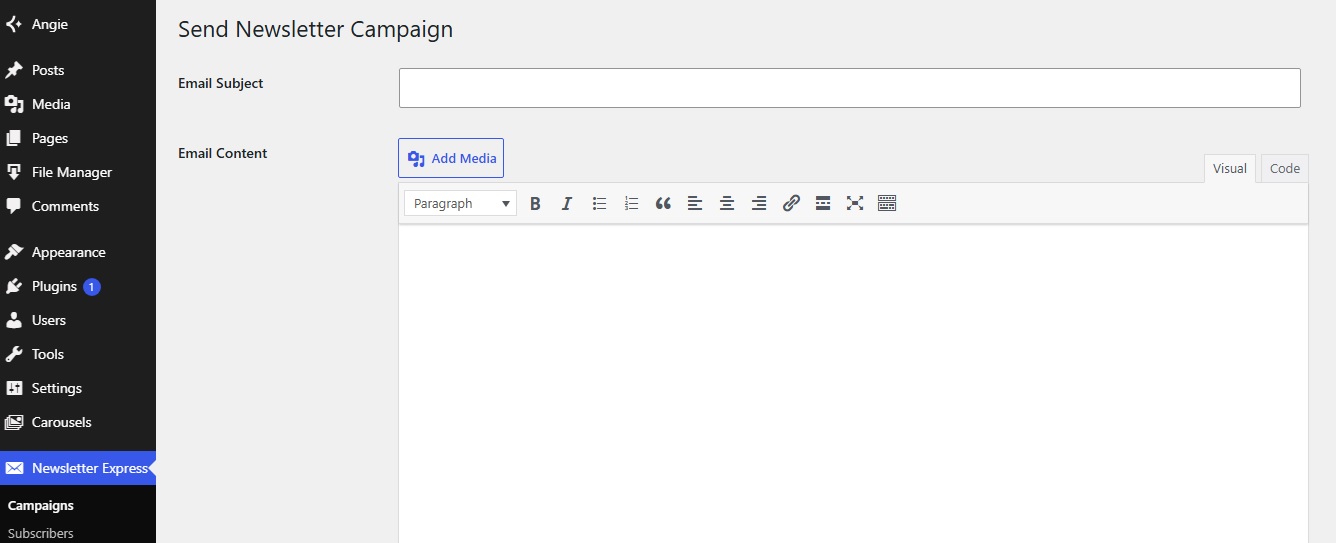
- Campaign Broadcaster: Draft and dispatch styled HTML email newsletters with template tags like
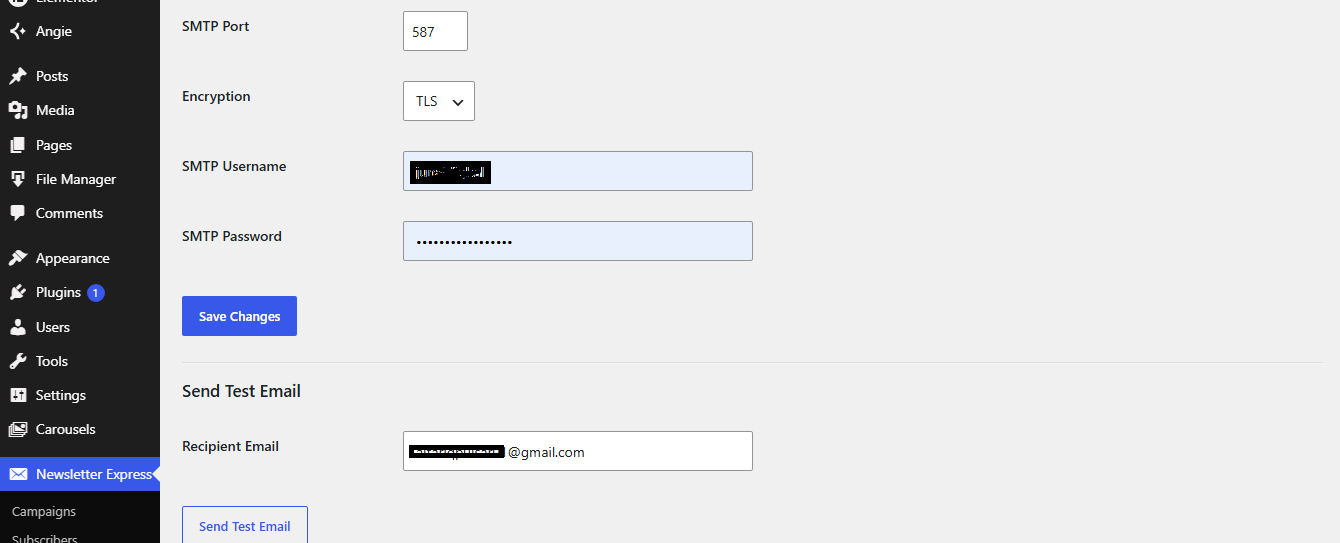
{name}for personalization. - SMTP Diagnostics: Integrated test email feature with error-logging transients for easy troubleshooting.
External services
This plugin allows integration with third-party email delivery services (SendGrid, Mailgun, Postmark, and Brevo) to dispatch newsletter campaigns and transactional emails.
- SendGrid API: Used for sending emails via SendGrid’s cloud mail server when selected as the delivery provider. It transmits recipient email addresses, sender info, subject lines, and message content when a campaign or message is dispatched. Provided by Twilio SendGrid: Terms of Service, Privacy Policy.
- Mailgun API: Used for dispatching outgoing emails when configured by the site administrator. It sends recipient addresses, message headers, and body contents over HTTPS. Provided by Mailgun Technologies: Terms of Service, Privacy Policy.
- Postmark API: Used for transactional and newsletter email delivery. It sends the recipient’s email address, subject, and HTML body contents to Postmark’s servers. Provided by ActiveCampaign, LLC (Postmark): Terms of Service, Privacy Policy.
- Brevo API: Used for remote SMTP mail relay when selected as the active mail provider. It transmits sender/recipient credentials, subjects, and email html content. Provided by Brevo: Terms of Service, Privacy Policy.
Shortcode Usage
Display the subscription form anywhere on your posts, pages, or widgets using the shortcode:
[johneid_newsletter_form]
Available Parameters
style:inline(default),card, ordarktitle: Custom heading textsubtitle: Custom sub-heading text
Examples
-
Default Inline Bar:
[johneid_newsletter_form] -
Card Theme:
[johneid_newsletter_form style=”card” title=”Join Our VIP List” subtitle=”Get exclusive weekly tips delivered straight to your inbox.”] -
Dark Mode Theme:
[johneid_newsletter_form style=”dark” title=”Subscribe Today” subtitle=”Stay updated with our latest news.”]
Screenshots
Installation
- Upload the
johneid-newsletter-expressfolder to the/wp-content/plugins/directory (or upload the.ziparchive via Plugins > Add New > Upload Plugin). - Activate the plugin through the Plugins menu in WordPress.
- Go to Newsletter Express > Delivery Settings to configure your SMTP or API credentials.
- Place the shortcode
[johneid_newsletter_form]on any page or post to display the subscription form.
FAQ
-
How do I customize the subscriber name tag in campaigns?
-
In the newsletter campaign editor, use the
{name}tag. It automatically replaces the tag with the subscriber’s name or defaults to “Subscriber” if no name was provided. -
Does this plugin send emails via background cron jobs?
-
Emails are dispatched instantly per submission or campaign run. For large mailing lists (1,000+ subscribers), using an API provider like SendGrid, Mailgun, Brevo, or Postmark is recommended for maximum delivery speeds.
-
Why are test emails failing?
-
Navigate to Newsletter Express > Delivery Settings and run a test email. If it fails, an error message block will appear detailing the exact response returned by your SMTP or API server.
Reviews
There are no reviews for this plugin.
Contributors & Developers
“Johneid Newsletter Express” is open source software. The following people have contributed to this plugin.
Contributors
Translate “Johneid Newsletter Express” into your language.
Interested in development?
Browse the code, check out the SVN repository, or subscribe to the development log by RSS.
Changelog
2.6.2
- Fixed short description character length limit.
- Corrected grammatical error in description.
- Added full documentation for external 3rd party email APIs (SendGrid, Mailgun, Postmark, Brevo) with terms and privacy policy links.
- Enqueued admin styles properly via WordPress enqueue hooks.
2.6.1
- Fixed automated security scanning rules, setting sanitization hooks, and output escaping.
- Synchronized stable tags and PHP requirement parameters.
1.0.0
- Initial release.