
Description
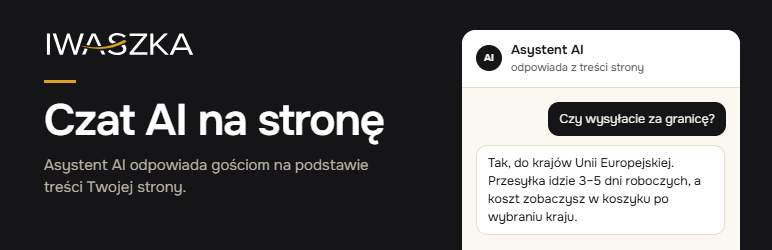
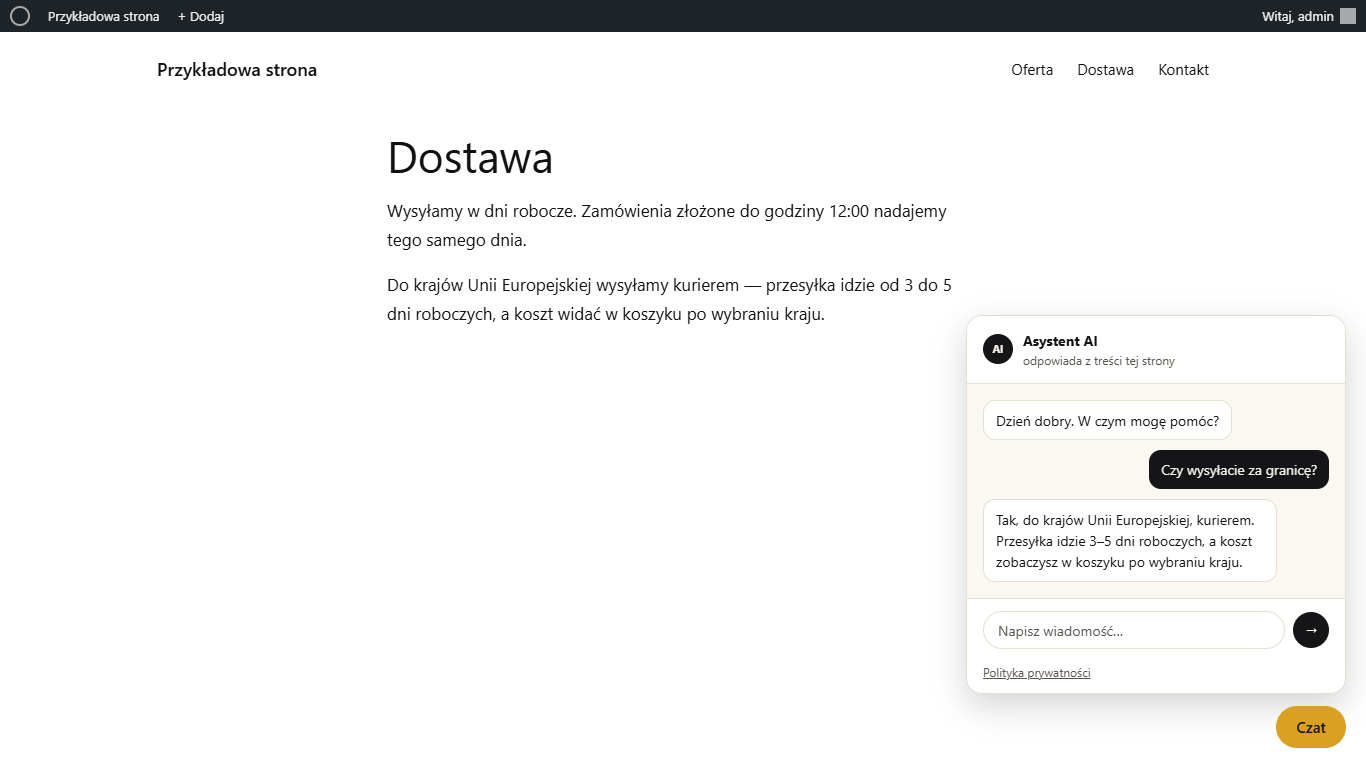
Czat AI · Iwaszka is a hosted AI chat for websites and online shops. The assistant answers visitors in the chat window using the content of your website. When it does not know the answer, it says so and passes the question to you by e-mail with a short summary.
This plugin connects your WordPress site to the service. It adds the chat window to your pages — you do not need to edit theme files.
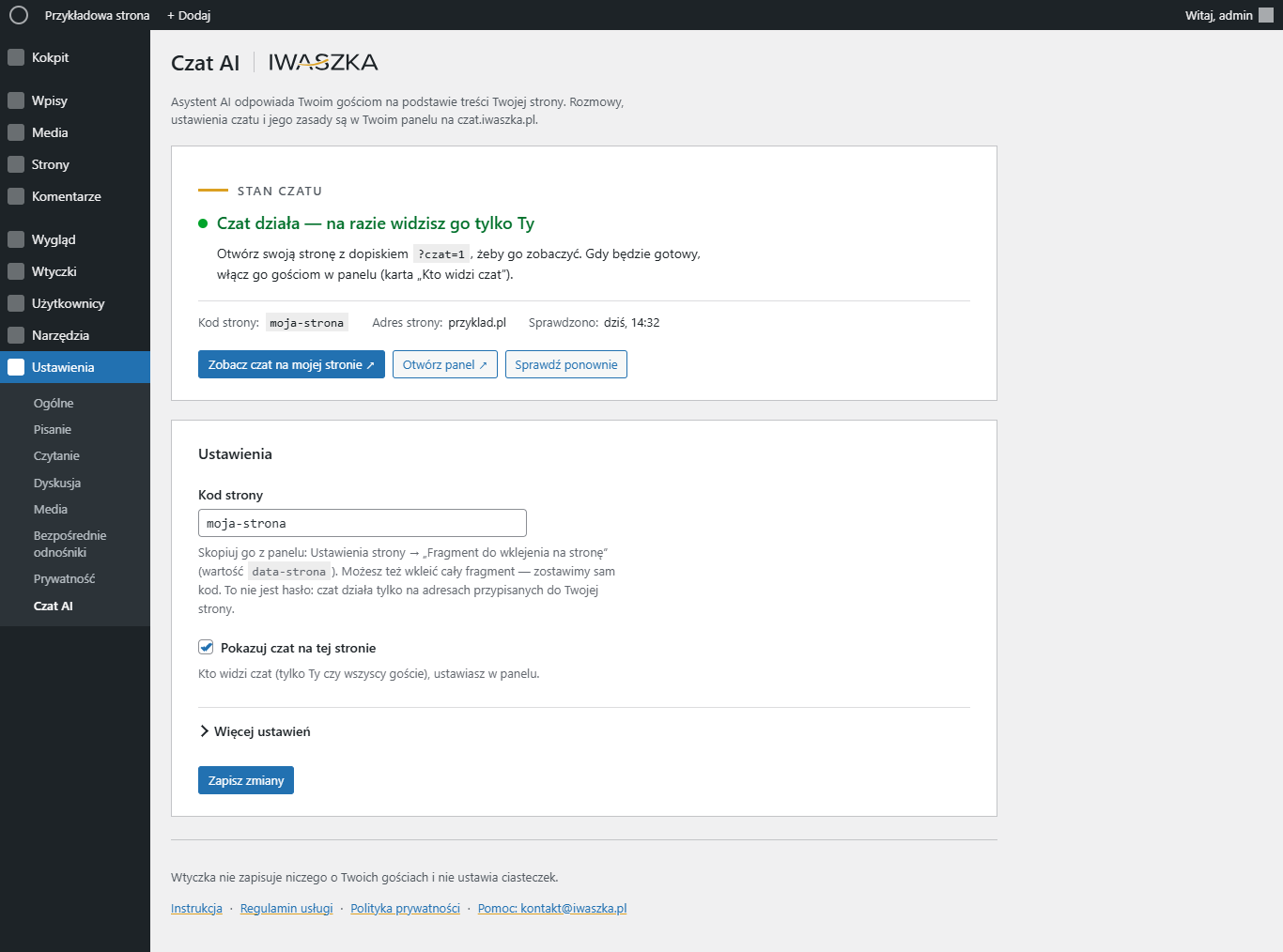
- One setting: the site code from your panel at czat.iwaszka.pl.
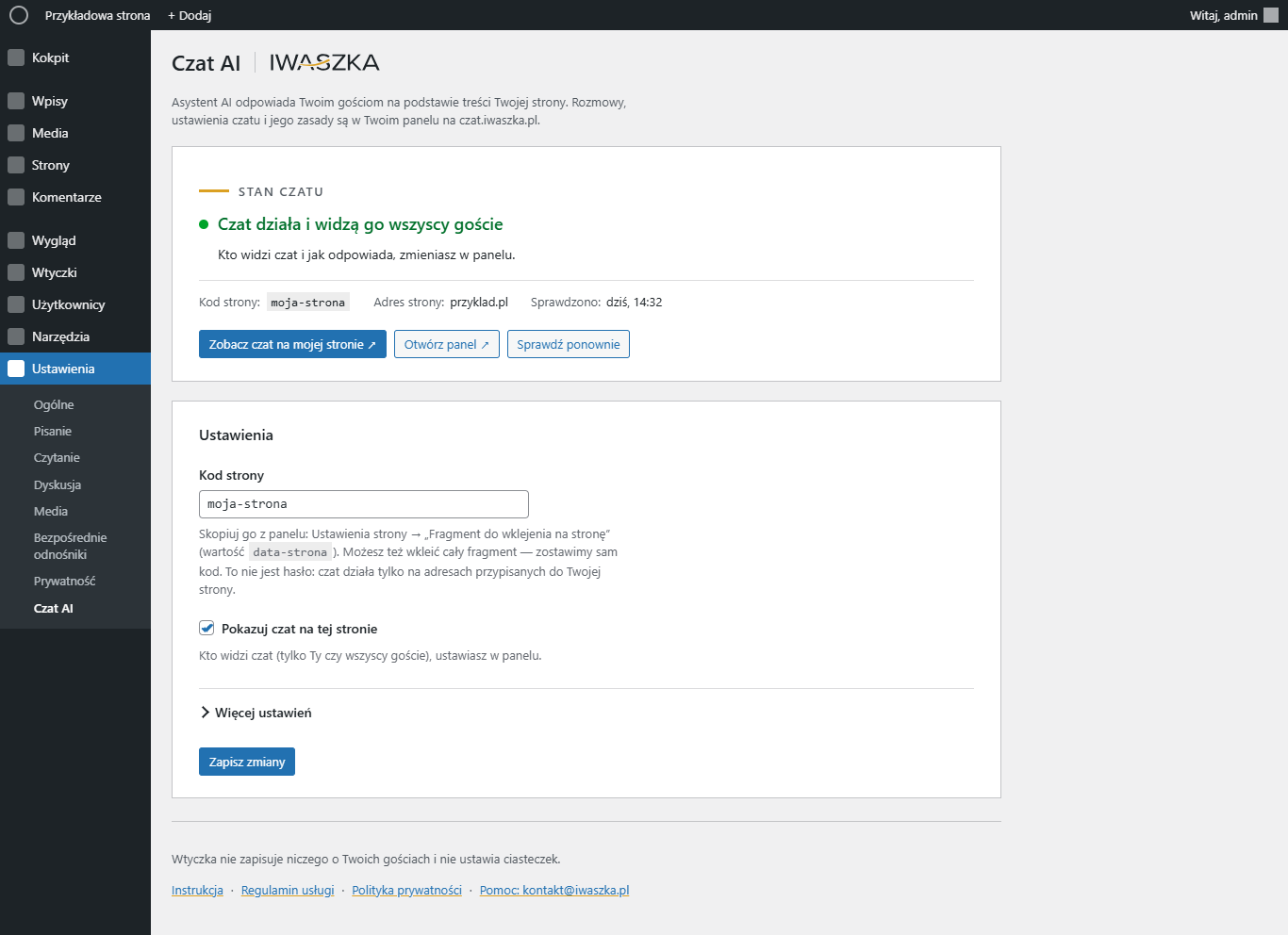
- Switch the chat on and off, and hide it on chosen pages (for example the checkout).
- Optional link from the chat window to the chat section of your privacy policy.
- The chat button is light: the chat window itself loads only after a visitor clicks the button.
- No cookies. The plugin stores nothing about your visitors.
- WooCommerce (optional, with the order connection key from your panel): customers can check their orders and report a complaint or return in the chat — every report needs the customer’s confirmation in the chat window and goes to the order notes and to your shop e-mail address.
The chat itself is a paid service with a monthly plan — see czat.iwaszka.pl (in Polish). The plugin is free and has no locked features.
External services
This plugin connects your site to Czat AI · Iwaszka (https://czat.iwaszka.pl), a hosted AI chat service run by Iwaszka Jacek Iwaszkiewicz (Poland). The plugin itself does not answer questions — the service does.
- On every page view (only when a site code is saved and the chat is switched on): the visitor’s browser loads the chat button script from
https://czat.iwaszka.pl/okno/czat.jsand asks the service whether the chat is enabled for this site. Sent: the site address (Origin). No cookies, no visitor identifiers. - After the visitor clicks the chat button: the chat window loads from czat.iwaszka.pl, and the visitor’s messages, the page address and the conversation language are sent to the service to prepare answers. If the visitor uses “Write to us”, also the name and e-mail address they type.
- When an administrator opens the plugin settings screen (or clicks “Check again”): your WordPress server asks the service whether the saved site code works for this site and whether the chat is shown to all visitors (
https://czat.iwaszka.pl/v1/strony/<site code>/okno, sent with your site address as Origin). No visitor data is sent; the answer is kept for one minute. - WooCommerce, only when you save the order connection key: the service calls the REST endpoint
/wp-json/czat-ai-iwaszka/v1/kontoof your site, signed with this key, to read the orders of the customer talking in the chat (only with a sign-in token your site issues to that logged-in customer, or with the order number and e-mail address a guest types) and to save a complaint or return the customer confirmed. Sent back to the service: order number, date, status, items, totals and the reports for that order — nothing about other customers. - The chat window, provided by the service, shows a “Czat AI · Iwaszka” credit with a link to the service provider. The plugin itself adds no links to your site.
Terms of service: https://czat.iwaszka.pl/regulamin
Privacy policy: https://iwaszka.pl/polityka-prywatnosci#czat
Data processing agreement for site owners: https://czat.iwaszka.pl/umowa-powierzenia
Screenshots
Installation
- Install the plugin from the Plugins screen and activate it.
- Go to Settings Czat AI.
- Paste your site code. You will find it in your panel at czat.iwaszka.pl Site settings “Fragment do wklejenia na stronę” (the value of
data-strona). - Tick “Add the chat window to this site” and save.
- Open your site with
?czat=1at the end of the address — you will see the chat button (only you, until you switch the chat on for everyone in your panel).
Step-by-step instructions: czat.iwaszka.pl/wordpress.
FAQ
-
Do I need an account?
-
Yes. The chat is a service: you get the site code after ordering a plan at czat.iwaszka.pl. The plugin alone does not answer questions.
-
Will it slow down my site?
-
On every page only a small button script is loaded (deferred, in the footer). The chat window and its styles load after a visitor clicks the button.
-
No. The chat does not set cookies; the window remembers the conversation only in the open browser tab. The service keeps conversations for 90 days (longer only when a visitor sends a message to you) — see the privacy policy below.
-
Can I hide the chat on some pages?
-
Yes — in “Do not show on” enter page IDs or addresses on your site, one per line. An asterisk at the end covers a whole section, for example
/my-account/*. -
Does it work with WooCommerce?
-
The chat works on WooCommerce shops like on any other site and answers from your shop’s pages. Product search and adding products to the cart from the chat are set up separately — ask us.
With the order connection key (Settings Czat AI More settings) logged-in customers can see their orders and report a complaint or return in the chat; guests can do it with the order number and the e-mail address from the order. The plugin needs no other returns plugin: the report is added to the order notes and sent to your shop e-mail address (filter
czai_adres_zgloszen, actionczai_zgloszeniefor integrations).
Reviews
There are no reviews for this plugin.
Contributors & Developers
“Iwaszka Czat AI” is open source software. The following people have contributed to this plugin.
Contributors
Translate “Iwaszka Czat AI” into your language.
Interested in development?
Browse the code, check out the SVN repository, or subscribe to the development log by RSS.
Changelog
1.1.0
- WooCommerce: orders and complaint / return reports in the chat (order connection key, confirmation card, order note and e-mail to the shop).
1.0.0
- First version: site code, on/off switch, pages without the chat, privacy policy link.