

Description
Indesign AI for AEO & GEO Optimization is a WordPress plugin that helps your site perform well in AI-powered search engines such as ChatGPT, Perplexity, Gemini, Copilot, and Claude.
Features:
- llms.txt Generator – Auto-generates a
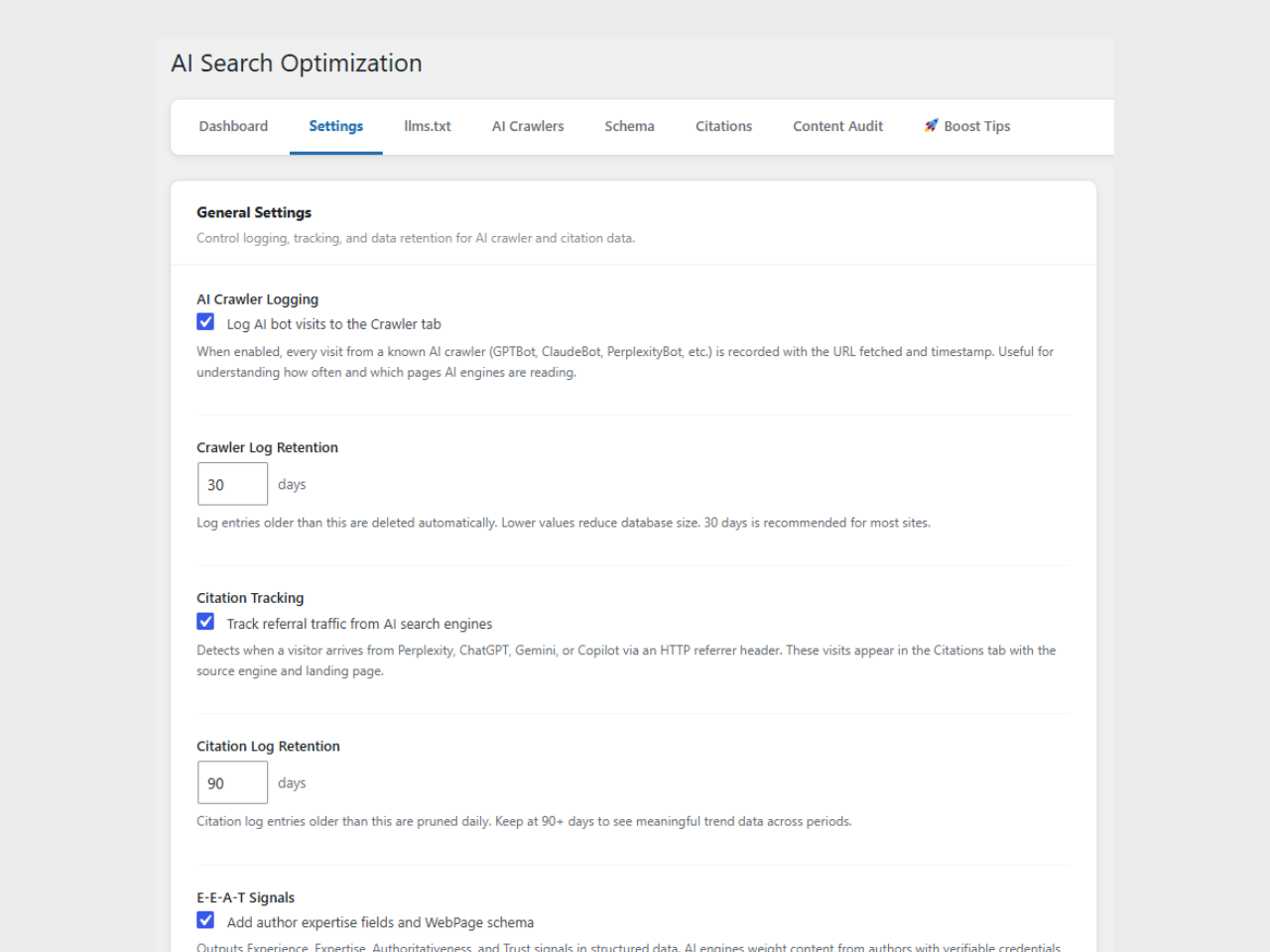
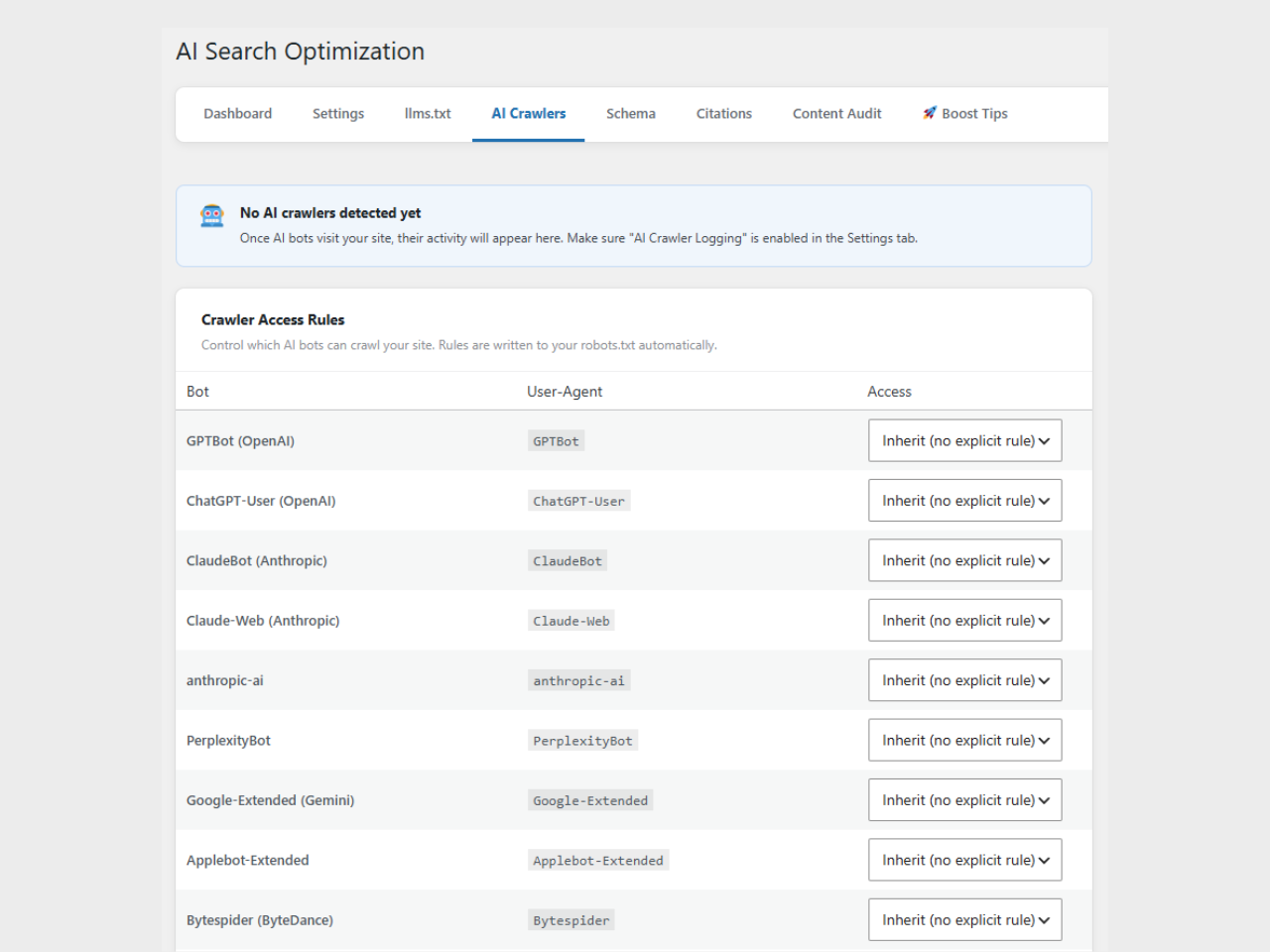
/llms.txtfile that tells AI crawlers what your site is about and which content to index. - AI Crawler Control – Allow or block individual AI bots via
robots.txtdirectives. Logs every AI bot visit with timestamps and user agents. - Schema Automation – Outputs Article, FAQ, HowTo, BreadcrumbList, Organization, and Author JSON-LD structured data automatically.
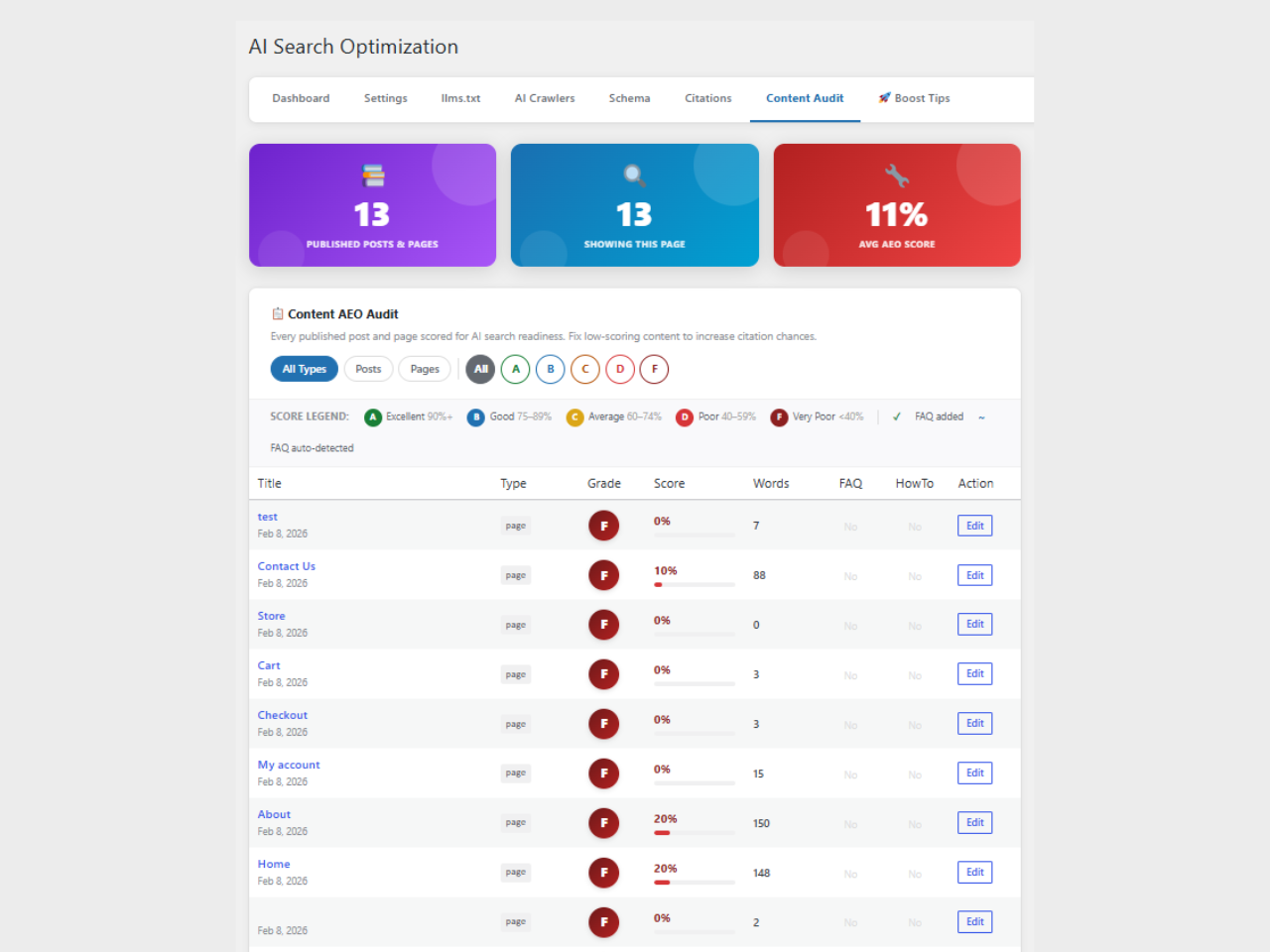
- Content Scorer – Scores post content for Answer Engine Optimization inside the block editor sidebar.
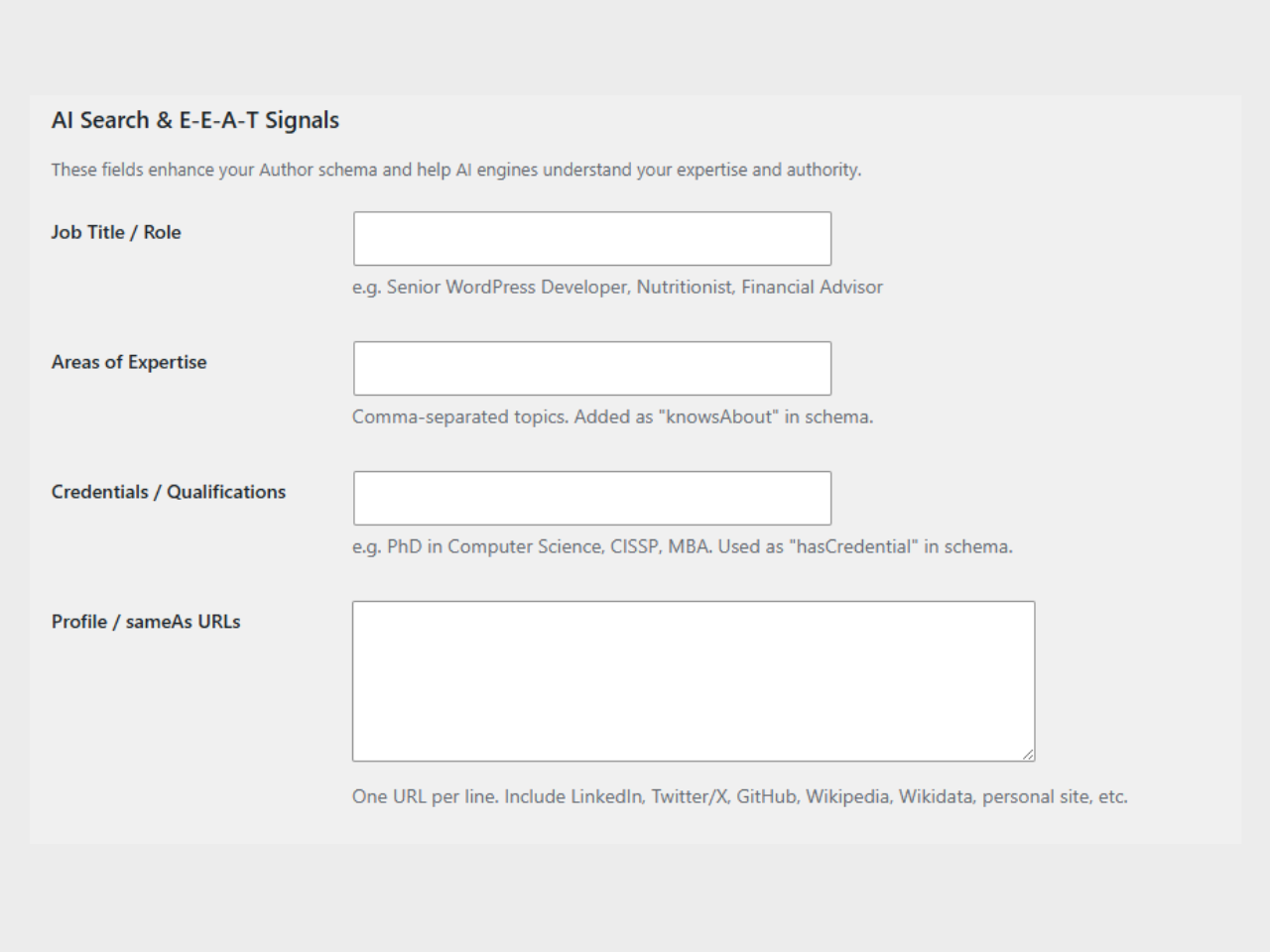
- E-E-A-T Signals – Adds author expertise, credentials, and social profile fields to user profiles. Outputs WebPage schema with author entity markup.
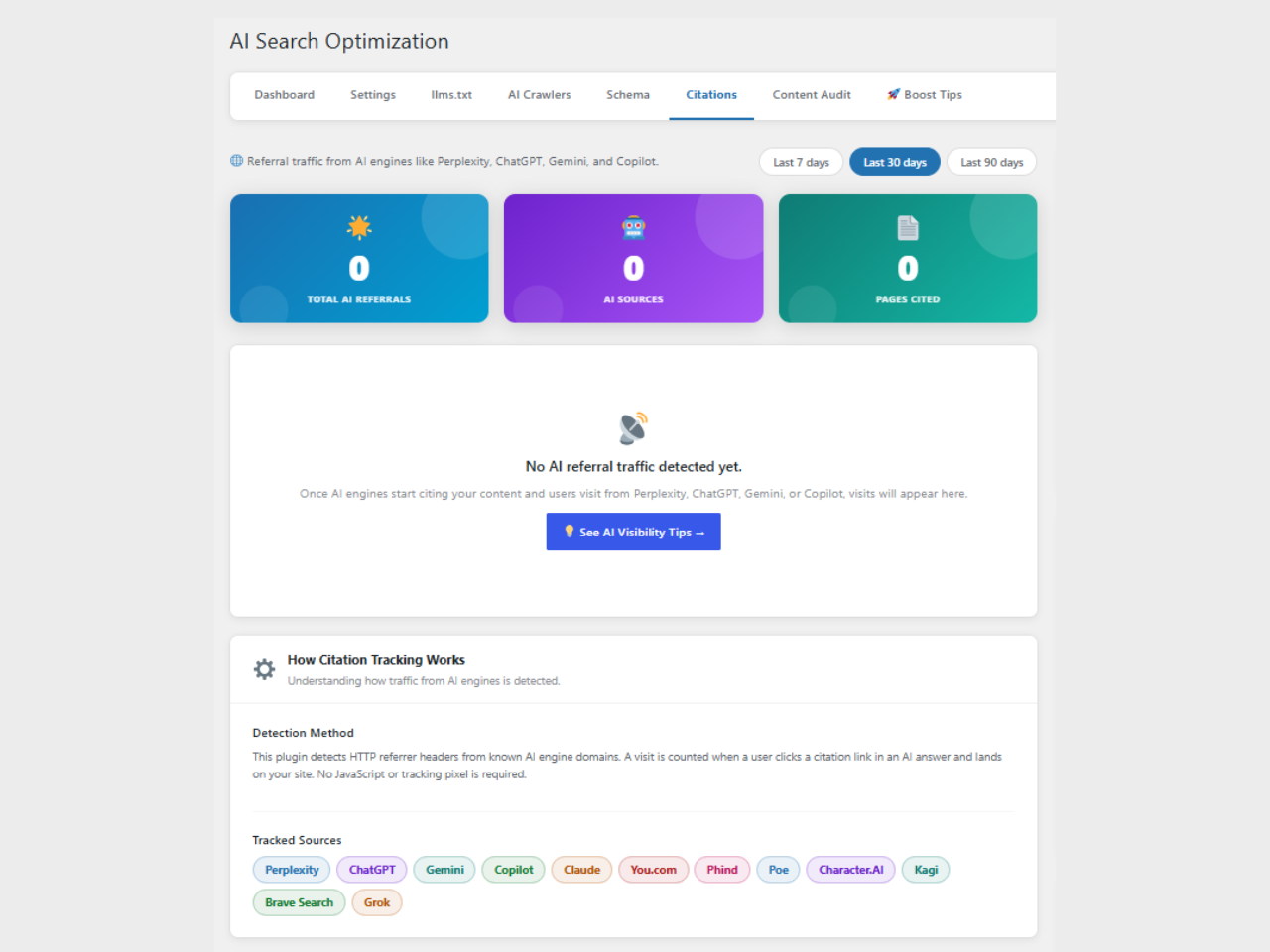
- Citation Monitor – Tracks when AI search engines refer traffic to your site and shows a per-source breakdown in the admin dashboard.
Screenshots
Installation
- Upload the
indesign-ai-aeo-geo-optimizationfolder to/wp-content/plugins/. - Activate the plugin through the Plugins screen in WordPress.
- Go to AI Search in the admin menu to configure settings.
- Fill in your Organization details for the Knowledge Panel schema.
- Visit your site’s
/llms.txtto confirm it is generated correctly.
FAQ
-
Does this plugin slow down my site?
-
No. All tracking is passive (reads server variables), schema output is lightweight inline JSON-LD, and the llms.txt file is cached via a WordPress transient.
-
Which AI crawlers are supported?
-
GPTBot (OpenAI), Google-Extended, ClaudeBot (Anthropic), PerplexityBot, Cohere, Meta-ExternalAgent, Bytespider, and others. The list is maintained in the plugin settings.
-
Does it work with page builders?
-
Yes. Schema and llms.txt work at the WordPress level, independent of the theme or page builder.
-
Is this compatible with other SEO plugins?
-
Yes. The plugin does not conflict with Yoast SEO, Rank Math, or similar plugins. If an SEO plugin is already outputting Organization or Article schema, this plugin’s schema output is automatically paused to prevent duplicate JSON-LD.
-
Where is the llms.txt file?
-
After activation, visit
https://yoursite.com/llms.txt. If it shows a 404, go to Settings Permalinks and click Save Changes to flush rewrite rules. -
Does this collect personal data?
-
The AI Crawler Log stores IP addresses of visiting bots. This is disclosed in the plugin’s privacy policy content (visible under Settings Privacy). Citation tracking stores referrer URLs and landing URLs but no personal user data.
Reviews
There are no reviews for this plugin.
Contributors & Developers
“Indesign AI for AEO & GEO Optimization” is open source software. The following people have contributed to this plugin.
Contributors
Translate “Indesign AI for AEO & GEO Optimization” into your language.
Interested in development?
Browse the code, check out the SVN repository, or subscribe to the development log by RSS.
Changelog
1.0.0
- Initial release.