

Description
Twenty designed patterns, each with its own art direction, and a visual editor where you build the look by eye and watch it move as you change it.
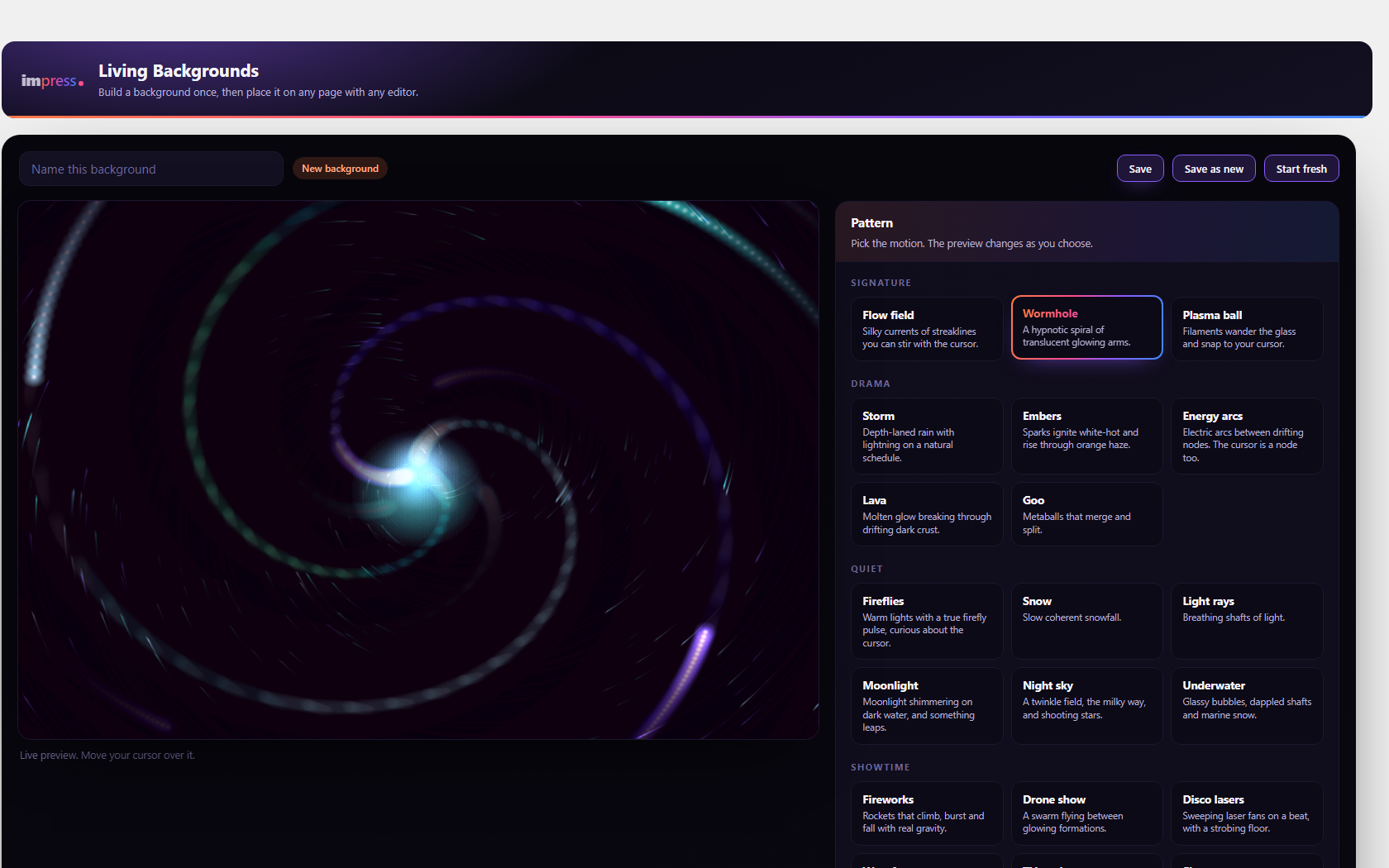
The flow field advects hundreds of streaklines through curl noise, so the particles move together as a substance rather than each on its own sine wave, and a stir of the cursor leaves a vortex that keeps swirling after you stop. The storm has depth-laned rain and lightning on an irregular schedule. Embers ignite white-hot and rise through haze. The plasma ball’s filaments snap to your cursor when it touches the glass. Fireworks climb, burst and fall under gravity.
You design a background once on the plugin’s own screen, then place it anywhere: the block, a shortcode, Elementor or WPBakery. All four go through one renderer, so a background looks the same wherever you put it, and moving between editors never costs you the design.
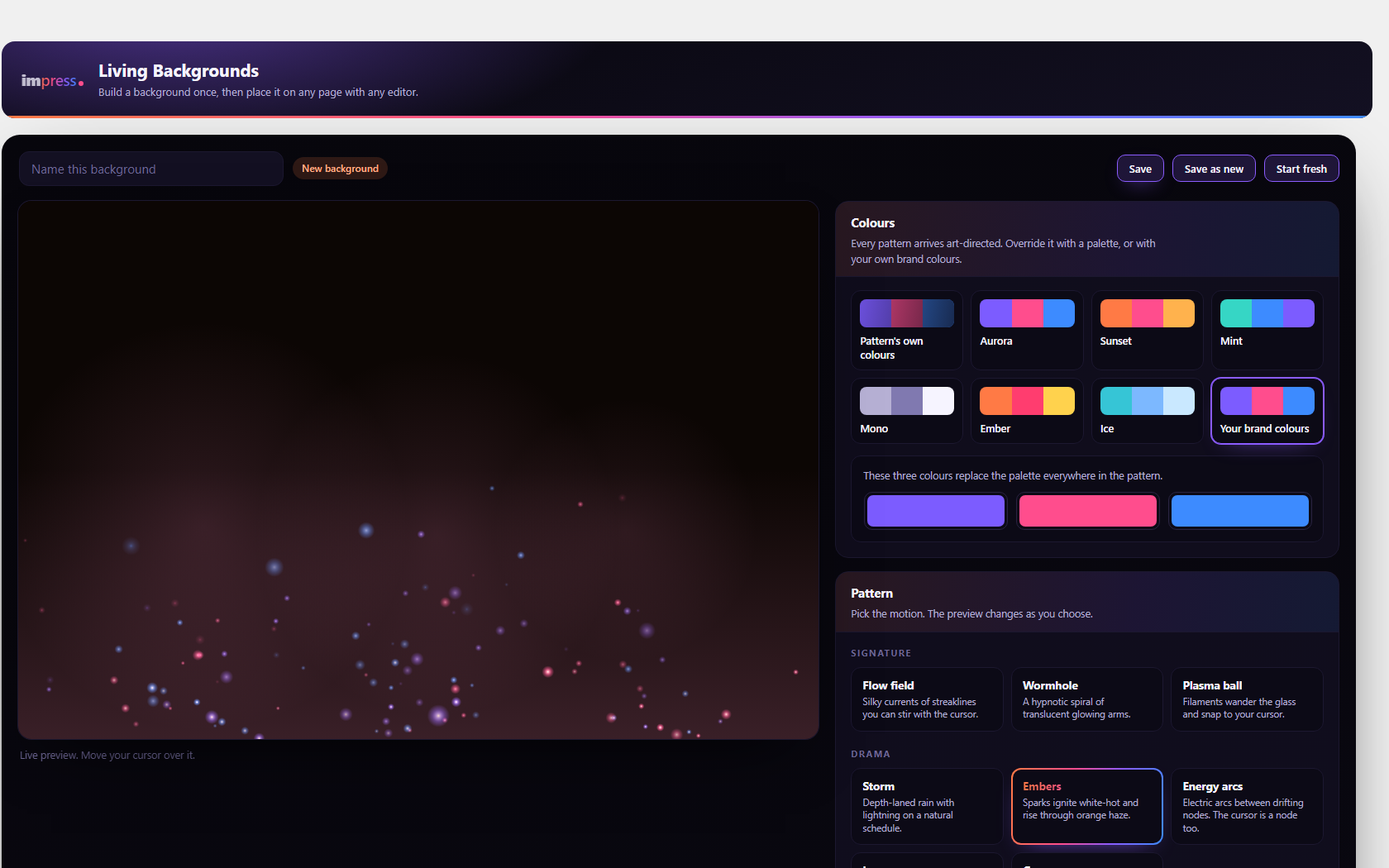
Everything here is free. All twenty patterns, all six palettes, your own brand colours, the 3D layer and every control.
The visual editor
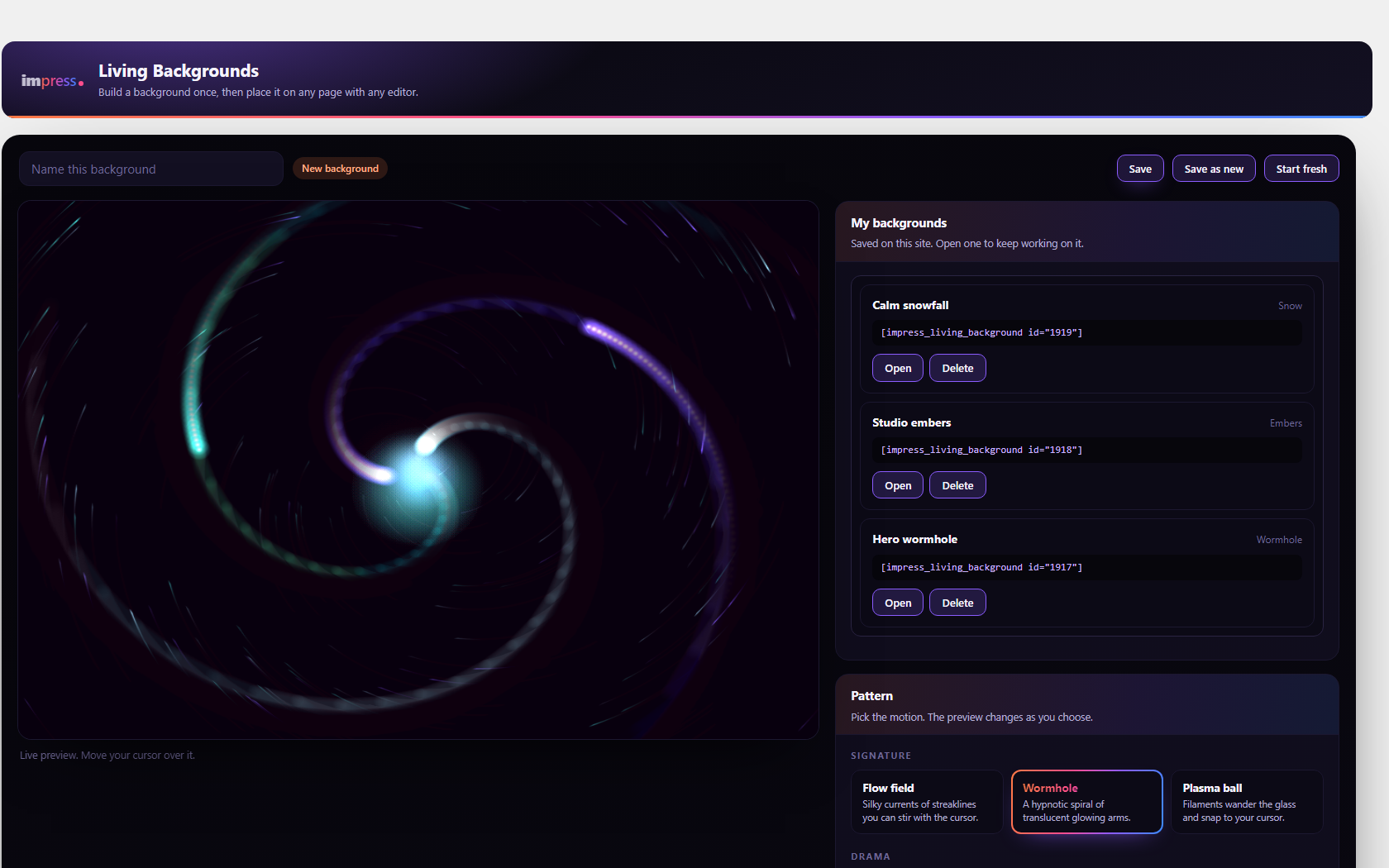
The plugin adds its own screen, not a panel buried in one builder’s sidebar. Pick a pattern from grouped cards, set the palette or type your brand colours, and tune density, speed, mouse strength and scale against a live preview that is running the real engine. Save it, name it, reopen it later, or start a new one from it.
Because the design is saved on your site rather than in one page’s markup, the same background can sit on several pages, and changing it changes all of them.
Every design also has a share code: copy it out of the editor to move a background to another site, or paste one in to load it. The code is just the design itself, so nothing leaves your site when you copy one.
The twenty patterns
Flow field, wormhole and plasma ball. Storm, embers, energy arcs, lava and goo. Fireflies, snow, light rays, moonlight, night sky and underwater. Fireworks, drone show, disco lasers, waveform, TV static, and a live sky whose sun, cloud, rain, wind and time of day are dials you set.
The drone show is yours to direct: type a word and the swarm forms it, set how many drones fly, and pick from a library of two hundred shapes, symbols and emoji. Drag them into the order you want, play them in order or shuffled, or choose an SVG from your media library and the swarm flies your own logo. A shape that has its own colours is flown in them, the way a real drone show paints a picture: the smiley arrives yellow, the tree green.
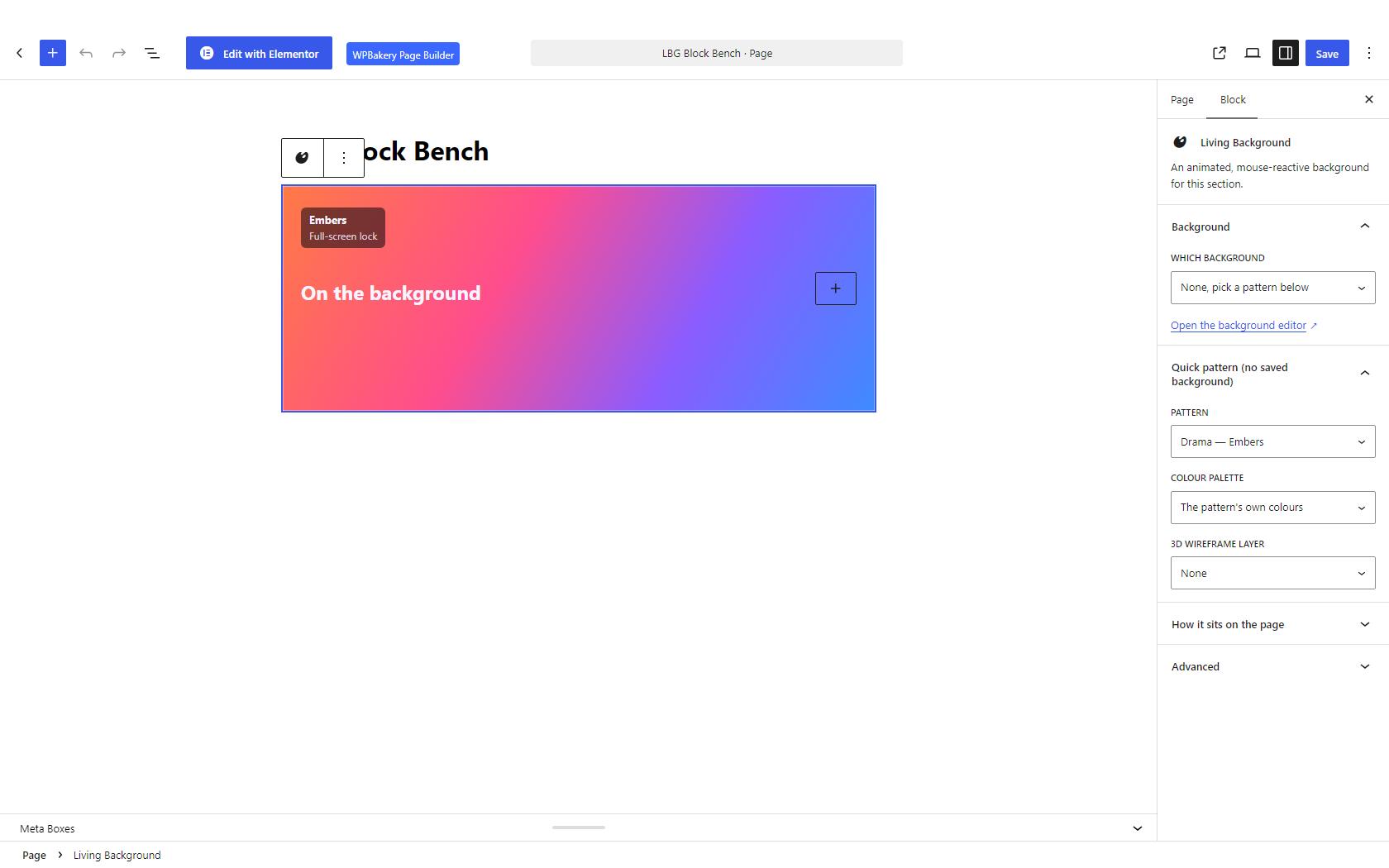
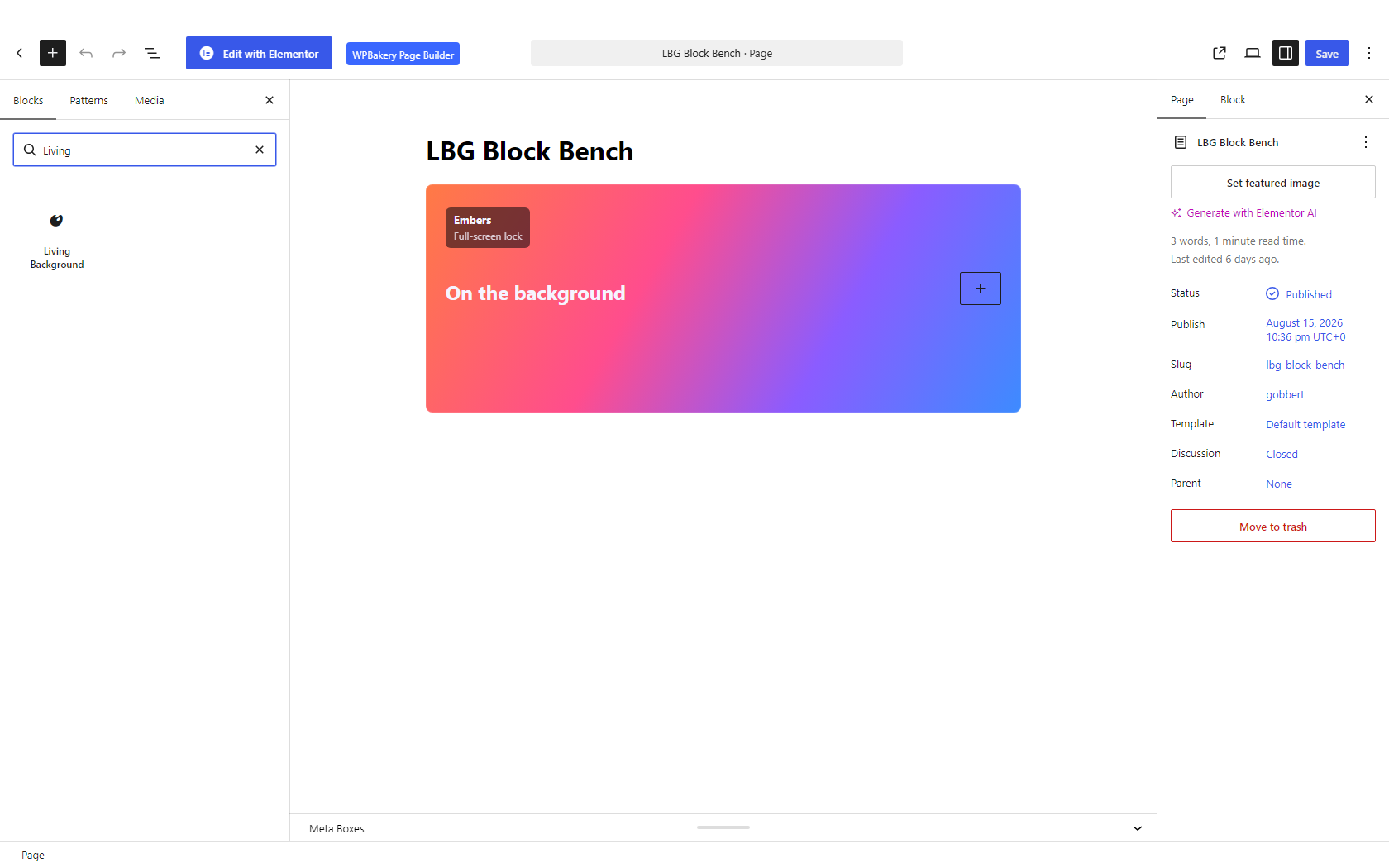
A caption over the background
Put one line of text on the stage and choose where it sits. It scales with the section, so it reads on a short banner and on a full-screen takeover, and screen readers are given the caption rather than being told to ignore the background.
The optional 3D layer
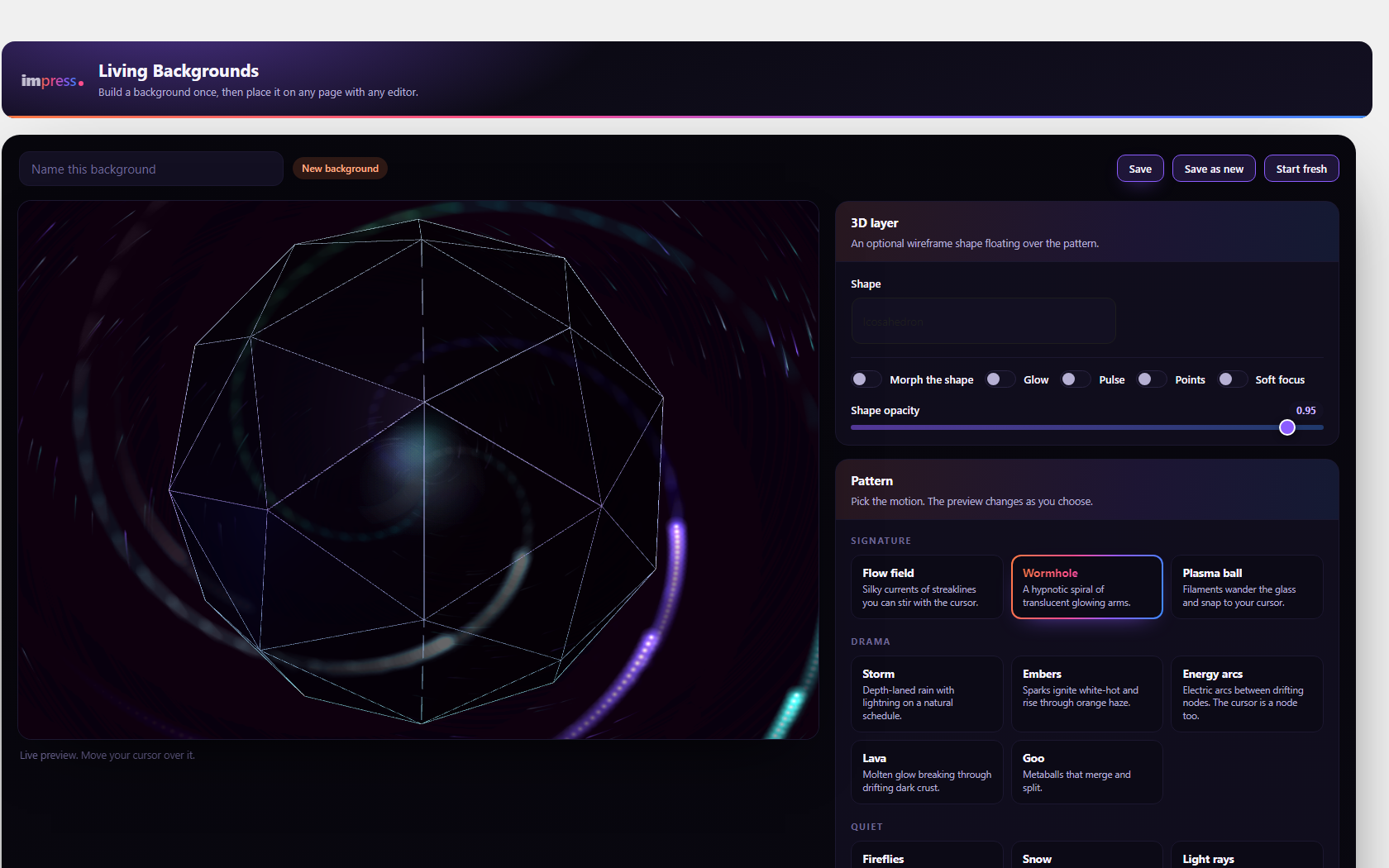
Any pattern can carry a slowly turning wireframe solid above it: icosahedron, torus knot, octahedron, dodecahedron, cube, sphere or cone. It can morph, glow, pulse, defocus, or render as a point cloud. The three.js renderer is bundled with the plugin and is only requested when a background actually turns the layer on, so a plain pattern never pays for it.
Four ways to place it
- In container, sitting in the normal flow of the page.
- Full bleed, edge to edge.
- Scroll lock, which pins the section and advances the animation as the visitor scrolls.
- Full-screen lock, a full-height takeover, with an optional header retract while it holds.
Built to stay light
- Renders at a capped resolution and throttles to the browser paint cycle.
- Pauses the moment the section scrolls out of view, so a background below the fold costs nothing while somebody reads the top of your page.
- Nothing executable is fetched from a remote server on a page view. Everything ships with the plugin and runs from your own site.
Respects the visitor
When somebody has asked their browser to reduce motion, the background paints a single still frame of the real pattern and stops, rather than substituting a flat gradient. A background with nothing to say is decorative, so it is hidden from screen readers; give it a description, or a caption, and that is read out instead.
Screenshots
Blocks
This plugin provides 1 block.
- Living Background
FAQ
Do I need Elementor or another page builder?
No. It works from the native block editor or a plain shortcode on any theme. If you do use Elementor or WPBakery there is an element for each, but neither is required.
I use Divi, Beaver Builder or another builder. Will it work?
Yes. Every builder can place the shortcode in a text or code module, and it renders exactly the same background as the block does, because there is only one renderer behind all of them. Elementor and WPBakery additionally get their own element in the panel, so you can pick the background from a dropdown instead of typing anything.
Is anything held back for a paid version?
No. There is no Pro tier, no watermark and no limit on how many backgrounds you place.
Can I use my own brand colours?
Yes. Alongside the six built-in palettes you can set the colours directly, and the preview updates as you do.
Will it slow my site down?
It is a canvas, not a background video, so there is no large file to download. It caps its resolution, throttles to the paint cycle, and stops entirely while it is off screen.
Does the 3D layer download three.js from a CDN?
No. The three.js module ships inside the plugin and is served from your own site, and it is only loaded when a background turns the 3D layer on. If it ever fails to load, the pattern underneath carries on and the layer stays off.
Yes. It is a background, so anything you place inside it sits above the animation.
Can I use more than one on a page?
Yes, as many as you like.
What happens to my backgrounds if I remove the plugin?
Deactivating changes nothing: your designs and settings are waiting when you switch it back on. Deleting the plugin removes them, because a plugin should not leave rows in your database after you have told WordPress to remove it. Updating the plugin never touches them.
If you want to keep a design before deleting, open it and copy its share code. That code is the whole design, so pasting it back into a fresh install brings it straight back.
Does it contact any external service?
No. Every pattern renders on your own site, with no account and no remote calls.
Reviews
There are no reviews for this plugin.
Contributors & Developers
“Impress Living Backgrounds” is open source software. The following people have contributed to this plugin.
Contributors
Translate “Impress Living Backgrounds” into your language.
Interested in development?
Browse the code, check out the SVN repository, or subscribe to the development log by RSS.
Changelog
1.2.5
- Twenty patterns, six palettes, custom brand colours, the optional 3D layer, four display modes, a caption over the background, a drone show you direct (word, swarm size, a library of two hundred shapes and emoji you order by hand, and your own SVG from the media library), and placement by block, shortcode, Elementor or WPBakery.