

Description
🌐 Website: https://wpimportexport.com/
📖 Documentation: https://wpimportexport.com/docs/
📰 Blog & Tutorials: https://wpimportexport.com/blog/
Import Export by RockStarLab helps you move real WordPress content without fragile copy-paste work: export clean CSV/JSON files, import with field mapping, sync selected content between sites, scan server folders into the Media Library, and keep a Jobs Log so repeat work can be re-run instead of rebuilt.
Use it for everyday migrations between local, staging, and production sites; bulk content operations; SEO URL audits; media cleanup; and content workflows where posts, pages, custom fields, SEO data, Elementor layouts, and media relationships need to stay intact.
The free plugin gives you strong post/page import-export, URL export, media folder sync, site-to-site sync for core content, background jobs, and AI URL Importer support when configured with your own OpenAI API key. The optional PRO addon unlocks advanced content types, Content Updater, transformations, WooCommerce workflows, and deeper migration tooling for teams that need more control.
Common Use Cases
- Move posts and pages between local, staging, and production
- Import and export CSV files with field mapping
- Sync selected content from one WordPress site to another
- Build a full public URL inventory for SEO audits
- Add FTP/SFTP uploaded files into the Media Library
- Re-run imports, exports, and sync jobs from history
- Convert public URLs into draft WordPress content with AI
- Use PRO for custom post types, users, comments, taxonomy terms, WooCommerce data, transformations, and bulk content updates
Features
Built for practical WordPress operations:
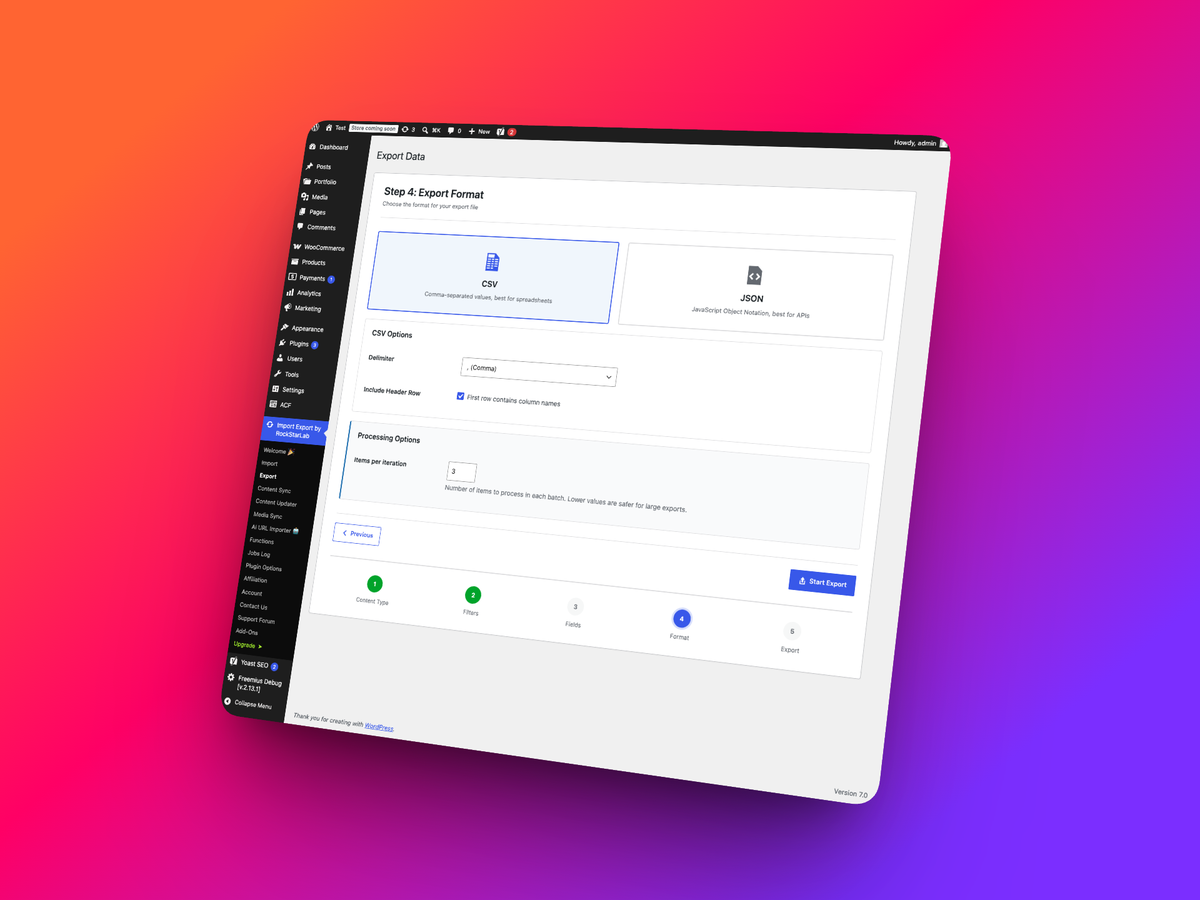
- CSV Import and Export: Move posts and pages with flexible field mapping, previews, validation, and background processing.
- All Site URLs Export: Export a clean CSV or JSON list of public frontend URLs from posts, pages, custom post types, taxonomies, archives, feeds, and REST API endpoints.
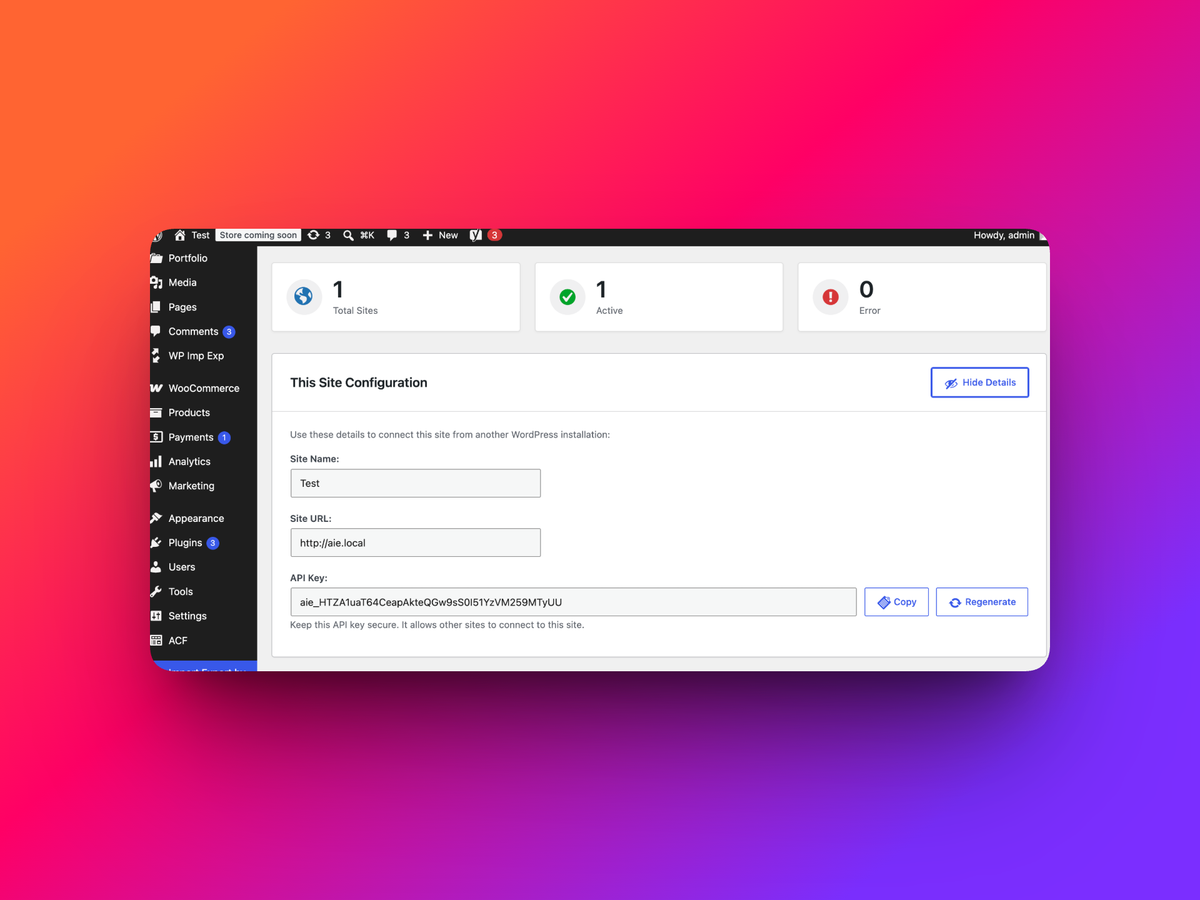
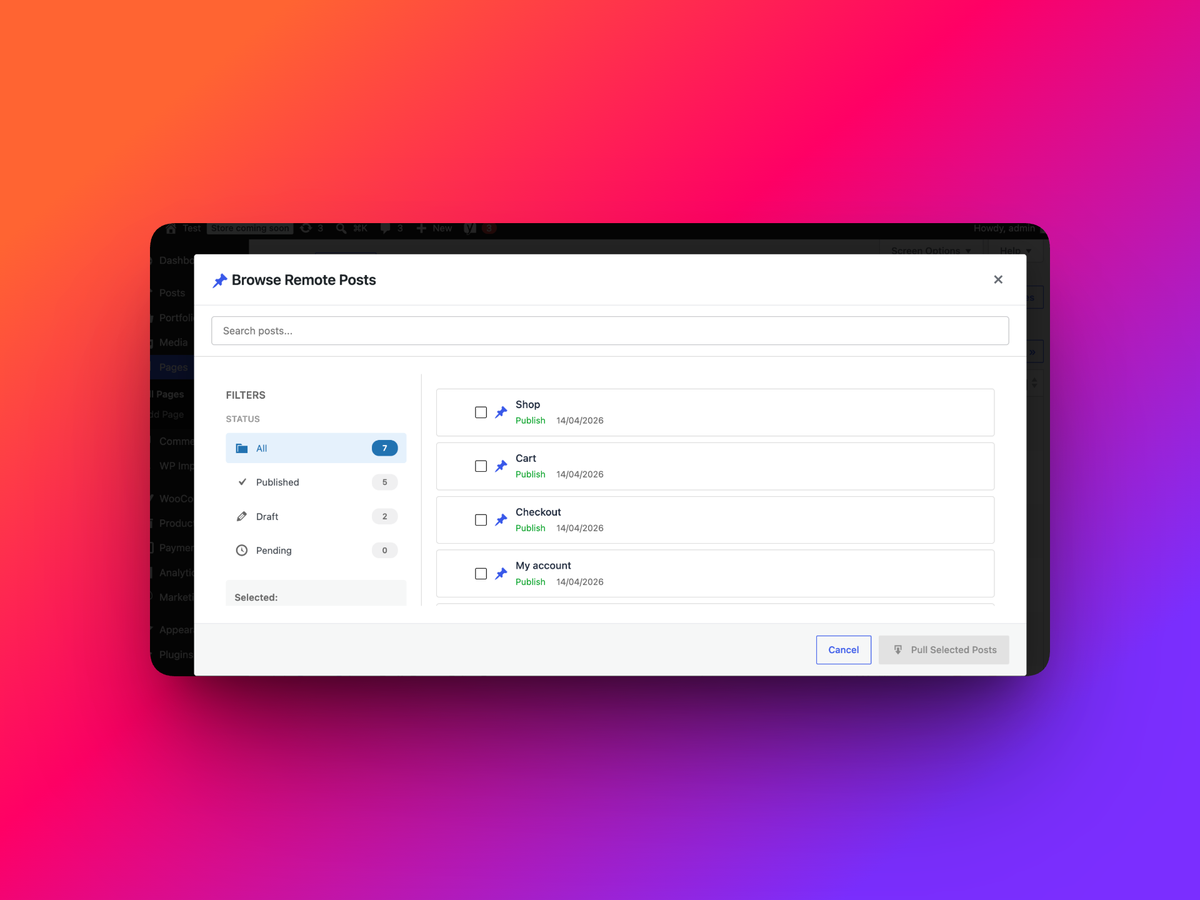
- Site-to-Site Content Sync: Connect WordPress sites with API keys, then push or pull selected content between environments.
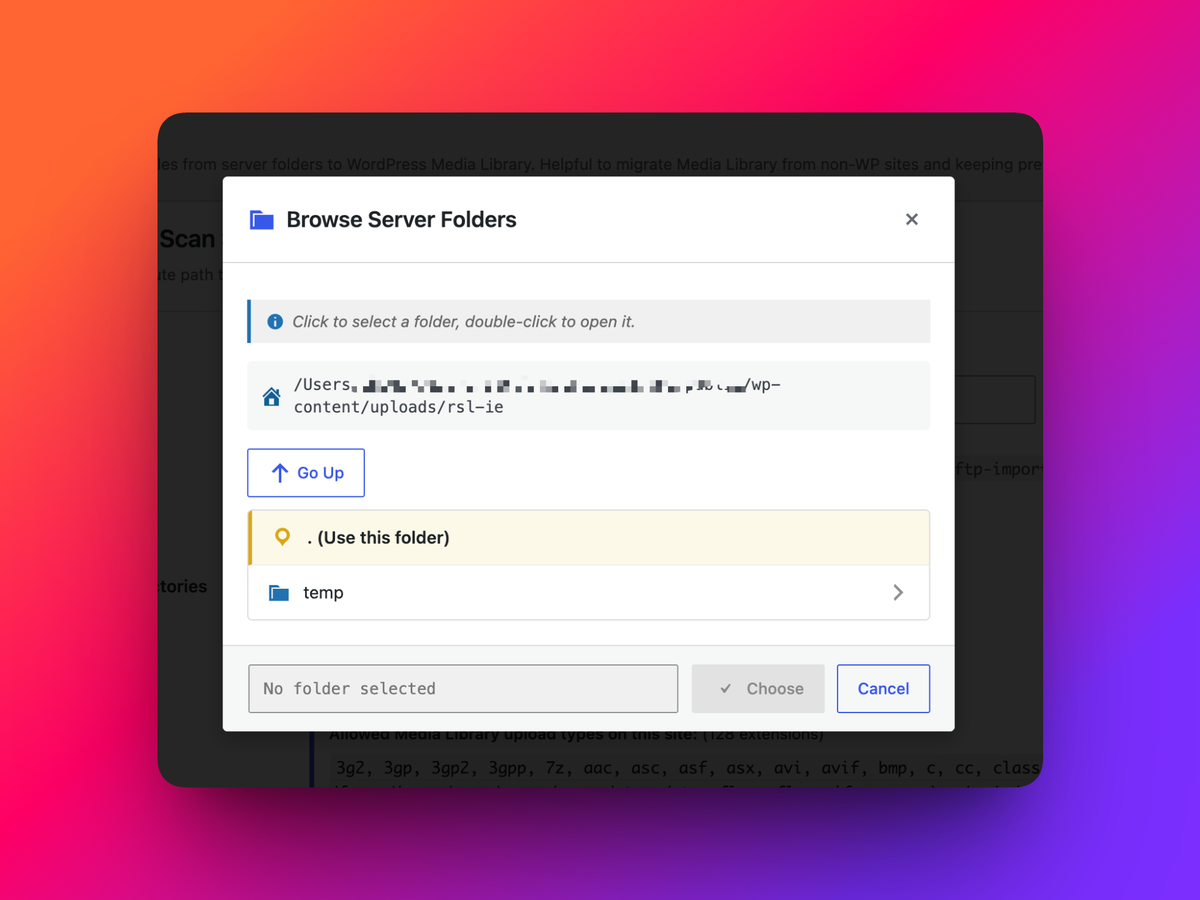
- Media Folder Sync: Scan server folders and register uploaded files in the WordPress Media Library with duplicate detection.
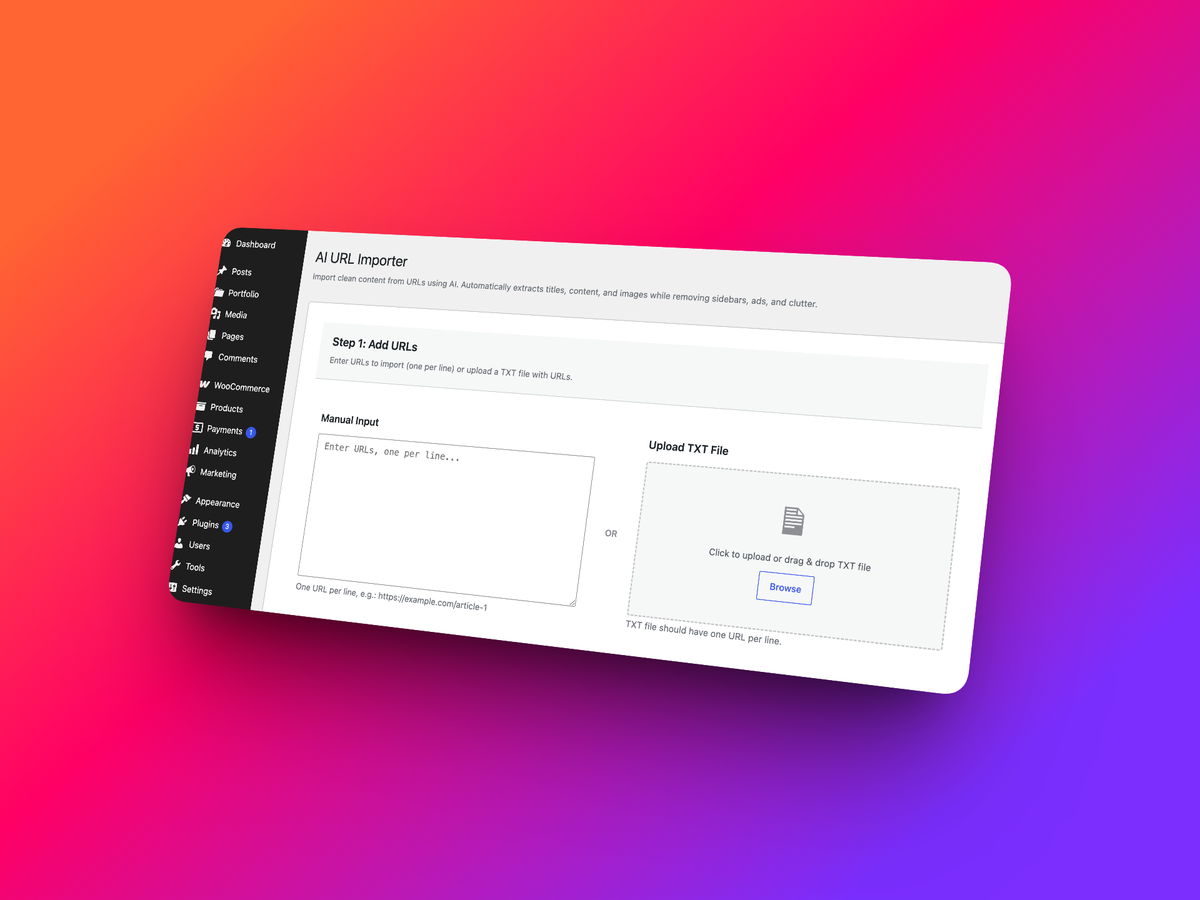
- AI URL Importer: Extract structured content from public URLs using your own OpenAI API key.
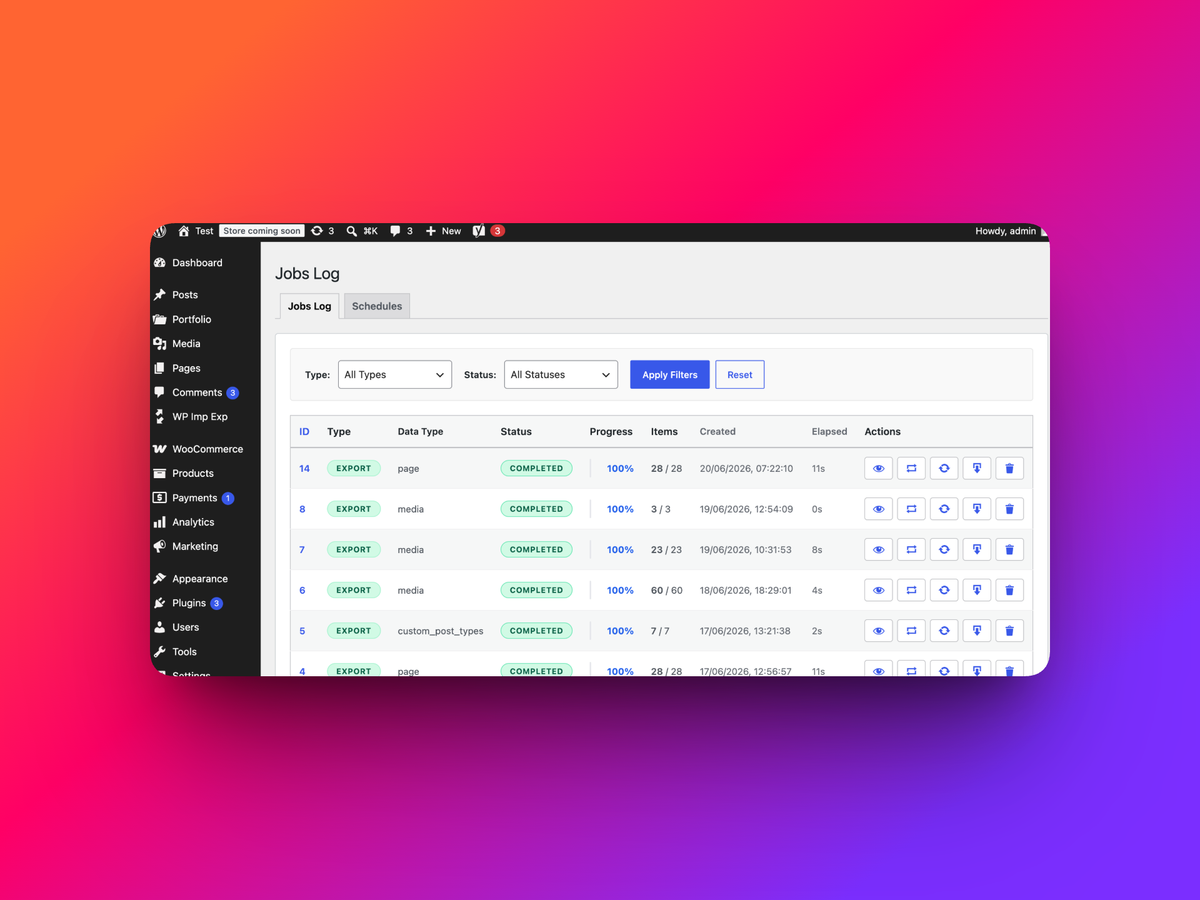
- Jobs Log: Re-run previous imports, exports, and sync jobs without rebuilding the whole setup.
- Metadata-Aware Workflows: Designed for custom fields, SEO metadata, media references, and builder-heavy sites.
PRO Addon
Free is great for posts, pages, URLs, media folder sync, and basic site-to-site content workflows. PRO is for serious migration and content operations where you need more data types, more control, and faster bulk changes.
PRO adds:
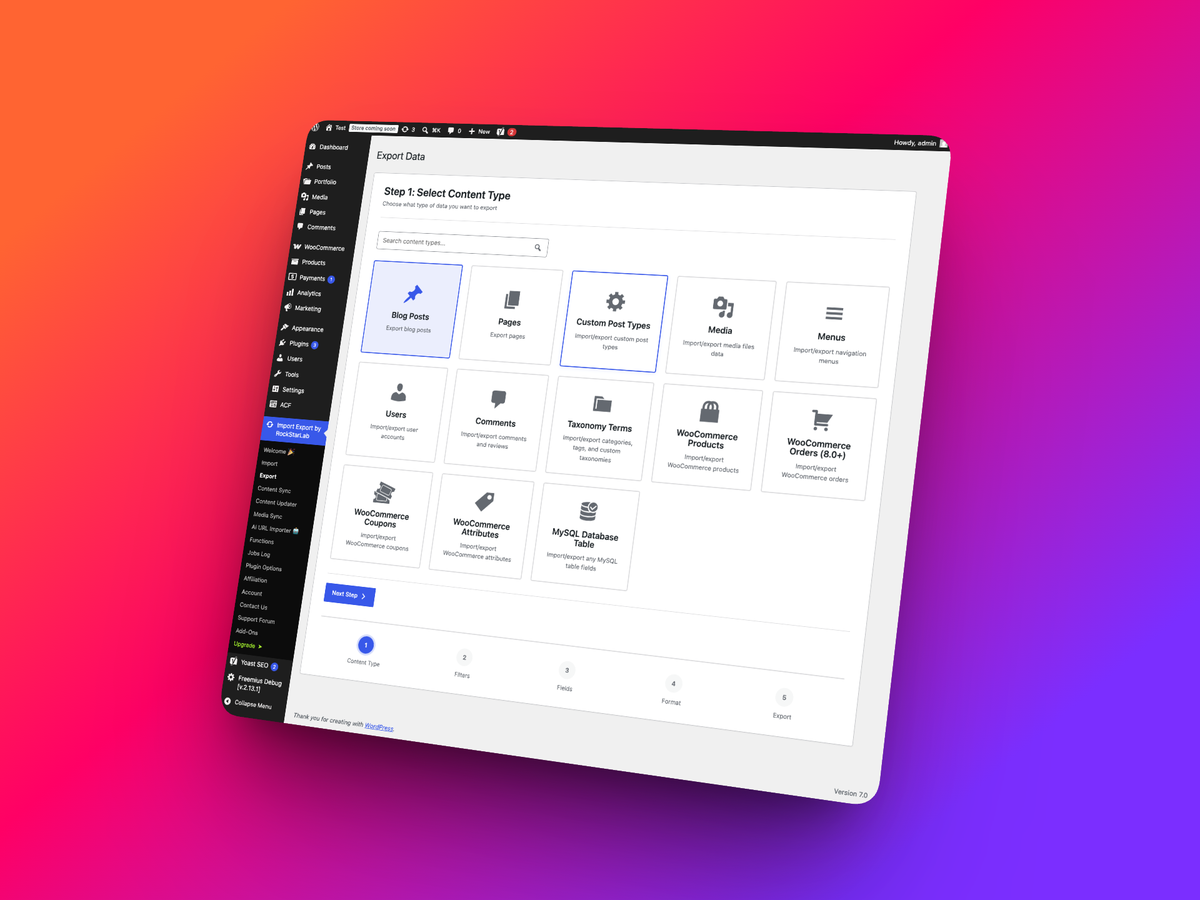
- Import/export for Custom Post Types, Taxonomy Terms, Users, Comments, Media, WooCommerce Products, Orders, Coupons, and Attributes
- Content Updater for changing existing content in bulk without doing a full import cycle
- Transformation functions for cleaning, combining, changing, or normalizing values during workflows
- Advanced custom-field and metadata workflows for ACF, SEO plugins, builders, and WooCommerce stores
- More site-to-site sync coverage for custom content models
- Workflow tools built for agencies, WooCommerce teams, content teams, and developers managing staging-to-production releases
Affiliate Program
Love Import Export by RockStarLab? Join our affiliate program and earn commissions by recommending the plugin to WordPress agencies, WooCommerce stores, content teams, and site owners who need reliable import, export, migration, and sync workflows.
Affiliate details are available on our website: https://wpimportexport.com/
Why Choose Our Import / Export Plugin?
Many import/export plugins are good for simple rows. Import Export by RockStarLab is built for full WordPress workflows: content, metadata, media, sync, jobs, URL audits, AI-assisted creation, and optional PRO tools when your data model gets more complex.
- Built for Real WordPress Sites: Works with posts, pages, media, metadata, ACF, Elementor, Yoast SEO, Rank Math SEO, and WooCommerce workflows.
- Background Processing: Large jobs run in batches, with progress tracking and logs.
- Repeatable Operations: Save time by re-running jobs from history.
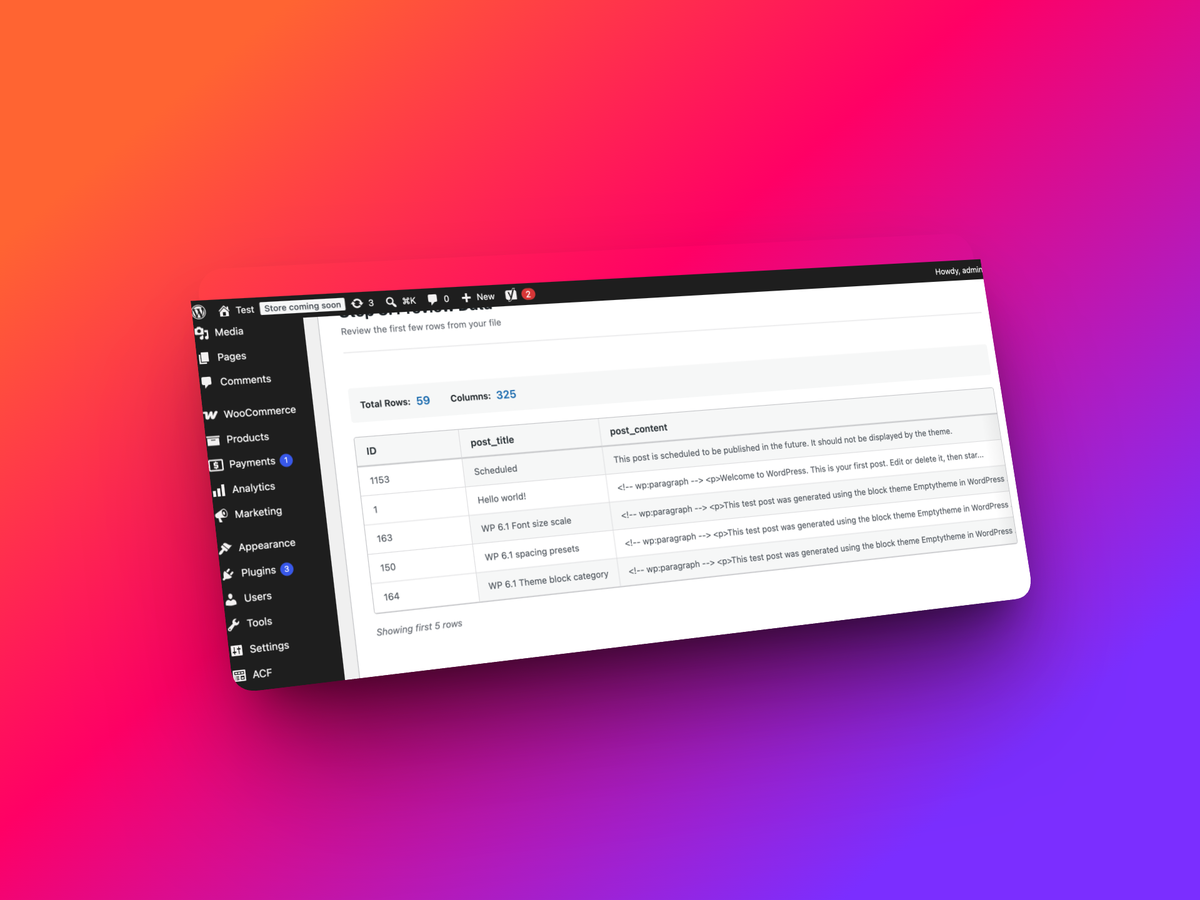
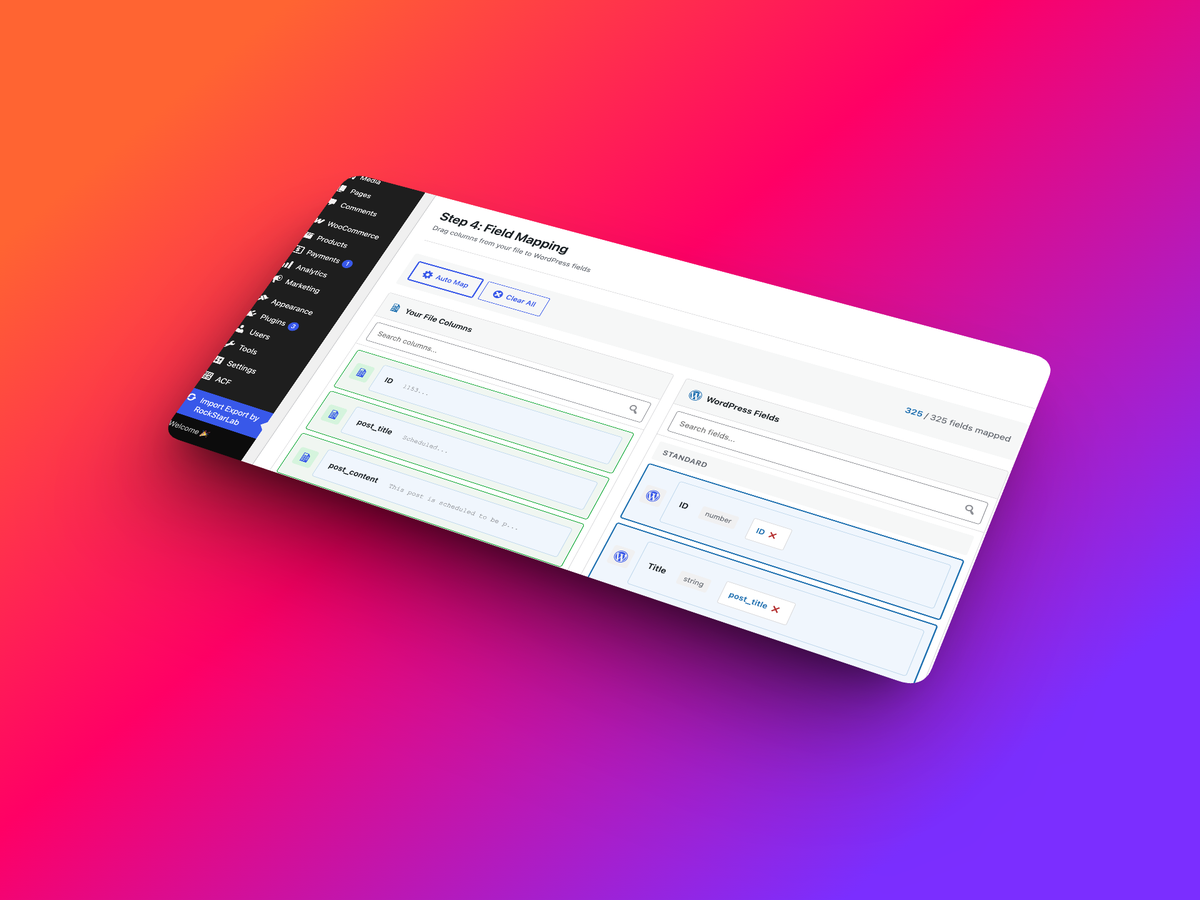
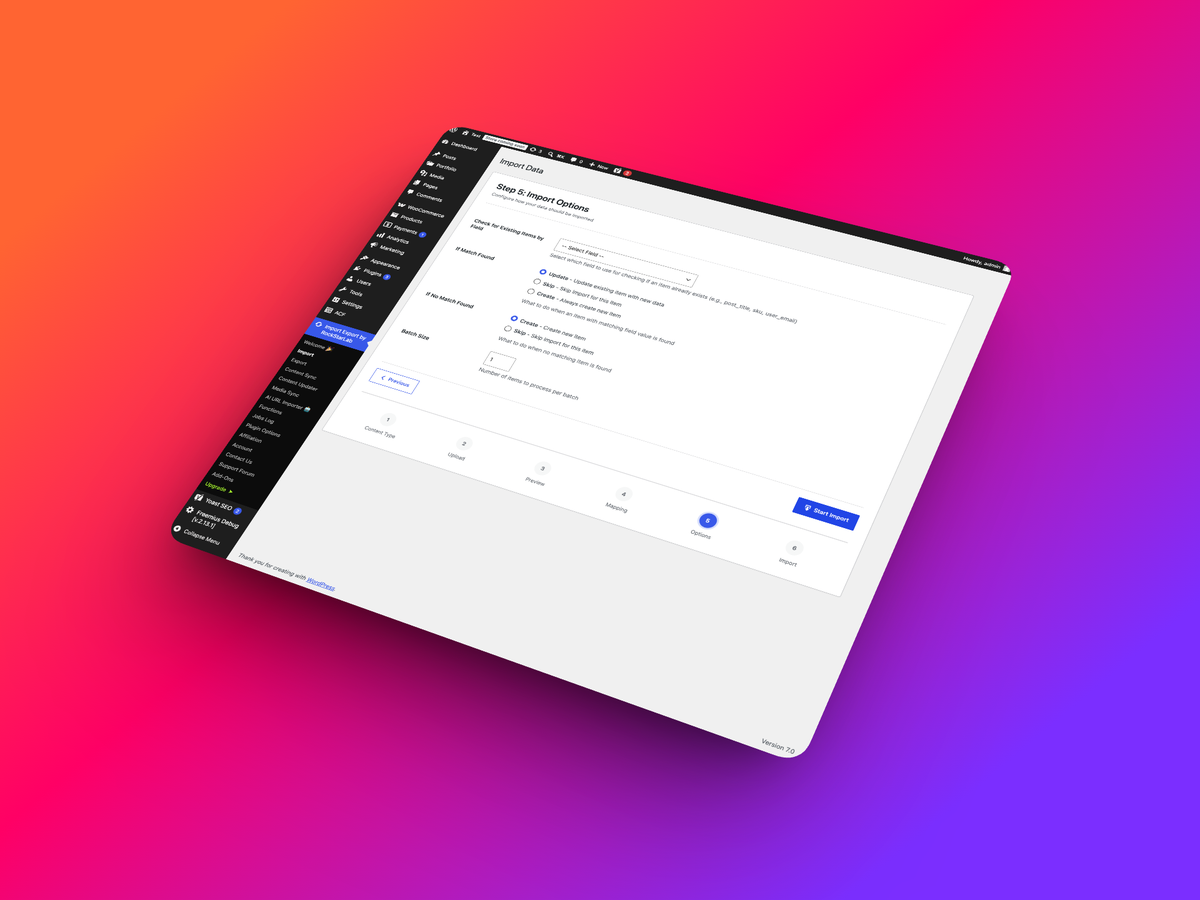
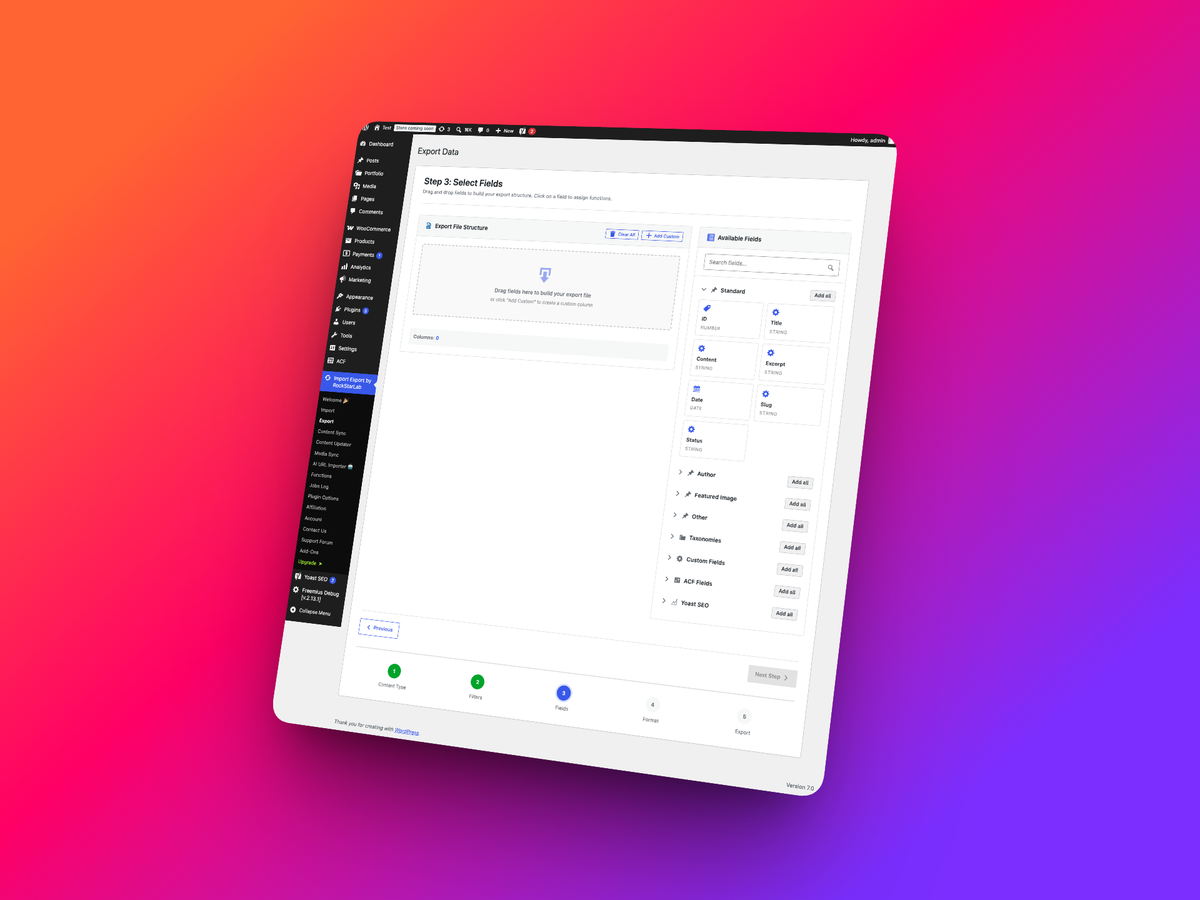
- Human-Friendly Mapping: Preview source data and map it to WordPress fields before the job runs.
- AI When You Need It: Import structured content from URLs using your own OpenAI API key.
- Free to Start, PRO When You Grow: Start with core migration and sync tools, then upgrade when you need custom content types, transformations, WooCommerce data, or Content Updater.
Core Features
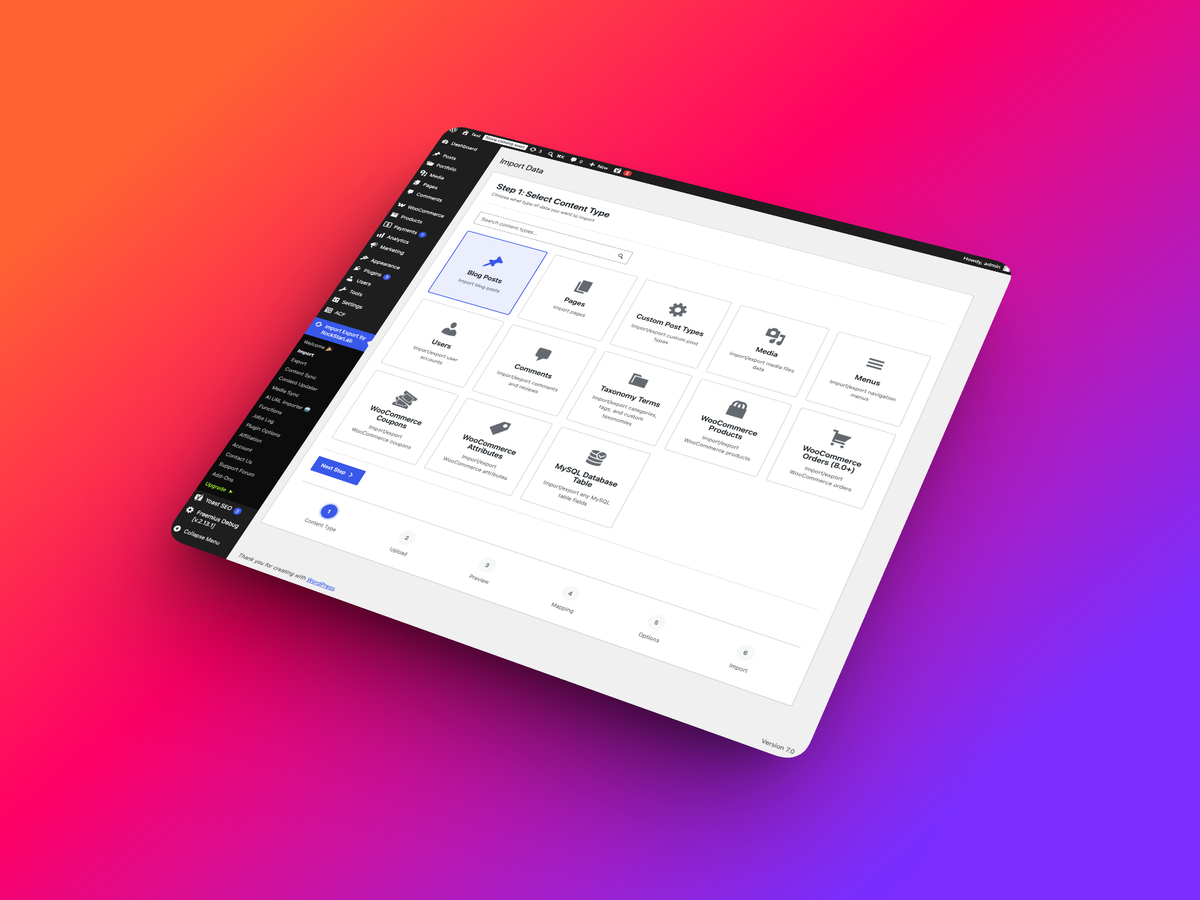
- Multiple Data Types: Posts and Pages in free; many additional content types via the optional PRO addon
- All Site URLs: Export public site URLs from posts, pages, custom post types, taxonomies, post type archives, author/date/search archives, RSS/Atom/comments feeds, and REST API endpoints
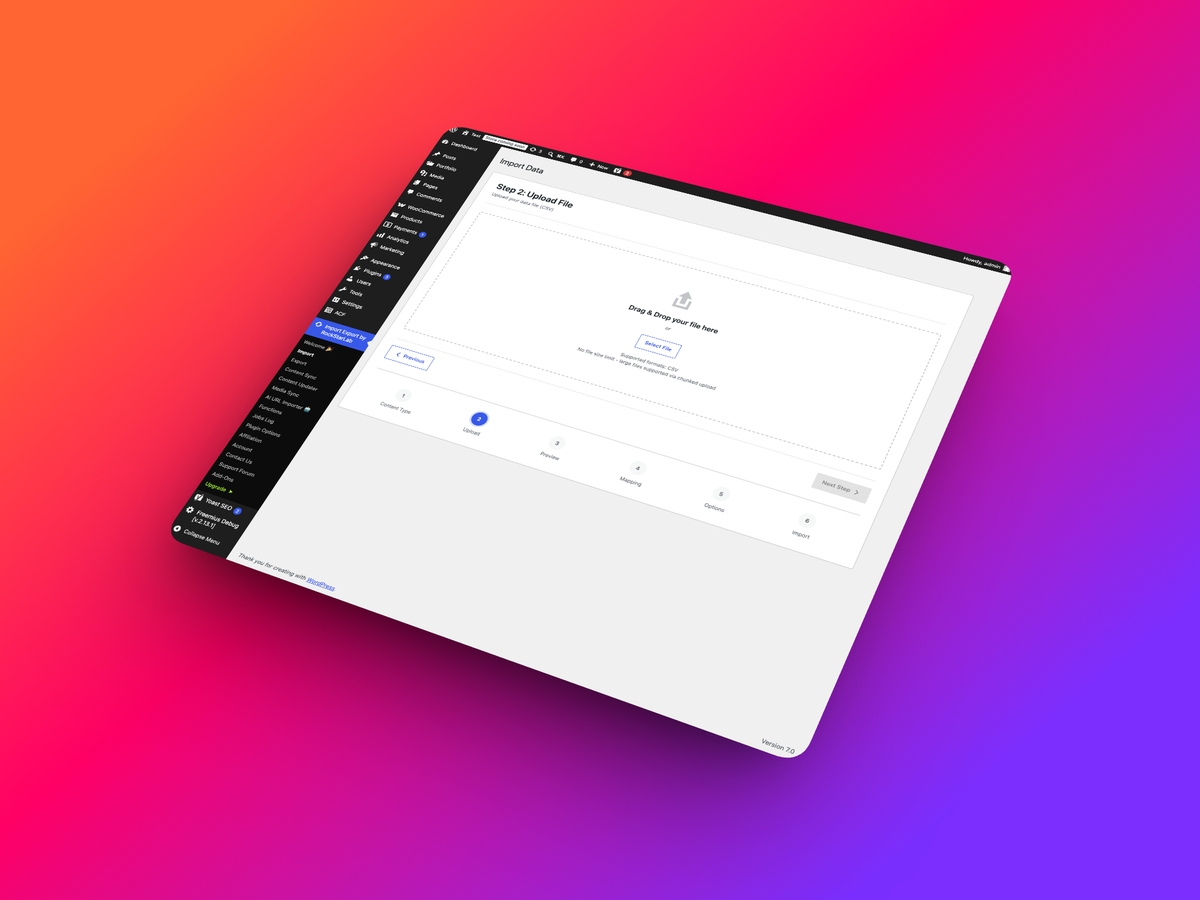
- File Formats: CSV with streaming support for large files and JSON for developer workflows
- Background Processing: Handle large datasets in batches to reduce timeout and memory-limit problems
- Field Mapping: Intuitive field mapping interface with preview
- Validation System: Comprehensive data validation before import
- Media Folder Sync: Synchronize FTP-uploaded files with WordPress Media Library
- Site-to-Site Sync: Connect and sync content between two WordPress sites
- Progress Tracking: Real-time progress bars and detailed logs
- History & Logs: Complete history of all import/export operations
All Site URLs
Create a clean inventory of public frontend URLs from your WordPress site:
- Content URLs: Posts, Pages, Media, and public Custom Post Types
- Taxonomy URLs: Categories, Tags, WooCommerce taxonomies, and other public term archives
- Archive URLs: Post type archives, author archives, date archives, homepage/front page, and search results URL
- Technical URLs: Optional RSS feeds, Atom feeds, comments feed, post type feeds, REST API root, and REST post type endpoints
- Simple Output: CSV or JSON file with a single URL column
- Bulk Selection: Quickly select or deselect Posts, Taxonomies, REST endpoints, RSS feeds, Atom feeds, and Comments feeds
- Jobs Log Support: Re-run URL export jobs or download completed files from the Jobs Log
Site-to-Site Content Sync
Synchronize content between two WordPress sites with secure API-based connection:
- API Key Connection: Connect sites with secure 64-character API keys
- Bidirectional Sync: Pull from remote site or push to it
- Content Types: Posts and Pages (additional content types via the optional PRO addon)
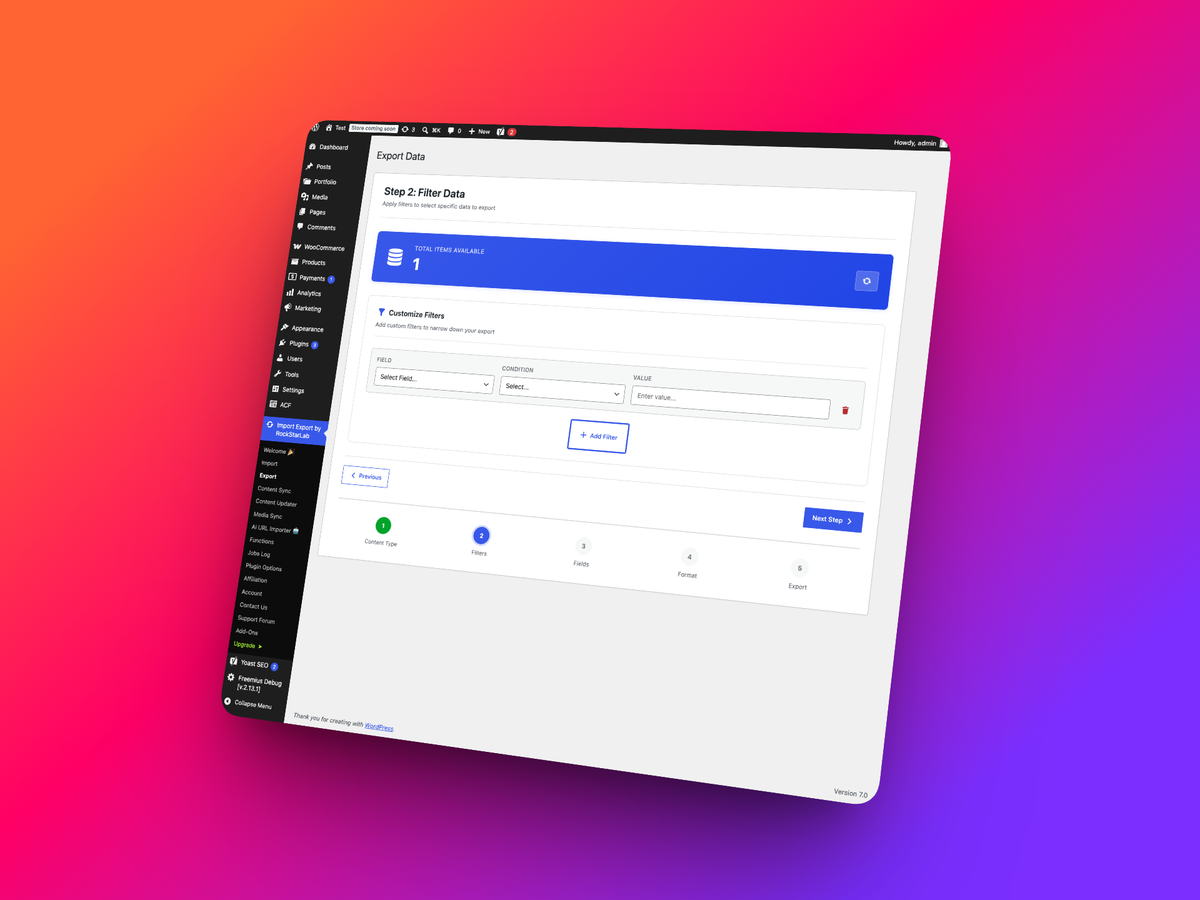
- Selective Sync: Filter by ID, date, author, status, taxonomy
- Conflict Resolution: Skip, Update, or Duplicate strategies
- Media Sync: Automatically download and sync media files
Media Folder Sync
Easily synchronize files from server folders (uploaded via FTP/SFTP) to your WordPress Media Library:
- Scan Server Folders: Browse and select folders with recursive scanning
- File Type Filters: Choose specific file types or all WordPress-allowed types
- Duplicate Detection: Three methods (Hash, Filename, Filesize) to skip duplicates
- Preserve Structure: Maintain original folder hierarchy
- Batch Processing: Handle large numbers of files efficiently
- Auto Alt Text: Generate alt text from filenames
- Real Media Library: Automatically create folder structure in Real Media Library plugin (the plugin is not included)
PRO Content Types and Tools
The PRO addon extends Import and Export with additional content types, adds the Content Updater, and enables field transformation integrations.
Perfect For
- Site Migration: Moving content between WordPress sites
- Multi-Site Management: Sync content across multiple WordPress installations
- Bulk Operations: Updating hundreds or thousands of posts at once
- Data Integration: Importing data from external systems
- Content Management: Exporting for backup or analysis
- Media Organization: Organizing FTP-uploaded files into Media Library
- Agency Workflows: Moving content from staging to production without manual rebuilding
- SEO Workflows: Exporting URLs and preserving SEO metadata during migrations
- WooCommerce: Product catalog management (via the optional PRO addon)
Works With
- WordPress
- ACF (Advanced Custom Fields) and ACF Pro (Flexible content, repeaters)
- WooCommerce (PRO addon)
- Elementor
- Yoast SEO
- RankMath SEO
- Real Media Library
- OpenAI
External services
This plugin connects to the following external services:
OpenAI API
Used for AI-powered features:
- AI URL Importer (extracts clean content from a URL)
What data is sent and when:
- When you use the AI URL Importer, the plugin fetches the target URL content and sends the cleaned page content and the URL to OpenAI for extraction.
Service provider:
- OpenAI (terms: https://openai.com/policies/terms-of-use, privacy: https://openai.com/policies/privacy-policy)
Screenshots
FAQ
Can I import large files without timeout issues?
Yes! The plugin uses background processing to handle large files without memory or timeout issues.
Can I transform data during import?
Advanced field transformation workflows are available through optional addon integrations.
How do I avoid importing duplicate media files?
Use the Media Folder Sync feature with duplicate detection. Choose from three methods: Hash (most accurate), Filename (fastest), or Filesize (balanced).
Can I sync content between two WordPress sites?
Yes! Use the Site-to-Site Content Sync feature. Connect two sites with API keys and sync posts and pages in free, with expanded custom content workflows available through the optional PRO addon. Choose between Pull (import from remote) or Push (send to remote) operations.
Reviews
There are no reviews for this plugin.
Contributors & Developers
“Import Export by RockStarLab” is open source software. The following people have contributed to this plugin.
Contributors
Translate “Import Export by RockStarLab” into your language.
Interested in development?
Browse the code, check out the SVN repository, or subscribe to the development log by RSS.