

Description
Are you concerned about being held liable for violating copyright law, would like to start crediting owners or AI-generated images properly?
Do you want to give back to photographers and illustrators by adding image credits, so they are rightfully attributed?
Or are you a creator yourself and want to show information on the picture licenses for your image gallery under which publishers can use or purchase your work?
Image Source Control is your go-to solution when it comes to handling copyright-protected photos and delete unused images.
Documentation | Support | Premium Features | Delete Unused Images
This level of personal and competent support deserves more than just five stars.
Highly recommended!
⭐⭐⭐⭐⭐ by eunde
Image Credit layouts
Choose between different credit displays:
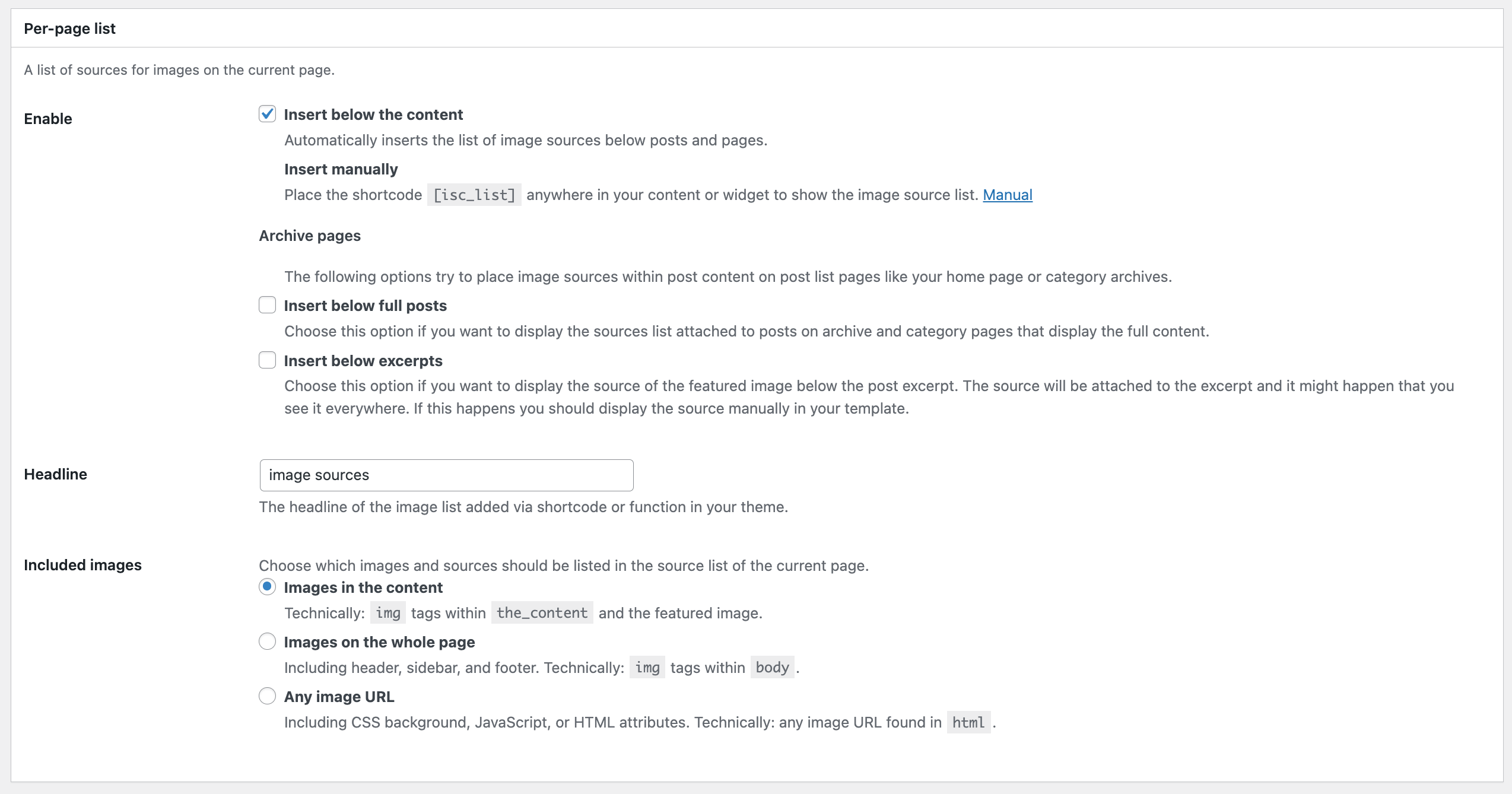
- List all image sources below the content of a specific page or place the list manually
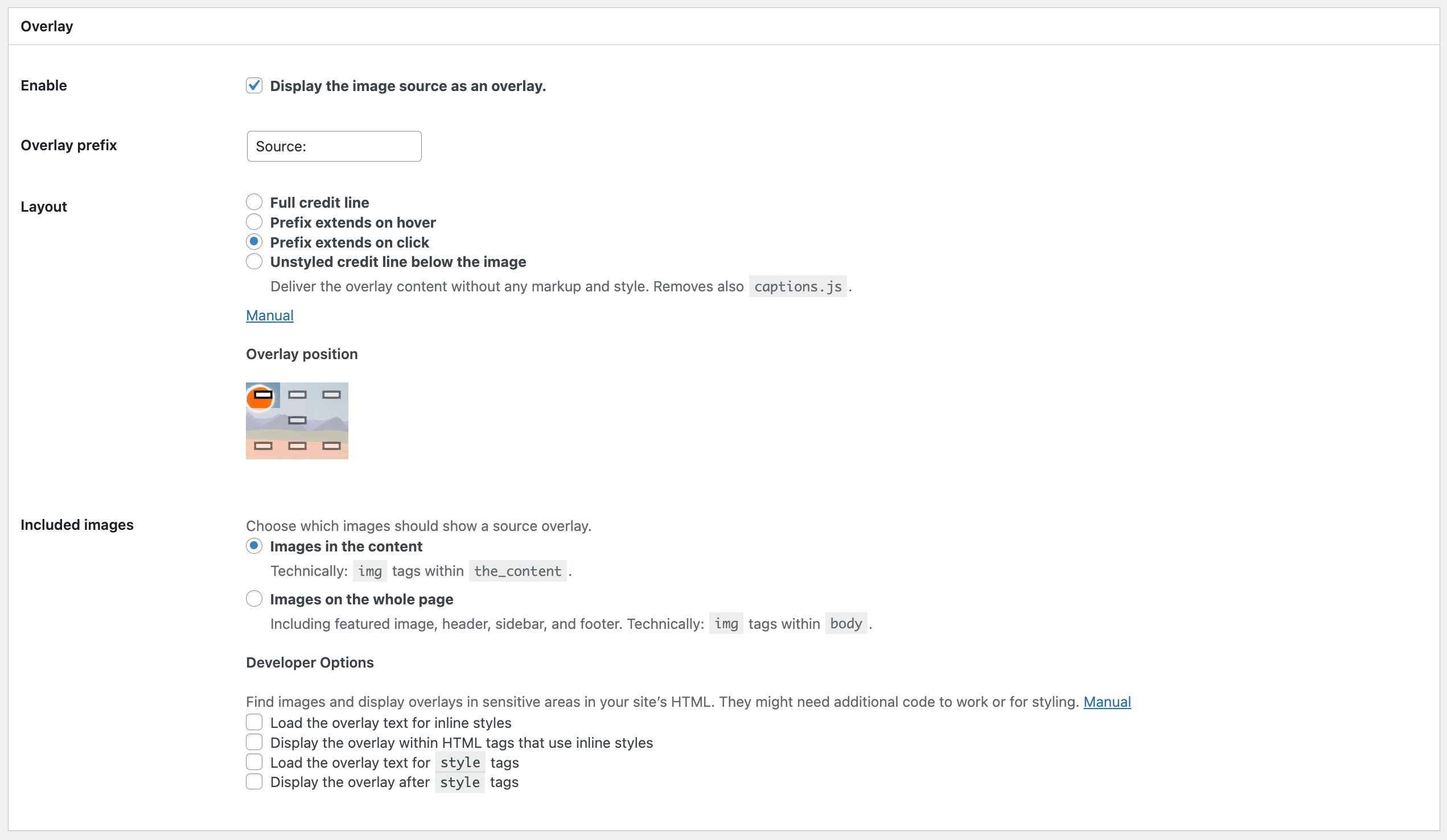
- Show an image caption overlay above or below the image
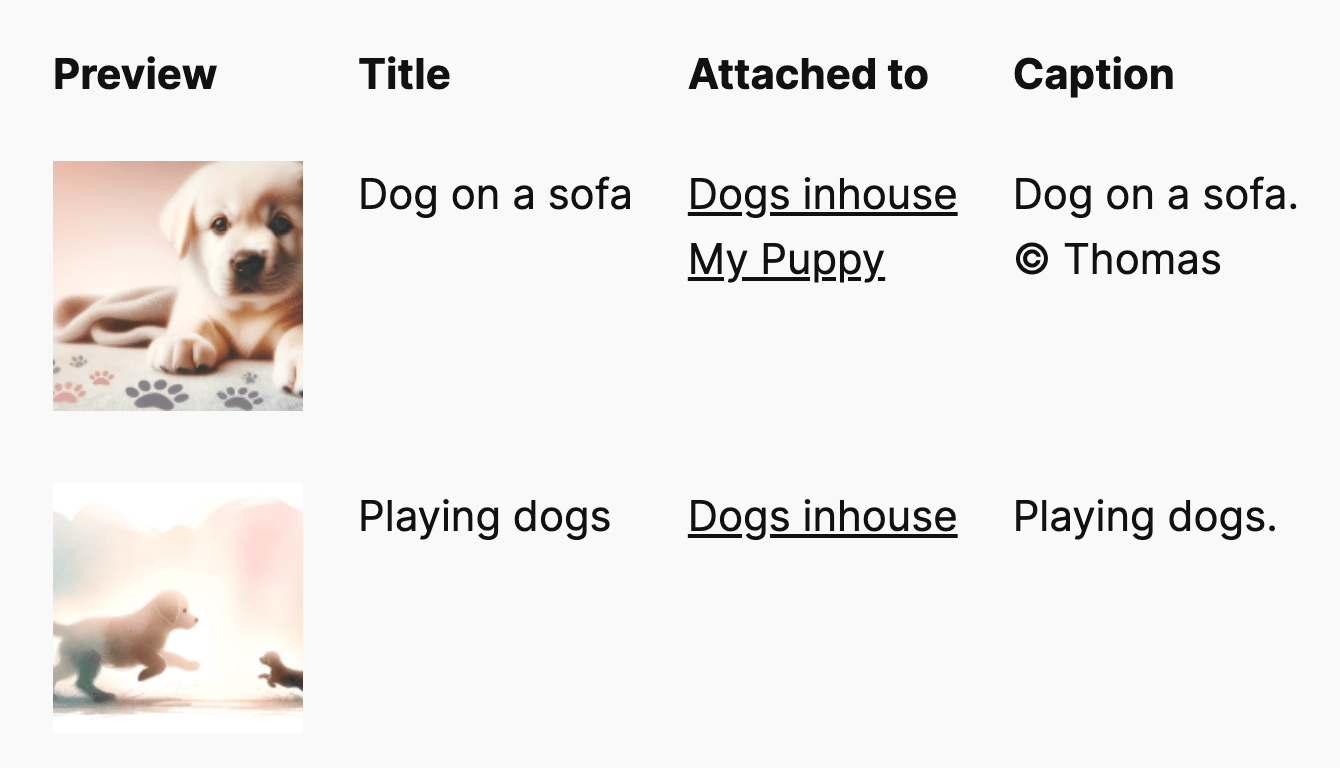
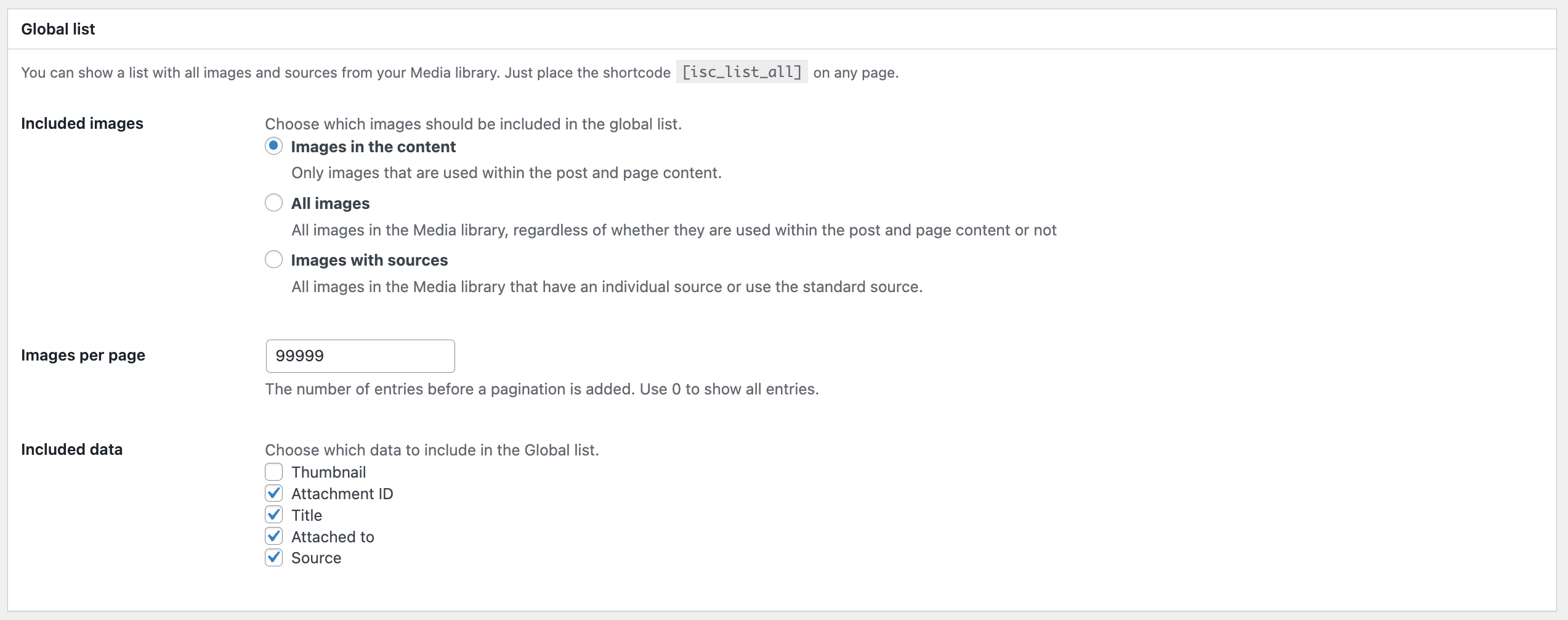
- Embed a complete image credit list with thumbnails on your website
Label AI-generated images
- Mark AI-generated images with a label that indicates the image was created by artificial intelligence. Following the EU AI act
- Available icons: AI, AI-generated, AI-manipulated
- Show only the icon or add a description text to it in the image source field
Frontend Features
- Display image credits in the content, for image galleries, images added by shortcodes, and featured images
- … see more listed under Premium features below
- Define the layout and position of the caption overlay
- Show the image source fully, or only on click or mouseover
- Attach the Per-page list automatically, by using a shortcode, or with a PHP function
- Display image sources on archive pages
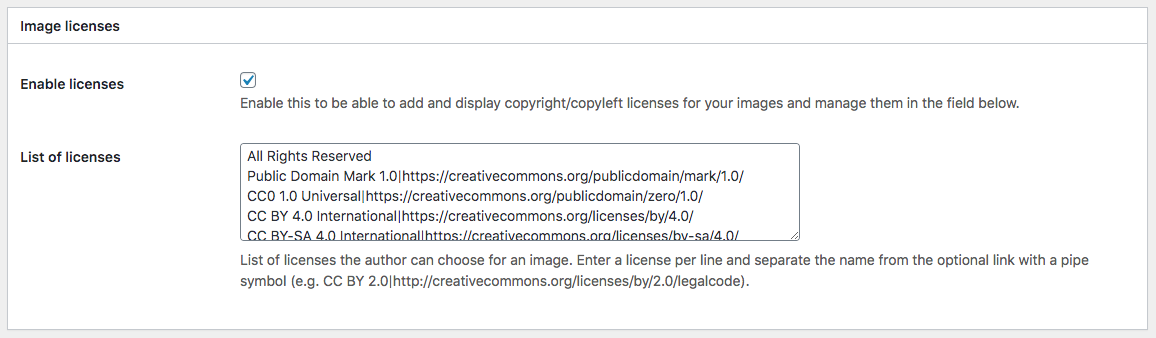
- Link to the copyright holder and include a link to the image license
- Add the EU AI label that marks an image as AI-generated
Backend Features
- Add credits for any image file uploaded to the Media library
- Dedicated image source fields for the following blocks: Image, Cover Image, Featured Image, Media & Text
- Quickly assign a centrally defined source to any image and choose three options: hide image sources for these images, show a specific source (e.g., your name), or the uploader’s name
- Warn about missing image sources
- Manage, display, and link available licenses
- Enable the features for any files in the media library or for images only
- Filter the media library list by images with or without sources, or only those using the standard source
Featured Image Caption
ISC Lite works for Featured Images. By default, you will see the image credits options in the media library and the featured image options in the block editor.
The featured image caption shows in the Per-page list with all other image sources on the page.
Check out the premium features to display the image caption overlay for featured images.
Premium Features
Check out all features of Image Source Control.
- The Indexer looks for all images in all published content in one go
- List credits for images outside the content
- Add multiple links to the source string
- Manage image credits for images hosted outside the Media Library
- Handle images without file extensions
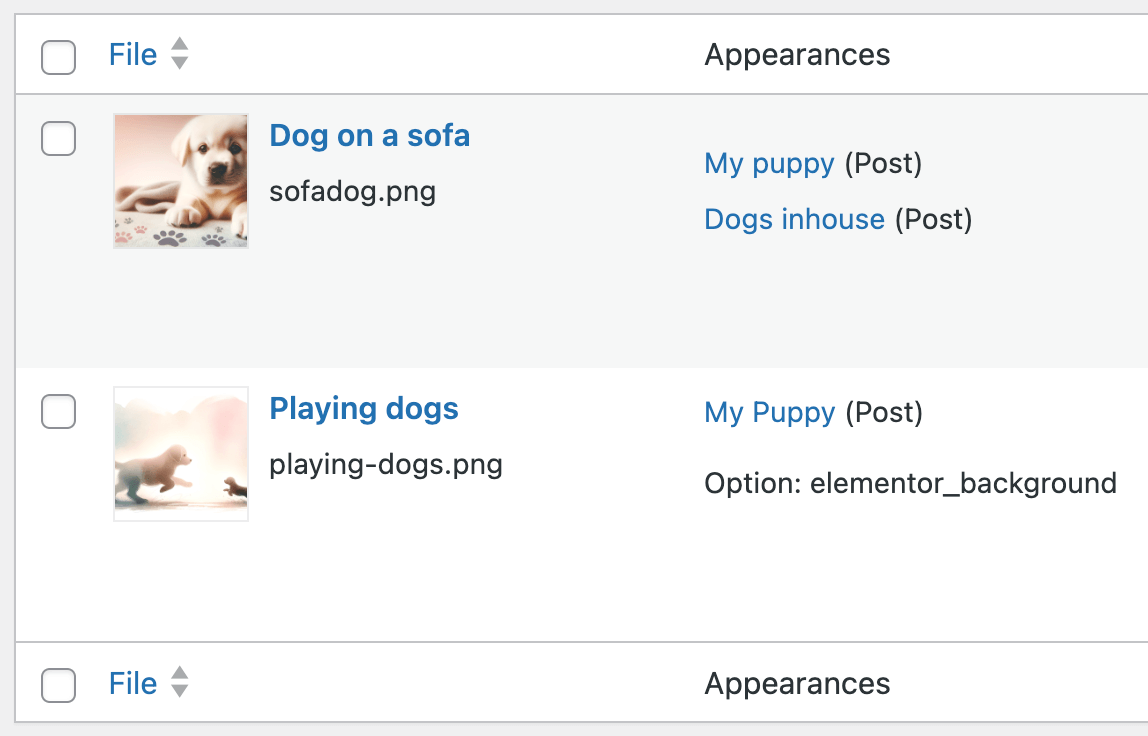
- Show image usage in the image details and the List view of the media library
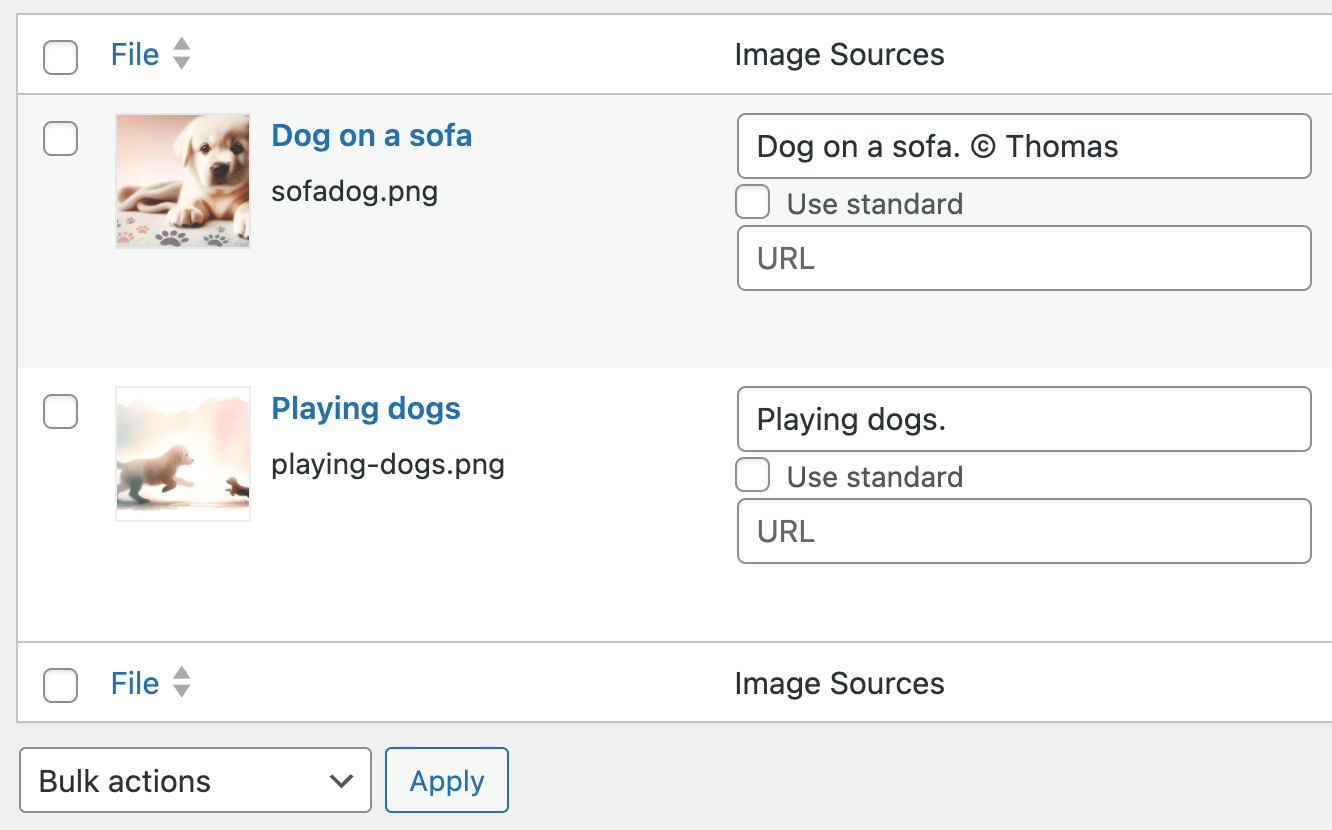
- Bulk-edit image copyright information in the media library
- Preview image credits in the media library
- Show the standard picture credit for all images without a selected source
- Display IPTC copyright metadata in the backend and automatically as a standard source in the frontend
- Show the full text only after a click or on mouseover on the caption overlay
- Choose which data is displayed in the Global List
- List only images with a proper source in the Global List
- Show the Global List as a table or a simple list view
- Show image sources for Elementor background images, images in Kadence Blocks Galleries, and Kadence Related Content Carousel
- Developer options to show overlay captions for CSS background images
- Support for background images of the Group block
- Exclude certain images from showing the overlay by adding the
isc-disable-overlayclass - Detect Unused Images (see below)
- Personal email support
Extended compatibility with Elementor, Avada, WP Bakery, Divi, Fusion Builder, Flatsome UX Builder, and other page builders
themes like Soledad and Kadence (including Kadence Blocks, Kadence Theme Kit Pro, Kadence Shop Kit Pro, and Kadence Related Content Carousel),
as well as with plugins like Advanced Custom Fields, WPML, Lightbox Gallery, Newsletter plugin, and JetEngine.
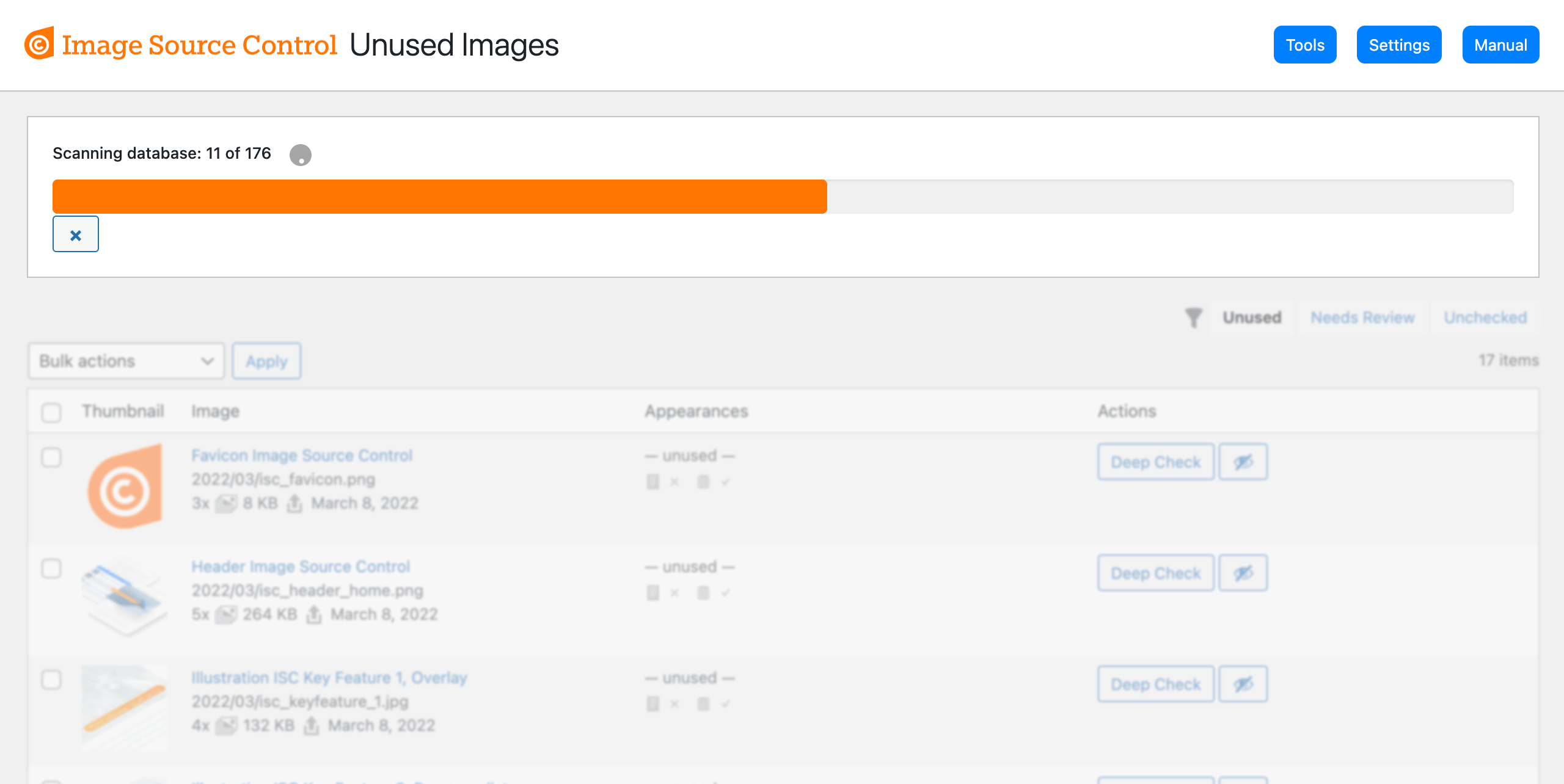
Unused Images
Premium media cleaner features to remove unused images safely.
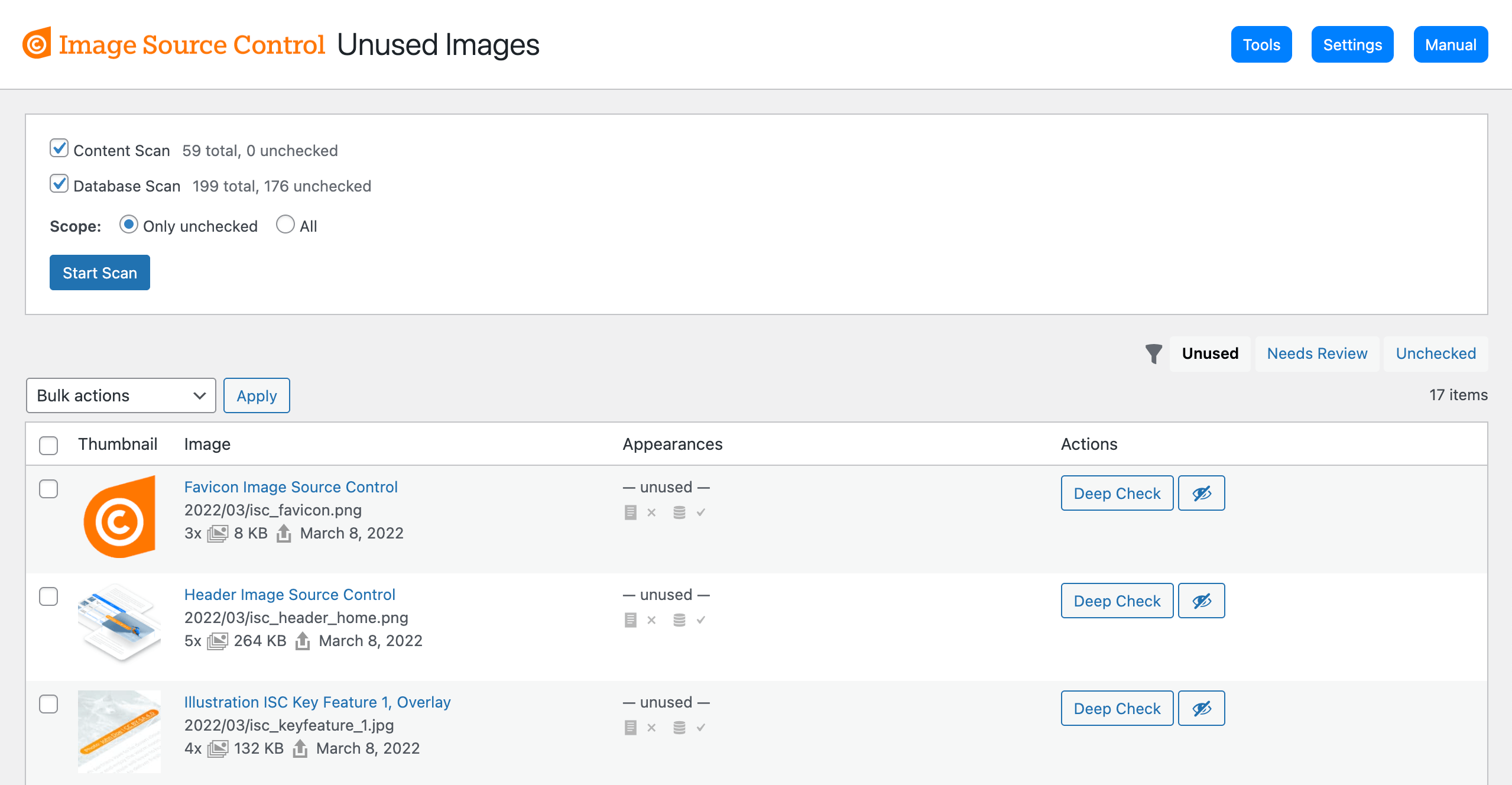
- Go to Media > Unused Images to see and remove unused images
- Run the Content Scan to find actually used images in the frontend
- Run the Database Scan to find references to images outside the content, like in meta data or options
- Bulk delete unused images
- Check either all images and pages, or only new or changed ones
- Works for pages behind a login (e.g., membership sites or maintenance mode)
- Filter the list by various states
- Ignore certain images from being listed as unused
Constantly extended support for finding used and unused images in plugins and page builders, e.g., Elementor, Divi, WP Bakery, WP User Meta, WooCommerce, Kadence, and the Newsletter Plugin.
Media Trash
Move images to the trash instead of directly deleting them permanently. This eases the test if a deleted image was actually unused and allows for easy recovery if it was not.
- Enabled the module in the settings
- Media Trash has its own menu under Media > Media Trash
- Clear the media trash in bulk
- Recover trashed images with one click
Btw., Image Source Control is a suitable alternative to the discontinued or closed plugins Image Credits, Credit Tracker, or FSM Custom Featured Image Caption.
Instructions
Take a look at the Image Source Control Documentation.
Find a list of missing images sources and other debug tools under Media > Image sources
You can choose to display image sources below the post content or as a small caption overlay above your images. Just visit the settings page of the plugin to enable those options.
Manually included image sources on pages/posts
You can add the Per-page list manually to pages or posts via the shortcode [isc_list] in your content editor or a text widget.
Use [isc_list id="123"] to show the list of any post or page.
Use the PHP code <?php if( function_exists('isc_list') ) { isc_list(); } ?> within your template files.
List all image sources
You can add a paginated list with ALL attachments and sources attached to posts and pages—the Global list—using the shortcode [isc_list_all].
Use [isc_list_all per_page="25"] to show only a limited number of images per page.
Use [isc_list_all included="all"] to show all attachments in the list, including those not explicitly attached to a post.
The plugin searches your post content and thumbnail for images (attachments) and lists them if you included at least the image source or marked it to use the default image source.
Remove “nofollow” from all source links
In order to remove “nofollow” from source links, follow the instructions in our documentation.
Screenshots



Installation
This section describes how to install the plugin and get it working.
e.g.
- Upload
image-source-control-isc.zipthrough the ‘Plugin’ menu in your WordPress backend - Activate the plugin
- Visit Settings > Image Sources for the main settings
See the Instructions section here.
Reviews


Contributors & Developers
“Image Source Control Lite – Show Image Credits and Captions” is open source software. The following people have contributed to this plugin.
Contributors
“Image Source Control Lite – Show Image Credits and Captions” has been translated into 5 locales. Thank you to the translators for their contributions.
Translate “Image Source Control Lite – Show Image Credits and Captions” into your language.
Interested in development?
Browse the code, check out the SVN repository, or subscribe to the development log by RSS.
Changelog
= 3.12.0
- Feature: Label AI-generated images. You can now choose to mark an image as AI-generated. This will add one of three possible labels provided by the European Union
- Improvement (Pro): One can now use
/:|to separate captions into multiple segments and link them. The new separators only apply when followed by a space. - Improvement (Pro): Flatsome UX Builder compatibility with the Unused Images Database Scan
- Improvement: Show compatibility notices on the Settings page
- Fix (Pro): With WordPress 7.1, the admin notice about a missing license displayed twice
- Fix (Pro): Cleanup orphaned entries in the index table after a full Content Scan
- Dev: List storage content on the Tools page also without
WP_DEBUGenabled - Dev: The error log can now list the plugin settings
3.11.1
- Fix (Pro): A critical PHP error in Polish translation caused the site to crash
3.11.0
- Feature (Pro): New “Media Trash” module to move images to the trash instead of directly deleting them permanently. This allows for easy recovery
- Dev (Pro): Log failed license API requests when the debug option is enabled to help troubleshoot license activation issues
3.10.0
- Feature (Pro): New “Deep Check” option to find unused images in post and term meta fields added by plugins. This is optional to save performance.
- Improvement (Pro): Find images used in WooCommerce product archive thumbnails
- Improvement (Pro): Compatibility for image captions in the Soledad theme
- Improvement (Pro): Find used images in the “Above Header Background Image” option in Kadence Theme Kit Pro
- Improvement (Pro): Find used images in the variation images added by Kadence Shop Kit Pro
- Fix (Pro): Icons in buttons were misplaced in WordPress 7.0
3.9.2
- Security: Limit input fields and output of source text to specific HTML tags and attributes. This prevets potential script execution. Reported by WordFence
3.9.1
- Improvement (Pro): Better guiding to the license input field to improve onboarding experience
- Fix: Pagination links were missing when the number of items in the Global List was set to 0. Only 10 results showed up
- Fix (Pro): rename the
compatibilitydirectory toCompatibilityto resolve case-sensitive filesystem failure - Fix (Pro): Added more checks for the
wp_isc_indextable to prevent fatal errors when the table is missing for unexpected reasons
3.9.0
- Improvement (Pro): Removed the old “Indexer” page to find unused images in the content. All features are covered by the Scanner
- Improvement (Pro): When the WordPress
MEDIA_TRASHconstant is enabled, a “Move to Trash” option shows up in the bulk actions on the Unused Images page - Improvement (Pro): The pagination count in the Unused Images list shows the total number of images right away
- Improvement: Settings label position unified for a homogeneous look
3.8.0
- Feature (Pro): Add a reset button to clear the index for Unused Images
- Improvement (Pro): Compatiblity with Elementor thumbnails in the directory
/uploads/elementor/thumbs\ - Improvement (Pro): Removed check indicator icons from the Unused Images list since they were confusing and are irrelevant when using the Scanner
- Improvement (Pro): Finished renaming “Indexer” and “Deep Check” into “Content Scan” and “Database Scan”
- Improvement (Pro): Updated Polish and German translations
- Fix (Pro): A replaced featured image was not marked as unused when using the Content Scan
- Fix: Prevent the storage from containing empty URLs when an image ID was identified but the image URL not found in the database
- Dev (Pro): Renamed
isc_indexer_global_image_thresholdfilter intoisc_unused_images_global_image_threshold - Dev: Removed Pro files from autoloading mapper