
Description
HI Theme Toolkit gives developers a structured foundation for building robust, maintainable WordPress themes. Rather than reinventing common patterns on every project, WP Theme Toolkit provides a consistent architecture out of the box.
Features:
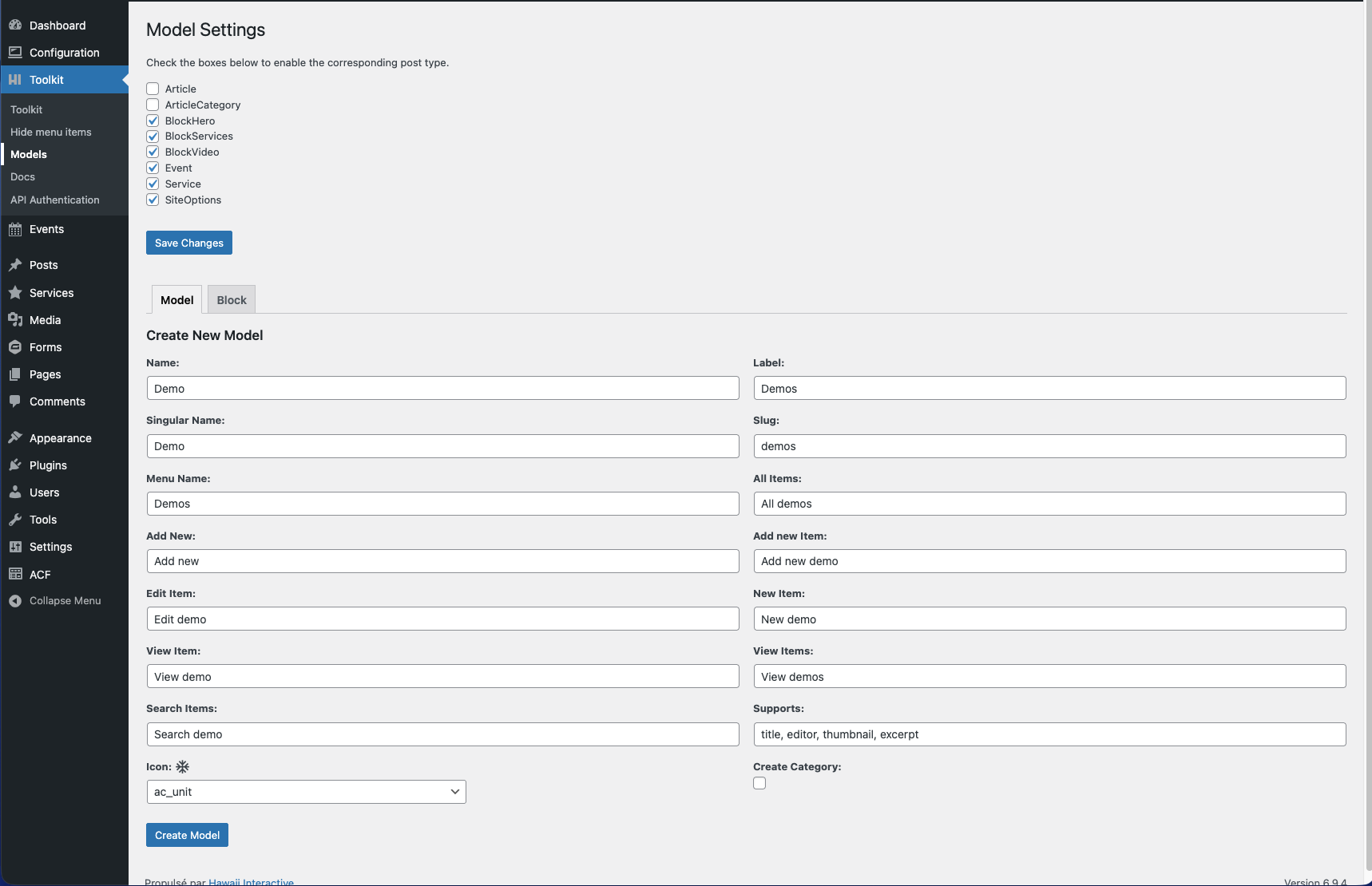
- Abstract base models for posts, pages, media, galleries, and custom post types
- ACF-powered block and option page registration
- Custom post type and taxonomy scaffolding
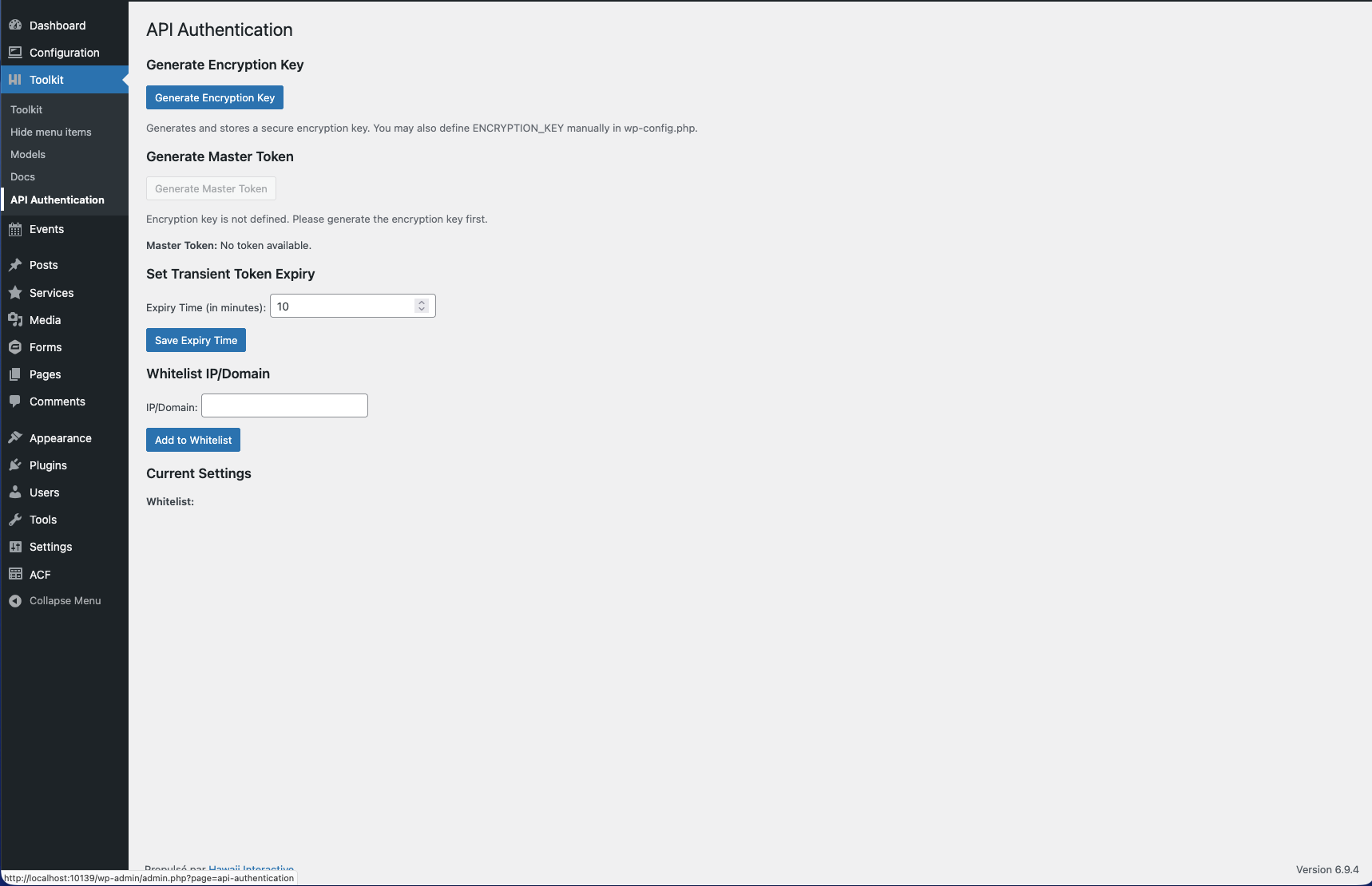
- REST API routing with token-based authentication
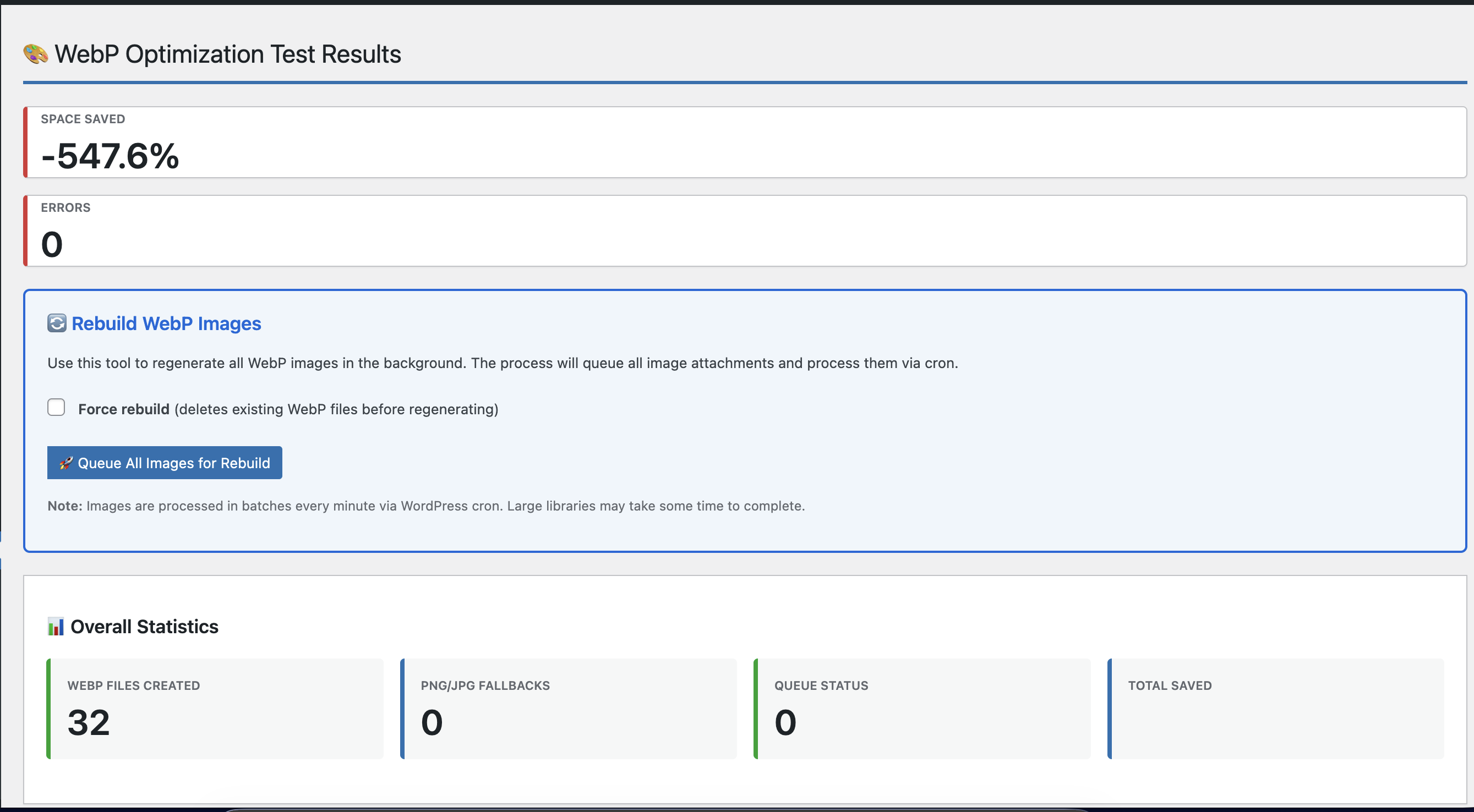
- Utility services: asset loading (Vite), menus, navigation, image resizing (WebP), cookie consent
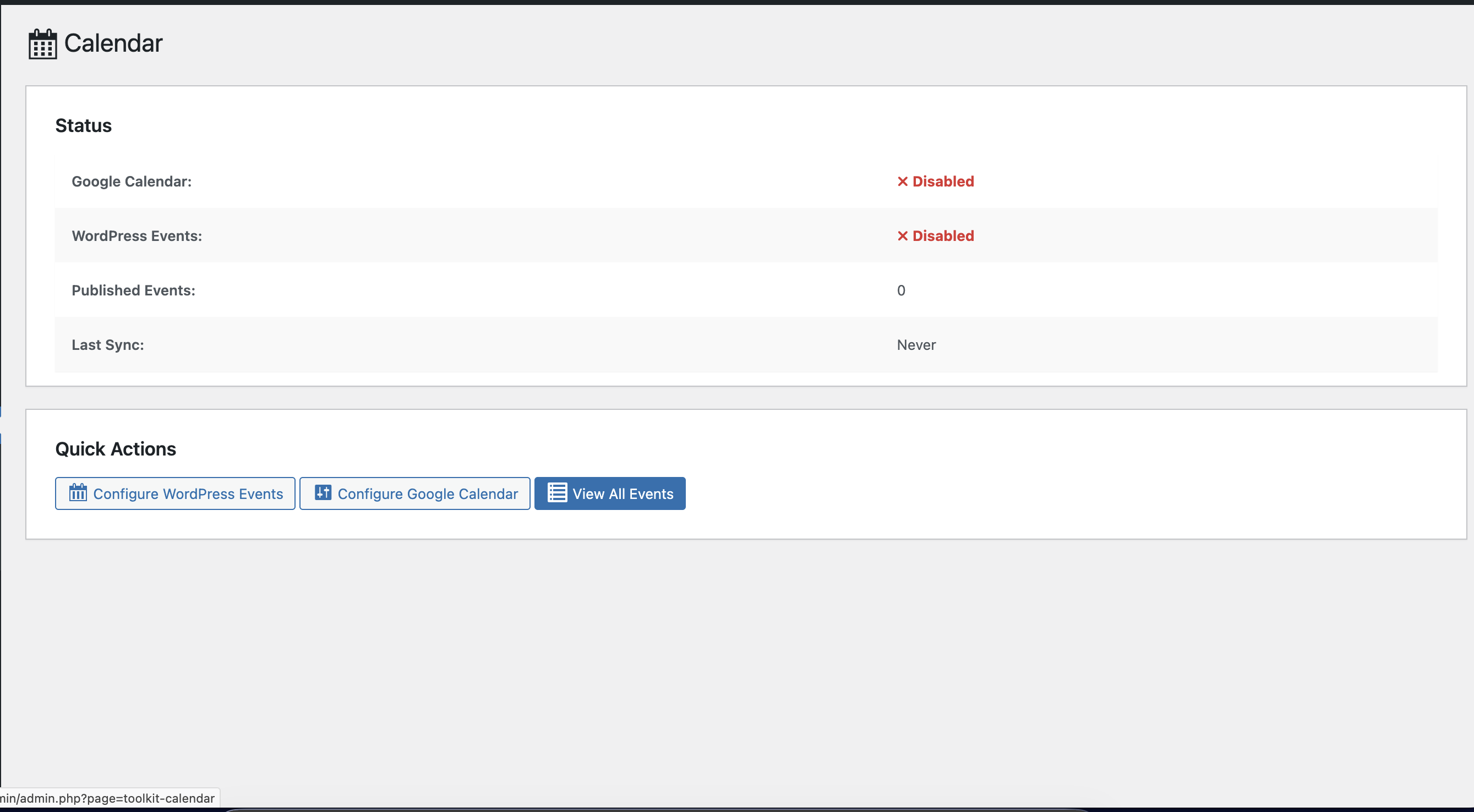
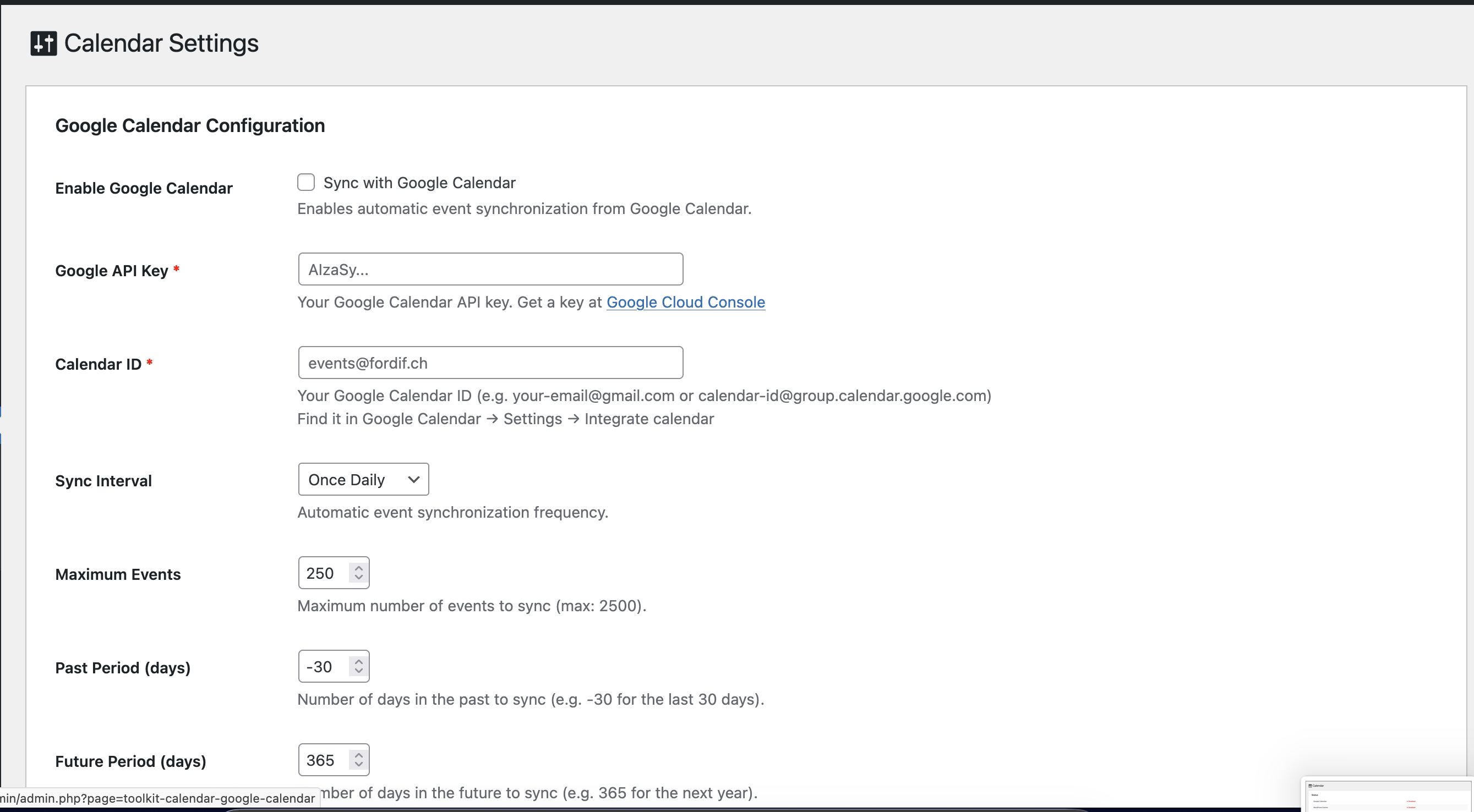
- Google Calendar integration with admin dashboard, configurable sync settings (API key, Calendar ID, interval, date range, max events), and live connection testing
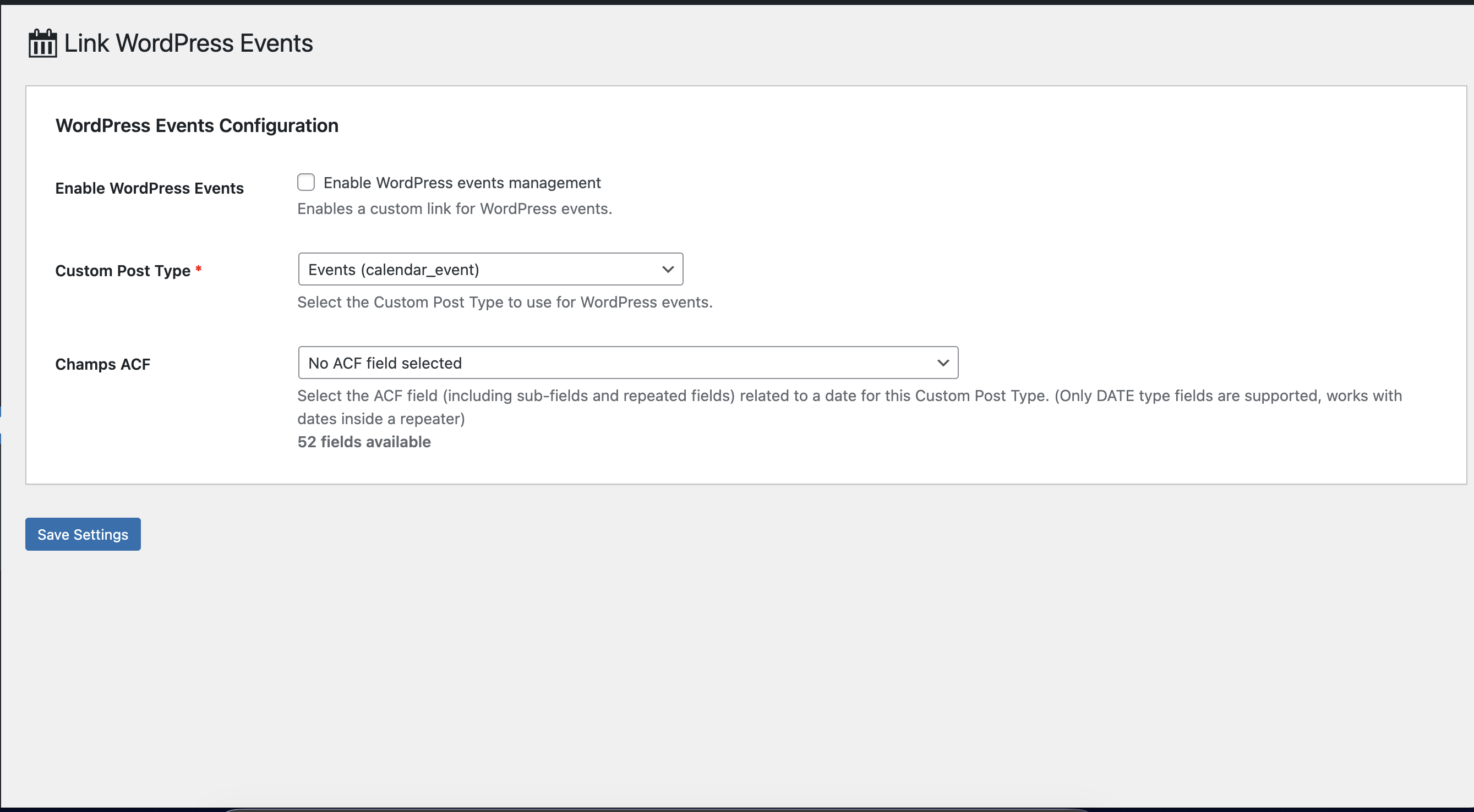
- WordPress CPT-to-calendar mapping: link any public custom post type with an ACF date field (including dates inside repeaters) to calendar events
- WooCommerce optional support
- Maintenance mode view
- Gravity Forms integration helpers
- WPML compatibility helpers
This plugin is designed to work alongside a custom theme, not replace it. It is intended for developers building bespoke WordPress themes.
To start a new project, use the official boilerplate: wordpress-toolkit-boilerplate
External Services
This plugin may connect to the following external services depending on your configuration:
- Google Calendar API — used by
GoogleCalendarSourceto fetch calendar events. This connection is only made when the Google Calendar integration is configured and active. See Google’s Privacy Policy.
No data is sent to any external service by default. External connections are opt-in and initiated by your theme code.
Third-Party Libraries
This plugin includes the following third-party libraries:
- Highlight.js v11.12.0 — Syntax highlighter by Josh Goebel and contributors, used in the admin Docs page to highlight code blocks. Licensed under the BSD 3-Clause License. Source. Bundled locally in
admin/assets/, no external request is made.
Screenshots
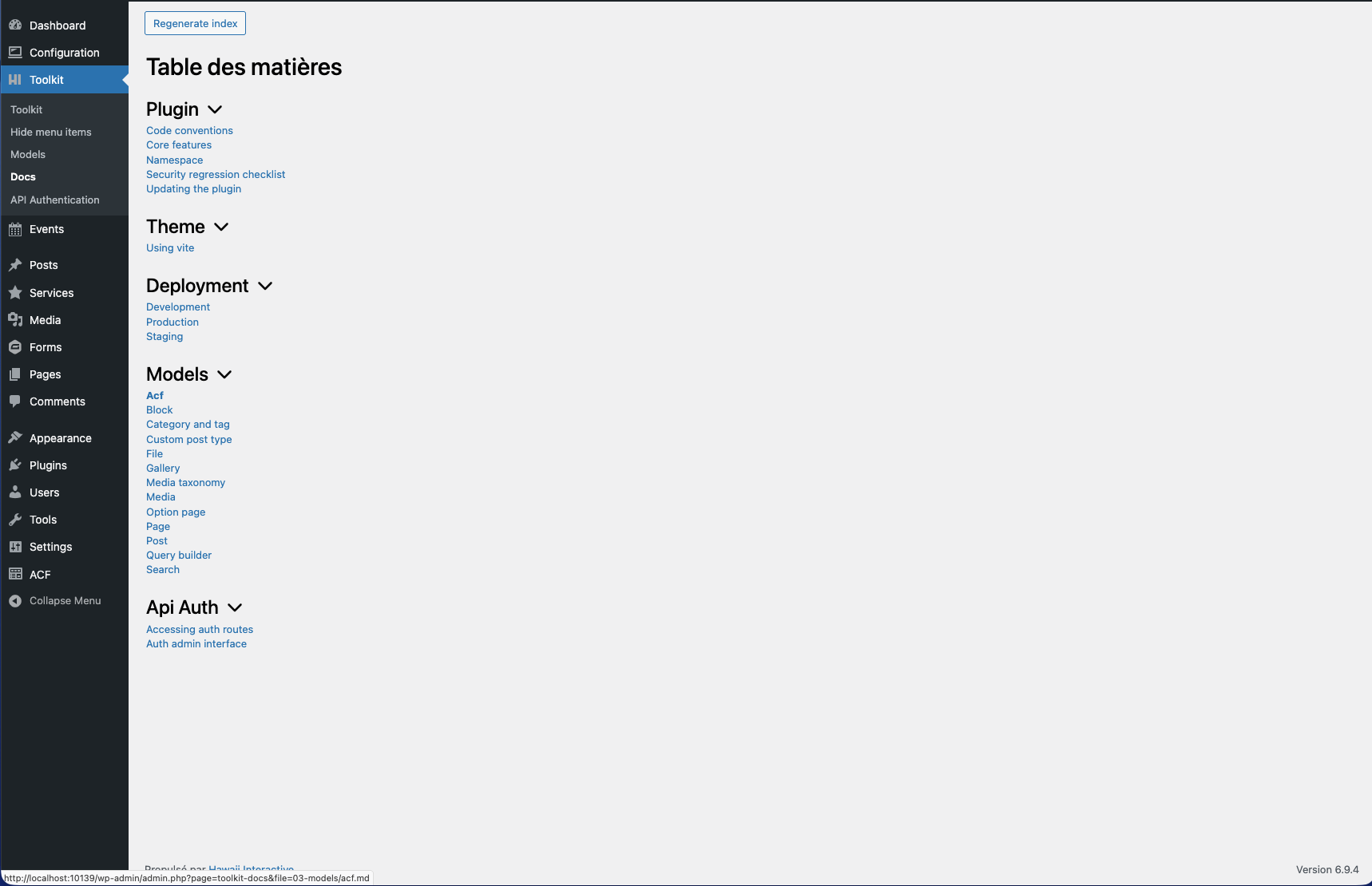
/docs folder, organized by section with collapsible categories.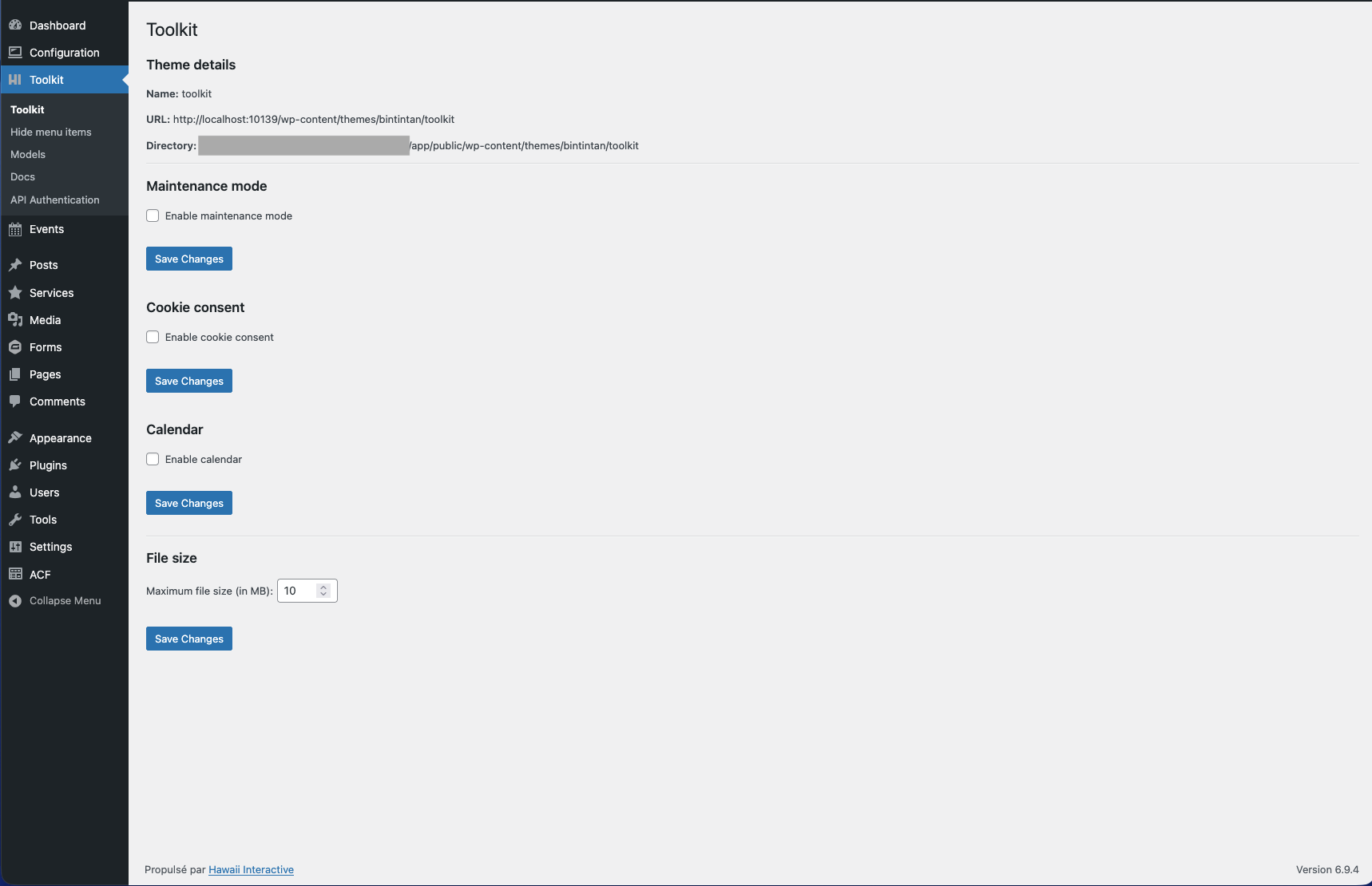
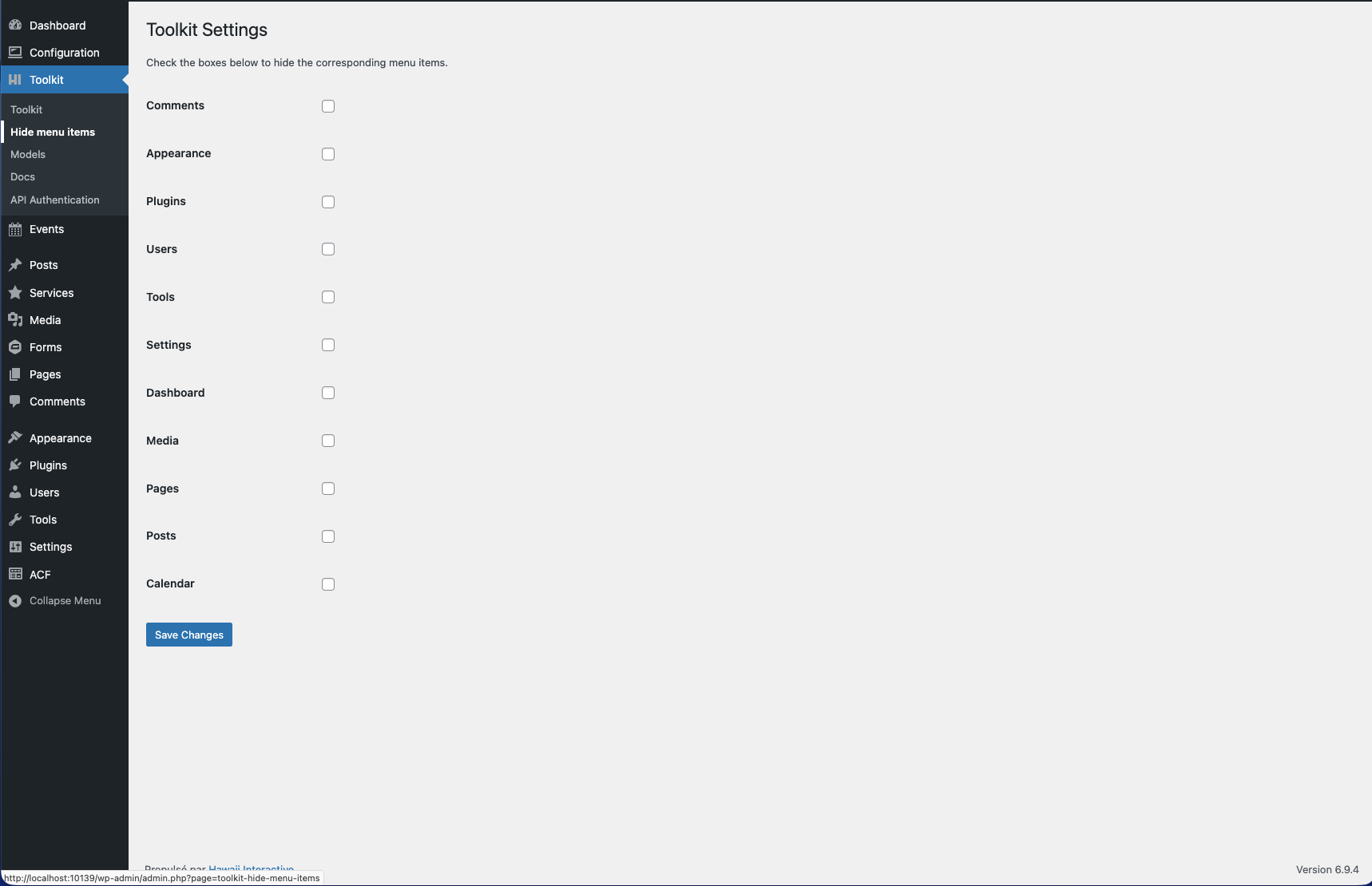
Installation
- Upload the
wordpress-toolkit-pluginfolder to the/wp-content/plugins/directory, or install the plugin through the WordPress plugin screen directly. - Activate the plugin through the Plugins screen in WordPress.
- The toolkit registers its services automatically on
init. Configure your theme to extend the base models and register your blocks, CPTs, and taxonomies.
FAQ
-
Does this plugin work without ACF?
-
Some features (block registration, option pages) require Advanced Custom Fields (ACF) or ACF Pro. The plugin will not throw fatal errors if ACF is absent, but those features will be unavailable.
-
Does this plugin work without a custom theme?
-
HI Theme Toolkit is designed to complement a custom theme. It will activate on any theme but most features are only useful when your theme extends the provided base models.
-
Is WooCommerce support enabled by default?
-
No. WooCommerce support is disabled by default and can be enabled via the plugin configuration file.
Reviews
There are no reviews for this plugin.
Contributors & Developers
“HI Theme Toolkit” is open source software. The following people have contributed to this plugin.
Contributors
Translate “HI Theme Toolkit” into your language.
Interested in development?
Browse the code, check out the SVN repository, or subscribe to the development log by RSS.
Changelog
3.0.0
- Security: Encryption key is now stored in wp_options — no longer writes to wp-config.php
- Security: Fixed bug where get_encryption_key() returned a boolean instead of the actual key value
- Security: All inline <script> and <style> tags replaced with wp_add_inline_script() and wp_add_inline_style()
- Security: Nonce protection added across admin form submissions
- Security: Improved data sanitization and output escaping throughout
- Security: Removed third-party update checker
- Feat: Block model — new ACF helpers: acf_media(), acf_file(), acf_post(), acf_page(), acf_publication()
- Compatibility: Full WordPress coding standards compliance across all models, controllers, and services
- Compatibility: Removed unused vendor/jb-fly library
- Compatibility: Added if(!defined()) guards for all plugin constants
- Compatibility: Plugin name and text domain unified to wordpress-toolkit-plugin
- Compatibility: Disclosed Highlight.js external CDN usage in readme.txt
- Docs: English translation of internal documentation and file names
- Docs: GPL license file added
- Docs: Code conventions documented
2.1.6
- Add calendar CPT handling
- Add WPML support for calendar events and upcoming period sorting
- Add ACF helper functions for blocks
2.1.5
- Security: Added nonce protection
- Security: Improved data sanitization
2.1.4
- Feat: Add
add_columns()helper to CustomPostType for admin list columns with sorting support - Feat: Add
remove_columns()helper to CustomPostType to hide admin list columns - Feat: Add
MainService::customize_login()to customize wp-login.php logo, background and button color
2.1.3
- Fix: Better WebP conversion
2.0.0
- Feat: Add Google Calendar integration
- Feat: Convert PNG to WebP using WP cron
1.9.2
- Fix: Remove duplicate cookie register by default
1.9.1
- Fix: Correct asset paths for fonts
1.9.0
- Feat: Rewrite assets loading to use Vite
1.8.4
- Fix: Block CSS
1.8.3
- Fix: Typo in import
1.8.2
- Fix: Correctly load block themes in editor
1.8.1
- Fix: Exclude SVG, AVIF, HEIC, HEIF from image resize
1.8.0
- Feat: Add support for wp-i18n in JS scripts
1.7.3
- Fix: CPT creation
1.7.2
- Fix: Asset URL path for block.css
1.7.1
- Fix: Add blocks.css to display custom block styles in admin
1.7.0
- Feat: Add category support for media files
1.6.6
- Fix: Remove default custom CPT, keep only those defined in the theme
1.6.5
- Fix: Typo
1.6.3
- Fix: SVG size processing
1.6.0
- Feat: Add WebP support for image upload
- Feat: Add menu service to manage menus programmatically
1.5.1
- Fix: Get template
1.5.0
- Feat: Add REST API authentication
1.4.1
- Fix: Gravity Forms notifications builder
1.4.0
- Feat: Allow max upload size update from admin
1.3.5
- Update: Gravity Forms fields — added select, radio, checkbox format
1.3.0
- Update: Cookie consent banner message
1.2.10
- Fix: Missing class import check and return value of jsonSerialize
1.2.0
- Feat: Add cookie consent banner
1.1.0
- Feat: Event model update with default ACF fields
1.0.6
- Feat: Add local documentation generated from local markdown files
- Fix: Better local Vite detection, avoid using Vite in production and staging environments
1.0.0
- Initial release