

Description
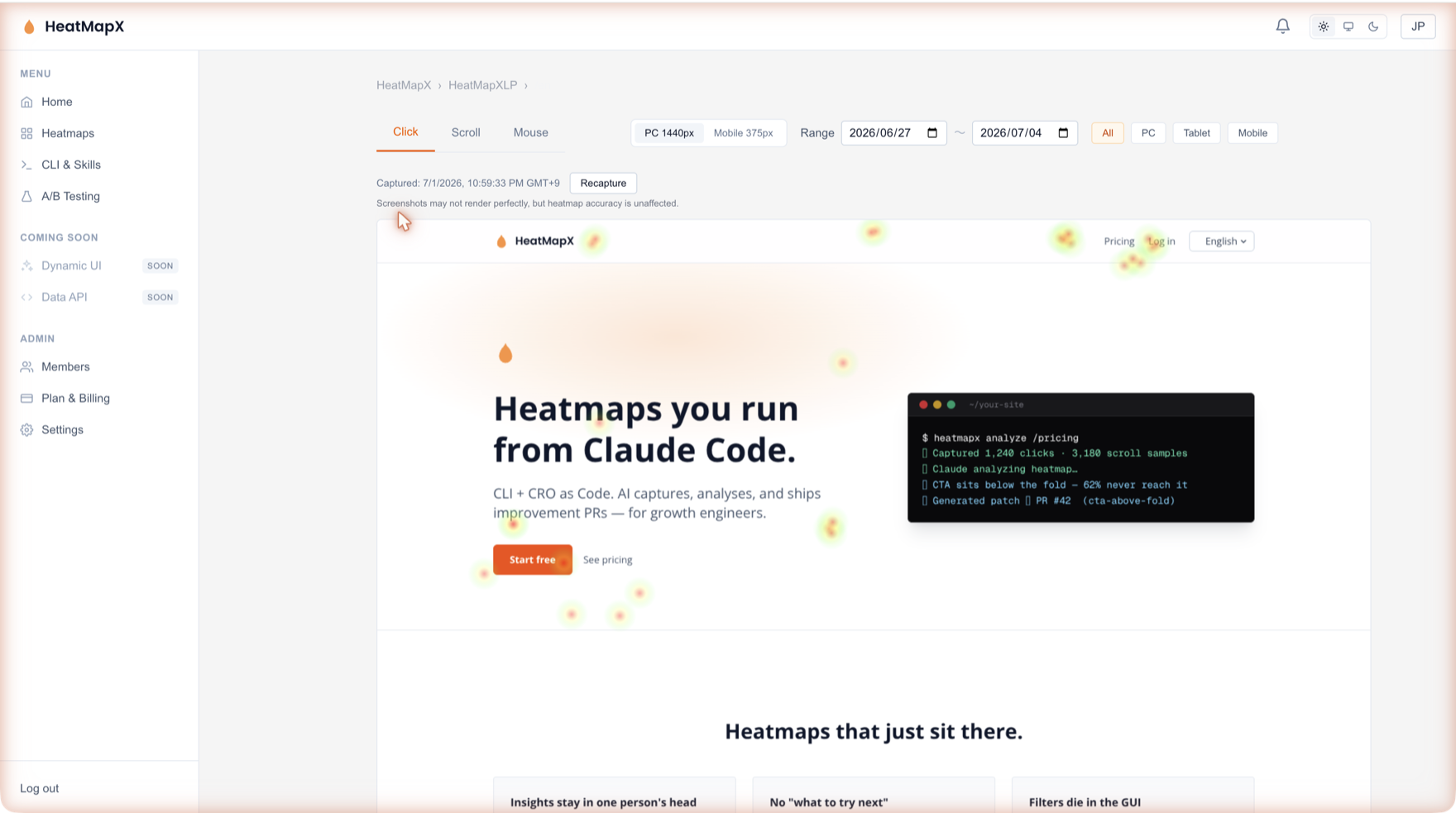
HeatMapX shows where visitors click, how far they scroll, and which A/B variant converts better — with an AI-agent-friendly CLI (Claude Code / Codex) on top.
This plugin adds the HeatMapX tracking snippet to your site automatically:
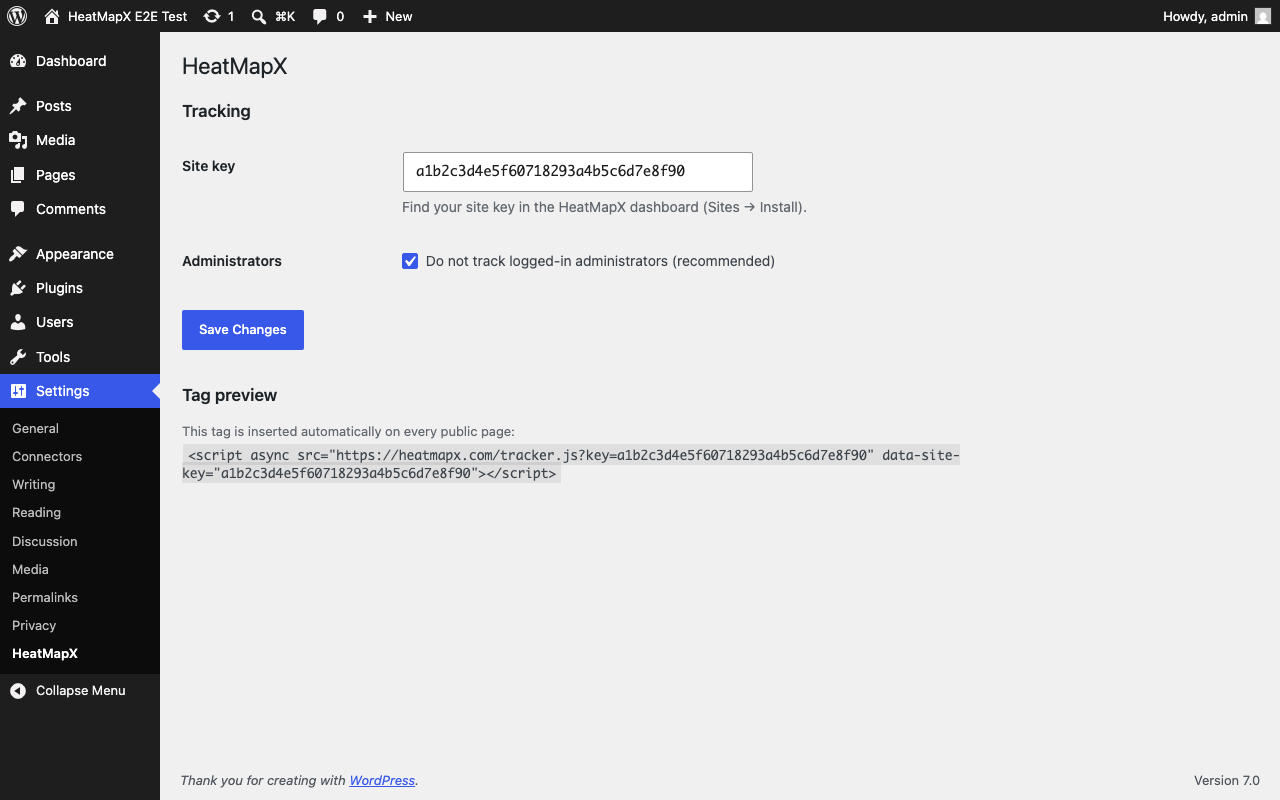
- One-minute setup — paste your site key under Settings HeatMapX. No theme editing.
- Clean data — optionally skip logged-in administrators so your own clicks never pollute the heatmap.
- A/B testing ready — experiments created in the HeatMapX dashboard run through the same snippet.
- Free plan available — create an account at heatmapx.com and start free.
External services
This plugin loads the HeatMapX tracking script from heatmapx.com and sends anonymized interaction events (clicks, scroll depth, mouse movement, page URL, viewport size) from your visitors’ browsers to HeatMapX so that heatmaps and analytics can be rendered in your dashboard.
- Service: HeatMapX (operated by XTV LLC)
- Privacy policy: https://heatmapx.com/en/privacy
- Terms of service: https://heatmapx.com/en/terms
Data is only sent after you save a site key. Deactivating the plugin stops all data collection immediately.
Screenshots
Installation
- Install and activate the plugin.
- Create a free account at heatmapx.com and copy your site key.
- Go to Settings HeatMapX, paste the key, save.
- Open your site in another browser — data appears in your HeatMapX dashboard within a minute.
FAQ
-
Do I need a HeatMapX account?
-
Yes. A free plan is available at heatmapx.com.
-
Does it slow down my site?
-
The tracker is a small script loaded asynchronously (
async), so it does not block page rendering. -
Why don’t I see my own visits?
-
By default, logged-in administrators are not tracked. You can change this under Settings HeatMapX.
Reviews
There are no reviews for this plugin.
Contributors & Developers
“HeatMapX – Heatmaps & A/B Testing” is open source software. The following people have contributed to this plugin.
Contributors
Translate “HeatMapX – Heatmaps & A/B Testing” into your language.
Interested in development?
Browse the code, check out the SVN repository, or subscribe to the development log by RSS.
Changelog
1.0.0
- Initial release: automatic snippet insertion, admin exclusion option.