

Description
Make Your WordPress Posts Easier to Find
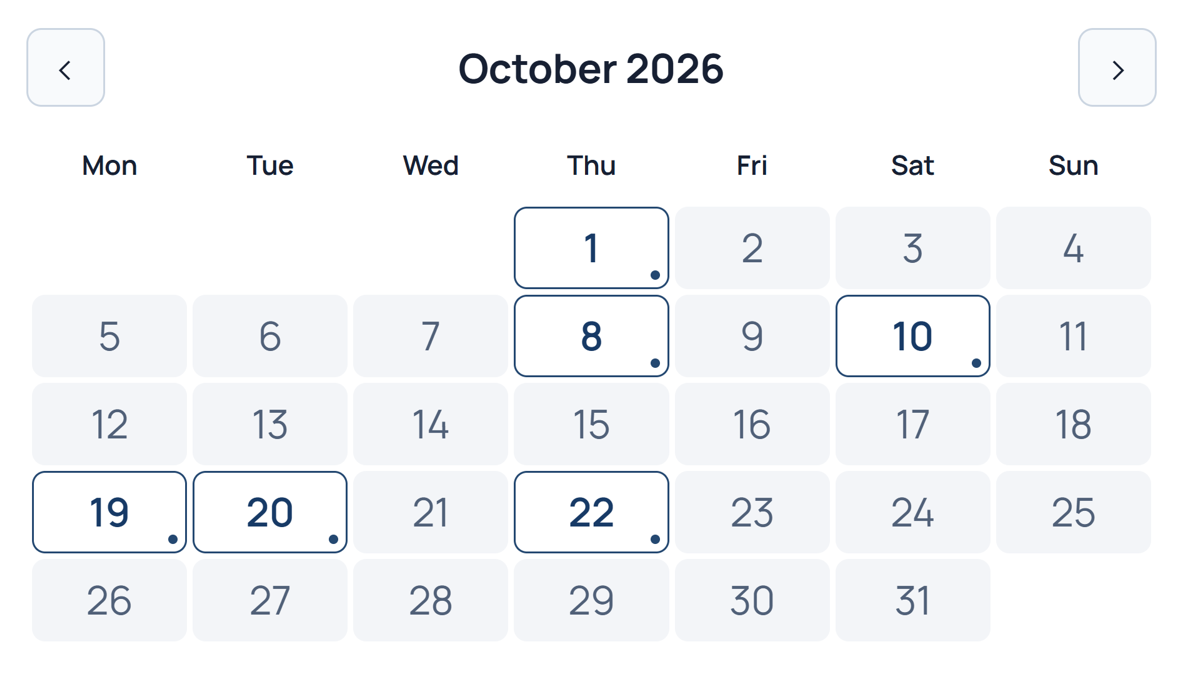
Granite Archive Calendar gives visitors an easy way to browse your published WordPress posts by date. Simply click a highlighted day on the interactive monthly calendar to see matching posts displayed directly below the calendar, without leaving the page.
Designed for WordPress blogs and content websites, Granite Archive Calendar helps visitors explore existing posts by publication date. It is a post archive calendar, not an event, appointment, or booking calendar.
Features Included in Free
- Interactive Monthly Calendar — Browse published WordPress posts organized by date.
- Highlighted Dates — Quickly identify days containing posts from your selected category.
- Posts Displayed Below the Calendar — Click a date to see all matching post titles and links without leaving the page.
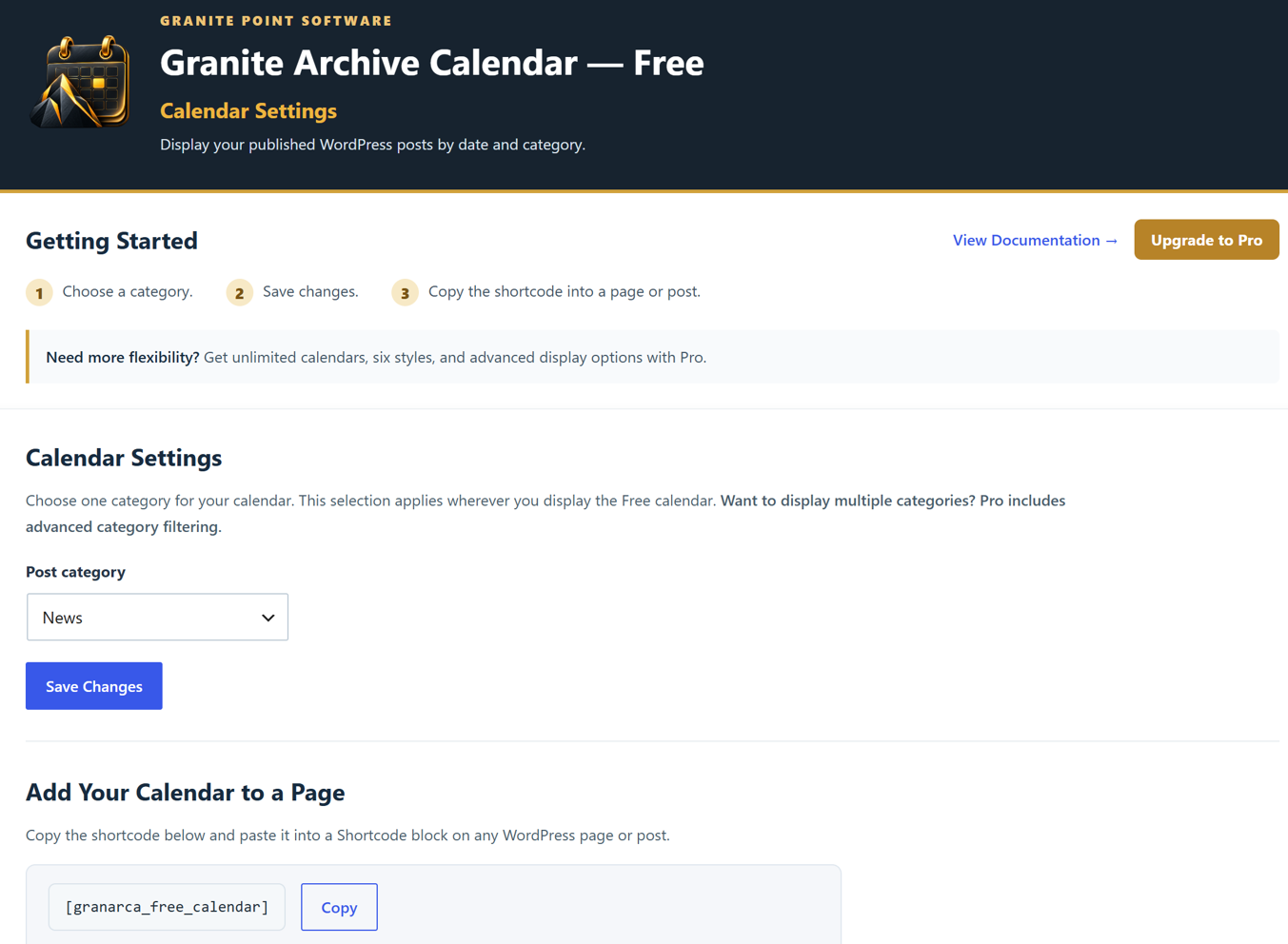
- Category Selection — Choose which WordPress post category to display in the calendar settings.
- Easy Month Navigation — Move between previous and upcoming months without reloading the page.
- Simple Shortcode — Add the calendar to any page or post using
[granarca_free_calendar].
Want More Flexibility?
Granite Archive Calendar Pro adds multiple calendars, interactive category and author filters, additional calendar themes, and options to display post titles, excerpts, or full post content.
Learn more at Granite Point Software.
External Services and Privacy
This plugin includes the Freemius software development kit (SDK), provided by Freemius (https://freemius.com/), for licensing and updates in Pro, optional data collection features, and checkout and upgrade services.
Freemius may process connection information and details voluntarily provided when you use its services. See the Freemius Terms of Service (https://freemius.com/terms/) and Privacy Policy (https://freemius.com/privacy/) for details.
Screenshots

Installation
- Install and activate Granite Archive Calendar from WordPress Plugins.
- Open Granite Archive Calendar > Calendar Settings, then choose a category and save.
- Add
[granarca_free_calendar]to a Shortcode block on a page or post. - Publish the page. The calendar displays public published posts from the selected category.
- For additional guidance, open Granite Archive Calendar > Documentation.
FAQ
-
How do visitors browse posts?
-
Visitors click a highlighted date on the calendar to see all matching published post titles and links directly below the calendar, without leaving the page.
-
Can I choose which posts appear?
-
Yes. The Free version allows you to select one WordPress post category in the calendar settings. The calendar displays published posts from that category.
-
Can I display multiple calendars?
-
The Free version supports one calendar. Granite Archive Calendar Pro allows you to create multiple calendars with individual settings and shortcodes.
-
How do I add the calendar to my website?
-
Add the
[granarca_free_calendar]shortcode to any WordPress page or post where you want the calendar to appear. -
Is this an events or booking calendar?
-
No. Granite Archive Calendar is designed to display existing WordPress posts by publication date. It does not manage events, appointments, or bookings.
Reviews
There are no reviews for this plugin.
Contributors & Developers
“Granite Archive Calendar” is open source software. The following people have contributed to this plugin.
Contributors
Translate “Granite Archive Calendar” into your language.
Interested in development?
Browse the code, check out the SVN repository, or subscribe to the development log by RSS.
Changelog
0.4.49
- Initial public release of Granite Archive Calendar.
- Includes an interactive monthly post archive calendar, highlighted publication dates, category selection, month navigation, and post titles displayed below the calendar.
- Add the calendar to WordPress pages or posts using the
[granarca_free_calendar]shortcode.