
Description
A crowded Media Library and a long Pages list make everyday editing slow. Grafucci Folders is a WordPress folder plugin that lets you organize WordPress pages and organize the media library with virtual folders — without moving uploads on the server or changing public URLs.
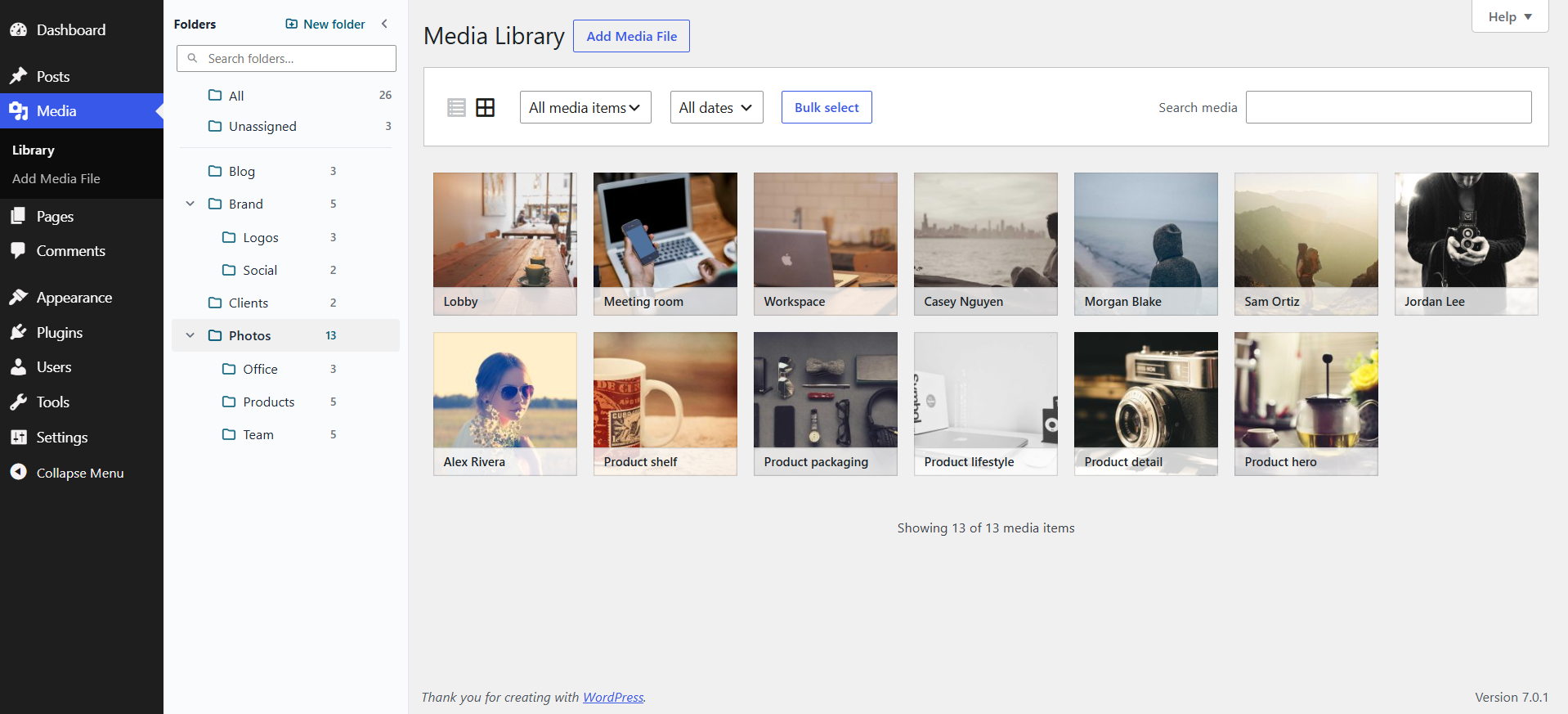
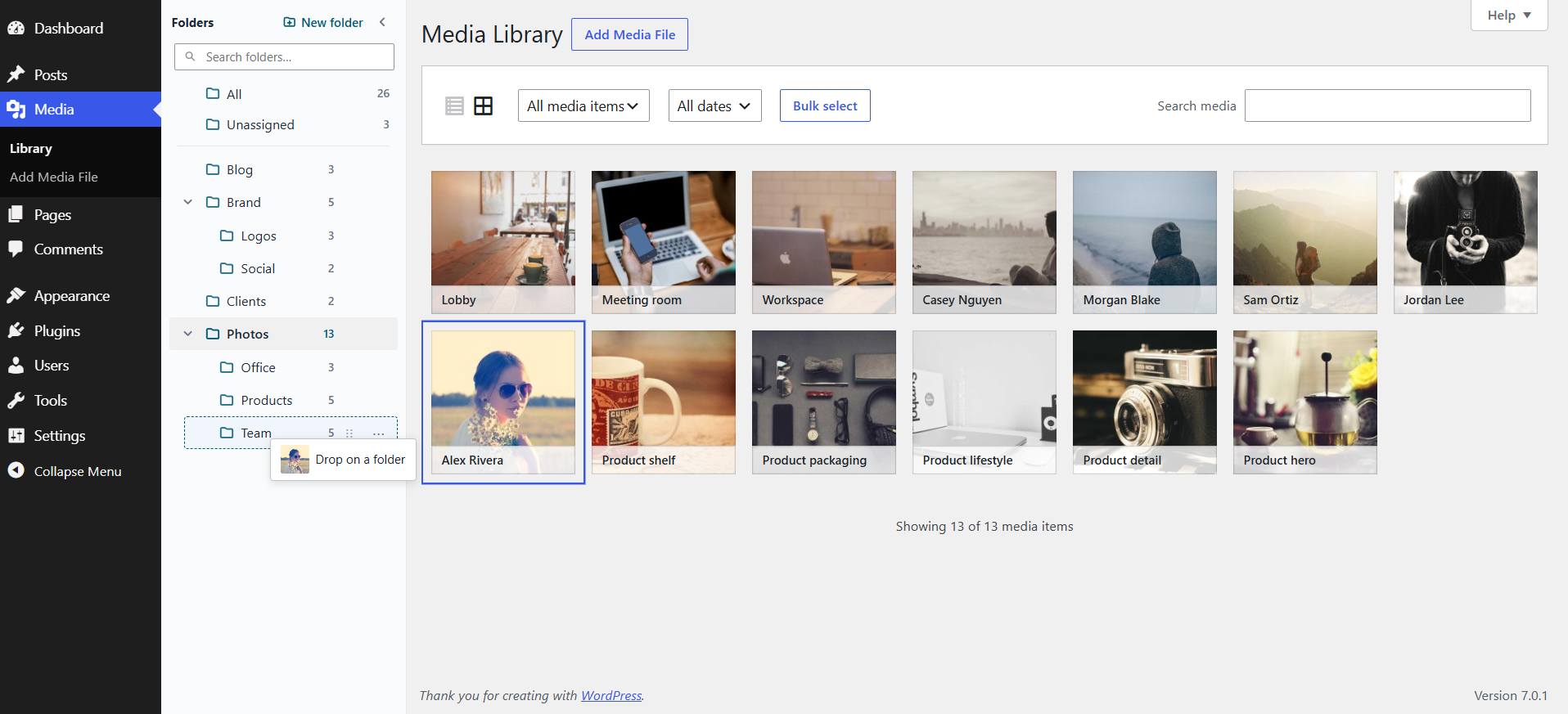
Use media library folders and page folders in the admin to sort media library items, group uploads, and find content faster with a clean drag-and-drop workflow.
Why Grafucci Folders?
- Simple, modern admin UI — a calm folder sidebar instead of hunting through an endless media library or page list
- Virtual folders keep links safe — organize uploads in WordPress without breaking image URLs or page permalinks
- Works where you already work — Media Library grid and list views, plus a page folder panel in the block editor (Gutenberg)
- Built for everyday organization — create, nest, rename, filter, and drag and drop media folders or pages in seconds
Free includes:
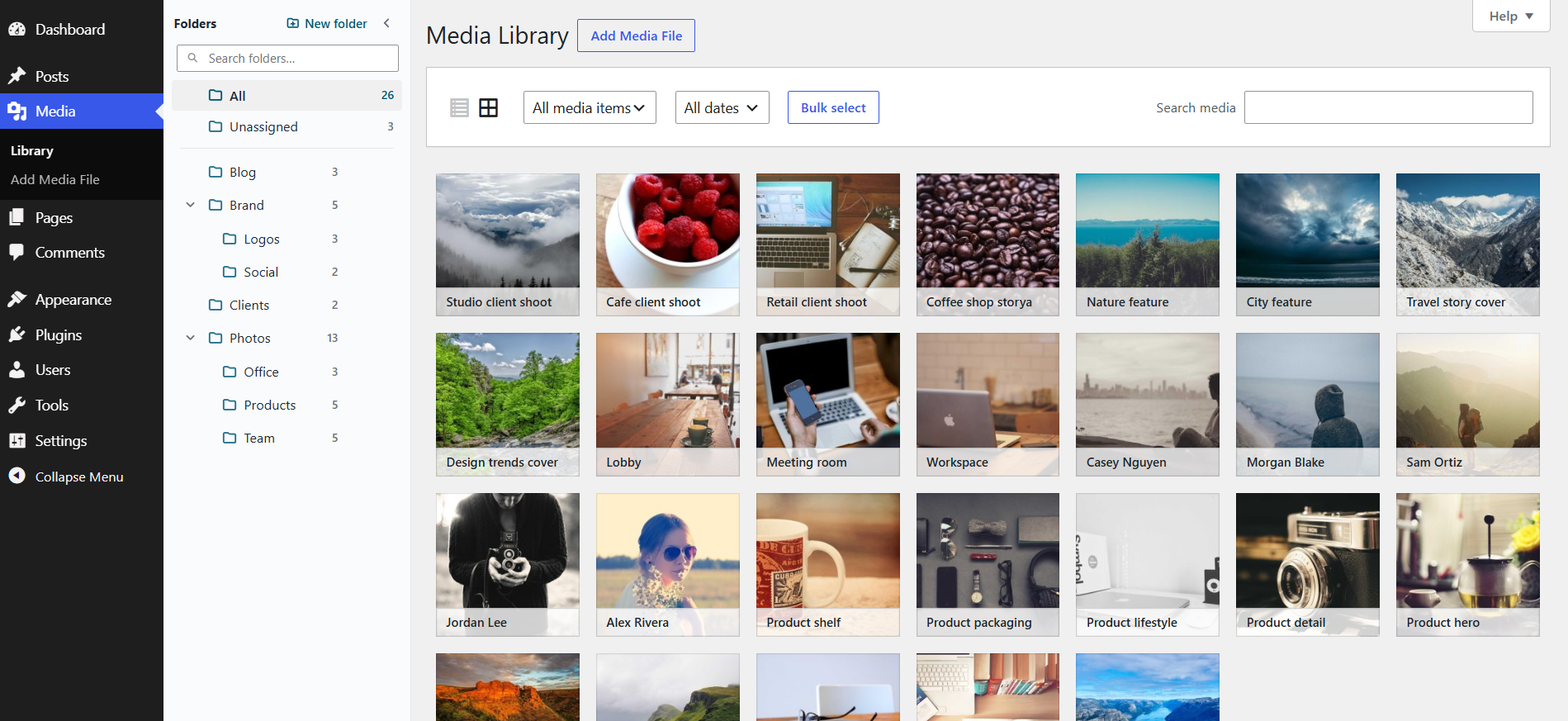
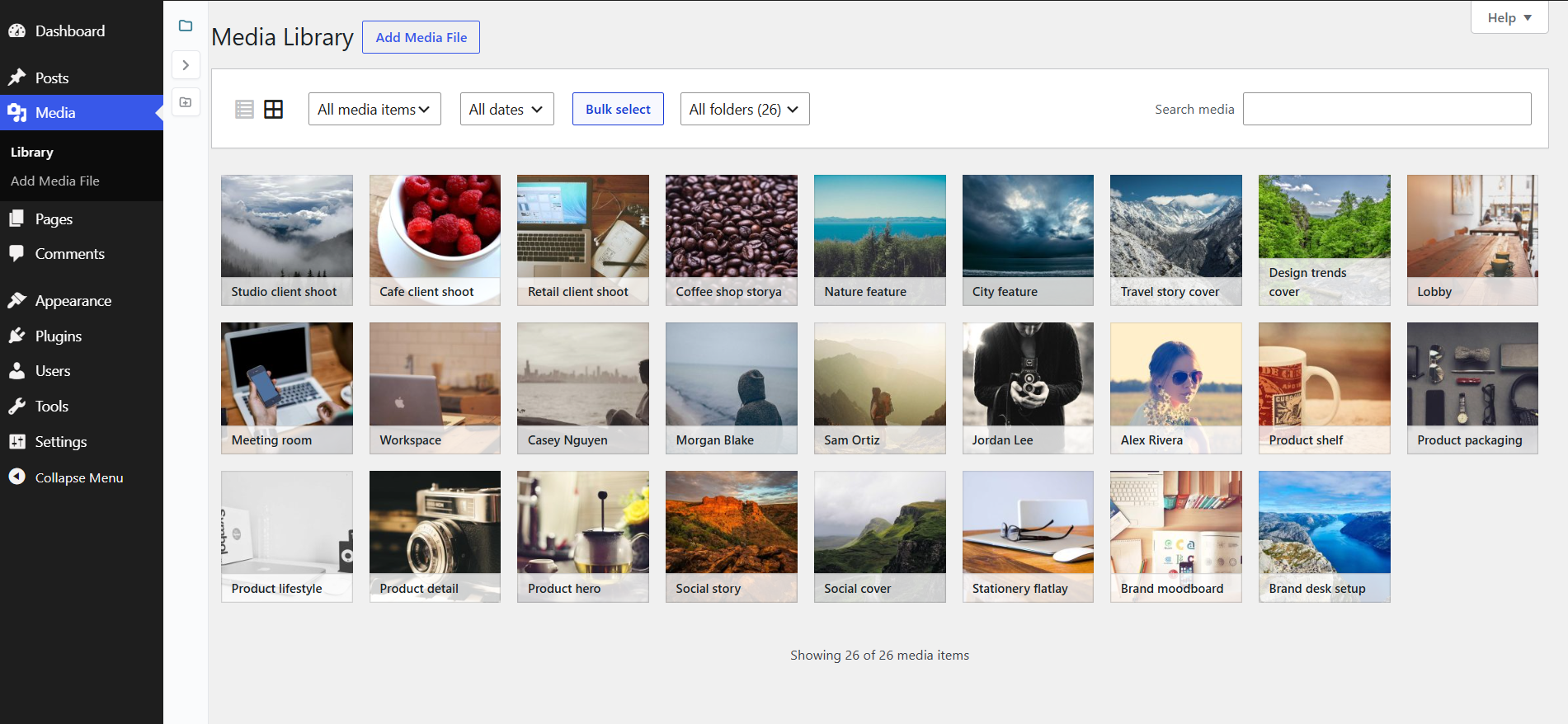
- Media library folders for the WordPress Media Library (grid and list)
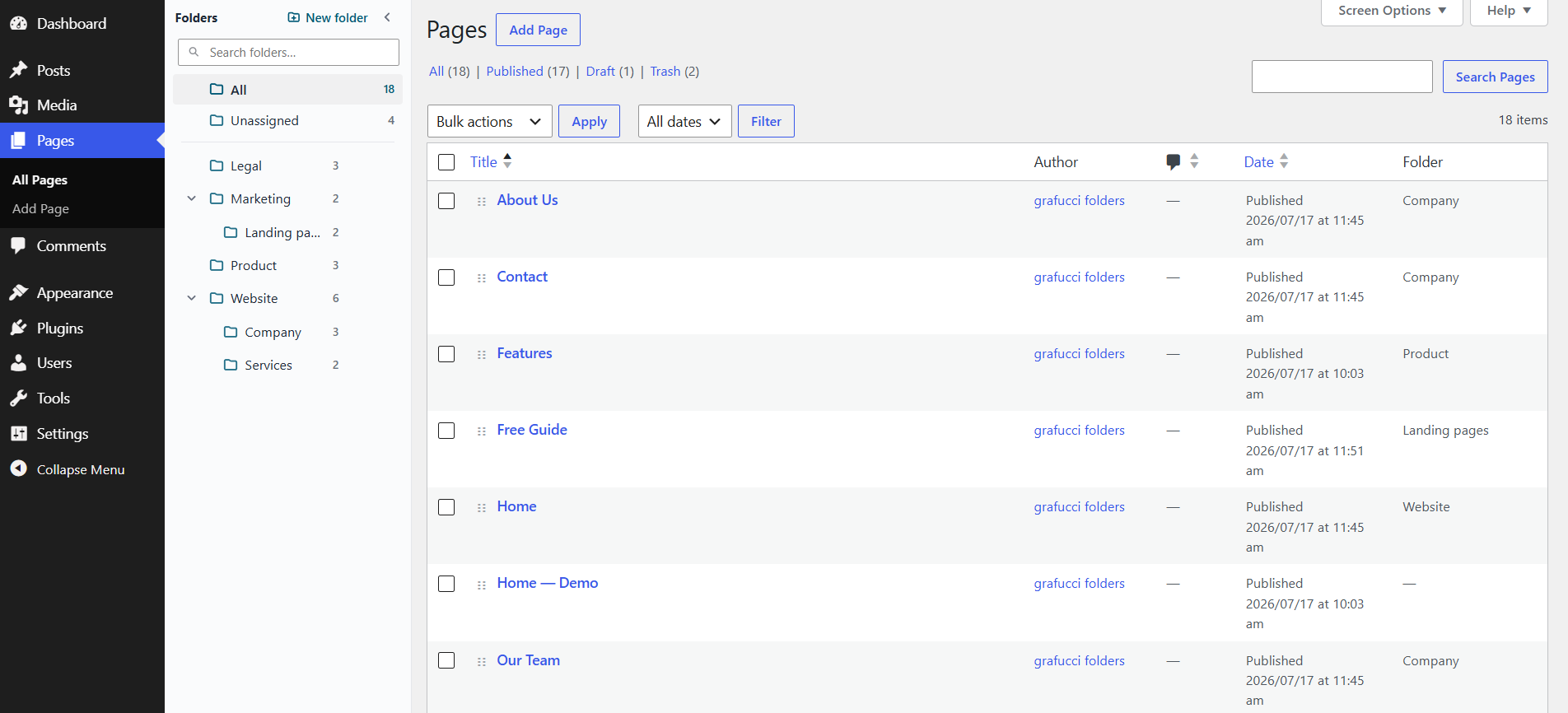
- Page folders on the Pages screen to organize WordPress pages
- Create, rename, delete, and nest folders
- Drag and drop pages or images into folders
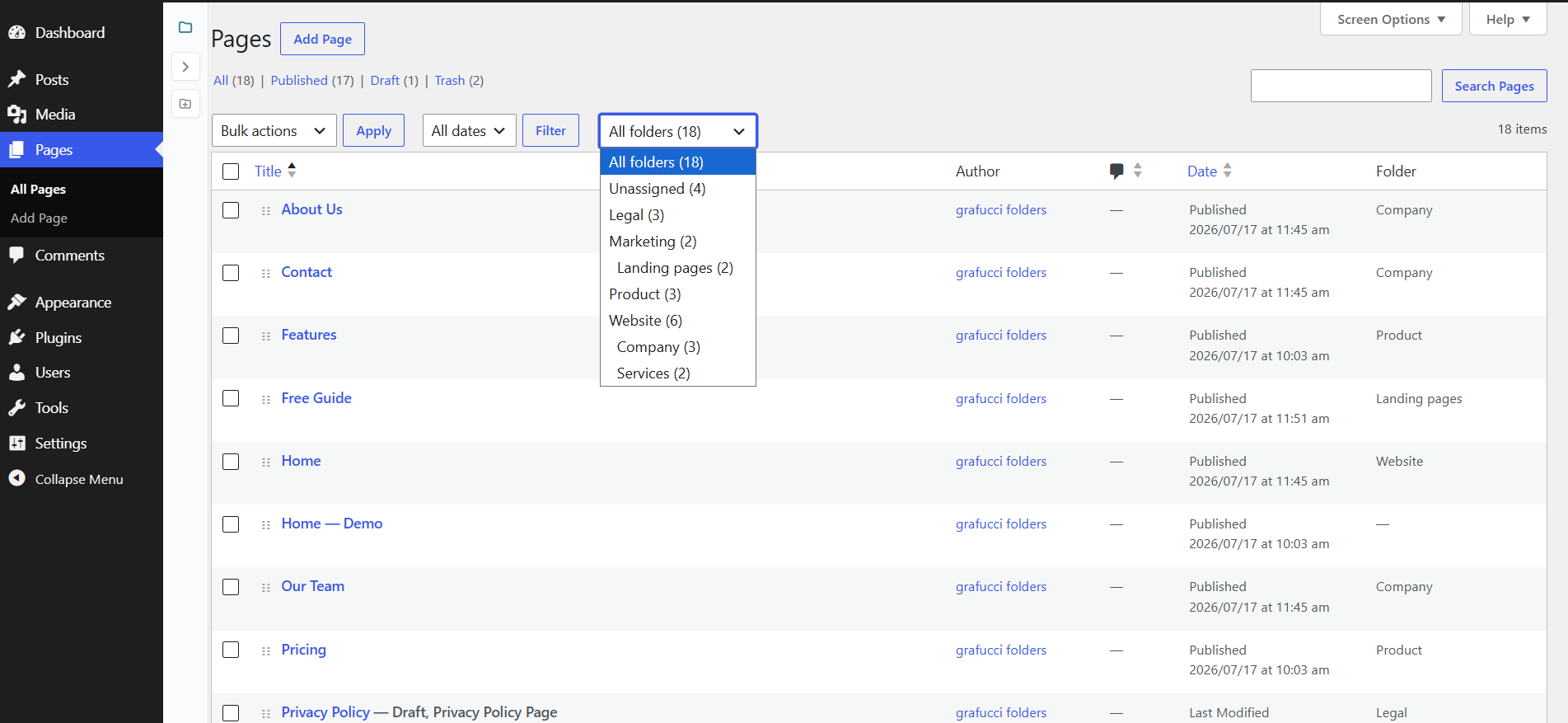
- Filter by folder or Unassigned
- Upload new media into the selected folder
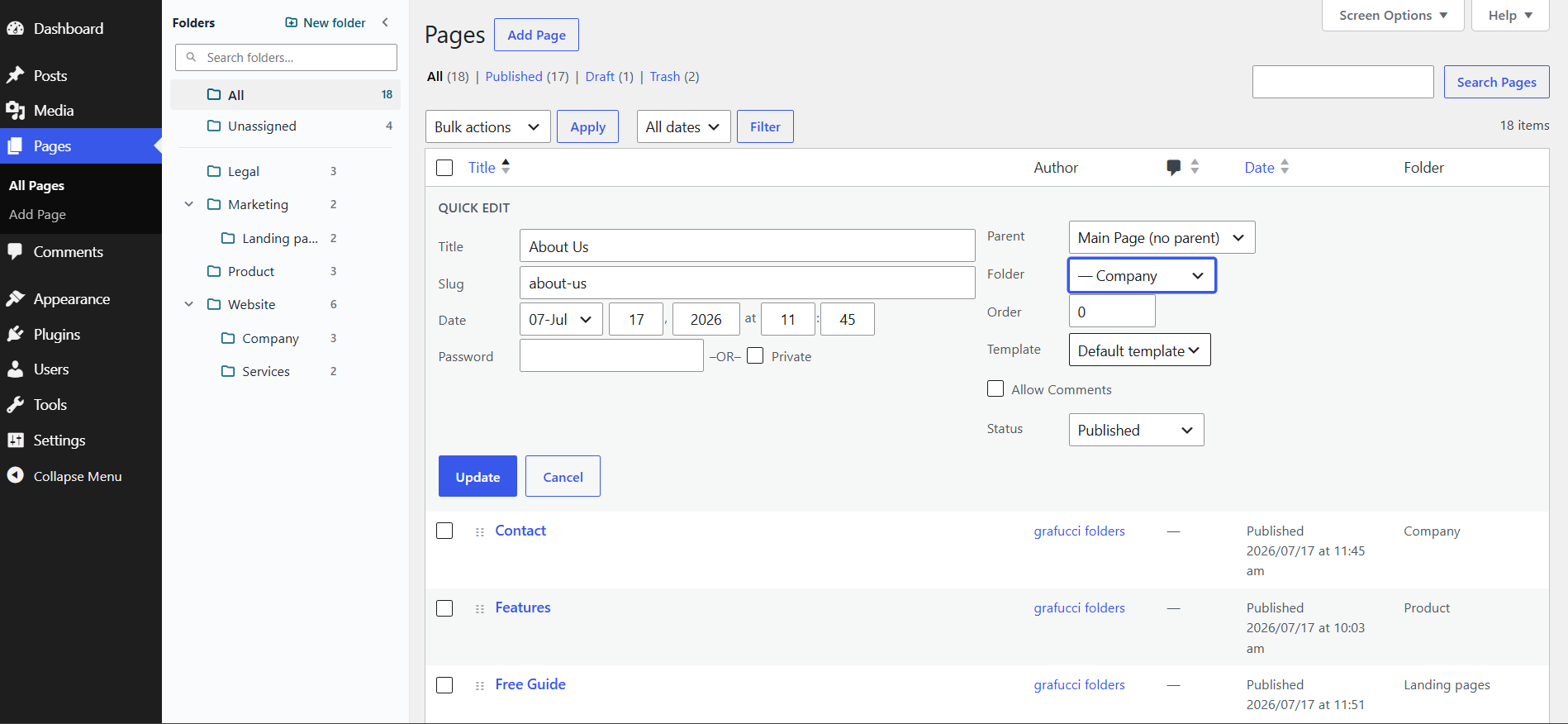
- Gutenberg page editor folder panel
- Uninstall cleanup that removes folder organization while keeping your content
Folders are a virtual file manager for the media library and pages in admin only. Front-end URLs and files on disk stay the same.
More features may be added in future updates.
Privacy: Grafucci Folders does not track usage, phone home, or call external APIs. No separate website account is required.
Perfect for agencies, bloggers, and shops that need a media library organizer and page folders without risking broken links.
Support
Need help? Email support@grafucci.com.
After the plugin is listed on WordPress.org, you can also use the plugin’s support forum on WordPress.org.
Screenshots
Installation
- Go to Plugins Add New and search for “Grafucci Folders”.
- Click Install Now, then Activate.
- Open Pages or Media Library to use the folder sidebar.
Until the plugin is listed in the WordPress.org directory, install via Plugins Add New Upload Plugin and choose the plugin ZIP.
FAQ
-
Do folders change my page URLs or media file URLs?
-
No. Folders are virtual. Page permalinks and media file URLs stay the same.
-
Is this a virtual folder or does it move files on the server?
-
Virtual only. Files stay in your uploads folder; nothing is moved on disk.
-
Does Grafucci Folders work with the block editor (Gutenberg)?
-
Yes. Assign a page folder from the panel while editing a page in Gutenberg.
-
Does it work in Media Library grid and list view?
-
Yes. Media library folders work in both grid and list views.
-
Can I nest folders?
-
Yes. Nest folders for pages and media so the tree matches your content.
-
Can I drag and drop pages or images into folders?
-
Yes. Drag pages or media onto a folder (or Unassigned) in the sidebar.
-
What happens when I uninstall the plugin?
-
Pages and media stay intact. All folder terms (page and media folders) and their assignments are removed from the database. Your content and file URLs are not deleted.
-
Does this plugin call external services or track usage?
-
No. No telemetry, analytics, or remote API calls.
-
Is this compatible with other media folder plugins?
-
Grafucci Folders is a separate plugin. This free release does not import folders from other organizers. Use one folder system at a time.
-
Will this slow down my site?
-
No. Organization runs in the admin only and does not change how visitors see your site.
-
Do I need a separate plugin website or account?
-
No. Install, activate, and start organizing.
-
How do I get support?
-
Email support@grafucci.com. After the plugin is listed on WordPress.org, you can also open a topic on the plugin support forum.
-
Can I organize uploads and sort the media library without a full file manager?
-
Yes. It is a lightweight admin organizer for pages and media library folders.
Reviews
There are no reviews for this plugin.
Contributors & Developers
“Grafucci Folders” is open source software. The following people have contributed to this plugin.
Contributors
Translate “Grafucci Folders” into your language.
Interested in development?
Browse the code, check out the SVN repository, or subscribe to the development log by RSS.
Changelog
1.0.2
- change short gf prefixes to grafucci_folders for WordPress.org naming rules
- improve folder sidebar counts to include items in nested subfolders
- fix media library grid so WordPress filename overlays are not overridden
1.0.1
- fix Plugin Check sanitization warnings for WordPress.org review
- add Author URI pointing to grafucci.com
1.0.0
- add pages folders with create, rename, delete, nest, drag-and-drop, and filter
- add media library folders for list and grid views, including upload into a selected folder
- add Gutenberg page editor folder panel
- add modern admin folder sidebar UI
- confirm uninstall removes folder terms while keeping pages and media
- confirm no external API calls or tracking
0.2.0
- add pages folders MVP with taxonomy folders, sidebar tree, CRUD, drag-and-drop, and list filter
- add media library folders for list and grid, including upload into the selected folder
0.1.0
- add initial plugin scaffold