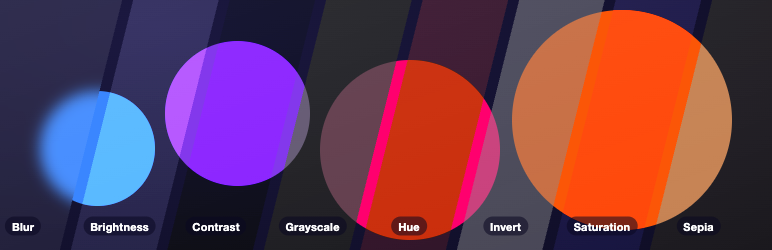

Description
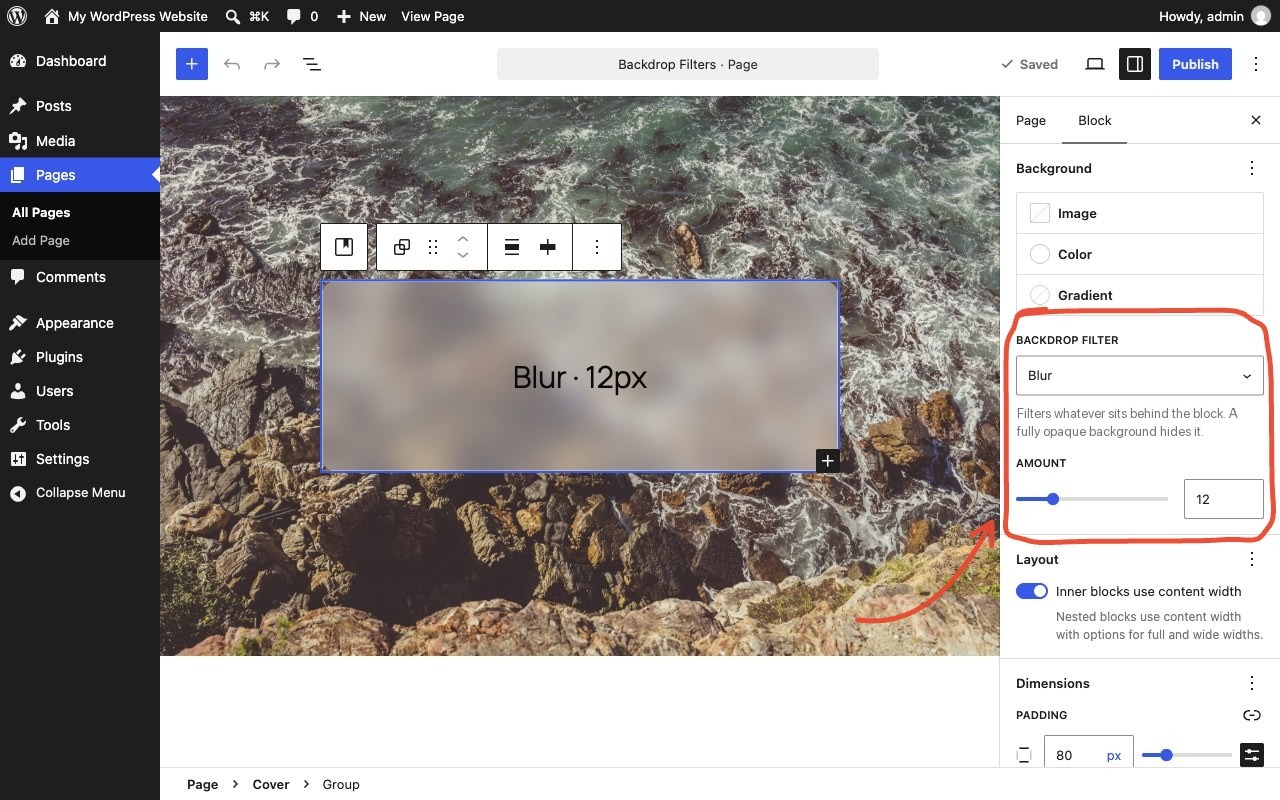
Select a block that sits on top of something, such as a cover image, a photo or scrolling content. Pick a Backdrop filter just below its background color setting and set the amount. Whatever is behind the block gets filtered, giving frosted glass, dimmed, black-and-white or tinted looks.
The block doesn’t need a background color of its own. Leave it empty to see the filter on its own, or add a semi-transparent color to tint it.
Filters: Blur, Brightness, Contrast, Grayscale, Hue, Invert, Saturation and Sepia.
- Works on every block with a background color setting, such as Group, Columns, Buttons, Quote and Search.
- Previews live in the editor.
- Adds the style when the page renders and saves nothing extra into your post content. If you deactivate the plugin, your blocks stay valid and simply lose the filter.
- No settings page, no front-end scripts, no data stored.
Blocks that already support backdrop filters natively are left alone. Theme presets referenced as var:preset|backdrop-filter|{slug} are rendered too.
Source code and issues: github.com/jobthomas/glass-act. The editor script in build/ is minified; its unminified source is in src/ in that repository, built with @wordpress/scripts (npm install && npm run build).
Screenshots
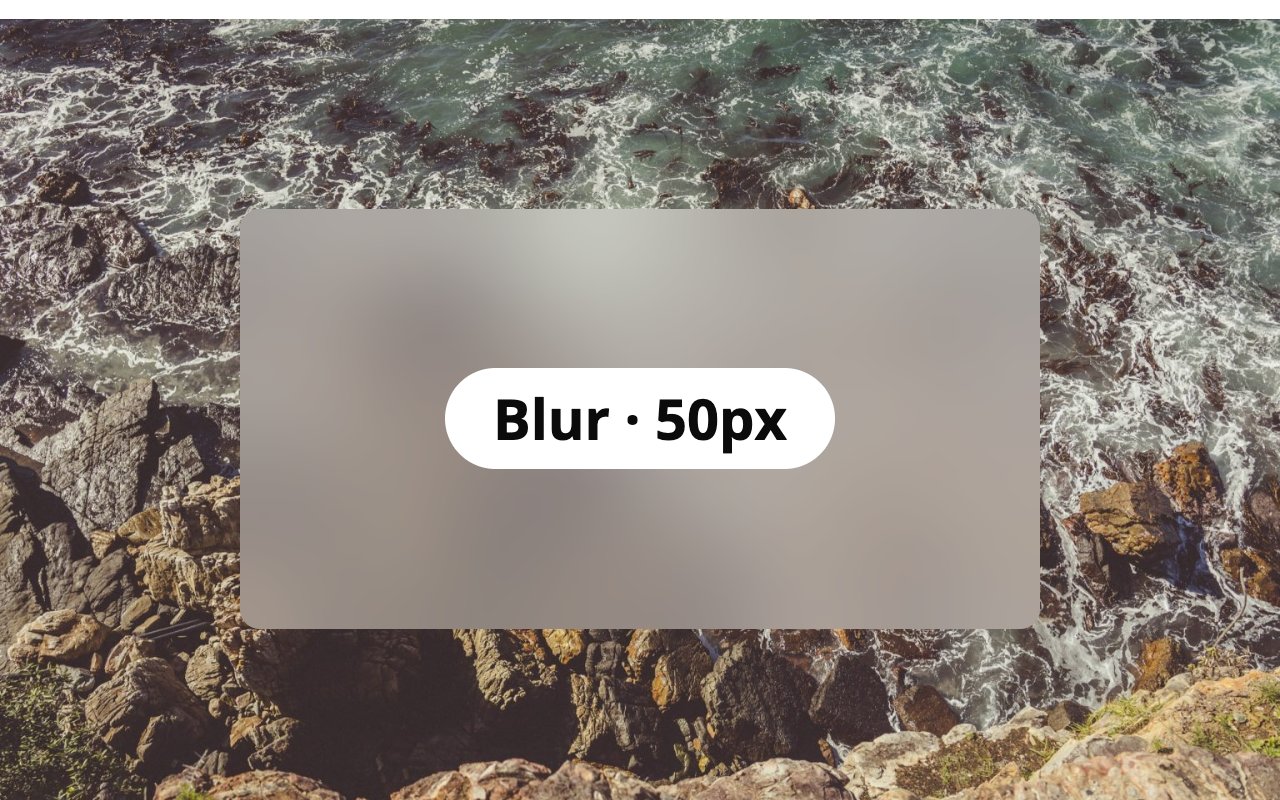
blur(50px).
brightness(200%).
contrast(200%).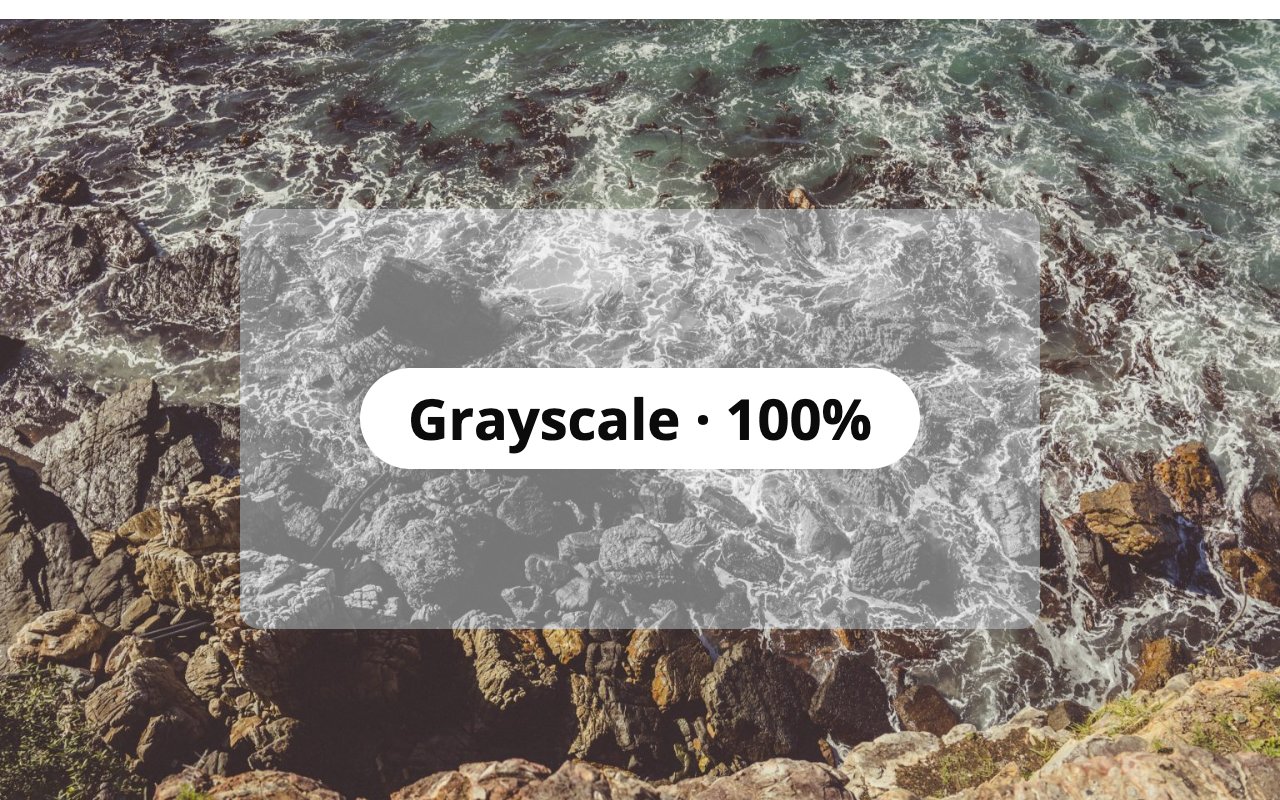
grayscale(100%).
hue-rotate(180deg). Halfway round the color wheel; a full 360deg turn looks the same as none.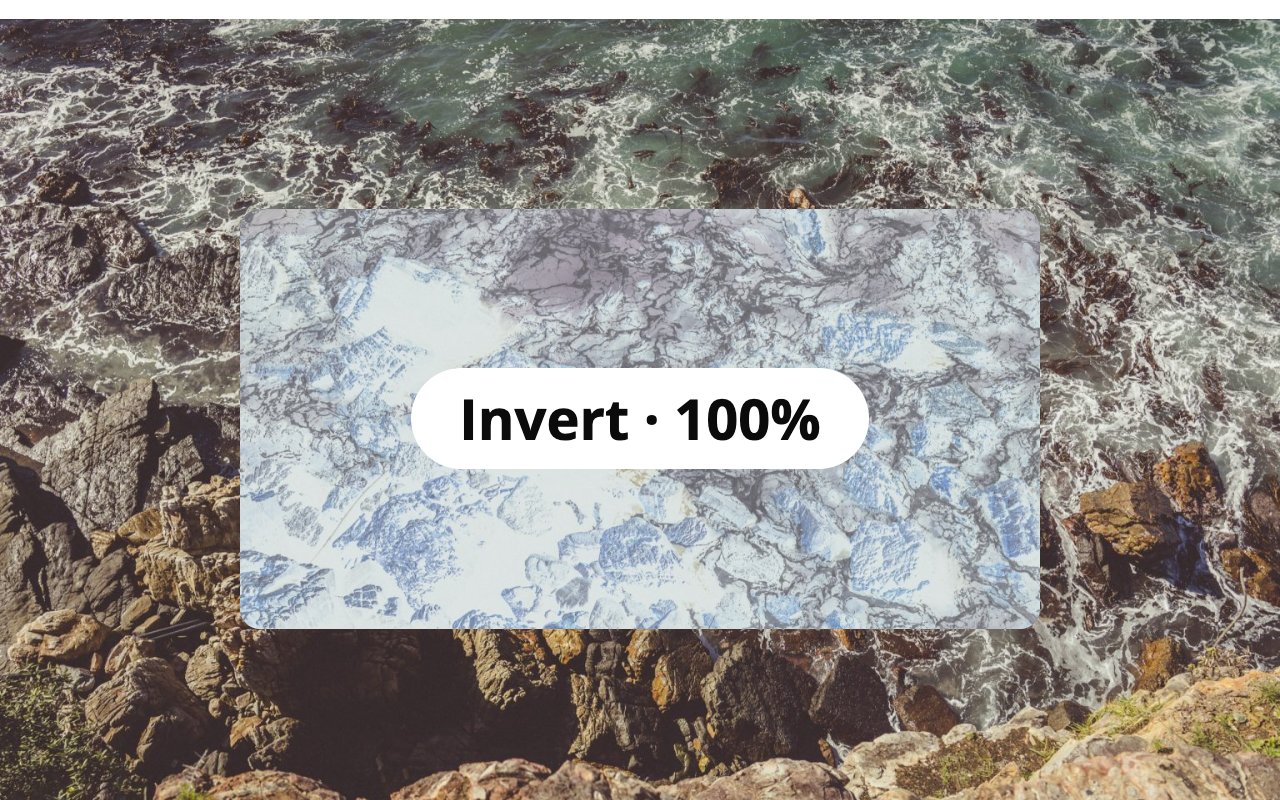
invert(100%).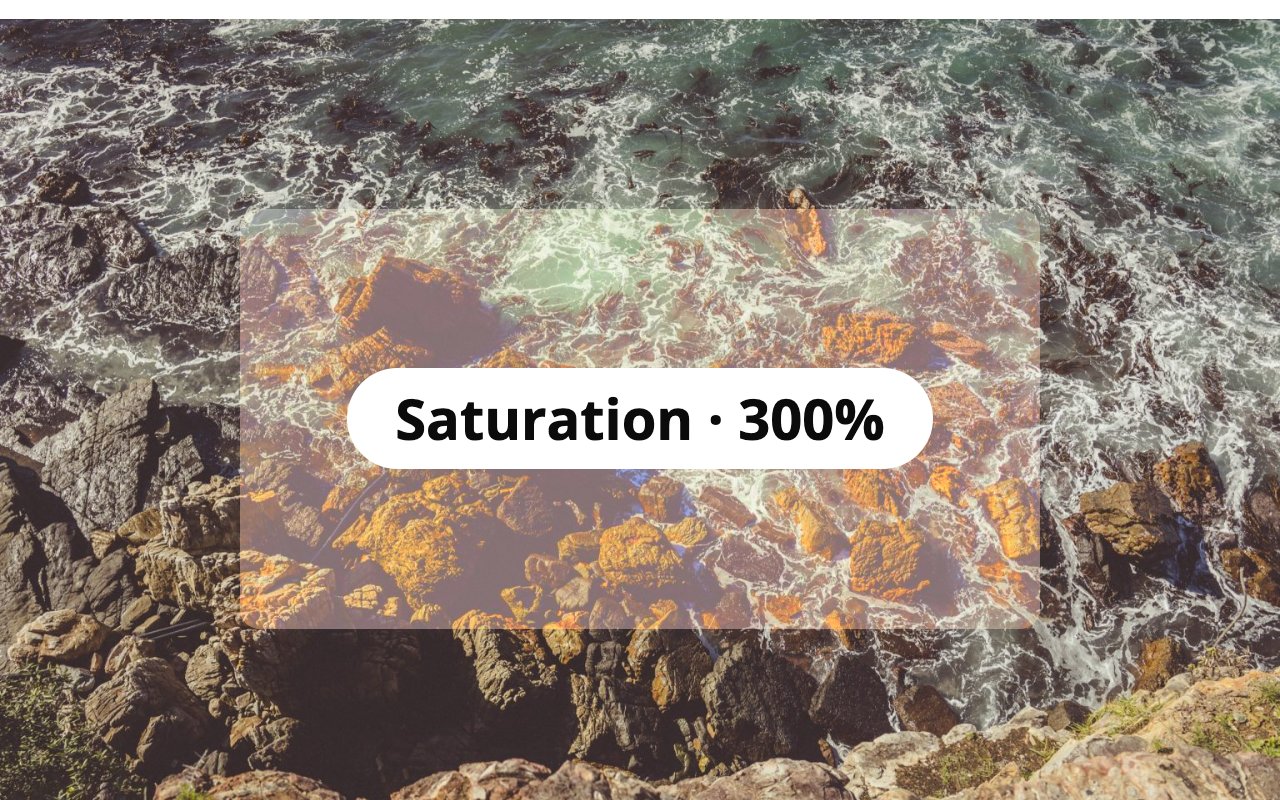
saturate(300%).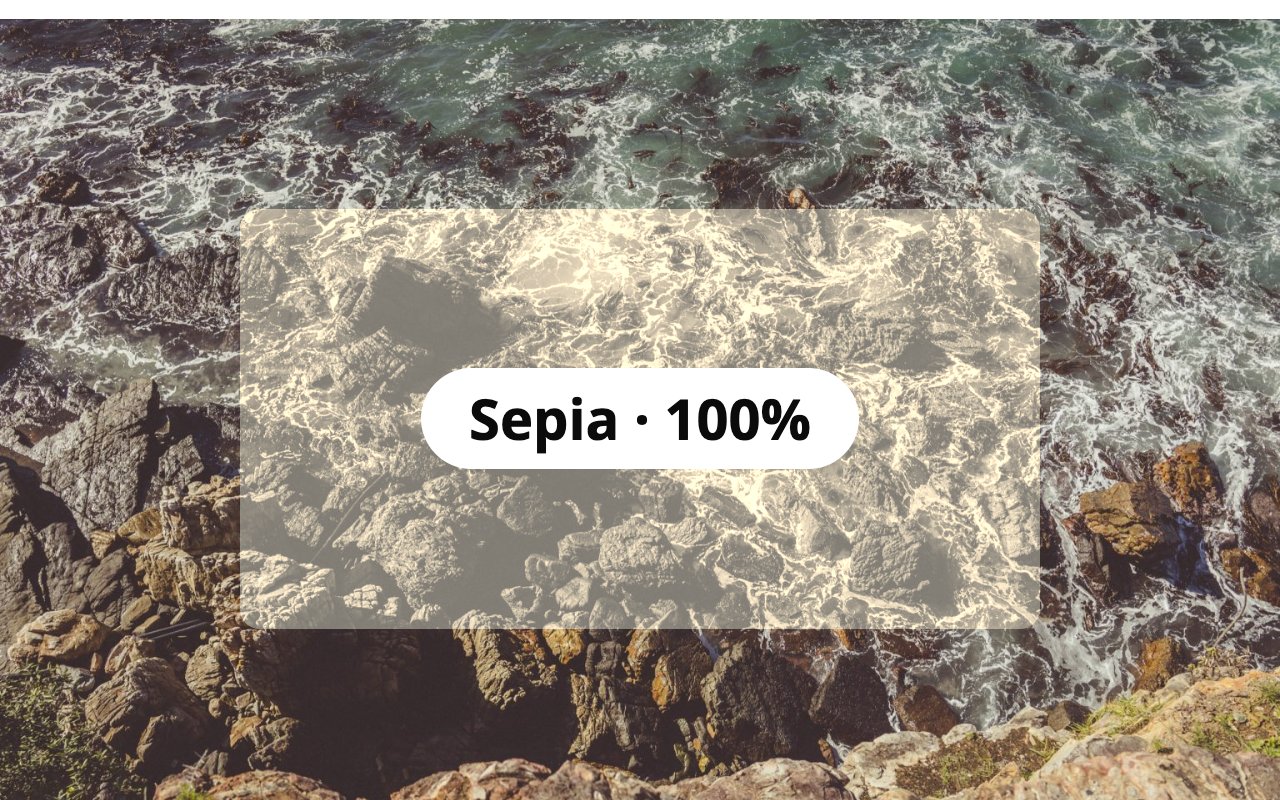
sepia(100%).Installation
- Install from Plugins Add New, or upload the plugin folder to
/wp-content/plugins/. - Activate it.
- Select a block that sits on top of an image or other content, then choose a Backdrop filter and amount just below its background color setting.
FAQ
-
I picked a filter but nothing changes
-
A backdrop filter changes what is visible behind the block, so something has to sit behind it, such as a cover image or a photo. A fully opaque background color also hides the effect: leave the background empty or make it semi-transparent.
-
Does it work in every browser?
-
It uses the CSS
backdrop-filterproperty, which current versions of Chrome, Edge, Firefox and Safari support. Browsers without support show the block without the filter. -
Can filters be heavy on performance?
-
Large blur values on big areas can cost rendering time on low-powered devices. Blur values up to about 20px are usually plenty.
Reviews
There are no reviews for this plugin.
Contributors & Developers
“Glass Act – Backdrop Filters for Blocks” is open source software. The following people have contributed to this plugin.
Contributors
Translate “Glass Act – Backdrop Filters for Blocks” into your language.
Interested in development?
Browse the code, check out the SVN repository, or subscribe to the development log by RSS.
Changelog
1.0.0
- First release.