

Description
Galvix is your dedicated compliance team — handling setup, nexus monitoring, state registrations, monthly filing, and notices on your behalf.
Galvix Tax connects your WooCommerce store to Galvix to calculate sales tax in real time.
Important: This plugin requires a Galvix account and a Galvix API token. It sends cart and address data to Galvix’s servers in order to calculate tax. Please read the “External services” section below before installing, so you know exactly what is transmitted and when.
What the Galvix service does
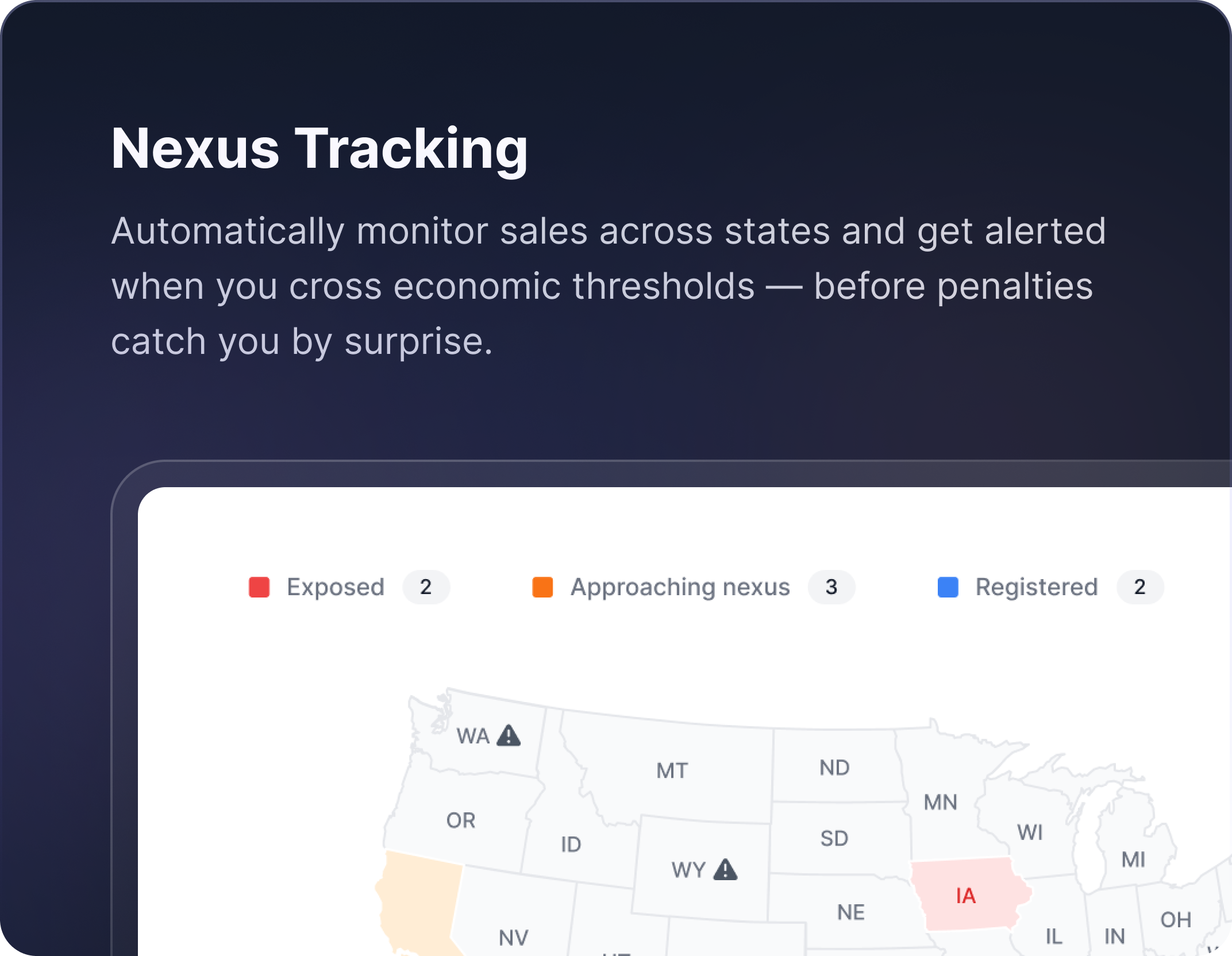
Multi-State Nexus
We continuously monitor economic and physical nexus exposure across all 50 states and flag new thresholds before they create an obligation.
State Registrations
We handle every state registration on your behalf — forms, portals, and credentials — so you’re legally ready to file before your first return is due.
Product Taxability
We map every product in your catalog to the correct tax category for each state, and keep those mappings current as rules change.
Return Filing
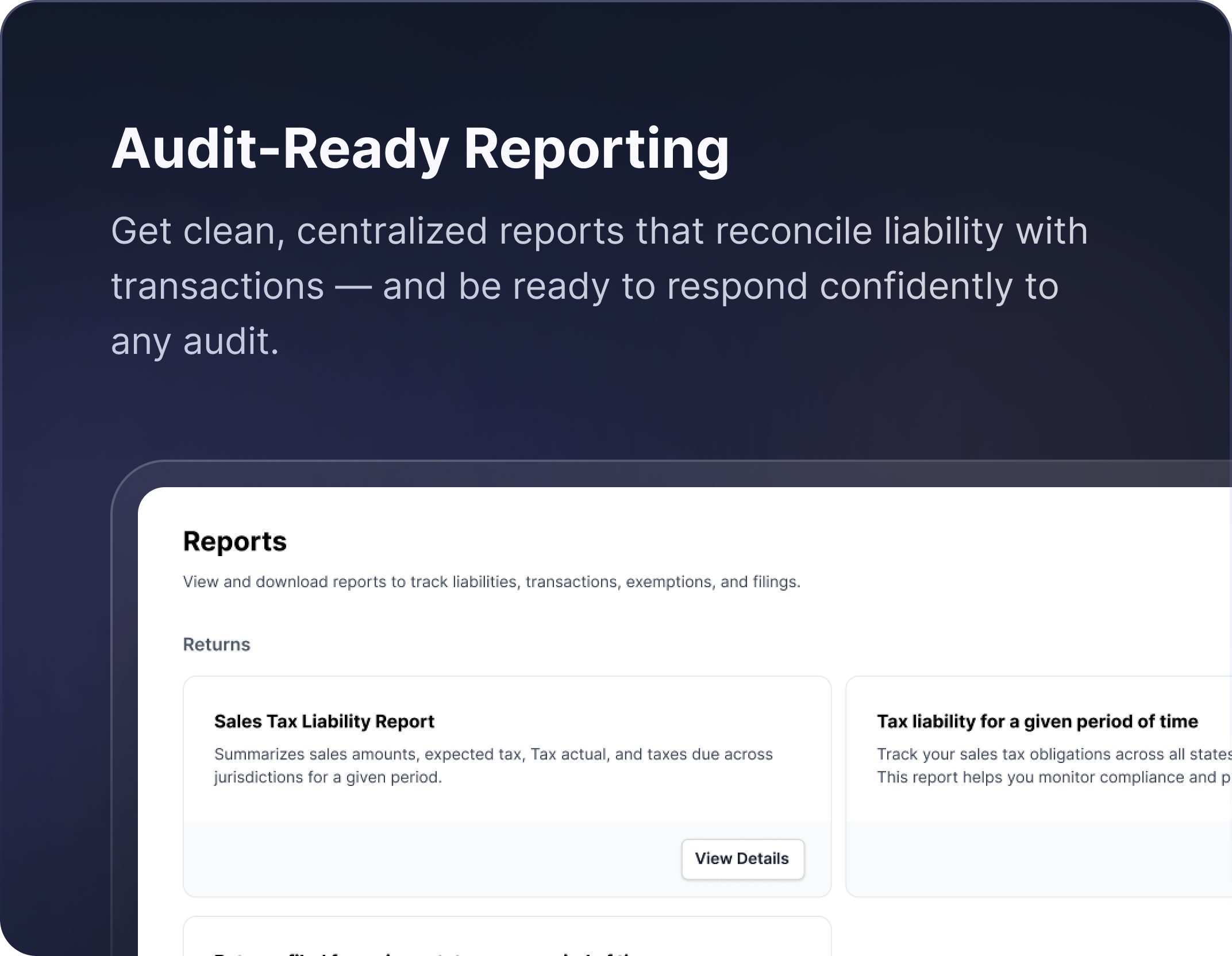
We prepare every return, reconcile your transaction data, apply deductions, and file across all your states on the correct schedule — monthly, quarterly, or annual depending on the state.
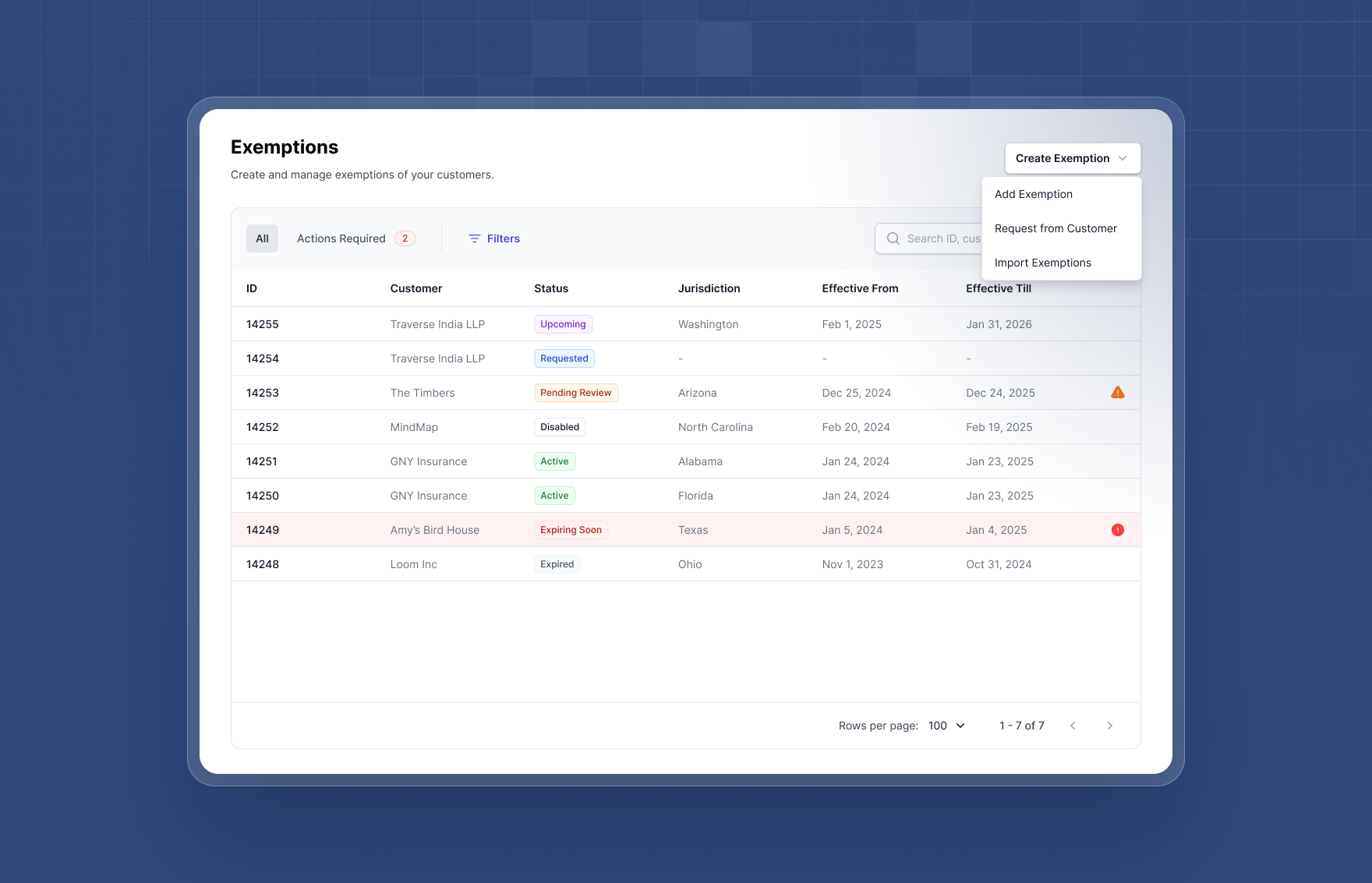
Exemption Management
We collect, verify, and store exemption certificates from your exempt customers, and proactively follow up before they expire.
State Notices
We handle any notices or correspondence received from the states and shared by the customer.
How we’re different
A compliance team. Not another tool to operate.
How plugin works
- A customer adds products to the cart and enters a destination address. Tax is calculated based on the provided address.
- On each totals recalculation, the plugin sends the destination address, the product IDs, the per line amounts, and the shipping amount to the Galvix Tax API.
- Galvix returns a total tax amount plus a per line item tax amount.
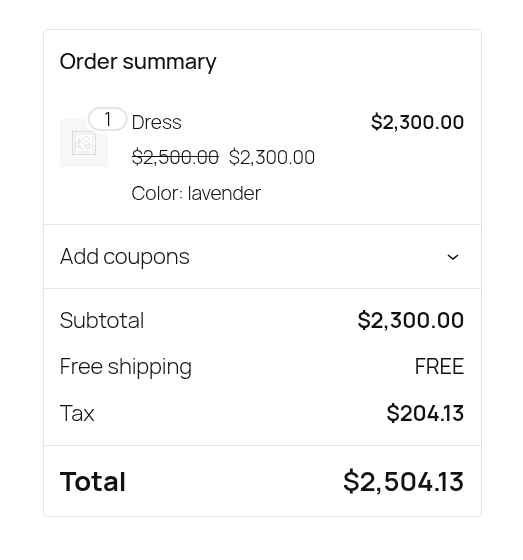
- The plugin applies each returned amount to the matching cart line item and updates the cart total.
- At checkout, the same amounts are written to the order’s line items and saved to order meta under
_galvix_tax_data.
If a request fails or the API returns an error, the plugin logs it and makes no change to the totals. Whatever WooCommerce calculated from your own tax rate settings is what the customer sees.
External services
This plugin relies on the Galvix Tax API, a third party service operated by Galvix, to calculate sales tax. The plugin does not function without it.
What the service is used for
Calculating the sales tax owed on a WooCommerce cart or order, based on the customer’s destination address and the items being purchased.
What data is sent, and when
The plugin sends a request to https://api.galvix.com/v1/taxes/calculate in the following situations:
- Every time WooCommerce recalculates cart or checkout totals
- When an order is recalculated in the WordPress admin using the “Recalculate” button
- When an order is saved or updated in the WordPress admin
- When an administrator clicks “Test Connection” on the plugin settings screen. This sends a fixed sample address and a single 100.00 test item. No real customer data is included.
Each request contains:
- Destination address: country, state, city, postcode, and address lines 1 and 2, taken from the customer’s shipping address, falling back to their billing address
- Address type: whether the address above is the shipping or the billing address
- Customer identifier: the WordPress user ID for logged in customers, or the billing email address for guest customers
- Line items: the WooCommerce product ID and the line total for each item in the cart or order
- Shipping amount: the shipping total for the cart or order
- Currency: the transaction currency code, supports
usdin this release. - Your Galvix API token, sent as an HTTP
Authorization: Bearerheader - A
User-Agentheader identifying the plugin and its version
Note that for guest checkouts the customer identifier is an email address, which is personal data. No product names, SKUs, categories, customer names, or payment details are transmitted.
Requests are sent over HTTPS with SSL certificate verification enabled.
Service links
- Service: https://www.galvix.com
- Documentation: https://docs.galvix.com/article/239-integrate-galvix-woocommerce
- Terms and conditions: https://www.galvix.com/terms-and-conditions/
- Privacy policy: https://www.galvix.com/privacy-policy/
Screenshots


Installation
Automatic installation
- In your WordPress admin, go to Plugins > Add New.
- Search for “Galvix Tax”.
- Click Install Now, then Activate.
Manual installation
- Download the plugin ZIP file.
- Go to Plugins > Add New > Upload Plugin, choose the ZIP file, and click Install Now.
- Click Activate.
Alternatively, unzip the file and upload the galvix-tax folder to /wp-content/plugins/, then activate the plugin through the Plugins menu.
Configuration
WooCommerce must be installed and active before this plugin can be activated.
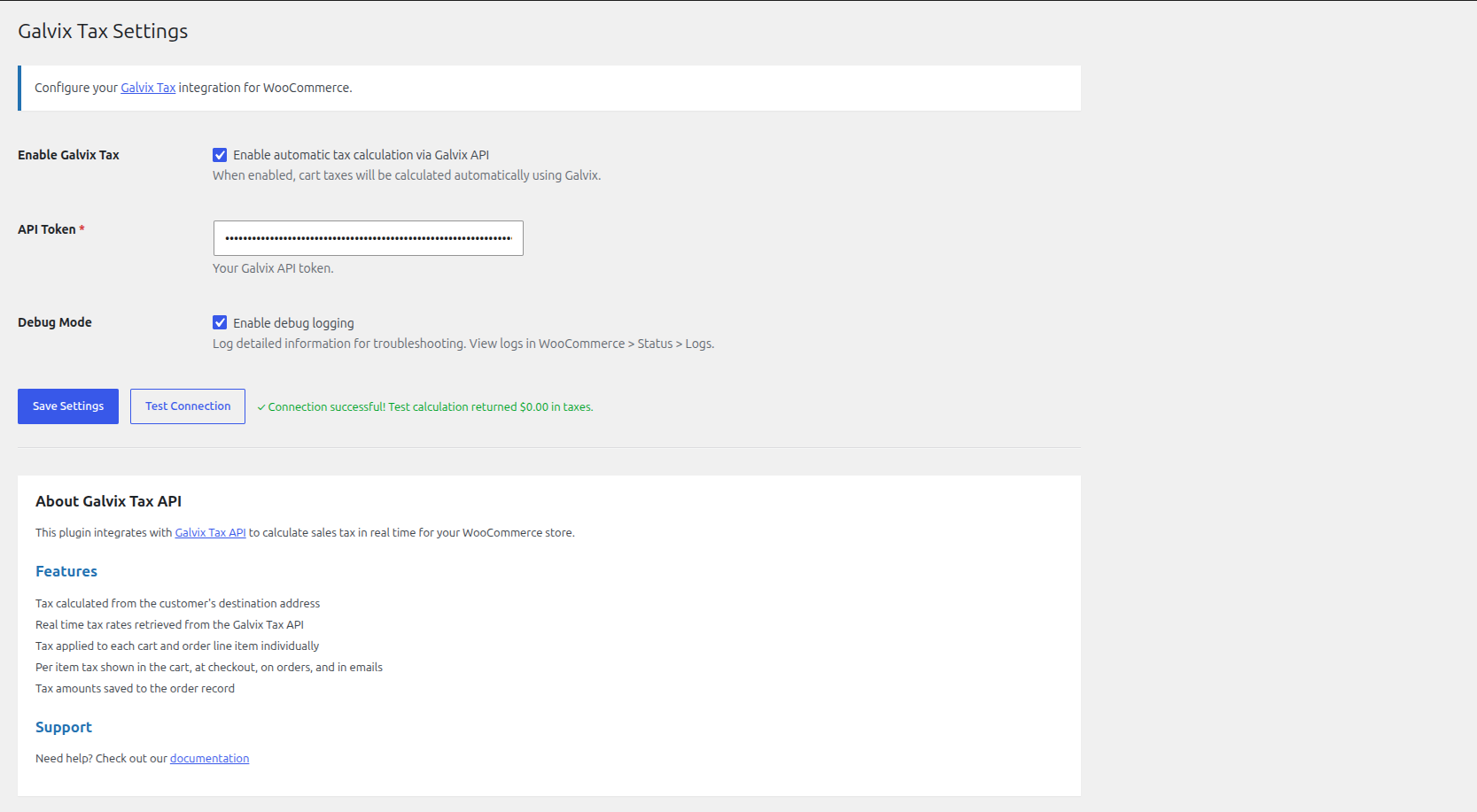
- Go to WooCommerce > Galvix Tax.
- Enter your API Token. You can obtain one from your Galvix account.
- Click Test Connection to confirm the token works and that your server can reach the API.
- Tick Enable Galvix Tax.
- Click Save Settings.
Tax calculation stays off until Enable Galvix Tax is ticked, so you can save and verify your token before anything changes for customers.
FAQ
-
Do I need a Galvix account?
-
Yes. The plugin calculates tax by calling the Galvix Tax API, which requires an API token tied to a Galvix account. The plugin will not calculate any tax without one.
To get an account, email sales@galvix.com.
-
Is this plugin free?
-
The plugin itself is free and GPL licensed. The Galvix Tax API is a separate commercial service with its own pricing. See https://www.galvix.com for details.
-
Why is no tax showing on my cart?
-
The most common reasons are:
- Enable Galvix Tax is not ticked in the settings.
- The API token is missing or invalid. Use Test Connection to check.
- Galvix returned zero tax for that address and those products, which is a legitimate result in many jurisdictions.
Turn on Debug Mode and check the logs to see which of these applies.
-
Where are the logs?
-
Go to WooCommerce > Status > Logs and select the log file whose name begins with
galvix-tax-. Errors and warnings are always logged. Detailed request and calculation logging only appears when Debug Mode is enabled, so leave it off unless you are troubleshooting. -
Is it compatible with High Performance Order Storage?
-
Yes. The plugin declares
custom_order_tablescompatibility, so you can enable HPOS in WooCommerce without disabling this plugin. -
Does it replace my WooCommerce tax settings?
-
While enabled, the plugin overrides the cart’s calculated tax with the amounts returned by Galvix. Your WooCommerce tax rate tables remain in place and are used if an API call fails.
Reviews
There are no reviews for this plugin.
Contributors & Developers
“Galvix Tax” is open source software. The following people have contributed to this plugin.
Contributors
Translate “Galvix Tax” into your language.
Interested in development?
Browse the code, check out the SVN repository, or subscribe to the development log by RSS.
Changelog
1.0.1
- Admin notices are now limited to the screens where they can be acted on, and to users who can act on them.
1.0.0
- Initial public release.
- Real time sales tax calculation through the Galvix Tax API, based on the customer’s shipping or billing address.
- Per line item tax applied to the cart, to orders created at checkout, and to orders created or edited in the WordPress admin.
- Per item tax amounts displayed in the cart, at checkout, on the order details screen, and in order emails.
- Tax calculation results saved to order meta.
- Admin settings page with API token configuration and a connection test.
- Support for WooCommerce High Performance Order Storage (HPOS).
- Optional debug logging through the WooCommerce logger.