

Description
Freemius for WordPress lets you sell Freemius products from the Block Editor (Gutenberg). Turn any Button into a Freemius checkout, build dynamic pricing tables with scopes and modifiers, manage multiple products in settings, and embed the Freemius Customer Portal so customers can manage licenses, billing, and downloads—without JavaScript, theme hacks, or custom coding.
Not using the Block Editor? See the overlay checkout or hosted checkout in the Freemius docs.
Key features
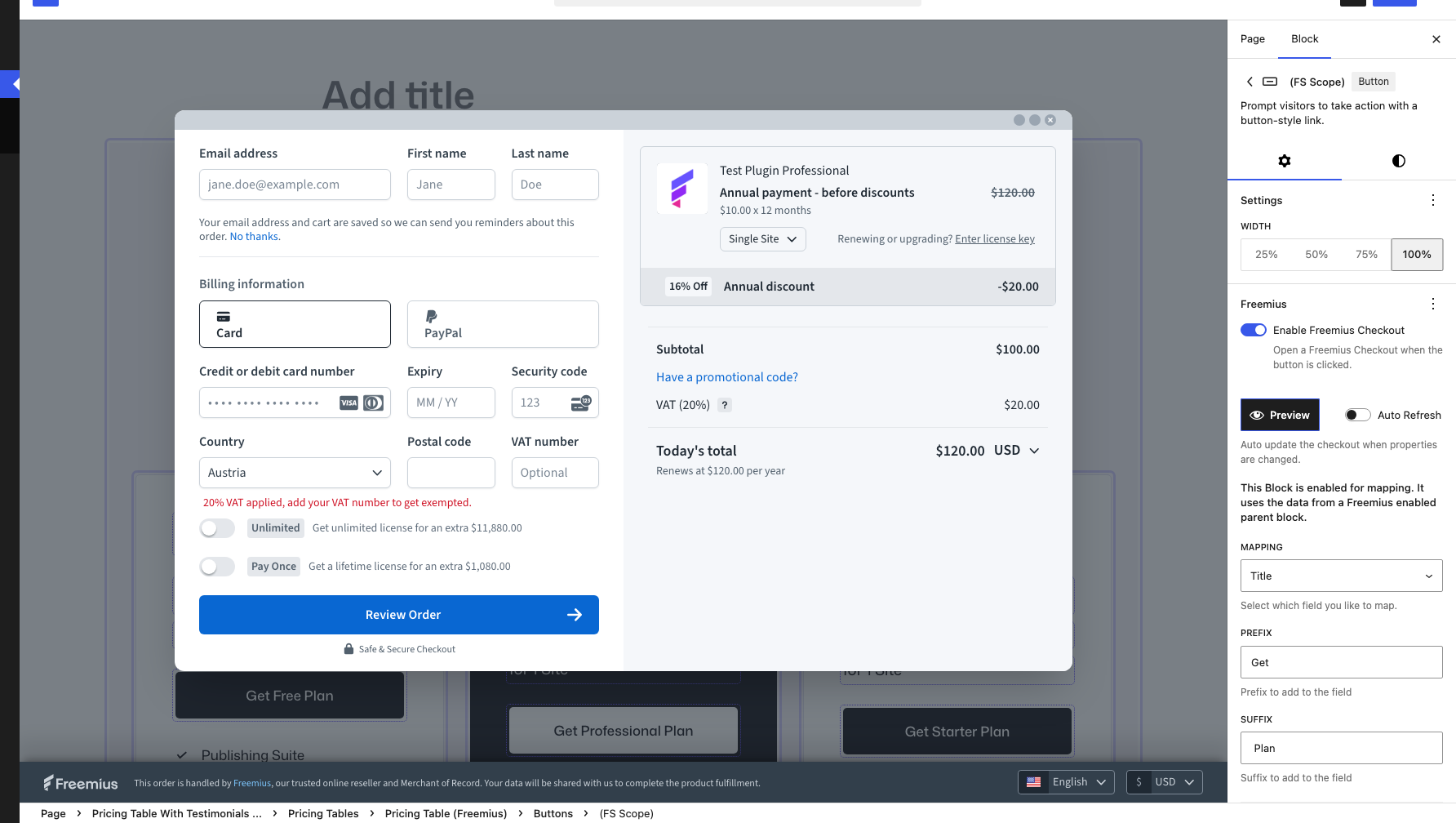
- Native Block Editor support: Freemius checkout on Button blocks, with preview in the editor
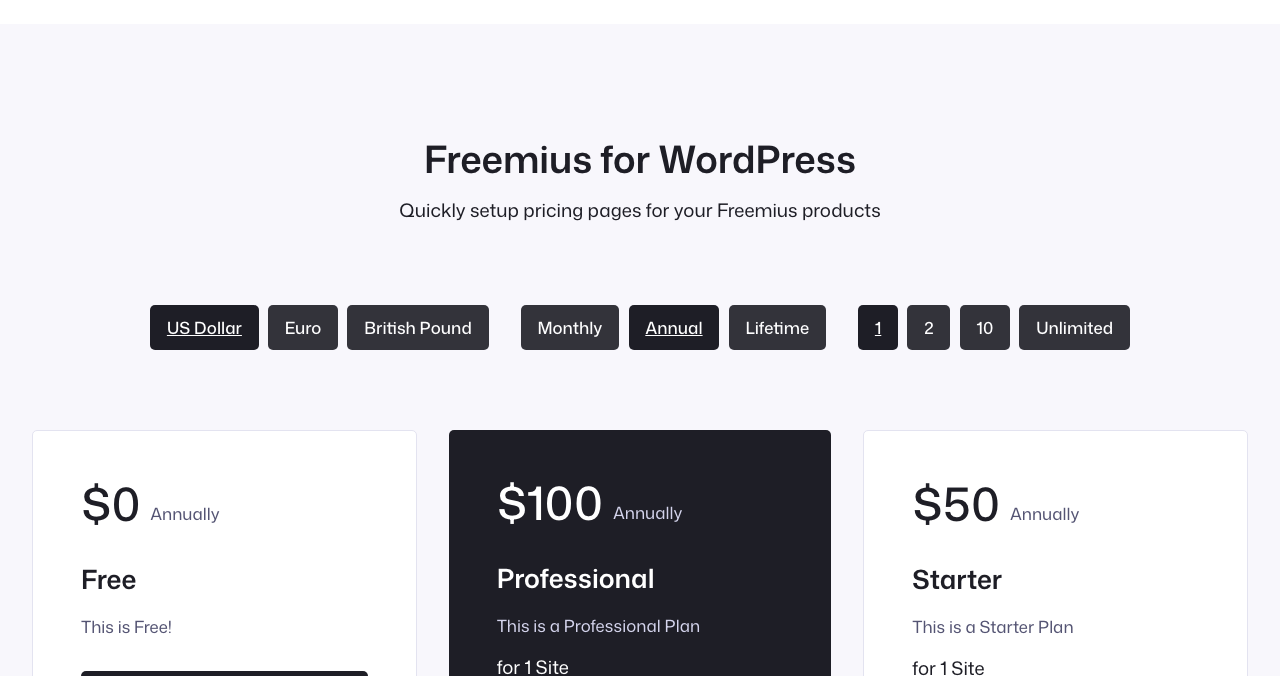
- Dynamic pricing tables: plan columns, field mapping (price, title, description), and checkout CTAs
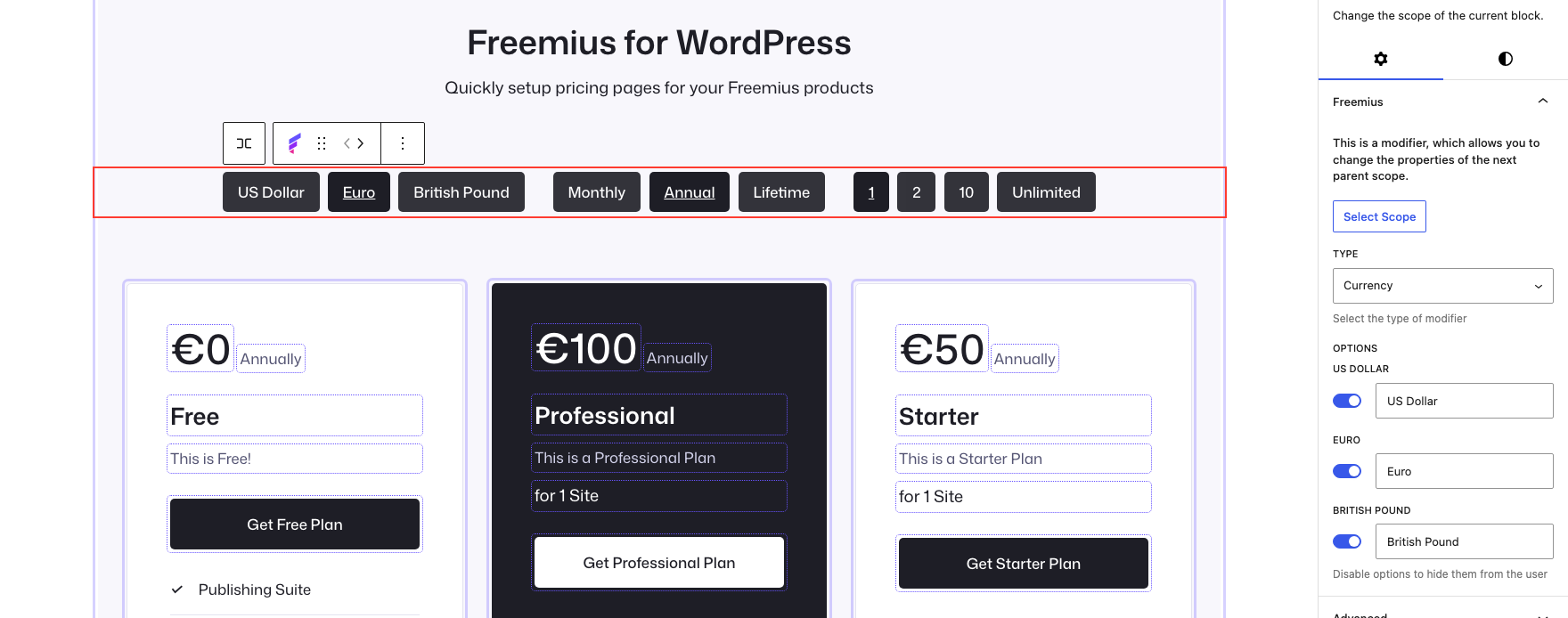
- Scope modifiers: currency, billing cycle, and license toggles on the page
- Multi-product settings: connect Product IDs and API tokens under Settings Freemius
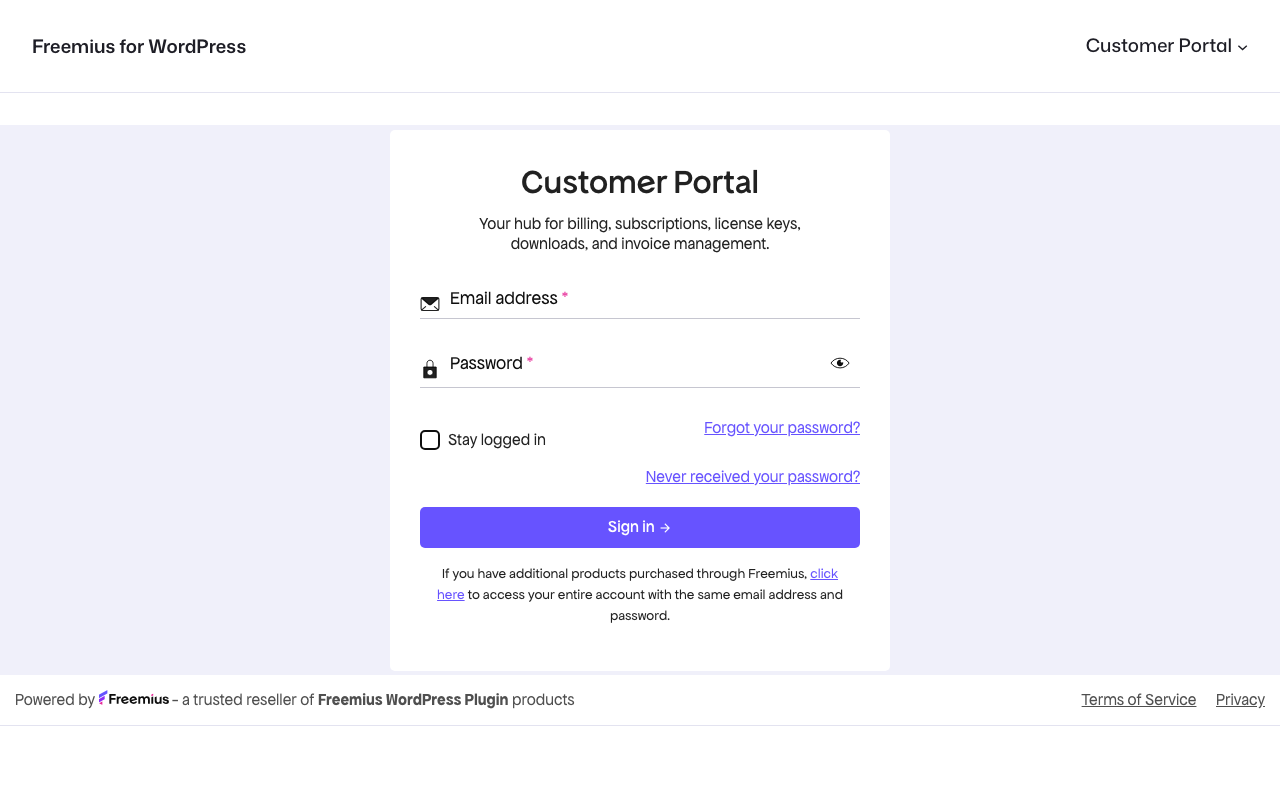
- Freemius Customer Portal block: embed the members dashboard (Store ID + Public Key)
- Compatible with modern block themes and classic themes that support the block editor
- Free and open source
Try it
Screenshots
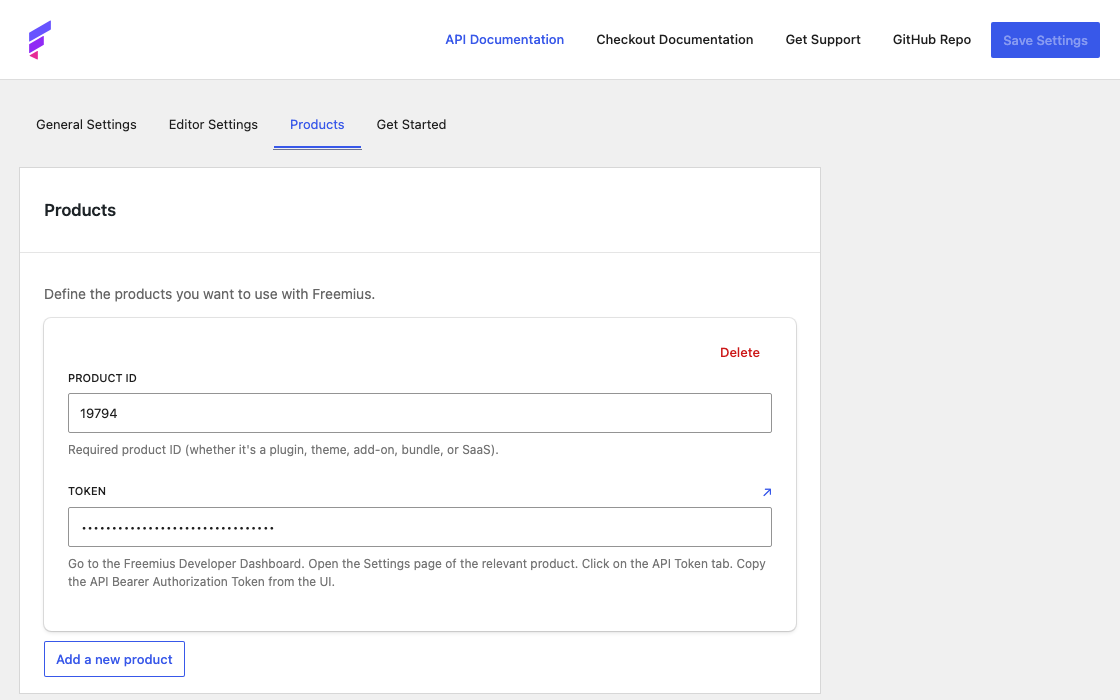
Blocks
This plugin provides 2 blocks.
- Freemius Modifier Change the scope of the current block.
- Freemius Customer Portal Add a customer portal to your site.
Installation
- Install and activate Freemius for WordPress from Plugins Add New, or upload the plugin zip.
- Open Settings Freemius and add your product under Products (Product ID and Token from the Freemius Developer Dashboard).
- Optionally set site-wide defaults under Editor Settings.
- Add a Button block, enable Freemius Checkout in the Freemius panel, and use Preview before publishing.
- For a pricing page: use Group/Columns with Freemius scopes, map plan fields, and add checkout buttons per plan.
- For the Customer Portal: add the Freemius Customer Portal block and enter your Store ID and Public Key.
FAQ
-
Add a Button block, turn on Freemius Checkout in the Freemius panel, and connect your product under Settings Freemius. See the getting started guide and button docs.
-
How do I build a Freemius pricing table?
-
Create a page with a scoped Group and one Column per plan, map price and plan fields, then add a checkout Button in each column. Details: Creating your Pricing page.
-
How do I embed the Freemius Customer Portal?
-
Add the Freemius Customer Portal block and enter your Store ID and Public Key from the Freemius Developer Dashboard (Stores Settings Keys). See the Customer Portal guide and Freemius portal documentation.
-
Can I customize the checkout experience?
-
Yes. Configure product details and site-wide defaults under Settings Freemius, and adjust per-button Freemius options (plan, licenses, callbacks, and more) in the block sidebar.
-
Is this plugin compatible with my theme?
-
The plugin targets the Block Editor (Gutenberg). It works with block themes and classic themes that support the block editor.
-
Where is pricing data loaded from?
-
Mapped prices and plan copy are saved when you edit and publish a page; the frontend does not call the Freemius API on every visit. After you change prices in the Freemius dashboard, reopen the page in the editor and Update it.
-
Where do I find the official Freemius documentation?
Reviews


Contributors & Developers
“Freemius for WordPress” is open source software. The following people have contributed to this plugin.
Contributors

Translate “Freemius for WordPress” into your language.
Interested in development?
Browse the code, check out the SVN repository, or subscribe to the development log by RSS.
Changelog
0.5.0 — 2026-08-03
- added: Freemius Customer Portal block to embed the members dashboard on your site
0.4.2 — 2026-01-06
- fixed: missing import for MappingSettings
- updated: dependencies
0.4.1 — 2025-11-19
- fixed: missing import in useMapping hook
- improved: support for button tag in the button block (WordPress 6.9)
- updated: Tested up to 6.9
- updated: dependencies
0.4.0 — 2025-09-22
- added: support for multiple products — manage and configure multiple Freemius products
- added: “Get Started” tab in settings with helpful video tutorial
- improved: plugin now automatically redirects to settings page after activation
- improved: product-specific configuration and data handling
- improved: API token handling and authentication
- improved: cleaner interface with improved error messages
- changed: simplified authentication — no longer requires
public_keyparameter (breaking) - improved: faster loading and plugin performance
- fixed: various stability improvements
0.3.0 — 2025-07-28
- added: pricing table functionality with dynamic plan display
- changed: complete refactoring of Freemius settings and API structure (breaking)
- improved: modifier functionality with improved data handling
- added: Freemius API health management and error handling
- improved: blueprint configuration with updated landing page and plugin URLs
- added: hooks and stores for better state management
- improved: checkout flow with better customization options
- updated: dependencies and performance
- changed: codebase structure with new component organization
- added: support for advanced pricing modifiers and billing cycles
0.2.1 — 2025-06-30
- added: popout editor for code fields
0.2.0 — 2025-06-02
- changed: deprecated argument
plugin_idtoproduct_id(breaking)
0.1.9 — 2025-05-29
- added: support for WordPress 6.8
- improved: button customization options
- fixed: bug fixes and performance improvements
0.1.8 — 2024-12-19
- improved: checkout flow
- added: new customization options
- fixed: compatibility issues
0.1.7 — 2024-12-09
- improved: error handling
- added: support for custom checkout fields
- improved: performance optimizations
0.1.6 — 2024-12-04
- added: initial public release with basic Freemius checkout integration and core functionality
0.1.0 — 2024-11-20
- added: initial development release
Version 0.5.0 — see CHANGELOG.md