

Description
FormDoctor’s free patient intake tools answers the questions new patients ask before they book: Where are you, and are you open? Who will I see? Do you take my insurance? What will it cost? What should I bring?
HIPAA-compliant online forms and patient intake software are available on FormDoctor paid plans.
Free tools included:
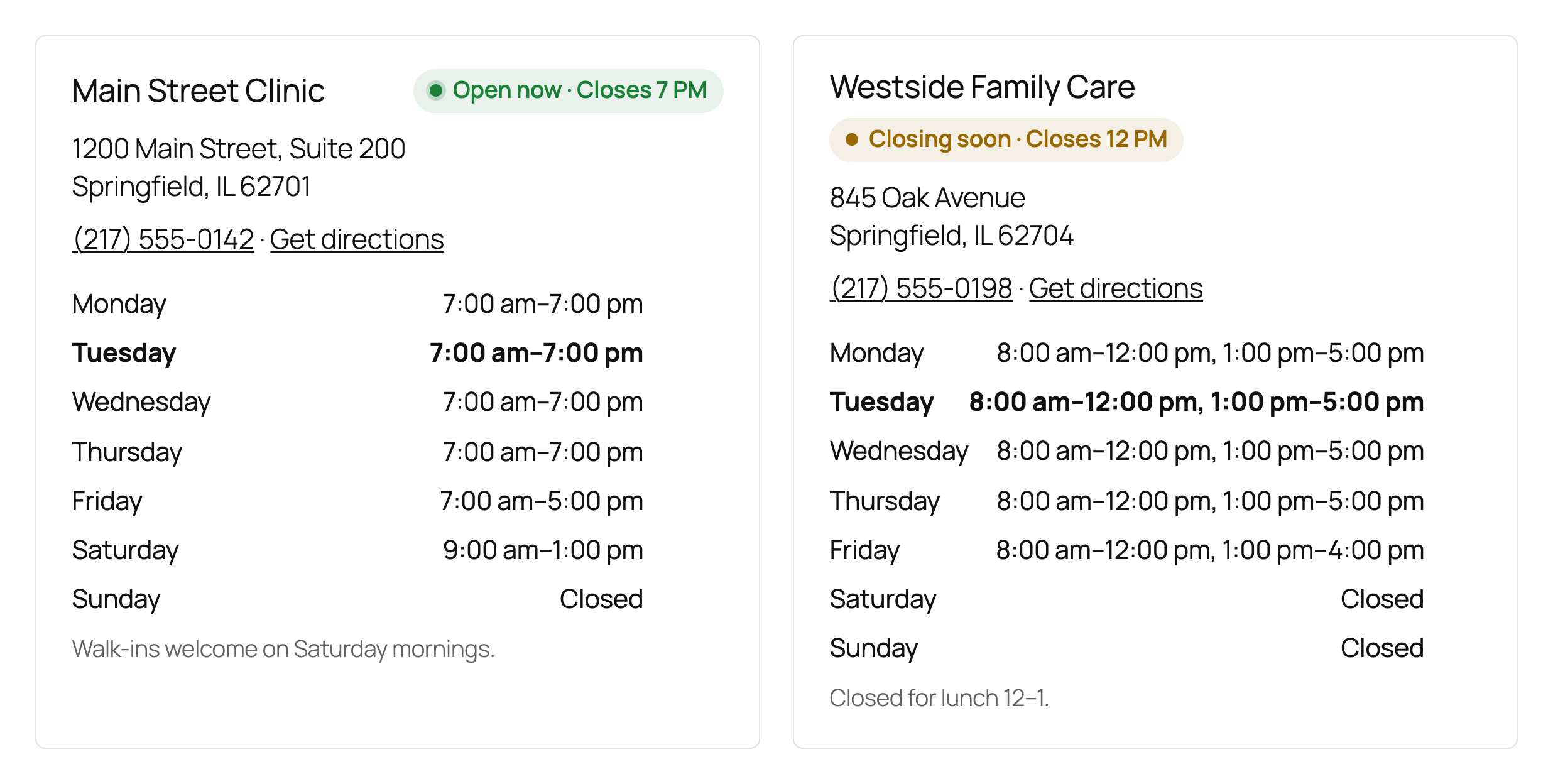
- Locations & hours with a live “Open now” badge
- Provider directory
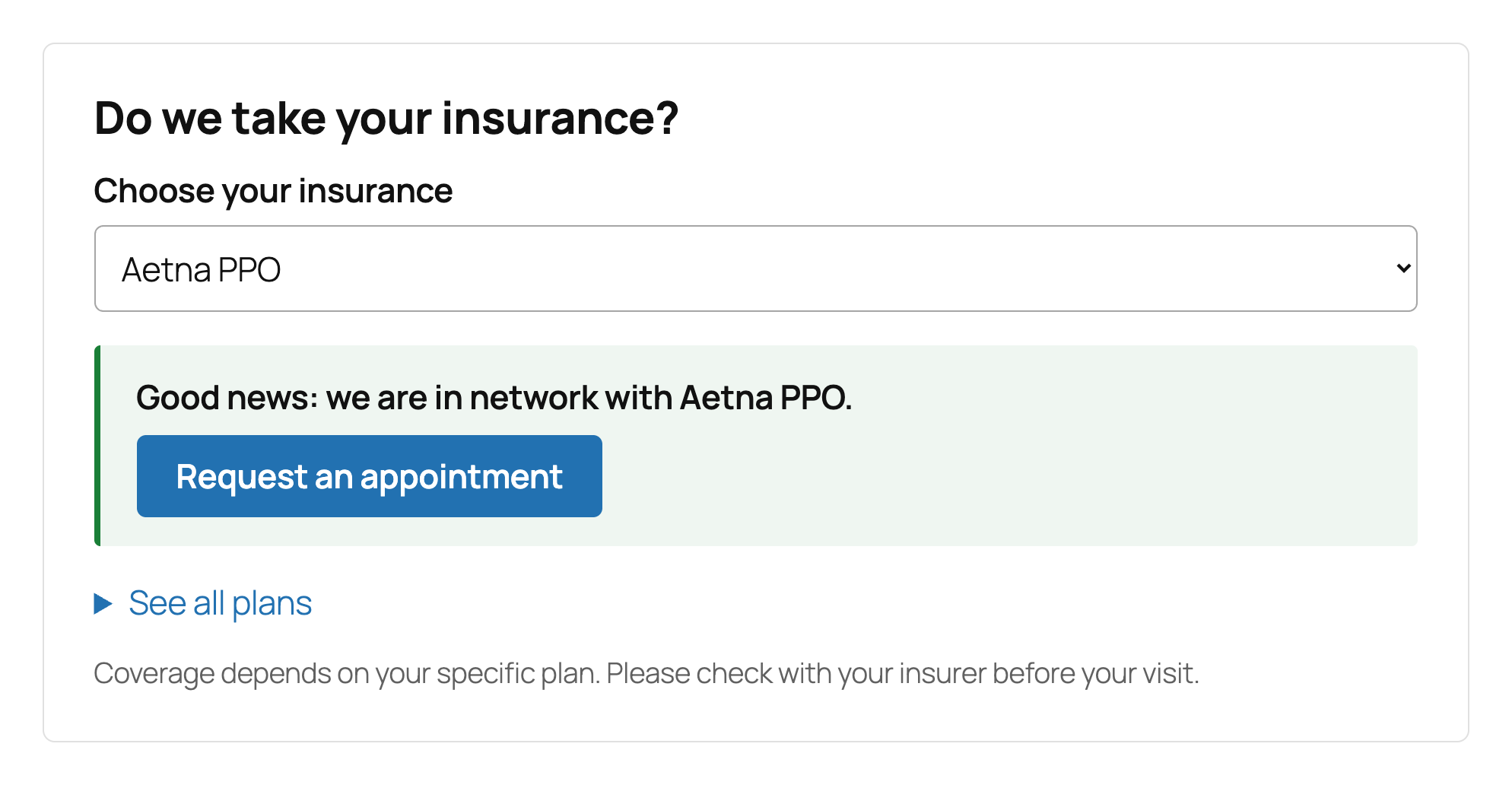
- Insurance checker that works anonymously, with no personal details required
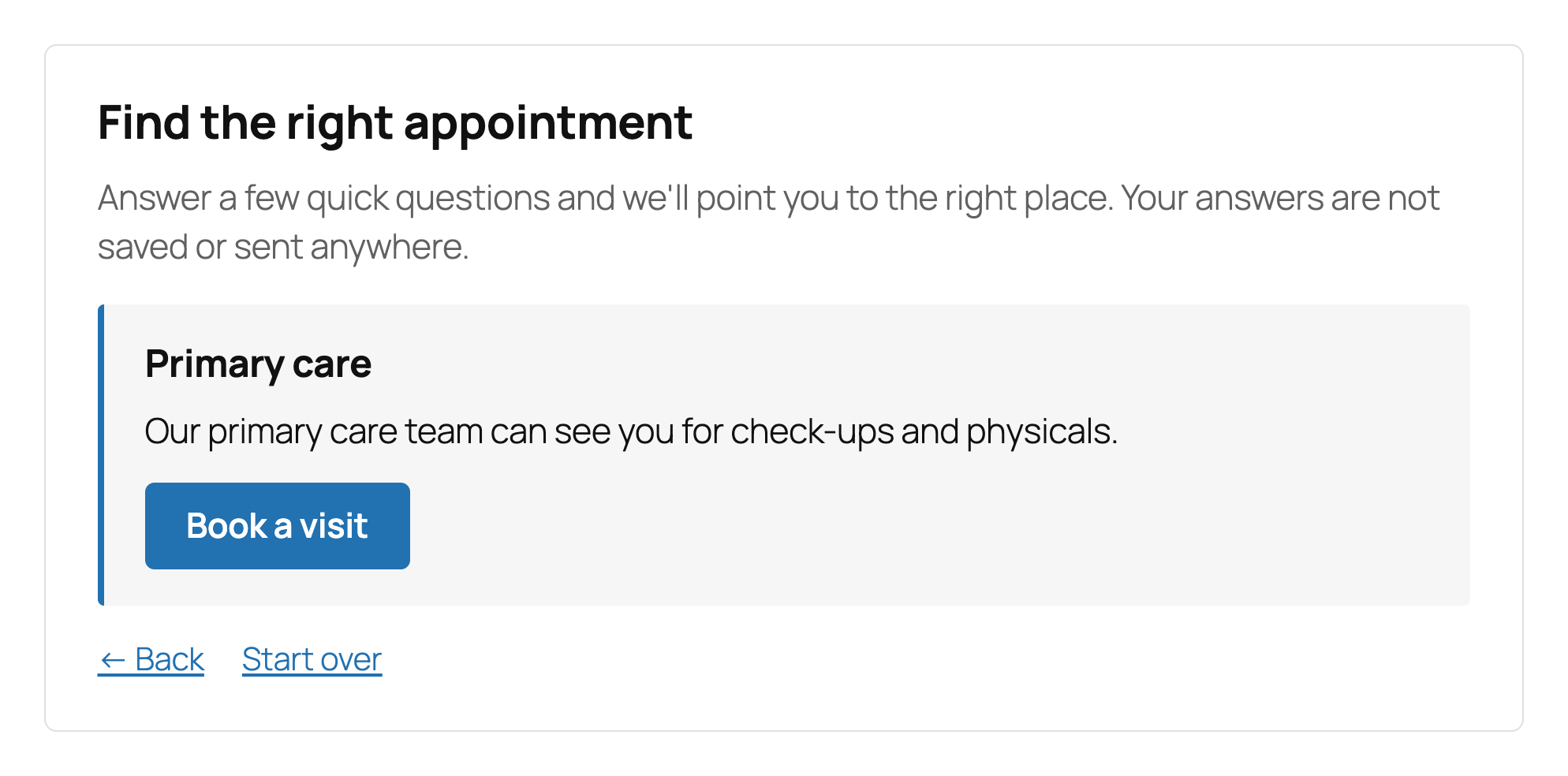
- New-patient guide that routes visitors to the right location, provider, or next step
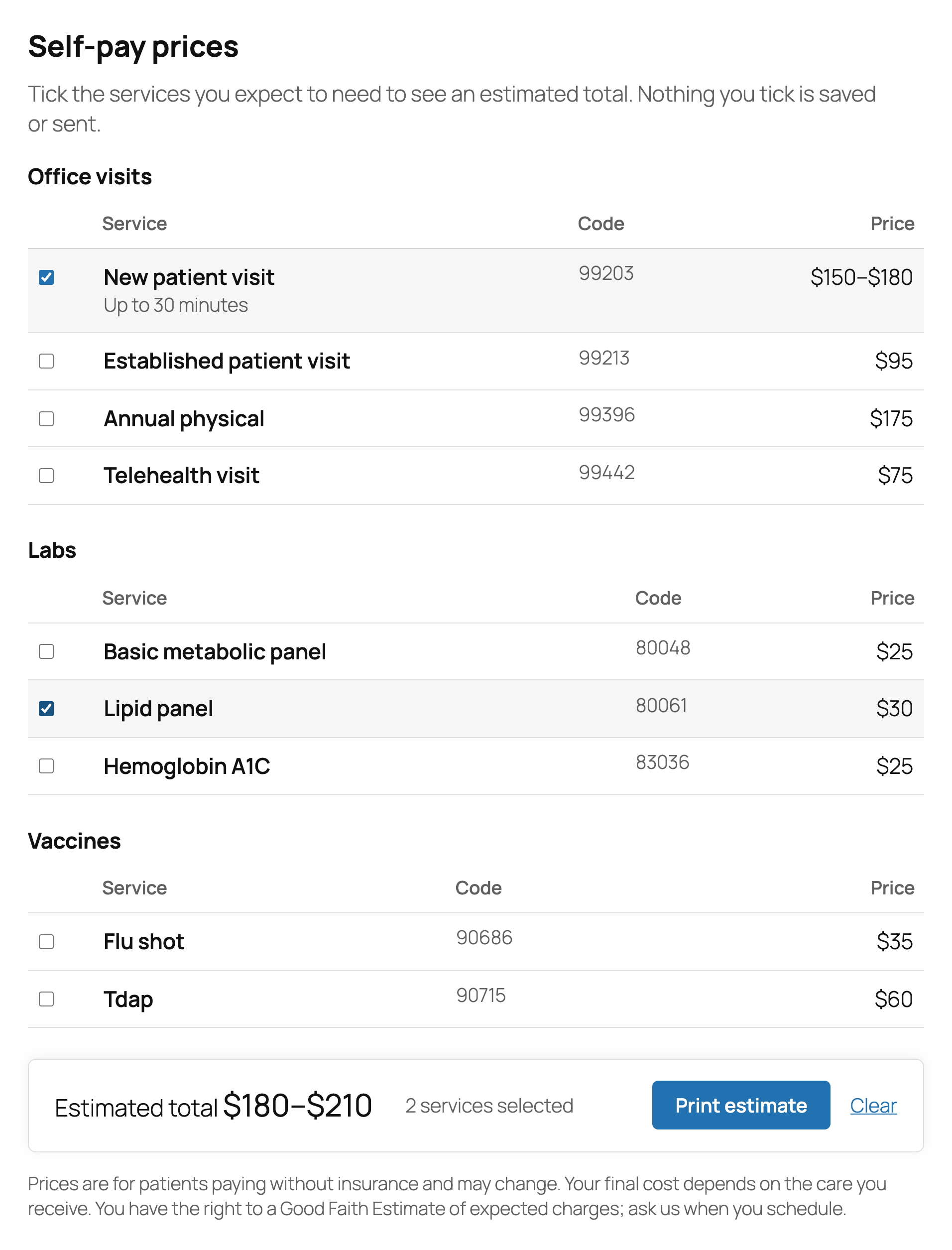
- Self-pay price list with a cost estimator
- Visit checklist so patients arrive prepared
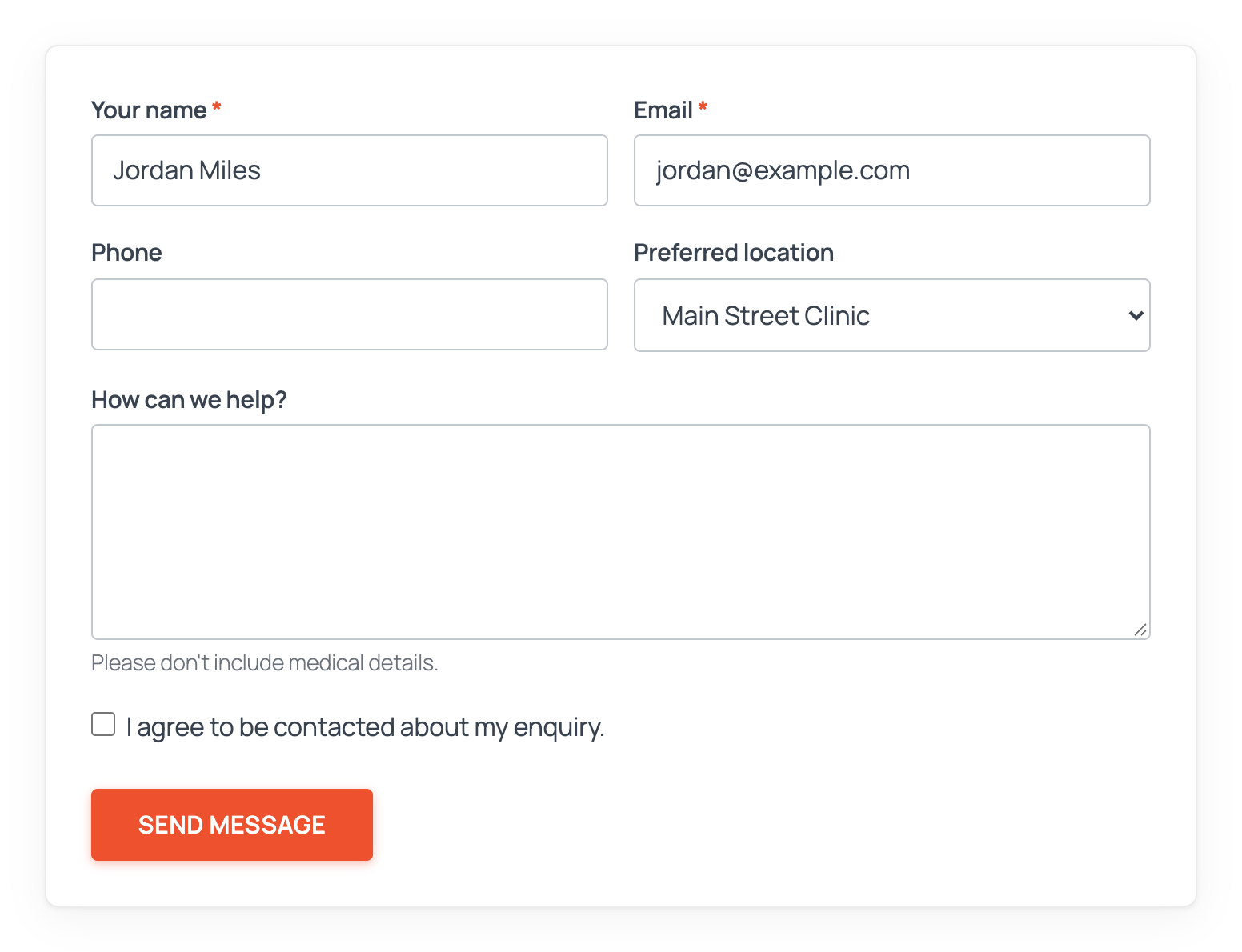
- Contact forms designed to collect no patient health information
About HIPAA: These free tools are built for public practice information and general inquiries. They aren’t HIPAA-compliant and shouldn’t be used to collect health information. When you’re ready to collect intake, medical history, or consent forms online, upgrade to FormDoctor for HIPAA-compliant forms and patient intake. By using this plugin you agree to the Terms of Use & HIPAA Disclaimer.
Privacy
Please read the Terms of Use & HIPAA Disclaimer. This plugin does not send data to any external service and does not set cookies. If you set up an SMTP server under Email delivery, form emails (or all site email, if you choose) are sent through that server; you choose the provider and its terms apply. If you turn on a form’s webhook, that form’s submissions are also sent to the URL you enter; the plugin keeps only the result of each delivery (status code and timing), not the answers. The Practice Tools don’t send anything a visitor picks or types anywhere. “Get directions” links open Google Maps (or the link you set) only when a visitor clicks them. Submitted data is emailed to the addresses you configure. The visitor’s IP address and user agent are only included in the email if you add the [_remote_ip] or [_user_agent] mail-tags.
Screenshots
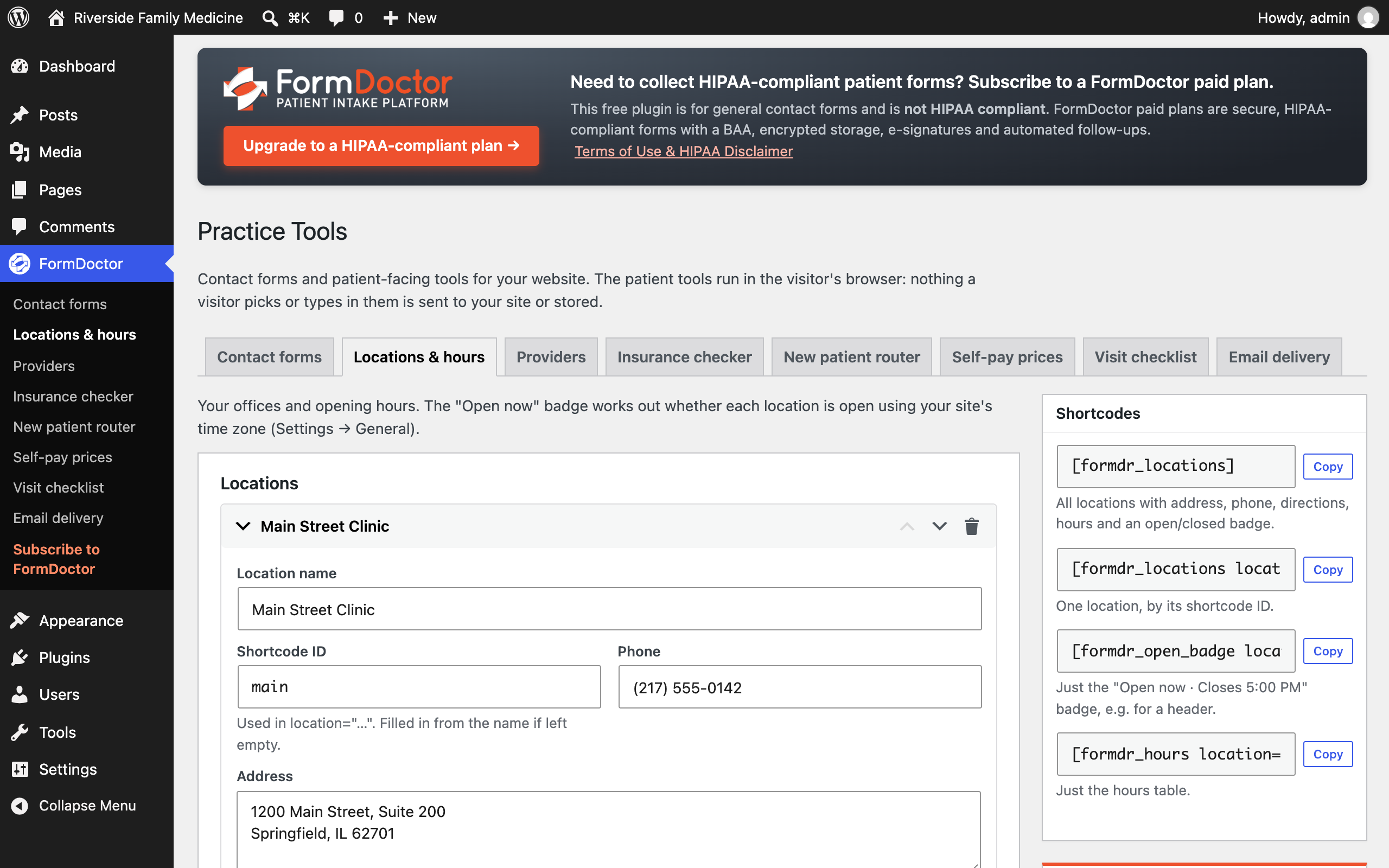
Blocks
This plugin provides 1 block.
- FormDoctor Form
Installation
- Upload the
formdoctor-patient-intake-softwarefolder to/wp-content/plugins/, or install it from Plugins Add New. - Activate the plugin. A starter form called “Contact form 1” is created for you.
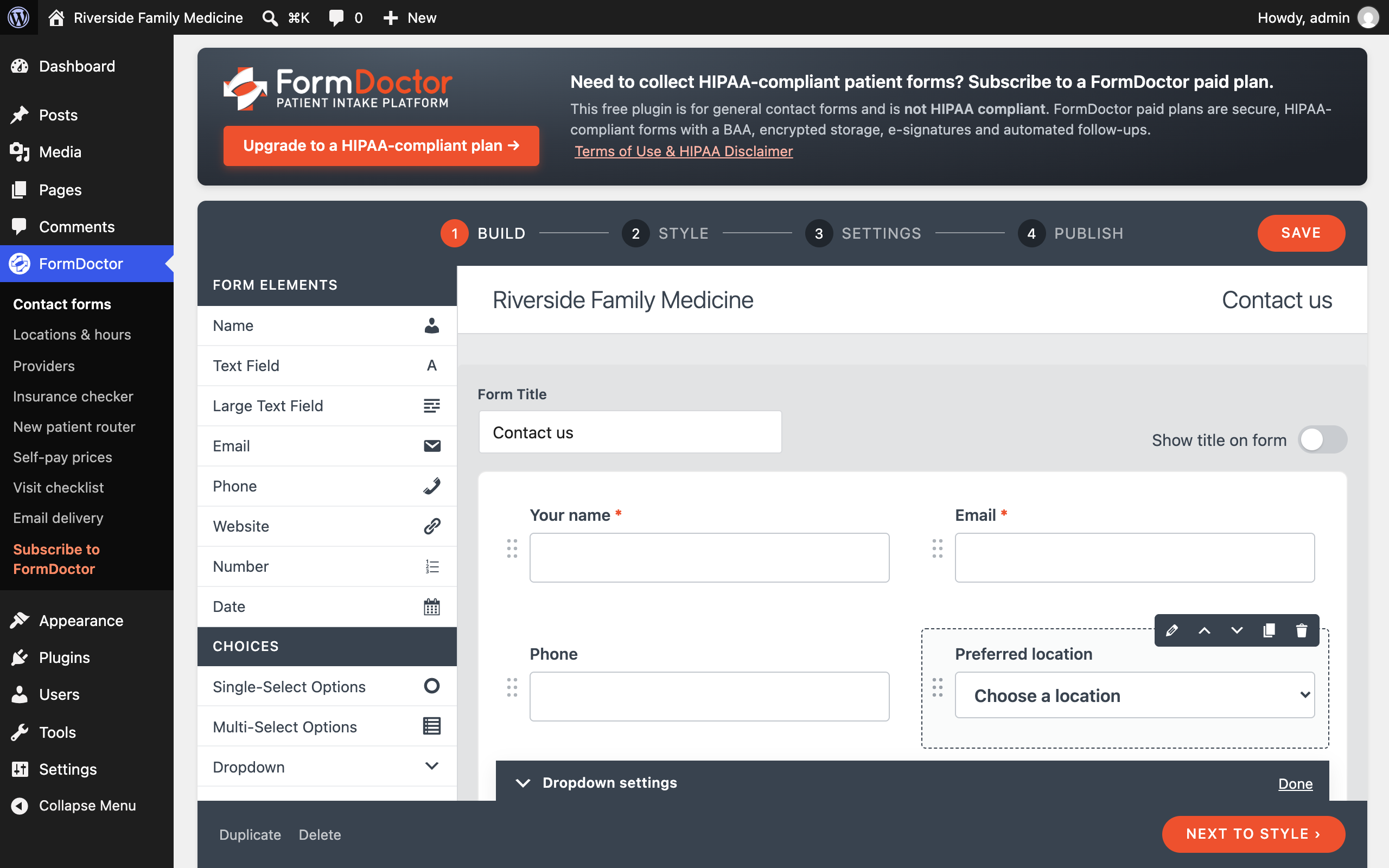
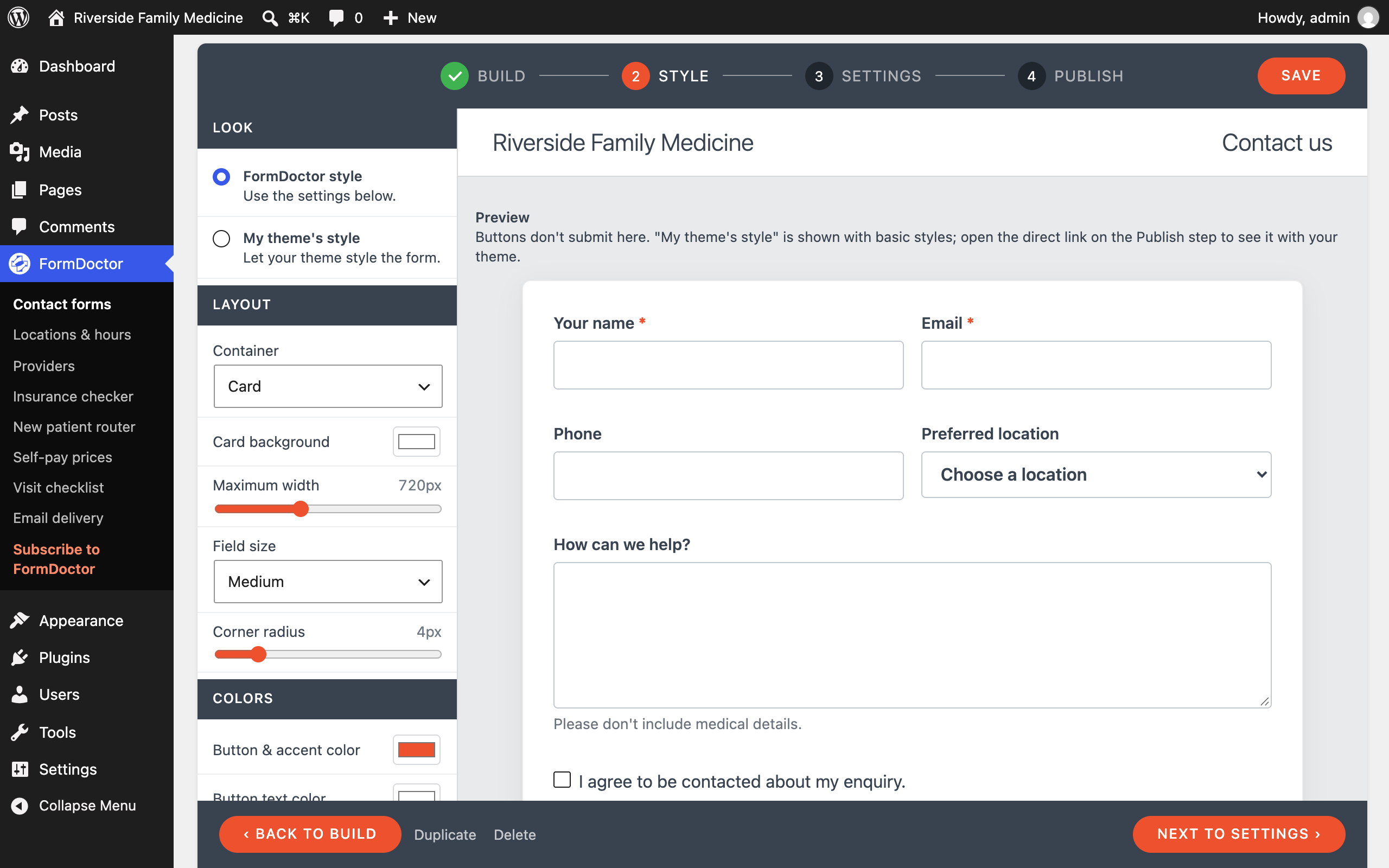
- Go to FormDoctor Practice Tools. On the Contact forms tab, edit the form: drag in fields, pick a style, check the email settings.
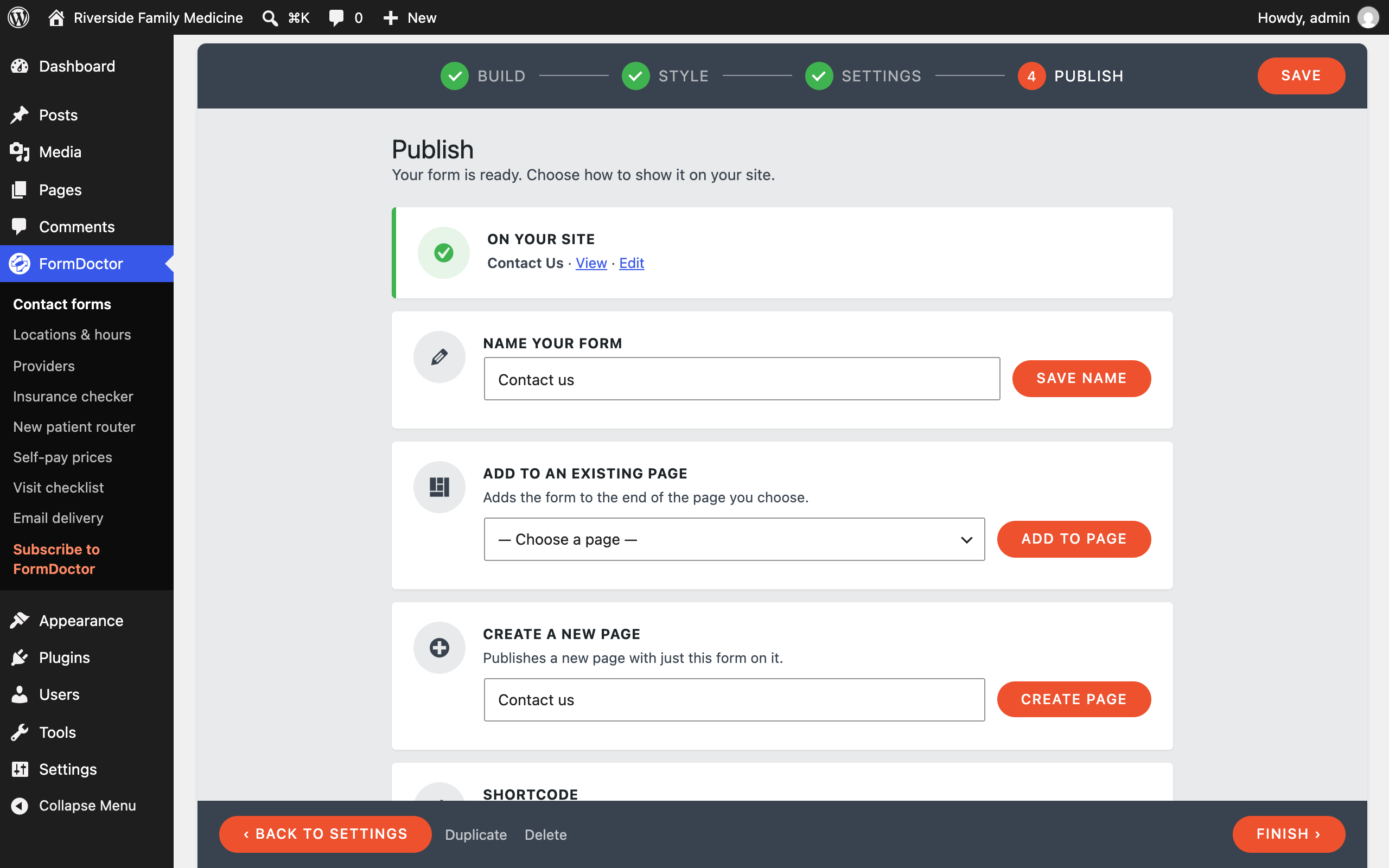
- On the Publish step, add it to a page, or use the FormDoctor Form block or the
[formdr_form id="123"]shortcode.
FAQ
-
I’m not receiving emails.
-
Many web hosts don’t deliver WordPress’s default email reliably. Go to FormDoctor Practice Tools Email delivery, turn on SMTP and enter your email provider’s SMTP details (there are presets for Gmail, SendGrid, Mailgun, Amazon SES, Brevo and Postmark). Then click Save and send test email. If the test fails, the tab shows the error and the SMTP conversation (with your password hidden).
Use a From address on your own domain, and set up SPF and DKIM for it with your provider.
-
Can different answers go to different thank-you pages?
-
Yes. In the form builder, go to Settings Redirects and add rules like “If Which office? is Westside, go to /thank-you-westside/”. Rules are checked from the top and the first match is used; otherwise visitors go to the default page (or stay on the form with a success message).
-
How do I send submissions to Zapier, Make or my CRM?
-
In the form builder, go to Settings Webhook, turn it on and paste the webhook URL. Click Send test to send sample answers before you save. Each submission is posted as JSON (or form data) with the fields, their labels and the page it came from. Add a signing secret to get an
X-FormDoctor-Signatureheader (sha256=HMAC of the body) the receiving app can verify. Private and local network addresses are refused. -
Where is the SMTP password stored?
-
Encrypted in your WordPress database, and never shown again after you save it. To keep it out of the database entirely, add
define( 'FDRCF_SMTP_PASSWORD', 'your-password' );to wp-config.php. If your site’s security keys (salts) change, enter the password again. -
Are submissions saved?
-
No. Submissions are emailed and not stored in your database. Uploaded files are deleted as soon as the email is sent.
-
Can I move my Contact Form 7 forms over?
-
Yes. If Contact Form 7 forms exist on the site, the Contact forms tab under FormDoctor Practice Tools shows an Import from Contact Form 7 button. The templates, Mail, Mail (2) and messages are copied across. Update the shortcodes on your pages to
[formdr_form id="…"]. Contact Form 7 can stay active while you switch. -
Is this plugin HIPAA compliant?
-
No. Use FormDoctor for HIPAA-compliant forms.
-
Do the Practice Tools collect patient information?
-
No. The insurance checker, router, estimator and checklist run in the visitor’s browser and send nothing to your site. Keep router questions general (who the visit is for, what kind of visit) rather than asking about symptoms. When patients are ready to share their details, use FormDoctor for secure intake.
-
How is “Open now” worked out?
-
From each location’s hours and closed dates, in the time zone set under Settings General. It updates every minute while the page is open, so it stays correct on cached pages.
-
Can I change the colors of the Practice Tools?
-
They use your theme’s fonts. Set the accent color with CSS, e.g.
.fdrcf-tool { --fdrcf-accent: #0a7d5a; }. -
Do forms imported from Contact Form 7 use the drag-and-drop builder?
-
Imported forms open in the code editor, so they keep their exact layout and look. Click Switch to builder when you want to edit one with drag and drop, and pick a style on the Style step.
-
How do I style the form?
-
Use the Style step, or choose “My theme’s style” to let your theme style it. Every element has a class (
.fdrcf,.fdrcf-form-control,.fdrcf-not-valid-tip,.fdrcf-response-output…) and each tag acceptsid:andclass:options. -
Can I track conversions?
-
Set Settings Redirect after sending to a thank-you page, or listen for the
fdrcf:mailsentevent on the form wrapper:document.addEventListener( 'fdrcf:mailsent', function ( e ) { /* e.detail */ } );
Reviews
There are no reviews for this plugin.
Contributors & Developers
“FormDoctor Patient Intake Tools” is open source software. The following people have contributed to this plugin.
Contributors
Translate “FormDoctor Patient Intake Tools” into your language.
Interested in development?
Browse the code, check out the SVN repository, or subscribe to the development log by RSS.
Changelog
1.0.0
- First release: contact forms with a drag-and-drop builder, locations & hours with an open-now badge, providers, an anonymous insurance checker, a new-patient router, self-pay prices with a cost estimator, a visit checklist, conditional redirects, webhooks and built-in SMTP.