

Description
FOEL TeamPortal Lite turns a page on your WordPress site into a private, app-like portal for your team. It runs on its own page with its own design and is only accessible to logged-in staff. Everything in this plugin works fully and without limits; there is no licence key, trial period or locked feature.
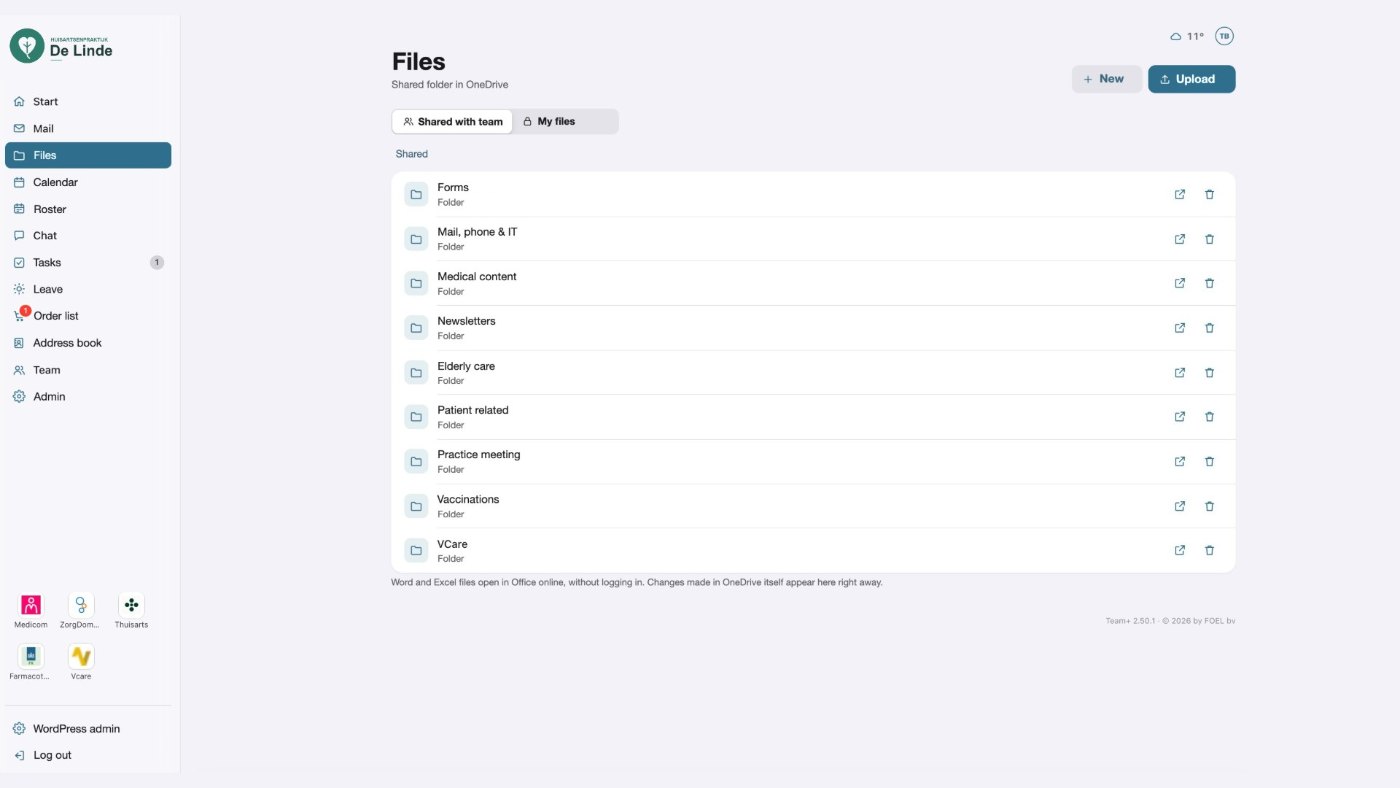
- Files – shared and personal folders, version history, drag and drop.
- Word and Excel – open and edit .docx and .xlsx files in the browser.
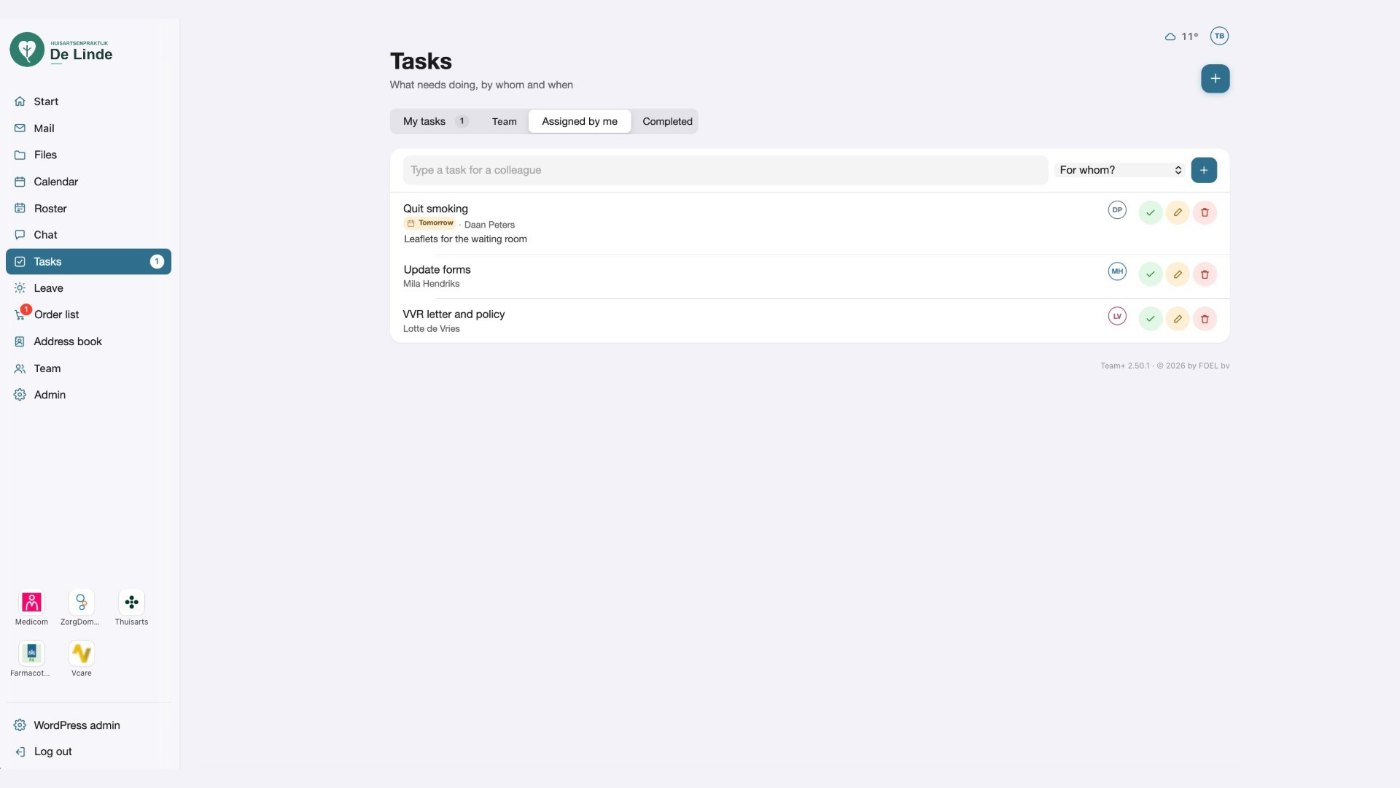
- Tasks – personal tasks, team tasks and tasks for a colleague.
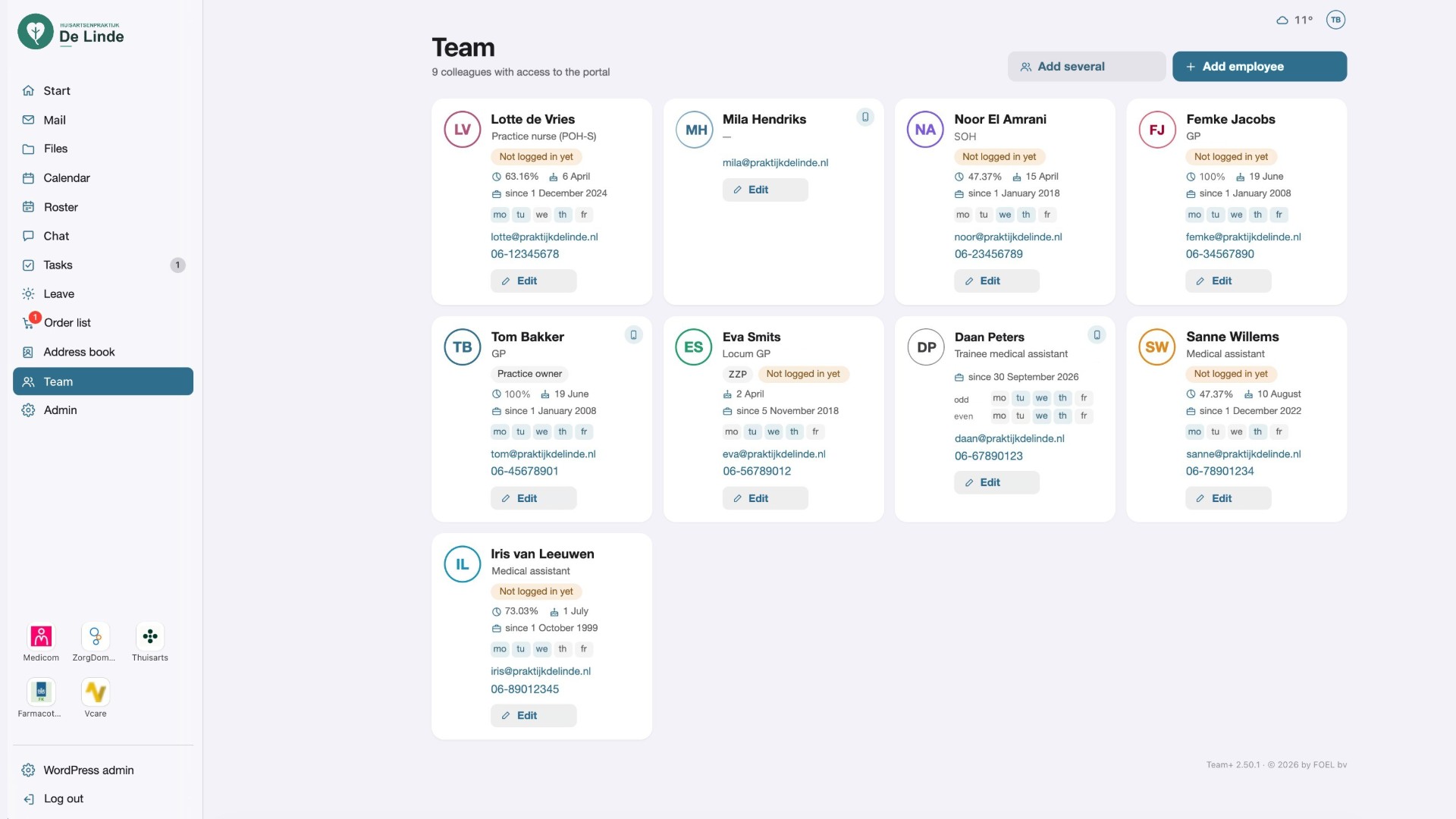
- Team – staff overview with roles, working days and contact details.
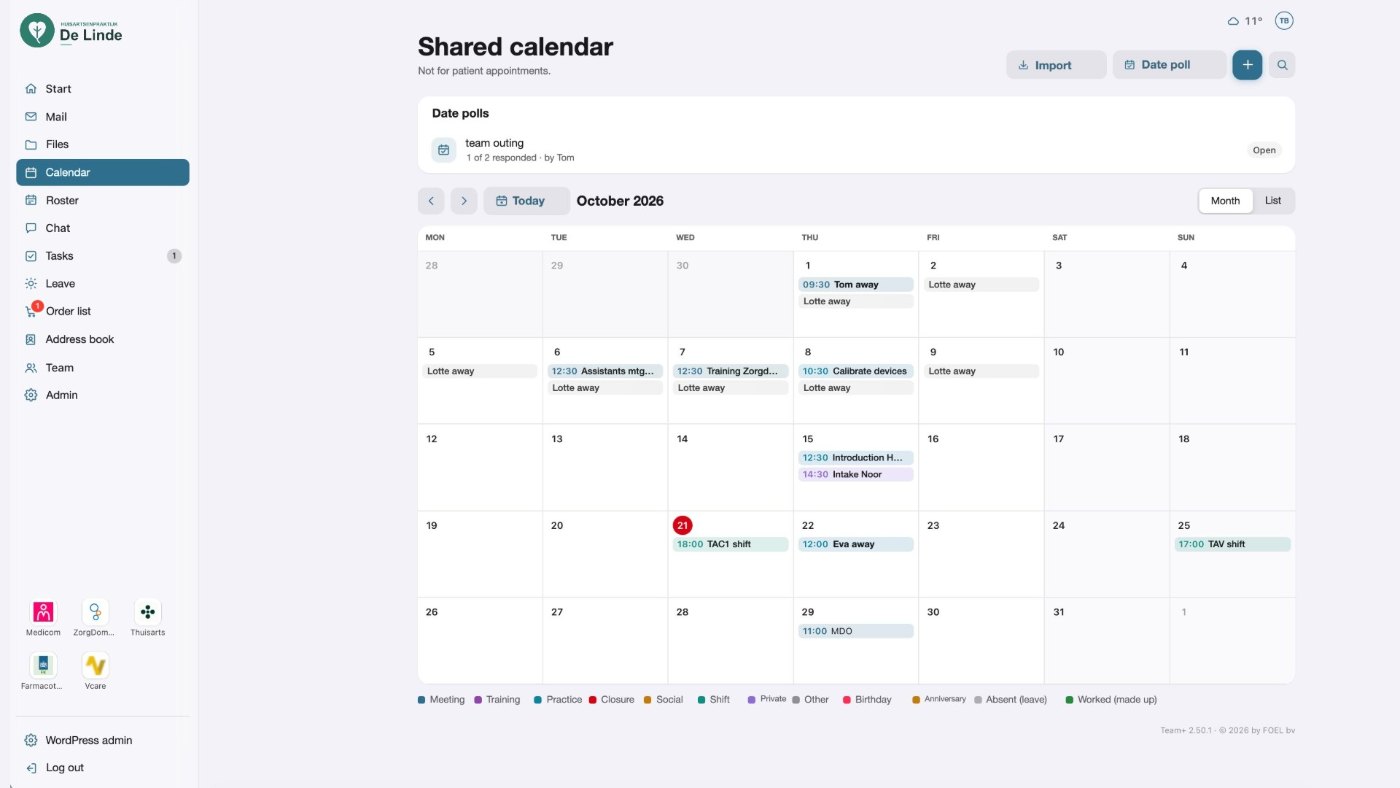
- Date polls – find a date together; colleagues vote yes, maybe or no.
- Order list – everyone adds what has run out; designated colleagues order per supplier by email and check off deliveries. Items with prices and minimum stock; import from Excel or CSV. Can be turned off.
- Branding – organisation name, logos, colour, light/dark mode.
- Languages – Dutch, English and German built in.
- Weather – optional current weather for your location in the header.
FOEL TeamPortal Lite is meant for team matters. Do not use it for patient or client records.
FOEL TeamPortal Lite is the free edition of Team+ by FOEL bv. Everything in Lite works fully and keeps working; there are no time limits or locked features.
Team+ (separate product)
The full version, Team+, is available separately at https://teamplus.foelbv.nl. It is not hosted on WordPress.org and is not required to use this plugin. Switching is easy: your files, tasks, team and polls stay where they are.
Team+ adds:
- Shared calendar with categories, private items, birthdays and calendar import/export (iCal)
- Team chat with channels and one-to-one messages, photos and desktop notifications
- Leave registration with balances, approval flow and absence overview
- Roster planning with shifts, open shifts and swaps
- Webmail (IMAP/SMTP) and, for Dutch practices, Zorgmail
- Address book with import from phone contacts and CSV
- Newsletters with templates, scheduling and statistics
- OneDrive and Google Drive as file storage
- The Team+ app for iPhone and Android, with push notifications, widgets and Face ID
- Optional module: vaccination campaigns with personal barcodes
External services
This plugin connects to one external service, and only when the weather option is switched on (Admin Branding Weather):
- Open-Meteo (api.open-meteo.com and geocoding-api.open-meteo.com) – shows the current weather for the location you choose and lets you search for that location in the setup guide. Sent: the latitude/longitude of the chosen location, or the place name you type in the search field. No personal data is sent. Terms: https://open-meteo.com/en/terms – Privacy: https://open-meteo.com/en/terms#privacy
No other data leaves your site.
Source code and third-party libraries
All JavaScript and CSS of this plugin is included in readable form; there is no build step. assets/portal.js, assets/editor.js, assets/i18n.js and assets/portal.css are the original source files.
The folder assets/vendor contains these unmodified open-source libraries (minified files as published by their authors):
- jspreadsheet CE 4.x (MIT) – https://github.com/jspreadsheet/ce
- jsuites 4.x (MIT) – https://github.com/jsuites/jsuites
- ExcelJS 4.x (MIT) – https://github.com/exceljs/exceljs
- mammoth.js 1.x (BSD-2-Clause) – https://github.com/mwilliamson/mammoth.js
- docx-preview 0.x (Apache-2.0) – https://github.com/VolodymyrBaydalka/docxjs
- JSZip 3.10 (MIT or GPLv3) – https://github.com/Stuk/jszip
Licence texts are in assets/vendor/licenses/.
Screenshots
Installation
- Upload the plugin and activate it. A page “TeamPortal” is created at /team.
- Open that page as administrator; the setup guide asks for the name, logo, colour and language.
- Add colleagues under Team.
FAQ
-
Staff can’t log in – the portal says extra security blocks the login
-
A security plugin (for example Wordfence, Solid Security, WP 2FA or a reCAPTCHA plugin) adds a captcha or two-factor step for everyone. The portal has its own login screen and does not send staff to the WordPress login page, so that step can’t be completed. Limit the captcha/two-factor requirement to administrators, or exclude the portal page. Admin System check lists the security plugins it detects.
-
Where are uploaded files stored?
-
In a private folder inside your uploads directory (wp-content/uploads/foel-teamportal-lite/), protected against direct access. Files are only served to logged-in staff with access.
-
The person who uploaded the file and administrators. By default the whole team can edit shared documents as well; you can switch that off under Admin General.
-
How do I translate the plugin?
-
The plugin is translation-ready. Translations are managed on translate.wordpress.org.
Reviews
There are no reviews for this plugin.
Contributors & Developers
“FOEL TeamPortal Lite” is open source software. The following people have contributed to this plugin.
Contributors
“FOEL TeamPortal Lite” has been translated into 1 locale. Thank you to the translators for their contributions.
Translate “FOEL TeamPortal Lite” into your language.
Interested in development?
Browse the code, check out the SVN repository, or subscribe to the development log by RSS.
Changelog
2.68.0
- First release on WordPress.org.