

Description
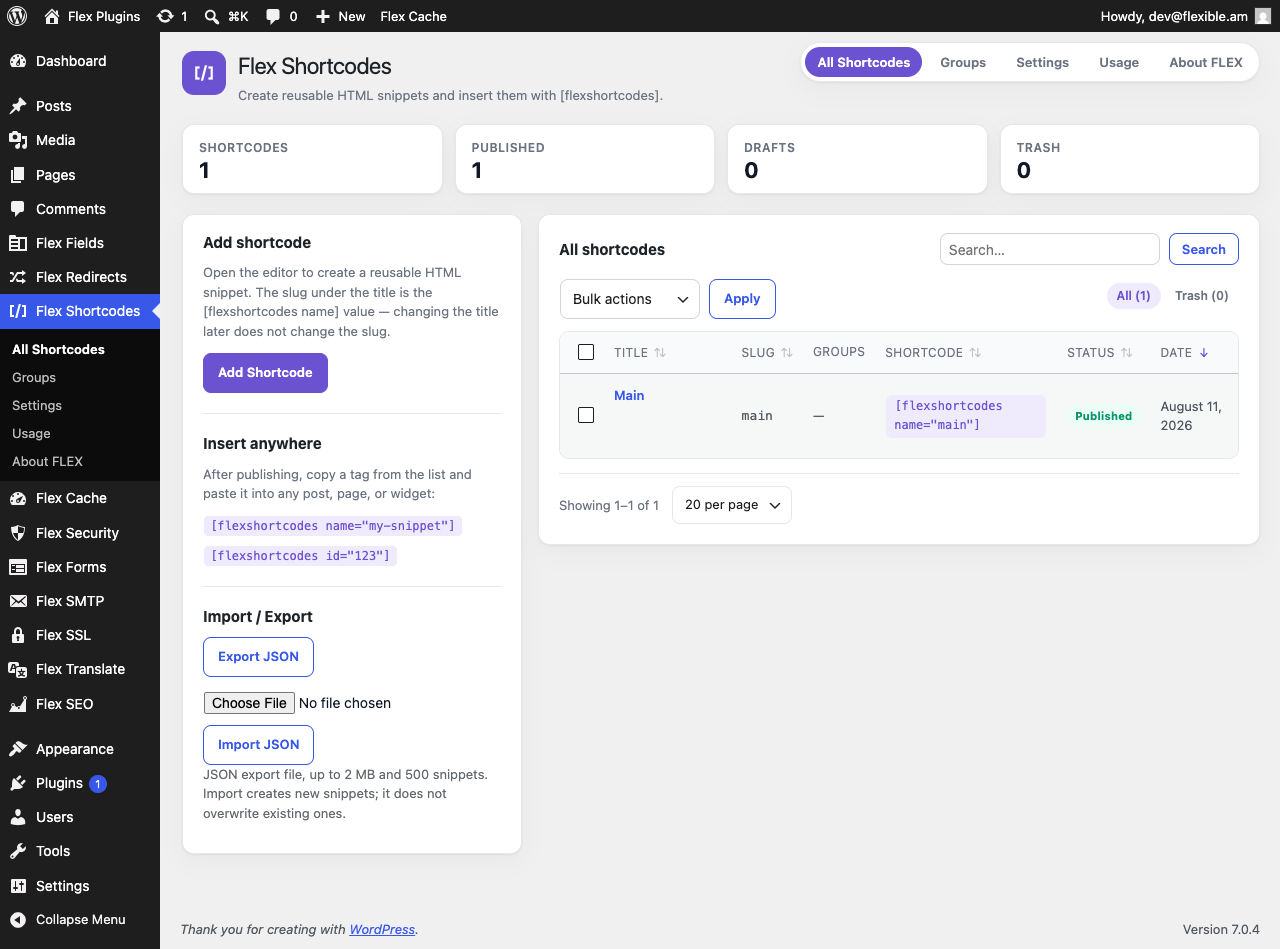
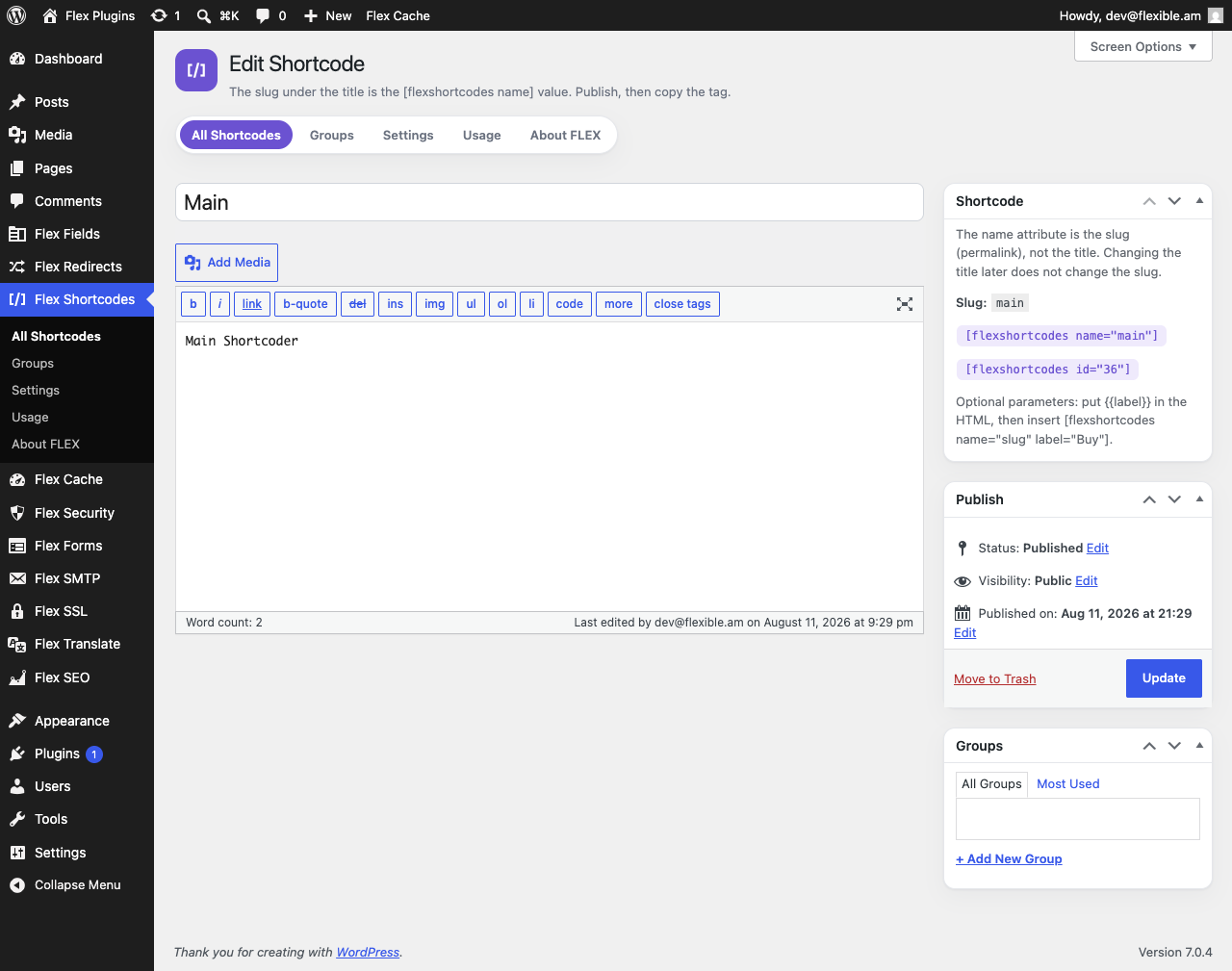
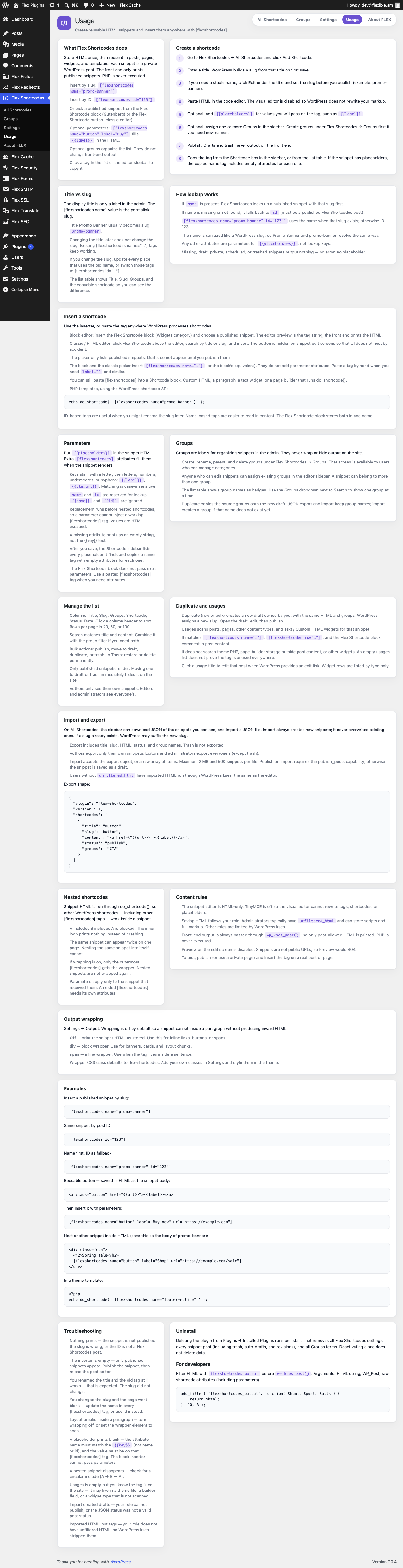
Flex Shortcodes stores HTML once and reuses it in posts, pages, widgets, and templates. Each snippet is a private WordPress post. Only published snippets print on the front end. PHP is never executed.
- Insert by slug:
[flexshortcodes name="promo-banner"]or by ID:[flexshortcodes id="123"] - Flex Shortcode block in the block editor, and a Flex Shortcode button in the classic editor
- Optional parameters:
[flexshortcodes name="button" label="Buy"]fills{{label}}in the HTML - Groups to organize the admin list (they do not change front-end output)
- Duplicate a snippet, and find usages in posts, pages, and text widgets
- JSON import and export (groups included)
- Nested WordPress shortcodes, including other
[flexshortcodes]tags, with circular includes blocked - Optional wrapper (
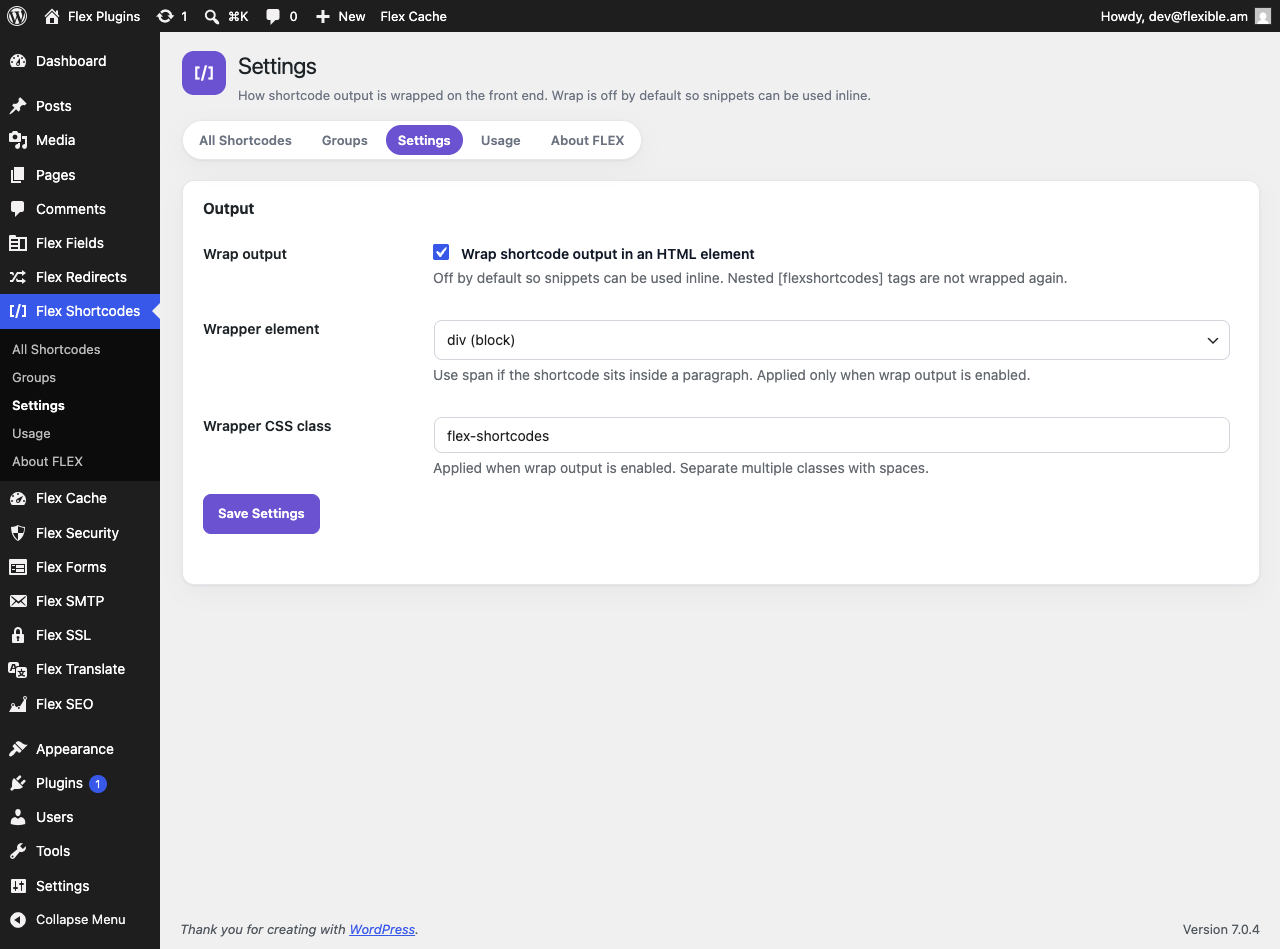
divorspan); off by default so snippets can be used inline - One-click copy from the list table and the editor sidebar
- HTML-only editor so TinyMCE does not rewrite markup
- Clean uninstall removes settings, snippet posts, and groups
No remote calls. CSS and JavaScript load from this plugin only.
Content rules
- Saved HTML follows your WordPress capabilities (
unfiltered_htmlfor trusted roles) - Front-end output is sanitized with
wp_kses_post()(post-allowed HTML only) - PHP is never executed
- Missing or unpublished shortcodes output nothing on the front end
- Parameter values are HTML-escaped;
nameandidare reserved for lookup
Privacy
Flex Shortcodes stores shortcode titles, HTML, and optional group names in your WordPress database as custom posts and a private taxonomy. It does not send data to external servers and does not load third-party services.
Screenshots
Blocks
This plugin provides 1 block.
- Flex Shortcode
Installation
- Upload the
flex-shortcodesfolder to/wp-content/plugins/, or install the zip via Plugins Add New Upload Plugin. - Activate Flex Shortcodes.
- Go to Flex Shortcodes All Shortcodes, click Add Shortcode, paste HTML, and publish.
- Insert with the Flex Shortcode block, the classic Flex Shortcode button, or by pasting
[flexshortcodes name="your-slug"].
FAQ
-
How do I insert a shortcode?
-
Use
[flexshortcodes name="slug"]whereslugis the permalink slug, not the display title. The slug is created from the title on first save; editing the title later does not change it. You can also use[flexshortcodes id="123"], the Flex Shortcode block, or the classic editor button. -
Can I pass parameters?
-
Yes. Put
{{label}}(or another key) in the snippet HTML, then insert[flexshortcodes name="button" label="Buy"]. Keys start with a letter.nameandidare reserved. Missing values print as empty strings. The block picker does not pass extra attributes; paste a tag when you need parameters. -
What are groups?
-
Admin labels for filtering the list. Assign them in the snippet editor. Manage names under Flex Shortcodes Groups if you can manage categories. Groups do not wrap or hide output on the site.
-
Can I nest shortcodes?
-
Yes. Snippet HTML runs through
do_shortcode(), so other WordPress shortcodes (including other[flexshortcodes]tags) work. Circular nesting is blocked. Nested snippets need their own attributes. -
Does this run PHP in shortcodes?
-
No. PHP is never executed. Only HTML, placeholders, and nested shortcodes are rendered.
-
How do import and export work?
-
Export downloads JSON of the snippets you can see (not trash). Import creates new snippets; it does not overwrite. Maximum 2 MB and 500 items per file.
-
What happens when I uninstall?
-
All Flex Shortcodes settings,
flex_scposts (including trash, auto-drafts, and revisions), and Groups terms are deleted. Deactivating alone does not delete data.
Reviews
There are no reviews for this plugin.
Contributors & Developers
“Flex Shortcodes” is open source software. The following people have contributed to this plugin.
Contributors

Translate “Flex Shortcodes” into your language.
Interested in development?
Browse the code, check out the SVN repository, or subscribe to the development log by RSS.
Changelog
1.0.3
- About FLEX lists the full suite, including Flex Clone and FLEX SMM & SEO.
1.0.2
- Tested up to WordPress 7.1.
- About FLEX uses current suite names, including Flex SEO and SMM, Flex Website Security, and Flex Maintenance.
- Refresh WordPress.org icon and banner artwork.
1.0.1
- About FLEX links the full plugin suite on WordPress.org.
- List flexfields and hovoqoch as contributors.
1.0.0
- Initial release:
[flexshortcodes]by slug or ID, HTML editor, parameters, groups, inserter, duplicate, usages, JSON import/export. - Display name and slug are Flex Shortcodes / flex-shortcodes (WordPress shortcodes; not related to any third-party “Shortcoder” product).
- PHP functions, options, hooks, and the shortcode tag use the
flexshortcodesprefix. - Front-end output is sanitized with
wp_kses_post().