
Description
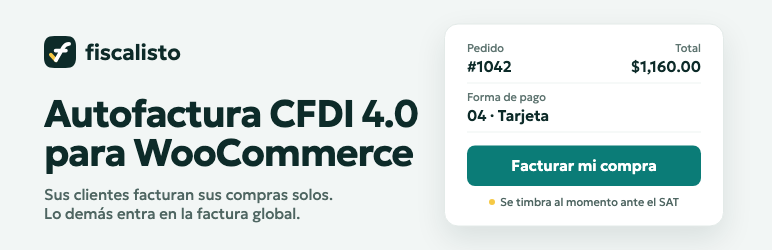
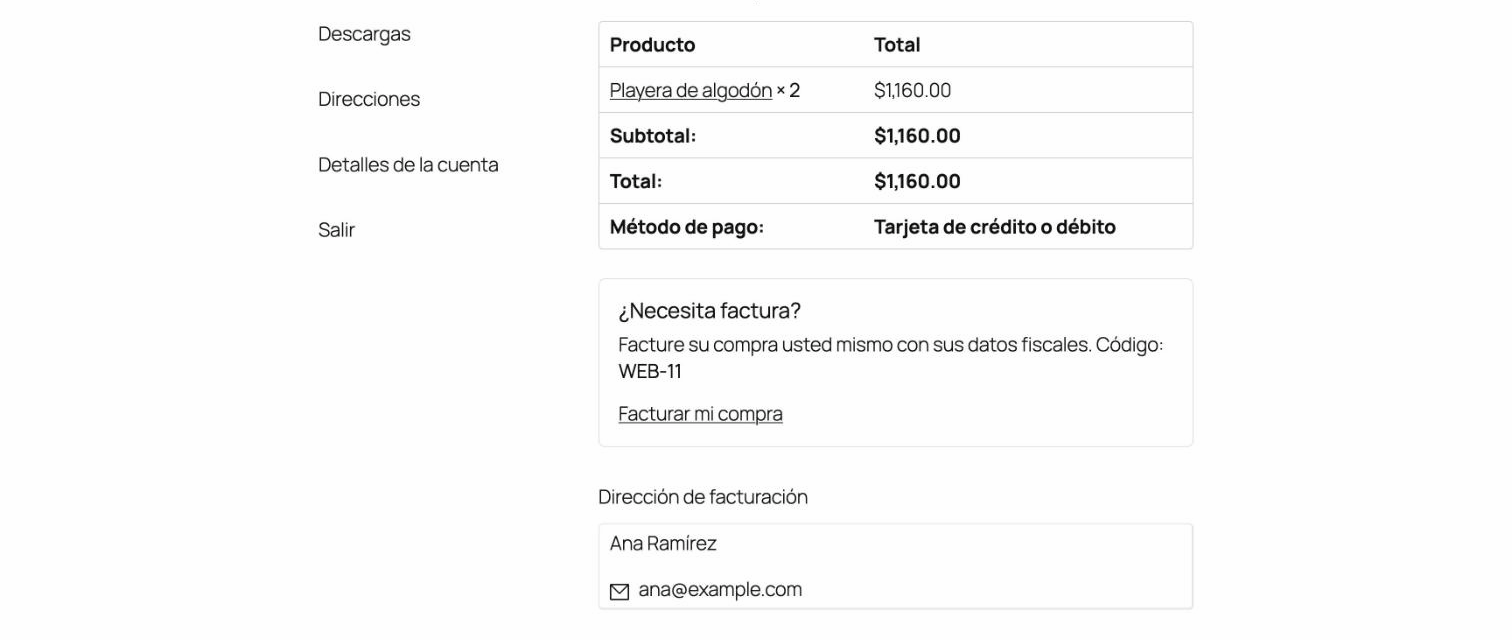
In Mexico every sale may need a CFDI (electronic invoice) stamped for the SAT. With Fiscalisto Autofactura each paid order of your store becomes a self-invoicing ticket in Fiscalisto. Your customer gets an Invoice my purchase button on the thank-you page, in the order emails and in My Account: they type their tax details and their invoice is stamped on the spot. The orders nobody invoices go into the period’s global invoice (factura global).
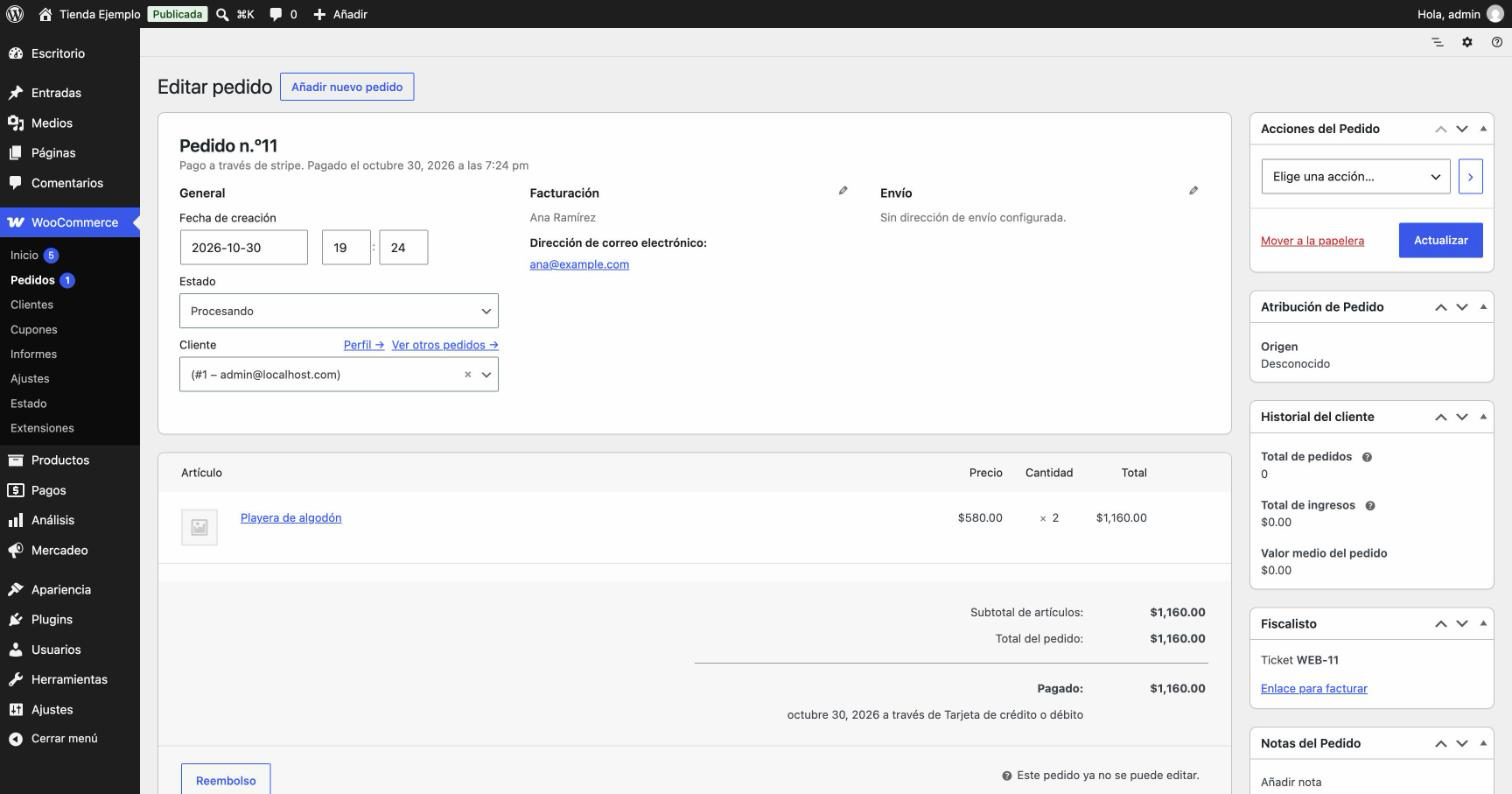
- The ticket’s folio is the order number: an order is never registered twice.
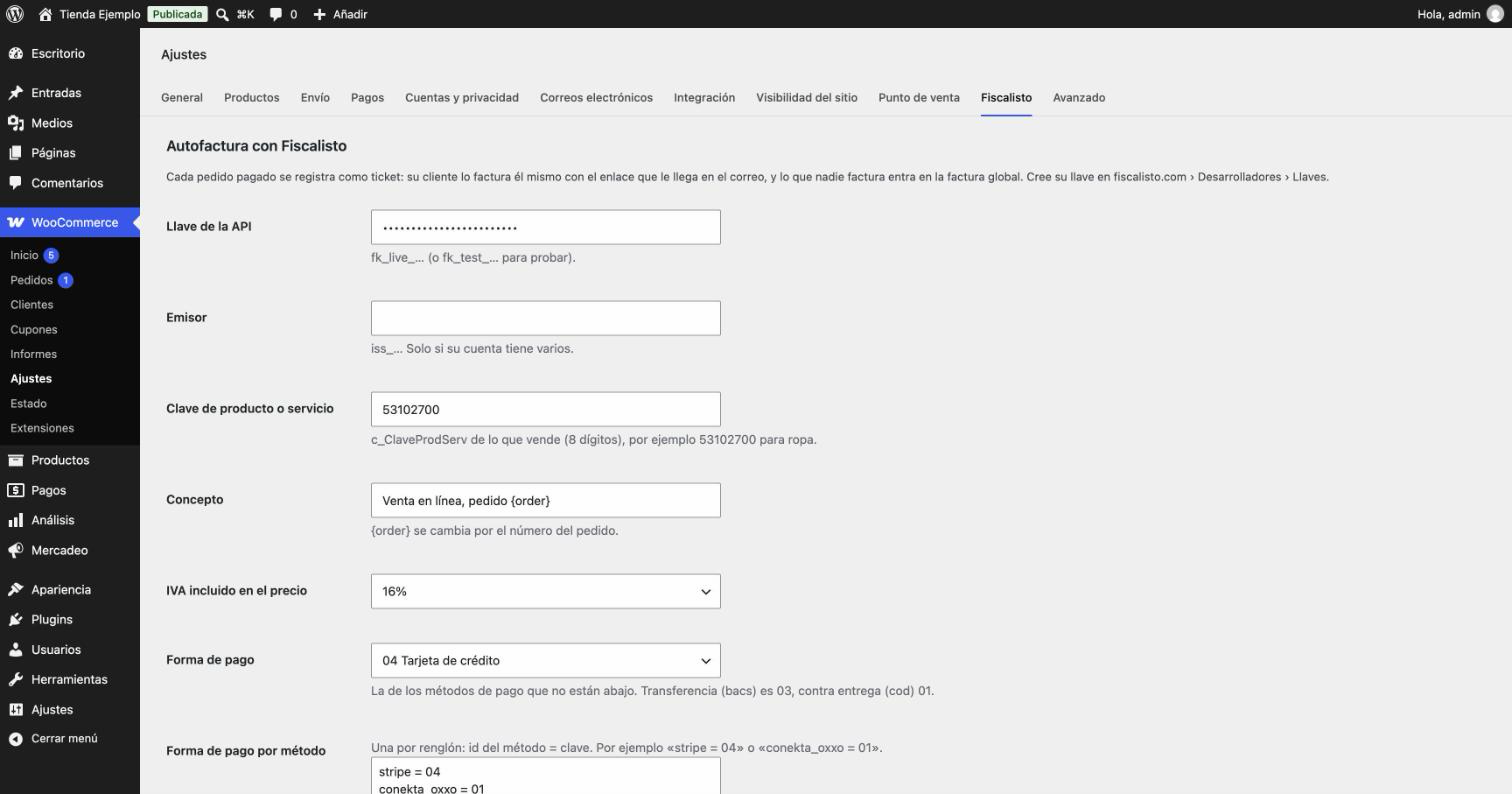
- The payment form (forma de pago) comes from the payment method (bank transfer 03, cash on delivery 01, card 04), and you can change it per method.
- A cancelled or refunded order cancels its ticket while nobody has invoiced it.
- If Fiscalisto doesn’t answer, the plugin retries on its own.
- Compatible with WooCommerce High-Performance Order Storage (HPOS).
- In Spanish (es_MX) and English.
You need a Fiscalisto API account. Testing is free: https://fiscalisto.com/docs/api/tiendas
En español
Cada pedido pagado de su tienda se registra en Fiscalisto como ticket de autofactura. Su cliente recibe el botón Facturar mi compra en la página de gracias, en el correo del pedido y en Mi cuenta, escribe sus datos fiscales y su factura se timbra al momento. Los pedidos que nadie factura entran en la factura global del periodo.
External services
This plugin connects to the Fiscalisto API (https://api.fiscalisto.com), the service that registers the tickets and stamps the invoices. It does not work without it.
- When you save the settings, it checks the key with
GET /v1/account. - When an order is paid, it sends its ticket with
POST /v1/tickets: the order number as folio, the total, the payment date, the payment form, the product or service key and the concept from the settings. It does not send the buyer’s name, email or address. - When an order is cancelled or refunded, it cancels its ticket with
DELETE /v1/tickets/{id}.
The buyer enters their tax details directly on fiscalisto.com when invoicing, not in your store.
Terms of service: https://fiscalisto.com/terminos
Privacy policy: https://fiscalisto.com/privacidad
Screenshots
Installation
- Install and activate the plugin (WooCommerce must be active).
- In WooCommerce › Settings › Fiscalisto paste your API key (fk_live_… or fk_test_… to test) and the SAT product or service key (c_ClaveProdServ) of what you sell.
- Save: the plugin checks the key, and from then on it registers paid orders.
FAQ
-
Does the plugin send my customers’ personal data?
-
No. It sends the order number, total, payment date, payment form, product key and concept. Your customer types their tax details on fiscalisto.com when invoicing.
-
How much does it cost?
-
The plugin is free. Each stamped invoice uses a timbre from your Fiscalisto API account; test mode is free. Prices: https://fiscalisto.com/api-facturacion
Reviews
There are no reviews for this plugin.
Contributors & Developers
“Fiscalisto Autofactura” is open source software. The following people have contributed to this plugin.
Contributors
Translate “Fiscalisto Autofactura” into your language.
Interested in development?
Browse the code, check out the SVN repository, or subscribe to the development log by RSS.
Changelog
1.1.0
- English and Spanish (es_MX), translatable.
- License GPLv2 or later.
- Requires WordPress 6.5 and declares WooCommerce as a required plugin.
- The API’s error messages come in the store’s language.
1.0.0
- First release.