
Description
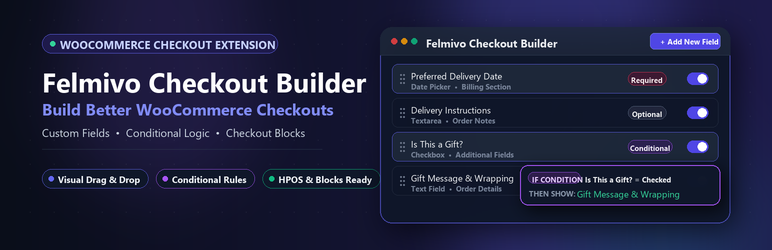
Felmivo Checkout Builder for WooCommerce gives store owners and developers an intuitive, reliable way to manage WooCommerce checkout fields across both Classic Checkout and modern WooCommerce Block Checkout.
Create checkout fields, control when they appear, decide where their data goes, and keep the configuration healthy.
Key Features
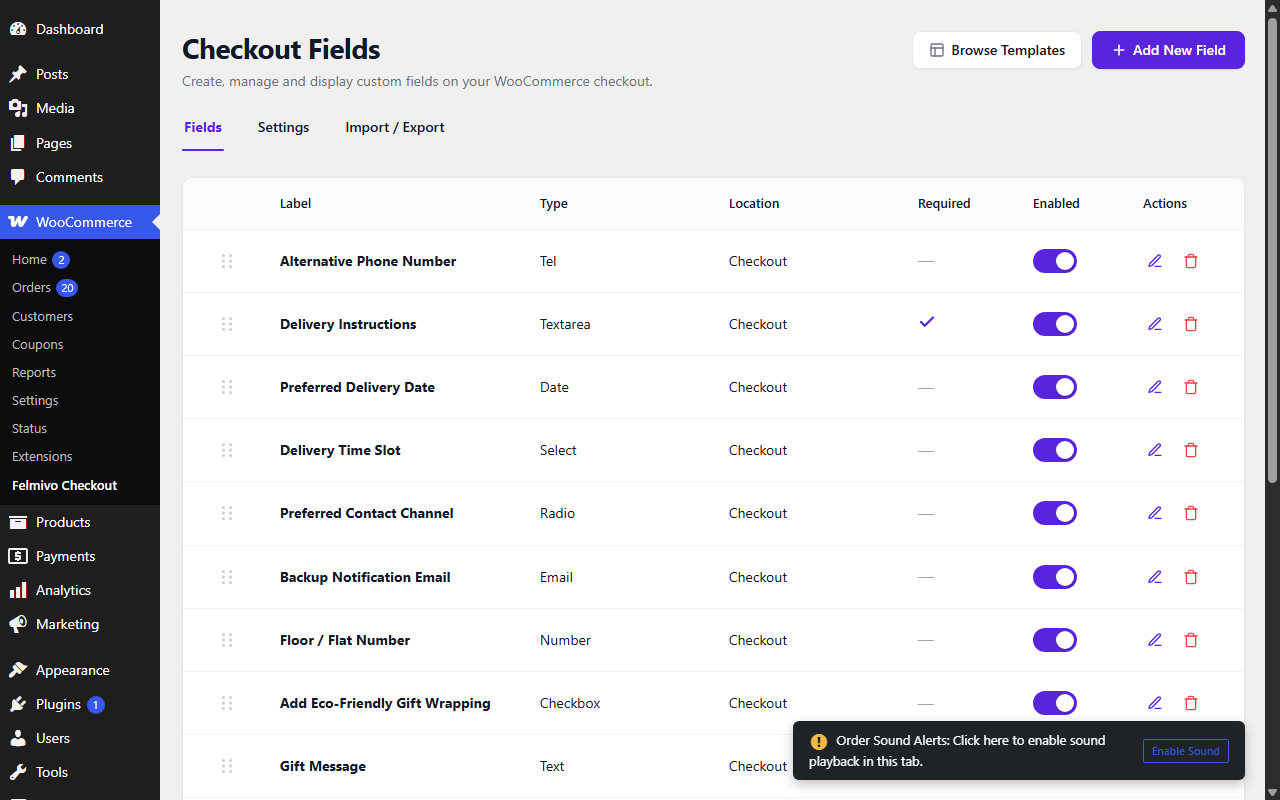
- Complete Field Types: Add text, textarea, email, phone, number, date, checkbox, select dropdowns, and radio choices.
- Classic & Block Checkout Support: Seamless integration for both standard Classic and modern WooCommerce Block Checkout surfaces.
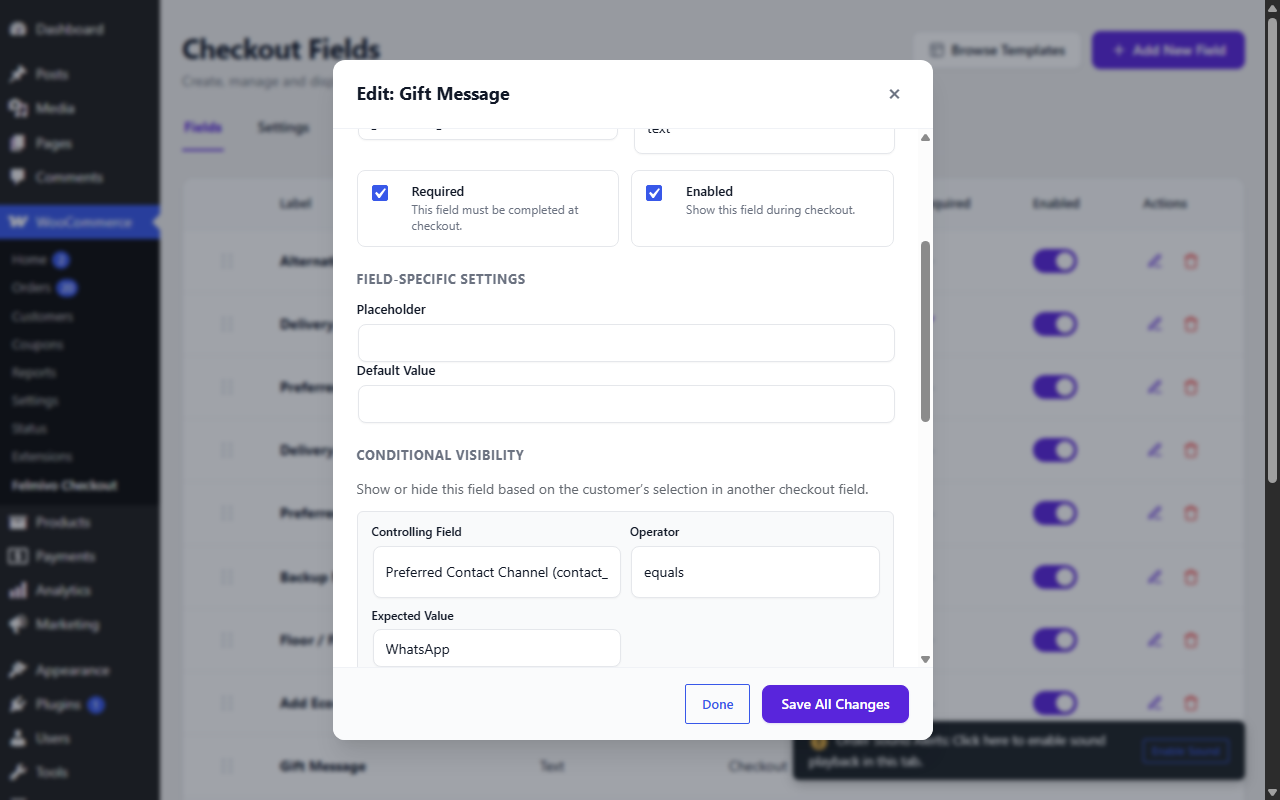
- Conditional Visibility: Show or hide fields dynamically based on customer selections at checkout with zero page reloads or flicker.
- Data Lifecycle & Destinations: Control exactly where each field’s data is displayed (Admin Order Details, Customer Thank You page, My Account Order View, Customer Invoice Emails, and Admin New Order Emails).
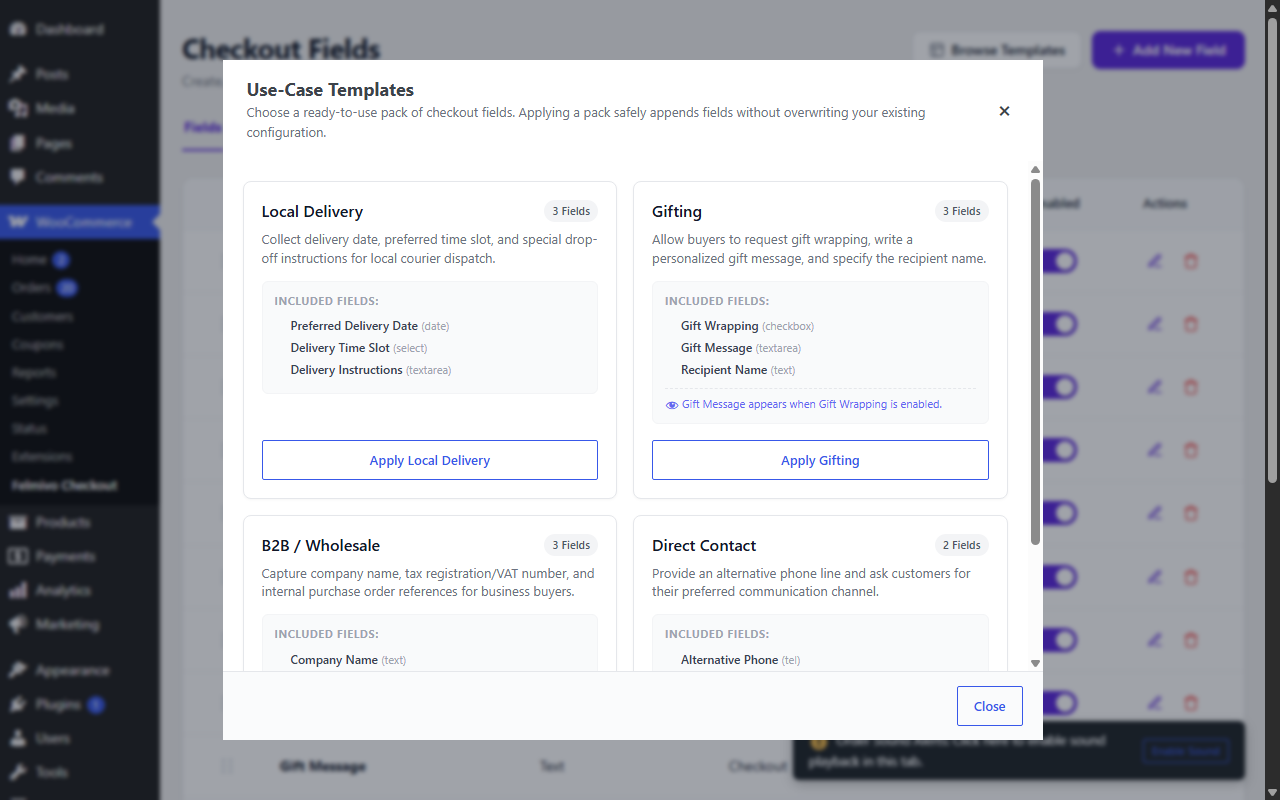
- Use-Case Templates: 1-click apply pre-configured field packs for common store scenarios (Local Delivery, Gifting, B2B / Wholesale, and Direct Contact).
- Checkout Health Engine: Continuous static analysis of your checkout field configuration to alert you to broken rules, empty choices, or missing dependencies before they affect customers.
- Live Field Preview: Instant real-time preview of field styling, labels, placeholders, choices, and required indicators directly in the field editor modal.
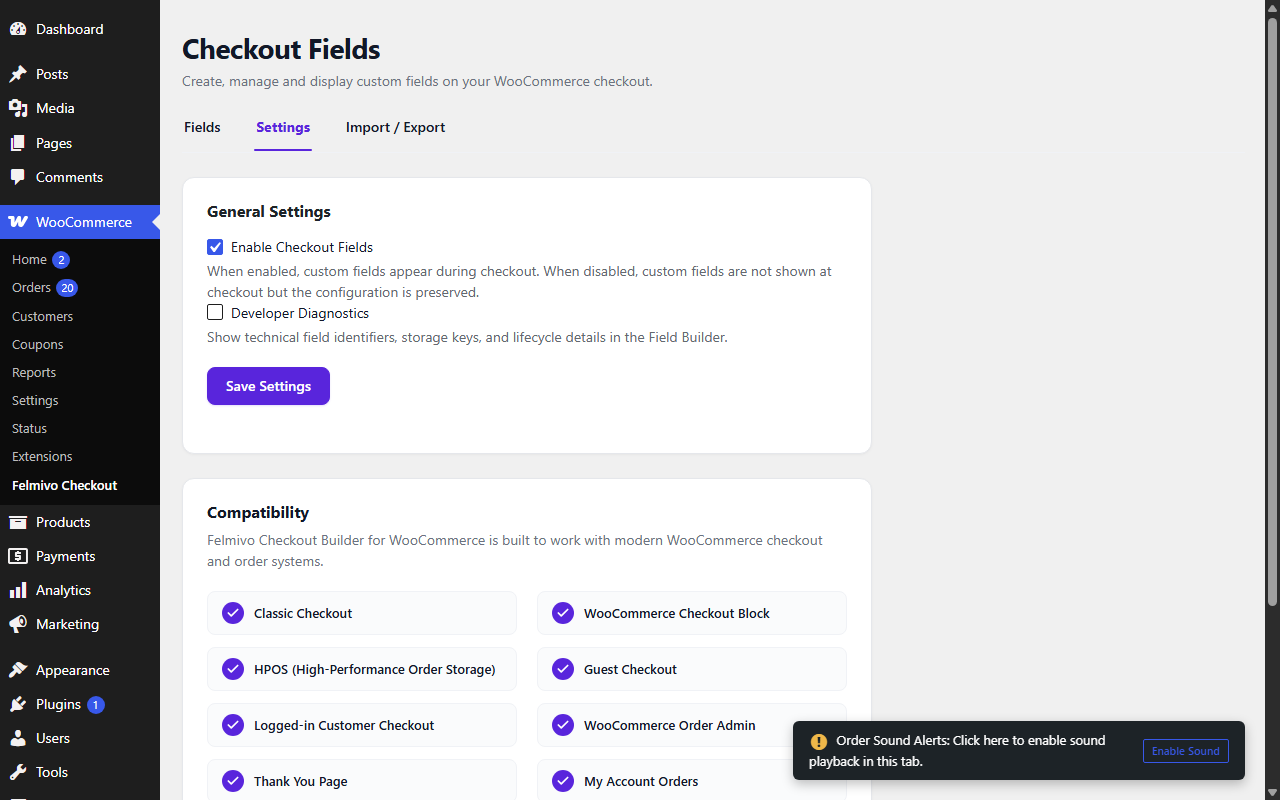
- Developer Diagnostics: Optional developer mode exposing canonical meta keys, clipboard copy helpers, and an order lifecycle presentation matrix.
- High-Performance Order Storage (HPOS) Ready: Fully compatible with WooCommerce HPOS and standard database architectures.
Screenshots



Installation
- Upload the
felmivo-checkout-builderfolder to the/wp-content/plugins/directory, or install the plugin directly through the WordPress plugins screen. - Activate the plugin through the ‘Plugins’ menu in WordPress.
- Navigate to WooCommerce > Checkout Fields to start creating and customizing your checkout fields.
FAQ
-
Does this plugin support WooCommerce Block Checkout?
-
Yes. Checkout Fields for WooCommerce natively registers custom fields with the modern WooCommerce Block Checkout and provides smooth conditional visibility bridges.
-
Does this plugin support High-Performance Order Storage (HPOS)?
-
Yes. All field data lifecycle handlers and order presentations are built using official WooCommerce CRUD methods and are 100% HPOS compatible.
-
Where does the custom field data appear after checkout?
-
You can customize each field’s destinations in the Field Settings modal to show on the WooCommerce Admin Order page, Customer Thank You page, My Account order details, Customer confirmation emails, and Admin notification emails.
Reviews
There are no reviews for this plugin.
Contributors & Developers
“Felmivo Checkout Builder for WooCommerce” is open source software. The following people have contributed to this plugin.
Contributors
Translate “Felmivo Checkout Builder for WooCommerce” into your language.
Interested in development?
Browse the code, check out the SVN repository, or subscribe to the development log by RSS.
Changelog
0.0.2
- Renamed the plugin to Felmivo Checkout Builder for WooCommerce (new slug: felmivo-checkout-builder) following WordPress.org review feedback.
- Fixed: the nonce value is now sanitized with sanitize_text_field() before verification on the order admin screen.
- Added the “Requires Plugins: woocommerce” plugin header.
0.0.1
- Initial release featuring Field Builder, 9 supported field types, Conditional Visibility, Data Destinations, Use-Case Templates, Checkout Health Engine, Live Field Preview, and Developer Diagnostics.