
Description
RSS readers are how many people still follow the sites they love. This plugin adds a “Follow on Feeddi” button to your site so visitors can subscribe to your feed in Feeddi, a free RSS reader for the web, Android and iOS.
You don’t need to type your feed address: the button always uses your site’s main feed.
Four ways to show the button:
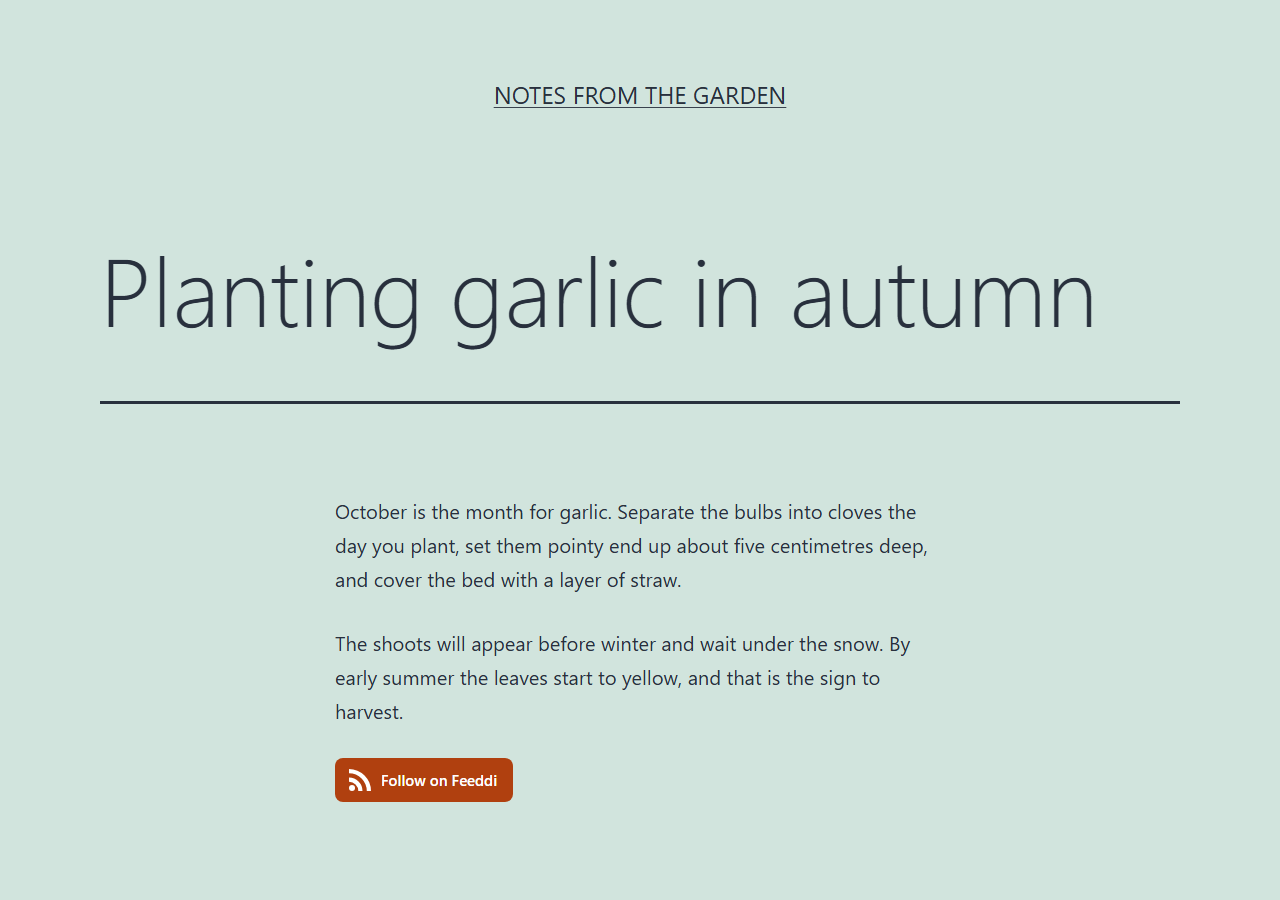
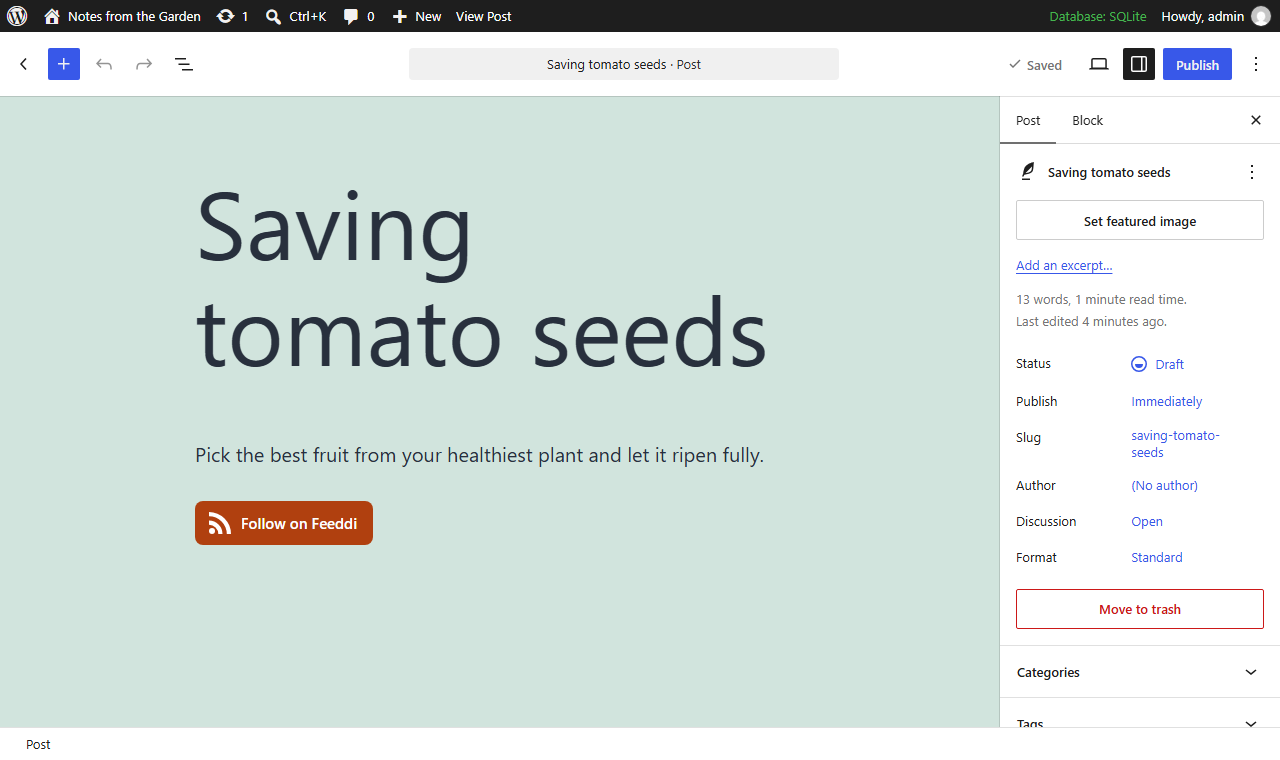
- Block: add the “Follow on Feeddi” block anywhere in the block editor or in a block theme template.
- Widget: add the “Follow on Feeddi” widget to a classic sidebar.
- Shortcode: type
[feeddi_follow]in any post, page or text widget. - After every post: go to Settings > Reading and turn on “Show the Follow on Feeddi button after every post”.
The button is lightweight and private by default:
- The icon is built into the plugin. Showing the button does not load anything from feeddi.com, sets no cookies and does not track your visitors.
- No “powered by” links, no ads, no settings to fill in.
- The button text is translatable.
Developers can change the feed address with the feeddi_follow_button_feed_url filter, for example to point a category page at its category feed.
External services
This plugin links to Feeddi (https://feeddi.com), an RSS reader service, so that your visitors can subscribe to your site’s feed there.
The plugin itself never contacts Feeddi: no data is sent when your pages are viewed, and nothing is loaded from feeddi.com. The button is an ordinary link.
When a visitor clicks the button, their browser opens https://feeddi.com/subscribe with two values in the address: your site’s feed URL and ref=wordpress (which tells Feeddi the visit came from this plugin). As with any website visit, Feeddi also receives the visitor’s IP address and browser details, and may set cookies described in its privacy policy. If the visitor signs up or signs in, they are subscribed to your feed.
- Feeddi Terms of Use: https://feeddi.com/terms
- Feeddi Privacy Policy: https://feeddi.com/privacy
Screenshots

Blocks
This plugin provides 1 block.
- Follow on Feeddi A button that lets visitors follow your site in Feeddi. Uses your site feed automatically.
Installation
- Install the plugin from Plugins > Add New, or upload the
feeddi-follow-buttonfolder to/wp-content/plugins/. - Activate it.
- Add the “Follow on Feeddi” block or widget, use the
[feeddi_follow]shortcode, or turn on “after every post” in Settings > Reading.
FAQ
-
Your site’s main RSS feed, the address WordPress reports as
get_bloginfo( 'rss2_url' )(usuallyhttps://example.com/feed/). Developers can change it with thefeeddi_follow_button_feed_urlfilter. -
Do my visitors need a Feeddi account?
-
Clicking the button shows a preview of your feed. To subscribe, visitors sign in or create a free account; after that they are subscribed to your feed automatically.
-
Does the plugin slow down my site or track visitors?
-
No. The button is a small piece of HTML with a built-in icon and a tiny stylesheet. Nothing is requested from feeddi.com until a visitor clicks the button.
-
The button has the CSS class
feeddi-follow-button, so you can restyle it from your theme or Appearance > Customize > Additional CSS.
Reviews
There are no reviews for this plugin.
Contributors & Developers
“Feeddi Follow Button” is open source software. The following people have contributed to this plugin.
Contributors
“Feeddi Follow Button” has been translated into 1 locale. Thank you to the translators for their contributions.
Translate “Feeddi Follow Button” into your language.
Interested in development?
Browse the code, check out the SVN repository, or subscribe to the development log by RSS.
Changelog
1.0.0
- First release: block, classic widget,
[feeddi_follow]shortcode and an option to show the button after every post.