

Description
Escuder Maintenance lets you prepare a WordPress site without editing your theme. Turn maintenance on from Settings > Escuder Maintenance, add trusted IPv4 or IPv6 addresses and customize the public page.
Administrators with manage_options can always sign in and view the site. Visitors sharing an allowed IP can view it without an account. Everyone else receives a standalone maintenance page with HTTP 503, Retry-After and noindex headers.
Features:
- Maintenance is off when first activated or reactivated.
- Up to 200 exact IPv4 or IPv6 addresses; equivalent IPv6 notations are normalized.
- Add the address WordPress sees with one click.
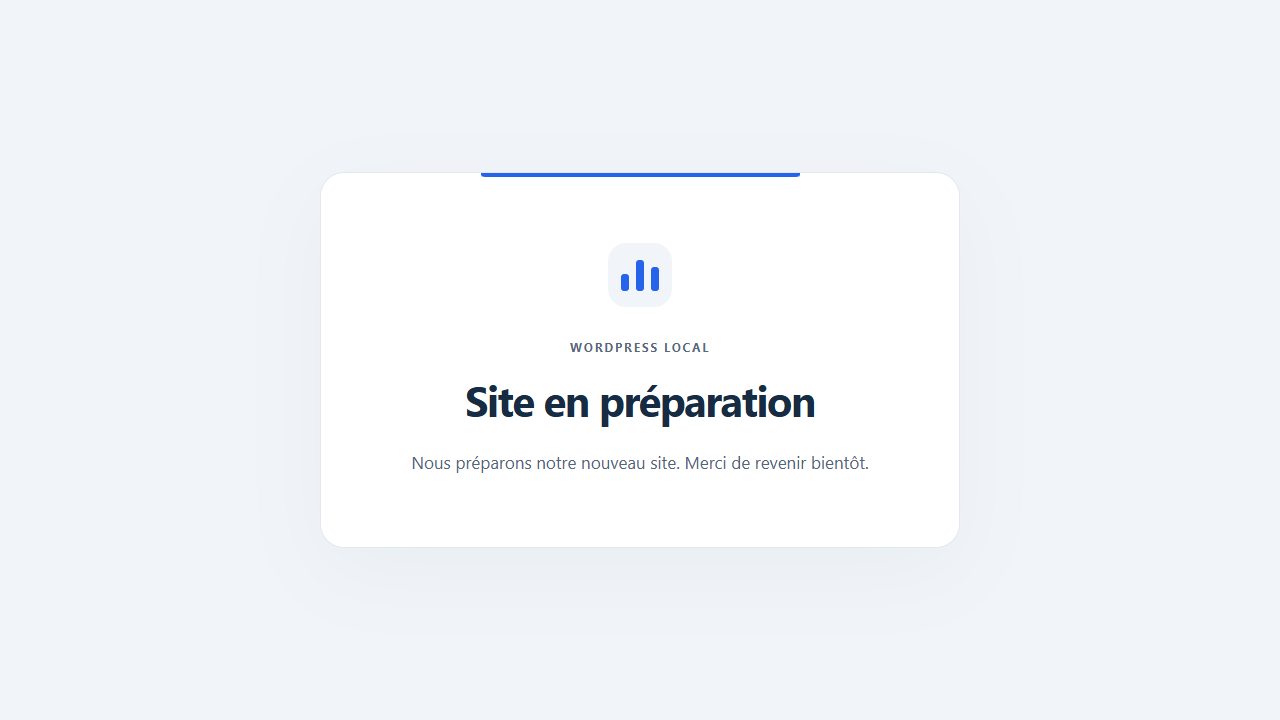
- Custom title, plain-text message, Media Library logo, accent and background colors.
- Administrator-only preview of saved settings, without enabling maintenance.
- Administration notice and toolbar indicator while maintenance is active.
- English interface with bundled French and Spanish translations.
- No external services, trackers, remote fonts, paid features or public author credits.
- No changes to themes, server rules, media files or WordPress indexing preferences.
Important scope
The plugin gates requests reaching its early WordPress init hook: public pages, feeds, REST, XML-RPC, Ajax and admin-post handlers. The real WordPress login page, ordinary administration, cron and WP-CLI keep their normal authentication and permissions. An allowed IP only bypasses maintenance; it never grants WordPress permissions.
Images, PDFs and other files served directly by Apache, Nginx or a CDN are not protected. A page cache or another plugin responding before this plugin runs can also bypass it. Use hosting-level access control when the entire site must be private.
Disable and purge full-page caching before enabling maintenance, and purge again after changes to maintenance or allowed IPs. Cache-control headers and DONOTCACHEPAGE cannot erase a page already cached upstream. The plugin does not automatically purge arbitrary hosting, plugin or CDN caches.
Payment notifications, public Ajax, XML-RPC and other integrations may be blocked during maintenance. Check your integrations before enabling maintenance on a live store. There are no automatic webhook exceptions.
Screenshots


Installation
- Upload the escuder-maintenance folder to /wp-content/plugins/, or upload the ZIP through Plugins > Add New.
- Activate the plugin. Maintenance remains off.
- Open Settings > Escuder Maintenance with an administrator account.
- Add authorized IPs, customize the page and save. Preview shows saved settings.
- Disable and purge full-page caches. Enable maintenance and save.
- Verify with a signed-out browser from an allowed IP and from another connection, such as mobile data.
- To reopen the site, uncheck Enable maintenance, save and purge caches.
FAQ
-
Can I lock myself out?
-
The real wp-login.php page and ordinary administration remain available. Sign in with an account that has manage_options to view the site or change the IP list. Editors, authors and subscribers do not automatically bypass maintenance. If necessary, deactivate the plugin through WordPress or WP-CLI and purge caches.
For emergency recovery, add define( ‘ESCUDER_MAINTENANCE_BYPASS’, true ); in wp-config.php before WordPress loads. Remove it or set it to false after recovery. This is a server configuration constant, not a query parameter or public bypass link.
-
What does Add my IP do?
-
It adds the REMOTE_ADDR address seen by WordPress to the unsaved list. Click Save changes to apply it. The plugin does not contact an external IP lookup service. A public IP may change, and everyone sharing an allowed public IP can view the site. Ranges, ports and comments are not accepted.
-
Does this work behind Cloudflare or a reverse proxy?
-
Your host must restore the real visitor address from trusted proxies. The plugin deliberately ignores X-Forwarded-For, Forwarded, CF-Connecting-IP and similar visitor-supplied headers. Never allow the common IP of a proxy or CDN as a workaround: it could let every visitor in.
-
Are REST, feeds and public Ajax blocked?
-
Yes, when the request reaches the plugin and the visitor is not authorized. The same standalone HTML 503 page is returned, including for APIs. Authenticated administrators and allowed IPs can pass the maintenance gate, but native permissions and REST nonce checks still apply. Cron and WP-CLI remain available; scheduled tasks are not paused. Other plugins handling requests before this gate are outside its control.
-
Are uploaded images and PDFs private?
-
No. Direct static-file URLs are handled by the web server and may remain accessible. Use server or proxy access control for confidential staging sites.
-
Why can I still see the site after enabling maintenance?
-
You may be signed in as an administrator, using an allowed IP, or seeing a cached page. Test while signed out on a different network. Disable and purge full-page caches at every layer, including the host and CDN. Check whether the emergency bypass constant is enabled.
-
How are languages handled?
-
The interface follows WordPress and the administrator’s language. Default public messages follow the request locale; customized title and message are plain text in the language you enter. French and Spanish fallback translations are included. Official WordPress.org language packs take priority. The plugin does not change your WordPress language or indexing settings.
-
Can I change themes?
-
Yes. Configuration and the standalone maintenance page are independent of your theme and page builder.
-
What happens on deactivation, reactivation and deletion?
-
Deactivation stops maintenance and keeps settings. Reactivation keeps the page and IP list but turns maintenance off, so enabling a plugin cannot unexpectedly close a site. Deletion through WordPress removes this plugin’s settings and stored IP list. It never deletes uploaded logos, pages or media. Purge external caches after deactivation as well.
-
Is multisite supported?
-
Network activation is deliberately refused. Activate separately on each site if needed; settings belong to that site. This first release has not been validated on a real multisite network. Deletion removes plugin options across the network.
Reviews
There are no reviews for this plugin.
Contributors & Developers
“Escuder Maintenance” is open source software. The following people have contributed to this plugin.
Contributors
Translate “Escuder Maintenance” into your language.
Interested in development?
Browse the code, check out the SVN repository, or subscribe to the development log by RSS.
Changelog
1.0.0
- Initial release: maintenance page, exact IPv4/IPv6 access list, administrator bypass, saved-page preview, recovery constant and bundled French/Spanish translations.