
Description
EnMigrate Pro creates a single backup file of your whole site and restores it on the same server or on a different one, with a different domain or table prefix.
Features
- Full site backups: database, plugins, themes, uploads, mu-plugins and languages in one
.wpbfile. - No size limit: large backups are uploaded in small parts, so
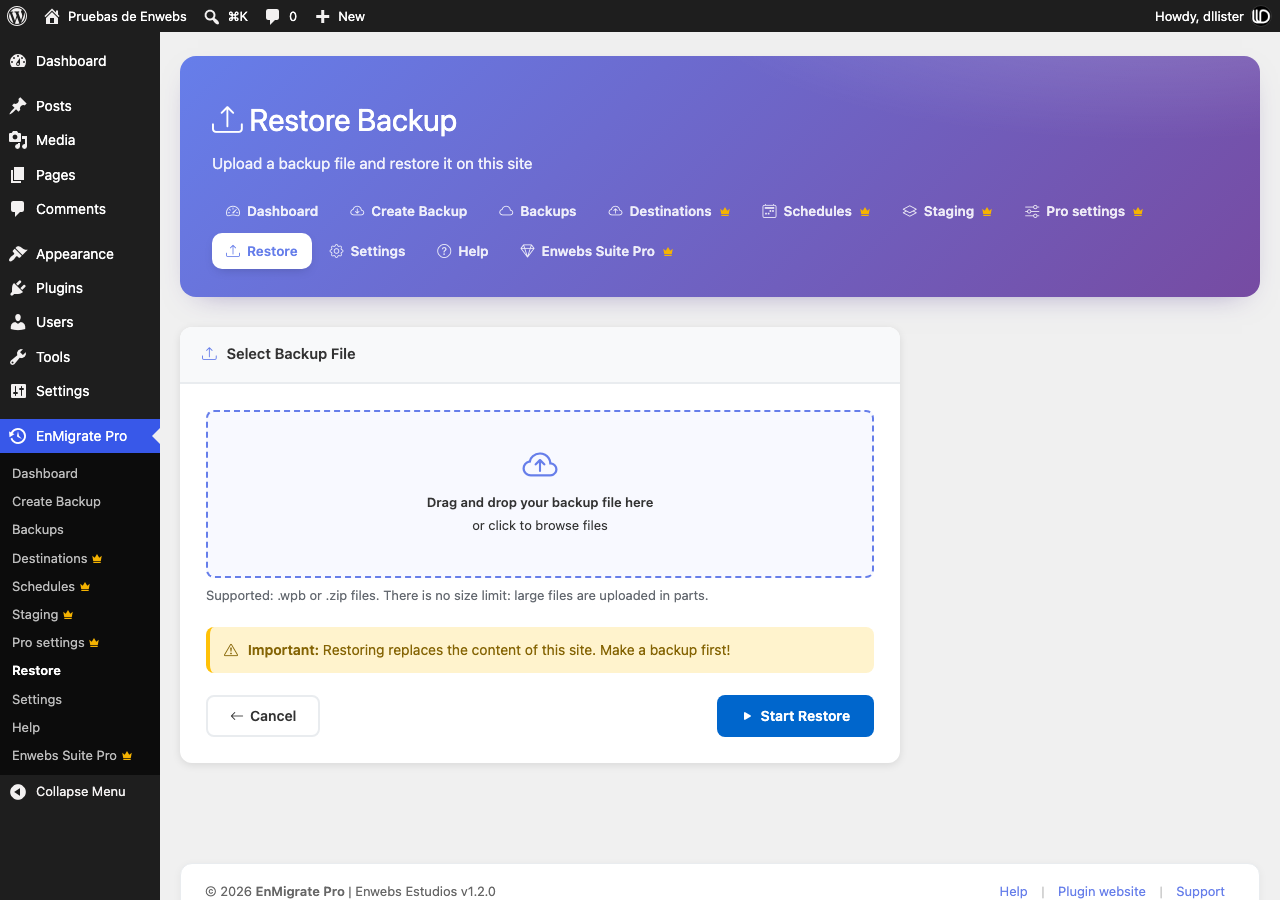
upload_max_filesizeand server timeouts are not a problem. - One-click restore with a live log that shows every step: tables imported, URLs replaced, folders restored.
- Safe migrations between domains: URLs and paths are replaced everywhere, including serialized data (theme customizer settings, widgets, menus) and JSON data used by page builders.
- Different table prefix on the destination? Handled automatically, including user roles and capabilities.
- The database is imported into temporary tables and swapped in at the end, so an error during the import never leaves your site half restored.
- Restores run in short steps that resume automatically, so they work on shared hosting with strict time limits.
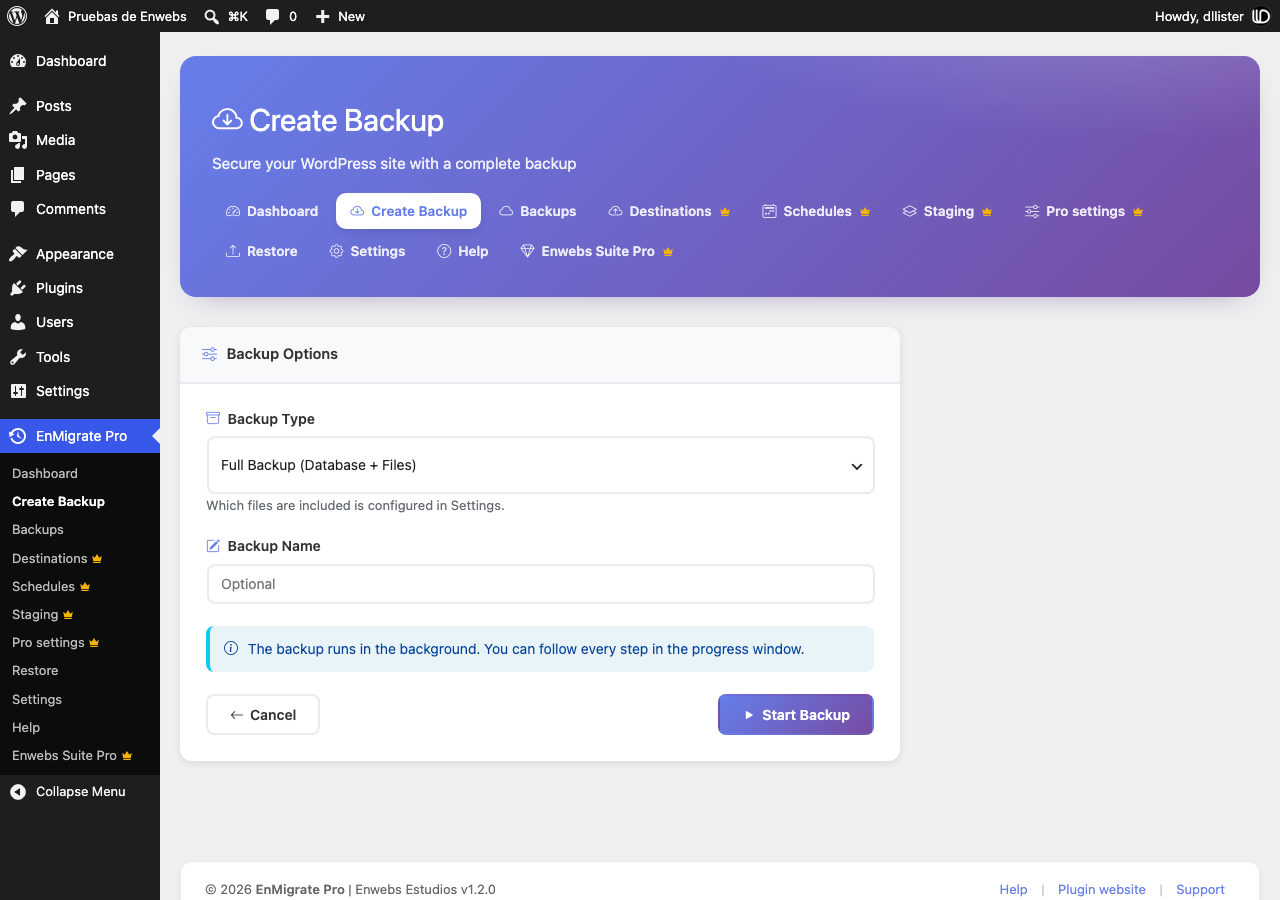
- Database-only and files-only backups.
- Daily automatic backups, keeping only the last N backups.
- Backups are stored in a protected folder and can only be downloaded by administrators.
- Built-in help page with step-by-step guides and a server requirements check.
- Translation ready: translate it on translate.wordpress.org or with Loco Translate.
Requirements
- PHP ZipArchive extension.
- Enough free disk space for the backup file.
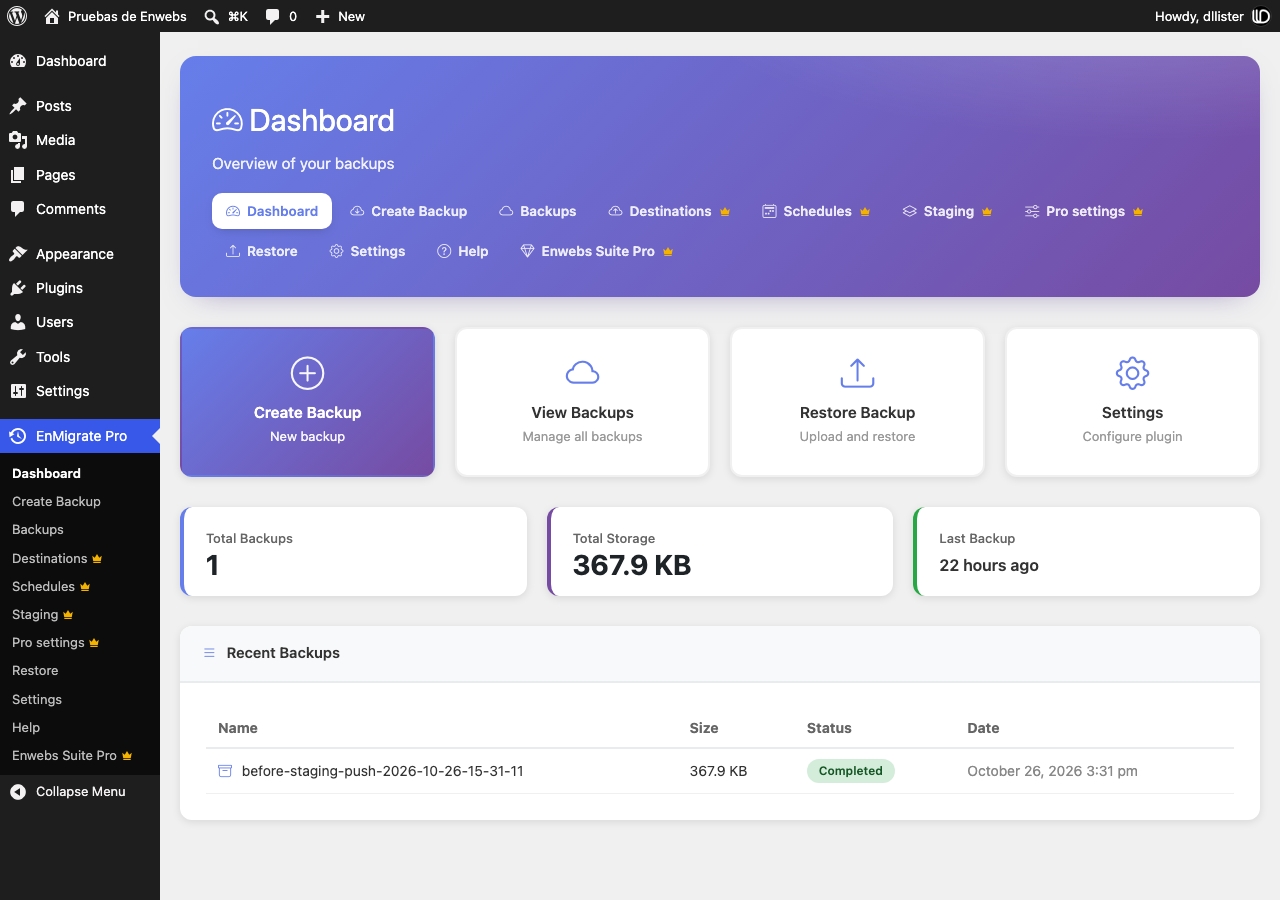
Screenshots
Installation
- Upload the
enmigrate-profolder to/wp-content/plugins/, or install it from Plugins > Add New. - Activate the plugin.
- Go to EnMigrate Pro in the admin menu.
To move a site
- On the original site go to EnMigrate Pro > Create Backup and download the backup when it finishes.
- On the new site install EnMigrate Pro, go to EnMigrate Pro > Restore and select the file.
- When the restore finishes, log in with a user of the original site.
FAQ
-
Is there a file size limit?
-
No. Files are uploaded in parts sized for your server, and the restore works in short steps.
-
Where are backups stored?
-
In
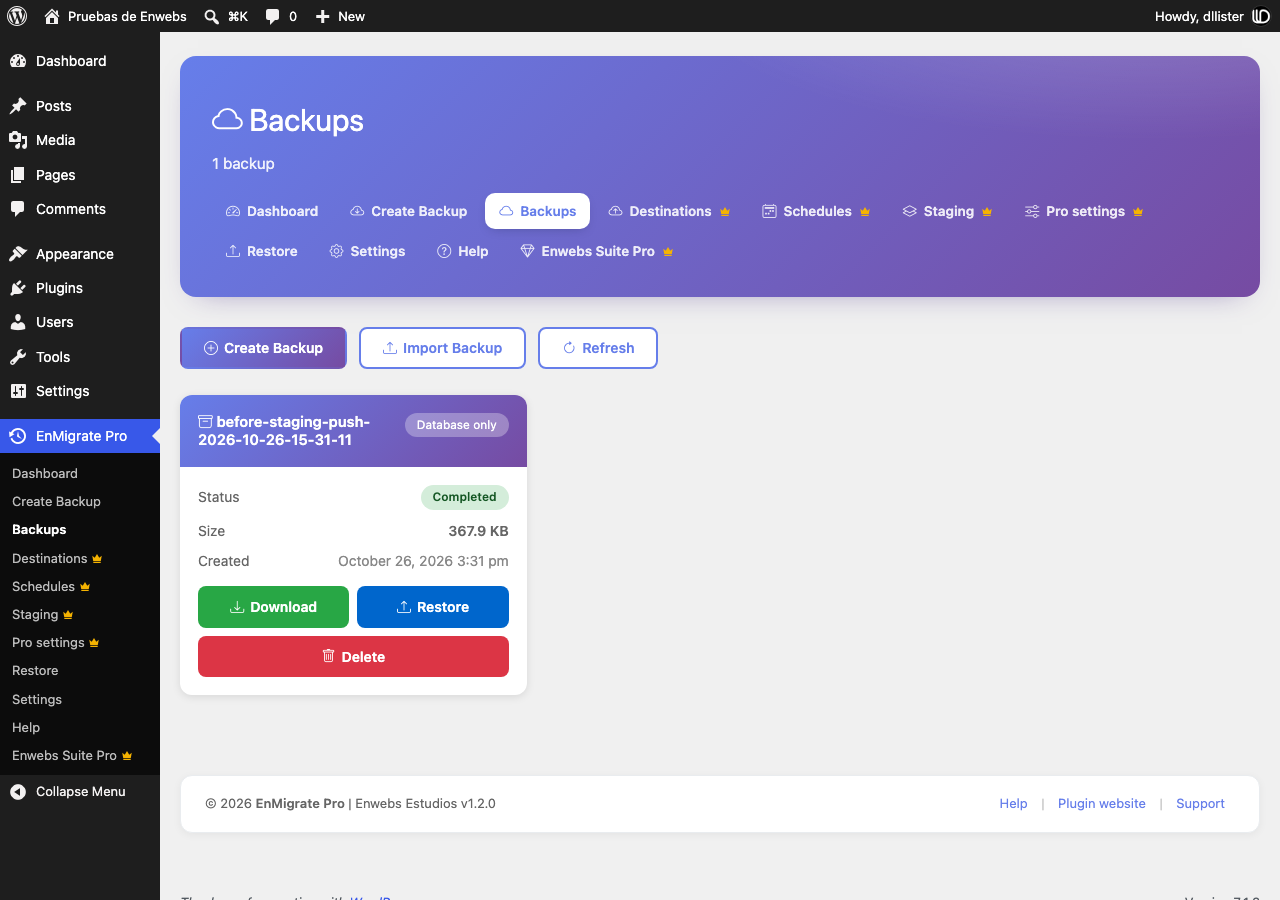
wp-content/wpmigpro-backups/. The folder is protected so backups can’t be downloaded directly from the web; use the Download button in the Backups page. -
Do I need to log in again after a restore?
-
Yes. The users and passwords of the restored site replace the current ones, so you log in with a user of the backup.
-
Which files are not included in a backup?
-
Cache folders, the WordPress upgrade folder, backup folders of this and other backup plugins, and server-specific drop-ins (
object-cache.php,advanced-cache.php,db.php) are skipped during restore so the destination server keeps working. -
What happens with my backups when I uninstall the plugin?
-
Settings and the plugin’s database tables are removed. Backup files stay in
wp-content/wpmigpro-backups/so you don’t lose them by accident; delete that folder manually if you don’t need them. -
Can I translate the plugin or change its texts?
-
Yes. All texts are translatable. Translations are managed on translate.wordpress.org, and you can also use a plugin such as Loco Translate with the template in
languages/enmigrate-pro.pot.
Reviews
There are no reviews for this plugin.
Contributors & Developers
“EnMigrate Pro” is open source software. The following people have contributed to this plugin.
Contributors
Translate “EnMigrate Pro” into your language.
Interested in development?
Browse the code, check out the SVN repository, or subscribe to the development log by RSS.
Changelog
1.2.0
- Developer hooks: backup completed/failed actions, folder, path and table filters, backup card actions.
- Support for AES-256 encrypted archives provided by add-ons; the importer explains when a backup is encrypted.
- Header and footer of the admin screens are now cards as wide as the content.
- Menu entries that present the optional Enwebs Suite Pro add-on.
1.1.0
- New restore engine: single step flow, live log, resumable steps, temporary tables with atomic swap.
- Fixed missing posts, users and theme settings when restoring on a site with a different table prefix or domain.
- Fixed serialized data being corrupted by the URL replacement.
- Backups are now downloaded through an authenticated request; the backups folder is no longer web accessible.
- No more size limit for uploaded backups.
- Settings are now applied: automatic daily backups, retention, backup content and compression level.
- All assets are bundled with the plugin.
- New Help page with documentation and a server status check.
- Settings and Help links in the Plugins screen.
- Translation ready (translate.wordpress.org / Loco Translate).
1.0.0
- Initial release.