
Description
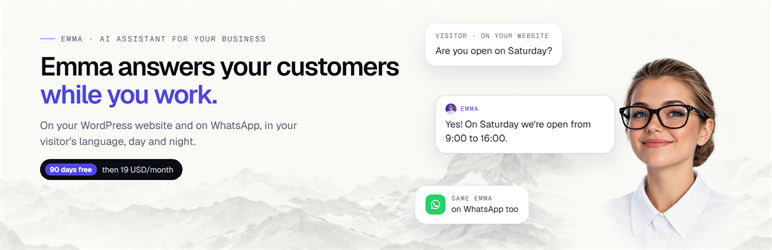
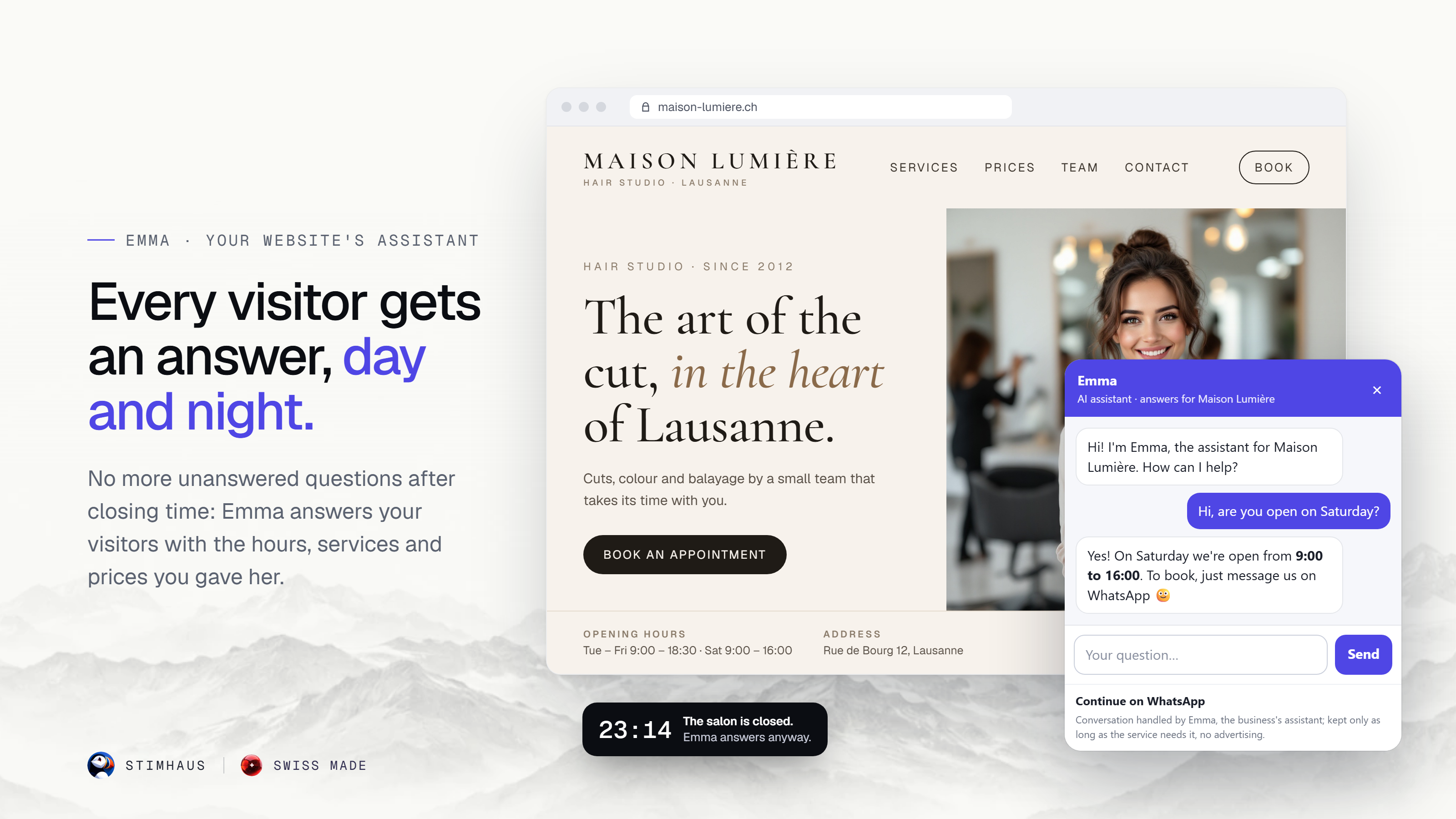
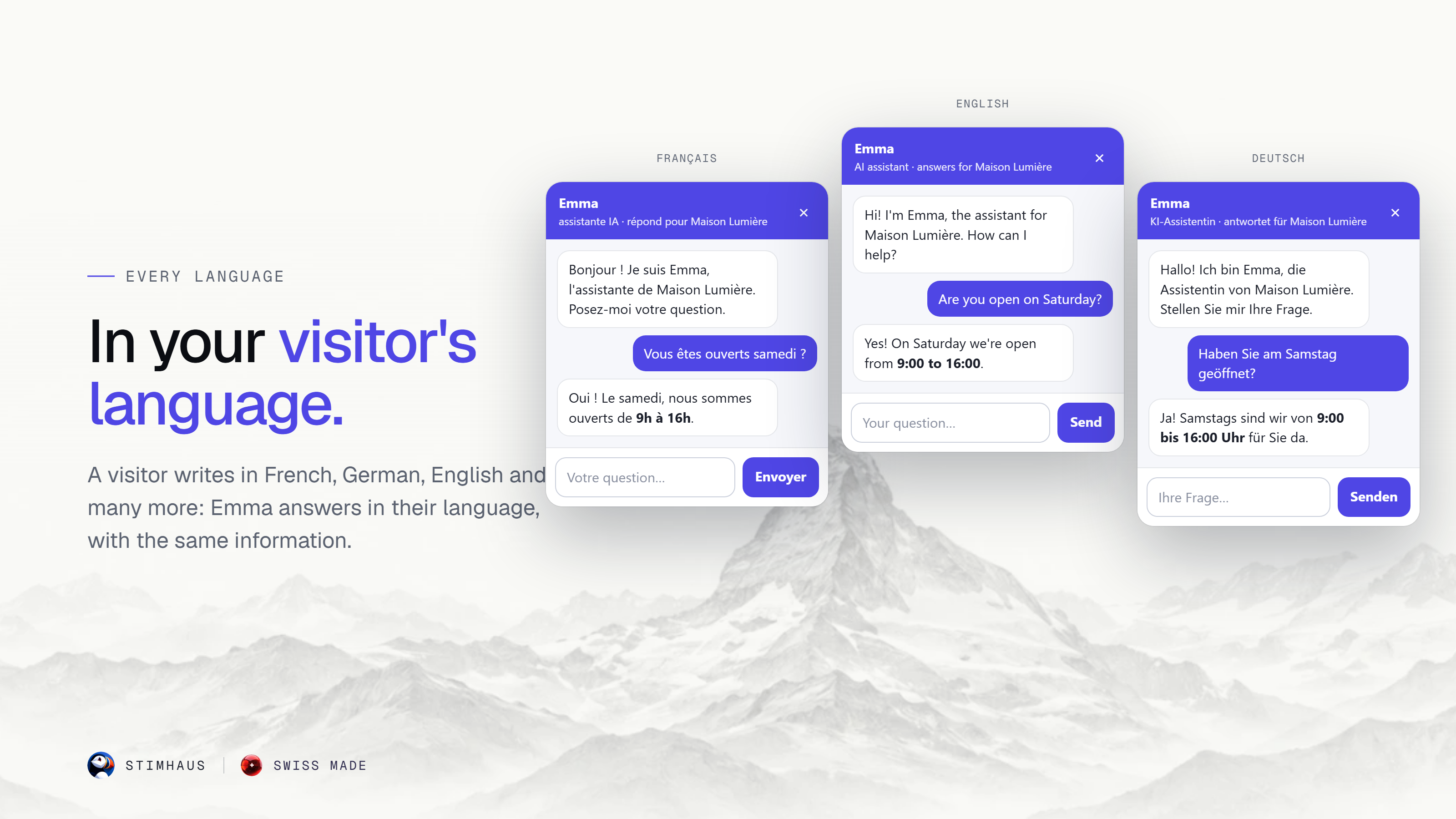
Emma is an AI assistant for small businesses: salons, restaurants, practices, shops and more. Once you add her to your website, a small chat bubble appears in the corner of every page.
- She answers your visitors day and night, in their own language, with the information you give her: hours, services, prices, address.
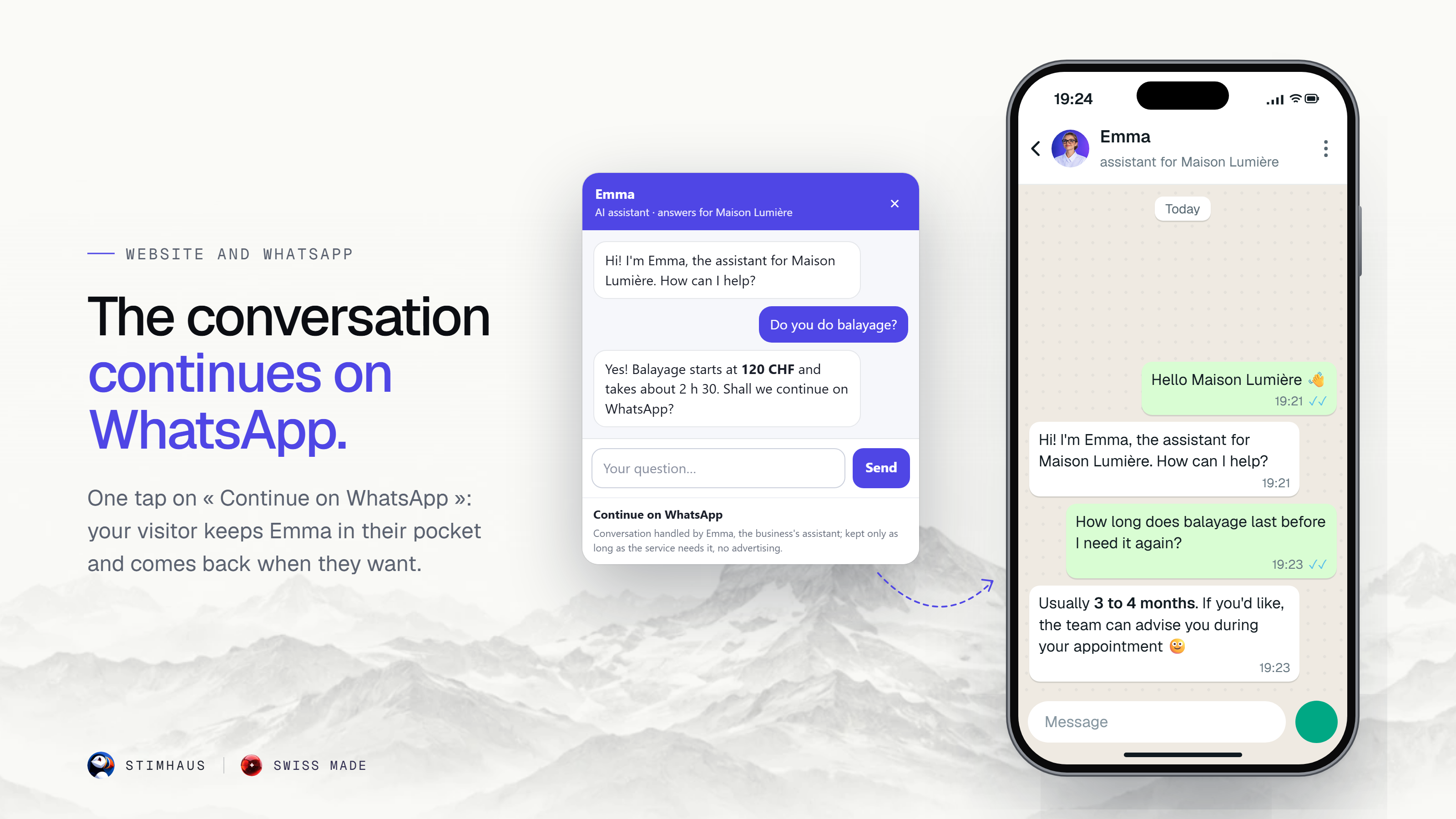
- On your website and on WhatsApp: a visitor can start on your site and continue on WhatsApp.
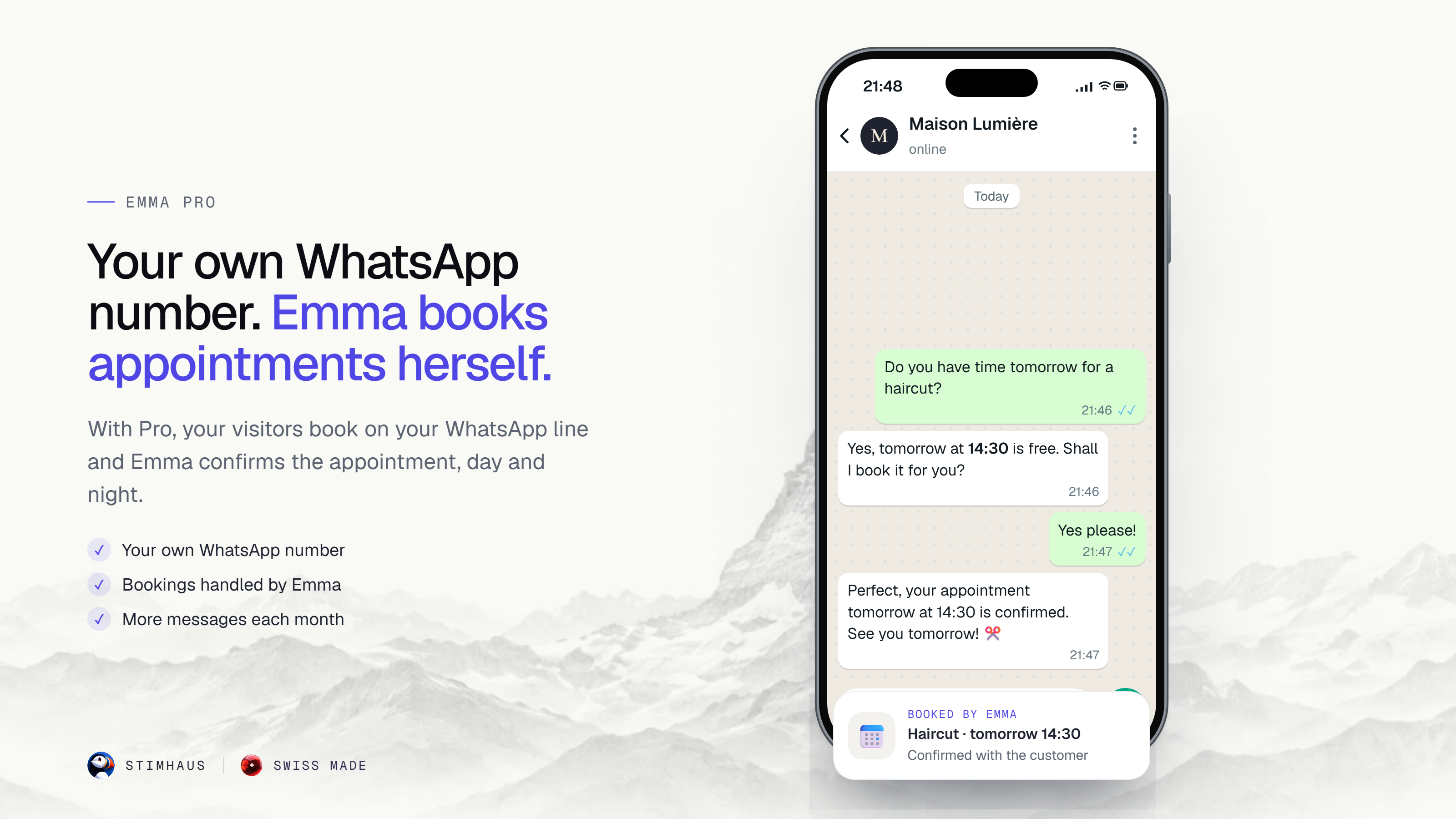
- Appointments: on the Light plan, Emma points the customer to the way of booking you choose (WhatsApp, phone or e-mail). On the Pro plan, you get your own WhatsApp number and Emma books appointments there herself; from the bubble, she sends the visitor to that WhatsApp line to book.
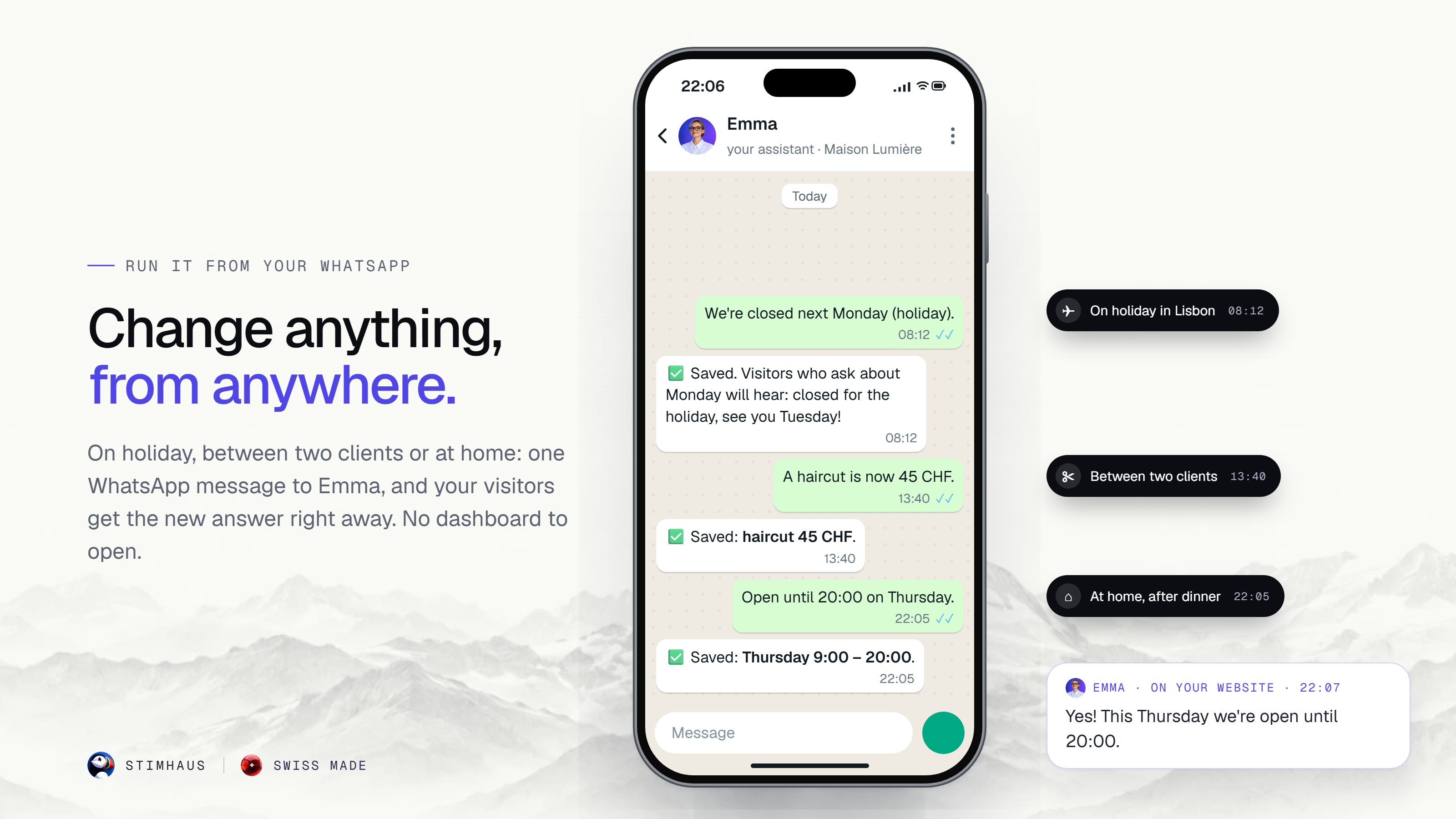
- You set her up by talking to her: send Emma a WhatsApp message (“We are closed on Monday”, “A haircut is 45 CHF”) and she uses it right away.
- You stay in control: read every conversation in your Stimhaus dashboard and reply yourself when you want.
- Morning summary: on mornings after Emma has had conversations, you get an e-mail that sums them up.
Nothing goes live without your approval: Emma shows you what she will tell your visitors, and you approve it on WhatsApp.
Plans
- Light: 90 days free, then 19 CHF/month.
- Pro: 49 CHF/month: automatic bookings, your own WhatsApp number, more messages.
Details: stimhaus.ai. This plugin itself is free and adds Emma to your website once you paste your Emma code.
External services
This plugin connects your website to Emma by Stimhaus, an AI assistant service operated by Stimhaus (Switzerland). Nothing is loaded until you paste your Emma code in the plugin settings.
- What is loaded: once your code is saved, every public page of your site loads the Emma chat bubble script from
https://stimhaus.ai/emma.js, with its fonts and images fromhttps://stimhaus.ai. - When a page loads: the bubble asks the Stimhaus server (
https://stimhaus.ch) for your Emma settings (your site number only) and records that it was shown on your site (your domain name only; nothing about the visitor). - What is sent, and when: when a visitor writes to Emma in the bubble, their message, your site number, the visitor’s language and a random conversation identifier are sent to the Stimhaus server (
https://stimhaus.ch) so that Emma can answer. On a product page, the product name and its address are sent too. When a visitor taps “Continue on WhatsApp”, the bubble records one click for your site (site number only), and the conversation then continues on WhatsApp (a Meta service). - Terms of service: https://stimhaus.ai/en/cgv
- Privacy policy: https://stimhaus.ai/en/confidentialite
Screenshots


Installation
- Install and activate the plugin.
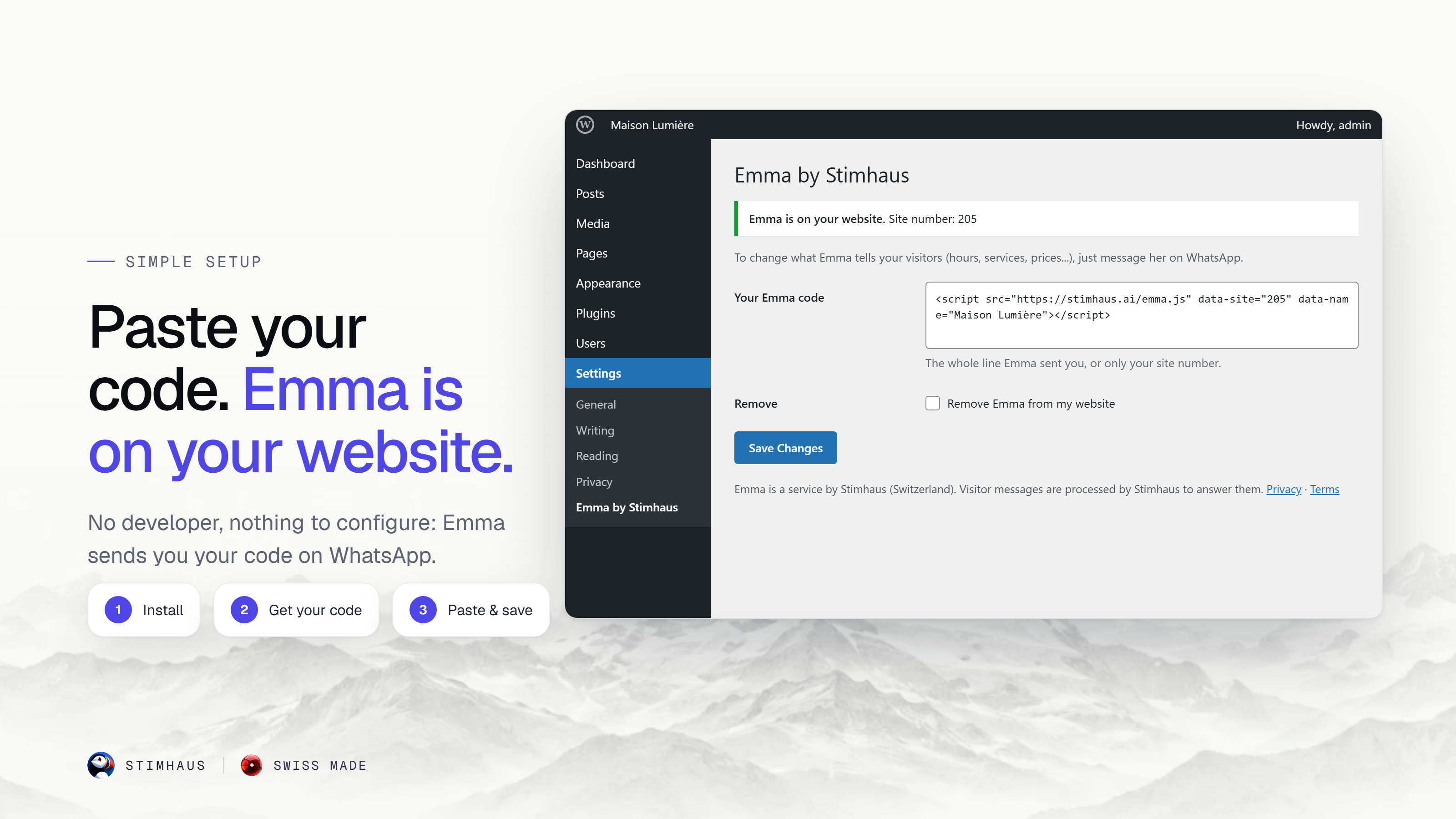
- Get your Emma code: go to stimhaus.ai and activate Emma on WhatsApp. She asks a few short questions (business name, city, e-mail, website), shows you what she will tell your visitors, and sends you your code.
- In WordPress, open Settings Emma by Stimhaus, paste the code and click Save. Emma appears on your website.
FAQ
-
Do I need a Stimhaus account?
-
Yes. Emma is a service by Stimhaus. You activate her on WhatsApp from stimhaus.ai, and she sends you the code to paste in this plugin.
-
Does Emma read my WordPress pages?
-
No. Emma answers with what you tell her on WhatsApp (hours, services, prices, address and more). This keeps her answers exactly as you want them.
-
Where do I change what Emma says?
-
Send her a WhatsApp message. Your hours, services and prices are updated right away.
-
Does the plugin slow down my site?
-
The bubble is loaded at the end of the page (deferred), after your content.
-
Where do I get help?
-
Ask your question in the support forum of this plugin, or write to admin@stimhaus.ch.
-
How do I remove Emma?
-
In Settings Emma by Stimhaus, tick “Remove Emma from my website” and click Save, or deactivate the plugin.
Reviews
There are no reviews for this plugin.
Contributors & Developers
“Emma by Stimhaus” is open source software. The following people have contributed to this plugin.
Contributors
Translate “Emma by Stimhaus” into your language.
Interested in development?
Browse the code, check out the SVN repository, or subscribe to the development log by RSS.
Changelog
1.0.0
- First version: adds the Emma chat bubble to your website with your Emma code.