
Description
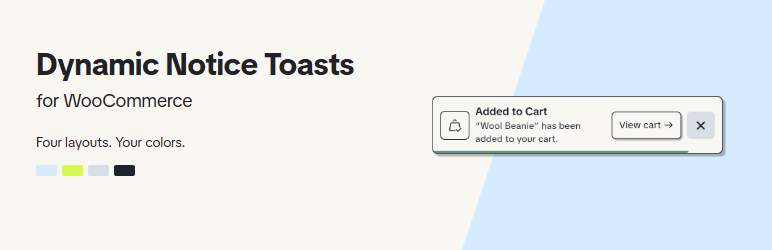
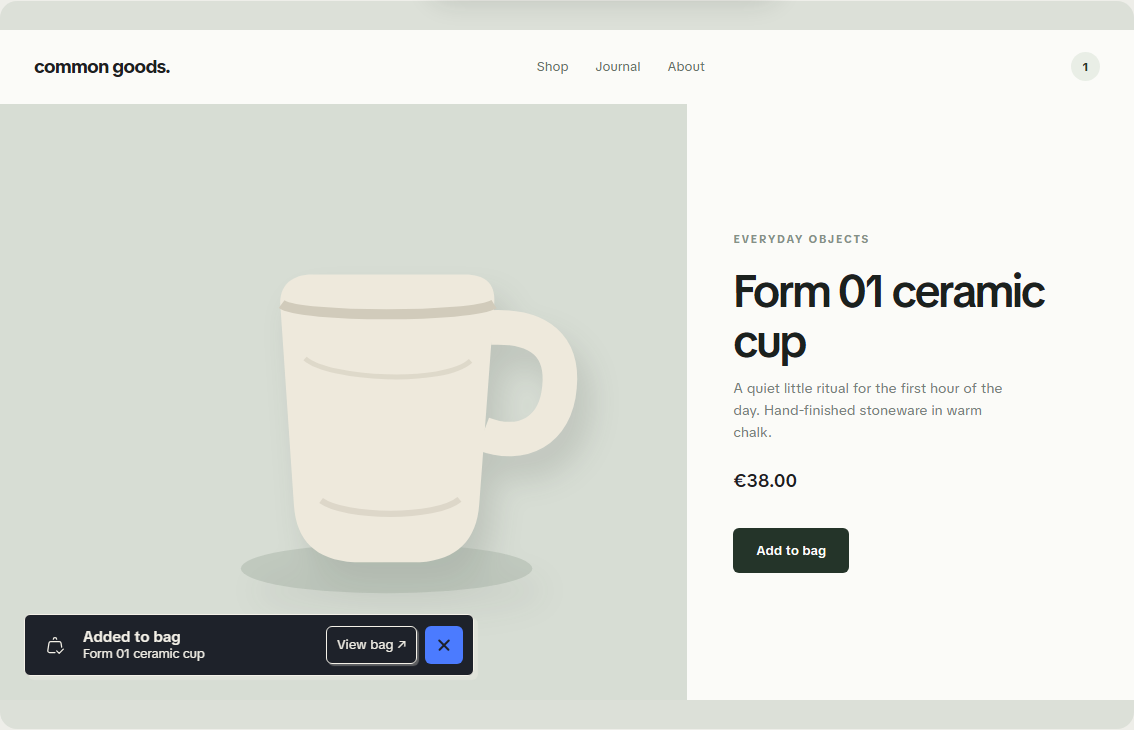
Dynamic Notice Toasts for WooCommerce presents store notices as dismissible notifications with useful action links.
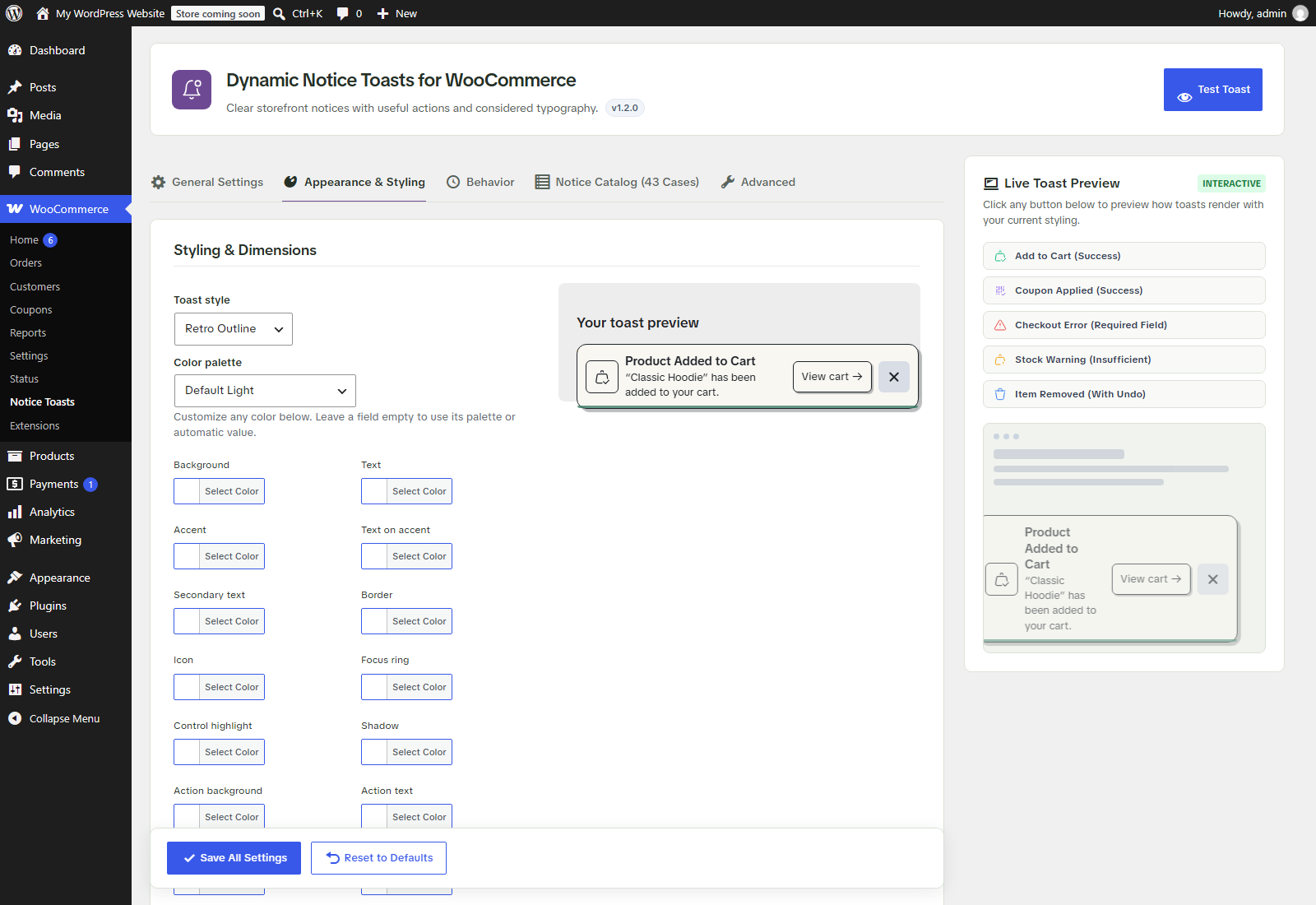
- Four layouts: Margin Note, System Capsule, Retro Outline, and Status Canvas.
- Four palettes: Sky Blue & Dark Aubergine, Lime Chartreuse & Charcoal, Default Light, and Default Dark.
- Edit background, text, accent, icons, borders, focus rings, controls, status colors, and shadows beside a live preview.
- Choose where notifications appear, how long they remain, and whether to pause on hover.
- Supports classic and block-based stores: standard WooCommerce notices, AJAX and block add-to-cart events, coupon notices, checkout errors, and the notice banners used by block themes and the Cart and Checkout blocks.
- Includes category controls, duplicate prevention, and optional suppression of standard notice banners.
- Provides CSS variables, WordPress filters, browser events, and a JavaScript API for extensions.
- Respects reduced-motion preferences and keeps notice actions keyboard accessible.
The plugin does not send analytics, load remote fonts, or call external services at runtime. Its font and icons are bundled locally. It does not read or write order storage directly. HPOS compatibility is declared. In the Cart and Checkout blocks, form field errors stay next to their fields, where shoppers fix them. Test your checkout and any payment or shipping extensions before enabling notice suppression on a live store.
Source code and issue tracker: https://github.com/maker023/dynamic-notice-toasts-for-woocommerce
Credits
Author: Thanos Leftheriotis.
TikTok Sans by TikTok: https://github.com/tiktok/TikTokSans (SIL Open Font License 1.1; bundled license in assets/fonts).
Iconoir: https://iconoir.com/ (MIT license; bundled license in assets/icons).
WooCommerce is a trademark of its respective owner. This independent plugin is not an official WooCommerce product.
Screenshots
Installation
- Install and activate WooCommerce.
- In Plugins > Add New, search for “Dynamic Notice Toasts” and click Install Now, or upload the plugin ZIP through Upload Plugin.
- Activate Dynamic Notice Toasts for WooCommerce.
- Open WooCommerce > Notice Toasts. In Appearance, choose a layout and palette, customize colors, then save.
- Test cart, coupon, and checkout notices on a staging store before deploying your configuration.
FAQ
-
Can I use my own colors?
-
Yes. Each color role has an optional override and a live toast preview. Blank fields use the selected palette or an automatic value. Reset color overrides to return to the palette.
-
Can developers extend the plugin?
-
Yes. The wc_toasts_palettes, wc_toasts_layouts, wc_toasts_color_tokens, wc_toasts_settings, wc_toasts_frontend_params, wc_toasts_categories, wc_toasts_cases, and wc_toasts_classified_notice filters provide extension points. The WCToasts JavaScript API and wc-toasts:before-show, wc-toasts:render, and wc-toasts:dismiss browser events allow further customization.
-
Will this change my orders?
-
No. This plugin changes notification presentation and does not modify order records.
-
What happens when I uninstall?
-
Settings are retained unless you enable the option to delete them on uninstall.
Reviews
There are no reviews for this plugin.
Contributors & Developers
“Dynamic Notice Toasts for WooCommerce” is open source software. The following people have contributed to this plugin.
Contributors
Translate “Dynamic Notice Toasts for WooCommerce” into your language.
Interested in development?
Browse the code, check out the SVN repository, or subscribe to the development log by RSS.
Changelog
1.3.0
- Added support for block themes and WooCommerce Blocks: block add-to-cart toasts with the product name, Store Notices block messages, and Cart and Checkout block notices.
- Notice banners from block themes and the Cart and Checkout blocks are hidden while toasts replace them. Form field errors stay inline.
- Fixed the close icon showing a single stroke in themes that hide button pseudo-elements, such as Storefront.
- Removed the AJAX Interception Mode setting. Since 1.2.1 every notice is handled once regardless of mode, so the option had no effect.
1.2.1
- Fixed classic checkout validation errors being replaced by a generic “error processing your order” message while standard notice banners were hidden.
- Fixed invalid coupons showing an “applied successfully” toast. Coupon errors now appear as error toasts.
- Fixed checkout errors appearing twice and links being removed from the middle of notice text.
- Each entry in a WooCommerce error list now gets its own toast.
1.2.0
- Added four storefront layouts and the four new palettes.
- Added a token color editor with a live preview and reset controls.
- Shared styling definitions between the settings preview and the storefront.
- Added palette, token, layout, settings, and browser extension points.
- Removed the Custom CSS field. Move any saved rules to Appearance > Customize > Additional CSS or your theme stylesheet.
- All plugin styles and scripts now load through the WordPress enqueue system.
- Hardened notice HTML and URL handling, settings validation, and dependency checks.
- Added coding standards, compatibility checks, release tooling, and submission documentation.
1.1.0
- Refined typography, icons, positions, transitions, and reduced-motion behavior.